

%20--%3e%3csvg%20version='1.1'%20id='katman_1'%20xmlns='http://www.w3.org/2000/svg'%20xmlns:xlink='http://www.w3.org/1999/xlink'%20x='0px'%20y='0px'%20viewBox='0%200%20841.89%20595.28'%20style='enable-background:new%200%200%20841.89%20595.28;'%20xml:space='preserve'%3e%3cg%3e%3cpolygon%20points='557.09,211.99%20565.4,538.36%20631.96,538.36%20640.28,93.18%20'/%3e%3cpolygon%20points='640.28,56.91%20538.72,56.91%20379.35,284.53%20430.13,357.05%20'/%3e%3cpolygon%20points='201.61,538.36%20303.17,538.36%20353.96,465.84%20303.17,393.31%20'/%3e%3cpolygon%20points='201.61,211.99%20430.13,538.36%20531.69,538.36%20303.17,211.99%20'/%3e%3c/g%3e%3c/svg%3e) Made with Grok Image
Is Grok Imagine free? What a new Kubeez account can make with it
Kubeez runs three Grok Imagine models: Grok Image for stills, and Grok Video and Grok Imagine Video 1.5 for clips with sound. None has a free tier, but signing up is free, and the welcome credits a new account gets after confirming its email cover a first Grok Image run, six stills from one prompt. For video, they stretch only to the shortest setting: a 2-second Grok Imagine Video 1.5 clip at 480p.
The plain answer: free to try with welcome credits, not free forever
The welcome credits cover a first Grok Image run, six stills from one prompt
Every model card shows the live price and an estimate before you spend anything
What Grok Image makes
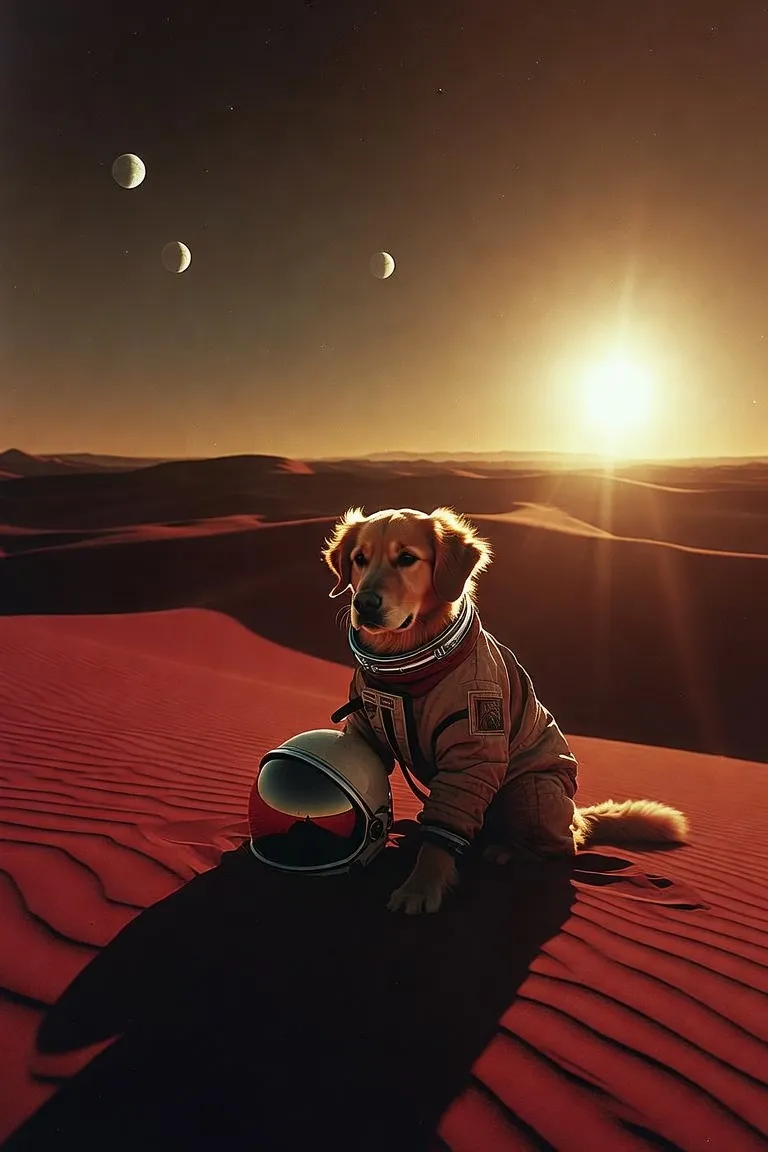
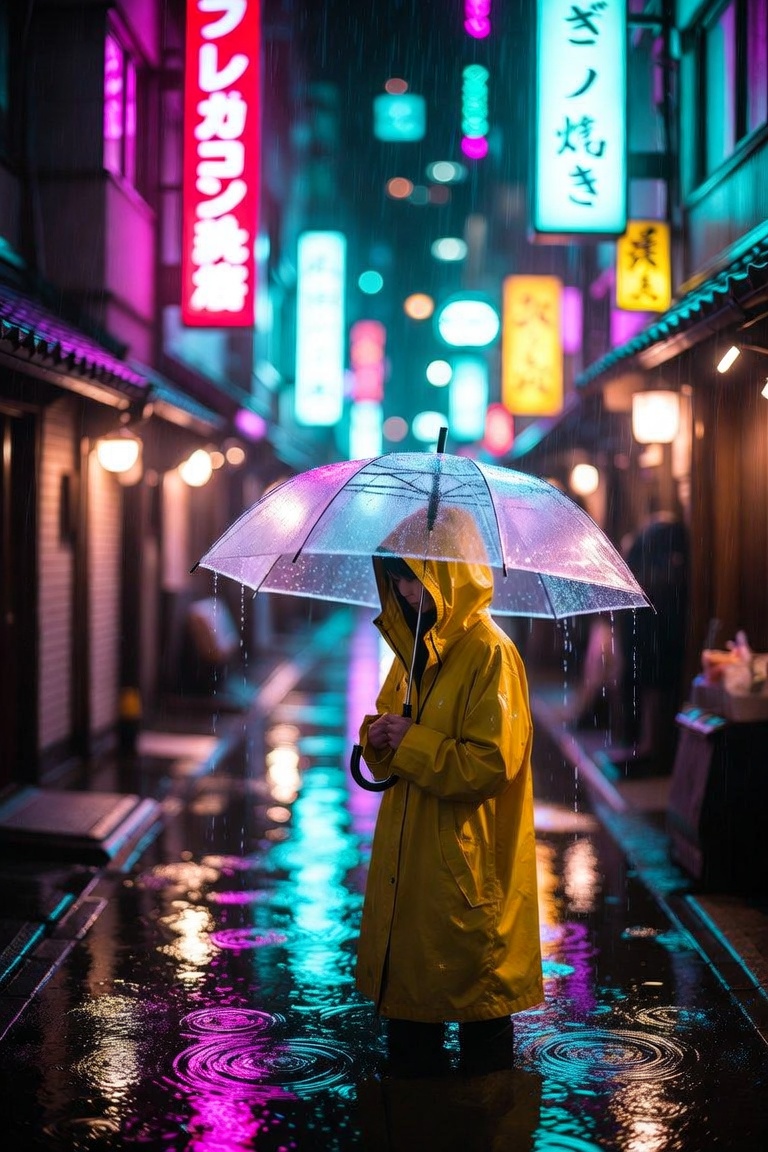
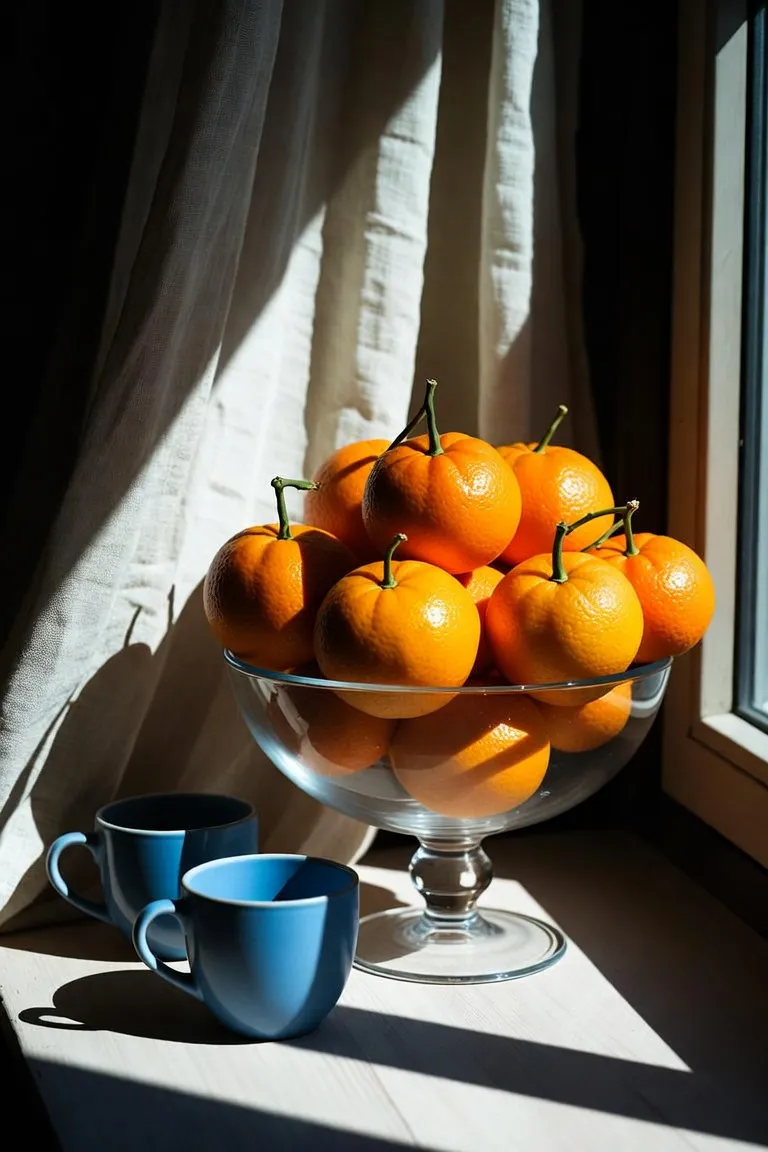
Four unedited Grok Image outputs made on Kubeez, each with the exact prompt that produced it: three stills picked from text runs, an astronaut retriever on a red dune, a rainy neon alley and a sunlit still life, plus one edit that turned the still life into an enamel pin. Copy a prompt and change the subject to start your own.
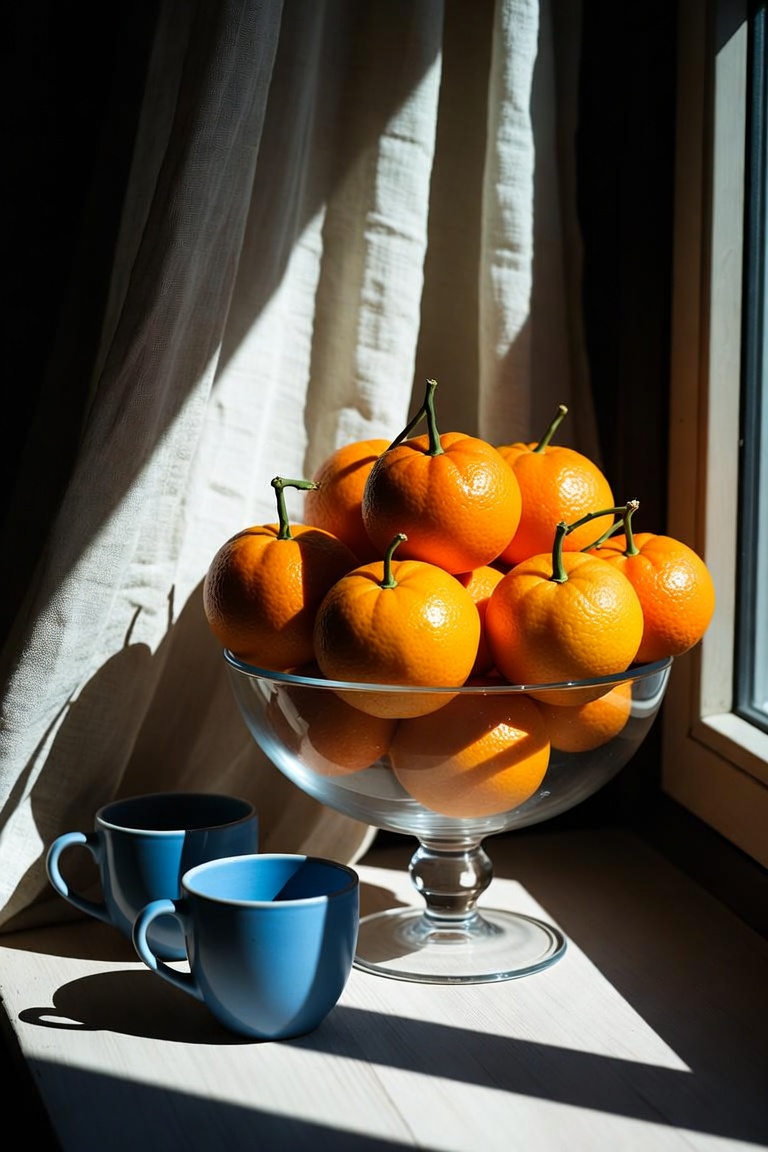
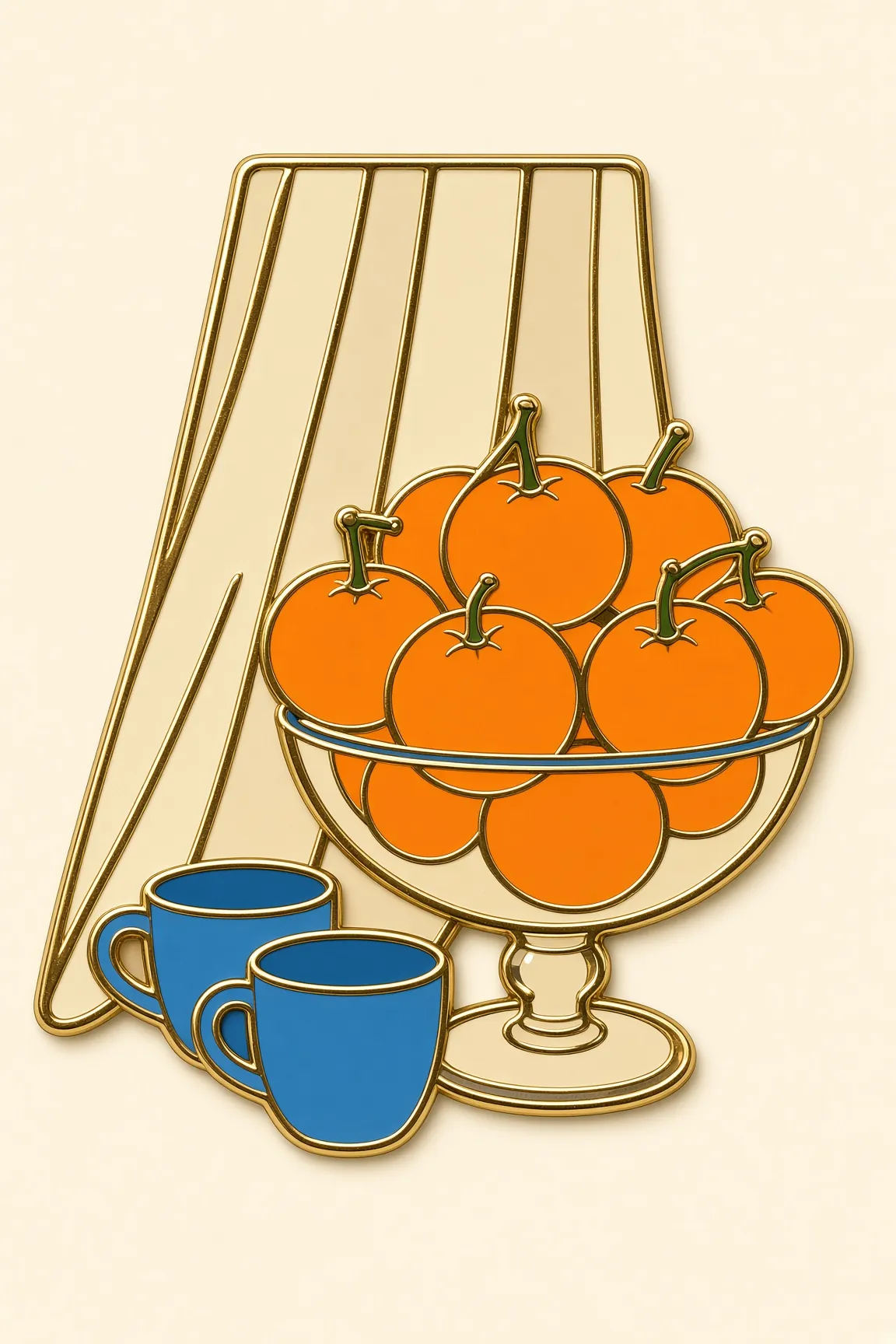
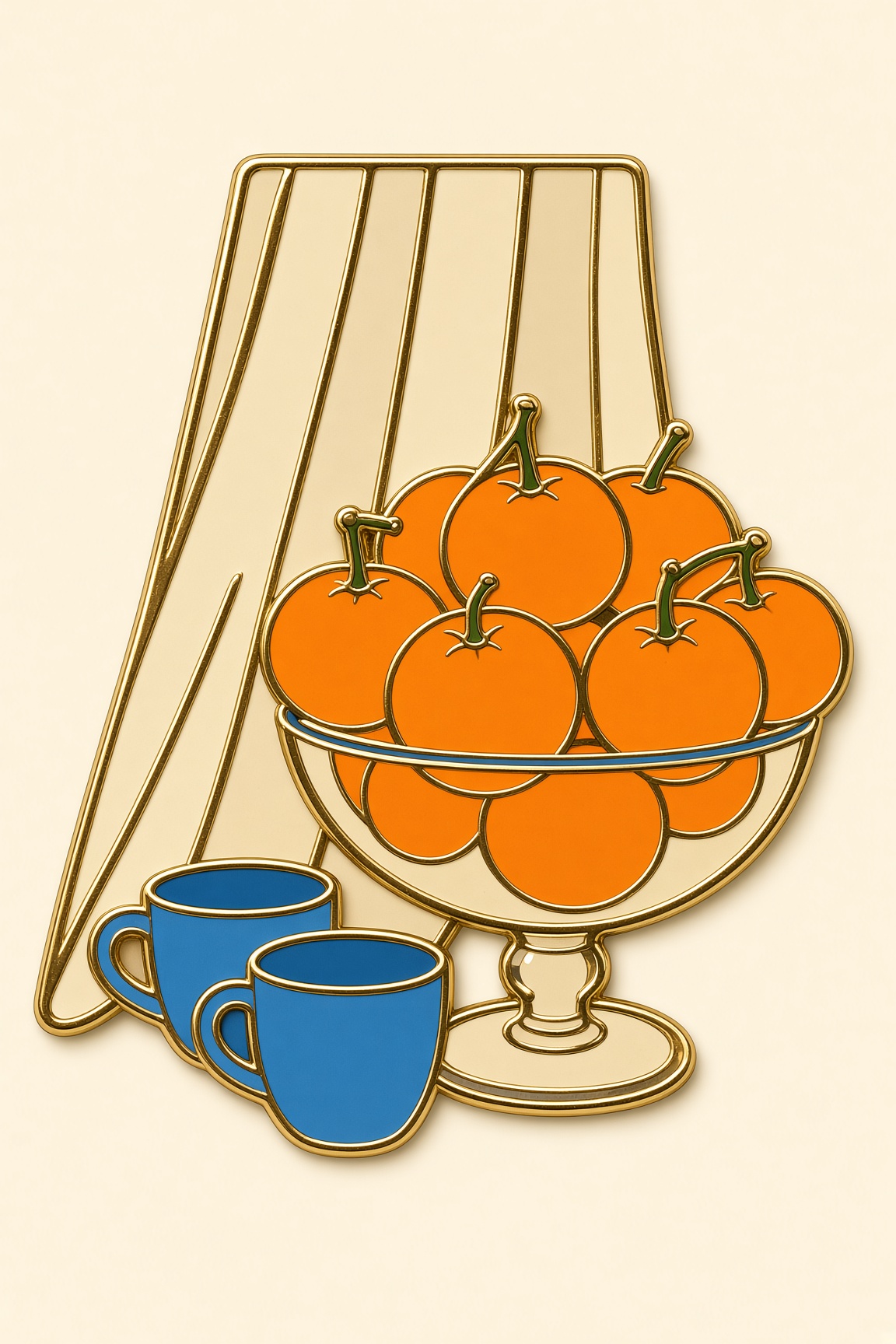
Prompt
Prompt: A golden retriever astronaut sitting on a red desert dune at sunrise, helmet under one paw, long shadows, wide sky with two small moons, photoreal, warm film grain, no text
- 2:3
What the welcome credits cover, model by model
Grok Image is billed per run, Grok Video per clip and Grok Imagine Video 1.5 per second of output. At today's rates the welcome credits cover more than one Grok Image run, or the shortest Grok Imagine Video 1.5 clip at 480p, but not both, and not a Grok Video clip. The grant and the rates are live values, so the estimate on the model card is the number to trust.
- Grok Image: one run returns six images from a prompt, or two edits of one image you attach
- Grok Video: a prompt or one image in, a 6 or 10 second clip with sound out, at 480p or 720p, billed per clip rather than per second
- Grok Imagine Video 1.5: one image in, any whole second from 2 to 15, at 480p or 720p, billed per second
- On Grok Imagine Video 1.5, length multiplies the rate, and 720p costs more per second than 480p
- Every Grok clip comes with an audio track, with no setting to skip it
The three Grok Imagine models on Kubeez
They share a name, not a job. Grok Image is the only one that outputs pictures, Grok Video can start from a prompt alone, and Grok Imagine Video 1.5 always starts from a still.
Output
- Grok Image
- Images, 6 per prompt or 2 per edit
- Grok Video
- Video with audio
- Grok Imagine Video 1.5
- Video with audio
Starts from
- Grok Image
- A prompt, or 1 image to edit
- Grok Video
- A prompt, or 1 image
- Grok Imagine Video 1.5
- 1 image, required
Length
- Grok Image
- Not applicable
- Grok Video
- 6 or 10 seconds
- Grok Imagine Video 1.5
- Any whole second, 2 to 15
Resolution
- Grok Image
- No resolution setting
- Grok Video
- 480p or 720p
- Grok Imagine Video 1.5
- 480p or 720p
Aspect ratios
- Grok Image
- 2:3, 3:2, 1:1, 9:16, 16:9
- Grok Video
- 2:3, 3:2, 1:1, 9:16, 16:9 (text to video)
- Grok Imagine Video 1.5
- Auto, 1:1, 16:9, 9:16, 4:3, 3:4, 3:2, 2:3
Modes
- Grok Image
- Text to image, image edit
- Grok Video
- Normal or Fun
- Grok Imagine Video 1.5
- No mode switch
Prompt
- Grok Image
- Up to 5,000 characters
- Grok Video
- Up to 5,000 characters
- Grok Imagine Video 1.5
- Optional, up to 4,096 characters
Billed
- Grok Image
- Per run
- Grok Video
- Per clip
- Grok Imagine Video 1.5
- Per second of output
Covered by the welcome credits
- Grok Image
- Yes, a first run
- Grok Video
- No
- Grok Imagine Video 1.5
- Only 2 seconds at 480p
Grok Imagine Video 1.5 runs on Kubeez as a preview release. The welcome grant and every rate are live values, shown with an estimate on the model card before you render, which is why this table carries no prices.
How it works
Sign up and confirm your email
The welcome credits arrive once your address is confirmed. Signing up is free, and no render runs without an account.
Start with Grok Image
One prompt returns six images to choose from, in 2:3, 3:2, 1:1, 9:16 or 16:9. It is the Grok model the welcome credits cover, and the quickest way to learn how Grok reads a prompt.
Animate the keeper
Take the best still into Grok Imagine Video 1.5 or Grok Video for a clip with sound. That takes a top-up after a Grok Image run. To fit a first clip inside the welcome credits instead, start Grok Imagine Video 1.5 from an image you already have and set 2 seconds at 480p.
What to make with Grok Imagine
- Exploring a direction: six takes per prompt to choose from instead of a single guess
- Social posts, reaction art and poster illustration
- Restyling or restaging a still you have, two variants per edit
- A quick clip with sound from an idea alone, on Grok Video
- Short 2 to 4 second loops from a still, on Grok Imagine Video 1.5
- Vertical 9:16 drafts for short-form feeds
How to make the welcome credits go furthest
- Spend them on Grok Image first: each run returns six stills, not one
- Write the whole idea into one prompt of up to 5,000 characters before you run it
- For a first clip, use Grok Imagine Video 1.5 at 2 seconds and 480p, from an image you already have
- In image to video, describe the motion, not the picture: the still already sets the frame
- Save 720p and longer takes for after a top-up, once the shot already works
Honest caveats
There is no free tier for any Grok model on Kubeez and no way to render without an account. The welcome credits are a one-time grant for new accounts. At today's rates they cover Grok Image, or the shortest Grok Imagine Video 1.5 clip at 480p, but not both, and not a Grok Video clip. The grant and the rates are live values, so the estimate on the model card is the number to trust, not this page. Neither video model renders above 720p, and Grok Image is not the pick for small in-image text or exact product detail. This page describes Grok on Kubeez only.
Available models and pricing
Kubeez is an independent platform. Third-party model names are trademarks of their respective owners. Availability and capabilities depend on your plan and current provider offerings. See documentation for live model lists.
FAQ
Not permanently. Grok Image, Grok Video and Grok Imagine Video 1.5 use credits on every render. Signing up is free, and the welcome credits a new account gets after confirming its email cover a first Grok Image run, six stills from one prompt. After the grant, every render needs a top-up.
The welcome credits work as one. They are a one-time grant, not a recurring allowance, and they can be spent on any model whose estimate fits inside them. On Grok, that means Grok Image runs, or a single 2-second Grok Imagine Video 1.5 clip at 480p.
No. Every render on Kubeez runs on an account, and there is no no-signup mode for any model. Signing up is free.
One clip, at the smallest setting. A 2-second Grok Imagine Video 1.5 clip at 480p fits, started from an image you already have; 3 seconds, or 720p, does not. Grok Video bills one price per clip, and that clip costs more than the grant on its own. If you spend the credits on a Grok Image run first, what is left does not cover a clip.
For a very short clip, Grok Imagine Video 1.5 at 480p: it bills per second, so 2 or 3 seconds is the smallest bill of any Grok clip. Grok Video charges one price per clip, so once you want more than a few seconds, or a clip from a prompt with no image, it is often the lower bill. The estimates on the two model cards settle it.
Grok Video starts from a prompt or one image, runs 6 or 10 seconds, and has a Normal and a Fun mode. Grok Imagine Video 1.5, the newer model and a preview release on Kubeez, always needs one image, sets length to any whole second from 2 to 15, and can keep your image's framing with its auto ratio. Both render 480p or 720p with sound.
Yes. Both video models return the clip with an audio track, with no setting to skip it. For a silent clip, mute or replace the track in your edit.
One prompt returns six interpretations, a contact sheet to pick from, so a single run goes further than a one-image model. An edit returns two variants of the image you attach.
Related product pages
Related topics
Seedance 2.5 and 2.0 free trial with Kubeez signup credits
Try Seedance free with the starter credits every new Kubeez account gets: enough for a short Seedance 2.0 draft at 480p. Seedance 2.5 takes a top-up. No upfront cost, a one-time trial.
Open SeedanceIs Kling AI free? What a new Kubeez account can render on Kling 4.0
Kling 4.0 and Kling 4.0 Flash run on Kubeez, but neither is free. Here is what new account credits cover, and the cheapest way to render a first Kling 4.0 clip.
Open Kling 4.0 FlashSeedream 5.5 free trial: make your first images with signup credits
Try Seedream 5.5 on Kubeez with the welcome credits a new account gets after confirming its email. Real sample images with their prompts, exact output sizes, and how to make the credits go furthest.
Open Seedream 5.5Text-to-video that respects creative direction
Turn scripts and shot lists into AI video with Kubeez—control camera language, tone, and duration as you iterate.
Generate videoAn AI video platform built for throughput
Plan, generate, and ship AI video from one Kubeez workspace—built for marketers, creators, and ops teams who need dependable throughput.
Start in Media Studio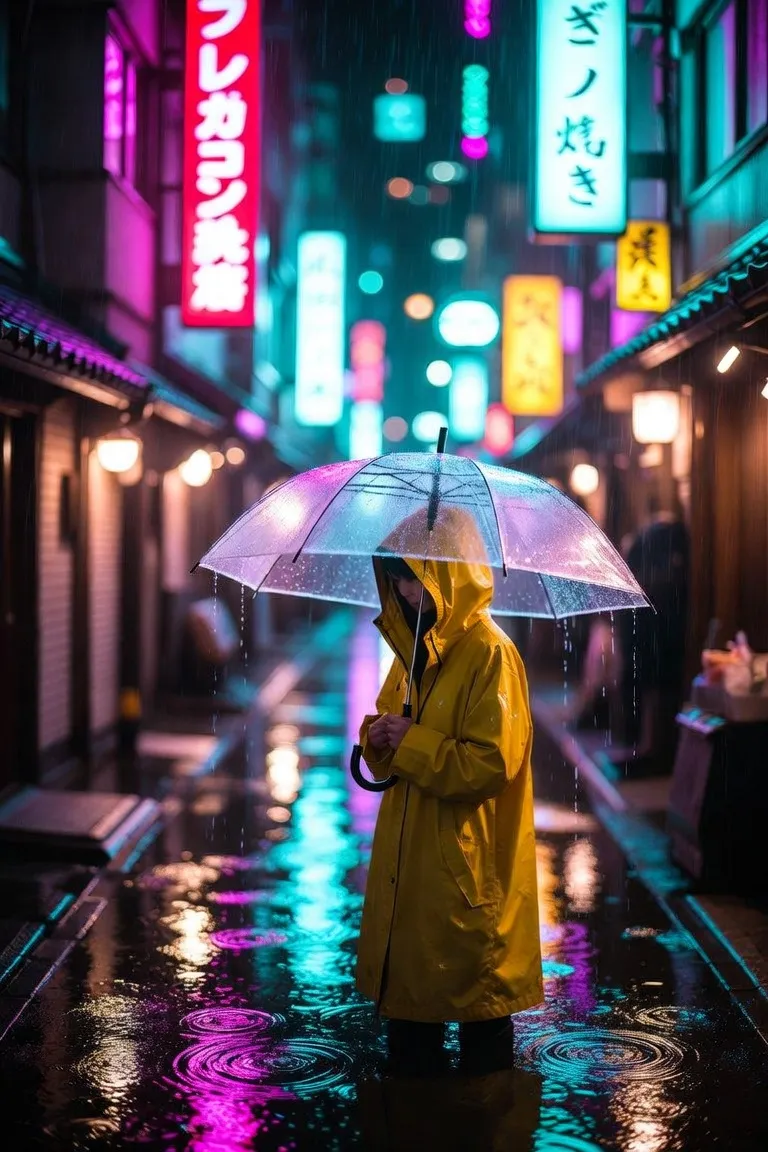
Run it on Kubeez
Open the workspace and run it yourself. Kubeez shows the credit cost of a job before you spend anything.