

 Video10 min
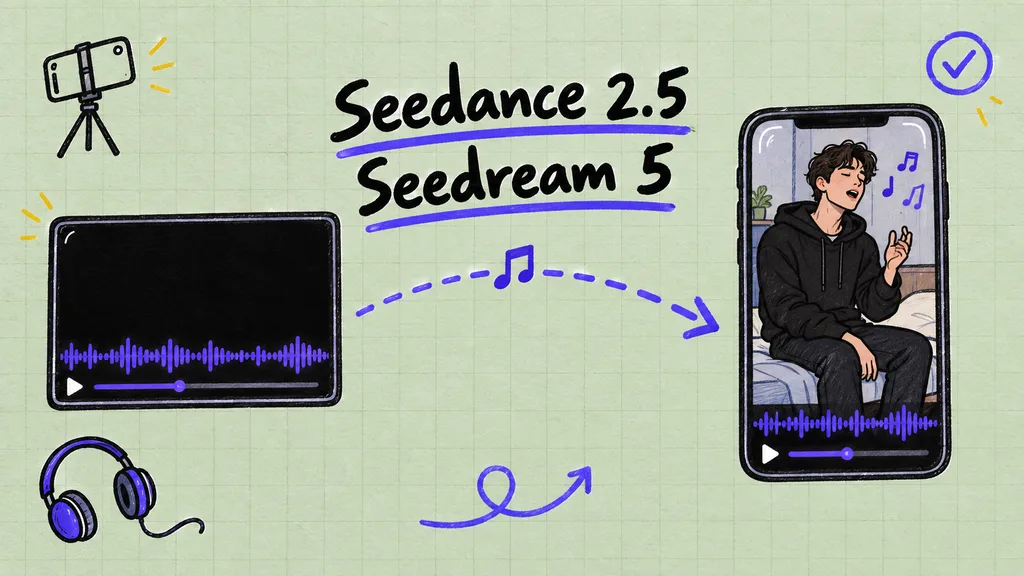
Make a music video that sings your real song
Hide your song inside a black video, use it as the reference video in Seedance 2.5, and the performer lip-syncs to your exact track.
 Video6 min
Fix Seedance 2 and Seedance 2.5 errors
Most failed Seedance renders are one of four things: a picture that looks like a real person, a blocked prompt, a soundtrack that sounds like a known song, or a setting the model does not take. Find your error, apply its fix, and make your pictures in Seedream 5 so Seedance accepts them.
 Video10 min
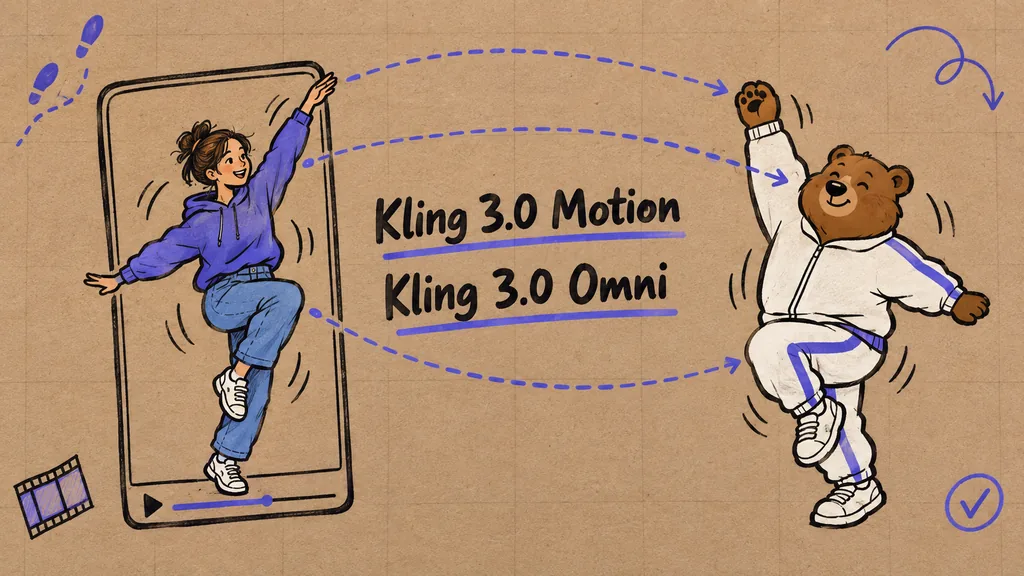
Copy the movement from any video onto your character
Take a dance, a gesture or a walk from a clip and put it on a character you made, on an animal, or on new people inside a music video. Kling 3.0 Motion moves a picture with the motion of a clip, Kling 2.6 Motion does the same and takes animals more easily, and Kling 3.0 Omni keeps your footage and swaps the people in it, which is how the famous trend videos are made, like the hotel lobby one or 679.
 Video5 min
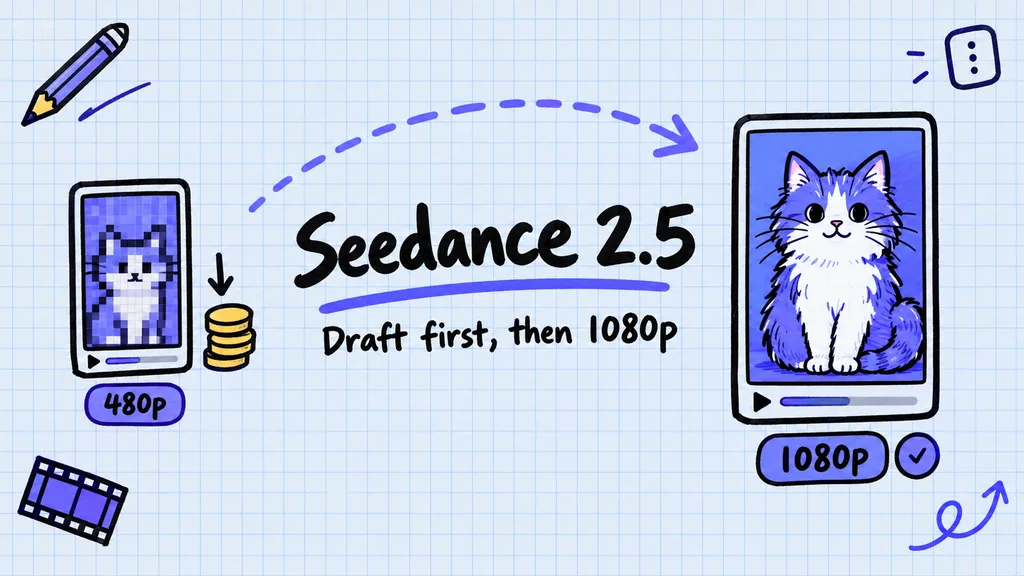
Make Seedance 2.5 videos for less with Draft mode
Try your idea as 480p drafts, which cost the same as any 480p render. When one draft is the shot you want, open its three dot menu and render that same video again in 1080p. You pay the 1080p rate once, for the take you keep, not on every try.
 Image8 min
Make a social media carousel with Kubeey or the Kubeez MCP
Ask Kubeey, the Kubeez AI agent, or connect the Kubeez MCP to your own AI assistant, then describe the post. It plans the slides, designs the first one and builds the rest to match it. This lesson follows a real six slide coffee carousel made exactly that way.
 Audio6 min
Make expressive text to speech with audio tags
Type [whispering] before a line and Gemini 3.1 Flash TTS whispers it. This lesson shows which tags work, where to put them, and how Style instructions set the whole performance, with real takes you can play with and without tags.
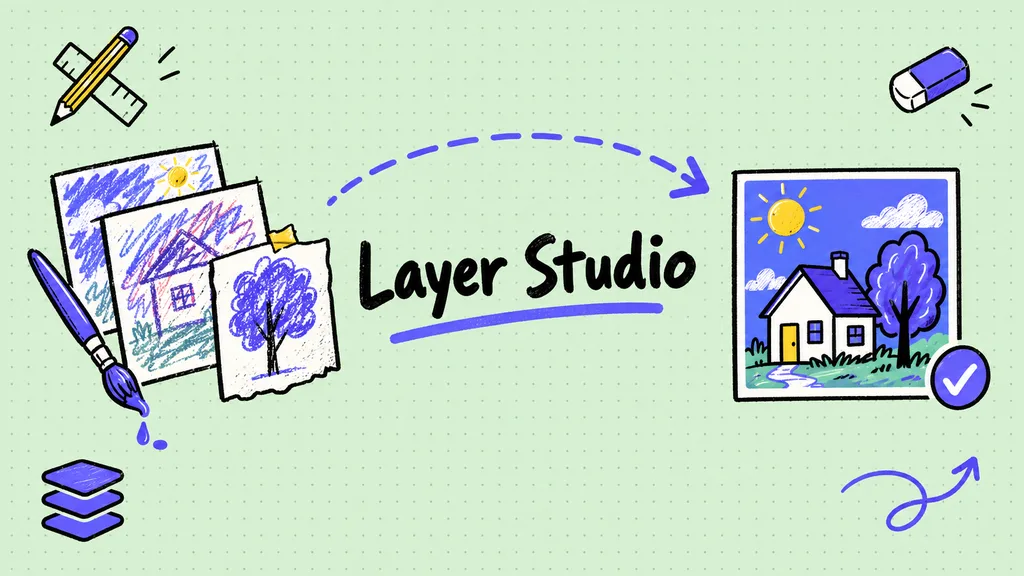 Image10 min
Edit images in layers with Layer Studio
Layer Studio puts every part of a picture on its own layer, so you can move, fix or restyle one piece without touching the rest. This lesson walks through every tool: text with a gradient inside it, the Heal tool, removing a background in one click or for free by hand, and turning a rough sketch into a finished image with Render sketch.
Short lessons, real results.
Each lesson takes five to ten minutes and follows the actual screens in Kubeez. Copy the prompts, follow the steps, then make your own.
Type
 Seedance 2.5
'%3e%3c/path%3e%3cpath%20d='M18.588%2010.164a23.188%2023.188%200%2001-1.999%204.455c-3.17%205.492-7.795%208.758-10.33%207.294%205.703%203.293%2013.143%201.082%2016.619-4.938a13.392%2013.392%200%20001.037-2.255c.259-.738-.092-1.534-.77-1.925l-4.557-2.63z'%20fill='url(%23lobe-icons-kling-1-_R_0_)'%3e%3c/path%3e%3cpath%20d='M16.59%2014.62c3.17-5.492%203.686-11.13%201.15-12.594C15.207.563%2010.582%203.83%207.41%209.32c2.074-3.59%205.809-5.315%208.344-3.852%202.534%201.464%202.908%205.56.835%209.151z'%20fill='url(%23lobe-icons-kling-2-_R_0_)'%3e%3c/path%3e%3cpath%20d='M7.41%209.32c-3.17%205.492-3.686%2011.13-1.15%2012.593%202.534%201.464%207.159-1.802%2010.33-7.294-2.074%203.591-5.809%205.316-8.344%203.852-2.534-1.463-2.908-5.56-.835-9.15z'%20fill='url(%23lobe-icons-kling-3-_R_0_)'%3e%3c/path%3e%3cdefs%3e%3cradialGradient%20cx='0'%20cy='0'%20gradientTransform='matrix(7.47772%20-12.51022%2017.14368%2010.24728%205.173%2013.637)'%20gradientUnits='userSpaceOnUse'%20id='lobe-icons-kling-0-_R_0_'%20r='1'%3e%3cstop%20offset='.095'%20stop-color='%23FFF959'%3e%3c/stop%3e%3cstop%20offset='.326'%20stop-color='%230DF35E'%3e%3c/stop%3e%3cstop%20offset='.64'%20stop-color='%230BF2F9'%3e%3c/stop%3e%3cstop%20offset='1'%20stop-color='%2304A6F0'%3e%3c/stop%3e%3c/radialGradient%3e%3cradialGradient%20cx='0'%20cy='0'%20gradientTransform='rotate(120.868%206.491%2010.491)%20scale(14.5747%2019.9728)'%20gradientUnits='userSpaceOnUse'%20id='lobe-icons-kling-1-_R_0_'%20r='1'%3e%3cstop%20offset='.095'%20stop-color='%23FFF959'%3e%3c/stop%3e%3cstop%20offset='.326'%20stop-color='%230DF35E'%3e%3c/stop%3e%3cstop%20offset='.64'%20stop-color='%230BF2F9'%3e%3c/stop%3e%3cstop%20offset='1'%20stop-color='%2304A6F0'%3e%3c/stop%3e%3c/radialGradient%3e%3clinearGradient%20gradientUnits='userSpaceOnUse'%20id='lobe-icons-kling-2-_R_0_'%20x1='15.578'%20x2='18.062'%20y1='1.798'%20y2='9.861'%3e%3cstop%20stop-color='%23003EFF'%3e%3c/stop%3e%3cstop%20offset='1'%20stop-color='%230BFFE7'%3e%3c/stop%3e%3c/linearGradient%3e%3clinearGradient%20gradientUnits='userSpaceOnUse'%20id='lobe-icons-kling-3-_R_0_'%20x1='8.422'%20x2='5.938'%20y1='22.142'%20y2='14.079'%3e%3cstop%20stop-color='%23003EFF'%3e%3c/stop%3e%3cstop%20offset='1'%20stop-color='%230BFFE7'%3e%3c/stop%3e%3c/linearGradient%3e%3c/defs%3e%3c/svg%3e) Kling 3.0 Motion
Kling 3.0 Motion Kubeey
'%3e%3c/path%3e%3cpath%20d='M20.616%2010.835a14.147%2014.147%200%2001-4.45-3.001%2014.111%2014.111%200%2001-3.678-6.452.503.503%200%2000-.975%200%2014.134%2014.134%200%2001-3.679%206.452%2014.155%2014.155%200%2001-4.45%203.001c-.65.28-1.318.505-2.002.678a.502.502%200%20000%20.975c.684.172%201.35.397%202.002.677a14.147%2014.147%200%20014.45%203.001%2014.112%2014.112%200%20013.679%206.453.502.502%200%2000.975%200c.172-.685.397-1.351.677-2.003a14.145%2014.145%200%20013.001-4.45%2014.113%2014.113%200%20016.453-3.678.503.503%200%20000-.975%2013.245%2013.245%200%2001-2.003-.678z'%20fill='url(%23lobe-icons-gemini-1-_R_0_)'%3e%3c/path%3e%3cpath%20d='M20.616%2010.835a14.147%2014.147%200%2001-4.45-3.001%2014.111%2014.111%200%2001-3.678-6.452.503.503%200%2000-.975%200%2014.134%2014.134%200%2001-3.679%206.452%2014.155%2014.155%200%2001-4.45%203.001c-.65.28-1.318.505-2.002.678a.502.502%200%20000%20.975c.684.172%201.35.397%202.002.677a14.147%2014.147%200%20014.45%203.001%2014.112%2014.112%200%20013.679%206.453.502.502%200%2000.975%200c.172-.685.397-1.351.677-2.003a14.145%2014.145%200%20013.001-4.45%2014.113%2014.113%200%20016.453-3.678.503.503%200%20000-.975%2013.245%2013.245%200%2001-2.003-.678z'%20fill='url(%23lobe-icons-gemini-2-_R_0_)'%3e%3c/path%3e%3cdefs%3e%3clinearGradient%20gradientUnits='userSpaceOnUse'%20id='lobe-icons-gemini-0-_R_0_'%20x1='7'%20x2='11'%20y1='15.5'%20y2='12'%3e%3cstop%20stop-color='%2308B962'%3e%3c/stop%3e%3cstop%20offset='1'%20stop-color='%2308B962'%20stop-opacity='0'%3e%3c/stop%3e%3c/linearGradient%3e%3clinearGradient%20gradientUnits='userSpaceOnUse'%20id='lobe-icons-gemini-1-_R_0_'%20x1='8'%20x2='11.5'%20y1='5.5'%20y2='11'%3e%3cstop%20stop-color='%23F94543'%3e%3c/stop%3e%3cstop%20offset='1'%20stop-color='%23F94543'%20stop-opacity='0'%3e%3c/stop%3e%3c/linearGradient%3e%3clinearGradient%20gradientUnits='userSpaceOnUse'%20id='lobe-icons-gemini-2-_R_0_'%20x1='3.5'%20x2='17.5'%20y1='13.5'%20y2='12'%3e%3cstop%20stop-color='%23FABC12'%3e%3c/stop%3e%3cstop%20offset='.46'%20stop-color='%23FABC12'%20stop-opacity='0'%3e%3c/stop%3e%3c/linearGradient%3e%3c/defs%3e%3c/svg%3e) Gemini 3.1 Flash TTS
Gemini 3.1 Flash TTS