Tools on Kubeez
Four single-job tools: a vector logo from a brief, a background cutout, a 4K upscale and captions burned into your video.


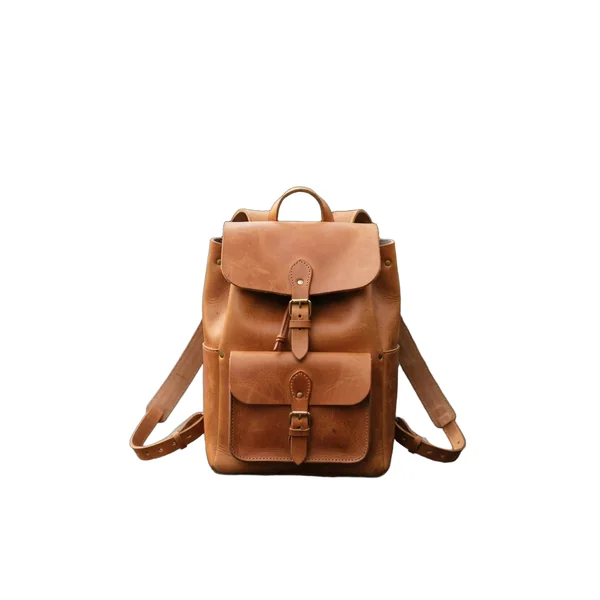
The lineup
Prompt: Minimalist geometric logo for a modern architecture studio called NORTH, single rotating compass arrow motif, pure black on white, clean vector lines, professional brand identity, bold sans-serif wordmark underneath
- 1:1
- SVG
Logo Maker
Vector SVG logos from a written brief.
Logo Maker returns real vector paths you can scale from favicon to billboard, recolor and edit without tracing. Brief it like a designer: the name, what the business does, the type of mark and a few style words.
Best for
- Exploring logo directions before briefing a designer
- Icons and favicons, sharp at any size
- Simple marks for side projects and events
Pick another model for
- Editing a logo you already have: no image input.
- Final trademark work without a designer and legal check.
Specs
- Output
- SVG (vector)
- Input
- Text prompt only
- Prompt
- Up to 10,000 characters
- Aspect ratio
- From 1:2 to 2:1
- Where
- Media Studio, API and MCP
See pricesHide prices
Price
| Option | Rate | Unit |
|---|---|---|
| Logo Maker | 90 | credits |


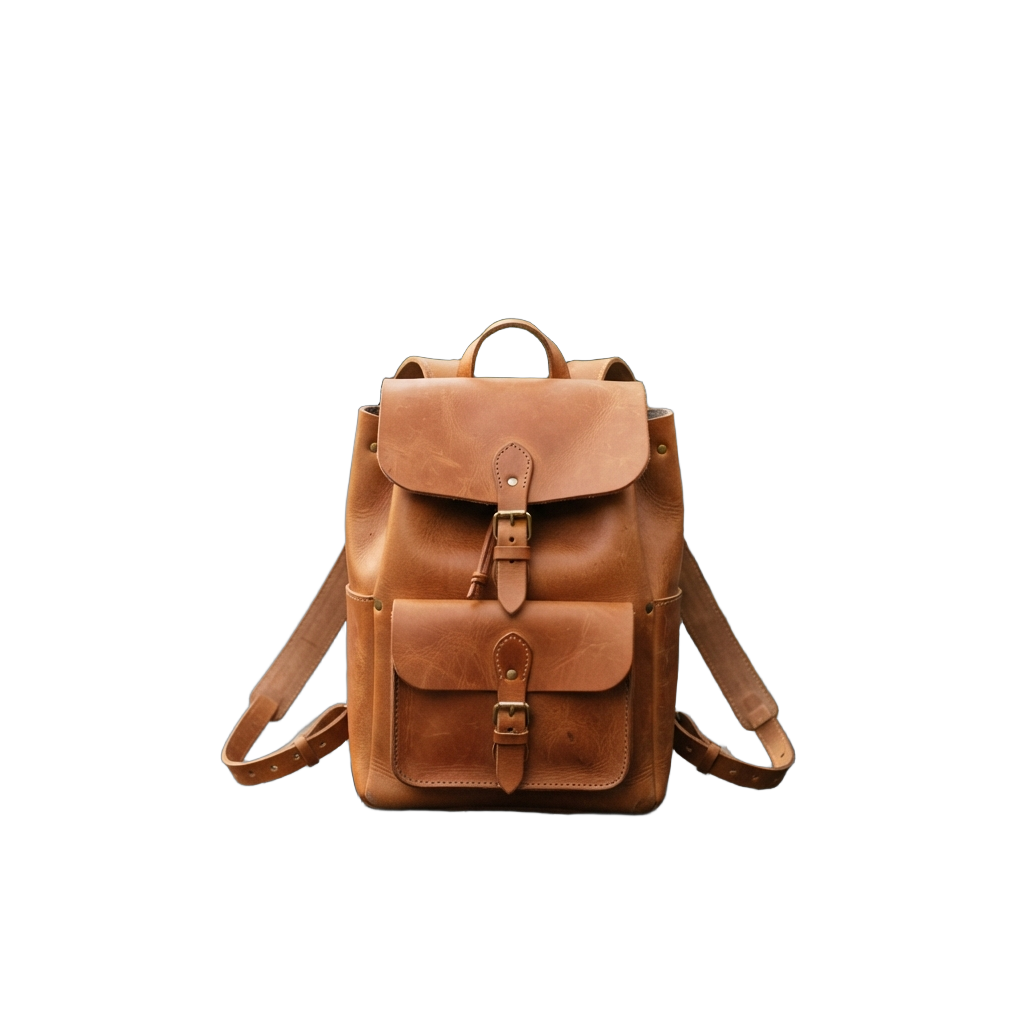
Remove Background
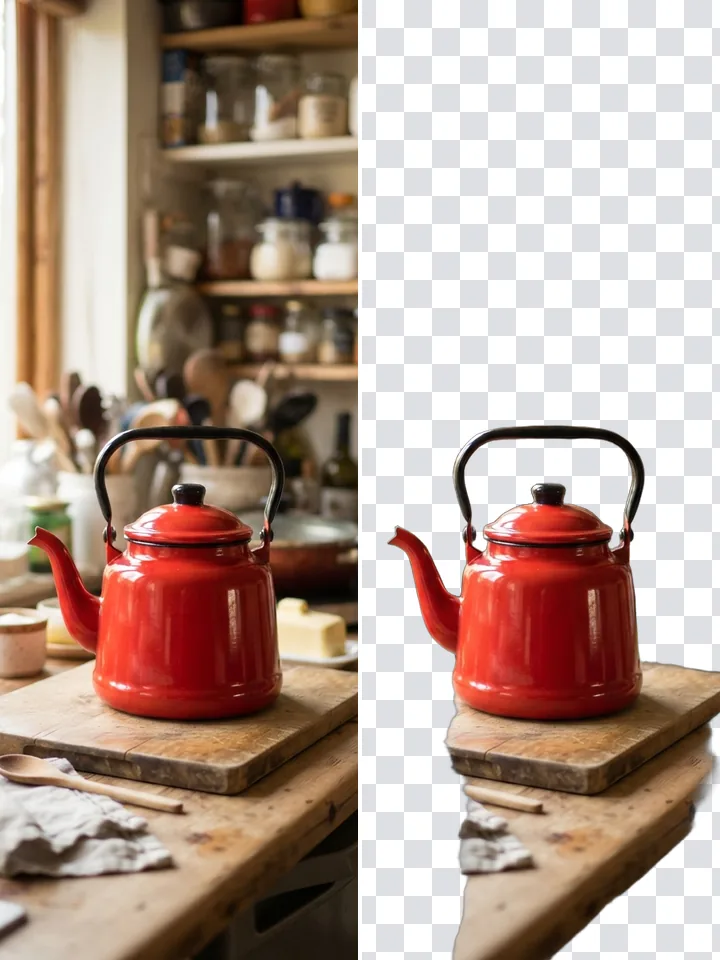
Cut the subject out and get a transparent PNG.
No prompt, no settings: attach an image and run it. The cutout is a PNG with real transparency, not a white or checkered fill, ready for a new background, slide or product page.
Best for
- Product cutouts for listings and ads
- People and pets for thumbnails
- Stickers and mascots with clean edges
Pick another model for
- Removing one object from a scene: use Remove Objects.
- Swapping the background in one step: cut out first.
Specs
- Input
- One JPEG, PNG or WebP image
- Output
- Transparent PNG
- Where
- Tools panel, API and MCP
See pricesHide prices
Price
| Option | Rate | Unit |
|---|---|---|
| Remove Background | 9 | credits |
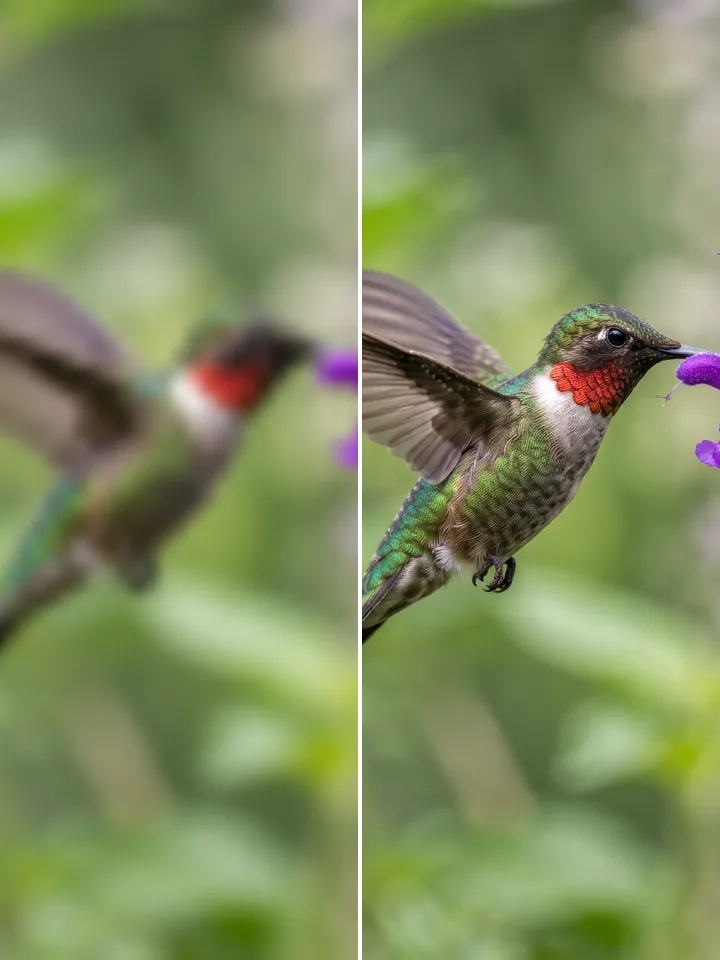
Upscale Images
Take an existing image to 1K, 2K or 4K.
Upscale rebuilds fine detail instead of stretching pixels, so check small text, logos and faces before replacing the original. Pick the tier with the quality chip; each shows its price before you run.
Best for
- Older generations taken to print size
- Low-resolution photos for bigger layouts
- A final step before delivery
Pick another model for
- Changing the content: use an image model that edits.
- API or MCP workflows: Media Studio only.
Specs
- Input
- One JPEG, PNG or WebP image
- Format
- PNG
- Prompt
- None
- Where
- Media Studio Tools panel
See pricesHide prices
Price
| Option | Rate | Unit |
|---|---|---|
| 1K | 22 | credits |
| 2K | 26 | credits |
| 4K | 32 | credits |
Auto Captions
Captions you correct word by word, burned into an MP4.
Upload a clip, fix any word in the word or timeline view, pick a preset and export. Worldwide detects the language; Best quality narrows to six for accuracy. Vertical 9:16 clips preview inside TikTok, Shorts, Reels and Facebook frames.
Best for
- Vertical videos watched with sound off
- Interviews, talking heads and podcast cuts
- Clips that mix two languages
Pick another model for
- A separate subtitle file: captions are burned in.
- Translating speech: captions follow the spoken language.
Specs
- Input
- MP4 or MOV, 30 min/500 MB
- Best quality languages
- EN, ES, FR, DE, IT, PT
- Mixed languages
- Optional, per video
- Styles
- Simple, Highlight current word, Container
- Words on screen
- Up to three, or one
See pricesHide prices
Price
| Option | Rate | Unit |
|---|---|---|
| Standard | 0.5 | credits / sec |
| High quality | 0.7 | credits / sec |
The four tools side by side
| Model | You give it | You get back | Prompt | Where it runs |
|---|---|---|---|---|
| Logo Maker | A written brief | An SVG logo | Up to 10,000 characters | Media Studio, API, MCP |
 Remove Background Remove Background | One image | Transparent PNG | None | Media Studio, API, MCP |
| Upscale Images | One image | PNG, up to 4K | None | Media Studio |
 Auto Captions Auto Captions | MP4 or MOV | Captioned MP4 | None, edit transcript | Captions editor, API, MCP |
Which tool fits your job
A first logo for a new project
Logo Maker
Write a brief, get vector paths you can recolor and scale.
A product photo on transparent background
Remove Background
One image in, a real transparent PNG out, no prompt.
A small image that must print large
Upscale Images
Pick 2K or 4K and get a PNG with rebuilt detail.
Captions on a vertical social clip
Auto Captions
Preview inside the app frames so captions clear the buttons.
How the family fits together
Logo Maker starts from words and sits in the Media Studio model list. Remove Background and Upscale start from an image, need no prompt, and live in the studio's Tools panel. Auto Captions has its own editor, because a transcript needs checking word by word.
Working tips
- In a logo brief, list hard limits first: color count, flat or not, name or no name.
- Upscale the final version, not a draft: any later edit means running it again.
- Read the transcript in the word view before styling; names and brand terms need fixing most.
Pick a plan
One credit balance covers images, video and audio. Pick the size that fits how much you make.
Studio Pro
Studio value with extra headroom.

2 seats included
What you'll generate
- Images~1,600
- Songs~492
- Videos~640
- Separations~1,066
- Caption Minutes~213
- All modelsIncluded
Starter
Low tier generations for regular use.
What you'll generate
- Images~275
- Songs~84
- Videos~110
- Separations~183
- Caption Minutes~36
- All modelsIncluded
Pro
Access full experience.
What you'll generate
- Images~650
- Songs~200
- Videos~260
- Separations~433
- Caption Minutes~86
- All modelsIncluded
Powerhouse
Most cost efficient.
13,000 credits/mo
Extra seats €19/seat/mo
What you'll generate
- Images~3,250
- Songs~1,000
- Videos~1,300
- Separations~2,166
- Caption Minutes~433
- All modelsIncluded
Enterprise
For teams that outgrow standard plans.
Pricing tailored to your team
What's included
- Custom number of seats
- Custom credit volume
- Invoice billing
- Priority support
Starter
Low tier generations for regular use.
What you'll generate
- Images~275
- Songs~84
- Videos~110
- Separations~183
- Caption Minutes~36
- All modelsIncluded
Pro
Access full experience.
What you'll generate
- Images~650
- Songs~200
- Videos~260
- Separations~433
- Caption Minutes~86
- All modelsIncluded
Studio Pro
Studio value with extra headroom.
2 seats included
What you'll generate
- Images~1,600
- Songs~492
- Videos~640
- Separations~1,066
- Caption Minutes~213
- All modelsIncluded
Powerhouse
Most cost efficient.
13,000 credits/mo
Extra seats €19/seat/mo
What you'll generate
- Images~3,250
- Songs~1,000
- Videos~1,300
- Separations~2,166
- Caption Minutes~433
- All modelsIncluded
Enterprise
For teams that outgrow standard plans.
Pricing tailored to your team
What's included
- Custom number of seats
- Custom credit volume
- Invoice billing
- Priority support
Test any model with one-time credit packs
Credits never expire and don't require a subscription — buy a pack, generate, see if Kubeez fits.
Quick refill
Quick refill for short bursts of generation.
Credits
500
You pay
€6
Standard pack
Mid-size pack at the standard per-credit rate.
Credits
1,500
You pay
€18
Volume pack
Larger pack with a volume discount built in.
Credits
5,000
You pay
€60€57
Production pack
Best per-credit price for sustained production.
Credits
15,000
You pay
€180€162
Frequently asked questions
Check it every time. Put the exact name in quotes in the brief, then read every letter of the result before you use it.
Square for icons and avatars, a wide 2:1 for a header wordmark, a tall 1:2 for a stacked lockup. Media Studio also offers 14:10, 10:14 and 6:10.
Each run takes one image. In the studio, start one run per photo; through the API or MCP, a script can work through a batch, one image per call.
In your Media Studio gallery, alongside everything else you make.
Logo Maker, Remove Background and Auto Captions, yes; Upscale, no. Through the API, captions come back styled and placed automatically, clear of faces, on-screen text and the main subject.
Pick the right model and start
Each model above links straight to the tool it runs in.