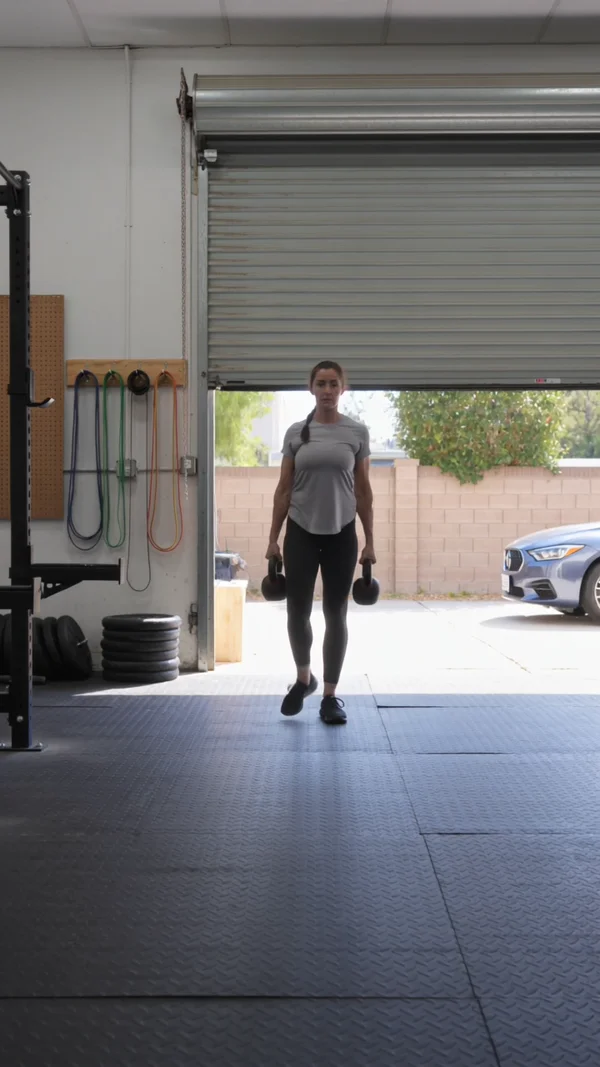
A vertical clip of a trainer walking a slow farmer carry toward the camera, for form tips on reels.
AI workout videos for personal trainers
Form tips, studio photos and program launches, without filming every rep.
In-person training
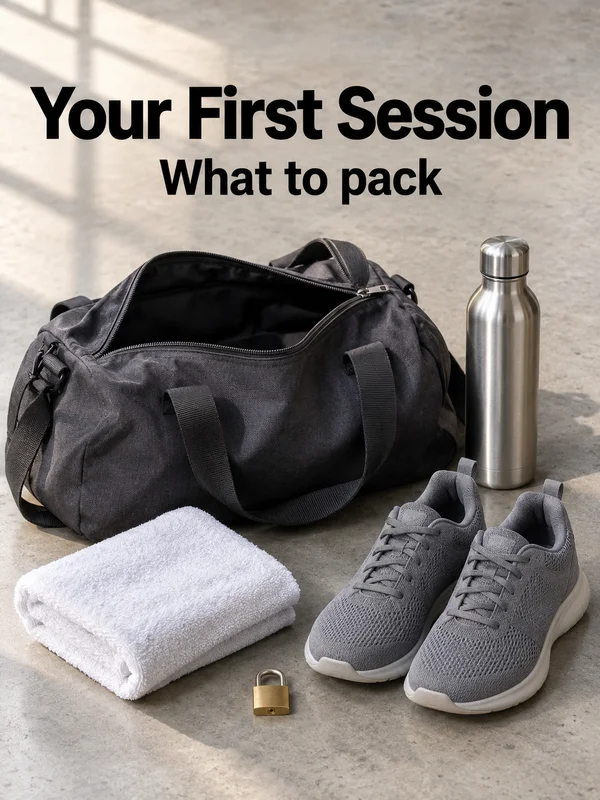
People searching for a trainer nearby want to see where they would train and how you coach. Show one clean rep, the space they will walk into and what to bring on day one, without setting up a camera between sessions.
Online coaching
Remote clients never stand in your gym, so your sales page and feed have to show how coaching from a distance works: the weekly check-in, workouts that travel and a clear start date for the next program.
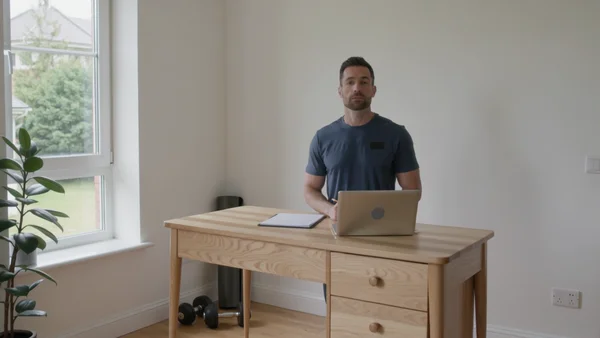
A coach at a standing desk on a video call, listening and taking notes, for your coaching sales page.
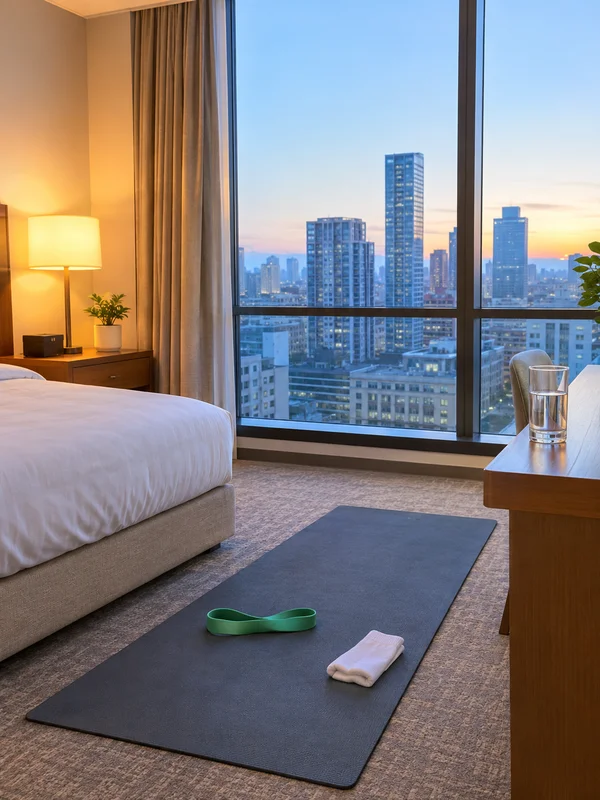
A hotel room with a mat by the window, for the travel workout you send clients who are on the road.

Kettlebells on a rooftop at sunrise under a headline and start date, to open signups for your next program.
Why it works for personal trainers
Your rep, performed on camera
You can film one clean rep on your phone and attach it with a photo of the person who should perform it. Kling 3.0 Motion Control moves them through that rep at your timing and keeps the clip's sound.
Your own office as the first frame
You can attach a photo of yourself at your own desk as the first frame, and Kling 3.0 animates the clip from it, 3 to 15 seconds, wide or vertical. Leave sound off to record your voice over it.
Built from photos of your own gym
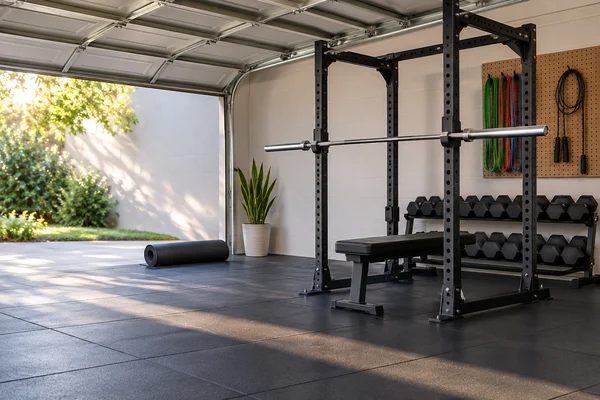
You can attach up to 16 phone photos of your garage, studio or park corner, and GPT Image 2.5 uses them as references, so the header shows your rack and flooring. Ask for open floor on the left for your headline.
How it works
- 1
Add your photos
Optional. Upload a room, a dish or a car so the result matches your real place.
- 2
Write the prompt
Describe the shot the way you would to a photographer, or start from an example on this page.
- 3
Generate and post
Download the image or video and post it wherever your guests and customers look.
Pick a plan
One credit balance covers images, video and audio. Pick the size that fits how much you make.
Starter
Low tier generations for regular use.
€10month
1,100credits / month
What you'll generate
- Images~275
- Songs~78
- Videos~110
- Separations~183
- Caption Minutes~36
- All modelsIncluded
Pro
Access full experience.
€20month
2,600credits / month
What you'll generate
- Images~650
- Songs~185
- Videos~260
- Separations~433
- Caption Minutes~86
- All modelsIncluded
Most popular
Studio Pro
Studio value with extra headroom.
€49month
6,400credits / month
What you'll generate
- Images~1,600
- Songs~457
- Videos~640
- Separations~1,066
- Caption Minutes~213
- All modelsIncluded
Powerhouse
Most cost efficient.
€99month
13,000credits / month
13,000 credits/mo
What you'll generate
- Images~3,250
- Songs~928
- Videos~1,300
- Separations~2,166
- Caption Minutes~433
- All modelsIncluded
Enterprise
For teams that outgrow standard plans.
Custom
Pricing tailored to your team
What's included
- Custom number of seats
- Custom credit volume
- Invoice billing
- Priority support
Or pay-as-you-go
Test any model with one-time credit packs
Credits never expire and don't require a subscription — buy a pack, generate, see if Kubeez fits.
Quick refill
Quick refill for short bursts of generation.
Credits
500
You pay
€6
Standard pack
Mid-size pack at the standard per-credit rate.
Credits
1,500
You pay
€18
−5%
Volume pack
Larger pack with a volume discount built in.
Credits
5,000
You pay
€60€57
−10%
Production pack
Best per-credit price for sustained production.
Credits
15,000
You pay
€180€162
Questions
Yes. Record the message as audio and upload it with one headshot to OmniHuman 2.0. It returns a video of you speaking in sync, up to five minutes long.
Check it the way you check a client's rep. Generated movement can drift, so watch every frame before posting, and for teaching clips film the rep yourself.
No. A generated body is nobody's result, so never present it as a client's progress. Show real clients only with written consent, and check your ad platform's rules first.
9:16 for Reels, TikTok and Shorts, 16:9 for YouTube and your sales page, 3:4 for feed posts and carousel covers, and 3:2 for a website header.
Yes. Save an invented coach as a Kling 3.0 @element from two to four images, then mention it by name in each prompt. A clip with an element needs a start frame.
Start from one of these workflows
Open one in the studio and swap in your own place, products and offer.