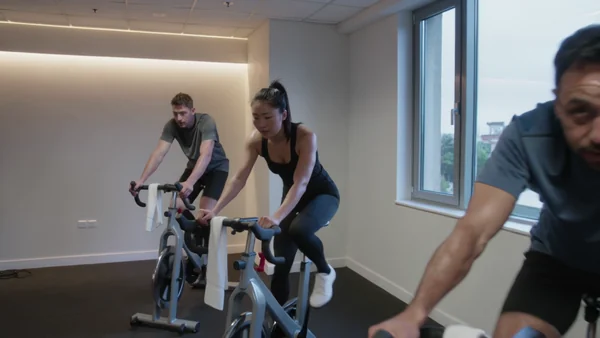
Riders on a row of bikes in low morning light, with flywheel sound and music, for reels and the homepage.
Fitness and beauty marketing made with AI
Class clips, timetables and portraits for gyms, studios, trainers and salons.
Gyms and fitness studios
People join a gym they can picture themselves in. Show a class at full pace, the timetable for the coming weeks and the coaches who will greet them, and refresh it whenever the schedule changes.
Yoga studios and personal trainers
Small studios and solo trainers sell trust before the first session. A calm studio clip, a cover for the guide you hand out and a believable session photo do that work without a camera crew.
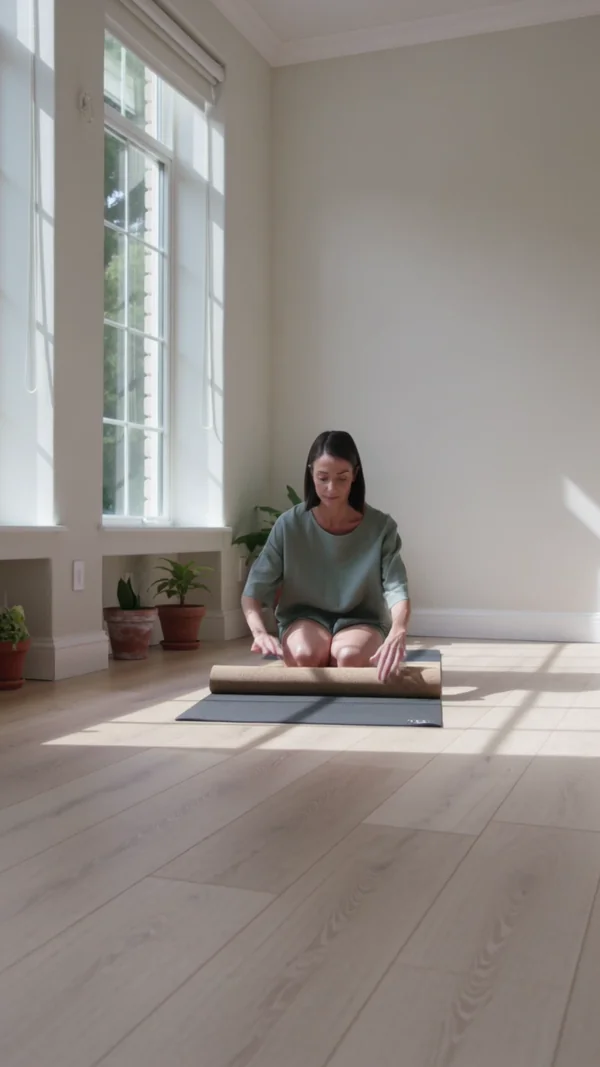
A vertical clip of an instructor laying out a mat and blocks in morning light, with quiet room sound.

A cover with your guide's title for the PDF you send new clients or offer on your site.
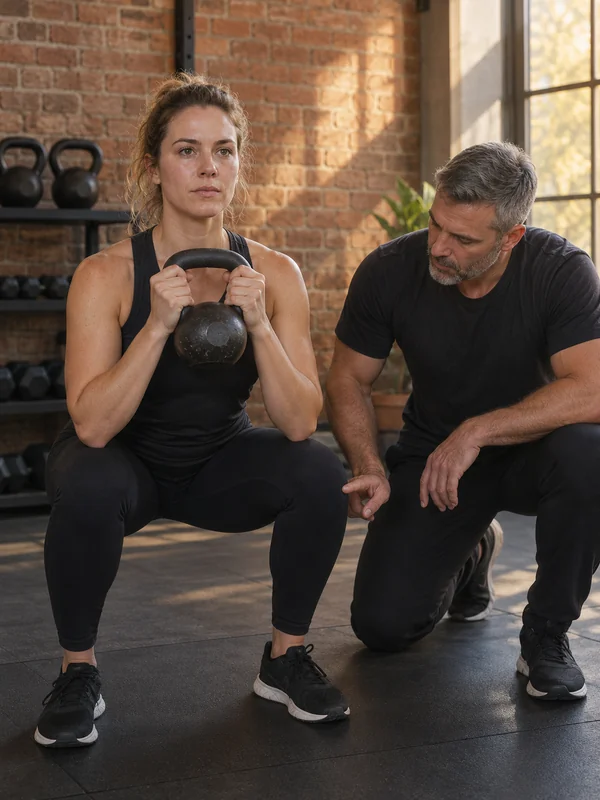
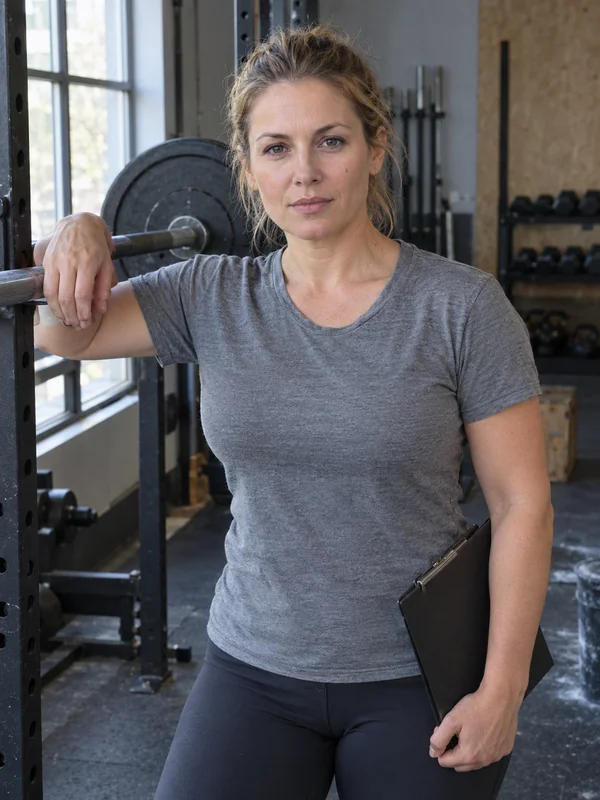
A trainer guiding a client through a lift, framed like a candid photo, never a stock pose.
Beauty salons
A booking often starts with a scroll through the salon's page. Show the room before the first client arrives, the products on your shelf and the colour you are pushing this season.
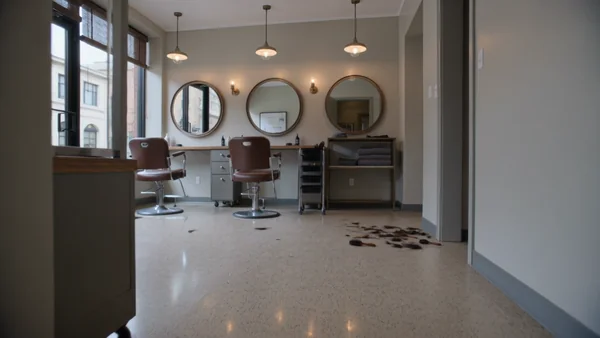
One glide past the chairs, mirrors and basins before opening, with street sound and soft music.
Bottles and jars on an oak shelf, lit like a product shoot, for your online shop.

A promo with a seasonal headline set above a head of freshly coloured hair.
Why it works for gyms, studios and salons
Class times spelled the way you typed them
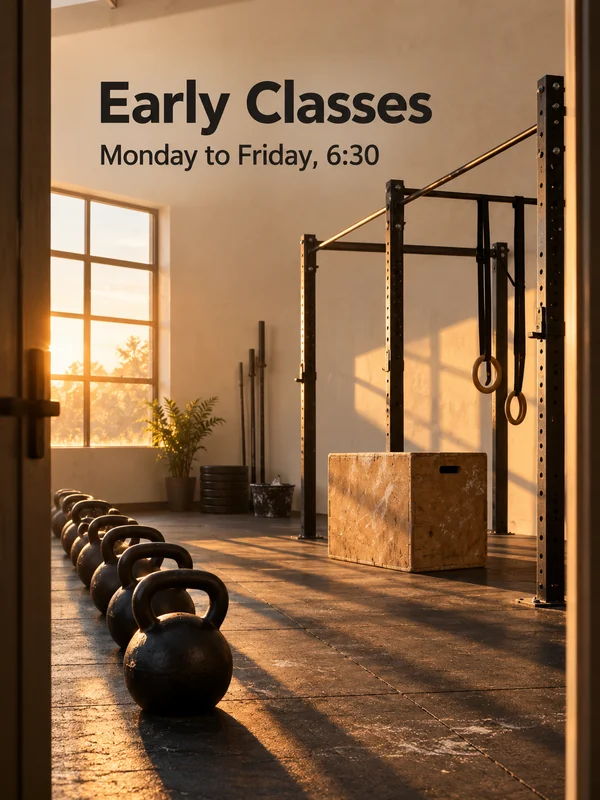
Put the class name and start time in quotes and GPT Image 2.5 prints those words literally, here at the top of a 3:4 poster for the studio door or the feed. Proofread the time once before it goes to print.
One instructor across a whole series
Save an invented instructor as a Kling 3.0 @element from 2 to 4 images and call it by name in every new clip. Up to three @elements can be saved, so a weekly class series keeps the same face.
Bottles on a transparent background
Ask GPT Image 2.5 for a transparent background and it returns a PNG with a real alpha channel, so a single bottle drops onto your shop page or a gift card design. Check the downloaded file, since gallery thumbnails sit on white.

How it works
- 1
Add your photos
Optional. Upload a room, a dish or a car so the result matches your real place.
- 2
Write the prompt
Describe the shot the way you would to a photographer, or start from an example on this page.
- 3
Generate and post
Download the image or video and post it wherever your guests and customers look.
Pick a plan
One credit balance covers images, video and audio. Pick the size that fits how much you make.
Most popular
Studio Pro
Studio value with extra headroom.
49 €month
6,400credits / month
Team seats

2 seats included
What you'll generate
- Images~1,600
- Songs~492
- Videos~640
- Separations~1,066
- Caption Minutes~213
- All modelsIncluded
Starter
Low tier generations for regular use.
10 €month
1,100credits / month
What you'll generate
- Images~275
- Songs~84
- Videos~110
- Separations~183
- Caption Minutes~36
- All modelsIncluded
Pro
Access full experience.
20 €month
2,600credits / month
What you'll generate
- Images~650
- Songs~200
- Videos~260
- Separations~433
- Caption Minutes~86
- All modelsIncluded
Powerhouse
Most cost efficient.
99 €month
13,000credits / month
13,000 credits/mo
Team seats
3 seats
Extra seats €19/seat/mo
What you'll generate
- Images~3,250
- Songs~1,000
- Videos~1,300
- Separations~2,166
- Caption Minutes~433
- All modelsIncluded
Enterprise
For teams that outgrow standard plans.
Custom
Pricing tailored to your team
What's included
- Custom number of seats
- Custom credit volume
- Invoice billing
- Priority support
Starter
Low tier generations for regular use.
10 €month
1,100credits / month
What you'll generate
- Images~275
- Songs~84
- Videos~110
- Separations~183
- Caption Minutes~36
- All modelsIncluded
Pro
Access full experience.
20 €month
2,600credits / month
What you'll generate
- Images~650
- Songs~200
- Videos~260
- Separations~433
- Caption Minutes~86
- All modelsIncluded
Most popular
Studio Pro
Studio value with extra headroom.
49 €month
6,400credits / month
Team seats
2 seats included
What you'll generate
- Images~1,600
- Songs~492
- Videos~640
- Separations~1,066
- Caption Minutes~213
- All modelsIncluded
Powerhouse
Most cost efficient.
99 €month
13,000credits / month
13,000 credits/mo
Team seats
3 seats
Extra seats €19/seat/mo
What you'll generate
- Images~3,250
- Songs~1,000
- Videos~1,300
- Separations~2,166
- Caption Minutes~433
- All modelsIncluded
Enterprise
For teams that outgrow standard plans.
Custom
Pricing tailored to your team
What's included
- Custom number of seats
- Custom credit volume
- Invoice billing
- Priority support
Or pay-as-you-go
Test any model with one-time credit packs
Credits never expire and don't require a subscription — buy a pack, generate, see if Kubeez fits.
Quick refill
Quick refill for short bursts of generation.
Credits
500
You pay
€6
Standard pack
Mid-size pack at the standard per-credit rate.
Credits
1,500
You pay
€18
−5%
Volume pack
Larger pack with a volume discount built in.
Credits
5,000
You pay
€60€57
−10%
Production pack
Best per-credit price for sustained production.
Credits
15,000
You pay
€180€162
Questions
Yes. Attach up to 16 photos of your room, equipment or reception to one image render, and GPT Image 2.5 uses them as references for the result.
Show invented people written into the prompt, as every example here does. Use photos of real members or clients only when they have agreed to appear.
No. Generated people are invented, so never present them as a member's progress or a client's treatment result. Use them for classes, spaces, timetables and announcements.
9:16 for reels and stories, 16:9 for the website and 1:1 for the grid. For a 4:5 feed post, generate at 3:4 and crop, since GPT Image has no 4:5 ratio.
Yes. Sound on Kling 3.0 Standard is a switch, so you can export a silent clip and add music you hold the rights to in your editor.
Start from one of these workflows
Open one in the studio and swap in your own place, products and offer.