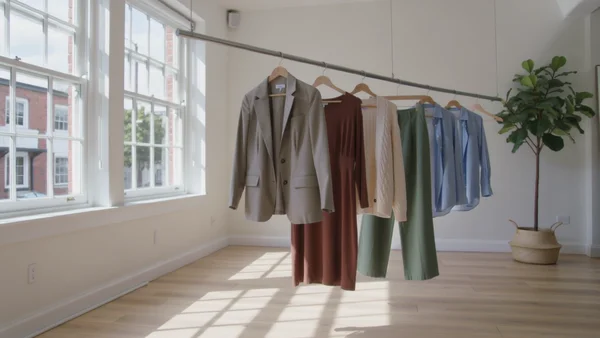
A slow glide past a rail of new pieces swaying by an open window, for the top of the homepage.
AI videos and model photos for fashion brands
Collection banners, drop teasers and lookbook shots, without booking a studio day.
Store and collection pages
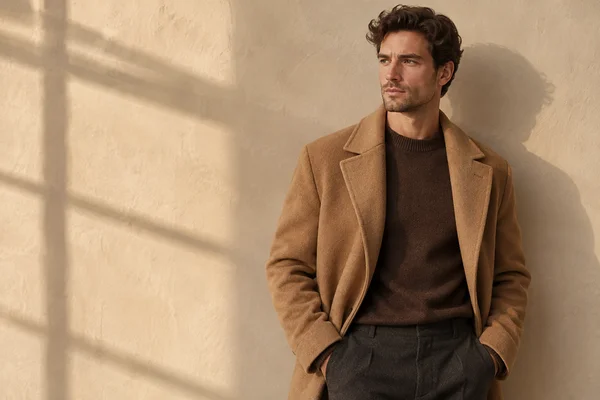
Shoppers judge a new collection from its homepage and product pages before they read a word. Open the launch with a slow film of the rail, give the banner an invented model and room for your headline, and add close-ups that show how a piece sits.
Drops and social posts
Small labels sell in drops, and the feed carries the countdown. Tease the piece in a reel, announce the date with a headline people can read at a glance, and open a styling carousel that gives followers a reason to save it.
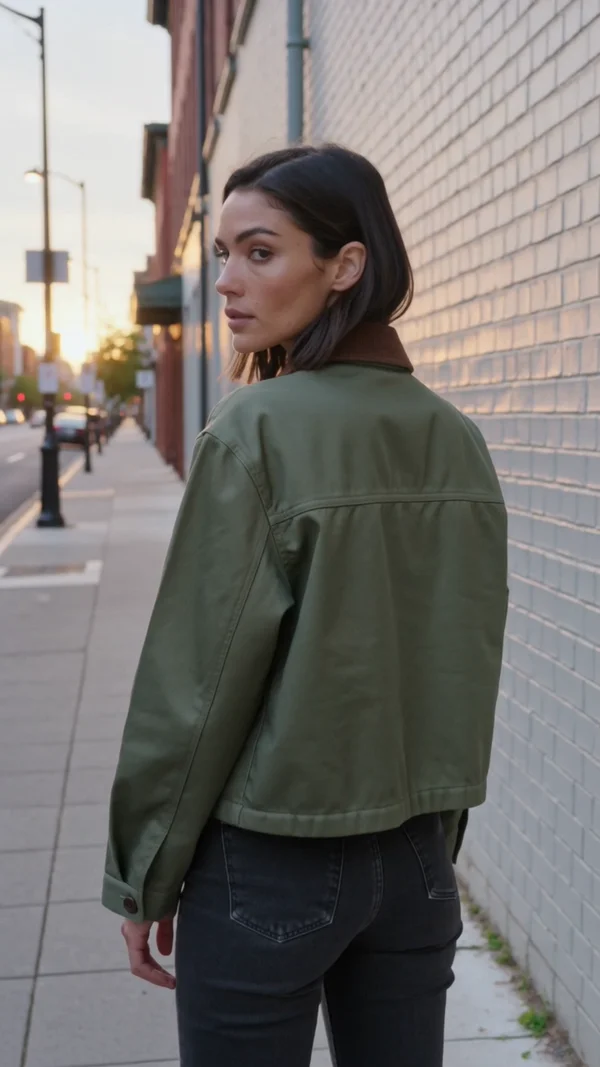
A vertical clip of a model turning to show the back of a new jacket, with street sound.
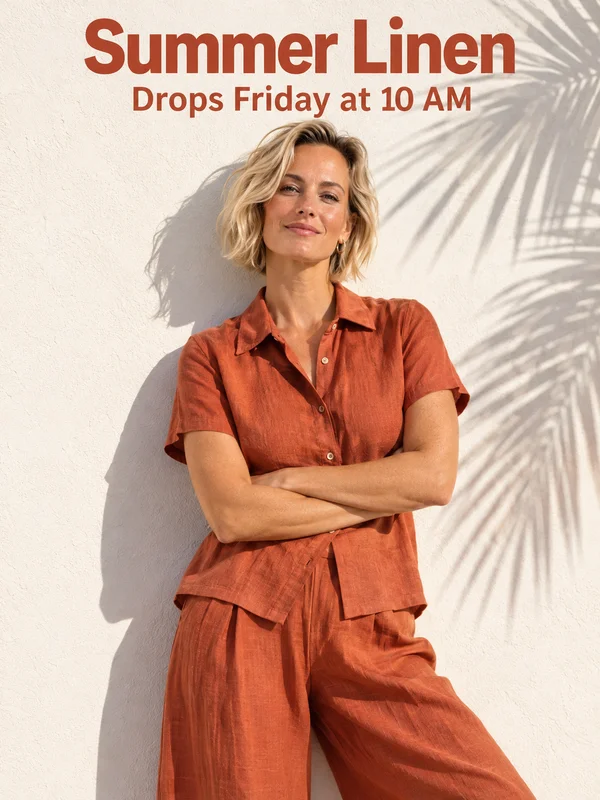
An on-model photo under a short headline and a date line, posted the week a collection goes live.
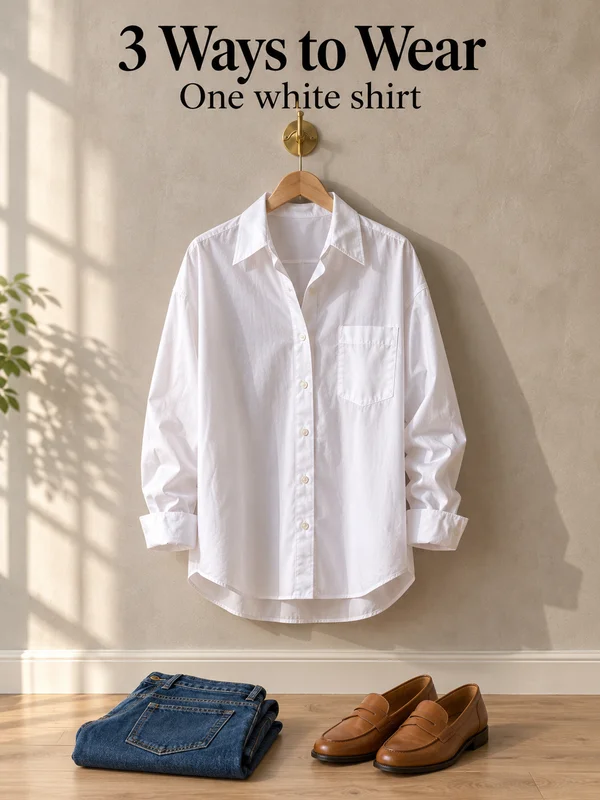
One shirt on a hanger under a how-to-wear headline, the first slide of a three outfit carousel.
Why it works for clothing labels
Starts from your sample, not a guess
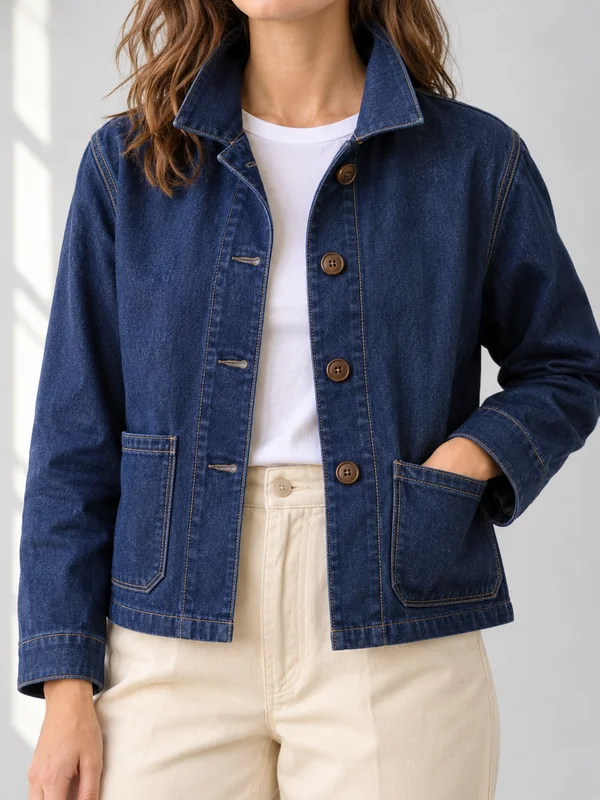
Photograph a garment flat or on a hanger and attach those shots as references. GPT Image 2.5 dresses an invented model in it at 1K, 2K or 4K. Compare buttons, stitching and colour with the real piece before listing it.
Drop dates spelled the way you typed them
Put the collection name and the date in quotation marks and GPT Image 2.5 prints them over the photo as written. Keep it to a few words, and give the text a calm patch of wall or sky to sit on.
One invented face across every reel
Save the model as an @element on Kling 3.0, built from two to four stills, and call it by name in each prompt. Every teaser runs 3 to 15 seconds, vertical, wide or square, with sound generated in the same render.
How it works
- 1
Add your photos
Optional. Upload a room, a dish or a car so the result matches your real place.
- 2
Write the prompt
Describe the shot the way you would to a photographer, or start from an example on this page.
- 3
Generate and post
Download the image or video and post it wherever your guests and customers look.
Pick a plan
One credit balance covers images, video and audio. Pick the size that fits how much you make.
Most popular
Studio Pro
Studio value with extra headroom.
49 €month
6,400credits / month
Team seats

2 seats included
What you'll generate
- Images~1,600
- Songs~457
- Videos~640
- Separations~1,066
- Caption Minutes~213
- All modelsIncluded
Starter
Low tier generations for regular use.
10 €month
1,100credits / month
What you'll generate
- Images~275
- Songs~78
- Videos~110
- Separations~183
- Caption Minutes~36
- All modelsIncluded
Pro
Access full experience.
20 €month
2,600credits / month
What you'll generate
- Images~650
- Songs~185
- Videos~260
- Separations~433
- Caption Minutes~86
- All modelsIncluded
Powerhouse
Most cost efficient.
99 €month
13,000credits / month
13,000 credits/mo
Team seats
3 seats
Extra seats €19/seat/mo
What you'll generate
- Images~3,250
- Songs~928
- Videos~1,300
- Separations~2,166
- Caption Minutes~433
- All modelsIncluded
Enterprise
For teams that outgrow standard plans.
Custom
Pricing tailored to your team
What's included
- Custom number of seats
- Custom credit volume
- Invoice billing
- Priority support
Starter
Low tier generations for regular use.
10 €month
1,100credits / month
What you'll generate
- Images~275
- Songs~78
- Videos~110
- Separations~183
- Caption Minutes~36
- All modelsIncluded
Pro
Access full experience.
20 €month
2,600credits / month
What you'll generate
- Images~650
- Songs~185
- Videos~260
- Separations~433
- Caption Minutes~86
- All modelsIncluded
Most popular
Studio Pro
Studio value with extra headroom.
49 €month
6,400credits / month
Team seats
2 seats included
What you'll generate
- Images~1,600
- Songs~457
- Videos~640
- Separations~1,066
- Caption Minutes~213
- All modelsIncluded
Powerhouse
Most cost efficient.
99 €month
13,000credits / month
13,000 credits/mo
Team seats
3 seats
Extra seats €19/seat/mo
What you'll generate
- Images~3,250
- Songs~928
- Videos~1,300
- Separations~2,166
- Caption Minutes~433
- All modelsIncluded
Enterprise
For teams that outgrow standard plans.
Custom
Pricing tailored to your team
What's included
- Custom number of seats
- Custom credit volume
- Invoice billing
- Priority support
Or pay-as-you-go
Test any model with one-time credit packs
Credits never expire and don't require a subscription — buy a pack, generate, see if Kubeez fits.
Quick refill
Quick refill for short bursts of generation.
Credits
500
You pay
€6
Standard pack
Mid-size pack at the standard per-credit rate.
Credits
1,500
You pay
€18
−5%
Volume pack
Larger pack with a volume discount built in.
Credits
5,000
You pay
€60€57
−10%
Production pack
Best per-credit price for sustained production.
Credits
15,000
You pay
€180€162
Questions
Yes. Photograph the piece flat or on a hanger, attach those photos, then write who wears it and where. Compare seams, print and colour with your sample before anything goes live.
Fix the location, light and model in a base prompt and change only the outfit for each page. Attach the first finished page as a reference so later pages match it.
Yes. Attach an earlier photo of the model as a reference for stills, and on Kling 3.0 save that face as an @element to reuse in every clip.
Check the rules of every marketplace and social app you post on, since many ask for a label on realistic AI people. Never present a generated model as a real customer.
Use 3:2 or 16:9 for homepage banners and films, 3:4 for product galleries and feed posts, and 9:16 for reels, stories and drop countdowns.
Start from one of these workflows
Open one in the studio and swap in your own place, products and offer.