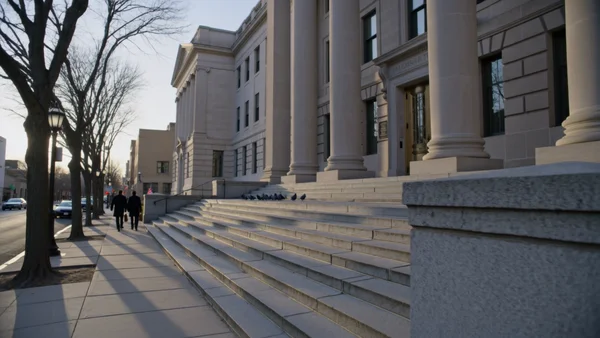
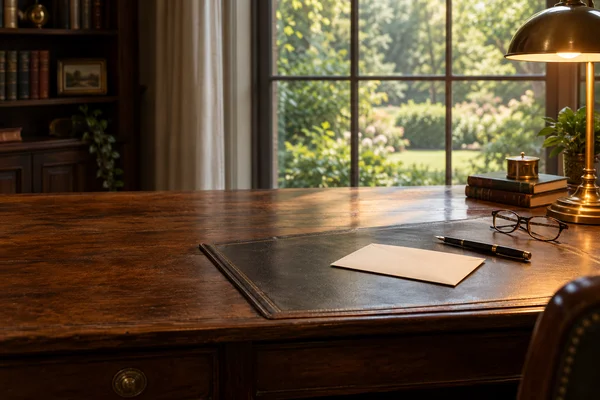
A wide, quiet desk scene with space for your headline, for an estate planning or probate page.
AI videos and photos for attorneys
Practice pages, signing day reels and posts, without a photo shoot.
Website and practice pages
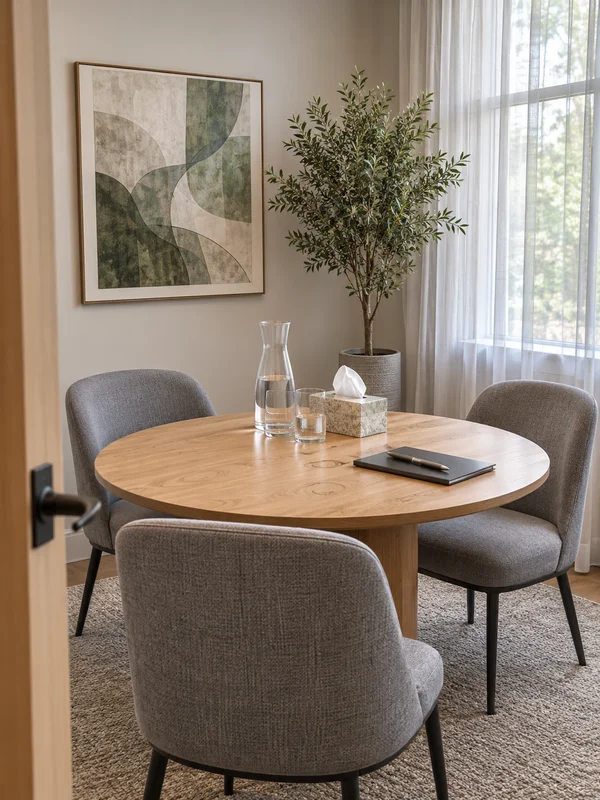
Prospective clients read your practice pages before they call. Give each one a header that fits the work, b-roll for intro videos and a photo of the room where the first conversation happens, all without booking a photographer.
Why it works for law firms
Paperwork nobody can read
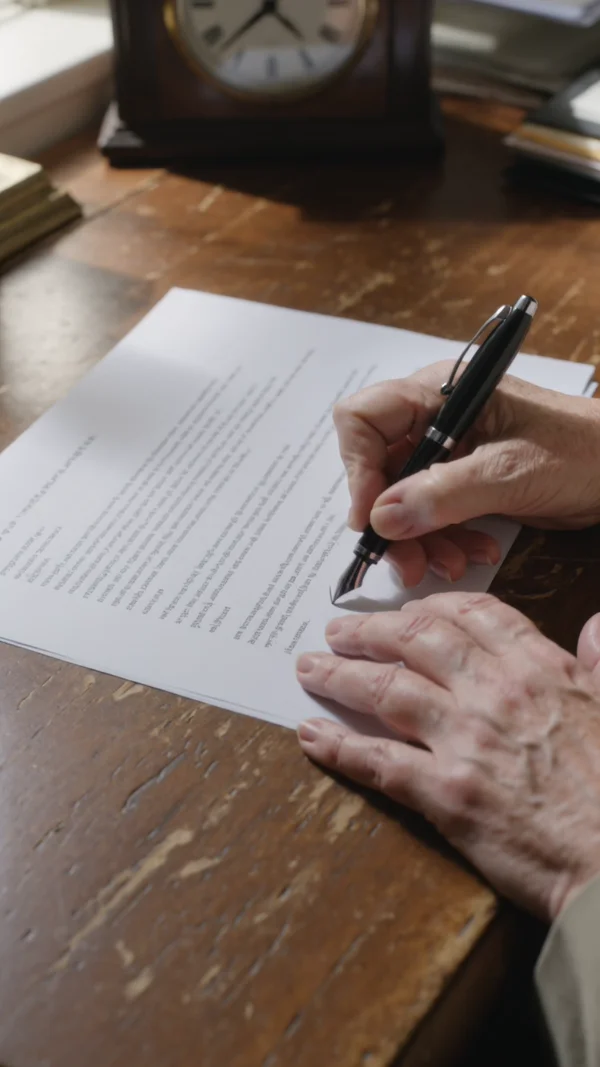
Ask for pages with no readable text and the writing stays a soft blur, so a signing clip never shows invented clauses, names or case numbers. Kling 3.0 renders it vertical, wide or square, 3 to 15 seconds, with the pen and room sound.
Two lines of text, exactly as typed
Quote the headline and the line under it, and GPT Image 2.5 sets those words over the photo letter for letter. A question works as a headline. Proofread both lines once before the post goes out.

Room left for your own headline
Say where the empty space goes, the left half or the top, and the banner keeps it clear for the headline your website adds. GPT Image 2.5 renders 3:2 and 16:9 for page headers, at 1K, 2K or 4K.
How it works
- 1
Add your photos
Optional. Upload a room, a dish or a car so the result matches your real place.
- 2
Write the prompt
Describe the shot the way you would to a photographer, or start from an example on this page.
- 3
Generate and post
Download the image or video and post it wherever your guests and customers look.
Pick a plan
One credit balance covers images, video and audio. Pick the size that fits how much you make.
Most popular
Studio Pro
Studio value with extra headroom.
49 EURmonth
6,400credits / month
Team seats

2 seats included
What you'll generate
- Images~1,600
- Songs~457
- Videos~640
- Separations~1,066
- Caption Minutes~213
- All modelsIncluded
Starter
Low tier generations for regular use.
10 EURmonth
1,100credits / month
What you'll generate
- Images~275
- Songs~78
- Videos~110
- Separations~183
- Caption Minutes~36
- All modelsIncluded
Pro
Access full experience.
20 EURmonth
2,600credits / month
What you'll generate
- Images~650
- Songs~185
- Videos~260
- Separations~433
- Caption Minutes~86
- All modelsIncluded
Powerhouse
Most cost efficient.
99 EURmonth
13,000credits / month
13,000 credits/mo
Team seats
3 seats
Extra seats €19/seat/mo
What you'll generate
- Images~3,250
- Songs~928
- Videos~1,300
- Separations~2,166
- Caption Minutes~433
- All modelsIncluded
Enterprise
For teams that outgrow standard plans.
Custom
Pricing tailored to your team
What's included
- Custom number of seats
- Custom credit volume
- Invoice billing
- Priority support
Starter
Low tier generations for regular use.
10 EURmonth
1,100credits / month
What you'll generate
- Images~275
- Songs~78
- Videos~110
- Separations~183
- Caption Minutes~36
- All modelsIncluded
Pro
Access full experience.
20 EURmonth
2,600credits / month
What you'll generate
- Images~650
- Songs~185
- Videos~260
- Separations~433
- Caption Minutes~86
- All modelsIncluded
Most popular
Studio Pro
Studio value with extra headroom.
49 EURmonth
6,400credits / month
Team seats
2 seats included
What you'll generate
- Images~1,600
- Songs~457
- Videos~640
- Separations~1,066
- Caption Minutes~213
- All modelsIncluded
Powerhouse
Most cost efficient.
99 EURmonth
13,000credits / month
13,000 credits/mo
Team seats
3 seats
Extra seats €19/seat/mo
What you'll generate
- Images~3,250
- Songs~928
- Videos~1,300
- Separations~2,166
- Caption Minutes~433
- All modelsIncluded
Enterprise
For teams that outgrow standard plans.
Custom
Pricing tailored to your team
What's included
- Custom number of seats
- Custom credit volume
- Invoice billing
- Priority support
Or pay-as-you-go
Test any model with one-time credit packs
Credits never expire and don't require a subscription — buy a pack, generate, see if Kubeez fits.
Quick refill
Quick refill for short bursts of generation.
Credits
500
You pay
€6
Standard pack
Mid-size pack at the standard per-credit rate.
Credits
1,500
You pay
€18
−5%
Volume pack
Larger pack with a volume discount built in.
Credits
5,000
You pay
€60€57
−10%
Production pack
Best per-credit price for sustained production.
Credits
15,000
You pay
€180€162
Questions
Yes. Upload one headshot and a recording of your own voice to OmniHuman 2.0. It returns a lip-synced video of you speaking, as long as the audio, up to five minutes.
Treat them like any other advertising. Do not imply a generated person is your client or your staff, do not promise results, and check your state's rules before publishing.
Not if you say so in the prompt. Ask for pages with no readable text and the writing comes out as a blur. Check the frames anyway before you post.
Yes. Keep one base prompt for the firm's look, swap only the subject each time, and attach an earlier image as a reference so the light and colours match.
Wide 3:2 or 16:9 for practice page headers and intro videos, 3:4 for LinkedIn and Instagram feed posts, and 9:16 for reels and stories.
Start from one of these workflows
Open one in the studio and swap in your own place, products and offer.
Social posts and video
A steady feed keeps your firm in mind until someone needs a lawyer. Mark a client milestone, answer common questions and announce a live session, with every claim and piece of advice written by you.
Signing day reel
A vertical close up of a client signing with a fountain pen, for closing day and estate plan posts.
Explainer carousel cover
A front door with keys in the lock under a two line headline, the first slide of a home buying guide.
Live Q&A poster
A desk microphone under a headline and a date line, to announce a LinkedIn or Instagram live session.