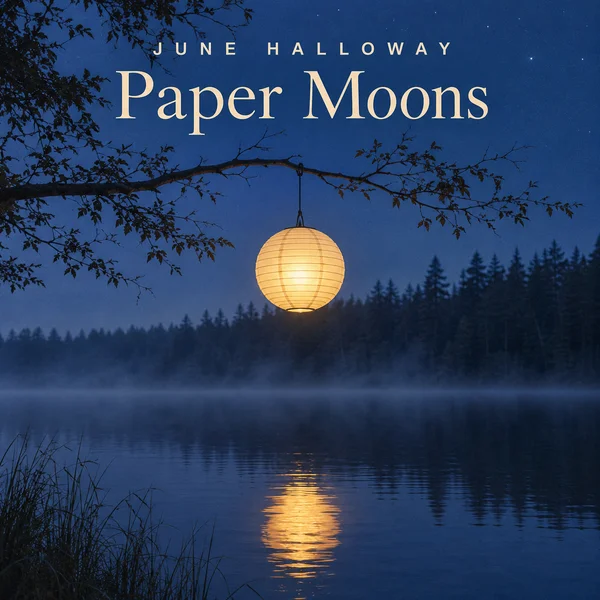
Square artwork with your artist name and song title set in the type you describe, ready for your distributor.
AI music videos and cover art for artists
Music video scenes, single covers and tour posters, without a studio budget.
Release artwork and video
A single lands with a cover, a video and a lyric version, usually on a budget that covers none of them. Make the square cover, cinematic scenes to cut to the song and a calm backdrop for the lyrics, in one look.
Release week and shows
Fans need a reason to press play on release day and to buy a ticket next month. Post the record spinning, a pre-save reminder and the tour poster, with every date, city and lyric checked by you.
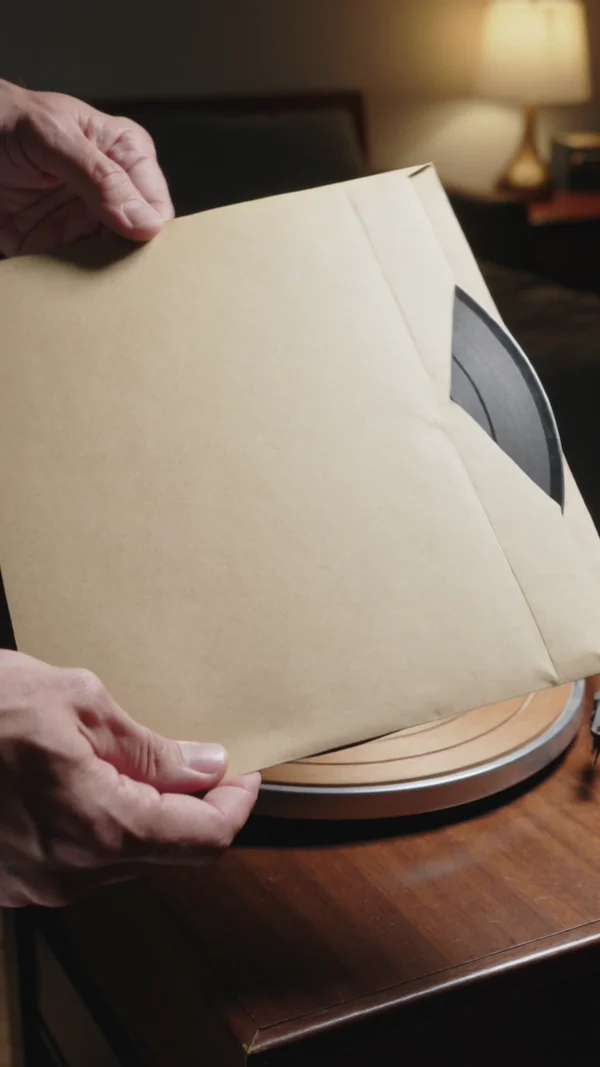
A vertical close up of a record dropping onto a turntable, needle crackle and all, for out now posts.
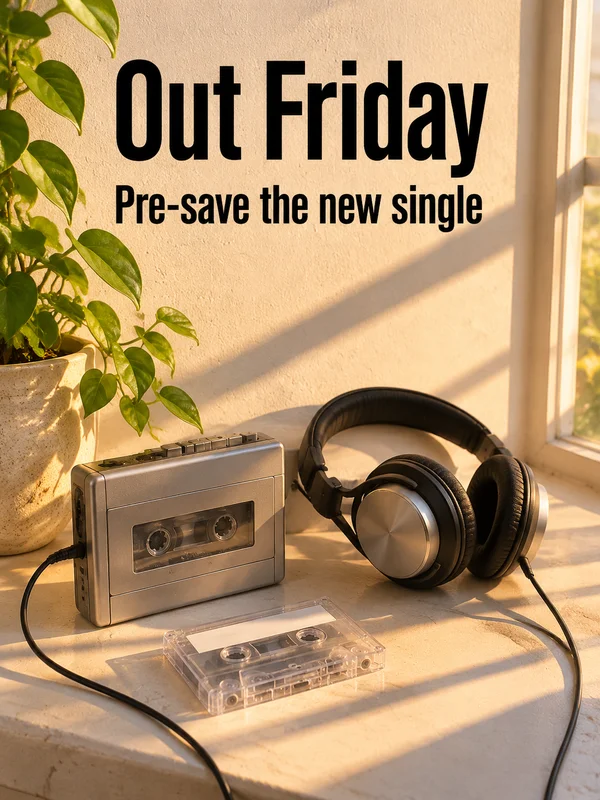
A sunny windowsill under a short headline and one line beneath it, to count down to the drop.

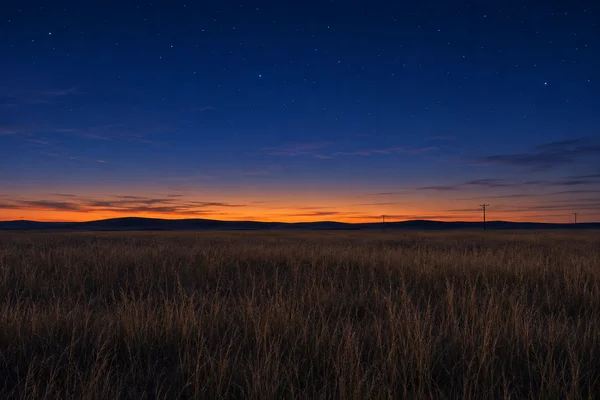
An empty desert highway at dusk under the tour name and one short line, for stories and venue walls.
Why it works for independent artists
Artist name and title, spelled right
Put the artist name and the song title in quotes and GPT Image 2.5 sets both on the square cover letter for letter, in the type style you describe. Render at 4K for upload, and proofread the spelling before it goes to your distributor.
Scenes cut to your own song
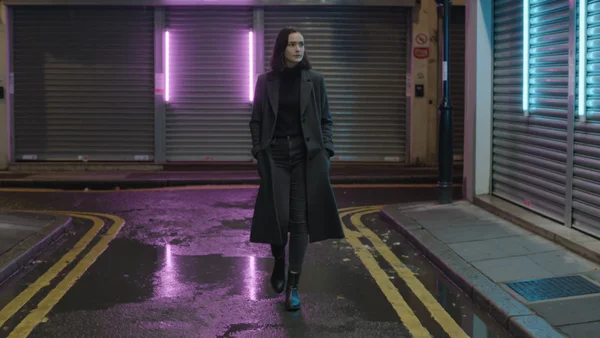
Kling 3.0 renders each scene from 3 to 15 seconds, wide, vertical or square. Leave sound on for rain and traffic under an intro, or switch it off for shots you lay over your own track.
A dark half kept clear for lyrics
Tell GPT Image 2.5 which part of the frame stays empty, the lower half or the left side, and it keeps that area dark and plain so white lyrics read over it. Wide 3:2 and 16:9 both render at up to 4K.
How it works
- 1
Add your photos
Optional. Upload a room, a dish or a car so the result matches your real place.
- 2
Write the prompt
Describe the shot the way you would to a photographer, or start from an example on this page.
- 3
Generate and post
Download the image or video and post it wherever your guests and customers look.
Pick a plan
One credit balance covers images, video and audio. Pick the size that fits how much you make.
Most popular
Studio Pro
Studio value with extra headroom.
€49month
6,400credits / month
Team seats

2 seats included
What you'll generate
- Images~1,600
- Songs~457
- Videos~640
- Separations~1,066
- Caption Minutes~213
- All modelsIncluded
Starter
Low tier generations for regular use.
€10month
1,100credits / month
What you'll generate
- Images~275
- Songs~78
- Videos~110
- Separations~183
- Caption Minutes~36
- All modelsIncluded
Pro
Access full experience.
€20month
2,600credits / month
What you'll generate
- Images~650
- Songs~185
- Videos~260
- Separations~433
- Caption Minutes~86
- All modelsIncluded
Powerhouse
Most cost efficient.
€99month
13,000credits / month
13,000 credits/mo
Team seats
3 seats
Extra seats €19/seat/mo
What you'll generate
- Images~3,250
- Songs~928
- Videos~1,300
- Separations~2,166
- Caption Minutes~433
- All modelsIncluded
Enterprise
For teams that outgrow standard plans.
Custom
Pricing tailored to your team
What's included
- Custom number of seats
- Custom credit volume
- Invoice billing
- Priority support
Starter
Low tier generations for regular use.
€10month
1,100credits / month
What you'll generate
- Images~275
- Songs~78
- Videos~110
- Separations~183
- Caption Minutes~36
- All modelsIncluded
Pro
Access full experience.
€20month
2,600credits / month
What you'll generate
- Images~650
- Songs~185
- Videos~260
- Separations~433
- Caption Minutes~86
- All modelsIncluded
Most popular
Studio Pro
Studio value with extra headroom.
€49month
6,400credits / month
Team seats
2 seats included
What you'll generate
- Images~1,600
- Songs~457
- Videos~640
- Separations~1,066
- Caption Minutes~213
- All modelsIncluded
Powerhouse
Most cost efficient.
€99month
13,000credits / month
13,000 credits/mo
Team seats
3 seats
Extra seats €19/seat/mo
What you'll generate
- Images~3,250
- Songs~928
- Videos~1,300
- Separations~2,166
- Caption Minutes~433
- All modelsIncluded
Enterprise
For teams that outgrow standard plans.
Custom
Pricing tailored to your team
What's included
- Custom number of seats
- Custom credit volume
- Invoice billing
- Priority support
Or pay-as-you-go
Test any model with one-time credit packs
Credits never expire and don't require a subscription — buy a pack, generate, see if Kubeez fits.
Quick refill
Quick refill for short bursts of generation.
Credits
500
You pay
€6
Standard pack
Mid-size pack at the standard per-credit rate.
Credits
1,500
You pay
€18
−5%
Volume pack
Larger pack with a volume discount built in.
Credits
5,000
You pay
€60€57
−10%
Production pack
Best per-credit price for sustained production.
Credits
15,000
You pay
€180€162
Questions
Yes, in two ways. OmniHuman 2.0 turns one photo of you and your song file into a lip-synced performance up to five minutes long. For story scenes, cut several Kling 3.0 clips to the track.
Yes. The music studio writes full songs with vocals from a prompt or sings lyrics you paste in. Music Separation splits a finished mix into a vocal stem and an instrumental.
Not if you describe an invented person by age, hair and clothes and leave real names out of the prompt. When fans expect your own face, use OmniHuman 2.0 with your photo.
Yes. Write one base prompt with your palette, light and grain, change only the scene each time, and attach the finished cover as a reference image so the poster and posts match.
Square 1:1 for single and album covers, 16:9 for YouTube and lyric videos, 9:16 for reels, shorts and stories, and 3:4 for tour posters and feed posts.
Start from one of these workflows
Open one in the studio and swap in your own place, products and offer.