How to Add Subtitles & Captions to Any Video Using Kubeez
Step-by-step guide to adding AI-powered captions to any video for YouTube, TikTok, Instagram Reels, and Facebook — with multilingual support and custom styles.
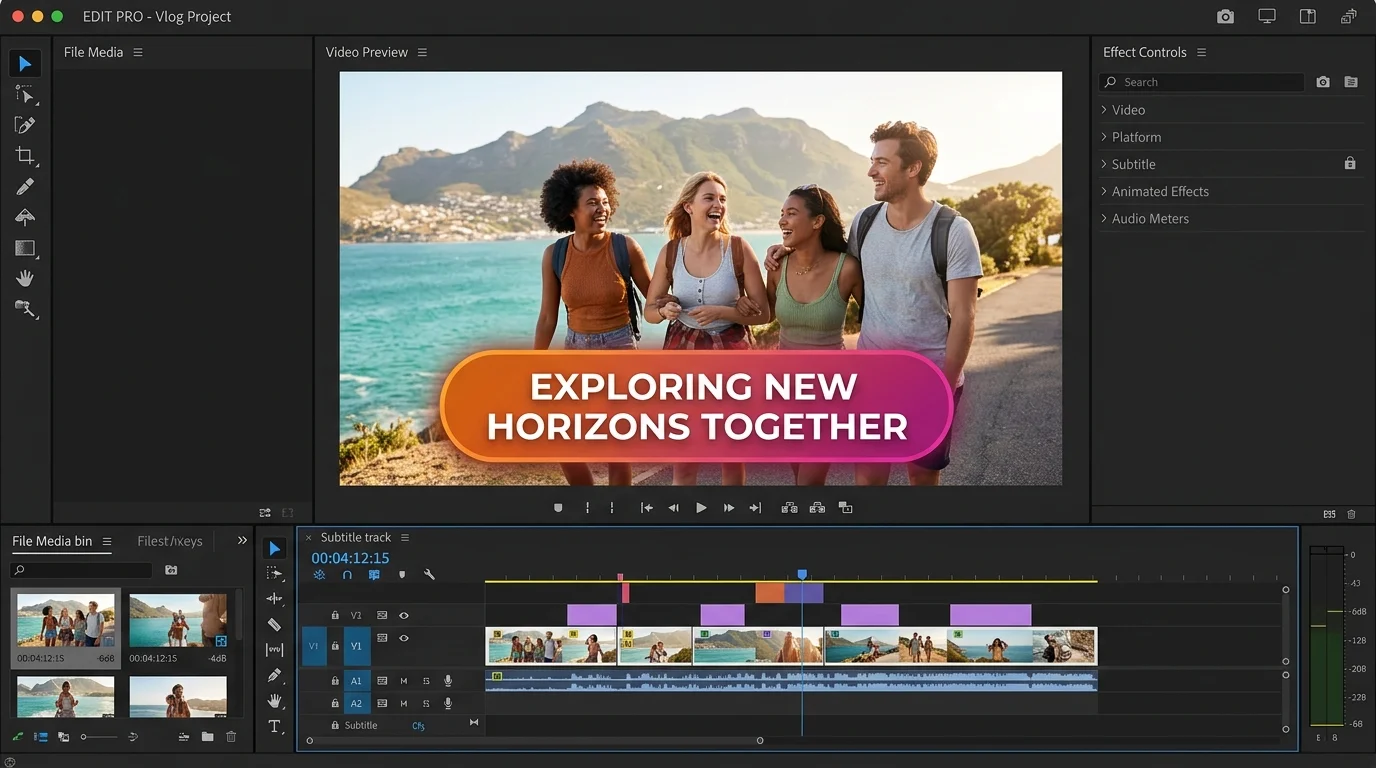
Whether you're posting to YouTube, TikTok, Instagram Reels, or Facebook, subtitles and captions are no longer optional — they're essential. Over 85% of social media videos are watched without sound. Adding accurate, styled captions increases watch time, boosts accessibility, and dramatically improves your reach on every platform.
Kubeez makes the entire process fast and effortless. Upload your video, let AI transcribe and sync captions automatically, customize the style to match your brand, and export ready-to-publish files for any platform — all without leaving one tool.
#Why Captions Are Non-Negotiable in 2025
Every major platform now rewards captioned content with better reach:
- YouTube uses caption text for search indexing and recommendations
- TikTok and Instagram Reels auto-play silently — captions keep viewers watching
- Facebook buries uncaptioned videos in the feed
- Accessibility laws in the EU and US increasingly require captions for video content
Beyond compliance, captions boost completion rates by up to 40% and help non-native speakers follow your content clearly. If you're not captioning every video, you're leaving a significant portion of your potential audience behind.
#Step 1 — Upload Your Video to Kubeez
Go to Kubeez Auto Captions and upload your video file. Supported formats include MP4, MOV, AVI, and WebM. You can also paste a link for videos already hosted online.
Kubeez handles videos of any length — short-form clips, long-form tutorials, webinars, and everything in between.
#Step 2 — AI Transcribes and Syncs Captions Automatically
Once uploaded, Kubeez's AI speech recognition engine transcribes your audio and generates time-synced captions in seconds. The AI is trained on diverse accents, speaking speeds, and audio environments, achieving high accuracy across most content types.
For technical terms, brand names, or industry-specific vocabulary, Kubeez's caption editor lets you quickly correct individual words without re-processing the entire video.
#Step 3 — Customize Your Caption Style
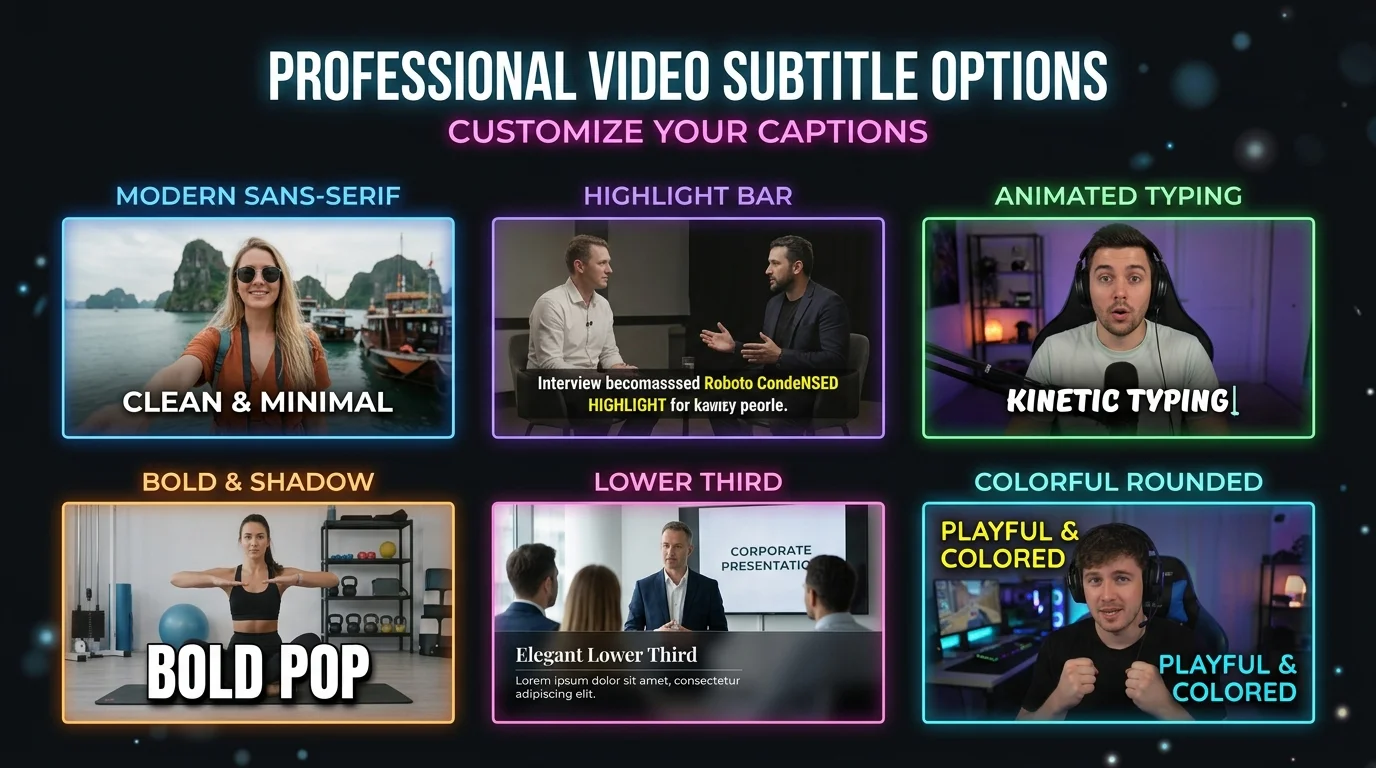
Plain white text on a black bar is a thing of the past. Kubeez lets you fully style your captions to match your brand:
- Font — Choose from modern, clean, bold, or playful typefaces
- Color — Set text color and background fill with precise hex values
- Position — Place captions at the top, middle, or bottom of the frame
- Animation — Word-by-word pop, sentence reveal, or karaoke-style highlight
- Size — Optimized presets for mobile viewing (critical for TikTok and Reels)
- Emojis — Add contextual emojis to captions for personality and engagement
Consistency matters. Save your caption style as a preset and apply it to every new video automatically for a consistent branded look across your entire channel.
#Step 4 — Export for Every Platform
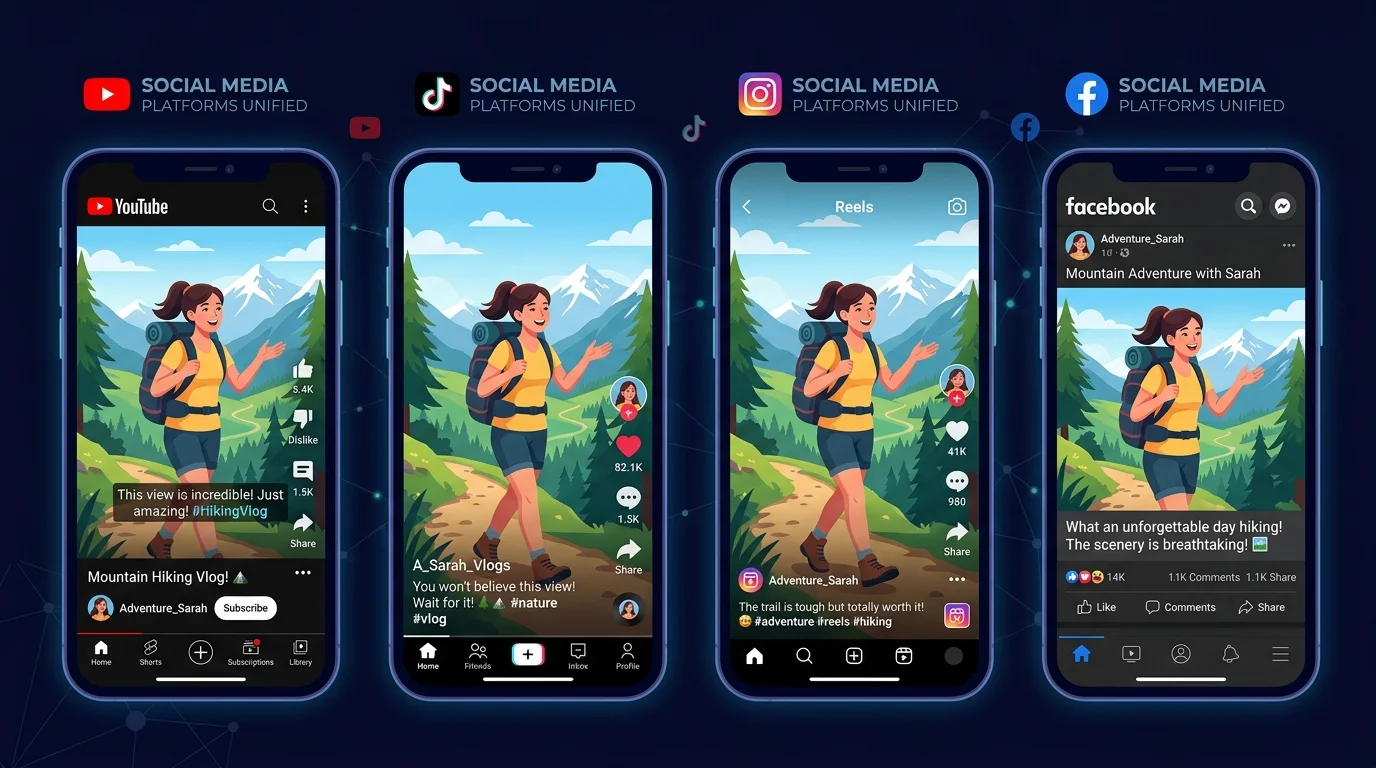
Kubeez exports captions in the exact formats each platform requires:
| Platform | Recommended Format |
|---|---|
| YouTube | SRT or VTT file upload |
| TikTok | Burned-in captions (MP4) |
| Instagram Reels | Burned-in captions (MP4) |
| SRT file or burned-in | |
| SRT file upload | |
| Accessibility/Legal | SRT or VTT for compliance |
Export once, publish everywhere. You can generate multiple exports from the same session without re-uploading your video.
#Platform-Specific Tips
YouTube: Upload the SRT file directly in YouTube Studio under "Subtitles." This gives YouTube the text for search indexing — a significant SEO advantage over burned-in captions.
TikTok: Use burned-in captions with a slightly larger font size (around 6–7% of frame height). TikTok viewers scroll fast — make your text impossible to miss.
Instagram Reels: Center-position captions away from the lower interactive area (likes, comments, audio). Animated word-by-word captions perform exceptionally well for Reels.
Facebook: Burned-in captions work universally. Facebook's algorithm actively boosts captioned videos in the feed.
#Multilingual Captions
If your audience spans multiple languages, Kubeez can generate captions in your source language and translate them into additional languages. Reach Spanish, French, Portuguese, and Romanian-speaking audiences without re-recording any content.
Translated caption files can be uploaded as alternate subtitle tracks on YouTube, giving you multi-language SEO value from a single video.
#Best Practices for Perfect Captions
- Record clean audio — Background noise reduces transcription accuracy. Use a decent microphone and minimize ambient sound
- Speak at a natural pace — Very fast speech produces more transcription errors; slow down slightly if needed
- Always review before publishing — AI is highly accurate, but names, acronyms, and technical terms may need manual correction
- Keep captions concise — Break long sentences into shorter caption blocks for easier reading
- Test on mobile — 90% of your audience watches on phones. Preview your captions on a mobile screen before export
#Get Started with Kubeez Auto Captions
Kubeez combines auto captions with AI video generation, image creation, and ad tools in one unified platform. You can go from raw footage to a fully captioned, styled, platform-ready video without switching between tools.
Start adding captions to your videos on Kubeez and start reaching every viewer — even the ones watching in silence.
See also