How to Use AI Auto Captions to Boost Engagement on TikTok, Instagram, and YouTube
80% of social media videos are watched on mute. Learn how AI auto captions increase watch time by up to 40%, plus platform-specific strategies for TikTok, Reels, Shorts, and LinkedIn.
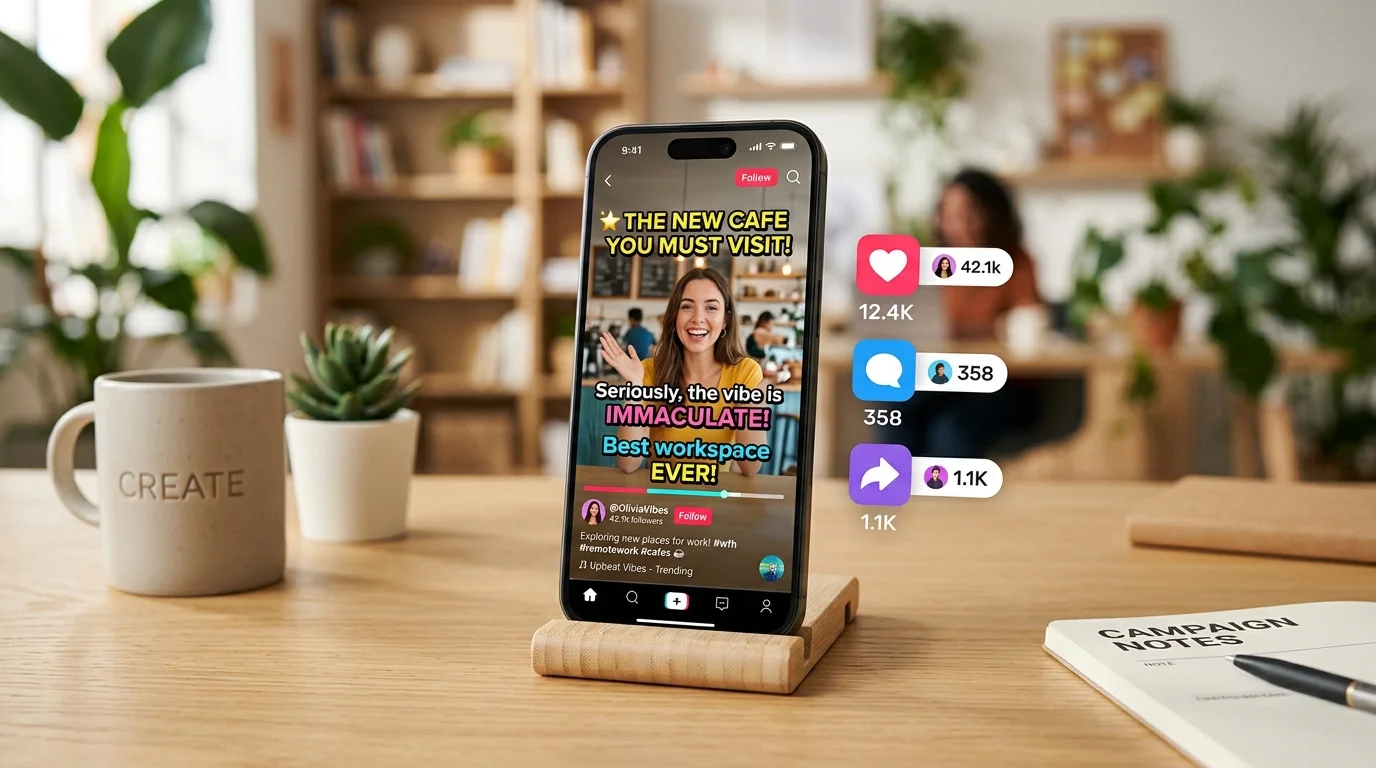
If you've scrolled through TikTok, Instagram Reels, or YouTube Shorts in the last year, you've noticed one thing every top-performing video has in common: captions. Bold, timed, impossible-to-ignore text that keeps people watching even with the sound off.
That's not a coincidence. According to multiple studies, 80% of social media videos are watched on mute, and adding captions can increase average watch time by up to 40%. For creators and marketers, this isn't optional anymore. It's the difference between content that gets skipped and content that converts.
#Why Captions Matter More Than Ever
Social media algorithms prioritise one metric above all others: watch time. The longer someone stays on your video, the more the platform pushes it to new audiences. Captions directly impact this number in three ways:
- Accessibility: Deaf and hard-of-hearing viewers can engage with your content. Beyond being the right thing to do, it expands your actual audience.
- Sound-off viewing: People scroll in offices, on public transport, in bed next to a sleeping partner. Captions let them consume your content without unmuting.
- Comprehension: Even when sound is on, captions reinforce the message. Viewers retain more information when they read and hear simultaneously.
The result? Videos with captions consistently outperform those without in engagement rate, shares, and conversions.
#The Old Way vs. the AI Way
Traditionally, adding captions meant one of two painful options:
- Manual transcription: Watch the video, type out every word, sync the timing by hand. A 60-second video could take 20-30 minutes.
- Expensive software: Professional captioning tools that cost hundreds per month and still require manual corrections.
AI auto-captioning changes this completely. Tools like Kubeez Auto Captions analyse your audio, generate accurate transcriptions, and sync them to your video automatically. What used to take half an hour now takes seconds.
#How Kubeez Auto Captions Work
The workflow is simple:
- Upload your video -- any format, any length. Drag it into the Auto Captions tool.
- AI transcription -- the system analyses the audio track, detects language automatically, and generates word-by-word captions with precise timing.
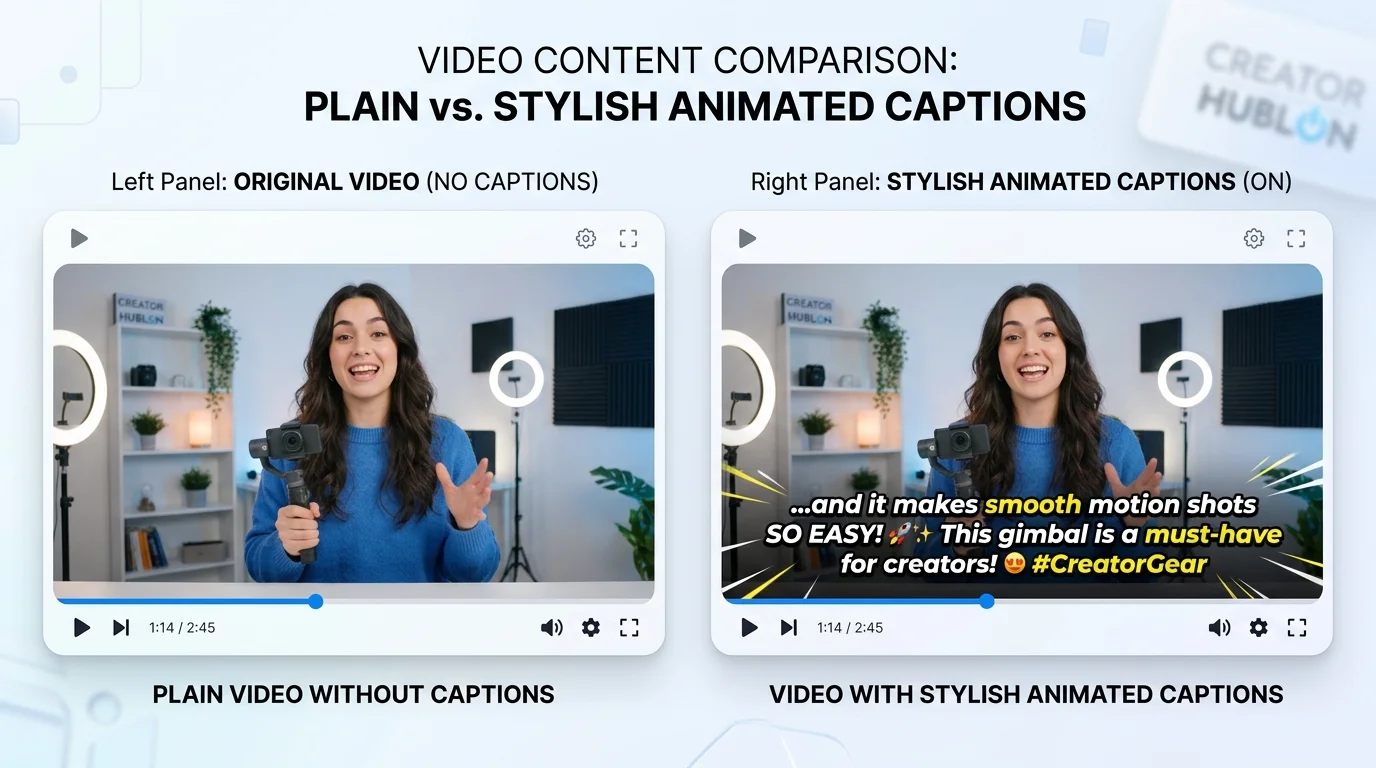
- Style customisation -- choose from preset caption styles (bold, minimal, karaoke-style highlight) or customise fonts, colours, size, and position.
- Export -- download your captioned video ready to post on TikTok, Instagram, YouTube, Facebook, or LinkedIn.
No editing experience required. No timeline scrubbing. No manual sync.
#Platform-Specific Strategies
#TikTok
TikTok's algorithm heavily rewards watch time and completion rate. Captions keep viewers locked in, especially during the critical first 3 seconds. Pro tip: Use large, centred text with high contrast. TikTok's safe zone is narrow -- keep captions in the middle 60% of the screen to avoid overlap with UI elements.
#Instagram Reels
Reels compete for attention in a feed alongside photos and carousels. Captioned videos stop the scroll because the text creates visual movement even in the thumbnail preview. Instagram also indexes caption text for search, which means your captions improve discoverability.
#YouTube Shorts
YouTube has a massive advantage: search. Shorts with accurate captions get indexed more effectively, meaning your content surfaces when people search for related topics. Additionally, YouTube's auto-translate feature works better when your captions are clean and accurate.
#Facebook and LinkedIn
These platforms skew professional. Videos on LinkedIn autoplay muted in the feed, so captions aren't just helpful -- they're essential. On Facebook, captioned videos see 12% higher shares compared to those without.
#Beyond Basic Captions: Full Video Workflow
The real power comes when you combine auto-captions with a complete AI video pipeline:
- Generate your visuals with AI image and video models on Kubeez -- product shots, animated scenes, B-roll footage.
- Add AI music to set the mood -- background tracks generated in seconds.
- Add AI voiceover using text-to-dialogue for professional narration.
- Apply auto-captions to make everything accessible and engaging.
- Edit in KubeezCut -- trim, layer, add effects, and export.
This entire pipeline -- from blank canvas to platform-ready captioned video -- can be done in minutes, not days.
#Measuring the Impact
After adding captions to your content, track these metrics:
- Average watch time: Should increase noticeably within the first week.
- Completion rate: The percentage of viewers who watch to the end.
- Engagement rate: Likes, comments, shares, and saves.
- Follower growth: Accessible content attracts a wider audience.
Most creators report a 15-40% improvement in engagement metrics after consistently captioning their videos.
#Get Started
Adding captions to your videos takes less than a minute:
- Go to Kubeez Auto Captions
- Upload your video
- Choose a caption style
- Export and post
Every major platform rewards captioned content. The creators who adopted captions early have already seen the results. The ones who haven't are leaving engagement -- and revenue -- on the table.
All images in this article were generated with Nano Banana 2 on Kubeez.
See also