How to Generate Professional Logos on Kubeez Using AI
Prototype logo concepts with Nano Banana 2, then generate final vector-quality logos with Logo-maker. From brand brief to polished logo in a single session.
A great logo is the foundation of a brand. It communicates identity, builds recognition, and shapes perception — often in less than a second. Getting one right traditionally meant hiring a designer (expensive), using a basic online logo builder (limiting), or waiting weeks for agency work (slow).
Kubeez's Logo-maker tool — built on Recraft's vector generation technology — changes this. Describe your brand and the logo you envision, and AI generates professional, vector-quality logo concepts in seconds. Here's exactly how to use it effectively.
#What Makes Kubeez Logo-maker Different
Most AI image generators were not built for logo design. They produce raster images — pixel-based graphics that blur and distort when scaled up. Logos need to look sharp on a business card and a billboard simultaneously. That requires vector graphics: mathematically defined shapes that scale infinitely without quality loss.
Kubeez's Logo-maker uses Recraft's specialized vector generation technology, which is purpose-built for logo, icon, and brand mark creation. The outputs are clean, scalable, and production-ready — not just pretty pictures that happen to look like logos.
#Step 1 — Define Your Brand Before Prompting
The best logo prompts start with clarity about your brand. Before writing a single word in Kubeez, answer these questions:
- What is your business name? (Include it in the prompt)
- What does your business do? (In one sentence)
- Who is your audience? (Professionals, creatives, families, tech users)
- What personality should the brand convey? (Trustworthy, playful, innovative, premium, accessible)
- What industries are you in? (Tech, food, healthcare, fashion, finance)
- Are there any visual references you like? (Minimalist, geometric, illustrative, wordmark, lettermark)
The more clearly you can articulate your brand, the more relevant and useful your logo generations will be.
#Step 2 — Prototype Concepts with Nano Banana 2
Before spending credits on Logo-maker, use Nano Banana 2 to rapidly prototype logo directions and visual concepts. At a lower cost per generation, you can explore:
- Different visual metaphors for your brand
- Color palette directions
- Icon shapes and typography styles
- Overall aesthetic (modern flat, 3D emblem, hand-drawn, geometric)
Generate 10–20 quick concepts with Nano Banana 2 to identify which visual directions feel right for your brand. This prototyping phase costs very little and saves you from spending Logo-maker credits on directions that don't resonate.
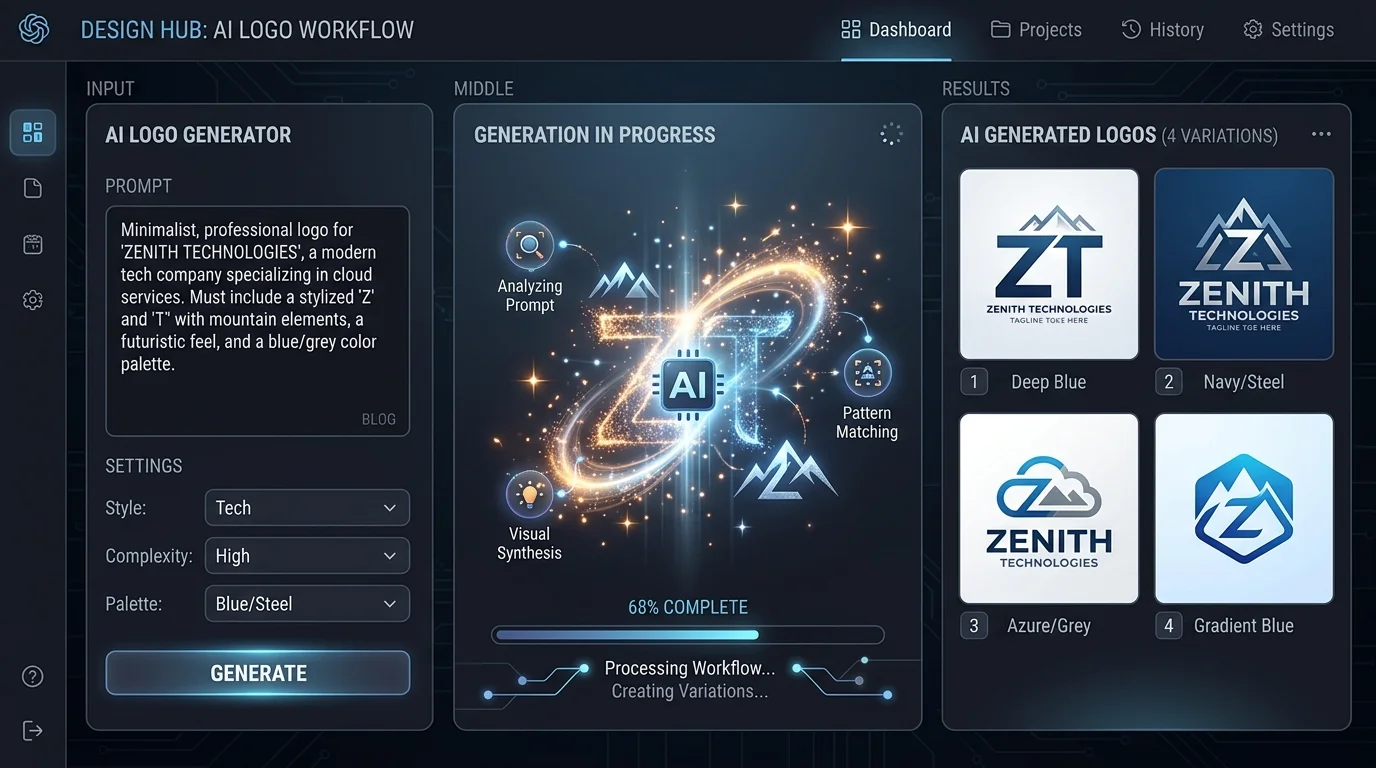
Example Nano Banana 2 logo prompt:
"Logo concept for a tech startup called Meridian. Clean, minimal design. Dark navy and electric blue color palette. Abstract geometric icon suggesting connectivity and precision. Modern sans-serif wordmark. White background. Multiple variations."
Review the results and identify 2–3 visual directions worth pursuing further with the Logo-maker.
#Step 3 — Generate Final Vectors with Logo-maker
Once you've identified a clear direction from your prototyping, take that concept to Kubeez Image Generation and select the Logo-maker model.
Write a refined, specific prompt based on what you learned in Step 2:
"Professional vector logo for 'Meridian' — a B2B data analytics platform. Icon: abstract geometric hexagon with interconnected nodes suggesting data flow. Clean, modern style. Color palette: deep navy (#1a1f3d) and electric blue (#0066ff). Typeface: geometric sans-serif, semi-bold. White background. Scalable, minimal, premium."
Generate 4–8 variations. The Logo-maker produces clean vector-style outputs with precise geometry, sharp edges, and consistent line weights — characteristics essential for professional logo use.
#What to Include in Your Logo Prompt
Business name: Always include the exact name as it should appear in the logo (if it's a wordmark or combination mark).
Industry and purpose: "for a pediatric dental clinic", "for a sustainable fashion brand", "for a cybersecurity startup"
Logo type:
- Wordmark — Company name in styled typography only (think Google, Coca-Cola)
- Lettermark — Initials only (IBM, HBO)
- Icon/Symbol — Abstract or illustrative mark with no text
- Combination mark — Icon plus wordmark together (most common for new brands)
- Emblem — Text integrated inside a badge or crest shape
Style descriptors: Minimalist, geometric, hand-drawn, retro, luxury, playful, corporate, tech, organic
Color information: Specific hex codes if you have them, or descriptive direction: "warm earth tones", "monochrome black and white", "bold primary colors"
What to avoid: If you know you don't want something specific: "no gradients", "no drop shadows", "no script fonts"
#Step 4 — Test Mockups Before Finalizing
A logo that looks great on a white screen can look completely different on a business card, a dark website background, or a vehicle livery. Before finalizing any logo direction, test it in context.
Use Kubeez's image-to-image tools to place your logo onto realistic mockups:
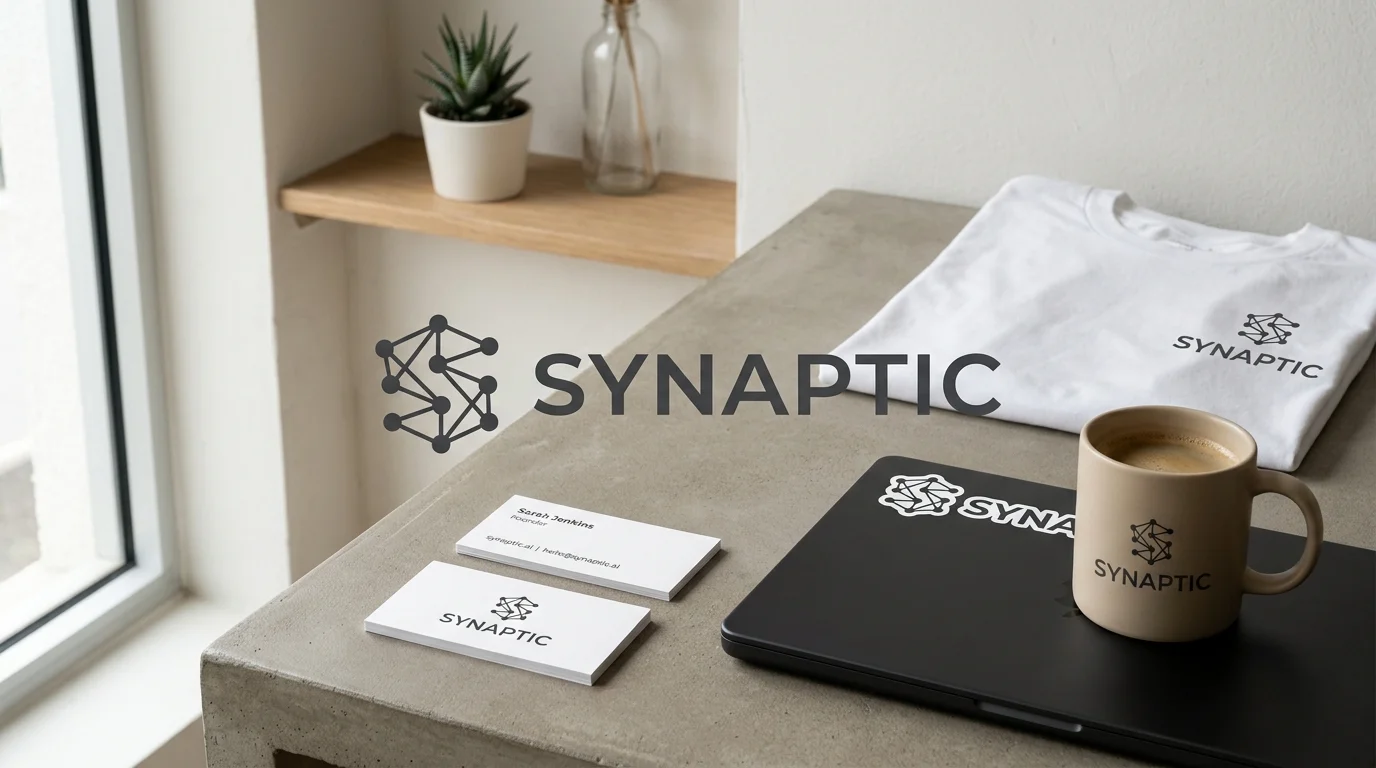
Mockup testing prompts:
"Place this logo on a premium matte black business card. Studio photography lighting, professional presentation, dark background."
"Show this logo on a white t-shirt. Natural daylight, clean minimal clothing photography style."
"Apply this logo as a laptop sticker on a MacBook. Realistic placement, desk setting, professional environment."
Testing in real-world contexts surfaces problems that aren't visible on a plain white background — contrast issues, size legibility, color behavior on dark backgrounds — before you commit to printing or production.
#Logo Prompting Best Practices
Be specific about geometry: "circular badge", "equilateral triangle icon", "diagonal slash mark" — geometric precision in prompts produces better geometric precision in outputs.
Reference design movements: Bauhaus, Swiss International Style, American Vintage, Japanese Minimalism — these give the AI a precise aesthetic framework to work within.
Specify background: Always include "white background" or "transparent background concept" unless you specifically want a colored background logo.
Test at small sizes: A good logo reads clearly at 32px (favicon size) and at 3000px (billboard size). Generate a small preview crop to test legibility at icon sizes.
Iterate on winners: When a generation produces a concept you like but it's not quite right — refine the prompt with specific improvements rather than starting over. "Same concept but make the icon more circular and the typeface lighter weight."
#From Logo to Brand System
A logo is the starting point, not the endpoint. Once you have a logo direction you're confident in, use Kubeez's other image generation tools to build the surrounding brand system:
- Business card designs — Full card layout with logo, contact details, and brand colors
- Social media profile pictures — Icon-only versions optimized for circular crops
- Email signature graphics — Logo formatted for email use
- Brand pattern backgrounds — Repeating patterns derived from your logo mark
- Branded content templates — Social posts with your logo and color system applied
Start generating your logo on Kubeez with the Logo-maker — professional vector quality, in minutes.
See also