Marketing
10 Product Video Ideas You Can Make From One Photo
10 product video ideas, from backdrop swaps to macro pours and storybook pages, each made from one product photo with a real Kubeez Marketing Studio template.
· Dex
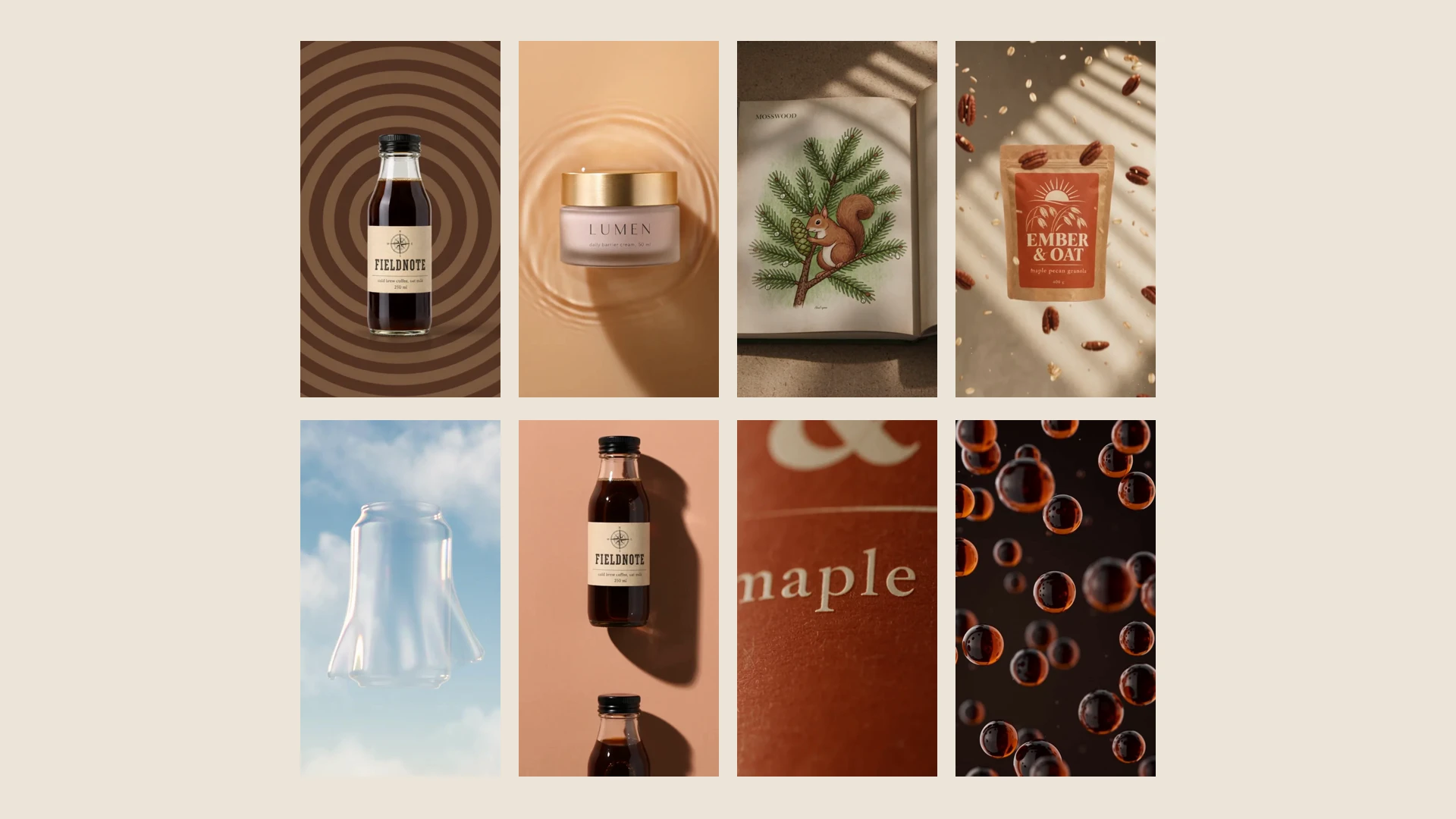
Good product video ideas are short, built around the product, and easy to repeat for every item you sell. The ten below all fit that brief, and none of them needs a camera, a set or an editor. Each one is a real clip made by a Product videos template in Kubeez Marketing Studio from a single photo of the product.
Fieldnote, Kumo Fizz, Lumen, Ember & Oat and Mosswood are fictional sample products made up for the template previews, so you can see what each idea looks like before you run it on your own product. Under every clip there is a link that opens the studio with that template already picked.
These are motion pieces, not people talking to the camera. If you want creator style clips, see the UGC video ideas in our guide to a full marketing asset pack from one product photo, which covers every format Marketing Studio makes.
1. The backdrop swap
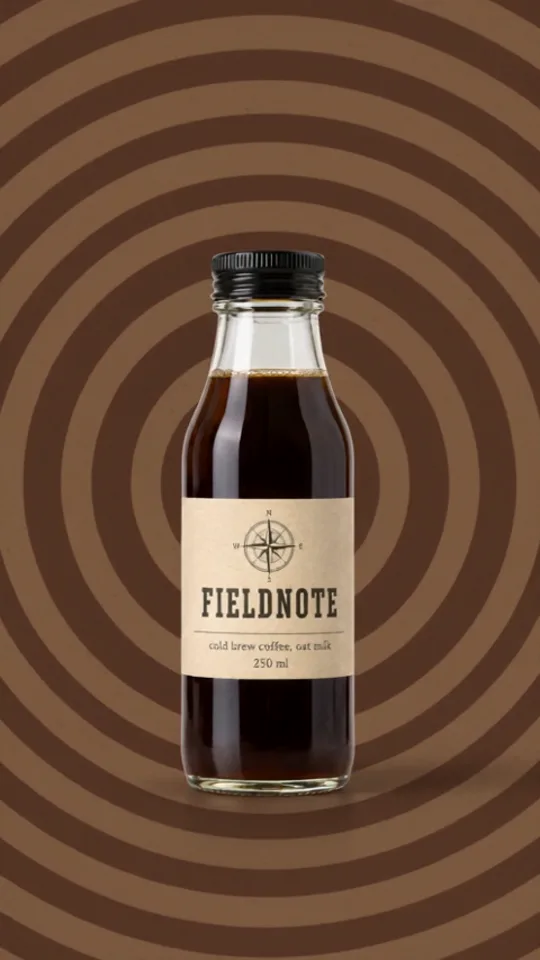
Watch the 10 second clip or use the Backdrop Rapid Fire template.
The product stays still and the world behind it changes on the beat. It is the simplest product photo to video idea there is, and it works for almost anything with a clear shape.
Where to use it: the first seconds of a vertical ad, or a story that needs to stop a thumb.
2. The shadow wall loop
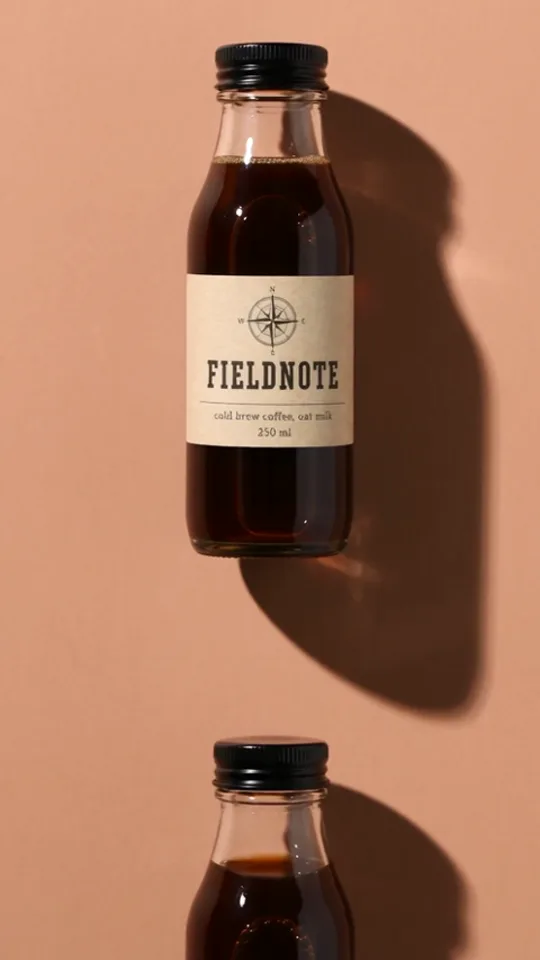
Watch the 8 second clip or use the Shadow Wall Loop template.
Hard sunlight, a long shadow and a wall that changes color as the bottles scroll past. It loops cleanly, which makes it one of the best short product video examples for a product page.
Where to use it: a looping clip at the top of a product page, or a background for a sale banner.
3. The pour reveal
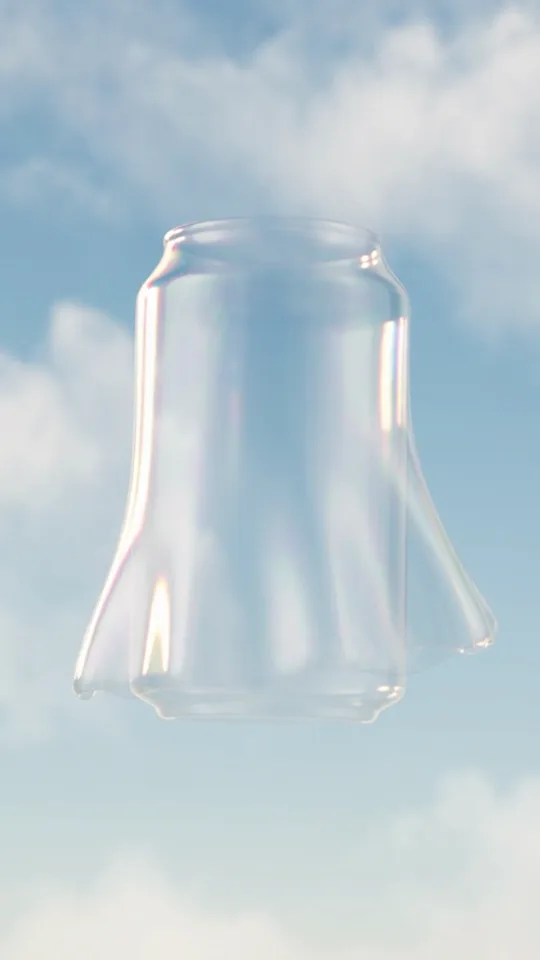
Watch the 12 second clip or use the Glass Ghost Pour template.
A clear glass ghost of the can fills with the drink, then turns into the real thing. A reveal like this gives the viewer a reason to watch to the end, because the product only appears in the last seconds.
Where to use it: launch posts and teasers for a new flavor or a new pack.
4. The macro texture
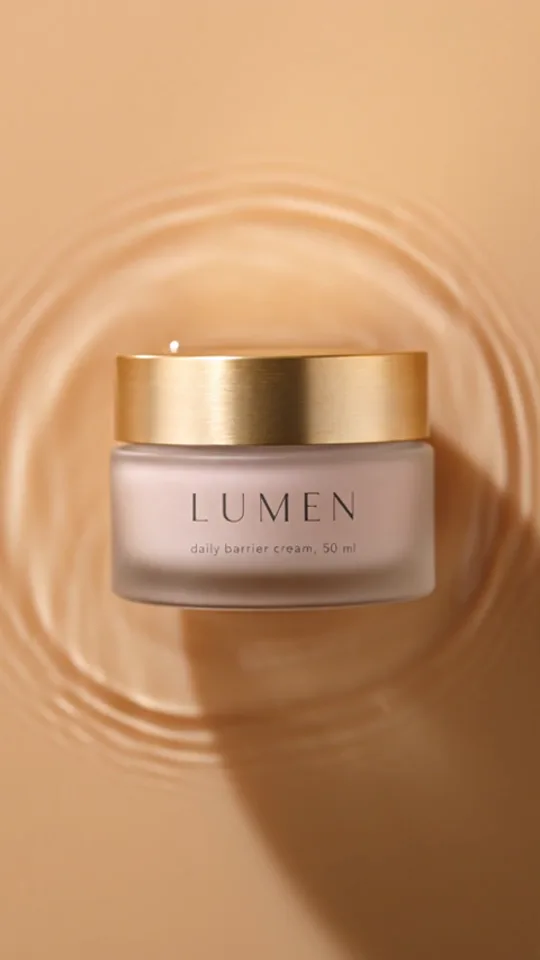
Watch the 10 second clip or use the Ripple and Pour template.
Extreme close ups of ripples, swirls and a slow pour of the cream into a dish of flowers. Texture sells products that people want to touch, like skincare, food and drinks.
Where to use it: beauty and food ads, and the second slot in a product page gallery, right after the main photo.
5. The close in turntable
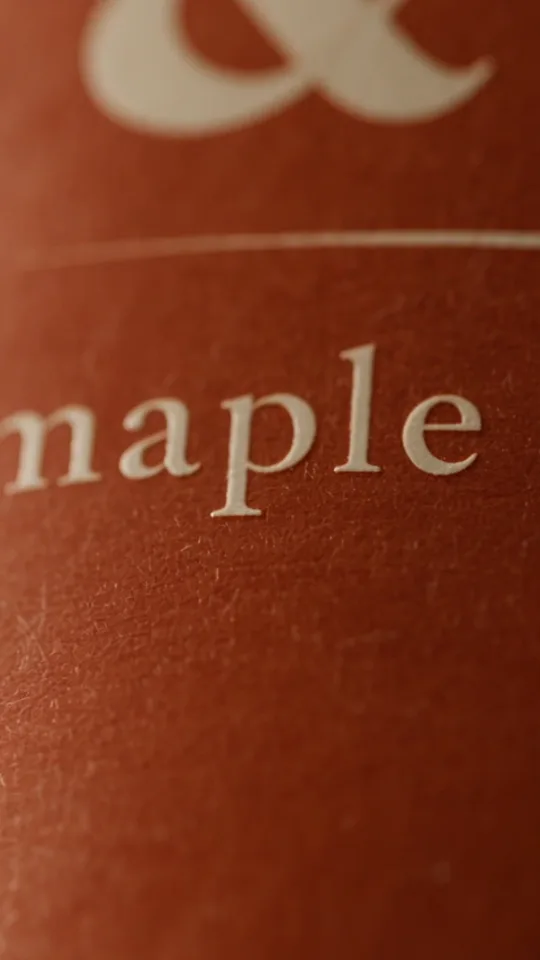
Watch the 8 second clip or use the Close-In Turntable template.
The camera starts on a detail of the label and pulls back as the pouch turns, until the whole pack sits lit on a dark set. It is the classic packshot, with a reveal built in.
Where to use it: product pages and marketplace galleries that accept video.
6. The ingredient shower
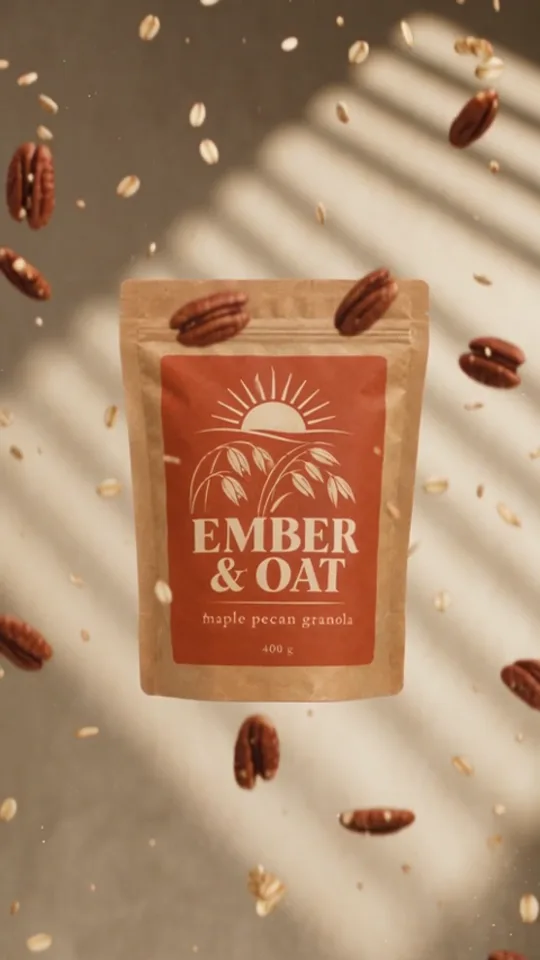
Watch the 15 second clip or use the Ingredient Shower template.
What is inside rains down around the pack, then a hand picks it up. It shows the ingredients without a word of copy, so it works in any language.
Where to use it: food and drink ads, and recipe or ingredient posts.
7. The essence bloom
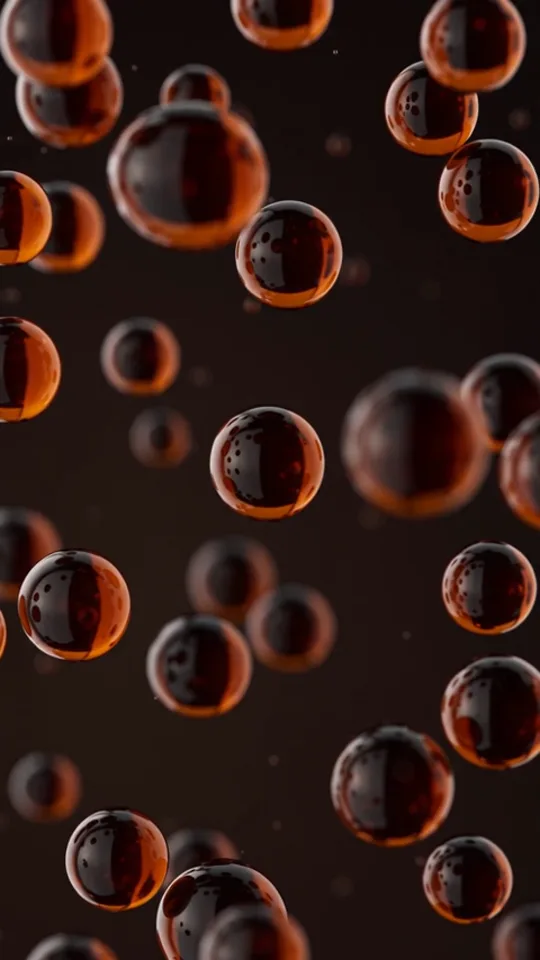
Watch the 5 second clip or use the Essence Bloom template.
Floating drops of the product gather into a burst and the bottle appears in the middle, with the brand name arched over it. At five seconds it is the shortest idea on this list.
Where to use it: a bumper before a longer video, or a quick brand moment in a carousel.
8. The giant word parade
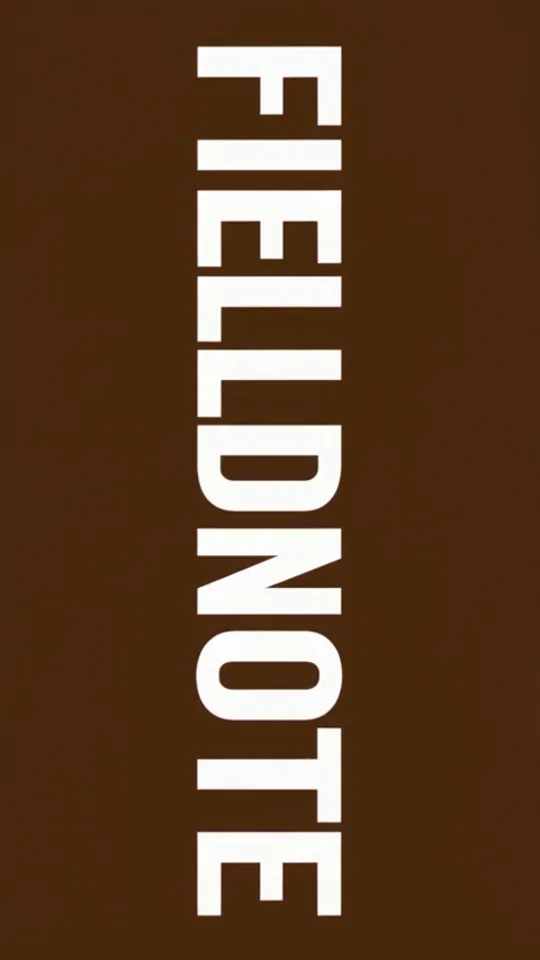
Watch the 15 second clip or use the Giant Word Parade template.
Huge single words alternate with shots of the product: the name, then what it is, then what is in it. The words come from the product description, and they follow your brand kit's language.
Where to use it: sound off feeds, where bold type does the job a voice would.
9. The storybook pages
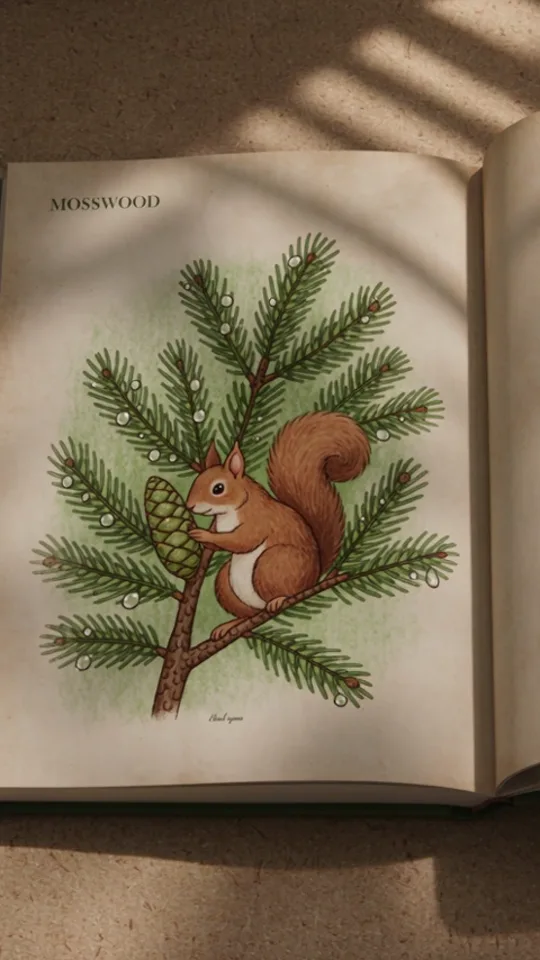
Watch the 15 second clip or use the Picture Book template.
Pages turn through hand drawn scenes until the candle appears in the story. A gentle, illustrated idea for brands with a warm or seasonal tone.
Where to use it: gift guides, holiday campaigns and email headers that link to a video.
10. The tiny world portal
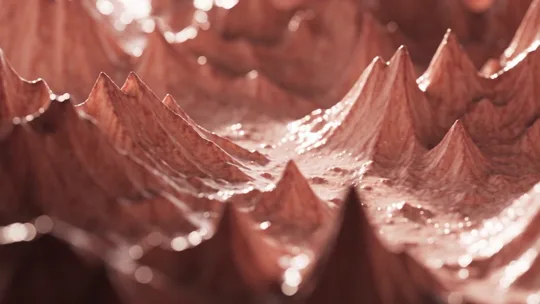
Watch the 9 second clip or use the Tiny World Portal template.
The camera flies through a miniature world built from the product's colors and textures before the jar appears in a ring of light. This one is wide, 16:9, so it fits a website header or a video slot on a landing page.
Where to use it: the hero of a product page or a launch page.
How to make any of these from your own photo
Every idea above is a template on the Product videos shelf. To run one:
- Save your product in Marketing Studio with a clear photo, its name and a description. On-screen words only say what the description says.
- Pick the template. The deep links above open the studio with it already chosen.
- Choose Quality for better visuals or Economy for a faster, cheaper run at lower quality.
- Keep the template's own length or set anything from 4 to 15 seconds, then pick the ratio (1:1, 3:4, 9:16, 4:3 or 16:9), 480p or 720p, and 1 to 4 videos.
Your photo is used as a reference for how the product looks, not as the first frame, so the product can move through the scene. Every clip comes with sound. The School lesson on product ads and videos walks through each setting, and our post on ecommerce product videos covers where video fits in a store.
Marketing Studio is credit based. The Generate button shows the cost of a run before you press it; current plans are on the pricing page.
FAQ
How long should a product video be?
There is no single right length, but feeds and ads favor short clips that show the product early. Marketing Studio clips run from 4 to 15 seconds, and each template starts at the length its pacing was built for, so keeping that length is a safe default.
Can I make a product video from a photo?
Yes. Every idea in this post was made from one product photo. The photo shows the product's look, and the template sets the motion, the scene and the sound.
Which aspect ratio should a product video use?
Use 9:16 for stories and vertical feeds, 1:1 or 3:4 for the main feed, and 16:9 for website headers and wide video slots. Every Product videos template can run in all five ratios.
Do I need a camera or editing software?
No. You need one clear photo of the product. A phone photo is fine if the whole product is visible, sharp and well lit.
Can I make the same video for several products?
Yes. Run the same template on each saved product, or press Use this template on a result to run it again with another product or photo.
Pick your first idea
Open Kubeez Marketing Studio, save one product and try the backdrop swap or the shadow wall loop first, since both work for almost any product. For more motion styles, browse the Product videos shelf. For product shots, ads and UGC clips from the same photo, read the one photo asset pack guide.
Dex writes the Kubeez guides and makes every example with the same tools you use.