Marketing
8 UGC Video Ad Ideas for Products, With Real Examples
UGC video ad ideas you can use today: 8 creator style formats, from product tests to street unboxings, each shown as a real clip made from one product photo.
· Dex
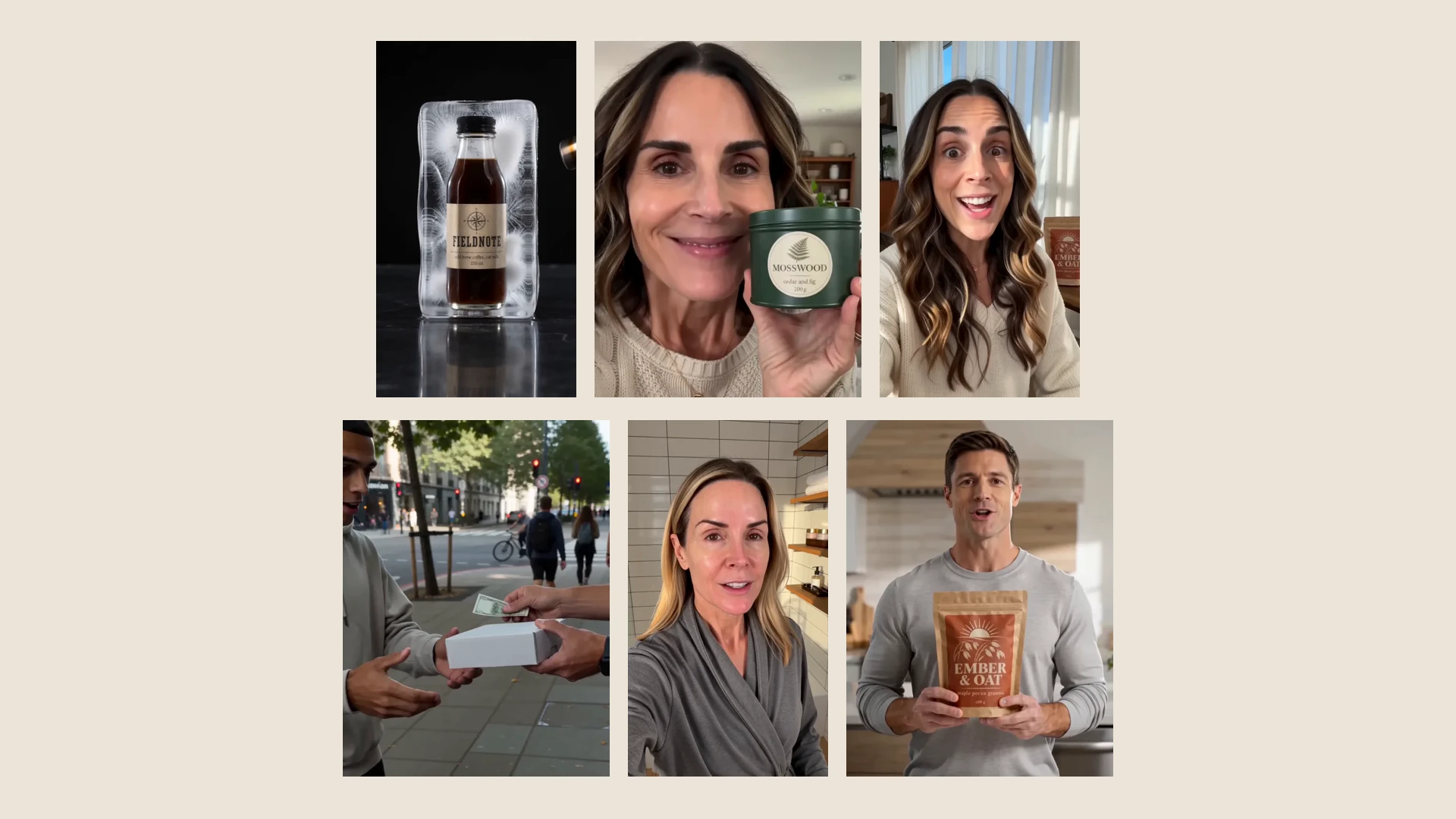
Good UGC video ad ideas are less about who is holding the phone and more about the shape of the clip: what happens in the first second, what the product does, and how it ends. Below are eight formats that work for physical products, each shown as a real example.
Every clip here was made in Kubeez Marketing Studio by a template from the UGC videos shelf, using one photo of a sample product. The brands (Fieldnote, Ember & Oat, Mosswood, Lumen) are fictional, and the people on screen are generated by the template, not real customers. Click a poster to play the clip, or use the link under it to open the studio with that template picked.
1. The product test
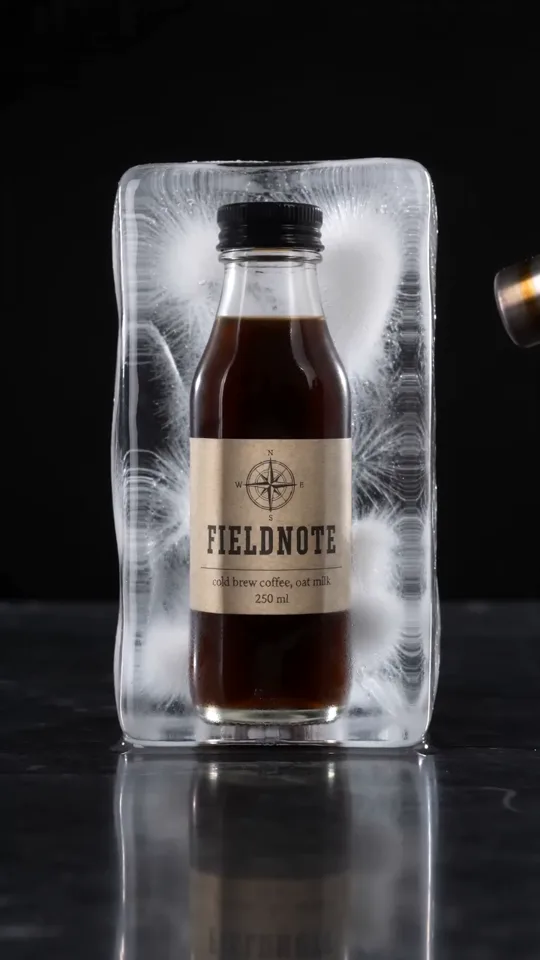
Watch the 13 second clip or use the Thaw Test template.
A product test puts the product through something and shows what is left. Here the bottle sits frozen in a block of ice, the ice gives way, and the coffee pours out. No one has to speak; the action is the argument.
Hook tip: open on the strange setup, not on the product alone. A frozen bottle makes people wait for the result.
2. The first reaction
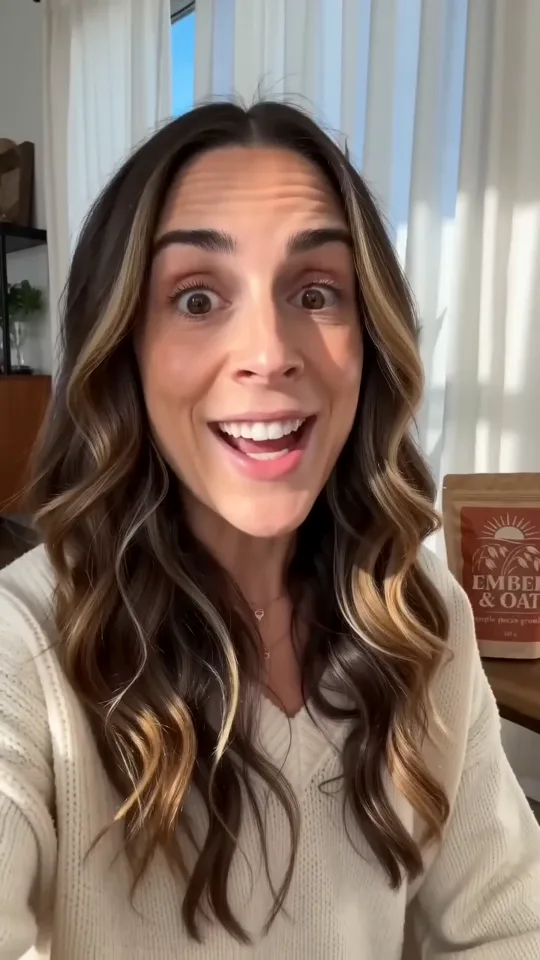
Watch the 12 second clip or use the Can't Stop template.
The reaction format is a person filming themselves the moment they try something. It reads as a friend's story, not an ad, which is why it sits so naturally in a vertical feed.
Hook tip: start on the face mid reaction. The product can arrive a beat later.
3. Pain point to solution

Watch the 12 second clip or use the Pain to Relief template.
Name a small, everyday problem, then show the product ending it. In this one the problem is a hungry morning with nothing quick to eat, and the answer is a bowl of granola on the counter. It is one of the most common UGC ad examples for products because it works for almost anything people buy to fix a moment.
Hook tip: the problem has to be recognisable in one look. If it needs explaining, pick a smaller problem.
4. The shared moment
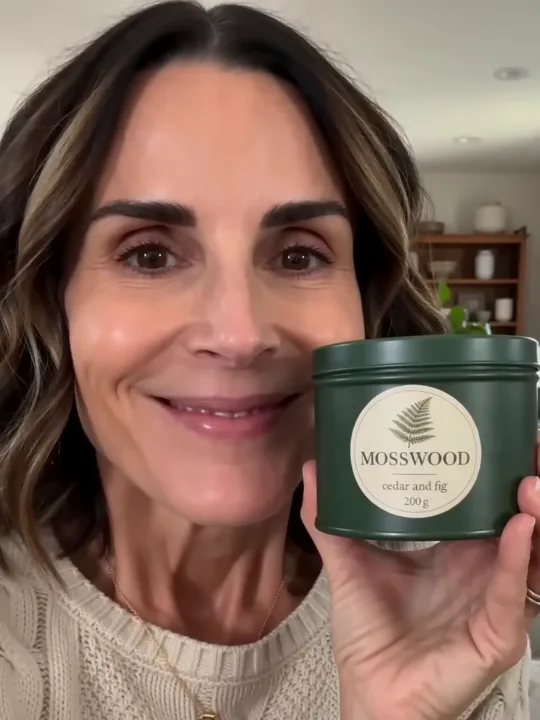
Watch the 15 second clip or use the Sofa Share template.
Some products are about who you use them with. Here a candle goes from a close up to a lit tin between two people on a sofa. The format suits gifts, food, drinks and home goods.
Hook tip: start close on the product in one person's hand, then widen to show the second person. The reveal does the work.
5. The street unboxing
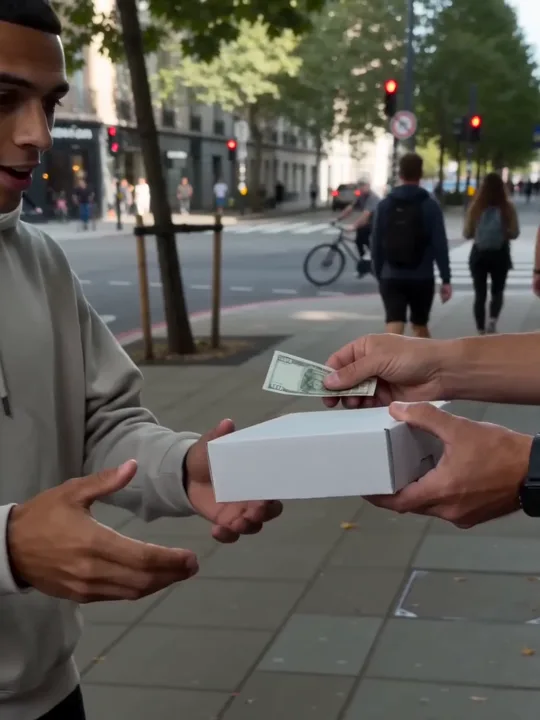
Watch the 15 second clip or use the Street Parcel template.
Unboxing is a classic, and taking it outside makes it feel unplanned. A box changes hands on a busy sidewalk, it opens, and the bottle comes out to a surprised face.
Hook tip: keep the box closed for the first seconds. Curiosity about what is inside is the hook.
6. Show and tell
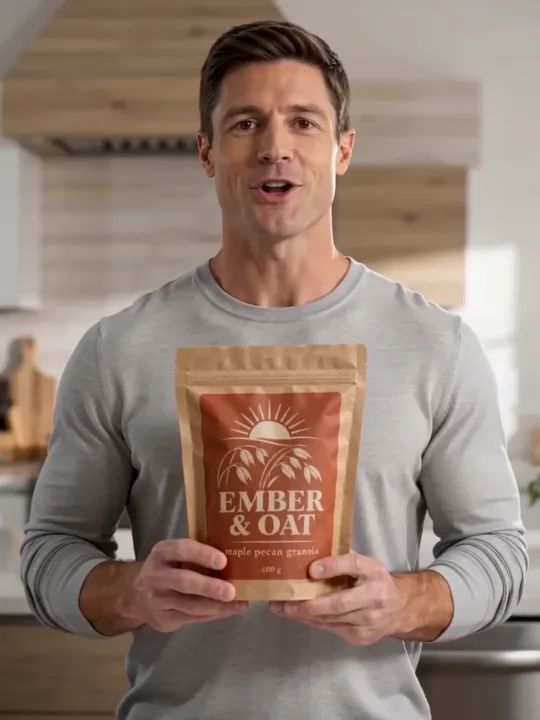
Watch the 15 second clip or use the Hold and Tell template.
The simplest UGC format: a person holds the product up and tells you about it. It works when the product needs a few words of explanation. What they say comes from your product description, so write the description with the points you actually want said.
Hook tip: the product should be in frame and readable from the first second.
7. The routine
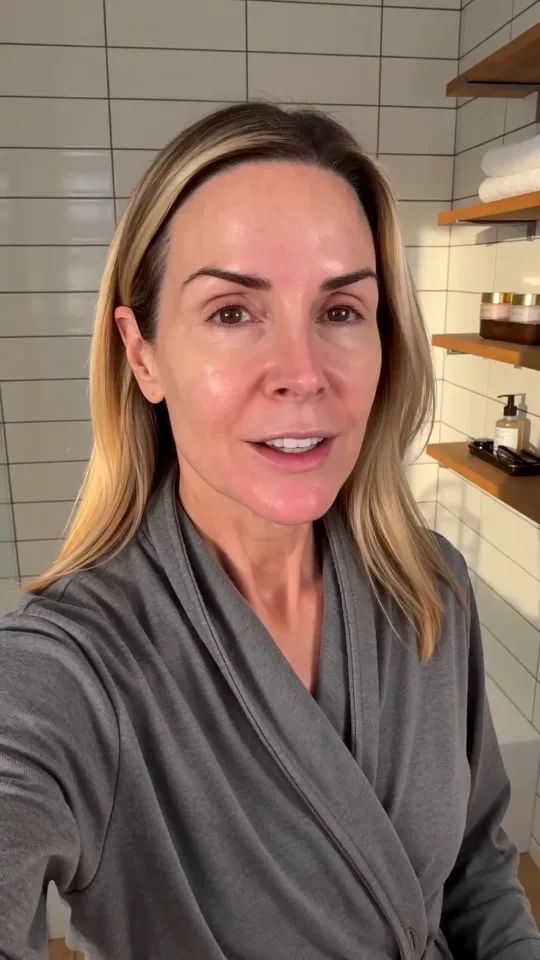
Watch the 15 second clip or use the Routine Reveal template.
A routine video places the product inside something people already do every day: washing up, getting ready, making breakfast. The product earns its place as one step in the sequence instead of being the whole story.
Hook tip: start mid routine. Viewers recognise the setting before they notice the product.
8. Hands only
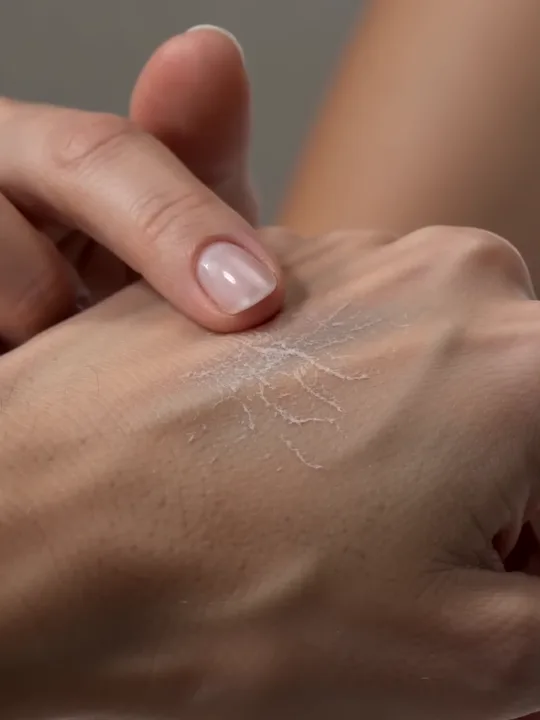
Watch the 10 second clip or use the Grime to Clean template.
No face, just hands and the product: open the jar, apply, show the texture. Hands only clips feel personal without a presenter, and they keep attention on the product.
Hook tip: use the closest crop you can. Texture and touch read best when they fill the frame.
How to make these without hiring creators
Each template on the UGC videos shelf decides who is on screen and what happens, from hands only to a person talking to the camera. You do not cast an avatar or write a script. You pick the template, choose your product photo, and generate. The photo shows what the product looks like; it is used as a reference, not as the first frame, so the product can appear naturally in the scene.
A few settings to know:
- Length: 4 to 15 seconds. Each template starts at its own length, which is the length it works best at.
- Model: Quality or Economy. Quality gives better visuals and costs more; Economy is faster and cheaper at lower quality.
- Size: 1:1, 3:4, 9:16, 4:3 or 16:9, at 480p or 720p, 1 to 4 clips per run, all with sound.
- Language: spoken lines follow your brand kit's Language, or the app language without a kit.
Your clip will not be a copy of the preview. The previews were made on sample products, so your photo, description and brand kit change what you get. Make one clip first, then more of the formats that suit your product. The full walkthrough is in the School lesson How to use Kubeez for marketing.
UGC is one part of a launch. To see the same photo turned into product shots, ads, posters, listing images and product videos as well, read Turn one product photo into a full marketing asset pack. If you want motion pieces without a person in them, see our product video ideas.
FAQ
What makes a good UGC video ad?
A clear first second, a product that is visible and readable, and one simple story: a test, a reaction, a problem solved or a routine. It should feel filmed by a person, not produced by a studio.
How long should a UGC ad be?
Short. The clips in this post run 10 to 15 seconds. In Marketing Studio a UGC template can run from 4 to 15 seconds and starts at the length it was designed for.
Can I make UGC ads without hiring creators?
Yes. Pick a template from the UGC videos shelf and your product photo. The template sets the person, the scene and the pacing, so there is no avatar to choose and no script to write.
Which aspect ratio should I use for UGC ads?
9:16 for vertical stories and short video feeds, 3:4 or 1:1 for the main feed. Every UGC template can render in all five ratios.
Can the people in the clip speak my language?
Yes. Spoken lines follow your brand kit's Language setting. Without a brand kit, they follow the language the app is set to.
How much does a UGC video cost to make?
Marketing Studio is credit based. The cost of each run shows before you generate, and Quality costs more than Economy. Current plans are on the pricing page.
Try one format today
Pick the idea closest to your product, open its template in Kubeez Marketing Studio, and make one clip from your own photo. The rest of the formats are waiting on the UGC videos shelf.
Dex writes the Kubeez guides and makes every example with the same tools you use.