Technology
GPT Image 2.6: Economy vs Flare vs Sunburst vs 2.5 Compared
GPT Image 2.6 Economy vs Flare vs Sunburst: resolutions, aspect ratios, transparent backgrounds and references compared with GPT Image 2.5, plus which to pick.
· Dex
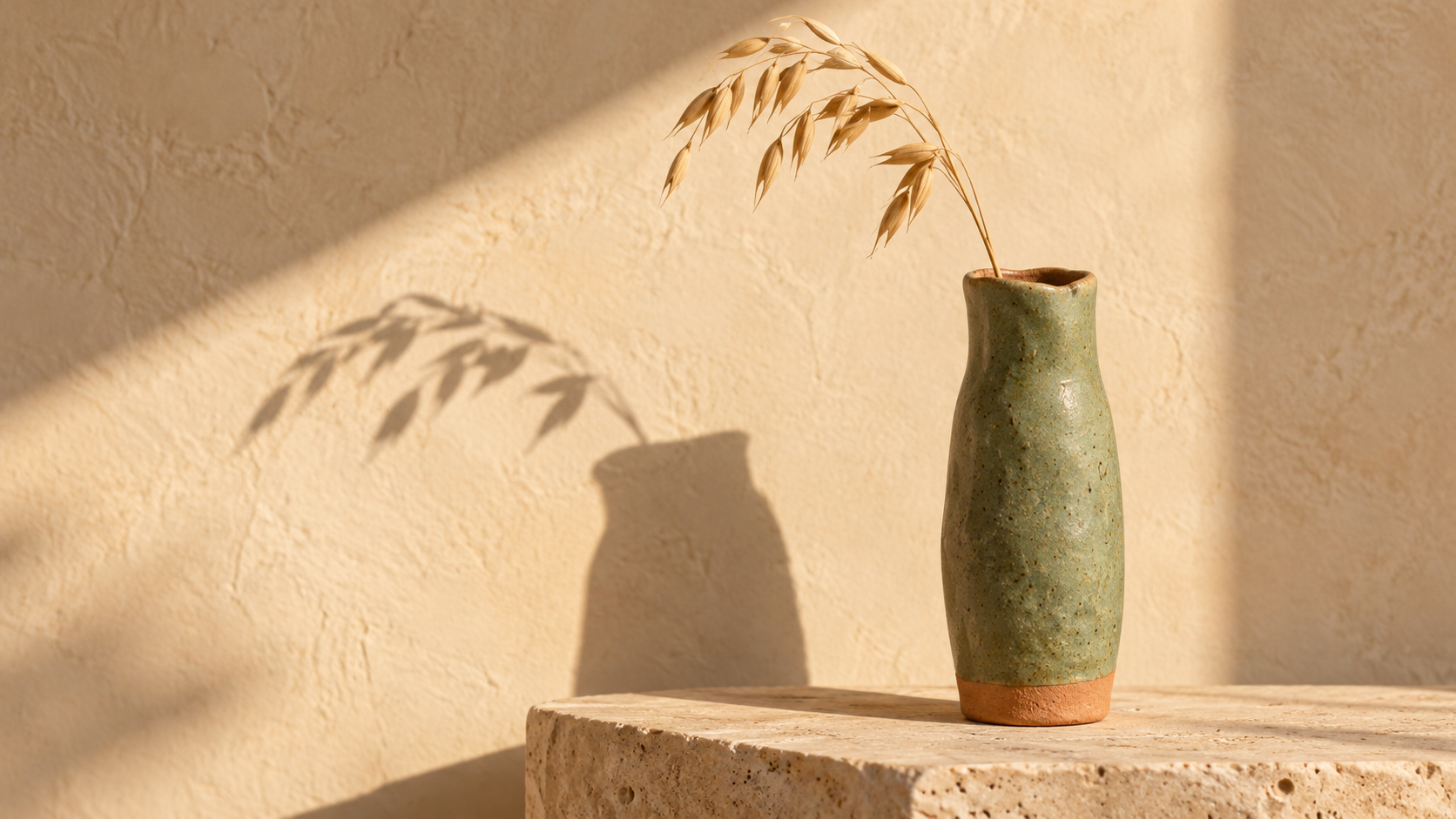
GPT Image 2.6 arrives on Kubeez as one card with three lanes: Economy, Flare and Sunburst. They share a prompt box, a reference limit and the same way of handling text, but they are tuned for different jobs. Economy is the lowest-cost lane for volume drafts. Flare is the faster lane, built for quick iteration and strong layouts. Sunburst is the detail lane, with higher quality generation and stronger consistency across edits.
GPT Image 2.5 stays live next to it, so the real question is not only which 2.6 lane to pick but whether to move off 2.5 at all. This guide puts all four side by side, maps each one to real jobs, and covers the prompt habits that get the most out of them.
The short answer
- Volume drafts, quick concepts and simple cut-outs at 1K: GPT Image 2.6 Economy. It is the lowest-cost lane on the card.
- Fast iteration on posters, product shots and layouts, up to 4K: GPT Image 2.6 Flare.
- The final, detailed render, or a series of edits that must stay consistent: GPT Image 2.6 Sunburst.
- A ratio that only 2.5 offers (27:16, 16:27, 9:8 or 8:9): stay on GPT Image 2.5 for that job.
Specs side by side
| 2.6 Economy | 2.6 Flare | 2.6 Sunburst | GPT Image 2.5 | |
|---|---|---|---|---|
| Role | Lowest-cost lane | Faster lane, strong layouts | Detail lane, consistent edits | Flare and Sunburst lanes |
| Resolution | 1K | 1K, 2K, 4K | 1K, 2K, 4K | 1K, 2K, 4K |
| Aspect ratios | 8 | 16 | 16 | 13 |
| 4:5 portrait | No | Yes | Yes | No |
| 3:1, 1:3, 2:1, 1:2, 9:21 | No | Yes | Yes | No |
| Reference images | Up to 16 | Up to 16 | Up to 16 | Up to 16 |
| Background option | Transparent, opaque or auto | At 1K only | At 1K only | No |
| Prompt length | Up to 8,000 characters | Up to 8,000 characters | Up to 8,000 characters | Shown on the model card |
The full ratio lists:
- 2.6 Economy: auto, 1:1, 16:9, 9:16, 3:2, 2:3, 21:9, 4:3.
- 2.6 Flare and Sunburst: auto, 1:1, 3:2, 2:3, 4:3, 3:4, 5:4, 4:5, 16:9, 9:16, 2:1, 1:2, 21:9, 9:21, 3:1, 1:3.
- GPT Image 2.5: auto, 1:1, 3:2, 2:3, 4:3, 3:4, 16:9, 9:16, 21:9, 27:16, 16:27, 9:8, 8:9.
Everything below follows from those rows.
What is new compared with GPT Image 2.5
Three changes matter in daily work.
4:5 is finally on the list. It is the portrait ratio of the Instagram feed, and GPT Image 2.5 never rendered it. On 2.6, Flare and Sunburst both do, along with 5:4 for its landscape twin. A feed post can now be made in its native shape instead of cropped down from 3:4 or 1:1.
Very wide and very tall frames. Flare and Sunburst add 2:1, 1:2, 3:1, 1:3 and 9:21. That covers website banners, header strips, event backdrops, tall story panels and narrow skyscraper slots without generating a wide image and cutting most of it away.
A background option. At 1K, you can ask for a transparent, opaque or auto background. A transparent result drops straight onto a page, a slide or a sticker sheet with no extra removal step. GPT Image 2.5 has no background option at all.
The fourth change is the Economy lane itself. GPT Image 2.5 has Flare and Sunburst only, with no Economy lane, so 2.6 adds a lane built purely for low cost.
What 2.6 does not take over is the 2.5 set of 27:16, 16:27, 9:8 and 8:9. If a template of yours is built on one of those, keep using 2.5 for it.
Economy: the lowest-cost lane for volume
Economy keeps the parts of GPT Image 2.6 you use most and limits the rest. It renders at 1K only, with eight ratios: auto, 1:1, 16:9, 9:16, 3:2, 2:3, 21:9 and 4:3. It still does both text to image and image editing, still takes up to 16 reference images, and still accepts the full 8,000 character prompt.
It also carries the background option on every run, since every Economy run is 1K. That makes it the natural lane for:
- Concept rounds. Ten directions for a campaign visual, to pick one before you spend on detail.
- Prompt testing. Find the wording that lands, then move the winning prompt to Flare or Sunburst.
- Cut-outs in bulk. Product isolates, icons and stickers on a transparent background.
- Simple edits at scale. A colour swap or a background change across a set of product photos.
What it gives up is resolution above 1K and the extra ratios, including 3:4 and 4:5. When a draft becomes a deliverable that needs 2K, 4K or a feed portrait, rerun it on Flare or Sunburst with the same prompt and references.
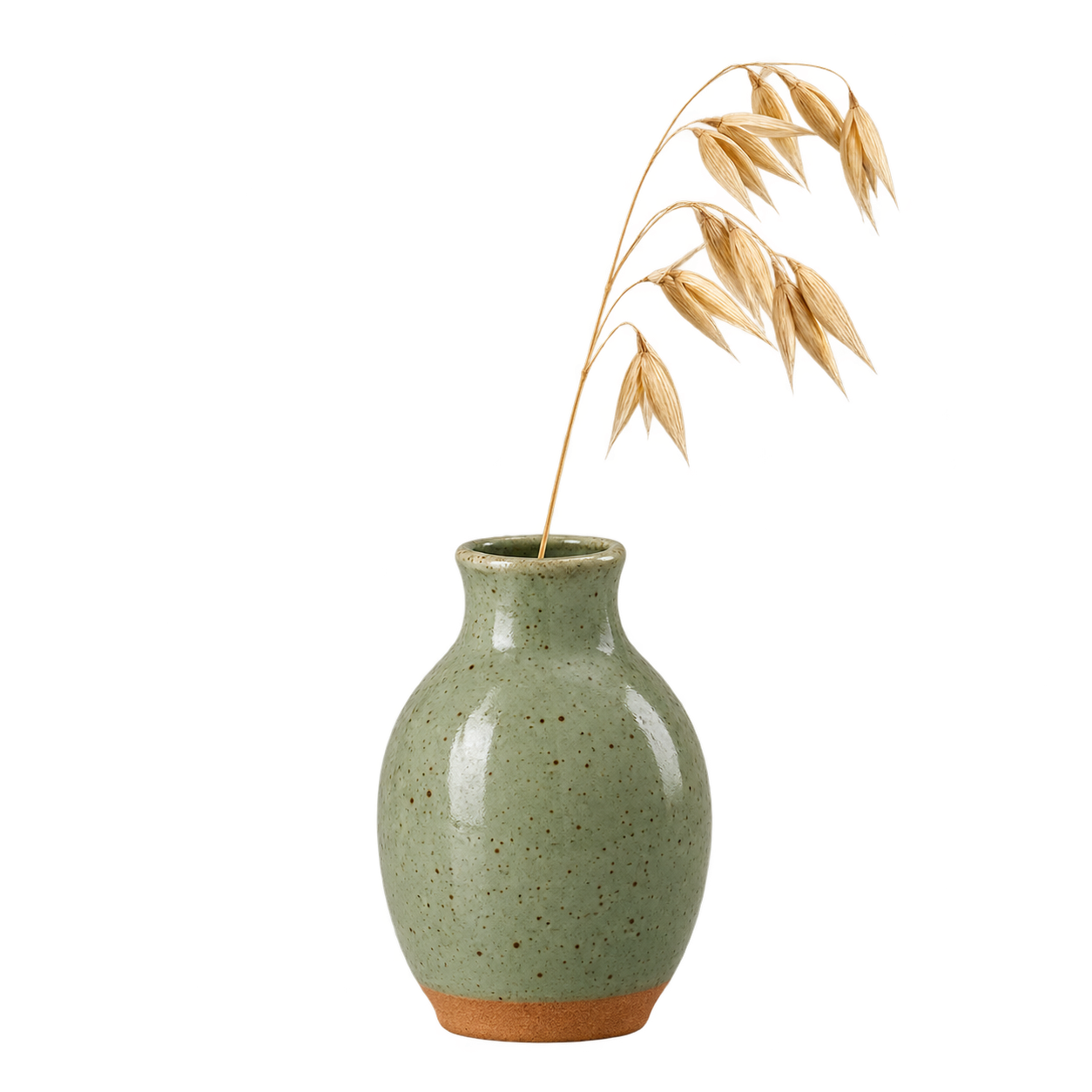
Flare: fast iteration and strong layouts
Flare is the faster of the two full lanes. It is built for quick iteration, and its strength is structure: posters, product imagery and other professional visuals where the placement of the headline, the product and the space around them decides whether the image works.
It renders at 1K, 2K and 4K, offers all sixteen aspect ratios, and takes up to 16 reference images. The background option is there at 1K. At 2K and 4K it is not offered, so plan cut-outs at 1K.
Reach for Flare when you are:
- Laying out a poster or a flyer and want to try several headline placements quickly.
- Building a product image set in several ratios, for example 1:1 for the shop, 4:5 for the feed and 9:16 for stories.
- Making banners at 3:1 or 2:1 for a site header or a marketplace listing.
- Iterating with a client and need the next round on screen fast.
Sunburst: detail and consistency across edits
Sunburst has the same sizes, ratios and reference limit as Flare: 1K, 2K and 4K, sixteen ratios, up to 16 reference images, and the background option at 1K. The difference is what it optimises for. Sunburst is the higher quality lane, and it holds a subject more consistently from one edit to the next.
That makes it the lane to finish on:
- Hero images for a launch page, a campaign or a print piece at 4K.
- Edit chains. Change the background, then the lighting, then the props, and keep the product looking like the same product throughout.
- Fine detail, such as glaze texture or fabric weave, in an image that will be seen up close.
A common workflow uses two lanes. Find the composition on Economy or Flare, then render the chosen version on Sunburst at the size you need.
Which lane for which job
| Job | Pick | Why |
|---|---|---|
| Twenty rough concepts for a mood board | 2.6 Economy | Lowest-cost lane, 1K is enough to judge an idea |
| Product cut-outs, icons or stickers | 2.6 Economy | Transparent background on every run |
| An Instagram feed post in its native shape | 2.6 Flare or Sunburst | 4:5 is new in 2.6 and missing from 2.5 |
| A website banner or header strip | 2.6 Flare | 3:1 and 2:1, with fast turnaround on layout |
| A poster with a headline, several versions | 2.6 Flare | Built for quick iteration on layout |
| A 4K hero image for a launch | 2.6 Sunburst | Higher quality generation at 4K |
| Five edits of one product shot that must match | 2.6 Sunburst | Stronger consistency across edits |
| A transparent asset at 2K or 4K | Generate at 1K, or plan for a normal background | The background option is 1K only |
| A layout already built on 27:16 or 9:8 | GPT Image 2.5 | Those ratios are not in 2.6 |
Prompt tips for GPT Image 2.6
Put on-image text in quotes. Anything that should appear in the picture, such as a headline, a label or a price tag, goes inside quotation marks, spelled exactly as it should render. Keep it short. One headline and maybe one supporting line read far better than a paragraph.
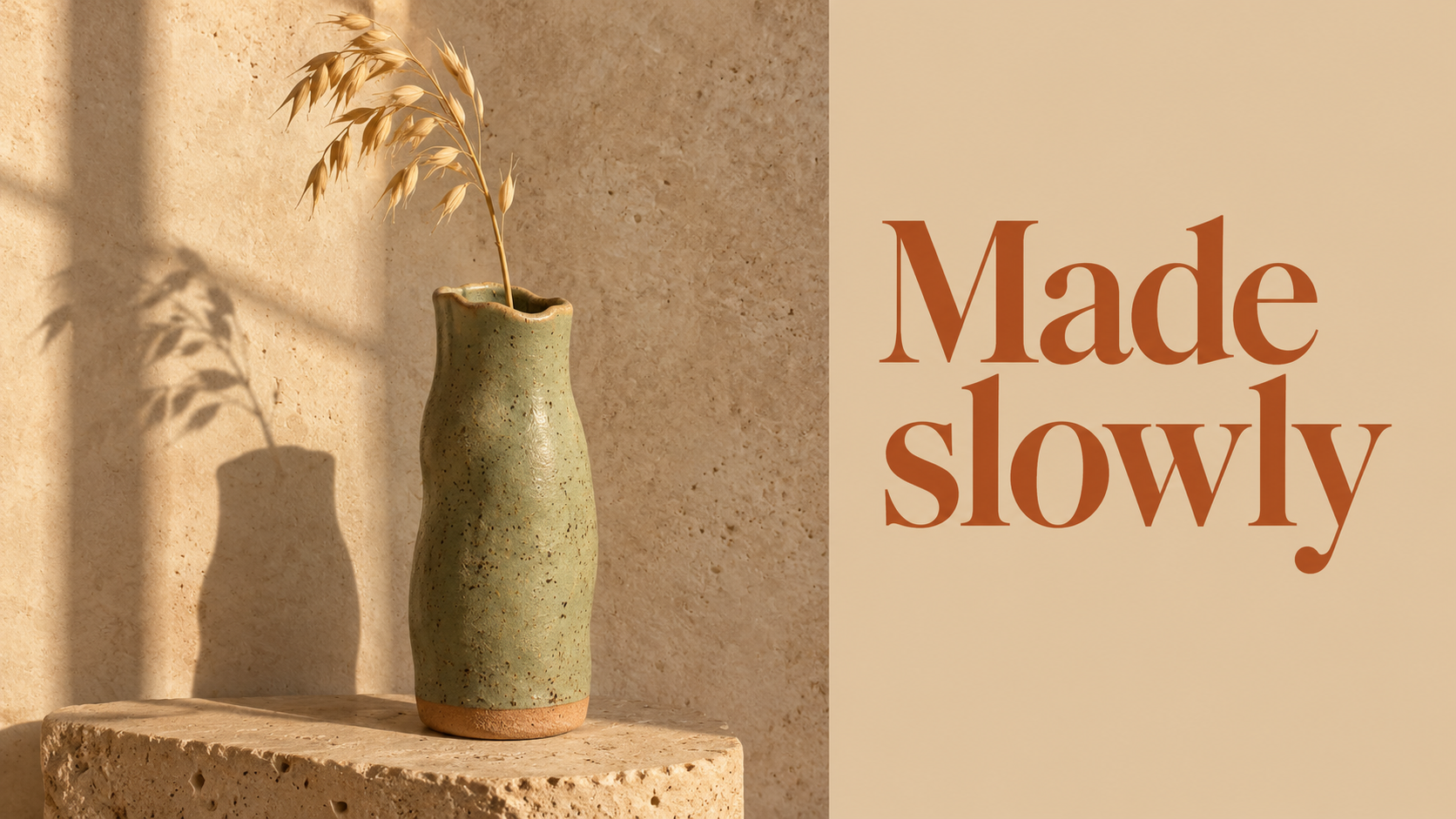
A landscape poster for a ceramics studio. Left two thirds: a sage green bud vase
on a travertine block in warm window light. Right third: a sand colored panel with
the headline "Made slowly" in a refined serif, dark terracotta ink. No other text.
Refer to references by order. With several reference images attached, name them by position so each one has a clear job. "The product from image 1 on the background from image 2, lit like image 3" leaves far less to guess than "combine these".
Place the vase from image 1 on the linen tablecloth from image 2.
Match the warm side light and long shadows of image 3.
Keep the vase's speckled glaze and wavy rim exactly as in image 1.
Use the room you have. Prompts can run to 8,000 characters on every lane. That is enough for a full brief: subject, composition, lighting, colour palette, the exact text, and what to avoid. A longer, specific prompt beats a short vague one, and the same prompt carries over unchanged when you move a draft from Economy to Sunburst.
Ask for the background you want. For a cut-out, set the background option to transparent at 1K and describe the subject alone, with no table, wall or scene. For a finished image, leave it on auto or opaque.
Choose the ratio for the destination. Pick 4:5 for the feed, 9:16 for stories, 3:1 for a header and 1:3 for a tall side panel. Generating at the final shape keeps the composition intact instead of losing the edges to a crop.
What moves the cost
Every lane bills from the same credit balance, and the live price sits on the model card before you generate. Economy is the lowest-cost lane on the card. Beyond the lane, resolution is the main lever: higher resolutions cost more, so settle the composition at 1K and only render 2K or 4K once you know the image is the one you want.
FAQ
What is the difference between Economy, Flare and Sunburst?
Economy is the lowest-cost lane, 1K only, with eight aspect ratios. Flare is the faster lane, built for quick iteration and strong layouts, at 1K, 2K and 4K with sixteen ratios. Sunburst has the same sizes and ratios as Flare and focuses on higher quality output and stronger consistency across edits.
Is GPT Image 2.6 better than GPT Image 2.5?
It does more in a few specific places: 4:5 and the very wide and tall ratios, a background option at 1K, and an Economy lane. GPT Image 2.5 still offers 27:16, 16:27, 9:8 and 8:9, which 2.6 does not, and it stays available on Kubeez.
Can GPT Image 2.6 make a transparent background?
Yes, at 1K. Economy offers transparent, opaque or auto background on every run. Flare and Sunburst offer the same option when you render at 1K.
Which GPT Image version renders 4:5 for Instagram?
GPT Image 2.6 Flare and Sunburst. Economy and GPT Image 2.5 do not have 4:5.
How many reference images can I use?
Up to 16 on every lane of GPT Image 2.6, the same as GPT Image 2.5. Refer to them by order in the prompt, for example "the product from image 1 on the background from image 2".
How do I get readable text in the image?
Put the exact words in quotes in your prompt, keep them short, and say where they go and how they should look. The prompt can be up to 8,000 characters, so there is room to describe the typography precisely.
Can I use GPT Image 2.6 from the API or MCP?
The model is also available through the Kubeez API and MCP server. The full list of models with their limits is in available models.
Try all three lanes on one balance
GPT Image 2.6 Economy, Flare and Sunburst sit on one card in Media Studio and in AI Images, with GPT Image 2.5 right next to them and the live price on every lane. Browse the family on the GPT Image models page, draft on Economy, and spend the full render on the version you already know works.
Dex writes the Kubeez guides and makes every example with the same tools you use.