Technology
GPT Image 2.5 vs Midjourney V8: Two Different Products
GPT Image 2.5 vs Midjourney V8: one bills per image and runs from an API or MCP client on Kubeez, the other is a monthly subscription with a house look.
· Dex
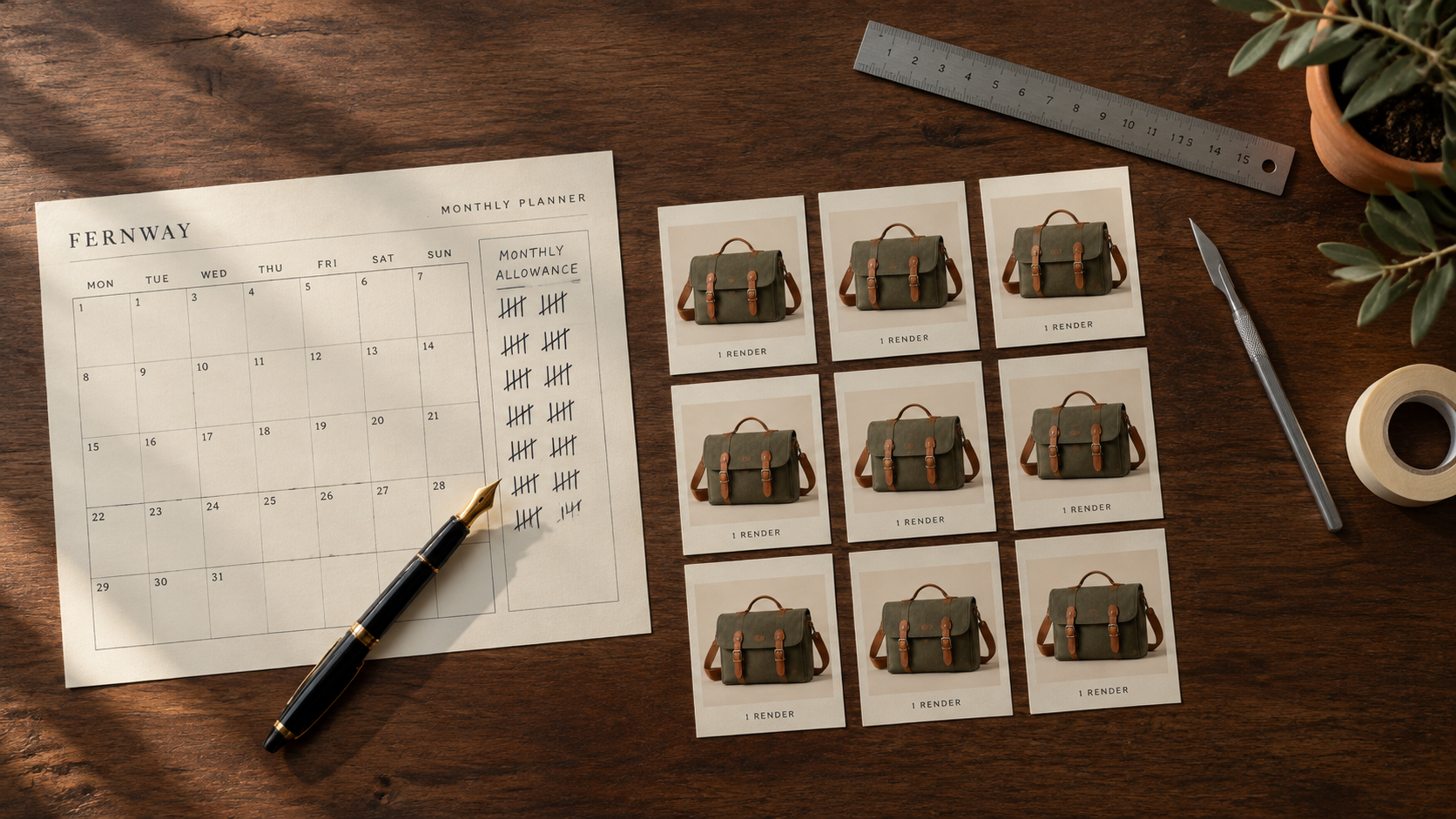
GPT Image 2.5 vs Midjourney V8 is the comparison a lot of design and engineering teams are running right now, and most of the answers treat it as a scoreboard: two models, one table, one winner. That framing falls apart almost immediately, because these are not two versions of the same product. Midjourney is a monthly subscription with a GPU time budget and a very strong house look. GPT Image 2.5, live on Kubeez since 9 September 2026, is billed per image, exposes a wide parameter surface, and can be driven from an API or an MCP client with nobody in the loop.
So before anything else, the plain statement: Midjourney is not available on Kubeez. Kubeez runs GPT Image 2.5 in two lanes, Flare and Sunburst. If you want Midjourney, you subscribe to Midjourney directly. This post compares two products you would buy separately, and it tries to be fair to both.
Three questions that actually decide this
Forget feature checklists for a moment. Almost every real decision between GPT Image 2.5 and Midjourney V8 comes down to three questions:
- Cost model. Do you want to pay for output, or pay for access?
- Control model. Do you want a strong default look, or a wide parameter surface?
- Automation. Does a human sit in front of every image, or does a script?
Answer those three honestly and the choice usually makes itself. Sometimes the answer is both.
What each product actually is
Midjourney V8 has been the aesthetic reference point for AI imagery for years, and the V8 series is a serious release. V8.2 has been the default since 24 July 2026. Compared with V7 it is much faster, follows prompts more closely, and holds small detail far better. It outputs 2K natively, with no separate upscale step in the way. Raw mode is there when you want the house styling dialled back. And it does direct text-to-video and image-to-video up to 10 seconds at 60fps, which matters more than people give it credit for.
GPT Image 2.5 was announced by OpenAI on 8 September 2026 and went live on Kubeez the following day. It ships as two lanes rather than one model:
- Flare is the fast default, with up to 50% lower latency than GPT Image 2.
- Sunburst is the premium lane, with tighter multi-edit control.
Both lanes cost the same on Kubeez, which is unusual and worth knowing before you assume the premium lane is a splurge. If you want the lane-by-lane breakdown, that is its own post: Flare vs Sunburst. For what changed against the previous generation, see GPT Image 2.5 vs GPT Image 2.
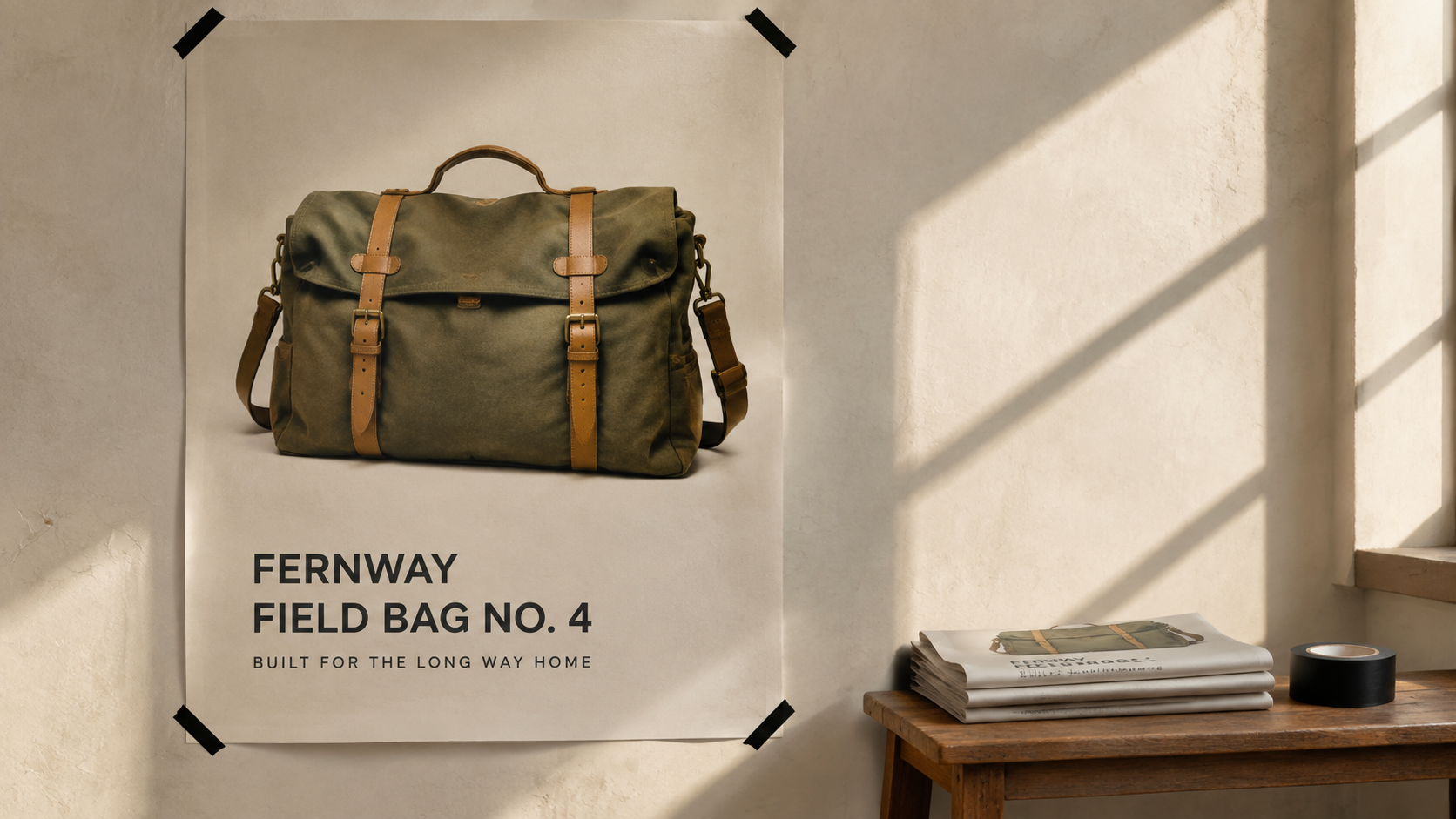
Above: GPT Image 2.5 output, Sunburst lane, generated on Kubeez. Every image in this post is GPT Image 2.5 output.
1. The cost model: pay for access, or pay for output
This is the biggest structural difference, and it is not a question of which is cheaper. It is a question of which shape fits how you work.
Midjourney: a subscription with a GPU time budget
Midjourney sells access by the month:
| Plan | Price |
|---|---|
| Basic | $10/mo |
| Standard | $30/mo |
| Pro | $60/mo |
| Mega | $120/mo |
Fast mode draws from a monthly GPU time allowance that comes with your plan. When that allowance runs down, Relax mode is unlimited but queued, anywhere from 0 to 30 minutes per job, and it is available for images on Standard and above. Stealth mode, which keeps your generations private, is on Pro and Mega only.
The mental model is a gym membership. You pay the same whether you render 40 images this month or 4,000, and the ceiling you feel is time, not money. For a designer who is in the tool every day, that is a genuinely good deal and a genuinely calm way to work. You never think about the cost of one more try.
GPT Image 2.5 on Kubeez: per image, nothing while idle
Kubeez bills GPT Image 2.5 in credits, per image:
| Resolution | Credits per image |
|---|---|
| 1K | 15 |
| 2K | 20 |
| 4K | 28 |
The same rate applies to both lanes, and text-to-image and image-to-image cost the same. There is no monthly floor and no allowance to draw down. A month where you generate nothing costs nothing.
The mental model here is metered utility. That is worse than a subscription if you are rendering all day every day, and better if your volume is spiky, seasonal, or attached to something you ship rather than something you explore. A team that fires 300 product variants the week of a launch and almost nothing for the next six weeks is paying for a whole quarter of idle allowance on the subscription shape.
Neither model is the honest default. Pick the one that matches your actual usage curve, not the one that looks cheaper in a headline.
2. The control model: house aesthetic, or parameter surface
Midjourney's aesthetic default is its most misunderstood feature. People call it a bias; it is closer to art direction baked into the product. You type a mediocre prompt and Midjourney hands back something that looks composed, lit and colour-graded. That is enormously valuable when you are exploring, moodboarding, or you simply do not want to specify every variable. Raw mode exists precisely so you can turn the house voice down when it fights your brief.
GPT Image 2.5 goes the other way. It gives you a wide surface and expects you to drive it:
- Thirteen documented aspect ratios, including the unusual ones like 21:9, 27:16 and 9:8
- Up to 16 input images as references in a single call
- Prompts up to 20,000 characters, which is enough to paste a full brand brief rather than compress it into a slogan
- No negative prompt, so exclusions go in the prompt body instead of a separate field
That last one trips people up coming from other tools. There is no --no field to lean on. If you do not want a watermark, a centered subject or a purple gradient, you write that into the prompt.
The practical difference: Midjourney rewards taste and brevity. GPT Image 2.5 rewards specification. A ten word prompt gets more out of Midjourney; a two hundred word prompt with named lighting, a style anchor and an explicit exclusion list gets more out of GPT Image 2.5.
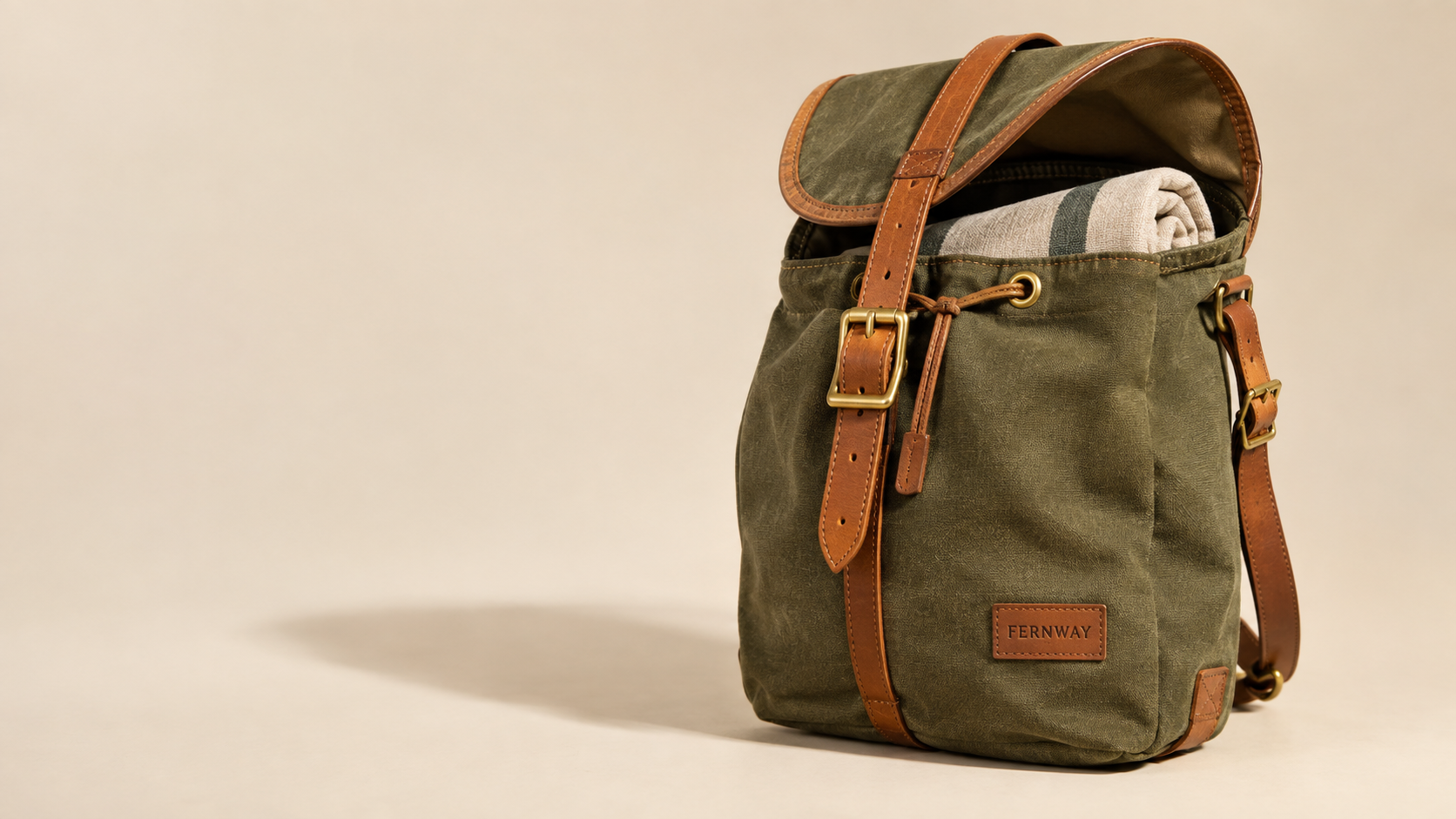
GPT Image 2.5 output, Flare lane, generated on Kubeez.
3. Automation: a person, or a script
This is where the two products stop overlapping at all.
On Kubeez, GPT Image 2.5 is addressable by id from a REST API and from any MCP client:
gpt-image-2-5-flaregpt-image-2-5-sunburst
That means an agent in Claude Code, Cursor or any other MCP host can generate an image as a step inside a larger job, with no browser open and no human pressing a button. A build script can render every product colourway from a CSV. A content pipeline can regenerate a hero image whenever the copy changes. See the developer API use case for the shape of that, or running GPT Image 2.5 from Claude and Cursor for the MCP setup specifically.
Midjourney's strength has always been the interactive loop: you, the tool, and a fast cycle of variations. If you need it inside an automated pipeline, check Midjourney's own current surfaces and terms, because that is not something Kubeez runs or can speak to.
The honest summary: if the image is made by a person looking at it, that is a fair fight. If the image is made by a script at 3am, GPT Image 2.5 is the one that fits.
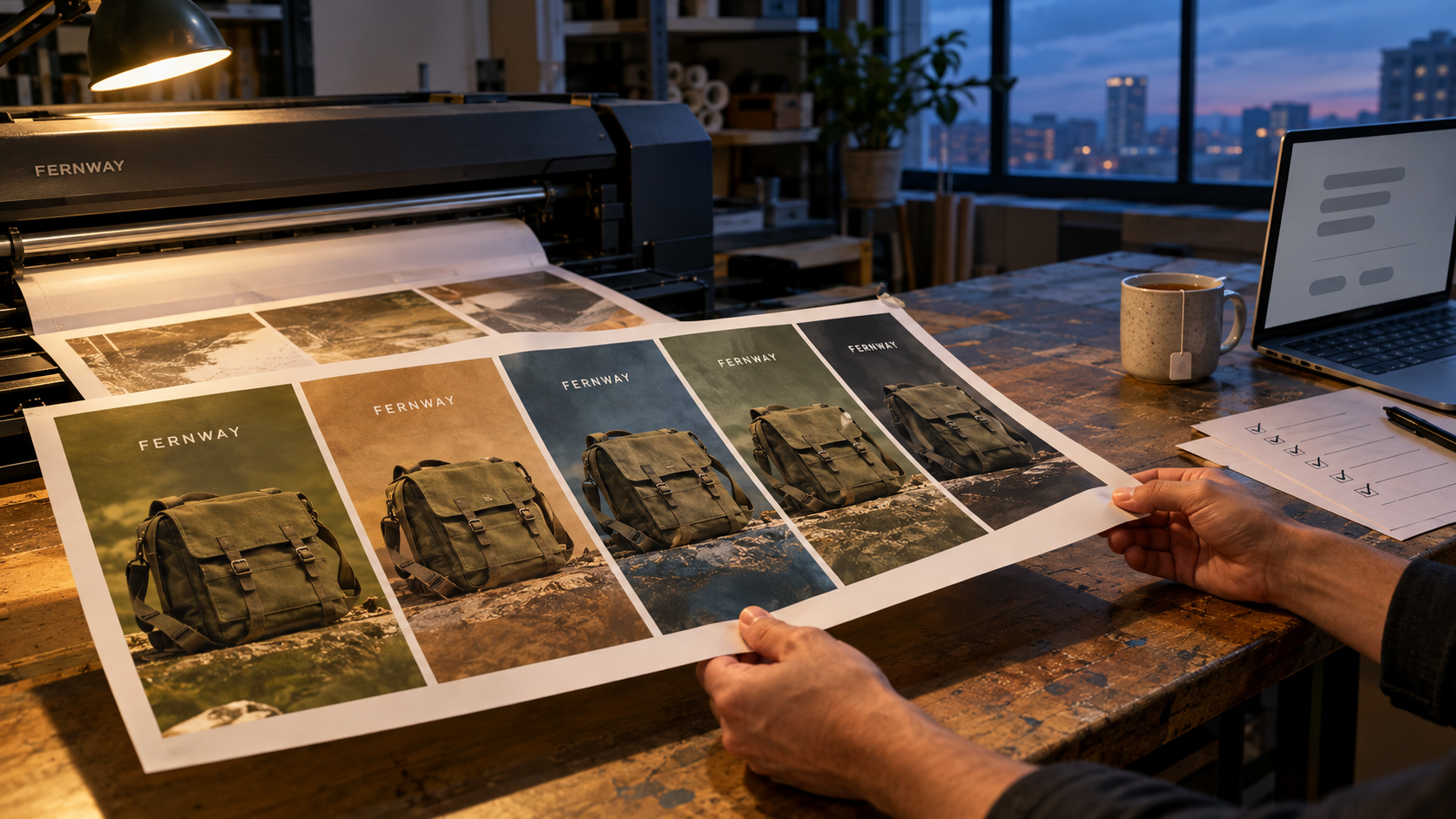
GPT Image 2.5 output, Flare lane, generated on Kubeez.
Where Midjourney V8 is genuinely better
No hedging here, because these are real:
- The default look. Midjourney out of the box is more likely to produce something you would actually publish without further direction. That is a product decision made well, and it saves real time.
- The community gallery. Being able to browse what other people made, with their prompts, is a learning surface that no API has. It shortens the distance from beginner to competent by a lot.
- Video. V8 does text-to-video and image-to-video up to 10 seconds at 60fps. GPT Image 2.5 does not generate video at all. Not slower video, not worse video. None. If your work needs motion out of the same tool, this is not a close call.
- Native 2K with no upscale step. One less stage in the workflow is one less thing to manage.
If you are a solo designer or an art director whose day is exploration, and you are not wiring anything into a pipeline, the subscription shape and the house aesthetic are pointed straight at you.
Where GPT Image 2.5 is better
- Billing that matches spiky work. Nothing while idle, a known credit cost per image when you need it.
- Text on the image. The GPT Image family is the strongest text engine on Kubeez. Headlines, packaging copy and poster type come back legible rather than approximate. The poster above is a single generation.
- Multi-image editing. Sixteen reference images in one call is a lot of context for compositing a product into a scene or holding a character consistent.
- Very long prompts. 20,000 characters means you paste the brand guidelines instead of paraphrasing them.
- Two lanes, one price. Speed when you are iterating, tighter multi-edit control when you are finishing.
- It is scriptable. Covered above, and it is the whole ballgame for engineering teams.
So which one should you pick
- You are a designer exploring visual directions all day. Midjourney. The allowance shape fits daily volume and the default aesthetic is doing work for you.
- You are a developer or an ops team generating images as part of a product. GPT Image 2.5 on Kubeez. The API and MCP surface is the deciding factor, and per image billing tracks your actual load.
- You are a marketing team producing campaign assets in bursts. Probably GPT Image 2.5, mostly because of text rendering and the idle cost of zero between campaigns.
- You need image and video from one tool. Midjourney, on the video point alone.
- You are a studio doing both exploration and delivery. Honestly, both. Explore in Midjourney, produce in a pipeline. They are not competing for the same slot in your week.
Try GPT Image 2.5 on Kubeez
You can run both lanes from the image generation tool, check the full parameter surface on available models, or wire it into your own stack via the developer API. If you are weighing it against other image models rather than against Midjourney, there are direct comparisons with Nano Banana 2 and Seedream 5 Pro, plus the launch post.
Frequently asked questions
Can I use Midjourney on Kubeez?
No. Midjourney is a separate product with its own monthly subscription and is not available on Kubeez. Kubeez runs GPT Image 2.5 in two lanes, Flare and Sunburst, billed per image in credits.
Is GPT Image 2.5 cheaper than Midjourney?
That depends entirely on your volume, and the two do not convert cleanly. Midjourney charges a monthly fee from $10 to $120 with a GPU time allowance for Fast mode. Kubeez charges 15 credits per image at 1K, 20 at 2K and 28 at 4K, with nothing charged when you are idle. High steady daily volume favours a subscription. Spiky or seasonal volume favours per image billing.
Does GPT Image 2.5 make video?
No. GPT Image 2.5 is an image model only. Midjourney V8 does text-to-video and image-to-video up to 10 seconds at 60fps, which is a real advantage if you need stills and motion from one product.
What is the difference between Flare and Sunburst?
Flare is the fast default lane, with up to 50% lower latency than GPT Image 2. Sunburst is the premium lane with tighter multi-edit control. Both cost the same per image on Kubeez. There is a full breakdown in Flare vs Sunburst.
Does GPT Image 2.5 support negative prompts?
No. There is no separate negative prompt field. Write your exclusions directly into the prompt body, which is easy given the 20,000 character limit.
How do I call GPT Image 2.5 from code or from an AI agent?
Use the model ids gpt-image-2-5-flare and gpt-image-2-5-sunburst from the Kubeez REST API or from any MCP client. See the developer API use case and running GPT Image 2.5 from Claude and Cursor.
Dex writes the Kubeez guides and makes every example with the same tools you use.