Tutorials
GPT Image 2.5 via MCP in Claude, Claude Code and Cursor
Run GPT Image 2.5 through the Kubeez MCP server from Claude, Claude Code and Cursor: discover the model, generate, poll, and batch one prompt across ratios.
· Dex
OpenAI announced GPT Image 2.5 on 8 September 2026. It went live on Kubeez the next day, and it landed on the Kubeez MCP server and the Kubeez REST API at the same time. So if you work inside Claude, Claude Code or Cursor, you can run GPT Image 2.5 without opening a browser tab: you describe the shot, the agent calls the tool, and the finished PNG lands in your Kubeez library.
This post is the hands-on version. Every image you see here was generated by exactly the workflow described below, through the Kubeez MCP server, on the gpt-image-2-5-flare lane, at 16:9 and 1K, for 15 credits each.
If you have never connected the Kubeez MCP server before, start with the MCP and API automation walkthrough or the shorter first image from Cursor guide, then come back here. For the wider picture there is running Kubeez from Claude and, for the previous generation of this exact stack, GPT Image 2 over the Kubeez API and MCP. This post assumes the server is already connected and stays focused on GPT Image 2.5 itself.
Two lanes, two model ids
GPT Image 2.5 reaches the MCP server as two model ids, not one model with a quality switch:
| Model id | What it is for | 1K | 2K | 4K |
|---|---|---|---|---|
gpt-image-2-5-flare |
The fast default. Higher quality than GPT Image 2 at up to 50% lower latency | 15 credits | 20 credits | 28 credits |
gpt-image-2-5-sunburst |
The premium lane, built for tight control across a chain of edits | 15 credits | 20 credits | 28 credits |
Read that price column twice. The two lanes cost the same at every resolution, so price is not a tiebreaker. Flare is the one you reach for when turnaround matters. Sunburst is the one you reach for when you are going to keep editing the same asset and you want it to hold together across the chain. Neither is a higher tier than the other, and if you want the long version of that argument, the Flare versus Sunburst breakdown covers it properly.
Both lanes share the same envelope: text-to-image and image-to-image, up to 16 input images, prompts up to 20,000 characters, resolutions of 1K, 2K and 4K, thirteen documented aspect ratios, and no negative prompt.

Step 1: let the agent discover the model
Do not hardcode a model id from a blog post, including this one. Ask the server what it has:
get_models(model_type="image")
The row that comes back for the fast lane, trimmed to the fields that matter:
{
  "model_id": "gpt-image-2-5-flare",
  "display_name": "GPT Image 2.5 Flare",
  "provider": "OpenAI",
  "generation_types": ["text-to-image", "image-to-image"],
  "capabilities": {
    "prompt_max_chars": 20000,
    "aspect_ratio_options": ["auto", "1:1", "3:2", "2:3", "4:3", "3:4",
                             "16:9", "9:16", "21:9", "27:16", "16:27",
                             "9:8", "8:9"],
    "resolution_options": ["1K", "2K", "4K"],
    "max_input_images": 16,
    "supports_negative_prompt": false
  }
}
That single call is the whole reason the MCP route feels different from a hardcoded API integration. The agent does not have to guess whether 21:9 is allowed, or whether it can pass a negative prompt. It reads aspect_ratio_options, sees thirteen documented entries, sees supports_negative_prompt: false, and shapes the call correctly on the first try.
One constraint worth learning by heart, because get_models states it in the usage notes and it catches people out: 4:5 is not on the list for either lane. If a client needs a 4:5 portrait crop, that is a job for a different model.
Step 2: check the number before you spend it
Kubeez has no refunds on a completed generation, so the two cheap calls before an expensive batch are worth the two seconds:
get_balance()
estimate(model="gpt-image-2-5-flare")
Here is a real gotcha from writing this post. estimate does not take a resolution, so with nothing to narrow it down it quotes the top of the family range. It came back with 28 credits, which is the 4K figure. The job I actually ran, at 1K, deducted 15. So treat a bare estimate as a ceiling, use the table above for the number you will really pay per resolution, and confirm after the fact from the credits_deducted field on the finished generation row.
Step 3: generate
generate_media(
  model="gpt-image-2-5-flare",
  prompt="Editorial photograph, overhead flat lay on a designer's frosted light table. Matte prints of a hand-blown cobalt-blue glass teapot with a brass collar, each trimmed to a different proportion, fanned across black drafting tape...",
  aspect_ratio="16:9",
  resolution="1K"
)
The response is immediate and asynchronous:
{
  "generation_id": "f90ce320-3b7e-42ce-818a-8c90760067ff",
  "status": "pending",
  "model": "gpt-image-2-5-flare",
  "estimated_cost_credits": 15,
  "billing_mode": "prepaid"
}
For image-to-image, keep the same call and add source_media_urls with one to sixteen public image URLs. You do not have to flip a mode flag by hand: passing source media auto-routes the request to the image-to-image path. If your reference lives on your laptop rather than on a URL, get_upload_url gives you the upload handle first.
Step 4: poll
This is where most first attempts break, so it is worth stating flatly: the polling tools take id, not generation_id. The field is called generation_id on the way out of generate_media and id on the way into the poller.
get_status(id="f90ce320-3b7e-42ce-818a-8c90760067ff")
Keep polling until status is completed and the output URL is a media.kubeez.com address. On one of the four images in this post the first successful poll handed back a temporary working URL and the next poll, a few seconds later, returned the durable library copy with cdn_ready: true. If you save the first URL you see into a CMS, you will ship a link that expires. Wait for the library URL.
When you want the full row rather than a status ping, get_generation(id=...) returns the prompt, the resolved parameters, processing_time_ms, credits_deducted and the outputs. For the record, the four Flare renders behind this post took 70, 76, 85 and 121 seconds, and deducted 15 credits each.
The batch that actually pays for itself
Here is the workflow that makes the MCP route worth the setup. You do not write five calls. You write one sentence:
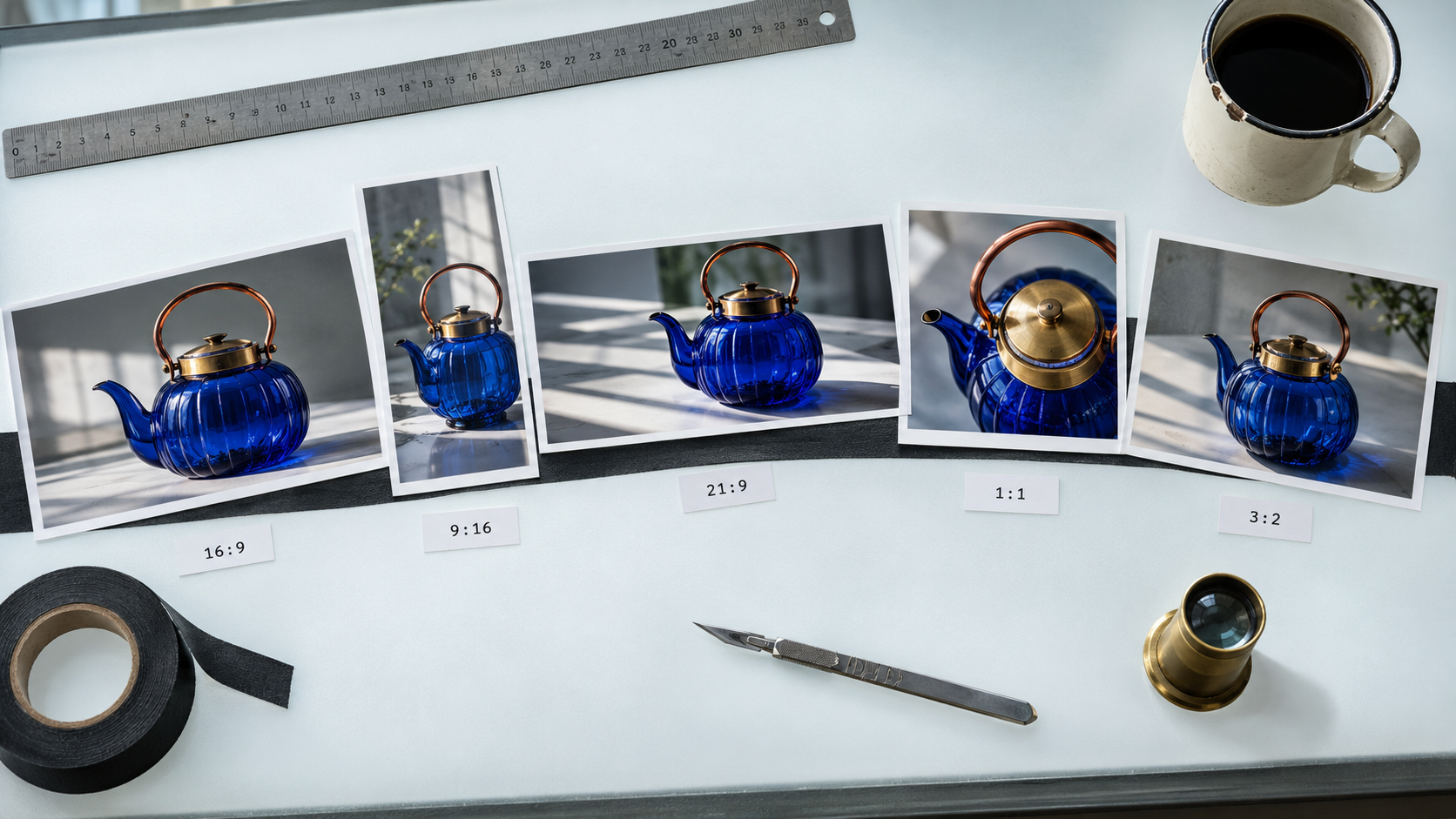
Take this prompt and render it on Flare at 1K in 16:9, 9:16, 21:9, 1:1 and 3:2. Poll them all and give me the library URLs.
The agent fans that into five generate_media calls with one field changed:
for ratio in ["16:9", "9:16", "21:9", "1:1", "3:2"]:
    generate_media(
      model="gpt-image-2-5-flare",
      prompt=PROMPT,
      aspect_ratio=ratio,
      resolution="1K",
    )
That fan-out is five renders at 75 credits from one instruction, and you come back to a hero, a story frame, an ultra-wide banner, a square post and a print-friendly 3:2, all from a single creative decision. The infrastructure accepts the calls concurrently, so the batch finishes in roughly the time of the slowest single render rather than the sum of all five.
There is a detail here that GPT Image 2 users will appreciate. On GPT Image 2, anything above 1K required an explicit aspect ratio that was neither auto nor 1:1. On both GPT Image 2.5 lanes, every aspect ratio is valid at every resolution, so a 4K square is a normal request rather than an error to work around. If you are weighing the upgrade, the 2.5 versus 2 comparison goes into it.
Let the agent pick the lane and the resolution
The temptation is to pin gpt-image-2-5-sunburst and 4K into a config file and forget about it. Resist it. Since both lanes cost the same, the choice is purely about the shape of the job, and that is exactly the kind of judgement an agent that just read get_models can make well:
- Drafting, thumbnails, iterating on a prompt: Flare at 1K. Fast and cheap enough to be disposable.
- A blog hero or a social asset: Flare at 1K or 2K. Every image in this post is Flare at 1K.
- An asset you will edit repeatedly, or campaign creative that has to hold up: Sunburst, resolution set by where it will be printed or placed.
- Print, large format, anything that will be cropped hard later: 4K, 28 credits, either lane.
Tell your agent that rule once, in a project instruction file, and it will apply it per job instead of overpaying for every thumbnail.
Where the images land
Everything you generate over MCP lands in the same Kubeez library as everything you generate in the app. There is no separate API bucket to reconcile. list_assets lets the agent look back through what it already made, which matters more than it sounds: on a long session the agent can reuse a reference it generated an hour ago instead of paying to regenerate it.
From there the asset behaves like any other Kubeez output. You can open it in the image tools, feed it back in as a reference for an image-to-image pass, or hand the URL straight to whatever is building your page.
The same ids work over the REST API
The model ids are not MCP-specific. gpt-image-2-5-flare and gpt-image-2-5-sunburst are the same strings you send to the REST API, with the same parameters:
POST /v1/generate/media     -> returns generation_id
GET  /v1/generate/media/{id} -> poll until completed
POST /v1/upload/media        -> get a URL for source_media_urls
That is the practical reason to prototype over MCP. You let the agent find the parameters that work, you watch it in the chat, and when the recipe is right you move the exact same ids and fields into your backend. Nothing has to be translated. The developer and API overview has the full surface, and available models is the canonical id list.
Four things not to do
- Do not hardcode capabilities. Call
get_models. The thirteen documented aspect ratios include some genuinely new surface, and a stale hardcoded list is how you end up rejecting a request the model would have accepted. - Do not send a negative prompt. Neither lane supports one. Put the exclusions in the prompt itself, in plain language, at the end.
- Do not treat a bare
estimateas your price. It quotes the ceiling. Readcredits_deductedafterwards for the truth. - Do not cache the first URL you see. Poll until it is a
media.kubeez.comaddress.
FAQ
Which GPT Image 2.5 lane should my agent use by default?
Flare. It is the fast lane, it is higher quality than GPT Image 2, and it costs exactly what Sunburst costs. Switch to Sunburst when a single asset is going to go through several rounds of edits and you want tight control across that chain.
How many credits does GPT Image 2.5 cost on Kubeez?
15 credits at 1K, 20 at 2K and 28 at 4K, identical on both gpt-image-2-5-flare and gpt-image-2-5-sunburst, for text-to-image and image-to-image alike.
Can I use GPT Image 2.5 for image editing over MCP?
Yes. Both lanes accept image-to-image with one to sixteen input images. Pass source_media_urls on the normal generate_media call and the request routes itself. Use get_upload_url first if the source is a local file.
Why does my poll return a URL that is not on media.kubeez.com?
Because the render finished before the durable copy was fully in place. Poll once more. The library URL on media.kubeez.com is the one to keep.
Does this work in Claude Code and Cursor, or only in Claude?
All three, plus anything else that speaks MCP. The server is the same, the tools are the same, and the only difference is how each client stores its configuration. MCP settings has the connection details and the MCP overview has the full tool list.
Start with one render
Connect the server, ask your agent for one Flare render at 1K, and watch where it lands. Fifteen credits, about a minute, and you will know within one job whether the rest of your image pipeline belongs in your editor instead of a browser tab.
If you want the launch context rather than the how-to, GPT Image 2.5 on Kubeez covers what shipped. If you are picking between families, there are head-to-heads against Nano Banana 2, Midjourney v8 and Seedream 5 Pro.
Dex writes the Kubeez guides and makes every example with the same tools you use.