GPT Image 2 on Kubeez: Complete Guide (Web, REST API & MCP)
How to run OpenAI-class GPT Image 2 on Kubeez—model id gpt-image-2, text-to-image and multi-reference edits (up to 16 images), credits, polling, and when to pick GPT Image 2 vs other image families.
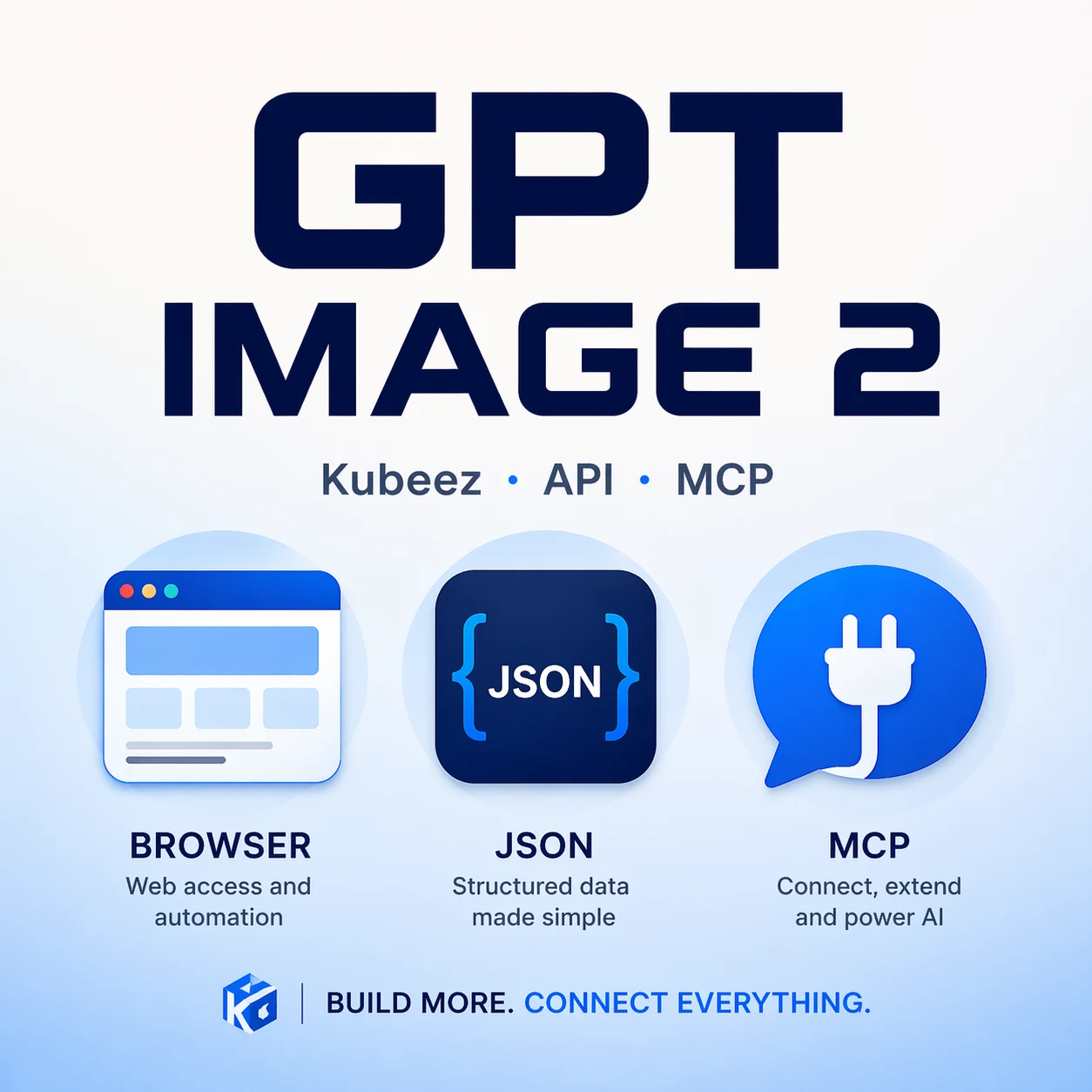
GPT Image 2 is OpenAI’s next-generation class of image generation: strong prompt adherence, photoreal and illustrative styles, and support for text-to-image and image-to-image with up to 16 reference images. On Kubeez, you can run it the same way you use other flagship models: in the web app, over the REST API, or through the Kubeez Model Context Protocol (MCP) server—one credit balance, one account, and no separate vendor API keys for the creative stack.
#What “GPT Image 2” means on Kubeez
Kubeez wires provider-class image models behind a unified job system: you pick a model_id, send a prompt (and optional reference image URLs), and receive permanent HTTPS URLs on Kubeez’s CDN when the job finishes.
For GPT Image 2:
| Topic | On Kubeez |
|---|---|
Public model_id | gpt-image-2 (listed in get_models / GET /v1/models) |
| Modes | Text-to-image; image-to-image with 1–16 source_media_urls |
| Prompt length | Up to ~20,000 characters (see get_models → capabilities.prompt_max_chars) |
| Aspect ratio | Not exposed as a parameter for this model—the provider drives output dimensions; describe the scene in the prompt, not pixel boxes |
| Typical cost | Flat per finished image (credits per generation—check get_models for your org’s current value) |
| Estimated wait | Order of tens of seconds for a first poll (varies; use estimated_time_seconds from get_models) |
This is different from GPT Image 1.5 on Kubeez (gpt-1.5-image-medium / gpt-1.5-image-high), which exposes fixed aspect sets (e.g. 1:1, 2:3, 3:2) and a quality axis. If you need explicit 16:9/9:16 control, pick another family (e.g. Nano Banana 2, Imagen 4); if you want OpenAI-style reasoning in the image model and long prompts, GPT Image 2 is the right fit.

#Where you can run GPT Image 2
#1. Web app (Media / Images)
- Open Media generation (or your locale equivalent).
- Select GPT Image 2 in the model list.
- Text only → text-to-image. Attach images (or paste from uploads) → the app switches to the edit path and passes references—same behavior the API encodes with
source_media_urls.
The UI enforces the same limits and credits as the API; the difference is you get previews, history, and upload helpers without writing JSON.
#2. REST API (servers, scripts, CI)
Kubeez’s public REST base is https://api.kubeez.com/v1 (see interactive docs at the same host’s /docs and the site’s REST API overview).
Minimum flow for GPT Image 2:
- Authenticate with
X-API-Key: sk_live_…(orAuthorization: Bearer—see your key type). - Discover models (recommended):
GET /v1/models?model_type=imageand confirmgpt-image-2appears with scopes you need. - Start a job:
POST /v1/generate/mediawith:model:"gpt-image-2"prompt: your textgeneration_type:"text-to-image"or"image-to-image"- For edits:
source_media_urls: array of https URLs the backend can fetch (upload first viaPOST /v1/upload/mediaif files are only on disk).
- Poll
GET /v1/generate/media/{id}untilstatusiscompletedand outputs contain CDN URLs—not vendor temp links. (MCP: useget_statusinstead of long-lived REST streams.)
Scopes: generate:media on the API key. For balance and job listing, the matching read scopes on your key (see your project’s API Keys and docs).
Why teams pick REST: long-lived keys in a secret manager, idempotent server workers, and tight integration with your own DAM or CMS.
#3. MCP (Cursor, ChatGPT-style hosts, agents)
Kubeez hosts an MCP server at:
https://mcp.kubeez.com/mcp
Typical tool sequence for GPT Image 2:
get_modelswithmodel_type: "image"— confirmgpt-image-2and readusage_notes/cost_per_generation.- (Optional)
get_balancebefore large batches. generate_mediawithmodel: "gpt-image-2"andprompt(addsource_media_urlsfor image-to-image).- Wait roughly
estimated_time_seconds, thenget_statuson the returnedgeneration_idevery ~5 seconds untilcompletedorfailed.
Scopes: the MCP key or OAuth connection must include generate:media (and read:generations to poll, read:balance if you call get_balance).
Local / private files: the MCP (and API) cannot read the user’s disk. For reference images, use get_upload_url → user uploads in browser → get_upload_session → pass URLs to source_media_urls—documented in the Kubeez MCP tool descriptions and MCP overview.
Why teams pick MCP: the assistant plans steps, rewrites prompts, and runs tools in a loop—ideal for “three variants, same brief” or “check balance, then generate.”
#Request shape: what to send (and what to skip)
- Model id — always use the string returned by
get_models(gpt-image-2on Kubeez). - Do not rely on
aspect_ratiofor GPT Image 2: capabilities show an emptyaspect_ratio_optionslist. Prefer describing composition (“wide banner feel”, “tall mobile poster”) in natural language, or use another model if you need strict 16:9/9:16 at the API. - Image-to-image — set
generation_typetoimage-to-imagewhen you pass references, or let the platform infer fromsource_media_urls(REST/MCP may auto-adjust—still pass URLs in the shape your client expects). - Long briefs — product legal copy, shot lists, and multi-paragraph art direction are allowed within the
prompt_max_charsbudget; trim only if you exceed the cap.
#Pricing and comparison (practical, not a price list)
- GPT Image 2 is billed as a flat cost per output image on Kubeez (see
cost_per_generationinget_models/GET /v1/models). It is not duration-based. - For rigid aspect ratios and marketing crops, you may want Nano Banana 2 or Seedream alongside GPT Image 2 in your toolkit; for open-ended OpenAI-style stills and heavy prompting, GPT Image 2 is the natural choice.
#Operations: polling, rate limits, and failures
- Polling: do not hammer status every second. Use
estimated_time_secondsfor a sensible first delay, then ~5s intervals until complete. - Failures: on
failed, readerror_messageon the generation record; credits are handled according to Kubeez’s standard refund rules for that job type (see account and support docs if you hit edge cases). - CDN: completed jobs return Kubeez CDN URLs suitable for long-lived links in production (not time-limited vendor URLs).
#Security and content policy
- Use API keys and MCP connections the same way you would any production secret: rotate, scope minimally, and never commit keys to git.
- Generated content is still subject to platform and provider policies; for brand work, add human review for copyright, likeness, and campaign compliance.
#Links that stay current
- Available models (docs) — canonical list; IDs and availability can change.
- MCP overview and MCP settings — connect Cursor or PAT-based clients.
- API overview and API keys — REST for backends.
Bottom line: GPT Image 2 on Kubeez is a single model_id (gpt-image-2) across the app, REST API, and MCP. Call get_models first, run text-to-image or image-to-image with up to 16 references, poll until CDN-ready URLs appear, and keep one credit wallet for every integration path you use.
Dex writes the Kubeez guides and makes every example with the same tools you use.
See also