Technology
GPT Image 2.5 Is Now on Kubeez: Flare and Sunburst
GPT Image 2.5 is now live on Kubeez with two lanes, Flare and Sunburst. See what changed, the credit prices, and how to run it in Studio, MCP and REST.
· Dex
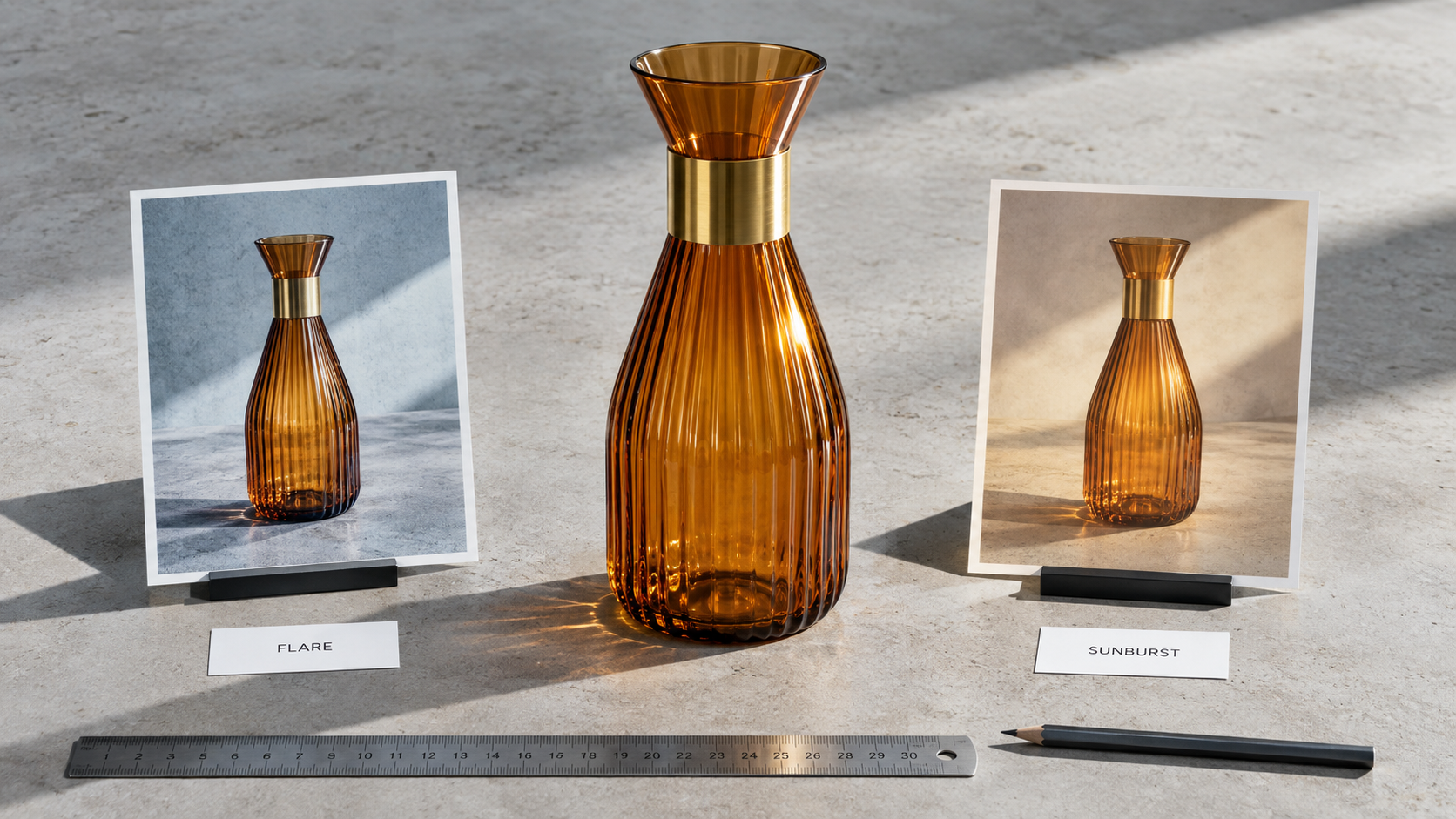
GPT Image 2.5 is live on Kubeez. OpenAI announced the new image family on 8 September 2026, and it landed on Kubeez the next day as a single model card with two lanes, Flare and Sunburst. Both lanes handle text to image and image to image, both read up to 16 input images, both render at 1K, 2K and 4K, and both bill at exactly the same credit price. This post covers what GPT Image 2.5 is, how the two lanes split the work, what changed against GPT Image 2, what it costs, and the three ways to run it on Kubeez.
One thing worth saying up front. Every image in this article was generated with GPT Image 2.5 Flare on Kubeez, at 1K, straight from a prompt. No retouching, no compositing, no second pass. The model is the proof.
What GPT Image 2.5 is
GPT Image 2.5 is OpenAI's current image generation and image editing family, exposed through two API models. On Kubeez you do not pick between two separate model cards. You open the image tools, select GPT Image 2.5, and choose the lane from a pill on the card. Same prompt box, same reference slots, same resolution picker, same price.
The short version of the split:
- Flare is the fast default. It produces higher quality than GPT Image 2 at up to 50 percent lower latency, and in some reported tests it came back 2 to 4 times faster.
- Sunburst is the premium lane, built for tighter control across multi round edits. It is the one you reach for when a single asset gets revised five times and has to stay on model through all five: campaign creative, polished product imagery, anything where the last version still has to match the first.
Because the credit price is identical, the choice is purely about the job, not the budget. That is unusual and it changes how you plan a shoot.
Flare or Sunburst: the one line answer
Use Flare unless you are doing multi round campaign edits. That covers most work: first drafts, blog art, social variants, product shots you will accept or discard on the first look, anything you are generating in volume. Reach for Sunburst when the asset is going through several rounds of edits and drift between rounds would cost you.
We wrote a dedicated head to head on this, with the same prompt run through both lanes across several job types. Read Flare vs Sunburst if you want the side by side rather than the rule of thumb.
What changed against GPT Image 2
GPT Image 2 is not going anywhere. It stays live on Kubeez at 14, 19 and 27 credits for 1K, 2K and 4K, and it is still a strong text renderer. GPT Image 2.5 sits one credit above it at every resolution and buys you higher quality plus a large latency cut on the Flare lane, with Sunburst added on top for edit stability.
| GPT Image 2 | GPT Image 2.5 | |
|---|---|---|
| 1K | 14 credits | 15 credits |
| 2K | 19 credits | 20 credits |
| 4K | 27 credits | 28 credits |
| Lanes | one | Flare, Sunburst |
| Input images | see the model card | up to 16 |
| Prompt length | see the model card | 20,000 characters |
If you want the full generation by generation breakdown of the upgrade, that is its own post: GPT Image 2.5 vs GPT Image 2. For where the new family sits against the rest of the catalogue, see GPT Image 2.5 vs Nano Banana 2, GPT Image 2.5 vs Seedream 5 Pro and GPT Image 2.5 vs Midjourney v8. Our older three way test, GPT Image 2 vs Nano Banana 2 vs Seedream 5 Lite, is still a useful read on how these families differ in character.
The spec sheet both lanes share
Flare and Sunburst are not feature tiers. They expose exactly the same surface:
| Capability | GPT Image 2.5 |
|---|---|
| Generation types | text to image, image to image |
| Input images | up to 16 |
| Prompt length | up to 20,000 characters |
| Resolutions | 1K, 2K, 4K |
| Aspect ratios | thirteen documented aspect ratios |
| Negative prompt | not supported |
The thirteen documented aspect ratios are auto, 1:1, 3:2, 2:3, 4:3, 3:4, 16:9, 9:16, 21:9, 27:16, 16:27, 9:8 and 8:9. That range matters more than it sounds. A single concept can come out as a 21:9 site banner, a 1:1 feed post and a 9:16 story without you cropping anything, because the model composes inside the frame you asked for instead of centre cropping a landscape render.
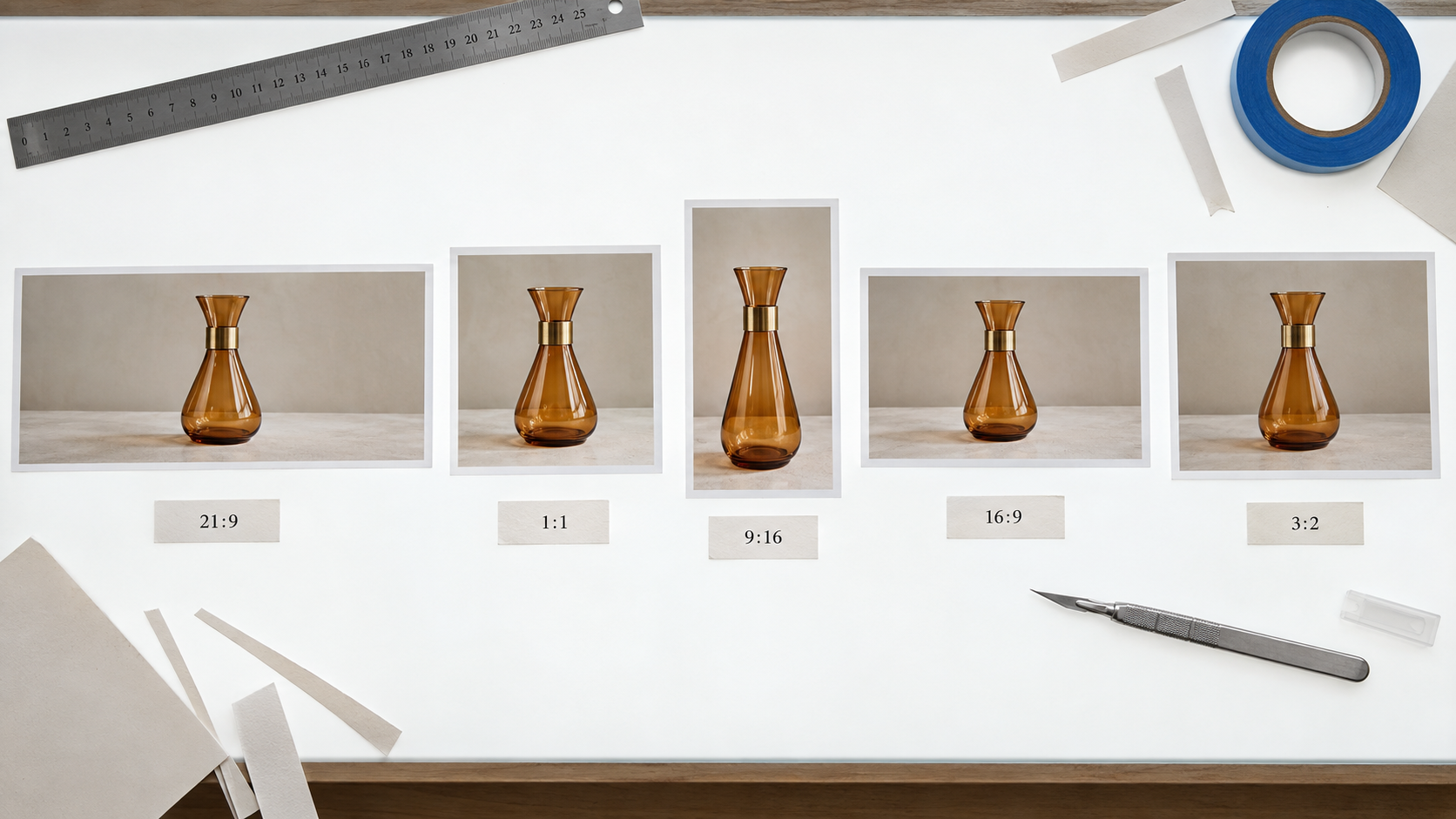
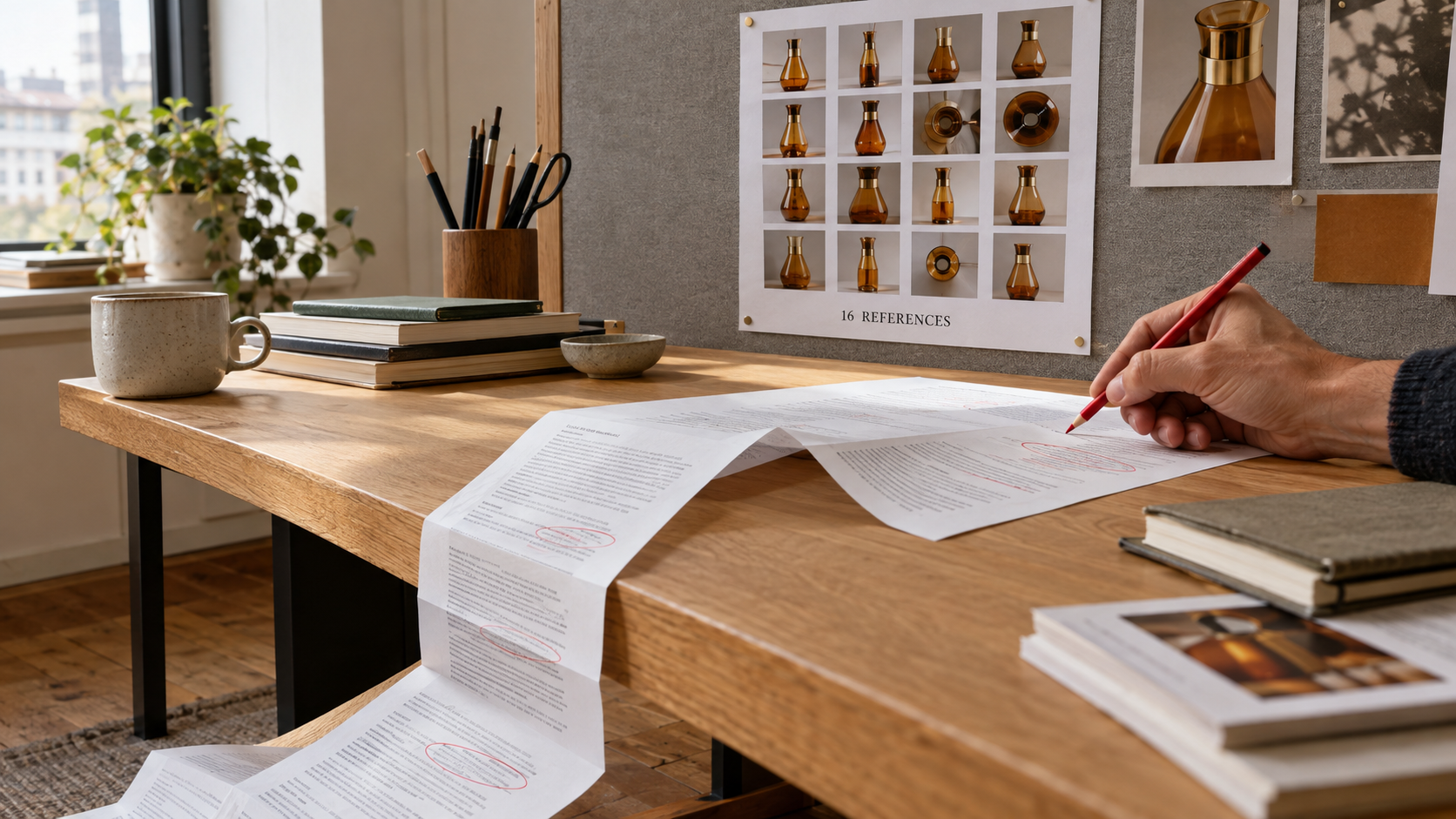
The two limits worth internalising are the input count and the prompt length. Sixteen reference images is enough to hand the model a full contact sheet of a product, a person or a set, rather than one hero angle and hope. Twenty thousand characters is enough to paste an entire brand brief, a shot list and a set of do not do rules into one prompt instead of compressing it into a sentence.
There is no negative prompt. Bake your exclusions into the prompt body instead. In practice a short closing line such as "no watermark, no invented logos, no glowing interface" does the work.
Three ways to run GPT Image 2.5 on Kubeez
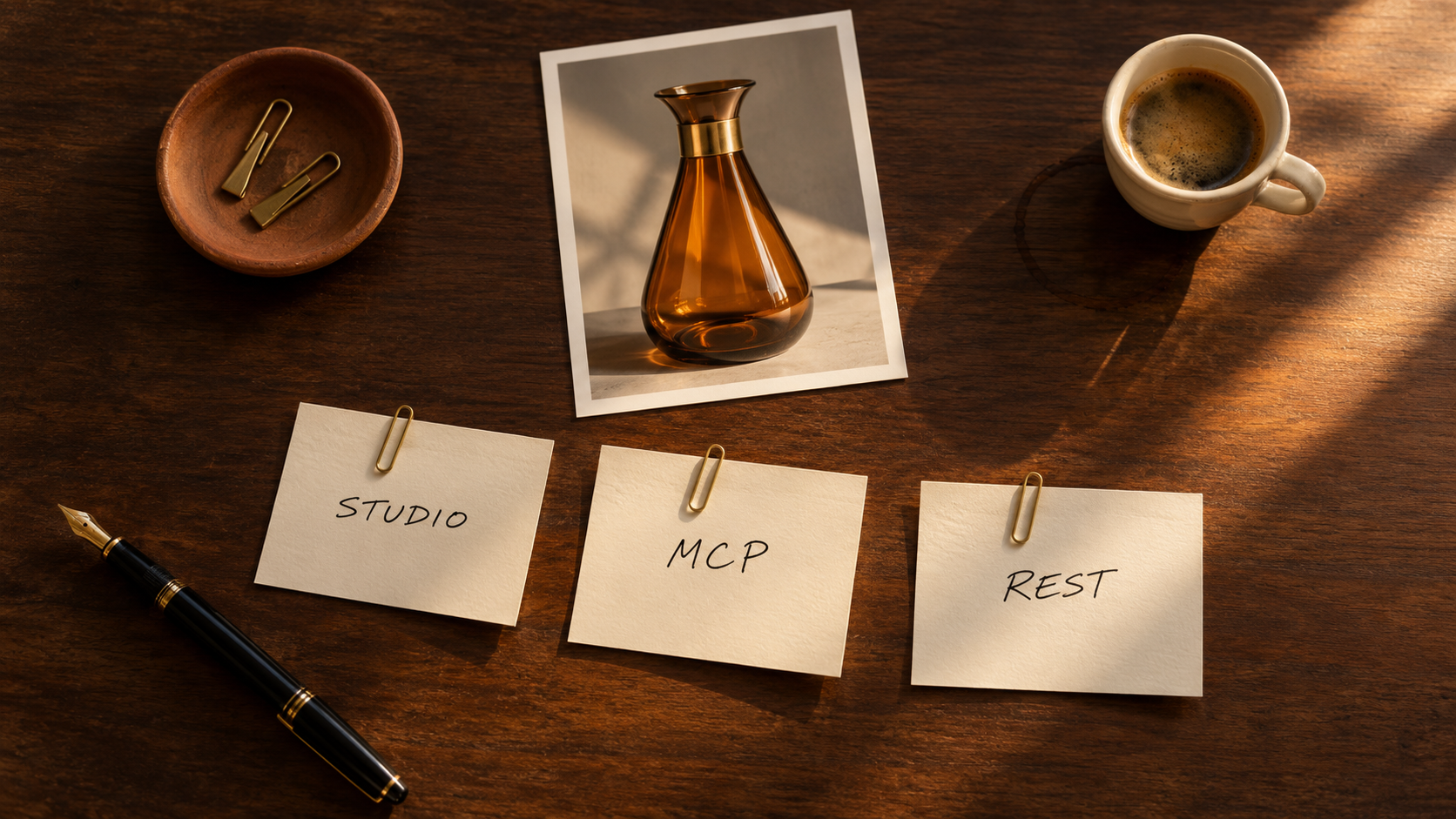
1. In the Studio
Open Media Studio, pick GPT Image 2.5 from the image models, choose the lane pill, set your aspect ratio and resolution, write the prompt, and generate. If you are editing rather than generating, drop your reference images into the input slots first and the card switches to image to image. Everything lands in your library and can be pushed straight into video, captions or background removal from there.
2. Over MCP
Both lanes are exposed to the Kubeez MCP server as their own model ids, so any MCP client can call them: Claude, Claude Code, Cursor, or your own agent.
generate_media(
  model="gpt-image-2-5-flare",
  generation_type="text-to-image",
  prompt="Editorial product photograph of an amber glass carafe on pale concrete, hard raking key light from upper right, Wired feature opener, 85mm.",
  aspect_ratio="16:9",
  resolution="1K"
)
Swap gpt-image-2-5-flare for gpt-image-2-5-sunburst when the asset is heading into a revision cycle. estimate will preview the credit cost for either before you spend anything.
If you want the full agent setup, we have a walkthrough in Running GPT Image 2.5 through MCP in Claude and Cursor, and the older but still accurate GPT Image 2 over the Kubeez API and MCP covers the same plumbing.
3. Over the REST API
The same two model ids work over the public REST API. Create a key in Settings, then post a job and poll it.
POST https://api.kubeez.com/v1/generate/media
X-API-Key: sk_live_...
Content-Type: application/json

{
  "model": "gpt-image-2-5-flare",
  "generation_type": "text-to-image",
  "prompt": "Overhead flat lay of five trimmed photographic prints on a light table, Kinfolk still life, amber and brass on paper white.",
  "aspect_ratio": "16:9",
  "resolution": "1K"
}
Call GET /v1/models first if you want the live capability payload rather than the table above. The docs overview explains keys, scopes and polling, and the full catalogue with every id and price lives in available models.
What GPT Image 2.5 costs in credits
Identical for both lanes, and identical for text to image and image to image:
| Resolution | Credits |
|---|---|
| 1K | 15 |
| 2K | 20 |
| 4K | 28 |
That flat structure is deliberate. You are never paying a premium to edit rather than generate, and you are never paying a premium to pick Sunburst. The only lever on your bill is resolution, so generate drafts at 1K and only commit to 4K on the frame you are actually shipping. The four images in this post cost 15 credits each.
Which lane for which job
- Blog and article art. Flare at 1K. Fast, cheap, and you will discard half of what you make.
- Social variants of one concept. Flare, one prompt, several aspect ratios. The ratio range does the heavy lifting.
- Product photography for a store page. Sunburst at 2K or 4K, with a contact sheet of real product angles as reference images.
- Campaign creative that a client will review. Sunburst, every time. The whole point is that round five still looks like round one.
- Anything with a lot of on image type. Either lane. This family has always been the strongest text renderer in the catalogue, and 2.5 does not give that up.
Frequently asked questions
Is GPT Image 2.5 replacing GPT Image 2 on Kubeez?
No. GPT Image 2 stays live at 14, 19 and 27 credits. GPT Image 2.5 is a new card next to it. If your existing prompts and pipelines are tuned to GPT Image 2, nothing breaks.
Do Flare and Sunburst cost different amounts?
No. Both lanes are 15 credits at 1K, 20 at 2K and 28 at 4K, for text to image and for image to image alike.
How many reference images can GPT Image 2.5 take?
Up to 16 input images per generation, on both lanes.
Does GPT Image 2.5 support negative prompts?
No. Put your exclusions in the prompt text instead, as a short closing line naming what must not appear.
What aspect ratios does GPT Image 2.5 support?
Thirteen documented aspect ratios: auto, 1:1, 3:2, 2:3, 4:3, 3:4, 16:9, 9:16, 21:9, 27:16, 16:27, 9:8 and 8:9.
Can I use GPT Image 2.5 from an agent?
Yes. Both gpt-image-2-5-flare and gpt-image-2-5-sunburst are exposed over the Kubeez MCP server and the public REST API, with the same parameters as the Studio.
Start generating
GPT Image 2.5 is on your account now. Open the image tools and run your next brief through Flare, or check the full model catalogue if you want to compare it against everything else before you commit a credit.
Dex writes the Kubeez guides and makes every example with the same tools you use.