Technology
GPT Image 2.5 vs GPT Image 2: Should You Upgrade?
GPT Image 2.5 vs GPT Image 2 on Kubeez: one credit more per image at every tier, faster renders and thirteen documented aspect ratios. When to upgrade.
· Dex
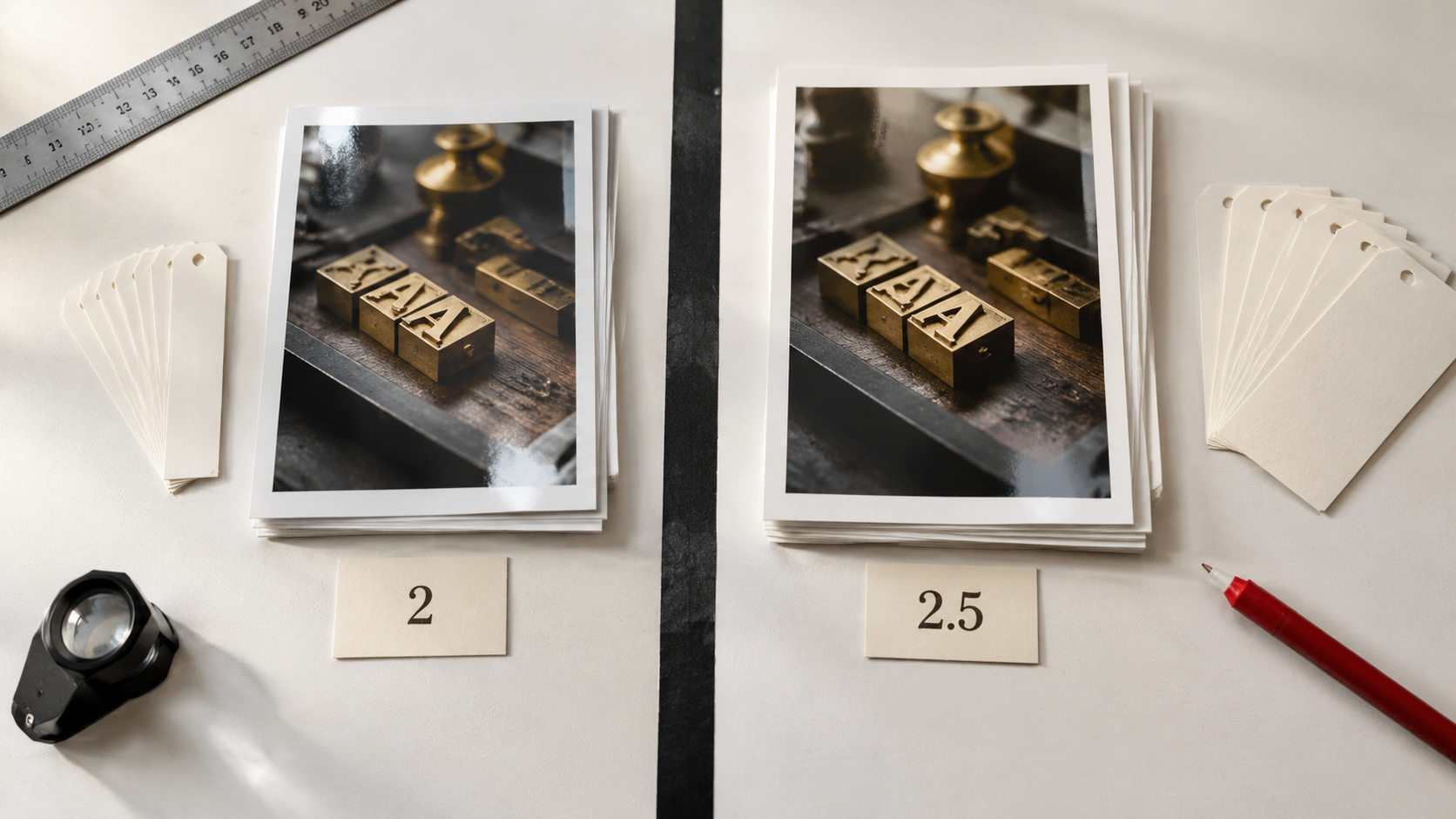
GPT Image 2.5 vs GPT Image 2 is the only question that matters if you already ship images on Kubeez. OpenAI announced GPT Image 2.5 on 8 September 2026, and it went live on Kubeez the next day in two lanes: Flare, the fast default, and Sunburst, the premium edit control lane. GPT Image 2 did not go anywhere. It is still live, still cheaper by exactly one credit at every tier, and still one of the strongest in-image text renderers we host. So this is a real decision, not a forced migration.
Here is the honest version of that decision, with the numbers, a same prompt side by side, and a clear list of the cases where staying on GPT Image 2 is the smarter call.
The short answer
Upgrade if you generate a lot of images and wait on them, you need an aspect ratio outside the classic six, or you edit an image across several rounds and keep losing the parts you wanted to keep.
Stay on GPT Image 2 if your pipeline is high volume and already tuned, you only ever ship 1:1, 16:9 and 9:16, and the one credit per image difference is real money at your scale.
Do both, honestly. They are two entries in the same model catalogue, not a fork in the road. Draft on one, finish on the other, and pick per job.
What actually changed, in one table
| GPT Image 2 | GPT Image 2.5 (Flare and Sunburst) | |
|---|---|---|
| Credits at 1K | 14 | 15 |
| Credits at 2K | 19 | 20 |
| Credits at 4K | 27 | 28 |
| Aspect ratios on Kubeez | 6 | 13 documented |
| Max input images | 16 | 16 |
| Prompt length | 20,000 characters | 20,000 characters |
| Modes | text to image, image to image | text to image, image to image |
| Resolutions | 1K, 2K, 4K | 1K, 2K, 4K |
| Negative prompt | not supported | not supported |
| Model id | gpt-image-2 |
gpt-image-2-5-flare, gpt-image-2-5-sunburst |
Two things stand out. The first is how much did not change: same 16 reference images, same enormous 20,000 character prompt budget, same three resolution tiers, same two generation modes. Your existing prompts port over unchanged. Nothing in the prompt guide we wrote for GPT Image 2 is invalidated by 2.5.
The second is that the price delta is one credit. Not a tier, not a multiplier. One credit at 1K, one at 2K, one at 4K.
Speed is the part you feel first
OpenAI positions Flare as delivering higher quality than GPT Image 2 at up to 50% lower latency, with 2x to 4x speedups in some reported tests. That is a vendor claim and we are labelling it as one, but latency is also the easiest thing for you to verify yourself: run the same prompt twice and watch the clock.
Speed changes behaviour more than quality does. When a render lands in a few seconds instead of half a minute, you stop batching your ideas and start iterating. You try the weird framing. You re-roll the one tile in a carousel that is slightly off instead of shipping it because a re-roll costs you a coffee break. That behavioural shift is worth more than the one credit it costs, for most people.
Thirteen documented aspect ratios versus six proven ones
This is the widest gap between the two models, and it deserves a careful sentence.
GPT Image 2 exposes six aspect ratios on Kubeez: auto, 1:1, 9:16, 16:9, 4:3 and 3:4. Those six are battle tested. They are what most of the Kubeez blog imagery, ad creative and thumbnail work has run on for months.
GPT Image 2.5 exposes thirteen documented aspect ratios: auto, 1:1, 3:2, 2:3, 4:3, 3:4, 16:9, 9:16, 21:9, 27:16, 16:27, 9:8 and 8:9.
Read "documented" literally. Thirteen ratios are listed in the model contract and selectable in the UI. The classic six carry over from GPT Image 2 and behave the way you expect. The wide and unusual entries, 21:9, 27:16, 16:27, 9:8 and 8:9, are newly exposed surface. If your deliverable depends on an ultrawide banner or a near-square editorial crop, generate one test image and look at it before you commit a batch. That is standard practice for any new ratio on any model, and it is cheaper than a re-run of forty tiles.
For the record: 3:2 and 2:3 alone justify the upgrade for a lot of people. They are the native proportions of most cameras and most print work, and getting them without a crop is a genuine workflow win.
Multi round edit control
Both models take up to 16 input images and both do image to image. The difference OpenAI claims for 2.5 is targeting: more precise edits to the region you asked about, better preservation of the reference subject, and better consistency when you chain several edits in a row.
That last one is the underrated part. The classic failure mode of iterative AI editing is drift. You ask for a colour change in round two, a background swap in round three, and by round four the product in the middle of the frame has quietly become a slightly different product. Sunburst is the lane built for exactly this: it is the premium edit control tier, and the case for it is a long chain of edits on an asset you cannot afford to have drift.
If you want the full breakdown of which lane to pick, we split that into its own post: Flare vs Sunburst.
Same prompt, both models
We ran one identical prompt through gpt-image-2-5-flare and gpt-image-2, at the same 16:9 framing and the same 1K resolution, and changed nothing else. Judge for yourself.
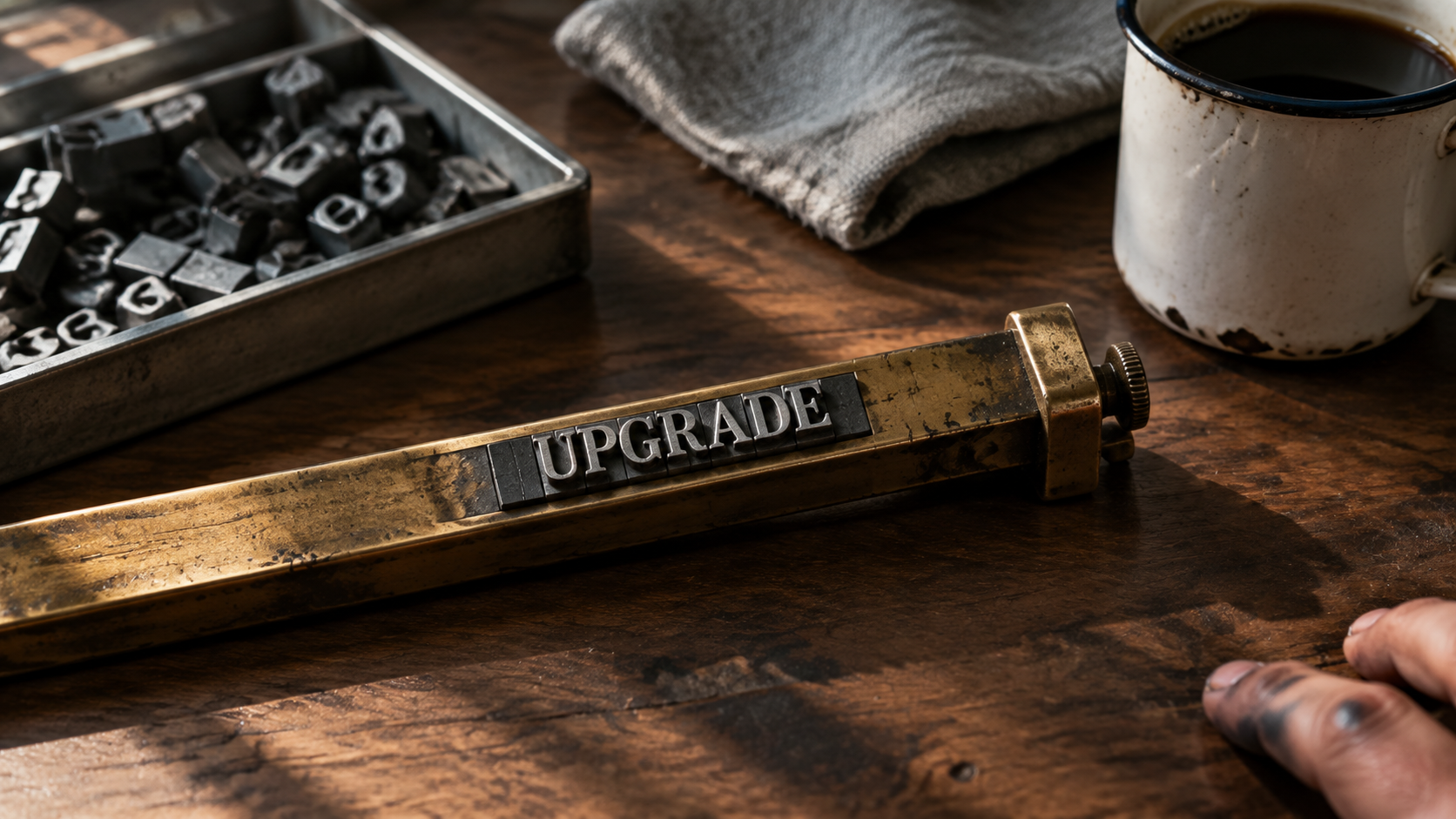
Same prompt, GPT Image 2.5 Flare.
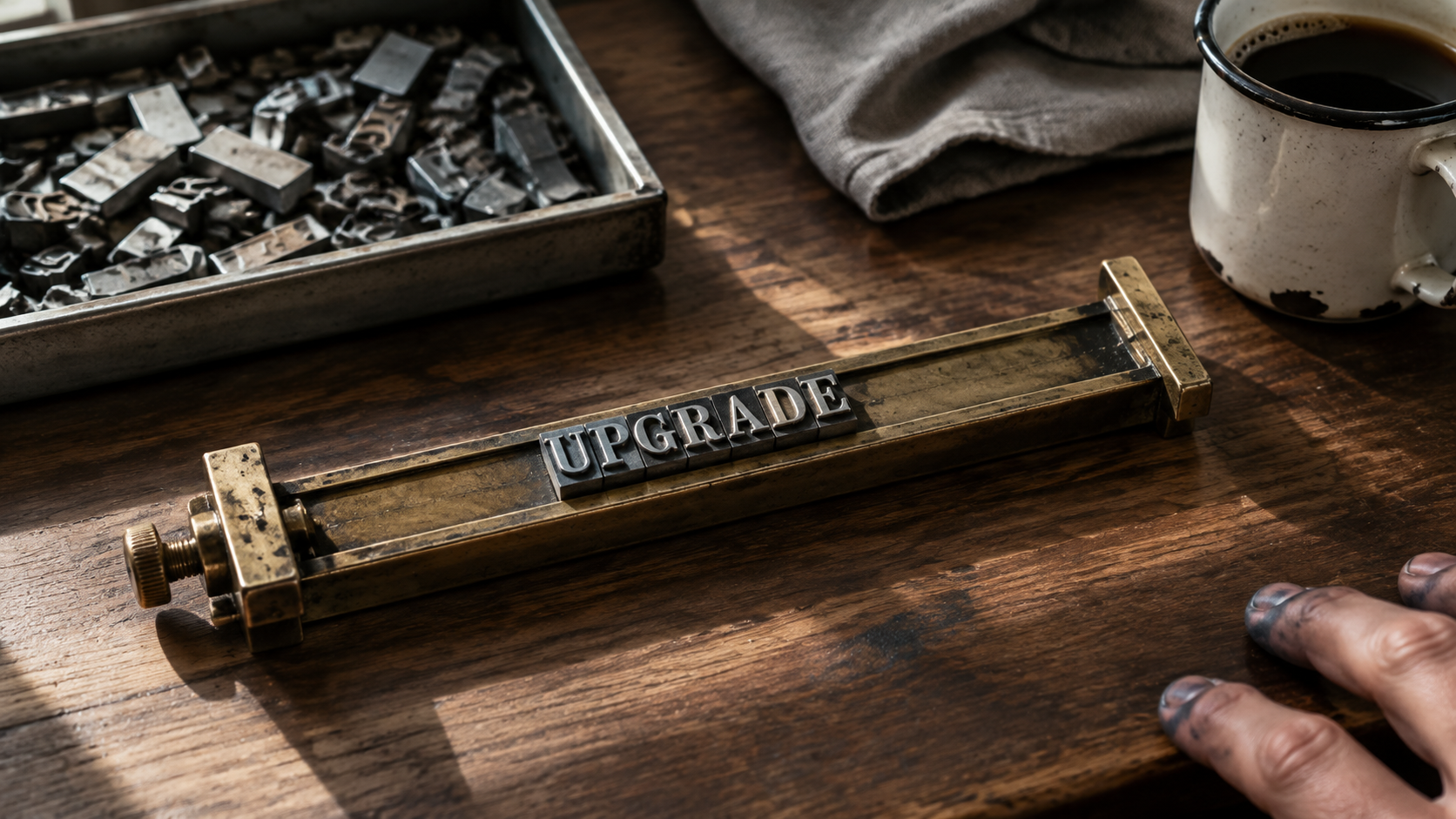
Same prompt, GPT Image 2.
A single pair is an anecdote, not a benchmark, and we are not going to pretend otherwise. GPT Image 2 built its reputation on near perfect in-image text rendering in blind tests, and it defends that reputation well here. GPT Image 2.5 inherits the same lineage, and the things OpenAI called out, sharper detail, more natural lighting and shadow texture, are the things to look at in the surface of the brass and the fall of the shadow rather than in the letterforms.
The useful takeaway is not "one of these is better." It is that a prompt you wrote for GPT Image 2 produces a recognisably similar image on 2.5. Your prompt library is not a sunk cost.
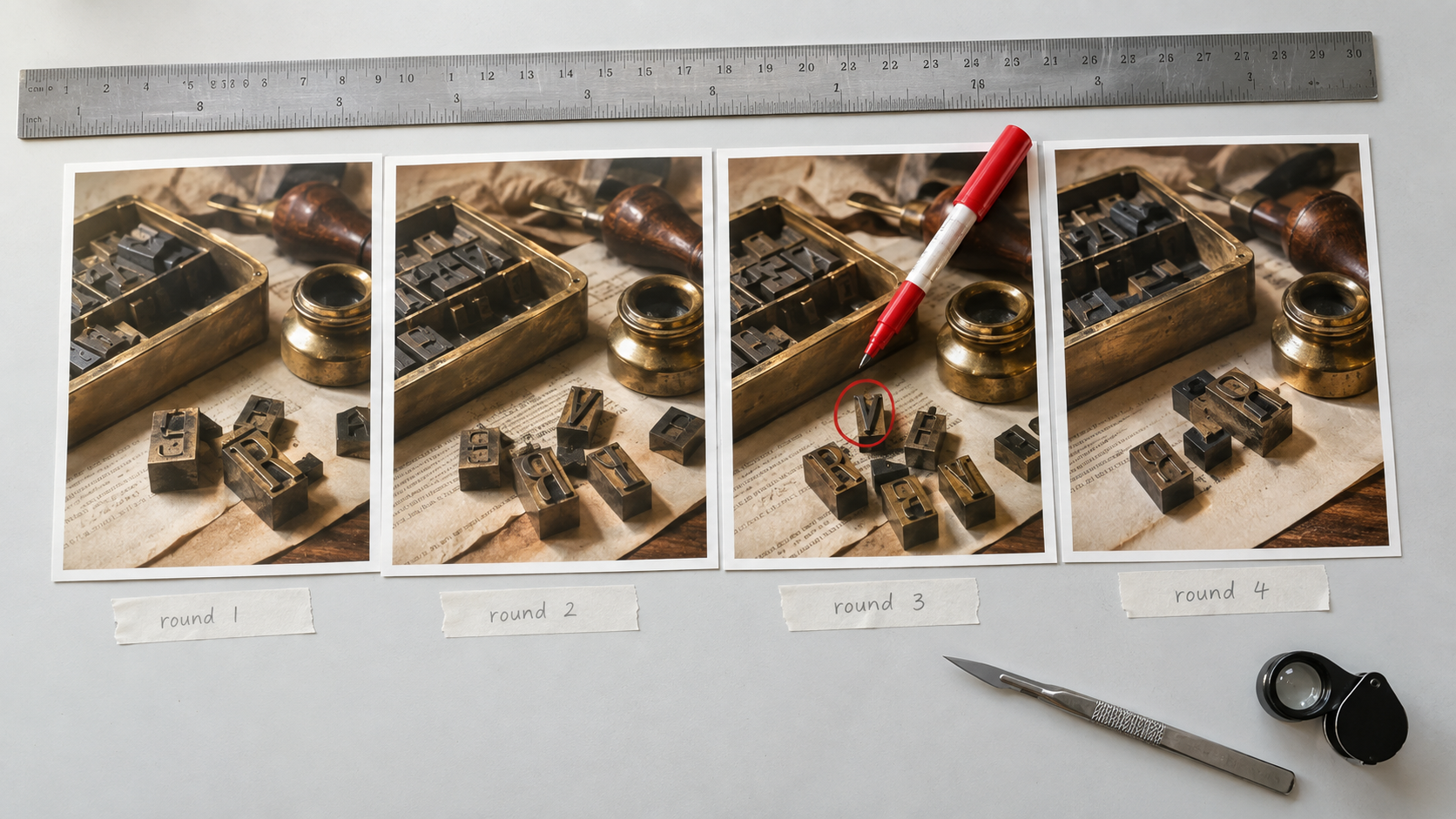
Chained edits are where consistency across a series either holds or quietly falls apart.
The credit math, honestly
One credit per image sounds like nothing, and at low volume it is nothing. At scale it is arithmetic you should do rather than feel.
- 50 images a month at 1K: 700 credits on GPT Image 2, 750 on GPT Image 2.5. A difference of 50.
- 500 images a month at 1K: 7,000 versus 7,500. A difference of 500.
- 500 images a month at 4K: 13,500 versus 14,000. A difference of 500.
Notice that the gap is flat at one credit per image regardless of resolution, so the relative premium shrinks as you go up in resolution. At 1K you pay about 7% more. At 4K you pay under 4% more. If you work mostly at 4K, the upgrade is close to free.
Then weigh it against the other side of the ledger. If Flare halves your latency, the credits are not the expensive part of your pipeline. Your time is. If a re-roll used to cost you a context switch and now it does not, one credit is a rounding error against the hour you get back.
Where the math flips: genuine high volume batch work, thousands of images, where you already know the exact prompt and ratio and you are not iterating at all. There, you are paying the premium for capabilities you are not using.
When GPT Image 2 is still the right call
Kubeez did not deprecate it, and this is not a courtesy. There are real jobs where v2 is the better pick.
- Tuned high volume pipelines. If you have a batch job that runs a fixed prompt at a fixed ratio and the output is already good, the upgrade buys you nothing measurable and costs one credit per image.
- You only ship the classic six ratios. No
3:2, no ultrawide, no near-square. The extra ratios are the single biggest reason to move, and if you do not need them, that reason is gone. - Text heavy single pass work. GPT Image 2 earned its reputation on in-image text. For a one shot poster or a thumbnail where the headline has to be perfect and you are not chaining edits, it is a known quantity with a long track record.
- Reproducibility matters. If you have shipped work on v2 and need new assets to sit next to old ones, staying on the same model is the low risk answer.
- Cost discipline at the margin. One credit is one credit. If you are running lean and your outputs already pass, there is no shame in leaving it alone.
If you want the background on what v2 is and what it does well, we covered that when it launched: GPT Image 2 on Kubeez.
How to switch
There is no migration. Both models sit side by side.
In the app: open AI Images or the Media Studio and pick the model from the selector. Your prompt, your reference images and your resolution all carry across.
Via MCP or the REST API: change one string.
gpt-image-2              # unchanged, still live
gpt-image-2-5-flare      # fast default
gpt-image-2-5-sunburst   # premium edit control
Everything else about the call stays the same: same prompt, same aspect_ratio, same resolution, same source_media_urls for image to image. If you drive Kubeez from an editor, connecting GPT Image 2.5 to Claude and Cursor is a one line config change.
Full parameter reference for every model lives in available models.
How it sits against the rest of the catalogue
The upgrade question is narrow. The wider question is which image model to reach for at all, and we ran GPT Image 2.5 against the obvious rivals in separate posts:
- GPT Image 2.5 vs Nano Banana 2
- GPT Image 2.5 vs Midjourney v8
- GPT Image 2.5 vs Seedream 5 Pro
- GPT Image 2.5 is now on Kubeez, the launch write up
FAQ
Is GPT Image 2 being deprecated?
No. GPT Image 2 is still live on Kubeez under the model id gpt-image-2, at 14 credits at 1K, 19 at 2K and 27 at 4K. There is no sunset date and no forced migration.
How much more does GPT Image 2.5 cost on Kubeez?
Exactly one credit more per image at every resolution tier. GPT Image 2.5, in both the Flare and Sunburst lanes, costs 15 credits at 1K, 20 at 2K and 28 at 4K, against 14, 19 and 27 for GPT Image 2.
Should I use Flare or Sunburst?
Flare is the fast default and the right starting point for most work. Sunburst is the premium edit control lane, built for chains of targeted edits on an asset that must not drift. Both cost the same credits per image on Kubeez.
Can I use all thirteen aspect ratios?
Thirteen aspect ratios are documented and selectable. The six that carry over from GPT Image 2 are well proven. For the newer wide and near-square entries, generate one test image and check it before committing a batch.
Can I reuse my GPT Image 2 prompts?
Yes. Both models accept 20,000 character prompts, up to 16 reference images, the same three resolution tiers and the same two generation modes. Neither supports a negative prompt, so keep writing your exclusions into the prompt body.
Does GPT Image 2.5 still render text well?
It inherits the same lineage as GPT Image 2, which is known for near perfect in-image text rendering in blind tests. For text critical single pass work where you already have a v2 prompt that lands, there is no strong reason to move, and no strong reason not to.
The verdict
If you are iterating, the upgrade pays for itself before lunch. Faster renders change how many ideas you actually try, and the extra aspect ratios remove a crop step from real deliverables. One credit is a cheap price for that.
If you are batching a solved prompt at a fixed ratio, stay where you are. GPT Image 2 is not a legacy model, it is a cheaper one, and it is still very good at the thing it is famous for.
Try both on the same brief in AI Images and let the outputs settle it. That is a 29 credit experiment, and it will tell you more than any comparison post can.
Dex writes the Kubeez guides and makes every example with the same tools you use.