GPT Image 2 Prompt Guide for Marketers (with 12 Copy-Paste Templates)
12 field-tested copy-paste prompt templates for GPT Image 2 — product still life, lifestyle, campaign poster, flat illustration, UI mock, packaging, magazine cover, and more — runnable on Kubeez via app, REST API, or MCP.
If you're a marketer running GPT Image 2 on Kubeez, prompt quality is the only knob between "AI slop that goes in the trash" and "a hero asset I can ship today." This guide gives you the anatomy of a marketing prompt that works on gpt-image-2, then 12 copy-paste templates for the formats marketers actually need: product still life, lifestyle, campaign poster, flat illustration, UI mock, banner, packaging, social ad, hero header, magazine cover, holiday creative, and brand-kit edit.
Each template is field-tested, runs on Kubeez via the web app, the REST API, or the MCP, and produces output you can send to a client without further cleanup.
#The prompt formula that works on GPT Image 2
Marketing prompts that consistently produce usable output share five components — in order:
- Subject — what the image is of (the product, the person, the scene)
- Surface and environment — where the subject sits (marble pedestal, wooden desk, brutalist wall)
- Light source and direction — golden hour from the upper left, ring-light from the right, soft window light
- Material and texture details — brushed metal, frosted glass, dewy condensation, linen weave
- Style anchor — "photoreal magazine-quality", "editorial product photography", "flat vector illustration", "1980s film grain"
If you want typography in the image (which is GPT Image 2's killer feature), add a sixth component:
- Text content, verbatim — quote the exact words you want rendered. Don't paraphrase.
That's it. Now the templates.
#Template 1 — Editorial product still life
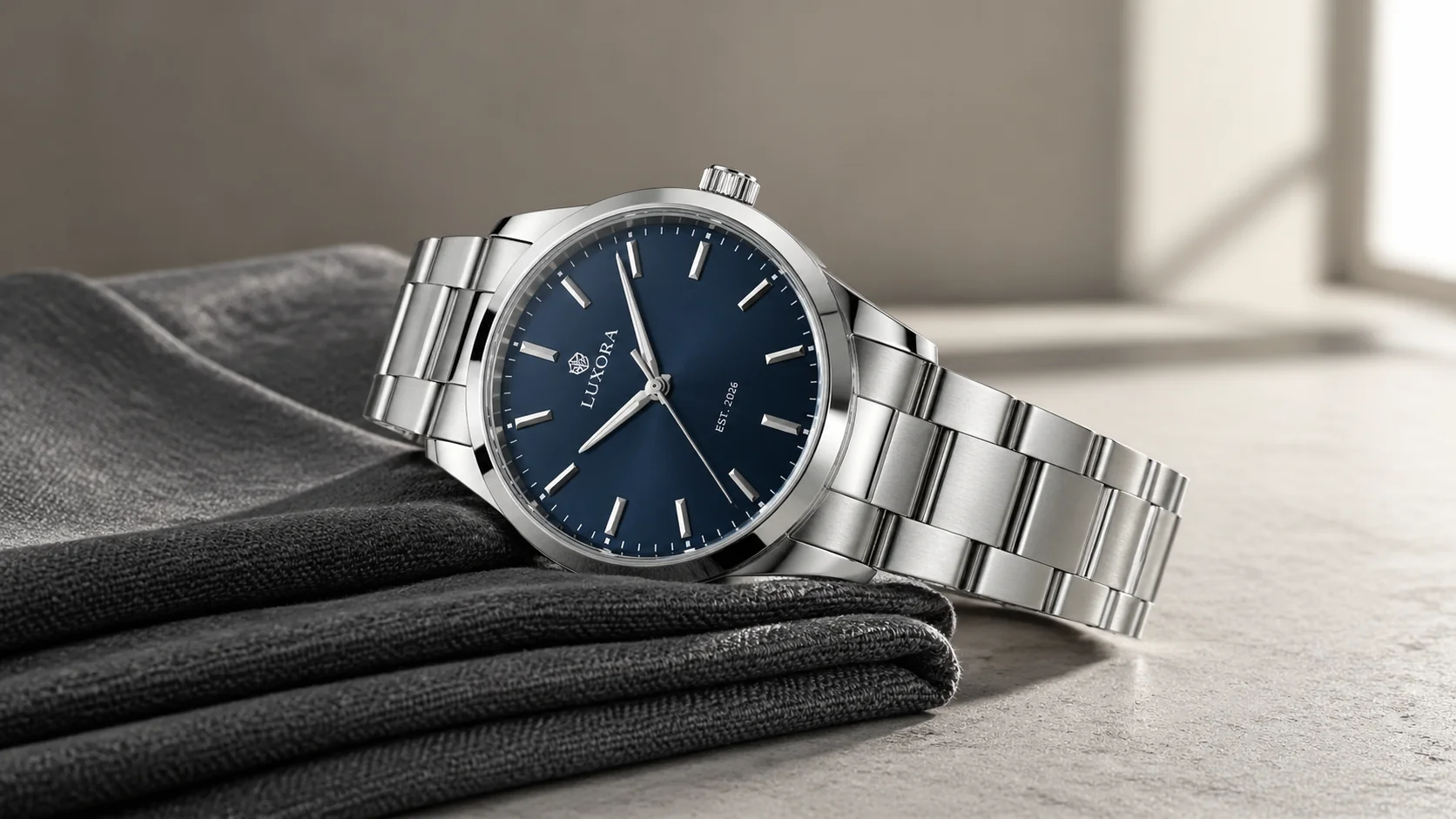
"An editorial product still life: a [PRODUCT] on a [SURFACE]. [LIGHT SOURCE] from the [DIRECTION], creating [SHADOW/REFLECTION DETAIL]. Visible micro-detail: [TEXTURE 1], [TEXTURE 2], small [LABEL TEXT]. [BACKDROP COLOR] backdrop. Photoreal, magazine-quality product photography, sharp focus. 16:9."
Use for: hero product shots, e-commerce PDPs, magazine ads. Result preview: this article's cover image.
#Template 2 — Candid lifestyle scene
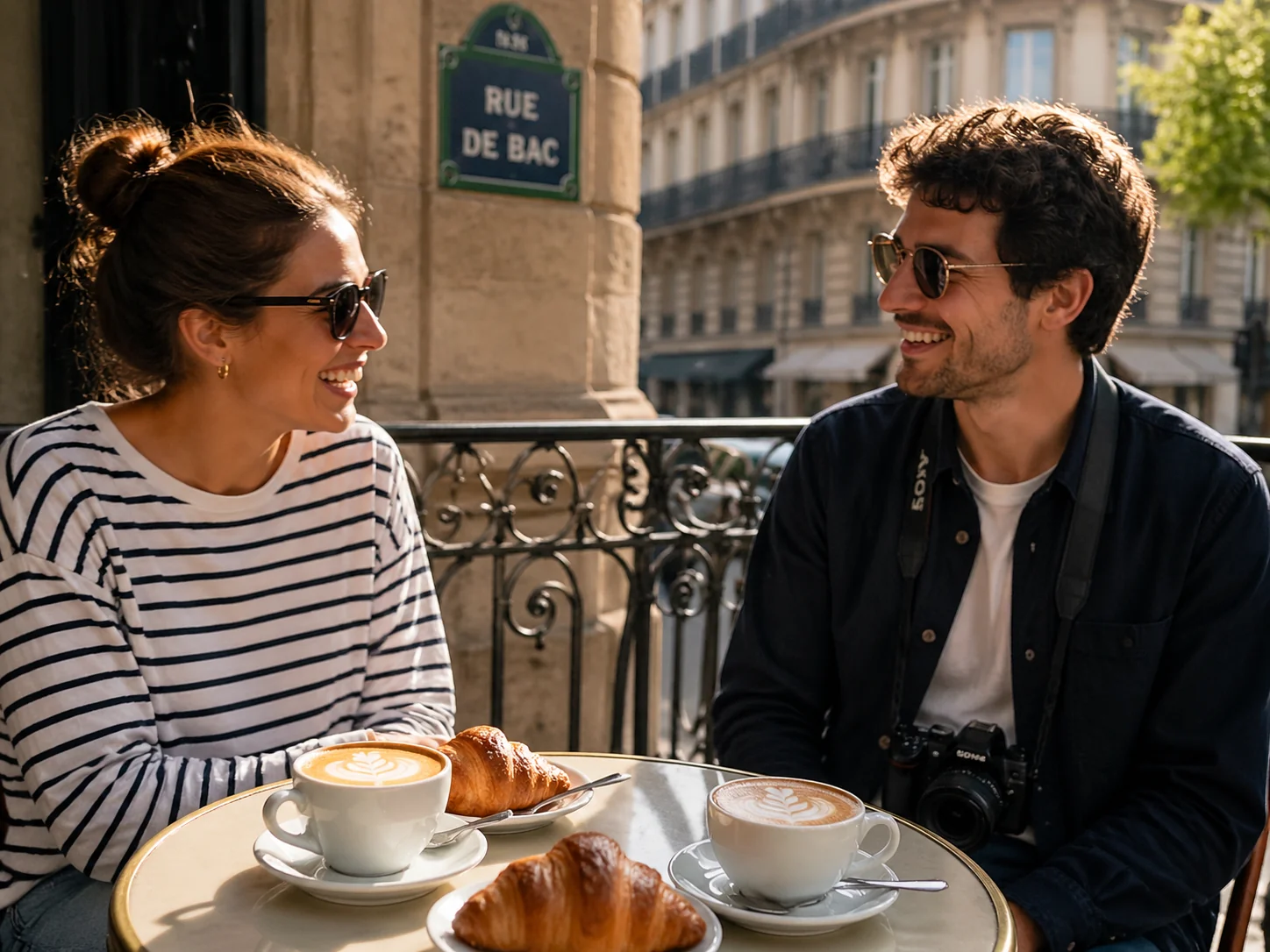
"A candid editorial lifestyle photograph: [PEOPLE DESCRIPTION] doing [ACTIVITY] at/in [LOCATION]. [PROPS IN THE SCENE]. Behind them, slightly blurred, [BACKGROUND DETAIL]. [LIGHT QUALITY], photoreal, magazine-quality candid lifestyle photography, shallow depth of field. 4:3."
Use for: brand campaigns, IG carousels, lifestyle ads. The Parisian-brunch image below is one generation from this template.
#Template 3 — Campaign poster with typography
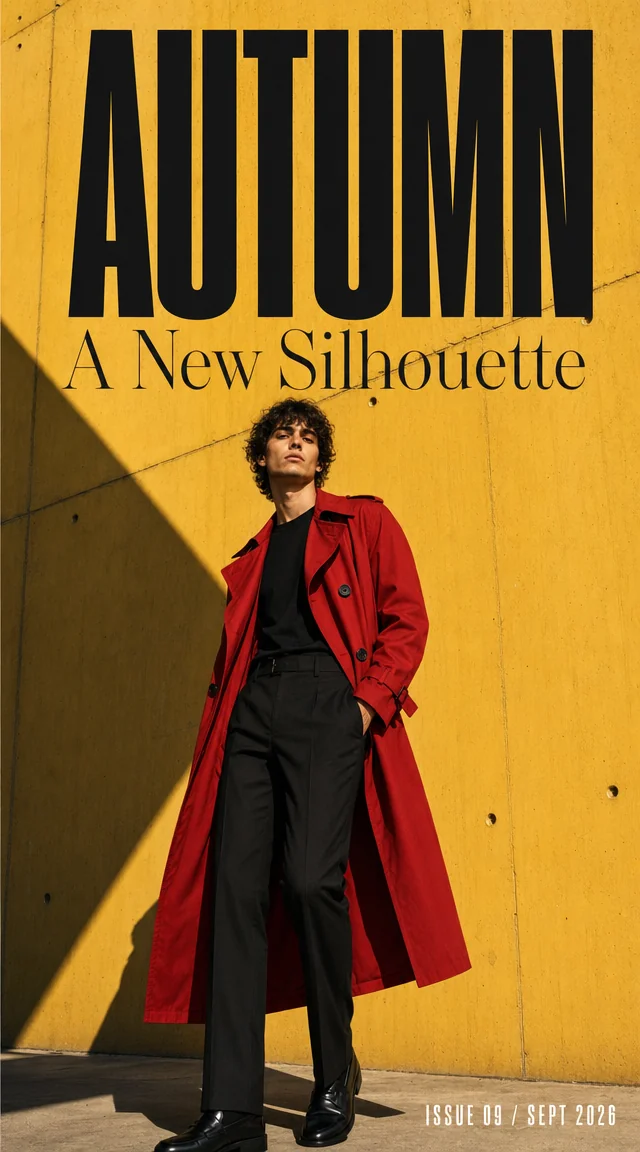
"A bold vertical fashion/event/product campaign poster, photoreal. [SUBJECT DESCRIPTION] against [BACKDROP]. Display typography is set into the poster: at the top large readable [HEADLINE TEXT], beneath it a thinner [SUBHEAD TEXT], and in the [POSITION] a small block [CREDIT / DATE TEXT]. [STYLE], high contrast, sharp readable type. Vertical 9:16."
Use for: 9:16 Reels/Stories ads, event marketing, festival posters.
#Template 4 — Flat illustration banner
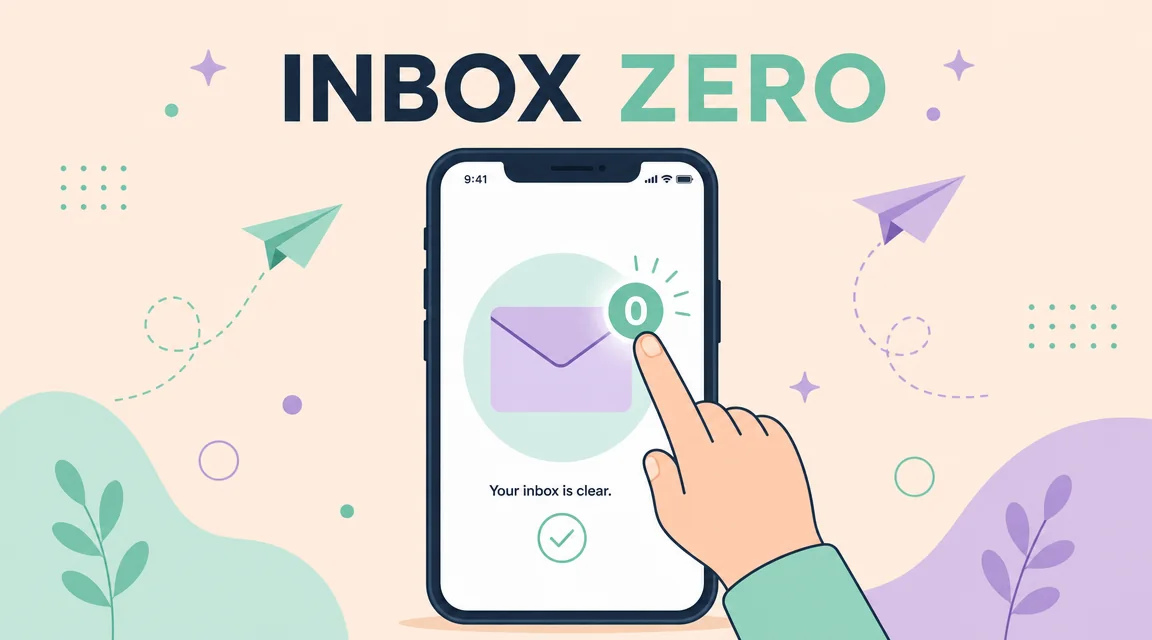
"A clean vector-style flat illustration banner. [SUBJECT in stylized form] [DOING ACTION]. [PALETTE: pastel/saturated/monochrome with named colors]. Centered, perfectly readable bold sans-serif text label reads "[YOUR LABEL]". [DECORATIVE ELEMENTS]. Modern flat illustration style, geometric shapes, clean lines, no photoreal textures. 16:9 banner composition."
Use for: SaaS landing-page sections, blog covers, newsletter headers.
#Template 5 — UI mockup / pitch-deck hero
"A photoreal flat-lay overhead shot on a [DESK MATERIAL]: a 14-inch MacBook Pro displaying [APP TYPE] dashboard with sharp, readable typography. The dashboard headline reads "[HEADLINE TEXT]" in large numbers, with smaller readable labels: "[LABEL 1]", "[LABEL 2]", and a clean [CHART TYPE] underneath. Beside the laptop: [PROPS]. Soft natural light from [DIRECTION], photoreal, all UI text crisp and legible. 16:9."
Use for: SaaS pitch decks, fintech ads, landing-page heroes.
#Template 6 — Beauty / skincare bottle shot
"A studio product photograph: a [BOTTLE TYPE] of [PRODUCT TYPE] on a polished [PEDESTAL MATERIAL]. Crisp readable label typography on the bottle reads "[BRAND]" with smaller text underneath "[PRODUCT NAME] — [SIZE]". [LIGHT TYPE] streams in from [DIRECTION], casting soft warm light and dramatic [REFLECTION TYPE]. [TEXTURE DETAIL e.g. dewy condensation]. [BACKDROP]. Photoreal high-end beauty product photography, sharp focus, editorial. 4:3."
Use for: DTC beauty, supplements, candles, fragrance.
#Template 7 — Lifestyle hero header
"An editorial wide shot of [SUBJECT] in [LOCATION/ENVIRONMENT]. [WEATHER / TIME OF DAY], [LIGHT QUALITY] from [DIRECTION]. [FOREGROUND DETAIL], [MIDGROUND], [BACKGROUND]. Photoreal, cinematic, magazine-quality wide composition. 16:9."
Use for: website heros, hero header banners on landing pages.
#Template 8 — Social ad in 1:1
"A polished marketing creative: [PRODUCT] [POSITION/ANGLE]. [BACKGROUND COLOR/SCENE]. To the [SIDE] of the product, sharp readable typography in [FONT STYLE]: large [HEADLINE TEXT] and smaller subheading "[SUBHEAD]". [LIGHT QUALITY], photoreal product photography, magazine ad quality. 1:1."
Use for: Instagram feed ads, Facebook square creatives, Pinterest.
#Template 9 — Packaging mock
"A high-resolution packaging mockup: a [PACKAGE TYPE] for [PRODUCT NAME] standing on [SURFACE]. Visible front-panel typography: brand "[BRAND]", product line "[PRODUCT]", small ingredient/spec strip "[SPEC TEXT]". [SURFACE FINISH e.g. matte/gloss/foil]. [LIGHT QUALITY], photoreal packaging photography, sharp readable text. 4:3."
Use for: pre-production packaging design, deck mocks, vendor pitches.
#Template 10 — Magazine cover
"A photoreal magazine cover. [SUBJECT — portrait/scene]. Cover masthead at the top reads "[MAGAZINE NAME]" in large [FONT STYLE]. Smaller cover lines: "[COVER LINE 1]", "[COVER LINE 2]", "[ISSUE NUMBER / DATE]". [PALETTE], magazine-cover composition. Vertical 3:4."
Use for: editorial brand work, fictional campaigns, brand identity decks.
#Template 11 — Holiday / seasonal creative
"[HOLIDAY SCENE — Christmas tree, beach summer, autumn leaves, etc.]. [PRODUCT] [PLACEMENT]. Sharp readable typography reads "[PROMOTIONAL HEADLINE]" with smaller text "[OFFER COPY]". [LIGHT MOOD]. Photoreal seasonal marketing photography, warm, inviting. 16:9."
Use for: seasonal campaigns, gift-guide imagery, sale banners.
#Template 12 — Brand-kit edit (image-to-image)
For brand consistency, run image-to-image with up to 16 references. Pass your logo, your existing hero shot, and one mood-board image, then prompt:
"In the consistent brand style of the references, produce [NEW SUBJECT/SCENE]. Maintain [LOGO PLACEMENT], [PALETTE], and [TYPOGRAPHY STYLE] from the references. [SPECIFIC SCENE DETAILS]. Photoreal, magazine-quality. [ASPECT]."
This is the workflow that turns one shoot into a multi-quarter campaign without re-shooting. Set generation_type: "image-to-image" and pass references in source_media_urls.
#Common prompt mistakes (and quick fixes)
| Mistake | Fix |
|---|---|
| "Make it pop" / vague style words | Replace with concrete style anchor: "1980s film grain", "editorial photo realism" |
| Asking for camera settings ("85mm f/1.4") | The model doesn't simulate lens math reliably — describe the result: "shallow depth of field, blurred background" |
| Paraphrasing the headline you want | Quote the exact text, in quotes, in the prompt |
| Stacking 6+ subjects in one prompt | Generate them as separate images and composite, or run image-to-image |
| Using "auto" aspect at 2K or 4K | Per Kubeez rules, 2K/4K require an explicit non-1:1 aspect — use 16:9, 9:16, 4:3, or 3:4 |
#Running these prompts via API or MCP
Every template above runs with the same call shape on Kubeez.
API (REST):
POST https://api.kubeez.com/v1/generate/media
X-API-Key: sk_live_...
{
  "model": "gpt-image-2",
  "prompt": "<paste any template>",
  "aspect_ratio": "16:9",
  "resolution": "1K"
}
MCP (chat-driven):
"Run this prompt on
gpt-image-2: <template here>. 16:9, 1K."
The assistant calls generate_media, polls, and returns the CDN URL.
#FAQ
How long should a marketing prompt be? Specific is more important than long. Most of our best-performing templates land between 60 and 250 words. The 20,000-character ceiling is a budget, not a target.
What's the cheapest setup that still produces marketing-grade output?
gpt-image-2 at 1K is the standard tier — flat per-image pricing, fast turnaround, plenty of detail for digital. Reserve 2K for landing-page heroes and 4K for print.
How do I keep brand colors consistent? Either name the hex or color name in every prompt ("muted oxblood red, hex #8B0000"), or use image-to-image with your brand-style reference image (Template 12).
Bottom line: the difference between a marketer who ships an asset a day and one who shipped one bad poster last week is prompt specificity, not the model. These twelve templates handle ~90% of marketing image work — bookmark them, fork them, paste them into Kubeez via Images, the REST API, or the MCP. For deeper integration patterns, see our GPT Image 2 technical guide.
Dex writes the Kubeez guides and makes every example with the same tools you use.
See also