Guides
GPT Image 2.5 Flare vs Sunburst: Which Lane to Pick
GPT Image 2.5 Flare vs Sunburst cost the same on Kubeez, so the choice is pure workflow. A decision table, real use cases and one prompt on both lanes.
· Dex
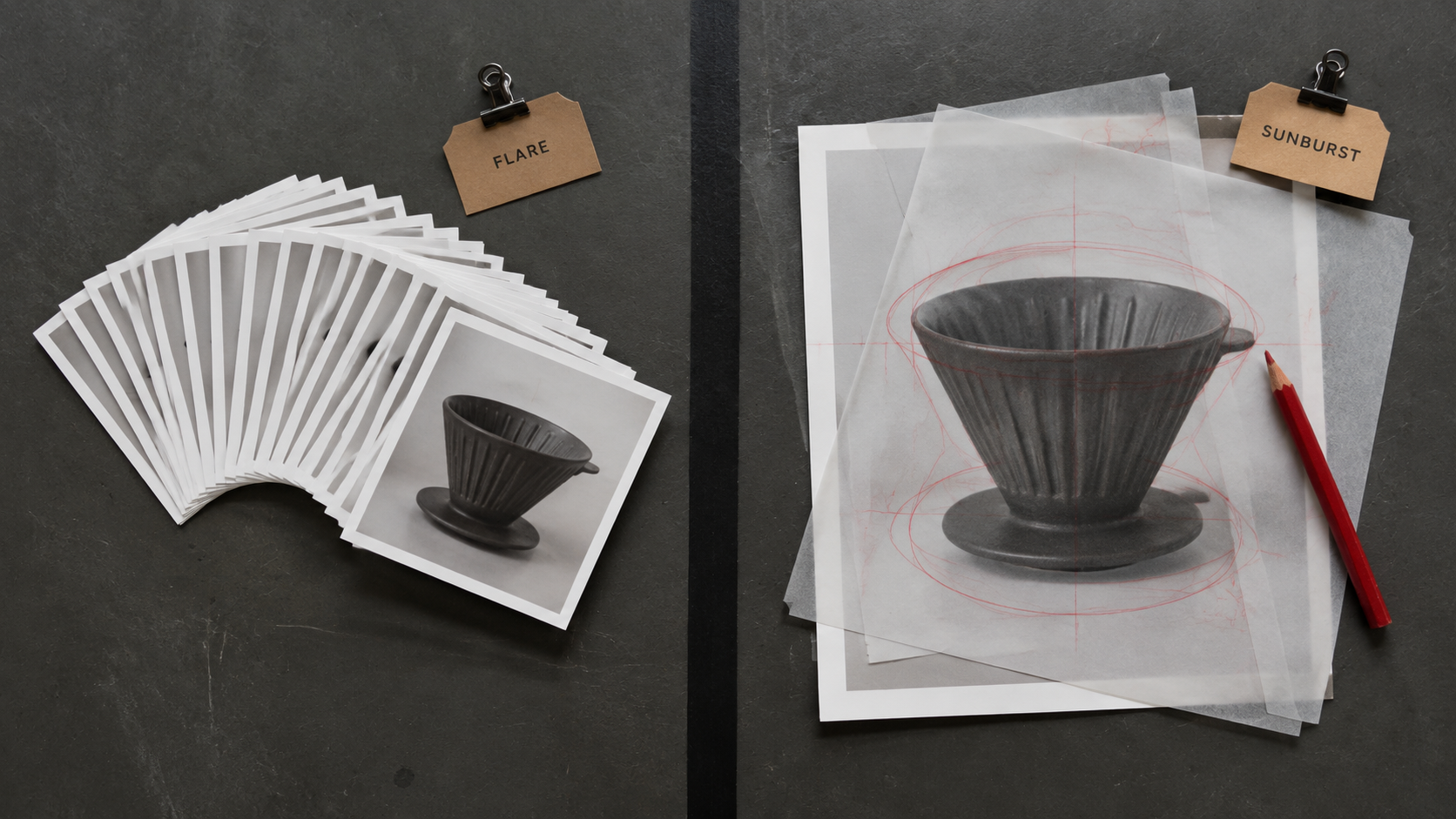
GPT Image 2.5 Flare vs Sunburst is the only real decision you make when you open the GPT Image 2.5 card on Kubeez. OpenAI announced ChatGPT Images 2.5 on 8 September 2026 and both lanes went live on Kubeez the next day. They cost the same number of credits, take the same inputs and render the same resolutions. So the choice is not a budget question and it is not a good-better-best ladder. It is a workflow question: speed and volume on one side, tighter control across a chain of edits on the other.
This guide gives you the short answer, a decision table, the concrete jobs that belong on each lane, and the same prompt rendered once on each lane so you can judge the output with your own eyes.
The short answer
Pick Flare when turnaround and volume decide the day. Flare is the fast default. It delivers higher quality than GPT Image 2 at up to 50% lower latency, and OpenAI describes it as its fastest model for high-quality, everyday image generation. Some reports put it at two to four times faster in practice. When forty story tiles have to be approved before a 5pm handoff, latency is the whole game.
Pick Sunburst when one frame has to survive several rounds of edits. Sunburst is built for premium visual workflows that benefit from tighter control across edits: production-ready campaign creative and polished product imagery. When a single hero image goes through art direction, a brand pass and a client note, holding that frame steady across the rounds is worth more than the seconds you save.
If the model family is new to you, start with the launch write-up at /blog/gpt-image-2-5-now-on-kubeez, then come back here to pick a lane.
Price is not a tiebreaker on Kubeez
This is the part most comparisons get wrong by assuming the premium lane costs more. On Kubeez it does not. Flare and Sunburst are priced identically, at every resolution, for text to image and image to image alike.
| Resolution | GPT Image 2.5 Flare | GPT Image 2.5 Sunburst |
|---|---|---|
| 1K | 15 credits | 15 credits |
| 2K | 20 credits | 20 credits |
| 4K | 28 credits | 28 credits |
There is no premium surcharge and no discount for taking the fast lane. Both renders in the comparison below were billed 15 credits each. Because price cancels out, everything else in this guide is a workflow argument.
The same prompt on both lanes
Below is one prompt, one aspect ratio, one resolution and one seed, rendered once on GPT Image 2.5 Flare and once on GPT Image 2.5 Sunburst. Nothing else changed.
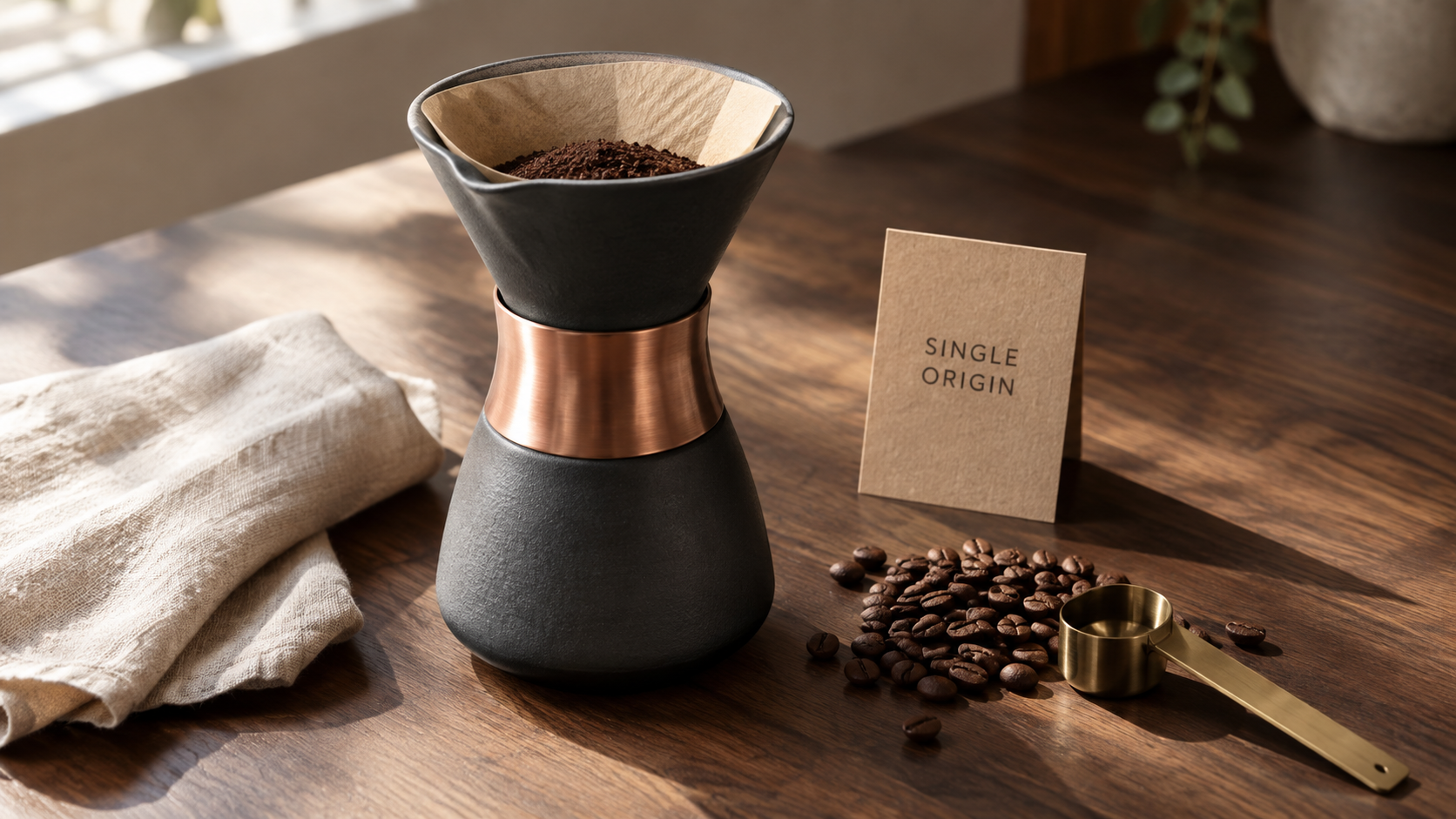
GPT Image 2.5 Flare. 16:9, 1K, 15 credits.
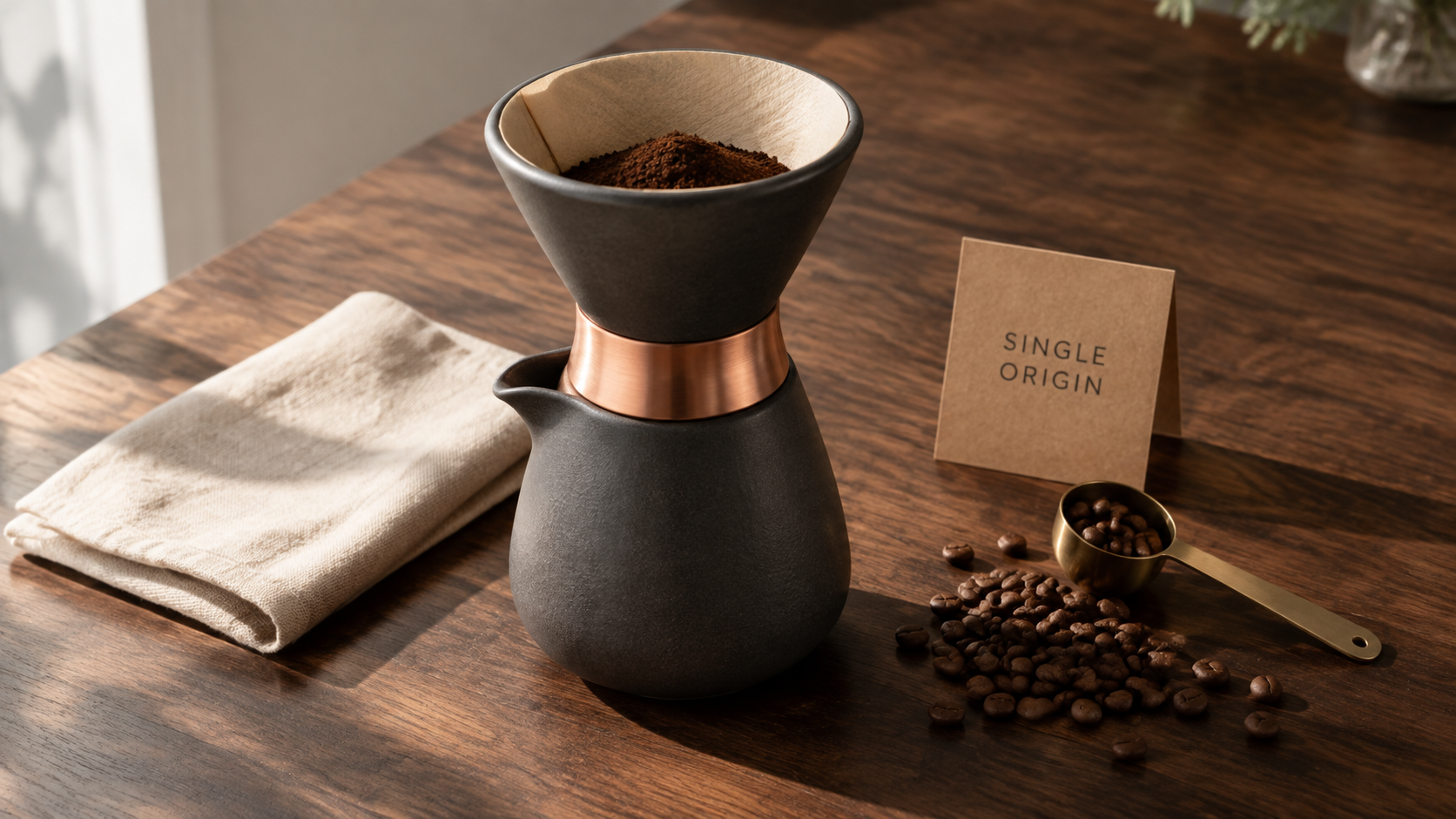
GPT Image 2.5 Sunburst. The identical prompt on the other lane, 16:9, 1K, 15 credits.
Read them the way a buyer should: side by side, first render, no cherry-picking. On a single text-to-image pass the two lanes land in the same quality neighbourhood. Both hold the small printed card legible, both keep the copper collar and the linen behaving like real materials, and the differences are the ordinary run-to-run variation in framing, prop placement and light falloff that you would get from two passes of any one model.
That is the honest result, and it is also the point. A single shot is not where the lanes separate. They separate on the second, third and fourth pass, when you feed the render back in as a reference and ask for one change while everything else stays put. That is Sunburst territory, and no one-shot comparison can show it. Judge that part on your own campaign rather than on a screenshot.
What belongs on Flare
Flare is the right default when the unit of value is the batch, not the frame.
- Social batches. A week of feed posts, story tiles and variant crops for one campaign. Twenty renders that each need to be good, none of which needs to be final.
- Thumbnails. Video and blog thumbnails are a numbers game. You want six options in the time it takes to make one, then you pick.
- Concepting and moodboards. Exploring a direction before anyone commits. Cheap iteration beats careful iteration while you are still deciding what the idea even is.
- Programmatic volume. Anything driven by a loop, a spreadsheet or an agent, where time per image multiplies across hundreds of rows.
- Interactive work. Anything where a human is sitting there waiting for the render, including chat-driven generation on /agent.
What belongs on Sunburst
Sunburst is the right default when the same image is going to be touched again.
- Campaign heroes. The one frame that lands on the homepage, the paid social set and the print piece. It will get notes. It will get revised.
- Product retouch chains. Same bottle, new background. Same bottle, new light. Same bottle, label swapped. Every round has to preserve what was already approved.
- Packaging and label work. Where a small legible element has to stay intact while the scene around it changes.
- Brand-consistent sets. A series that has to look like one shoot, built by editing forward from an approved first frame instead of re-rolling from scratch.
- Client-facing deliverables. Anything where "can you just change one thing" is a certainty rather than a risk.
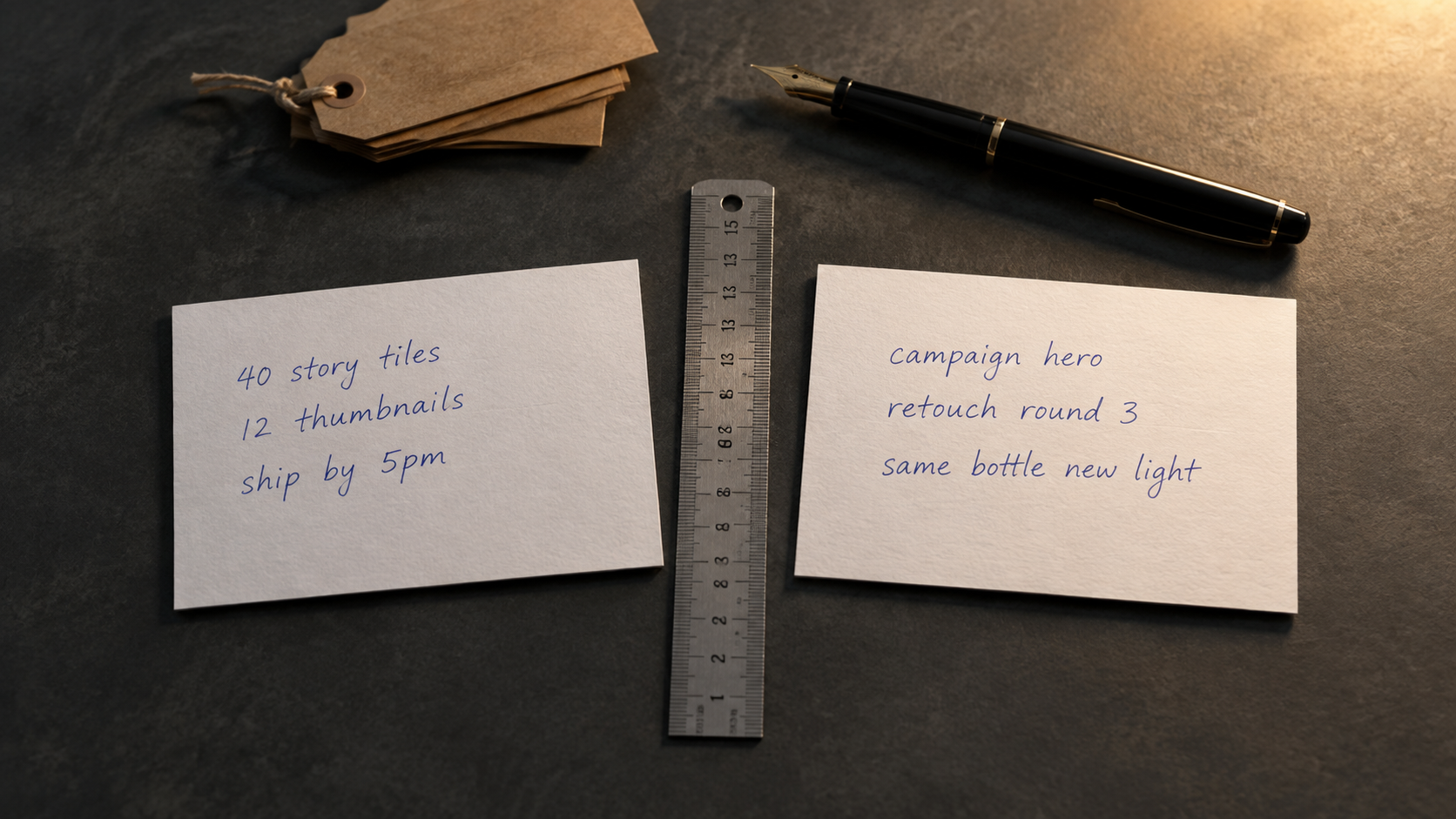
The lane is decided by what is written on the card, not by the budget.
The decision table
| If the job looks like this | Pick | Because |
|---|---|---|
| Forty tiles, one deadline | Flare | Latency multiplies across a batch |
| One hero, four rounds of notes | Sunburst | Control across edits is the deliverable |
| Six thumbnail options to choose from | Flare | Volume of options beats polish per option |
| A product shot revised against a brand guide | Sunburst | Each pass has to preserve the last |
| An agent or a script generating in a loop | Flare | Time per call compounds |
| Packaging where the label must not drift | Sunburst | Tighter control across edits |
| You genuinely cannot tell | Flare | Same price, faster answer, switch if the edits pile up |
That last row is the practical rule. Since price is identical, starting on Flare costs you nothing, and if a job turns into an edit chain you carry the approved frame over to Sunburst and continue there.
What is identical on both lanes
Everything below is shared, so none of it can break the tie.
| Capability | Flare and Sunburst |
|---|---|
| Generation types | Text to image and image to image |
| Max input images | 16 |
| Prompt length | 20,000 characters |
| Resolutions | 1K, 2K, 4K |
| Aspect ratios | Thirteen documented ratios |
| Negative prompt | Not supported |
| Credits | 15 / 20 / 28 at 1K / 2K / 4K |
Both lanes accept up to sixteen reference images, which is what makes the Sunburst edit chain practical in the first place: you can feed the approved frame, the brand references and a product photo into a single pass. The full specification lives on /docs/available-models.
How to switch lanes
In the Kubeez Studio at /media/studio there is a single GPT Image 2.5 card, and the lane is a pill on that card rather than a separate model. Pick the lane, write the prompt, render. Switching is one click, which is exactly why the start-on-Flare rule is cheap to follow.
Through the Kubeez MCP server and the REST API the two lanes are separate model ids:
gpt-image-2-5-flare
gpt-image-2-5-sunburst
Pass either id as the model, with the generation type set to text-to-image or image-to-image. If you are wiring this into an editor or an agent, the setup walkthrough is at /blog/gpt-image-2-5-mcp-claude-cursor.
How this fits the rest of the image lineup
Flare vs Sunburst is a choice inside one model family. Which family to reach for in the first place is a separate question, covered in /blog/gpt-image-2-5-vs-gpt-image-2 for the generational jump and /blog/gpt-image-2-5-vs-nano-banana-2 for the cross-family comparison. Every image model on the platform is listed on /images.
FAQ
Is GPT Image 2.5 Sunburst better quality than Flare?
Not in a good-better-best sense. Flare already delivers higher quality than GPT Image 2. Sunburst is built for premium visual workflows that benefit from tighter control across a sequence of edits, which is a different property from raw single-shot quality. On a first render the two lanes land in the same neighbourhood, as the pair above shows.
Does Sunburst cost more credits on Kubeez?
No. Both lanes cost 15 credits at 1K, 20 at 2K and 28 at 4K, for text to image and image to image alike. Price is not a tiebreaker between GPT Image 2.5 Flare and Sunburst on Kubeez.
How much faster is GPT Image 2.5 Flare?
Flare runs at up to 50% lower latency than GPT Image 2 while producing higher quality, and some reports put it at two to four times faster. OpenAI positions it as its fastest model for high-quality, everyday image generation.
Can I start a job on Flare and finish it on Sunburst?
Yes, and it is the recommended pattern. Explore and select on Flare, then take the approved frame into Sunburst as a reference image and run the edit rounds there. Both lanes accept up to sixteen input images.
Do both lanes support the same aspect ratios and resolutions?
Yes. Thirteen documented aspect ratios and 1K, 2K and 4K on both, with a 20,000 character prompt limit and no negative prompt support on either.
Which lane should an API or an agent use by default?
Flare, unless the workflow is an edit chain. Automated loops pay the latency cost once per row, so the fast lane compounds. Move a specific step to Sunburst when that step is revising an already approved frame.
Where to start
Open /media/studio, pick the GPT Image 2.5 card and leave the pill on Flare for your first render. If the job turns into a conversation about one image rather than a run of many, move to Sunburst and keep going. Same credits either way, so the only thing you are really choosing is how you want to work.
Dex writes the Kubeez guides and makes every example with the same tools you use.