Technology
Kling 4.0 Flash vs Kling 4.0 vs Seedance 2.5 Compared
Kling 4.0 Flash vs Kling 4.0 vs Seedance 2.5: clip length, resolution, references, audio and keyframes compared, plus which AI video model fits each job.
· Dex
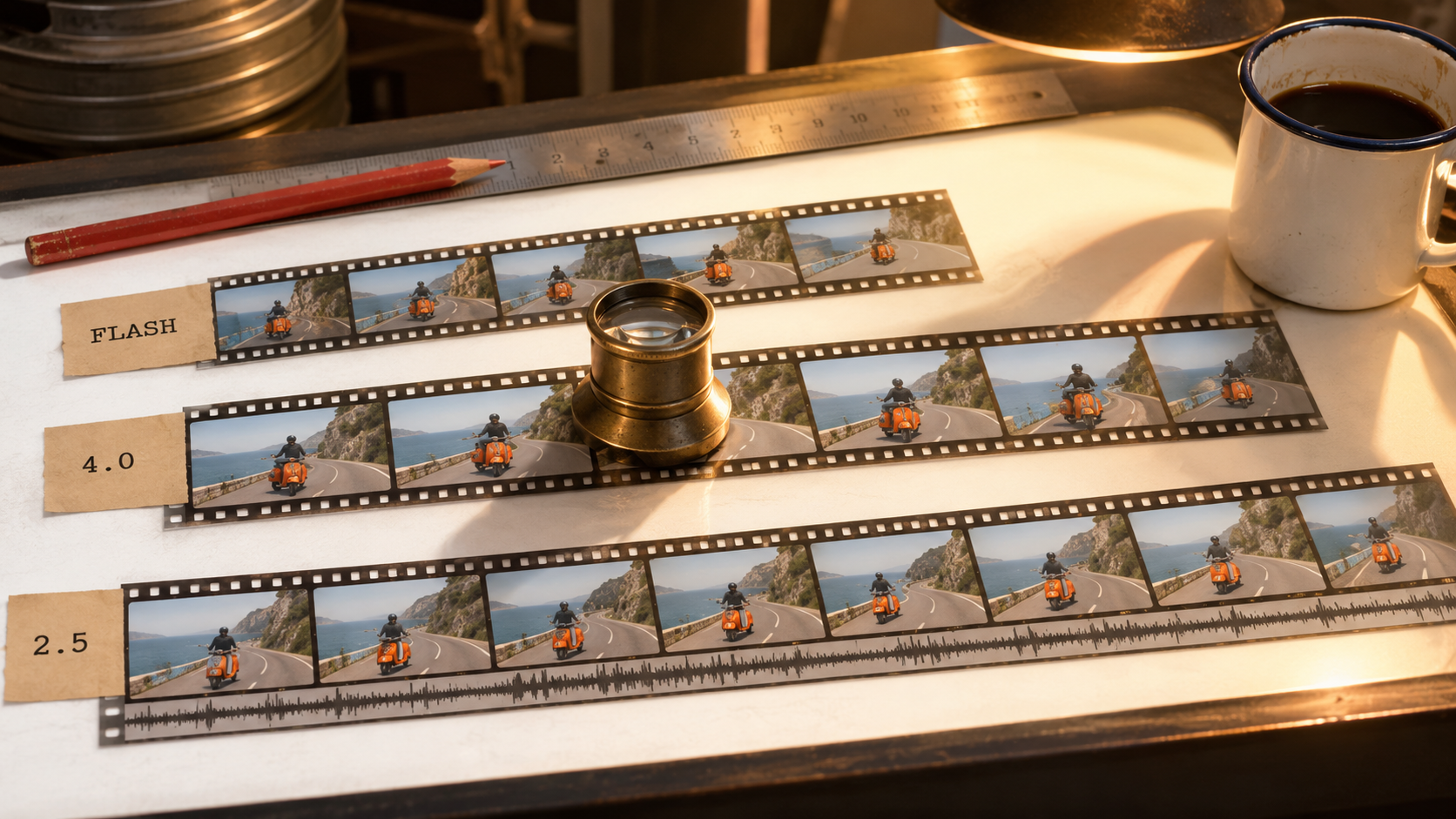
Kling 4.0 Flash vs Kling 4.0 vs Seedance 2.5 is the comparison that matters if you make AI video on Kubeez right now. Two of them come from the same family at Kuaishou, the third comes from ByteDance, and all three take reference images, reference clips and a written prompt. They still answer different questions. Flash is built for speed and volume, Kling 4.0 for directed 1080p shots with named characters, and Seedance 2.5 for long single takes assembled from a large reference kit.
This guide puts the specs side by side, maps each model to real jobs, and shows how to write @ mentions so every reference does what you meant.
The short answer
- Drafts, iteration and social cuts at 720p: Kling 4.0 Flash. It is the faster, lower-cost tier of Kling 4.0, capped at 20 seconds.
- A finished 1080p shot with recurring characters, their voices or exact keyframes: Kling 4.0.
- A long single take, up to 30 seconds, built from many images, clips and audio references: Seedance 2.5.
Specs side by side
| Kling 4.0 Flash | Kling 4.0 | Seedance 2.5 | |
|---|---|---|---|
| Clip length | 3 to 20 s | 3 to 30 s | 4 to 30 s |
| Resolution | 720p | 720p, 1080p | 480p, 720p, 1080p |
| Reference images | Up to 10 | Up to 10 | Up to 30 |
| Reference clips | Up to 5, 2 to 20 s each, clips and video elements 20 s combined | Up to 5, clips and video elements 30 s combined | Up to 10, 30 s combined |
| Reference audio | A voice sample on a character element | Up to 3 voices, or a voice on a character element | Up to 10 files, 30 s combined, usable with no image or video |
| Elements (named subjects) | Up to 7, at most 3 from video | Up to 7, at most 3 from video | None, references are numbered |
| Frame control | Start frame | Start frame, up to 8 middle keyframes, end frame | First frame, optional last frame |
| Aspect ratios | auto, 16:9, 9:16, 1:1, 21:9 | auto, 16:9, 9:16, 1:1, 21:9 | adaptive, 16:9, 4:3, 1:1, 3:4, 9:16, 21:9 |
| Native audio | Yes | Yes, always on | Yes, on by default, can be switched off |
| Prompt length | Shown on the model card | Up to 8,000 characters | Up to 10,000 characters |
| Built-in draft mode | No, Flash is the draft tier | No | Yes, a 480p draft promoted to a 1080p final |
Everything below follows from those rows.
Kling 4.0 Flash: the fast tier for drafts and social
Flash keeps most of the Kling 4.0 input surface and trims the expensive parts. You still get up to 10 reference images, up to 5 reference clips and up to 7 elements, so a mascot, a product and a location can all be named and reused. What you give up is 1080p, anything past 20 seconds, the standalone voice slots and the middle and end keyframes. Clips and video elements share a 20 second budget instead of 30.
In return, Flash costs less per second than Kling 4.0 at 720p. That changes how you work:
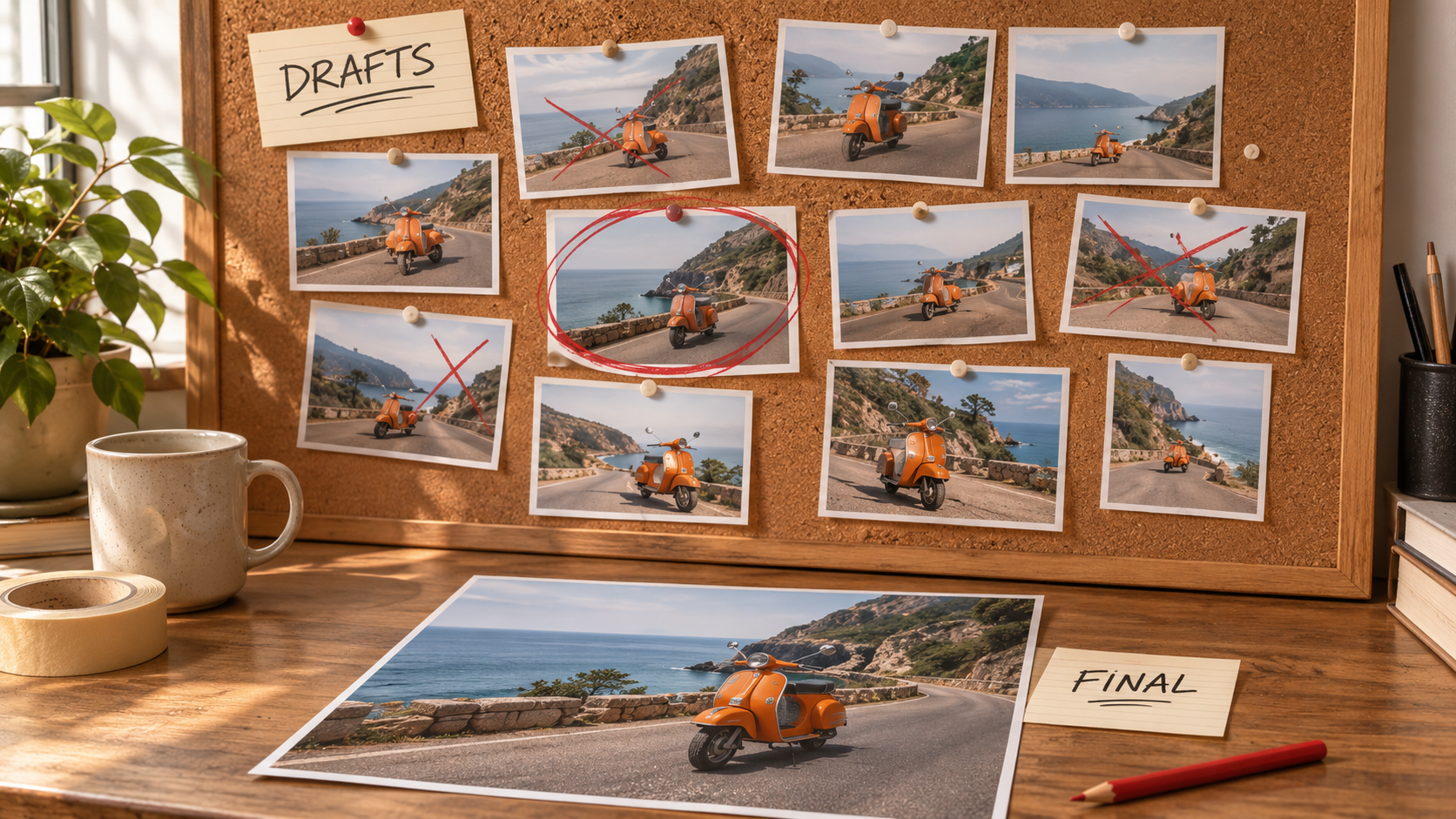
- Prompt testing. Run five versions of a hook at 720p, keep the one that lands, then render it once at full quality.
- Element setup. Check that your saved character reads correctly from its reference stills before you spend on a 1080p run.
- Social cuts. 9:16 is on the list, and a 15 second Reel or Short sits well inside the 20 second cap.
- Ad variants in volume. Ten angles on the same product cost less on Flash than on its bigger sibling.
There is no separate voice slot on Flash, but a character element can carry its own voice sample, so a talking mascot still works. The start frame lane locks the opening shot. For a mid-clip pose or a fixed closing frame, move up to Kling 4.0.
Kling 4.0: 1080p with characters, voices and keyframes
Kling 4.0 is the version to finish on when the shot has to be directed rather than discovered.
Elements. Up to 7 per run. An image element takes 2 to 4 stills of the same subject and a tag (character, animal, prop, costume, scene, effect or others). A video element is one 3 to 8 second single-shot clip of a character, and up to 3 of the 7 can be video. Saved elements live in your library, so the same character returns in every clip.
Voices. Up to 3 voice samples of 5 to 30 seconds each, mentioned by name in the prompt, plus the option of binding a voice to a character element. All materials together (stills, clips, elements and voices) cap at 15 per run.
Frames lane. In Media Studio, Kling 4.0 has a second mode that takes a start frame, up to 8 middle keyframes and an optional end frame. How many frames fit depends on length: a 3 second clip takes 4 in total, and 9 seconds or longer takes the full 10. Frames runs on its own, so references, elements and voices are not sent in the same run, and the output follows the start frame's shape.
Output. 720p or 1080p, 3 to 30 seconds, with native audio on every run. When you attach a reference clip, you choose whether that clip's own sound survives.
Pick Kling 4.0 for the hero version of a product launch, a recurring presenter who must look and sound the same across a series, or a shot that has to hit set poses at set moments. The walkthroughs in Kling 4.0 on Kubeez and video from reference images and clips cover the setup step by step.
Seedance 2.5: long takes from a big reference kit
Seedance 2.5 takes the largest kit of the three by a wide margin: up to 30 reference images, 10 reference clips and 10 reference audio files in one request. Clips share a 30 second budget, and so do audio files. Unlike Seedance 2.0, it accepts a reference audio on its own, with no image or video beside it, so a music bed or a voice line can steer the whole take.
The other differences:
- Length. 4 to 30 seconds in one continuous render, no stitching.
- Resolution. 480p, 720p and 1080p.
- Draft mode. Render a 480p draft, and once it looks right, promote that same task to a 1080p final within 7 days. The final reuses the draft's prompt, references, duration and ratio.
- Prompt room. Up to 10,000 characters, enough for a timed beat sheet and dialogue across 30 seconds.
- Framing. Seven aspect ratios, including 4:3 and 3:4, which neither Kling tier offers.
- Frames. A first frame, with an optional last frame. In that mode no other reference images or clips go along, though reference audio still does, and the output inherits the first frame's ratio.
- Audio. On by default, and you can switch it off for a silent clip.
What Seedance 2.5 does not have is a named element library. References are numbered by upload order, so character consistency comes from attaching the same stills each time. More on the model in Seedance 2.5 explained.
Which model for which job
| Job | Pick | Why |
|---|---|---|
| Testing hooks for a vertical ad | Kling 4.0 Flash | 720p, 9:16, lower per-second cost than Kling 4.0 |
| A 15 second Reel or Short | Kling 4.0 Flash | Inside the 20 second cap at feed resolution |
| Final 1080p product hero with a saved mascot | Kling 4.0 | Elements plus 1080p |
| A presenter series with a fixed voice | Kling 4.0 | Up to 3 voices, or a voice on the character element |
| A move that must hit exact poses | Kling 4.0, Frames lane | Up to 8 middle keyframes |
| A Kling element in a clip longer than 20 s | Kling 4.0 | Flash stops at 20 seconds |
| A 30 second single take cut to a music track | Seedance 2.5 | Reference audio, 30 seconds in one pass |
| Dozens of reference stills in one shot | Seedance 2.5 | Up to 30 images |
| A 4:3 or 3:4 frame | Seedance 2.5 | The only one of the three with those ratios |
A workflow that uses two of them is common. Find the shot on Flash, then rerender the winner on Kling 4.0 at 1080p with the same references and elements.
Prompting with @ mentions
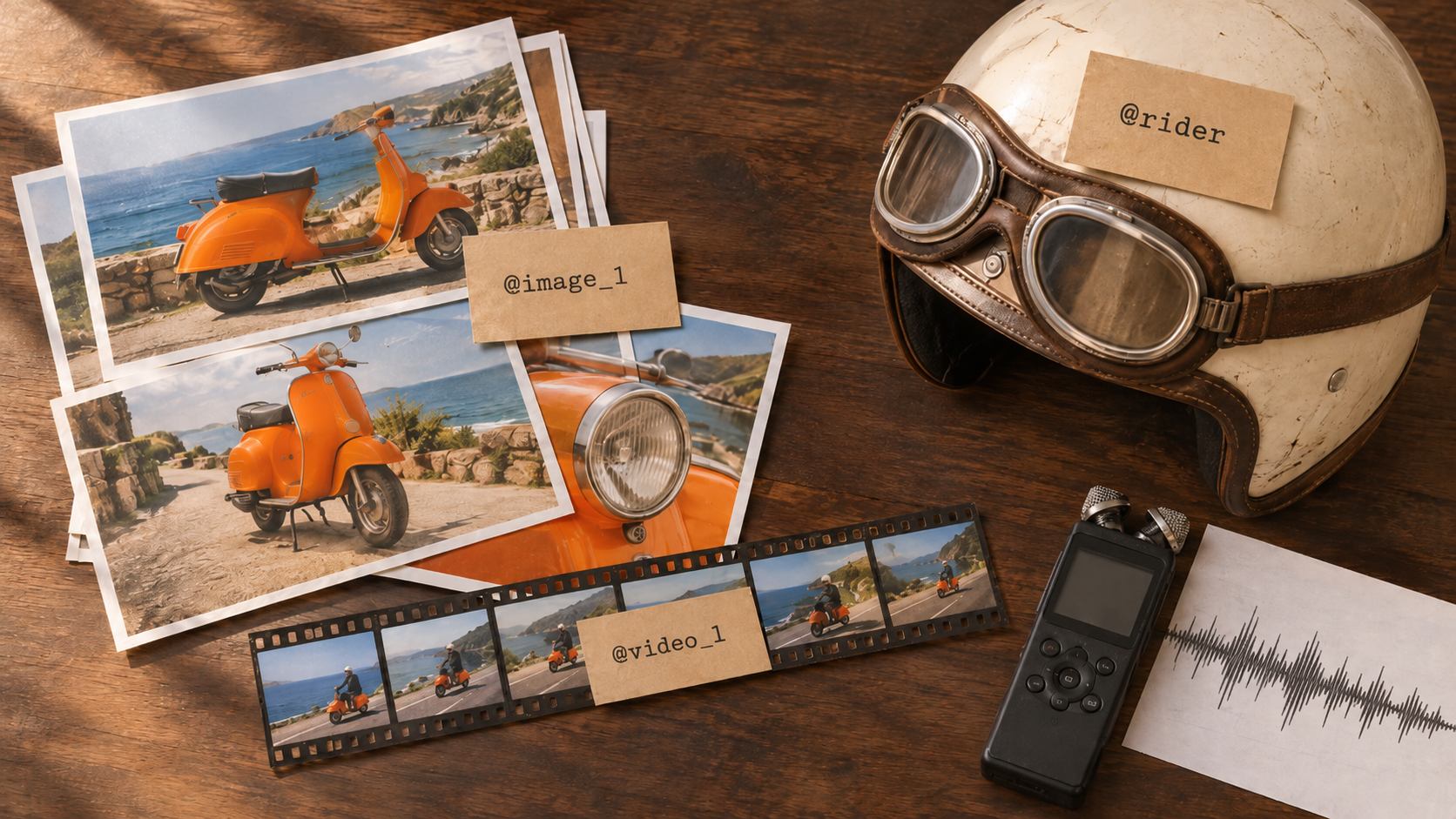
In Media Studio you never type mention tags from memory. Type @ in the prompt box and a menu lists your attached images, attached clips and, for Kling, your saved elements and voices. Pick one and Kubeez inserts the right tag for that model.
On Kling 4.0 and Flash, name elements like variables. Short, unique, letters, numbers and underscores, up to 20 characters: rider, scooter_orange, cafe_owner. Only the elements your prompt mentions are sent, so a large library costs nothing extra. On Kling 4.0, a mention that matches nothing stops the run before any credits are held, which catches typos early.
Give every mention one job. Say what each reference controls instead of listing them. The examples show the tags as the model reads them; in the studio the @ menu writes them for you.
@rider rides the scooter from @image_1 along the cliff road at golden hour.
Match the camera move from @video_1: slow push in from behind, then a side tracking shot.
Keep the scooter's orange paint and round headlamp exactly as in @image_1.
On Seedance 2.5, assign roles by number. References are counted per kind in upload order (Image 1, Video 1, Audio 1). With up to 30 stills, state the role of each one, then use the 10,000 character room for timing:
@Image 1 defines the scooter: shape, orange paint, chrome trim.
@Image 2 defines the rider: face, cream helmet, brown goggles.
@Audio 1 is the music bed; cut the motion to its beat.
0 to 8 s: wide shot, the scooter climbs the cliff road.
8 to 20 s: side tracking shot, sea below, rider glances at the camera.
20 to 30 s: the scooter crests the hill and rolls out of frame.
In the Kling 4.0 Frames lane, the frames are the references: mention @first_frame, @keyframe_1 onward and @last_frame to say what happens between them.
What moves the cost
All three bill per second of output from the same credit balance, and the current rate sits on each model card before you generate. Flash costs less per second than Kling 4.0 at 720p. Beyond the rate, three things move the total:
- Duration. A 30 second render is three times the billable seconds of a 10 second one. Draft short, then render long once.
- Resolution. On Kling 4.0 and Seedance 2.5, 1080p bills on its own rate. Lock the shot at a lower resolution first.
- Reference clips. On Kling 4.0 and Seedance 2.5, attaching a reference video moves the run to a with-video rate and counts input seconds as well as output. On Kling 4.0 a video element counts the same way as a clip, while image elements and voices are not billed on their own. Reference images do not add seconds on either.
Seedance 2.5 audio does not change its rate, and Kling 4.0 always includes audio. For Flash, check the live quote on the card once clips are attached.
FAQ
Is Kling 4.0 Flash a different model from Kling 4.0?
It is the faster, lower-cost tier of Kling 4.0. It takes the same kinds of inputs (reference images, reference clips and elements) but renders at 720p only, stops at 20 seconds and offers a start frame instead of the full keyframe lane.
Can Kling 4.0 Flash render 1080p?
No. Flash is 720p only. For 1080p, use Kling 4.0 or Seedance 2.5.
Which of the three makes the longest clip?
Kling 4.0 and Seedance 2.5 both reach 30 seconds in a single render. Flash tops out at 20 seconds.
Which one takes the most references?
Seedance 2.5: up to 30 images, 10 clips and 10 audio files in one request. Both Kling tiers take up to 10 images and 5 clips, plus up to 7 named elements.
Do all three generate sound?
Yes, all three produce native audio. Kling 4.0 always includes it, Seedance 2.5 has it on by default with an off switch, and Flash generates it natively too.
How do I keep the same character across several clips?
On Kling 4.0 and Flash, save the character as an element and mention it by name in every prompt. On Seedance 2.5, attach the same reference stills each time and describe them with the same wording.
Can I use Kling 4.0 and Seedance 2.5 from the API or MCP?
Yes. Both are available in Media Studio and through the Kubeez REST API and MCP server. The Kling 4.0 Frames lane is a Media Studio feature for now. The full list with limits is in available models.
Try all three on one balance
Kling 4.0 Flash, Kling 4.0 and Seedance 2.5 sit side by side in AI Video and Media Studio, on one credit balance, with the live per-second rate on every card. Browse the families on the Kling models and Seedance models pages, start on Flash, and spend the full render on the version you already know works.
Dex writes the Kubeez guides and makes every example with the same tools you use.