Marketing
Turn One Product Photo Into a Full Marketing Asset Pack
Turn one product photo into a full marketing asset pack: product shots, ads, posters, marketplace images, UGC videos and product videos, with no photoshoot.
· Dex
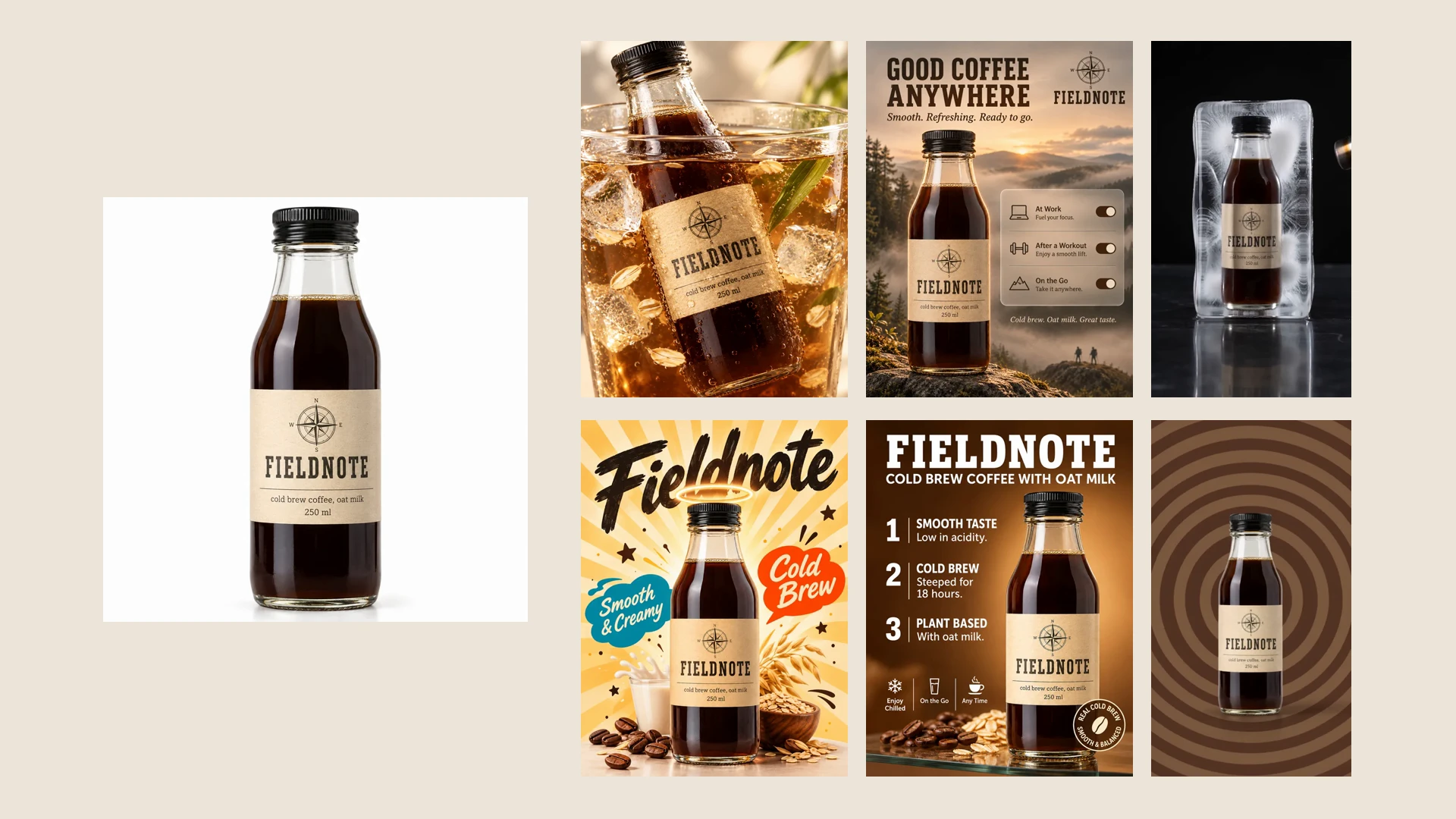
You can turn one product photo into a full marketing asset pack without booking a photoshoot, hiring creators or writing a single prompt. Below is the pack Kubeez Marketing Studio made from one photo of a cold brew bottle: a product shot, an ad, a poster, a marketplace image, a UGC video and a product video.
Nothing in this post is a mockup. Every image and clip was made by a Marketing Studio template from one photo of a sample product. Fieldnote, Kumo Fizz, Rivlo, Mosswood and Ember & Oat are fictional brands made up for the template previews, so you see what each template does without a real brand's assets. Under each result there is a link that opens the studio with that template already picked.
What goes in: one photo, a name and a description
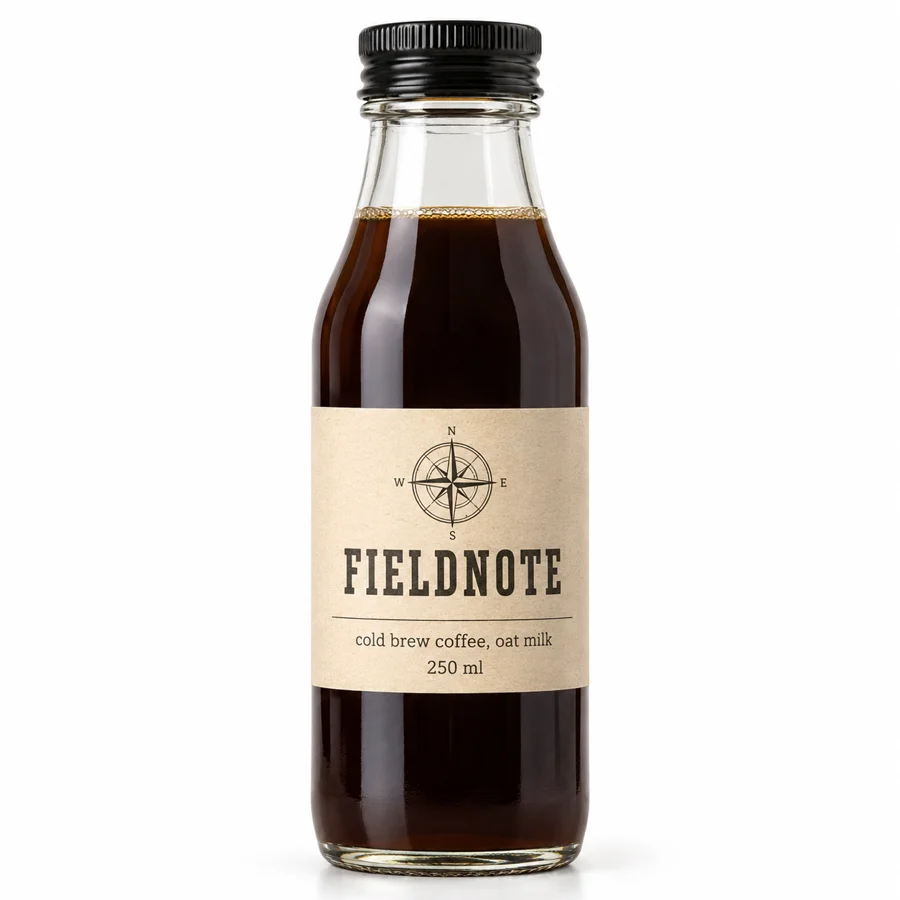
This is the whole input. In Marketing Studio you save a product once: up to 8 photos, a name and a short description. Each run uses one of the photos.
The description matters more than it looks. Ads only say what you write there, so the copy on the results below ("steeped for 18 hours", "low in acidity", "with oat milk") all comes from two sentences about the product. If a claim is not in the description, the template has nothing to put on the image.
A brand kit is the optional second input. It holds your logo, colors, fonts, tagline, language and tone of voice, built from your website in a minute or two or written by hand, and you can keep up to 5. The pack below ran with the Fieldnote kit, which is why the type and colors stay consistent across six very different formats.
What comes out: six formats from the same photo
Marketing Studio sorts its templates into six shelves. Four make still images and two make short videos with sound. Here is one result from each, all from the photo above.
1. Product shots
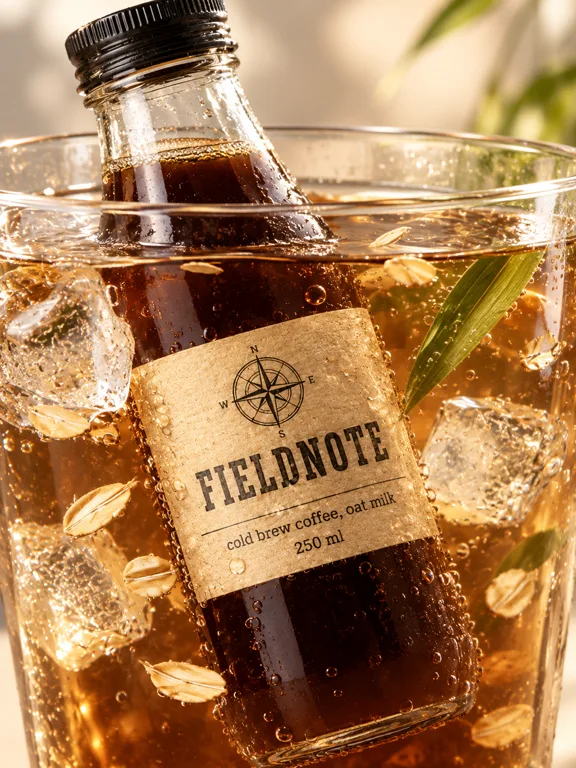
The Drink Dive template puts the bottle inside its own drink. Product shots are scenes without copy: studio sets, styled tabletops, macro details, the product in use. They are the images you need most of, for store pages, social posts and as the clean base of other creatives. If product photography is your main job, our guide to AI product photography goes deeper, the product shot shelf has hundreds of looks to pick from, and our list of product photography ideas shows which scene suits which job.
2. Ads
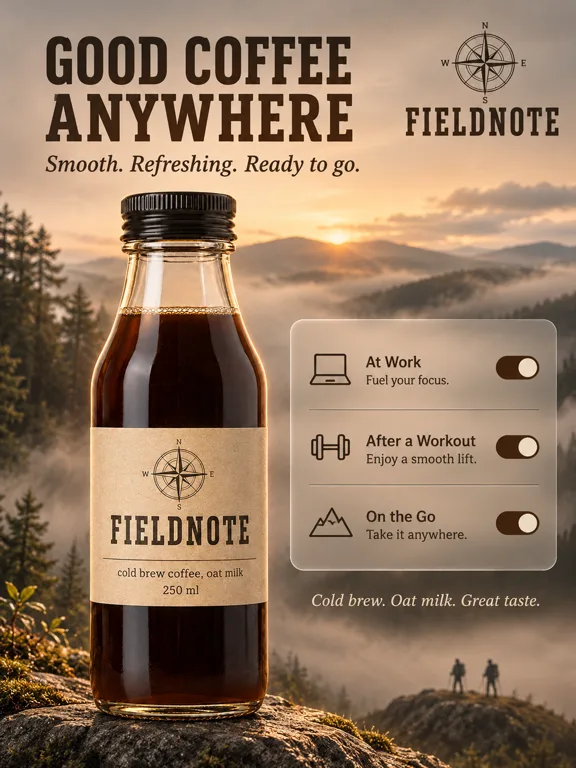
Misty Switches turns the product into a headline, a tagline and three use cases laid out as phone toggles. Ad templates carry copy, so this is where the description and the brand kit show: the tagline comes from the kit, the use cases from what the product is for, and the logo is placed on templates that put text on the image. Browse the ad templates for comparisons, before and after layouts, launch cards and more, or start from our product ad ideas.
3. Posters
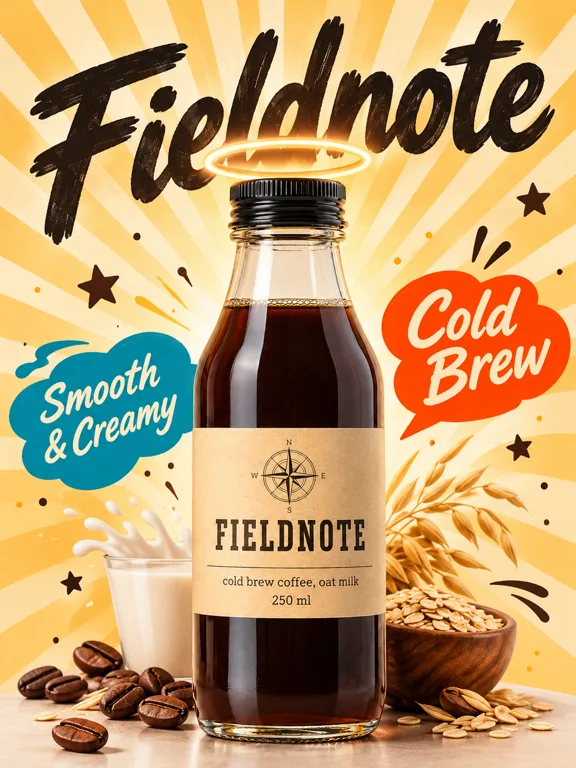
Posters are the loud end of the pack. Halo Rays is one of many illustrated and typographic styles on the poster shelf, from risograph textures to comic covers. They work for launch announcements, in-store prints and feed posts that need to stop a scroll.
4. Marketplace images
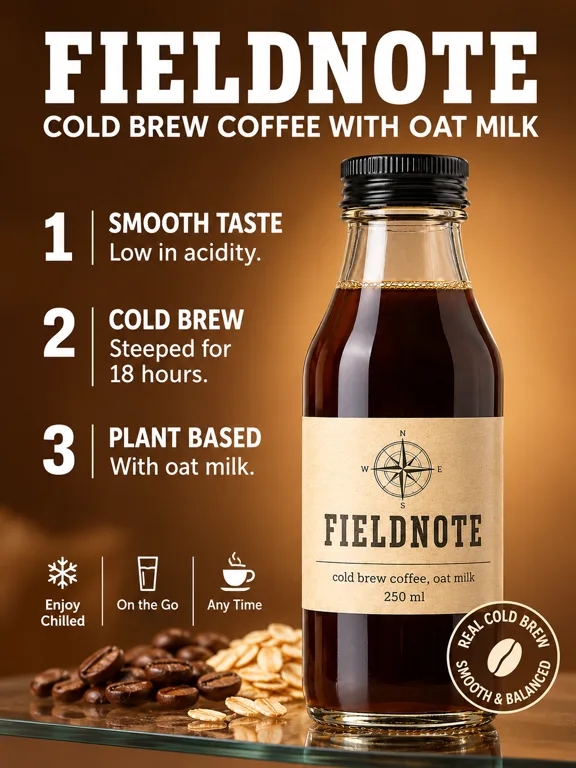
Listing images explain the product at a glance: benefit callouts, infographics, size guides, what is in the box. Numbered Shelf turns the description into three numbered benefits. Marketing Studio does not check any marketplace's image rules, so look up the requirements of the store you sell on before you upload. More layouts sit on the marketplace shelf, and the full gallery order is in our guide to product listing image ideas.
5. UGC videos
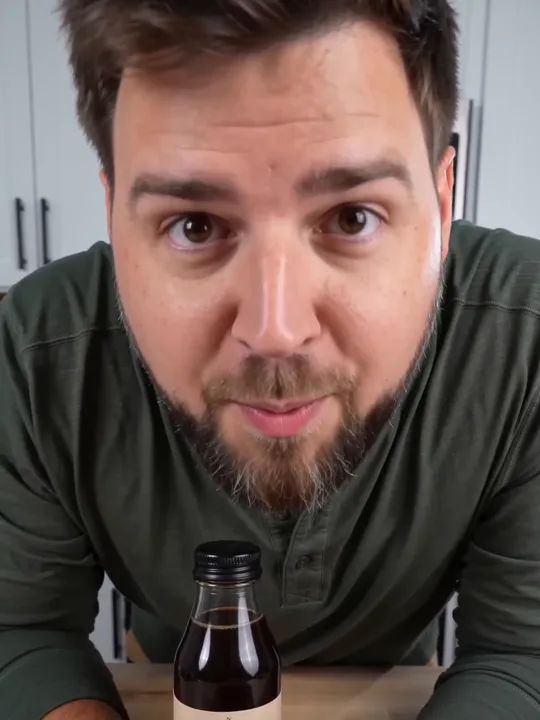
Watch the 11 second Whisper Trick clip or use the Whisper Trick template.
This is how you make UGC style ads without hiring creators. A UGC template is a creator style clip with sound, and the template decides who is on screen and what happens, from hands only to a person talking to the camera. There is no avatar to cast and no script to write. Your photo shows what the product looks like; it is a reference, not the first frame, so the product can appear naturally in the scene. Every template on the UGC video shelf plays its preview, so you can judge the pacing before you spend anything. For formats and hooks that work, see our UGC video ad ideas.
6. Product videos
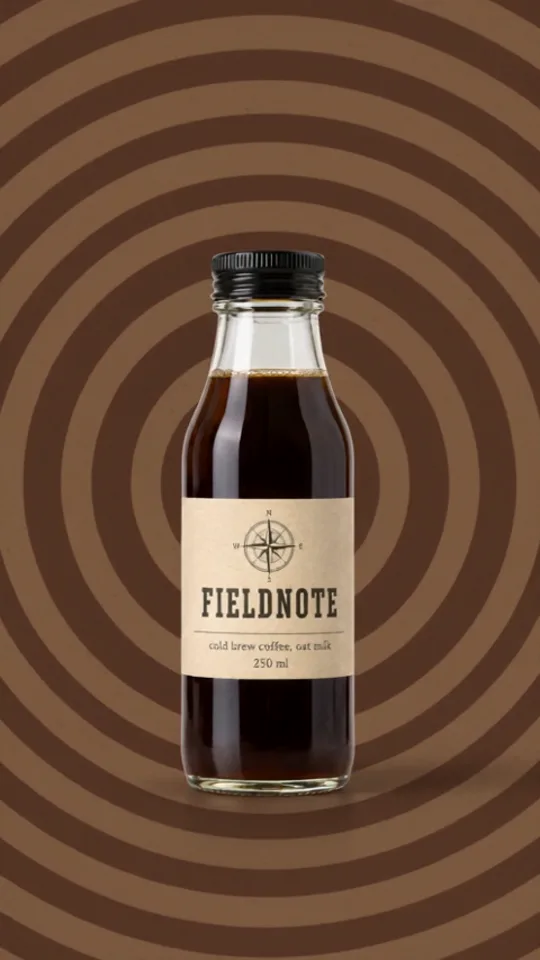
Watch the 10 second Backdrop Rapid Fire clip or use the Backdrop Rapid Fire template.
Product videos are motion pieces built around the product rather than a person: backdrop swaps, macro pours, turntables, typographic loops. This is the simplest way to turn a product photo into a video ad for a story slot or a product page. Backdrop Rapid Fire cuts the bottle across a run of backdrops. The product video shelf has the rest, and our product video ideas match each style to a placement.
The same pack works for any product
The six results above share one photo. Swap the photo and the same templates adapt to whatever you sell: a can, a sneaker, a candle, a skincare jar, a pouch of granola. A few results from the other sample products:
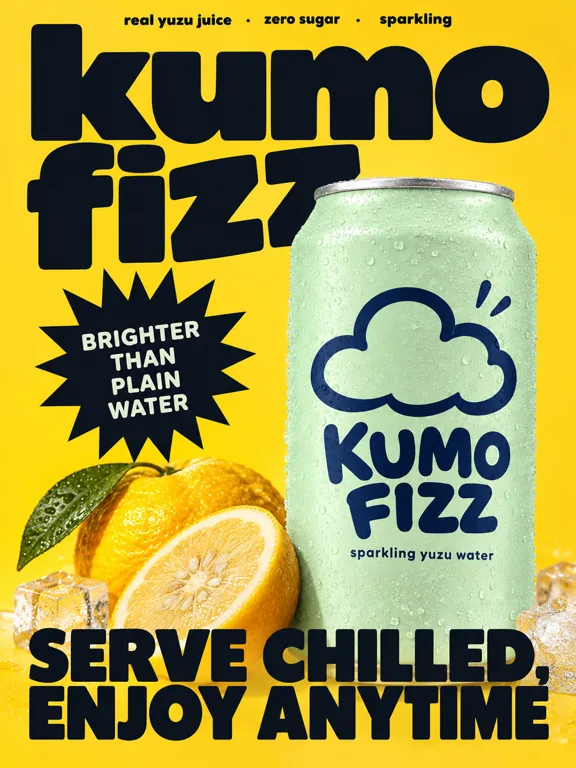
Crash Bleed, a poster for a fictional sparkling drink.
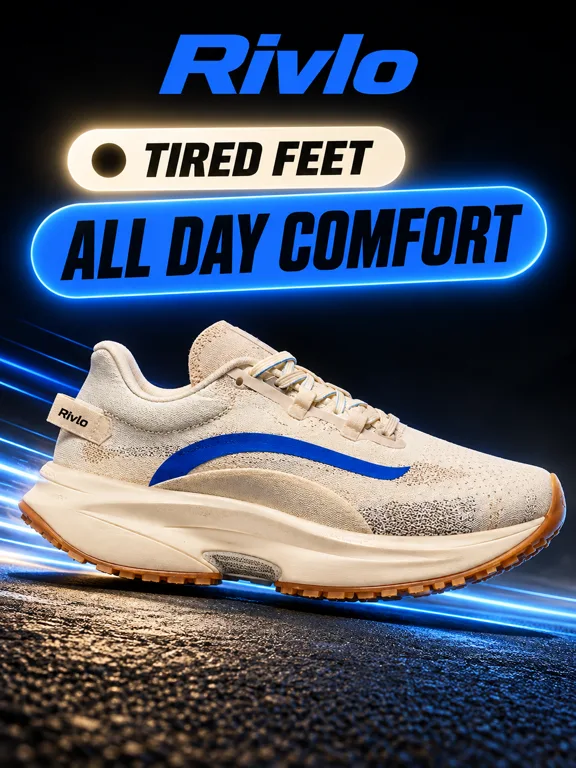
Neon Switch, a problem and solution ad for a fictional running shoe.
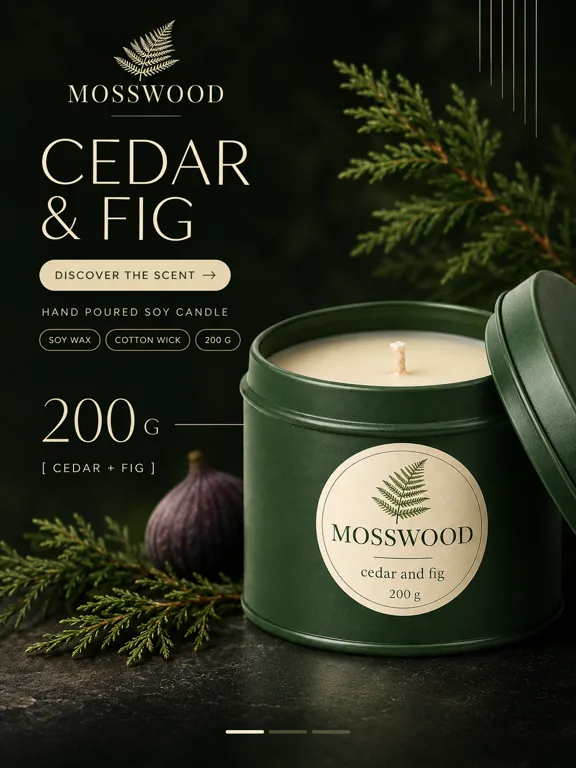
Noir Close Crop, a listing image for a fictional candle.
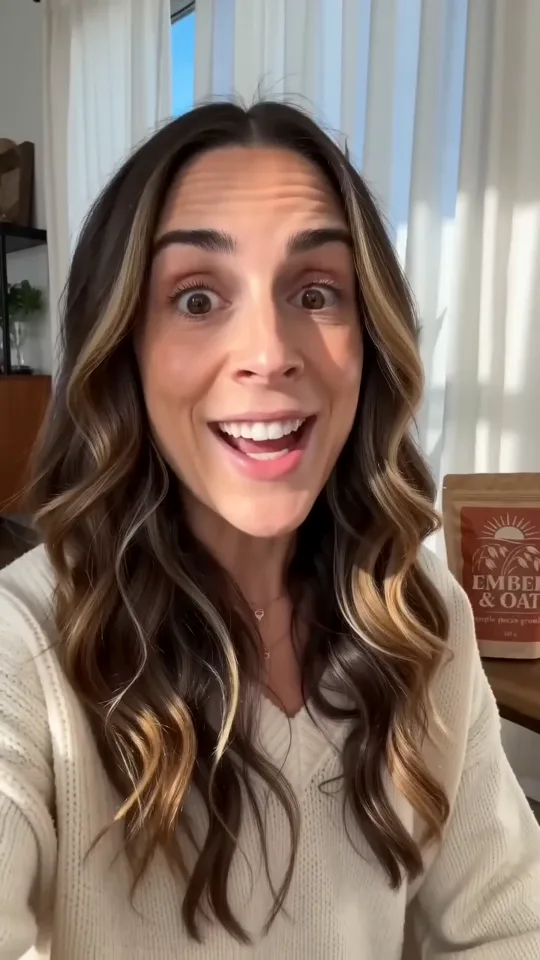
Watch the 12 second Can't Stop clip, a UGC video for a fictional granola, or use the Can't Stop template.
Every template has a preview like these, made on one of the sample products. Browse them all in the Marketing Studio template gallery.
Build your own pack in one sitting
The full walkthrough, with every button, is in the School lesson How to use Kubeez for marketing. The short version:
- Save the product. A clear photo, the name, and a description with the selling points you can back up.
- Add a brand kit. Paste your website, or describe the business by hand, then check every field and set the language.
- Pick one template per shelf. Six templates give you the same six formats as above. Tap the heart on the ones you like to keep them in Favorites.
- Run one of each first. See how each template treats your product, then make more of the ones that work.
- Reuse what works. Press Use this template on a result to run it again with another product or photo.
The settings change with the template you pick:
| Image templates | Video templates | |
|---|---|---|
| Shelves | Product shot, Ads, Posters, Marketplace | UGC videos, Product videos |
| Aspect ratio | 1:1, 3:4, 9:16, 4:3, 16:9 | 1:1, 3:4, 9:16, 4:3, 16:9 |
| Resolution | 1K, 2K or 4K | 480p or 720p |
| Length | 4 to 15 seconds, starting at the template's own length | |
| Model | Picked for you | Quality or Economy |
| Results per run | 1 to 4 | 1 to 4, with sound |
A practical way to cover the common placements: 9:16 for stories and short video feeds, 1:1 or 3:4 for the main feed, 16:9 for banners and wide video slots. Each result in a batch is its own run of the template, so four results means four different takes to choose from.
What makes a good source photo
The result can only show what the photo shows. A few habits make the whole pack better:
- Light and sharp. A dark, blurry or cluttered photo carries its problems into every format.
- The whole product in frame. A cropped label or a cut off cap comes out cropped or invented.
- The real label facing the camera. Templates that put text on the image read the name from the photo and the description.
- Honest copy in the description. Ads only state what you wrote, so leave out claims you cannot support.
- The right brand kit language. Text on images and spoken lines follow the kit's Language, so a kit set to the wrong one gives you copy in the wrong one.
What the pack does not do
Some limits are worth knowing before you plan around the tool:
- It does not publish anything. You download a result or share a link, then upload it where you advertise or sell.
- It does not check marketplace rules for image size, background or text.
- There is no avatar or actor picker. Each UGC template decides who is on screen.
- Your result will not be a copy of the card. The previews were made on sample products, so your product, photo and brand kit change the outcome. Check text on every result before you use it.
What it costs
Marketing Studio is credit based. The Generate button shows the cost of a run before you press it, and on video templates both Quality and Economy show their cost, with Quality the more expensive of the two. Current plans and credit packs are on the pricing page.
FAQ
Can I really turn one product photo into a full set of marketing assets?
Yes. One saved photo can run through templates on all six shelves: product shots, ads, posters, marketplace images, UGC videos and product videos. Every result in this post came from one photo per product.
Do I need a photoshoot to make product content?
You do not need a studio shoot, but you do need one clear, well lit photo of the real product. A phone photo is fine as long as the whole product is visible and the label is readable.
How do I make UGC style ads without hiring creators?
Pick a template from the UGC videos shelf, choose your product photo and generate. The template sets the person, the scene and the pacing, and the clip comes with sound. There is no avatar to pick and no script to write.
Can a product photo become a video ad?
Yes. UGC video and product video templates make clips from 4 to 15 seconds, in 480p or 720p, in any of the five aspect ratios. Your photo is used as a reference for the product's look, not as the first frame.
Will the assets match my brand?
They follow your brand kit when one is selected: logo, colors, fonts, tagline, tone of voice and language. You can keep up to 5 kits, one per brand or client, and build each one from a website or by hand.
Can the text on my assets be in another language?
Yes. On-image copy and spoken lines follow the brand kit's Language. Without a kit, they follow the language the app is set to.
Can Marketing Studio post the assets to my ad accounts or store?
No. Marketing Studio makes the images and videos. You download them or share a link, then upload them to the ad platform or store yourself.
How much does a marketing asset pack cost?
It is credit based, and every run shows its cost before you generate. Video costs more than images, and Quality costs more than Economy. See the pricing page for current plans.
Go deeper on each format
- Product photography ideas: scenes and styles for product shots.
- Product ad ideas: static ad and poster formats.
- Product listing image ideas: the images a listing gallery needs.
- UGC video ad ideas: creator style formats and hooks.
- Product video ideas: short motion pieces built around the product.
Make your pack
Open Kubeez Marketing Studio, save your product, and run one template from each shelf. If you want to see more results first, the template gallery shows every preview, and the School lesson walks through every setting.
Dex writes the Kubeez guides and makes every example with the same tools you use.