Product Photography with AI: Studio-Quality Images Without a Camera
Generate e-commerce product images with AI. Lighting, angles, and batch generation for online stores.
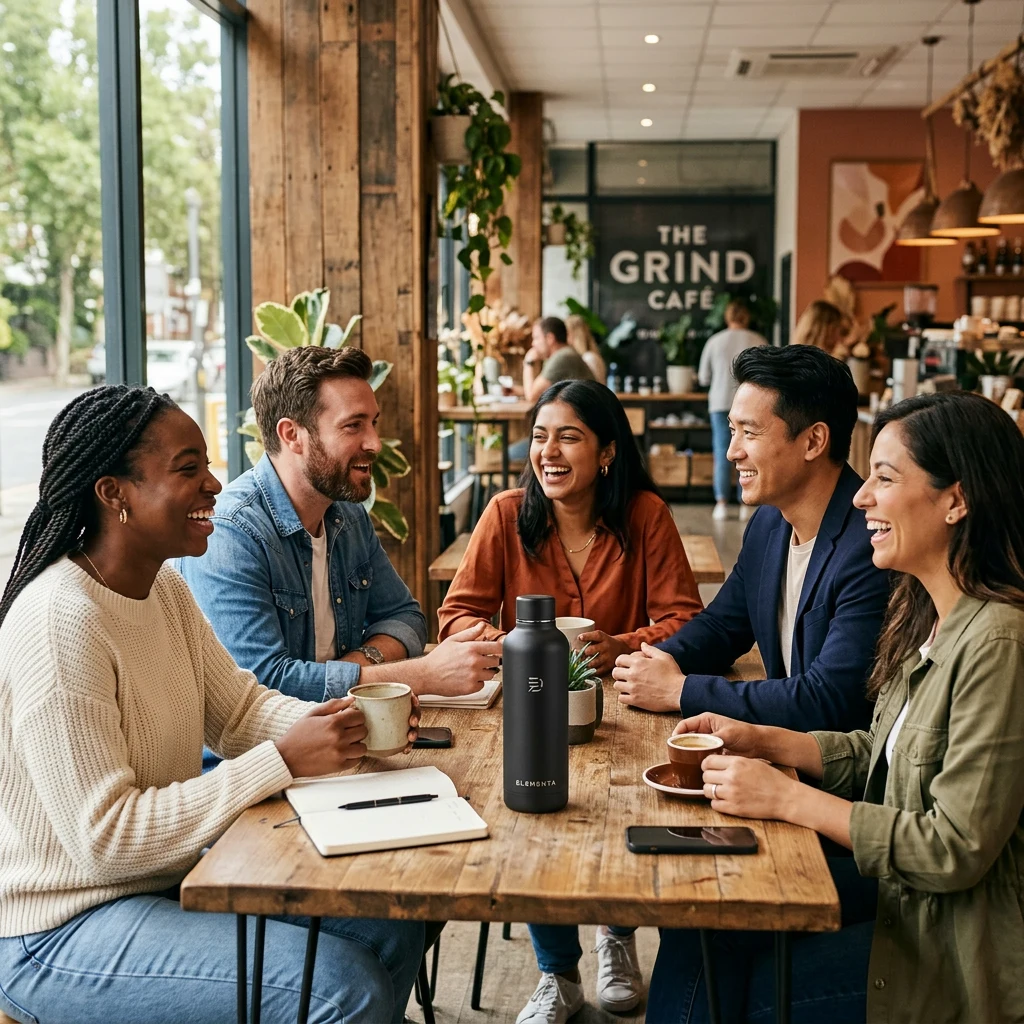
Product photography is expensive. Studio hire, lighting, models, retouching—costs add up. AI can generate studio-quality product images from text descriptions. No camera, no crew, no location. Just a prompt and a few clicks.
Kubeez offers Nano Banana 2, GPT-1.5-image, and other models for product photography. Use them for e-commerce, ads, catalogs, and marketing visuals.
#Use Cases
E-commerce: Product shots for online stores. Multiple angles, backgrounds, and lighting setups.
Ads: Product-in-use shots, lifestyle imagery, hero images for campaigns.
Catalogs: Batch generation for large product lines. Consistent style across hundreds of items.
Concept testing: Visualize products before they exist. Prototype packaging, design variations.
#Lighting and Angles
Lighting: Describe it. "Soft studio lighting," "dramatic side light," "natural window light," "golden hour outdoors."
Angles: "Front view," "45-degree angle," "overhead flat lay," "detail close-up."
Background: "White seamless," "marble surface," "lifestyle living room," "minimal gray."
Style: "Professional product photography," "high-end luxury," "clean e-commerce," "lifestyle campaign."
#Batch Generation
Need 50 product images? Use consistent prompts:
- Same lighting and background for all
- Vary only the product description
- Use Z-Image for speed, then refine key shots with Nano Banana 2
For large catalogs, this approach saves days of shooting and editing.
#Best Models for Product Photography
Nano Banana 2: Default choice. Good quality, character consistency for models holding products, reasonable cost.
GPT-1.5-image-high: Best for text on packaging, labels, infographics. When the product has visible text, use this.
Nano Banana Pro 4K: For hero images, print, or when maximum resolution is required.

#Image-to-Image for Real Products
If you have a real product photo, use image-to-image to:
- Change background
- Adjust lighting
- Add or remove elements
- Create variations (different angles, settings)
Upload your product shot as the source; prompt for the changes you want.
#Tips for Best Results
- Be specific: "Ceramic vase on white marble, soft shadow, professional product photography"
- Reference style: "In the style of Apple product photography" or "IKEA catalog style"
- Consistent prompts: For a series, use the same structure and vary only the product