AI Character Creation: Consistent Characters Across Images
Create consistent characters across multiple images with Nano Banana. Editing workflows and character customization.
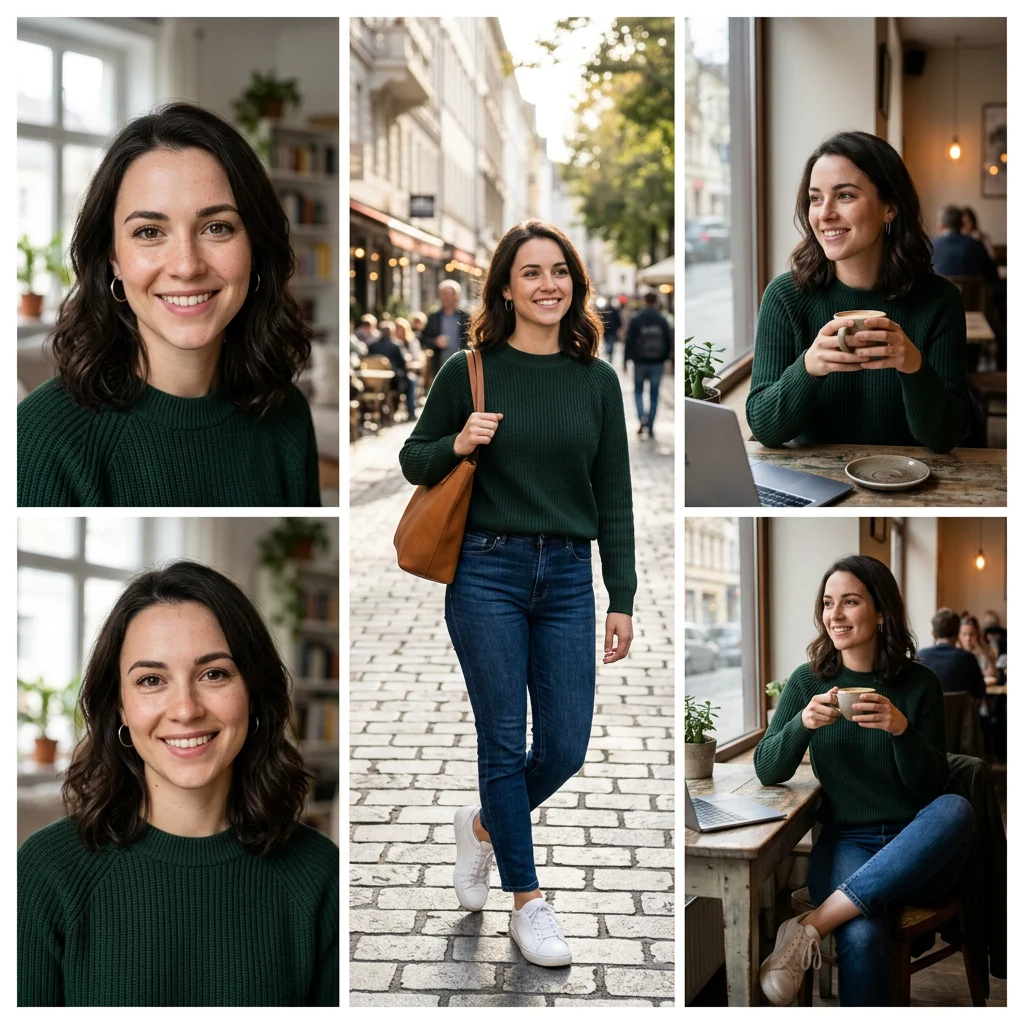
Creating a character that looks the same across multiple images is one of the hardest tasks in AI image generation. Most models produce a new face every time. For campaigns, storyboards, or AI influencers, you need consistency.
The Nano Banana family on Kubeez excels at this. Use image-to-image with reference images of your character to keep them consistent across poses, settings, and styles.
#Why Character Consistency Matters
Campaigns: Same model or mascot in every ad. Brand recognition depends on it.
Storyboards: Sequential images that tell a story. Characters must be recognizable.
AI influencers: Virtual ambassadors who appear in many posts. Consistency builds the "persona."
Product photography: Same person holding or using products across a catalog.
#How to Achieve Consistency
Reference images: Provide 1–8 reference images of your character. The model uses these to maintain appearance.
Image-to-image: Start from an existing image of the character. Modify with prompts (new pose, setting, outfit) while preserving the face and body.
Nano Banana: NB2 and Pro both support up to 8 reference images. They lead in character consistency among Kubeez models.
Iterative refinement: Generate, select the best, use it as the next reference. Over time, you build a stable character set.
#Workflow for Character Creation
- Generate or source a base image — Clear portrait or full-body of your character
- Use as reference — Upload to image-to-image with a new prompt
- Vary pose and setting — "Same person, standing in café" or "same person, holding product"
- Keep prompt consistent — Reference "the same woman" or "the same character" in prompts
- Refine as needed — If one output is closer to ideal, use it as the new reference
#Editing and Refinement
Nano Banana Edit and Flux 2 Edit support image-to-image edits. Use them to:
- Change clothing or accessories
- Adjust expression
- Modify background
- Keep the face and body consistent
#Tips for Best Results
- High-quality source: Clear, well-lit reference images
- Consistent angle: Similar face angle across references helps
- Avoid extreme changes: Don't change age, ethnicity, or fundamental features in one step
- Batch similar prompts: Generate multiple variations; pick the most consistent
#Limitations
- Extreme angles: Profile or back-of-head may not preserve identity as well
- Stylization: Heavy stylization (anime, cartoon) can distort consistency
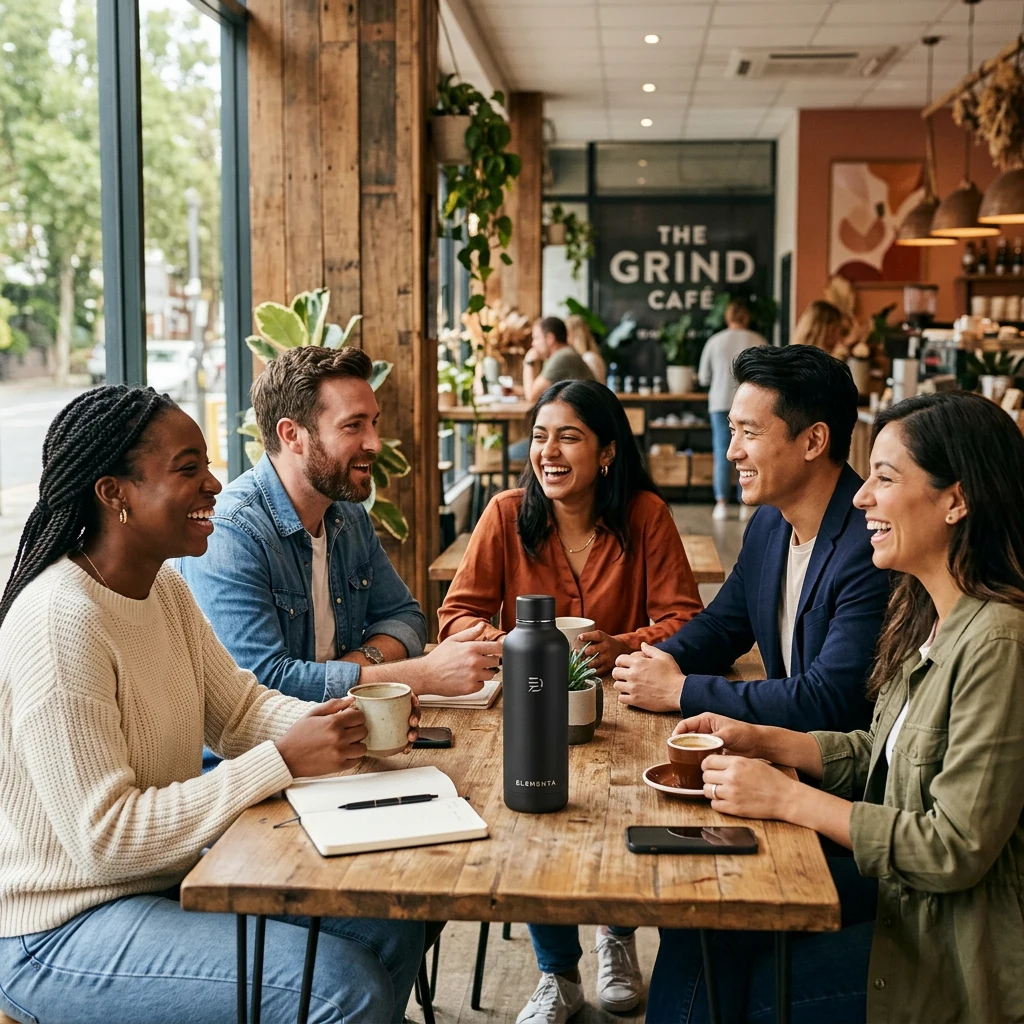
- Many characters: Keeping 3+ distinct characters consistent in one image is harder
For 1–2 characters, Nano Banana delivers excellent results.