E-commerce Product Videos: AI-Generated Marketing Content
Product showcase workflows and multi-angle generation for e-commerce marketing.
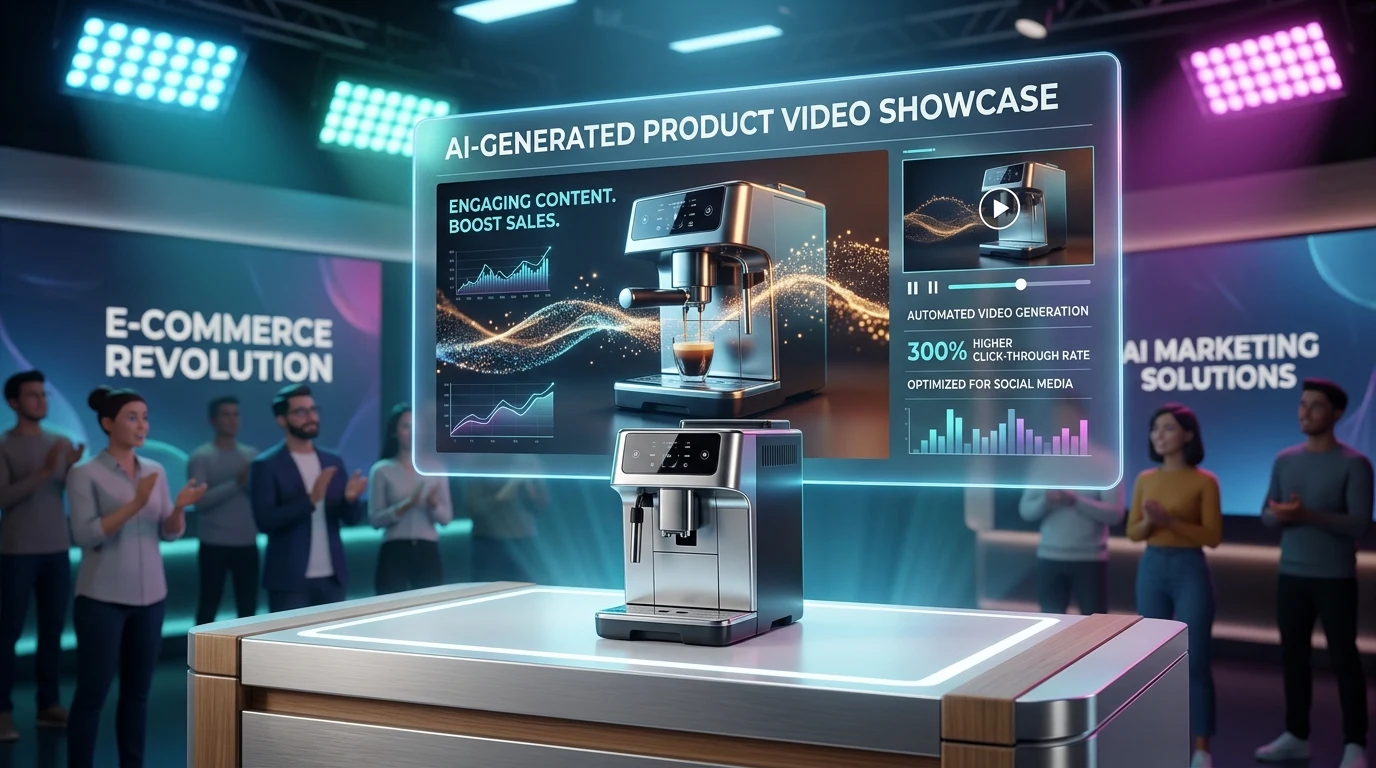
Product videos increase conversion. Shoppers who watch a product video are more likely to buy. But producing videos for every SKU is expensive. AI changes that. Generate product videos at scale—rotating shots, lifestyle scenes, and demos—without a studio or crew.
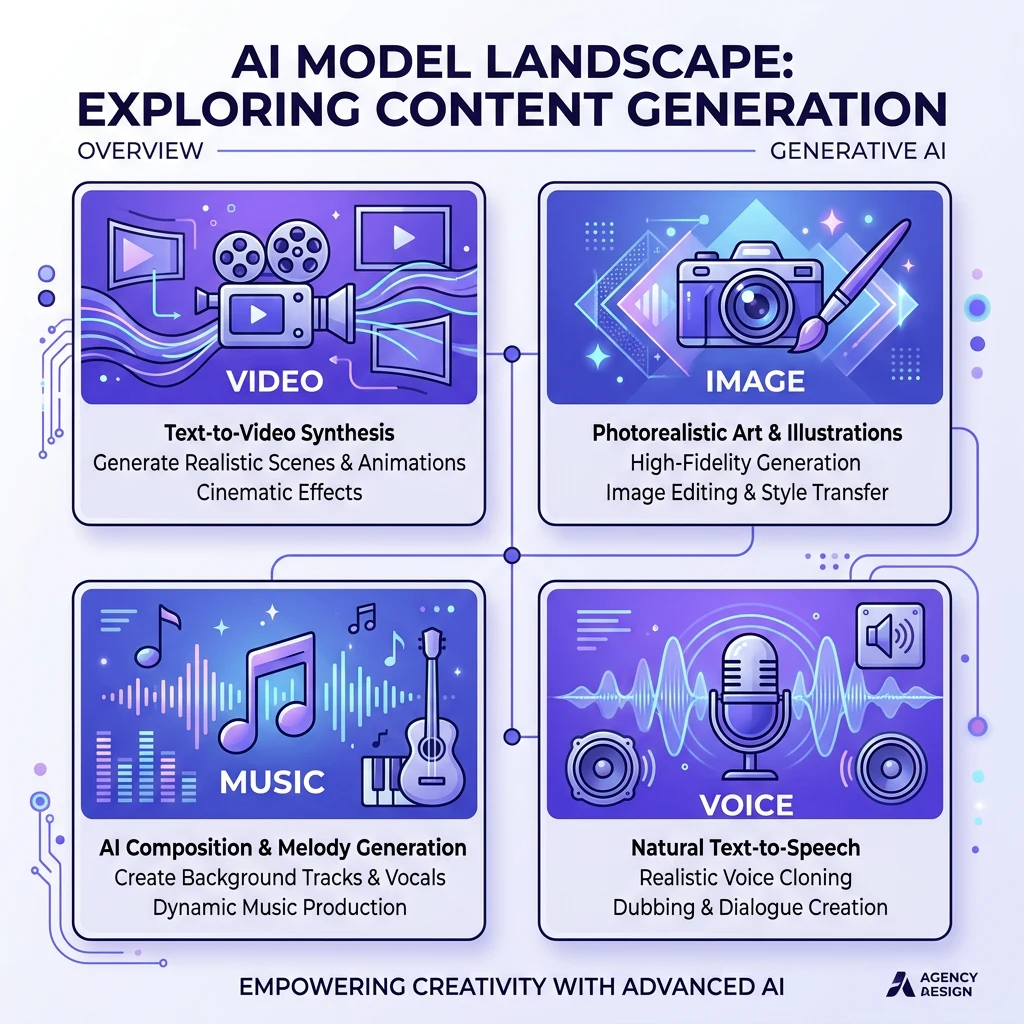
Kubeez combines image and video generation for e-commerce. Create product shots, animate them, and produce video content for product pages, ads, and social—all from prompts.
#Why Product Videos Convert
Trust: Seeing the product in motion builds confidence. Reduces uncertainty.
Information: Videos show angles, scale, and use cases that static images can't.
Engagement: Video holds attention longer. More time on page, better SEO, higher conversion.
Social proof: Product-in-use videos feel authentic. Shoppers imagine themselves with the product.
#Workflow for Product Videos
1. Product images: Generate or upload product photography. Use Nano Banana 2 for consistent, high-quality shots. Multiple angles if needed.
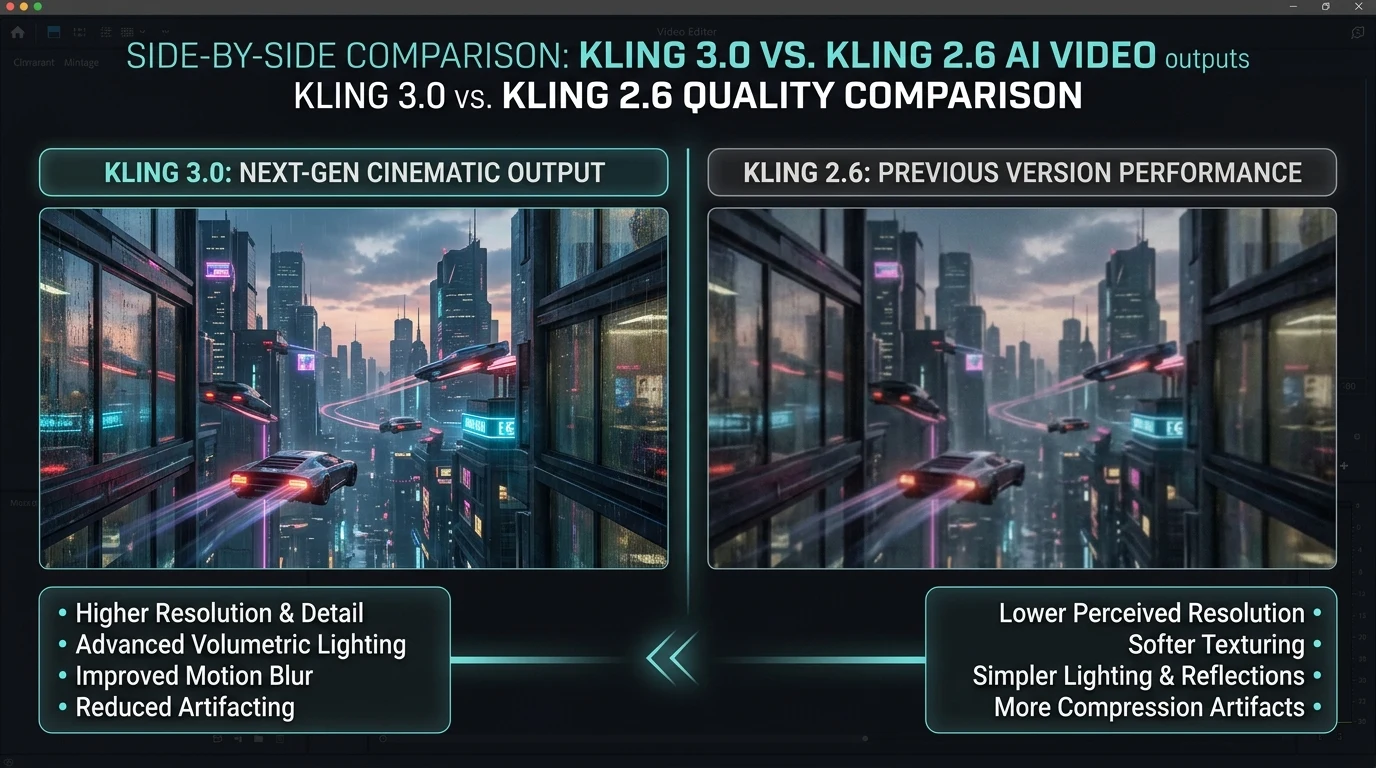
2. Image-to-video: Animate the product. Rotate on a surface, add subtle motion, or place in a lifestyle scene. Kling 2.6, Veo 3.1, and Seedance support image-to-video.
3. Add context: Generate lifestyle shots—product in use, in a room, with a model. Combine with product-only shots for a full video.
4. Edit and publish: Compile in an editor. Add music (AI-generated if desired), captions, and CTA. Publish to product pages and ads.
#Use Cases
Product pages: 15–30 second videos showing the product from multiple angles. Loop on the PDP.
Social ads: Short clips for Facebook, Instagram, TikTok. Product in use or rotating hero shot.
Email: Animated product in promotional emails. GIF or short video format.
Marketplaces: Amazon, eBay, and others support video. Stand out with AI-generated product videos.
#Batch Production
For large catalogs:
- Template prompts: Same structure, vary product name and description
- Consistent style: Same lighting, background, and motion across all products
- Z-Image for speed: Quick previews; Nano Banana for final
- Automate: Use Kubeez API for programmatic generation
#Best Practices
- Highlight key features: Show what makes the product special—details, texture, movement
- Keep it short: 15–30 seconds for product pages. 6–15 for ads.
- Clear CTA: End with a call to action. "Shop now," "Add to cart," "Learn more."
Dex writes the Kubeez guides and makes every example with the same tools you use.
Keep reading
- Make a Photo Talk or Sing With OmniHuman 2.0Make a photo talk or sing on Kubeez: voice a line with text to speech, pick a portrait that syncs well and turn both into a lip-synced OmniHuman 2.0 video.
- Kling 4.0 Tutorial: Video From Reference Images and ClipsMake a video from reference images and clips with Kling 4.0 on Kubeez: name files @image_1 and @video_1, write the prompt, and follow a real run step by step.
- Kling 4.0 on Kubeez: Video From Prompts, Stills and ClipsKling 4.0 is live on Kubeez: one video model for prompts and references, with up to 10 images and 5 clips, 3 to 30 second output and native sound built in.
- OmniHuman 2.0 on Kubeez: Make a Photo Talk or SingOmniHuman 2.0 is live on Kubeez: one portrait and one audio file become a lip-synced 720p video of that person talking or singing, as long as the audio.