Social Media Content Pipeline: Automate Your Content Creation
Batch generation, scheduling, and platform optimization for automated social media content.
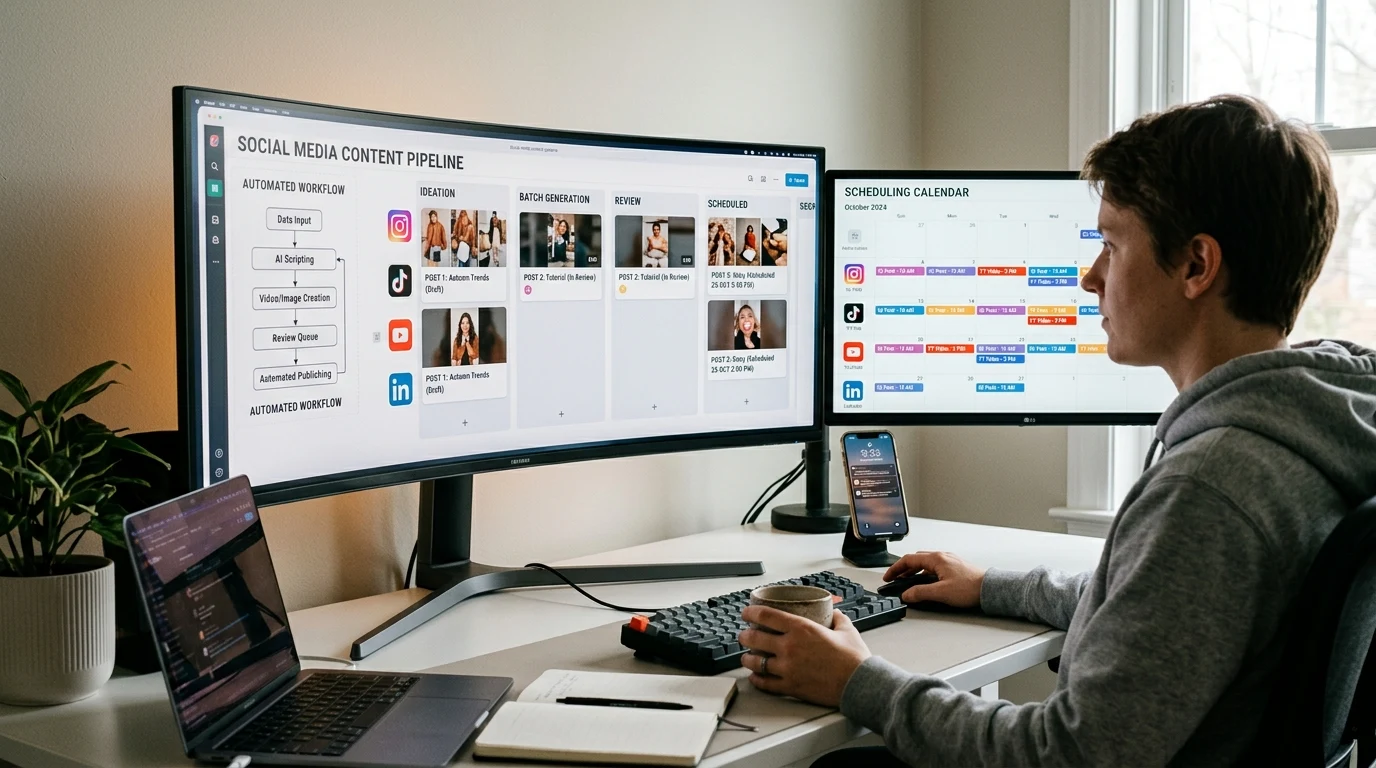
Posting consistently on social media is hard. Ideas, creation, editing, scheduling—it adds up. AI can automate much of the pipeline. Generate images, videos, and captions at scale. Batch produce a week's worth of content in an afternoon.
Kubeez supports the full pipeline: image generation, video generation, music, voice, and ad creatives. Combine them into a repeatable workflow for social content.
#The Content Pipeline
1. Plan: What to post, when, and where. Content calendar with themes and formats.
2. Create: Generate assets with AI. Images, videos, carousels. Use consistent prompts for brand coherence.
3. Edit: Light editing—captions, captions, trimming. Most work is done at generation.
4. Schedule: Use a scheduler (Buffer, Hootsuite, etc.) or native platform scheduling.
5. Analyze: What performed? Use insights to refine prompts and formats.
#Batch Generation Strategies
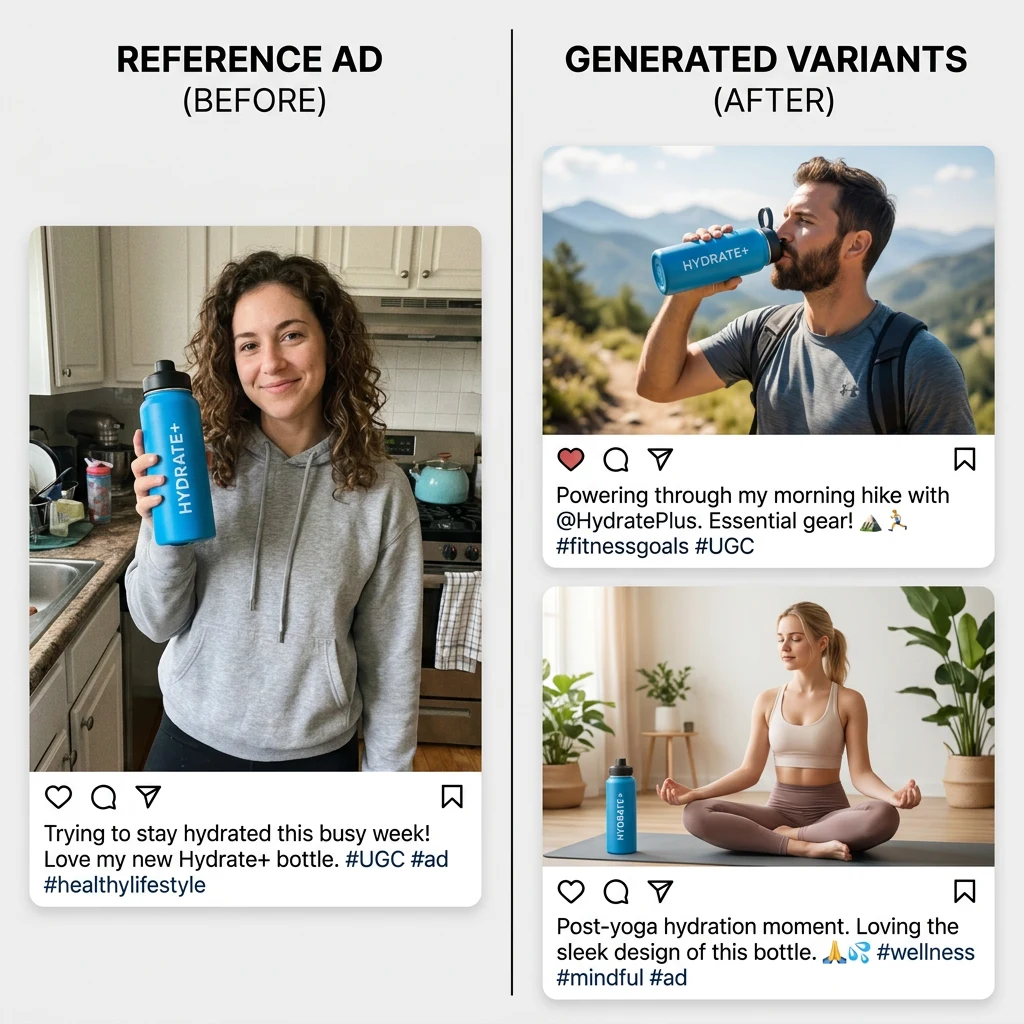
Template prompts: "Product X in [setting], [style], [mood]" — vary the bracketed parts. Generate 10 variations in one session.
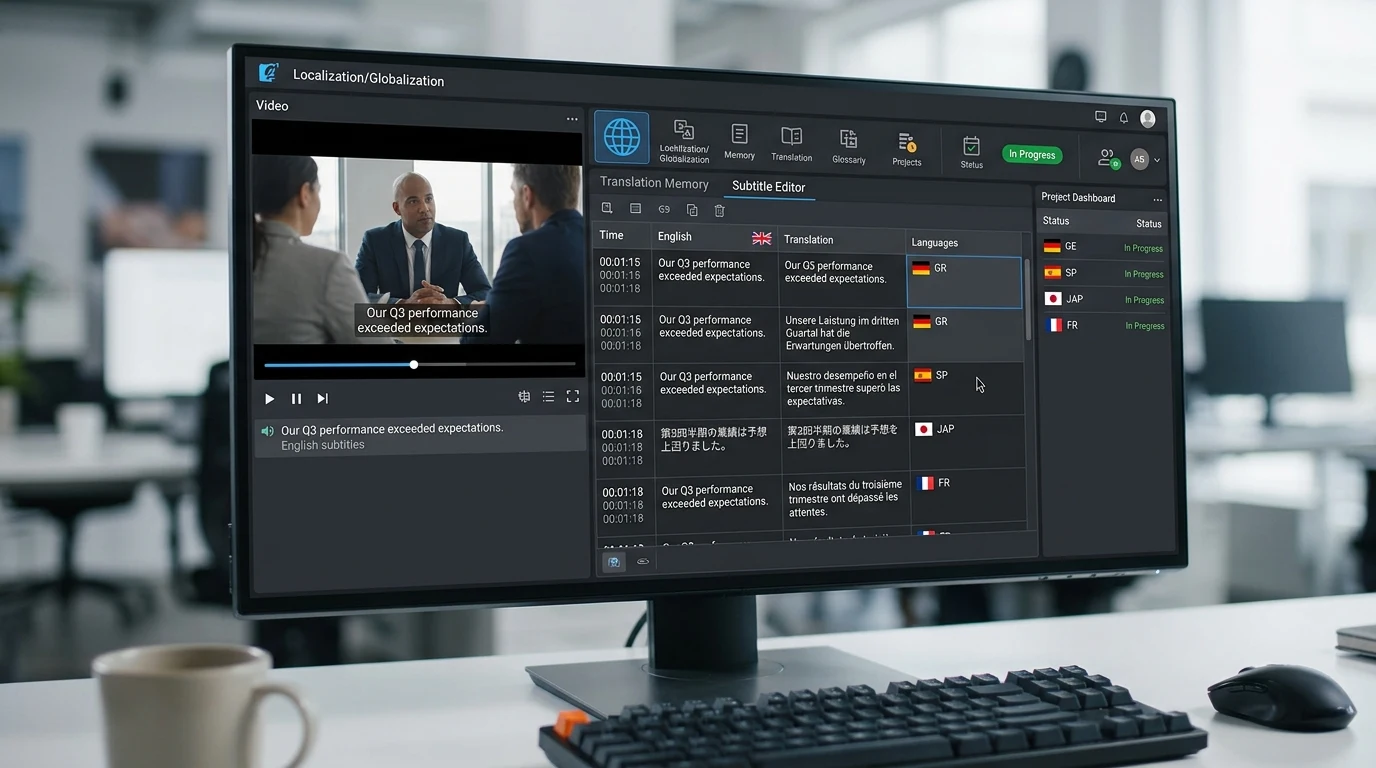
Format matrix: Create for each platform. 1:1 for feed, 9:16 for Stories/Reels, 16:9 for YouTube. Same concept, multiple formats.
Theme days: Monday tips, Wednesday product, Friday behind-the-scenes. Batch by theme for efficiency.
#Platform-Specific Content
Instagram: Feed posts (1:1 or 4:5), Stories (9:16), Reels (9:16). Mix of images and video. Carousels for tips and lists.
TikTok: 9:16 video, trending sounds or AI music. Quick cuts, hooks in first second. UGC-style performs well.
YouTube: 16:9 for main content, Shorts (9:16) for supplementary. Thumbnails matter—generate with AI.
LinkedIn: Professional, clean. 1:1 or 16:9. Thought leadership and product content.
Facebook: Mix of formats. Video tends to get more reach. Carousels for engagement.
#Automation Tips
- API access: Kubeez MCP and API allow programmatic generation. Integrate with your workflow.
- Consistent style: Use the same model and prompt structure. Build a "brand preset."
- Repurpose: One long video → multiple Shorts/Reels. One image → multiple crops. Maximize each asset.
#Tools to Combine
- Kubeez — Generation (images, video, music, voice)
- Scheduler — Buffer, Hootsuite, Later, or native
- Analytics — Platform insights, third-party tools
- Caption tools — AI writing for captions and hashtags
Dex writes the Kubeez guides and makes every example with the same tools you use.
Keep reading
- Make a Photo Talk or Sing With OmniHuman 2.0Make a photo talk or sing on Kubeez: voice a line with text to speech, pick a portrait that syncs well and turn both into a lip-synced OmniHuman 2.0 video.
- Kling 4.0 Tutorial: Video From Reference Images and ClipsMake a video from reference images and clips with Kling 4.0 on Kubeez: name files @image_1 and @video_1, write the prompt, and follow a real run step by step.
- Kling 4.0 on Kubeez: Video From Prompts, Stills and ClipsKling 4.0 is live on Kubeez: one video model for prompts and references, with up to 10 images and 5 clips, 3 to 30 second output and native sound built in.
- OmniHuman 2.0 on Kubeez: Make a Photo Talk or SingOmniHuman 2.0 is live on Kubeez: one portrait and one audio file become a lip-synced 720p video of that person talking or singing, as long as the audio.