AI Video for YouTube: Thumbnails, Intros & B-Roll
Complete YouTube workflow with AI. Thumbnails, intros, B-roll, and SEO optimization.
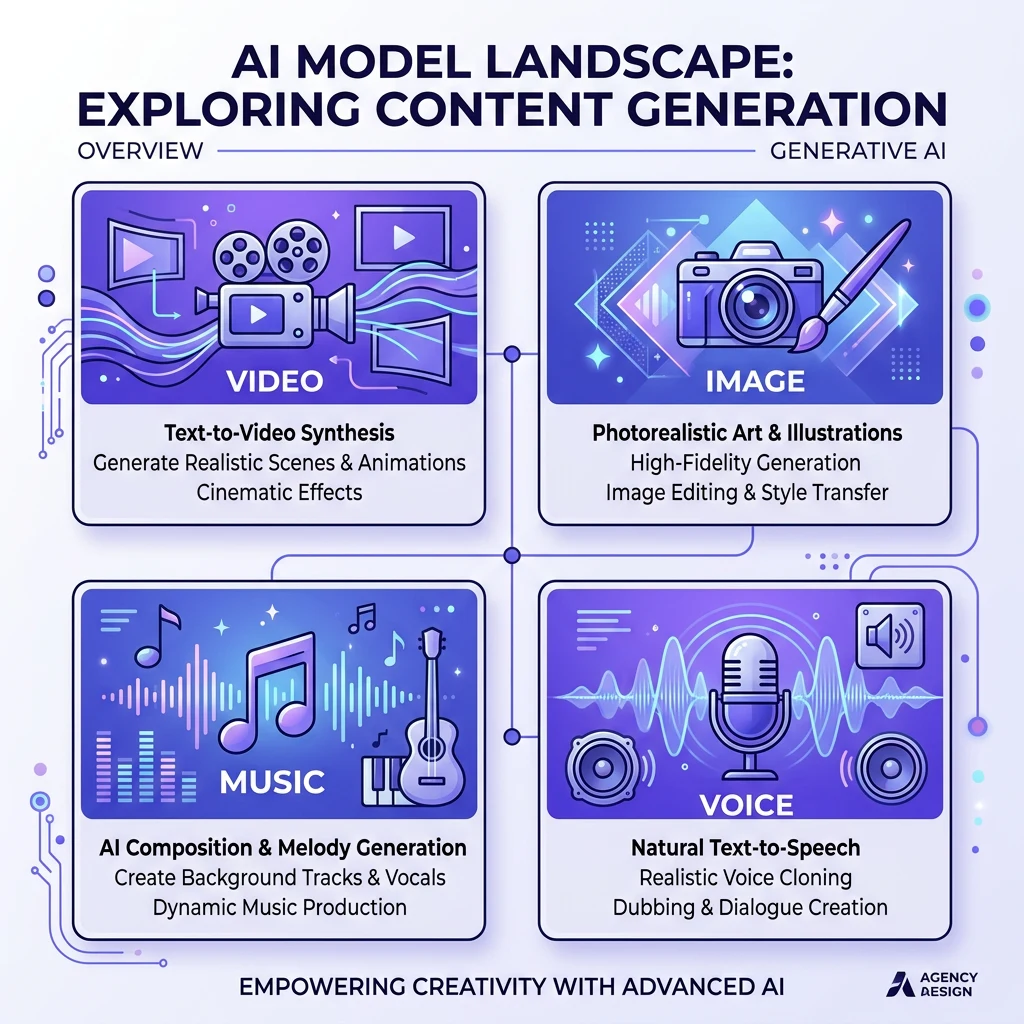
YouTube success depends on more than the main content. Thumbnails get clicks. Intros set the tone. B-roll keeps viewers engaged. AI can generate all of these—thumbnails, intro sequences, and supplementary footage—without a camera or designer.
Kubeez gives you the tools. Generate thumbnails with Nano Banana or GPT-1.5-image. Create intros and B-roll with Kling, Veo, or Seedance. Full pipeline from idea to upload.
#Thumbnails That Get Clicks
Face and emotion: Thumbnails with faces—especially expressive ones—outperform. Use AI to generate a compelling expression or reaction.
Contrast and clarity: Bold colors, clear subject, readable text (if any). Thumbnails are small; simplicity wins.
Curiosity gap: Hint at the content without giving it away. "You won't believe..." or a surprising visual.
Consistency: Same style across your channel. Viewers recognize your brand. Use consistent prompts and models.
GPT-1.5-image for text: If your thumbnail has a headline, use GPT-1.5-image-high. It renders text accurately.
#Intros and Outros
Short intros: 3–5 second branded sequence. Logo, tagline, or signature visual. Generate with Kling or Veo. Match your channel aesthetic.
Outros: End screen with subscribe CTA, next video, or channel branding. Can be static (image) or animated (video).
Music: Use AI music for intro/outro tracks. Consistent jingle builds recognition.

#B-Roll and Supplementary Footage
What is B-roll? Supplementary footage cut over the main content. Establishing shots, cutaways, and visuals that support the narrative.
AI B-roll: Generate scenes you can't easily film—aerial shots, exotic locations, abstract visuals, or specific scenarios. Describe what you need; get the footage.
Use cases:
- Establishing shots (city skyline, nature, office)
- Product close-ups
- Abstract or metaphorical visuals
- Background footage for talking-head segments
Models: Veo 3.1 for cinematic, Kling 2.6 for speed and audio, Seedance for multi-shot sequences.
#YouTube Shorts
Format: 9:16, up to 60 seconds. Vertical, mobile-first.
Content: Quick tips, hooks, highlights. AI can generate Shorts from prompts or from longer content (concept → generate short version).
Thumbnails: Shorts use the first frame or a selected frame. Make it compelling. Generate a strong opening visual.
#SEO and Discovery
Titles and descriptions: AI can help draft. Focus on keywords and clarity.
Captions: Auto captions improve accessibility and SEO. YouTube indexes caption text. Use Kubeez auto captions or YouTube's built-in.
Thumbnails: Click-through rate affects recommendations. A/B test thumbnails. AI makes it easy to generate variants.