Kuaishou · Kling 3.0
Kling 3.0
Multi-shot cinematic video with element-aware control in one Kubeez session
Kling 3.0 on Kubeez targets directors and social teams who need more than a single clip: multi-shot generations, @element references to keep subjects and props consistent across shots, optional sound when the engine supports it, and runtimes from a few seconds up to longer passes within the product limits. Section stills below are illustrative marketing art; your outputs are video files from the Kling pipeline.
Showcase












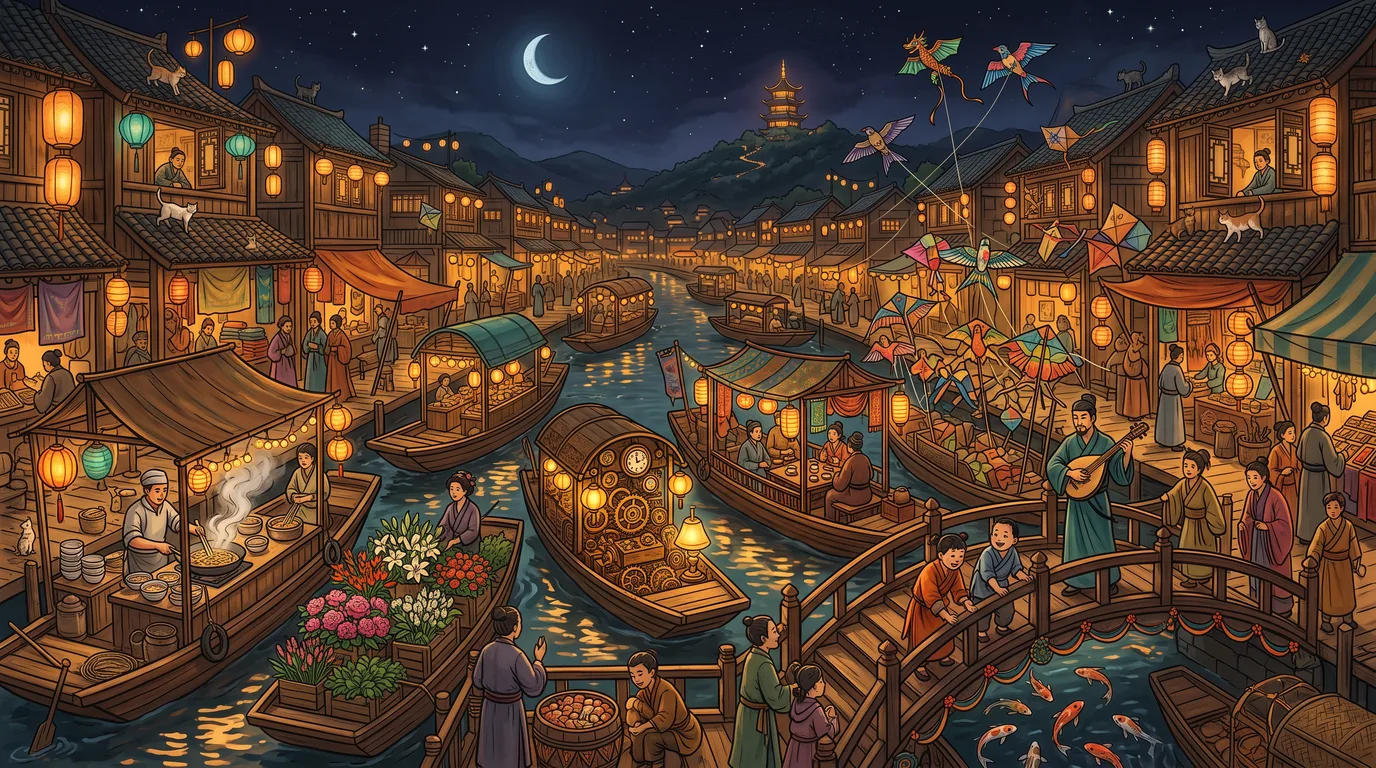

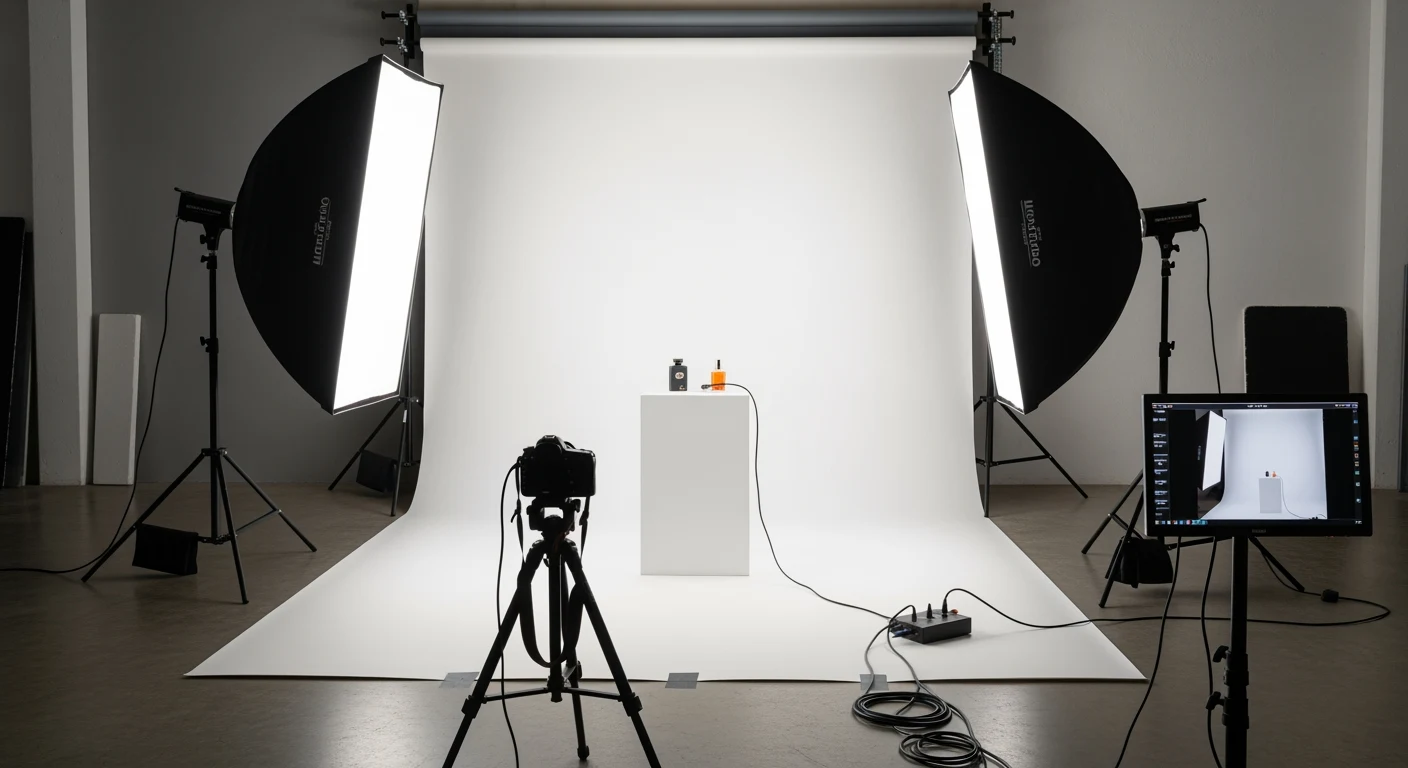



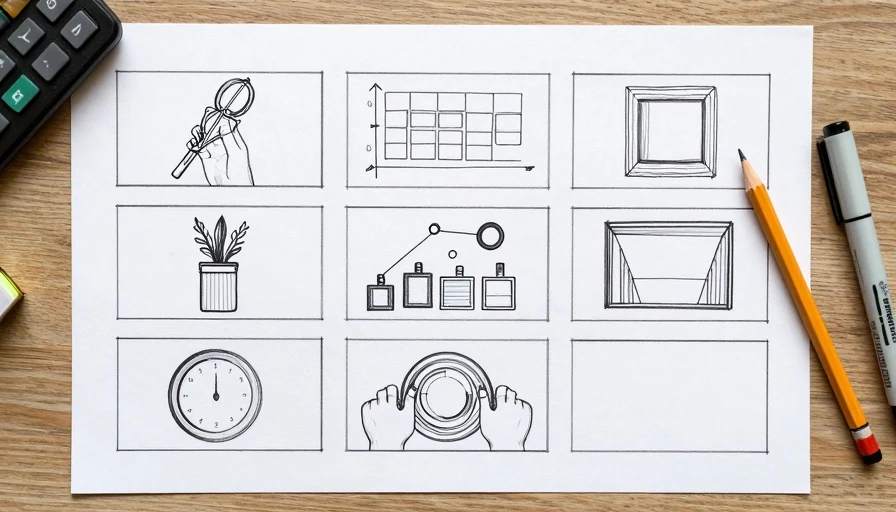






















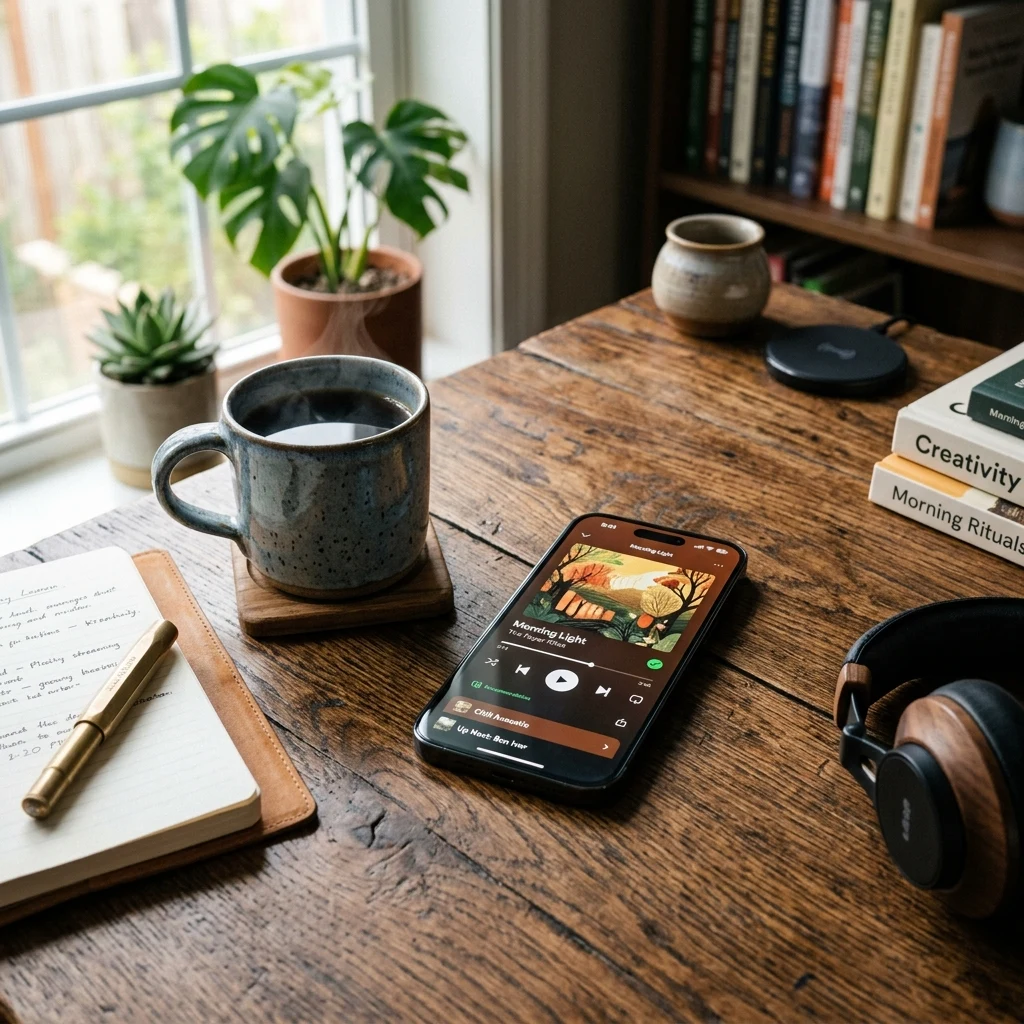
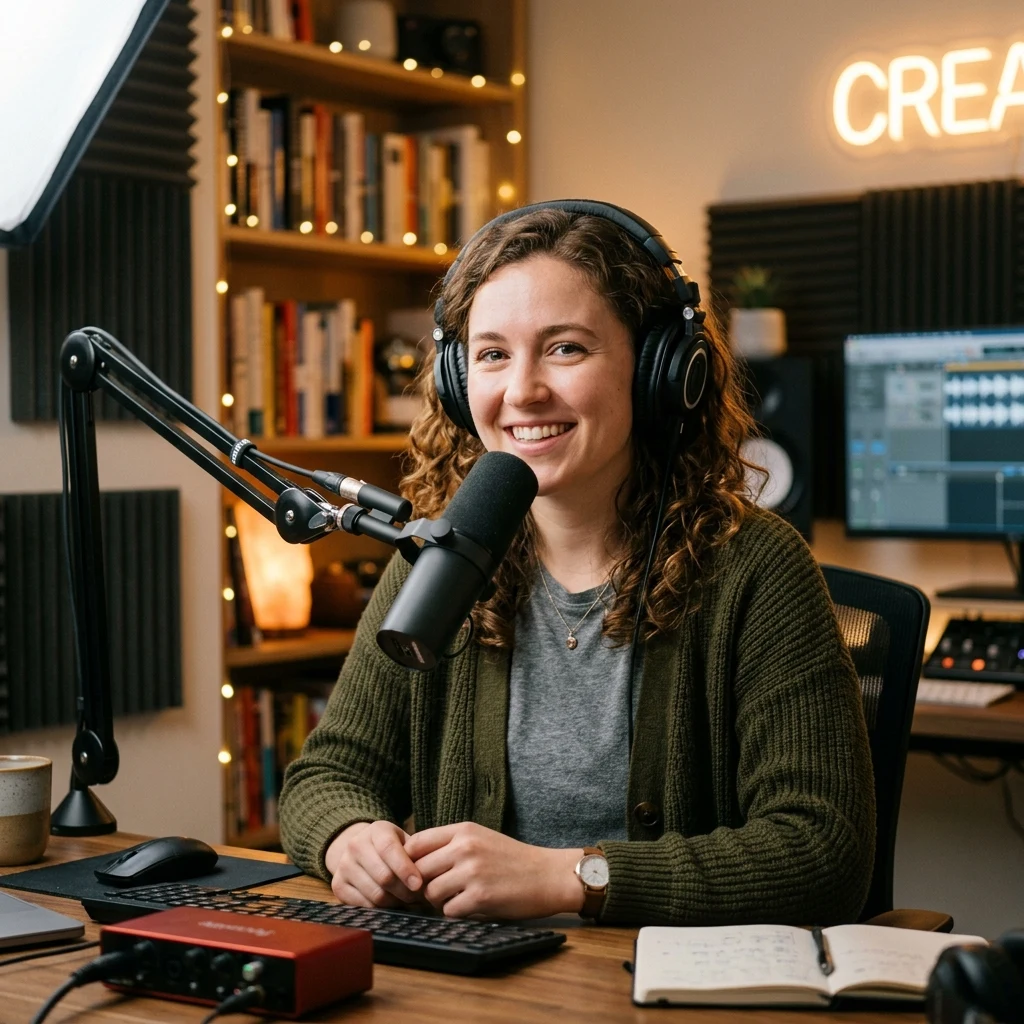
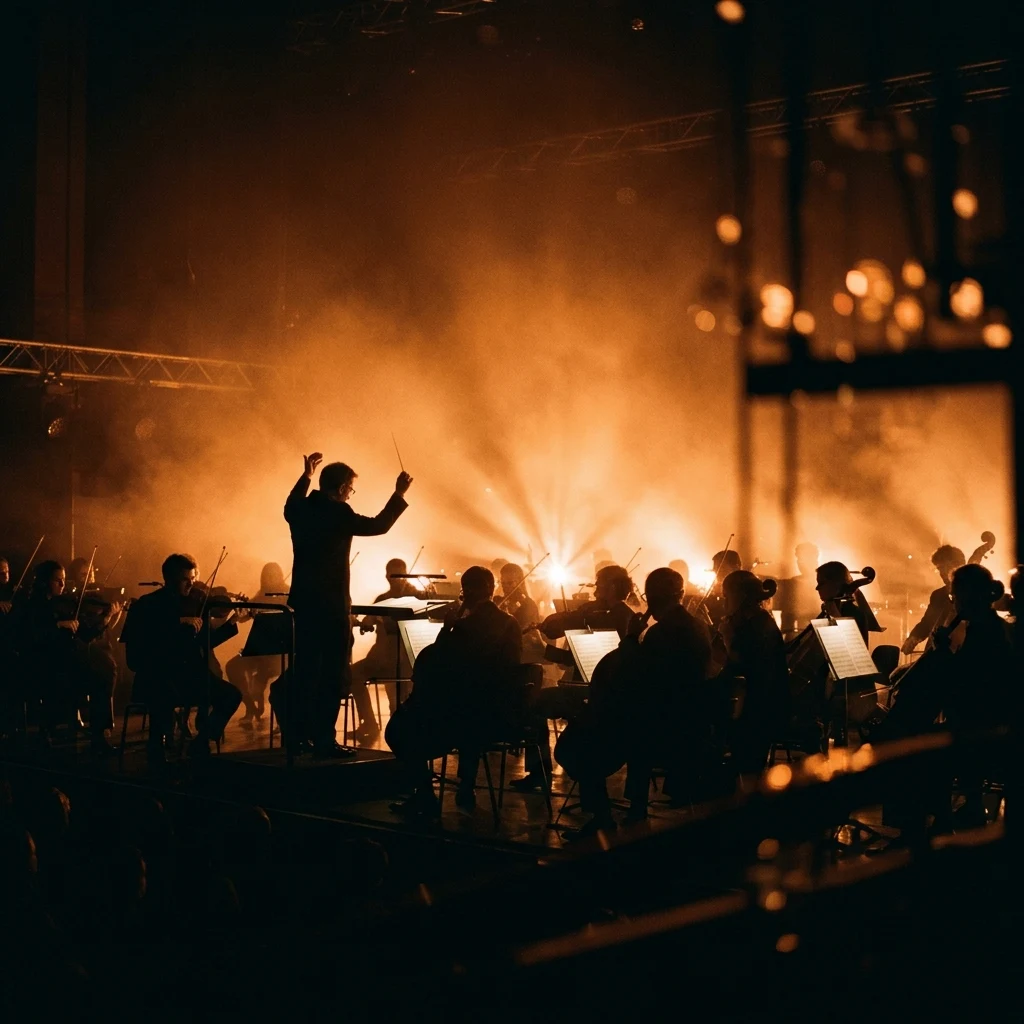
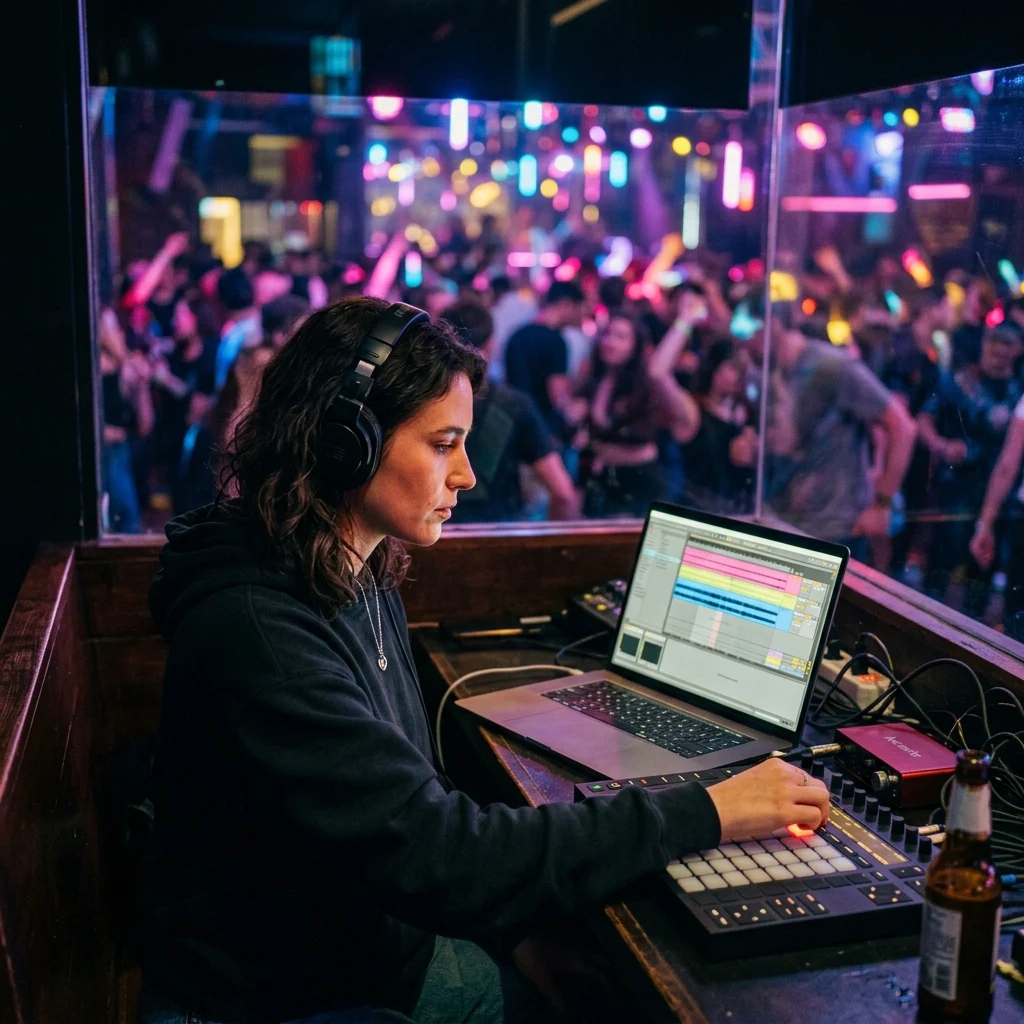


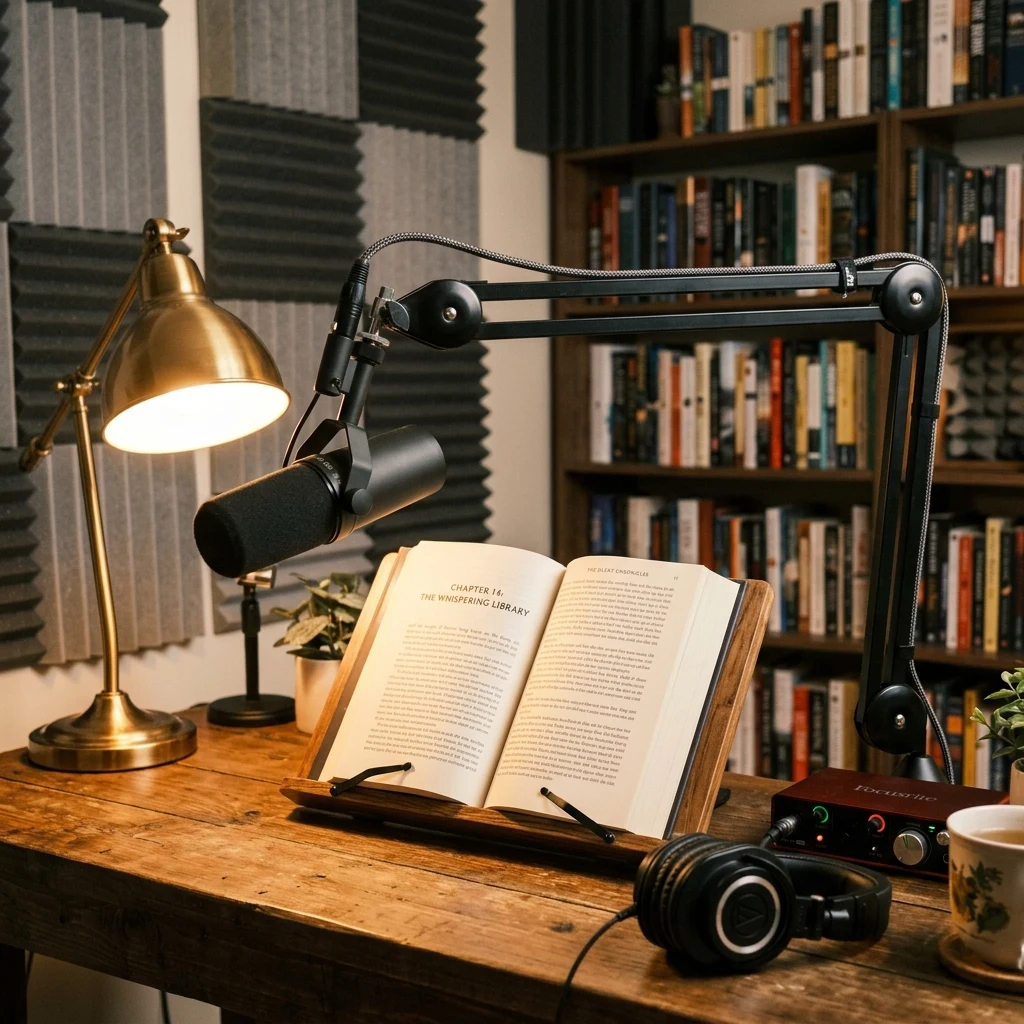

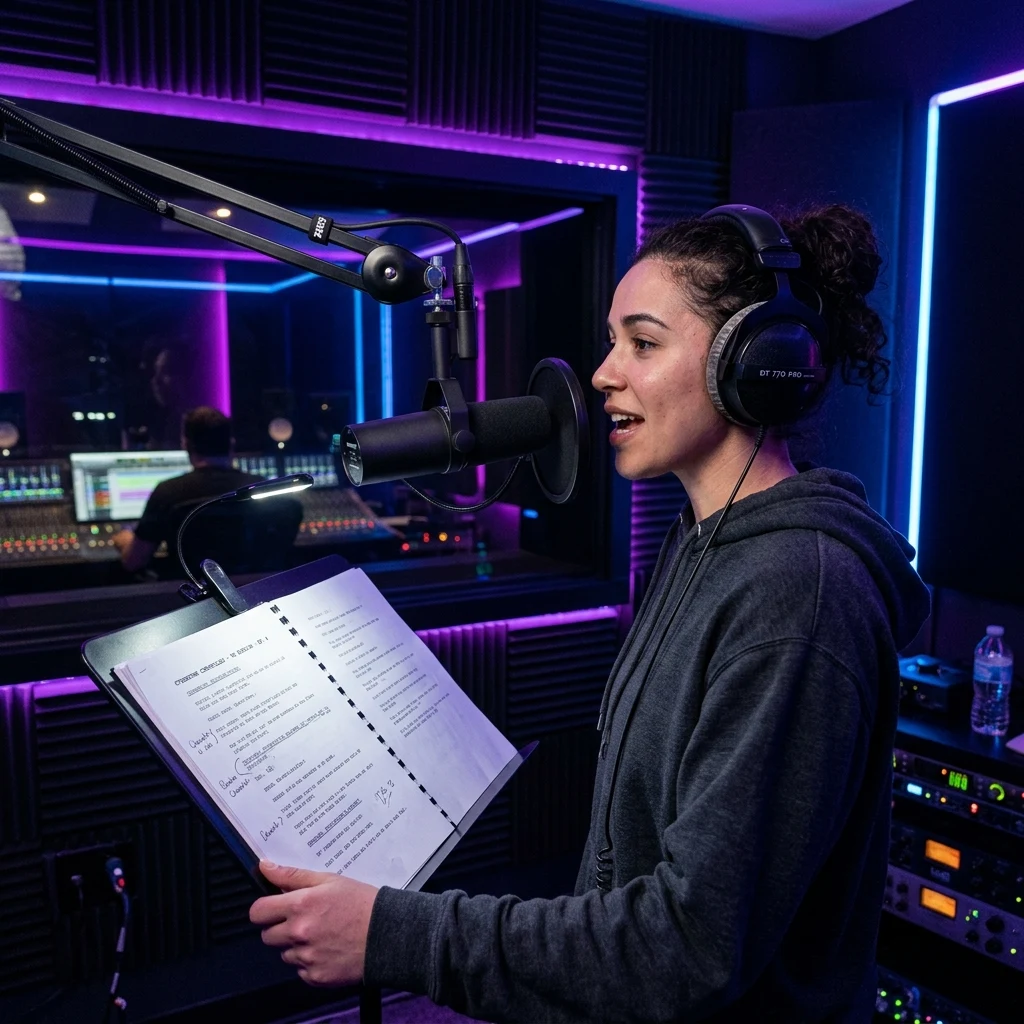

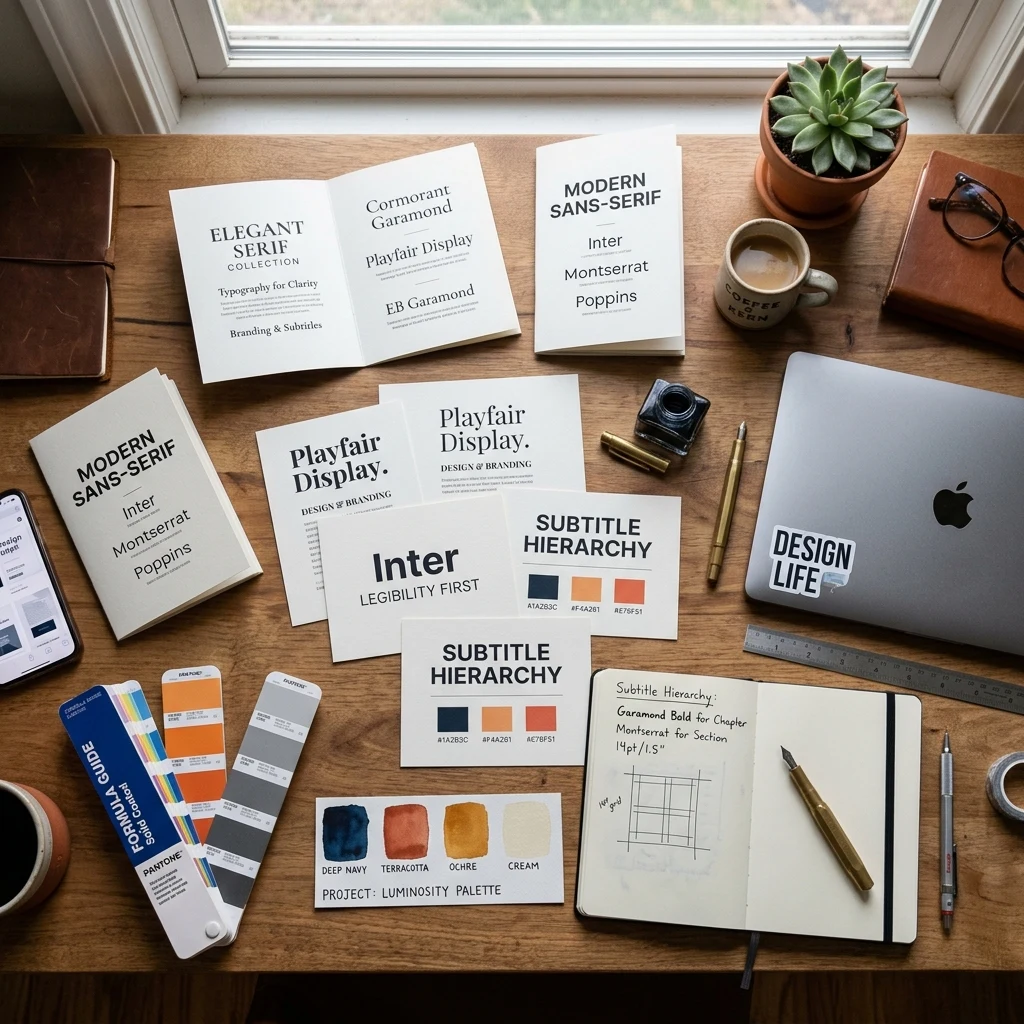
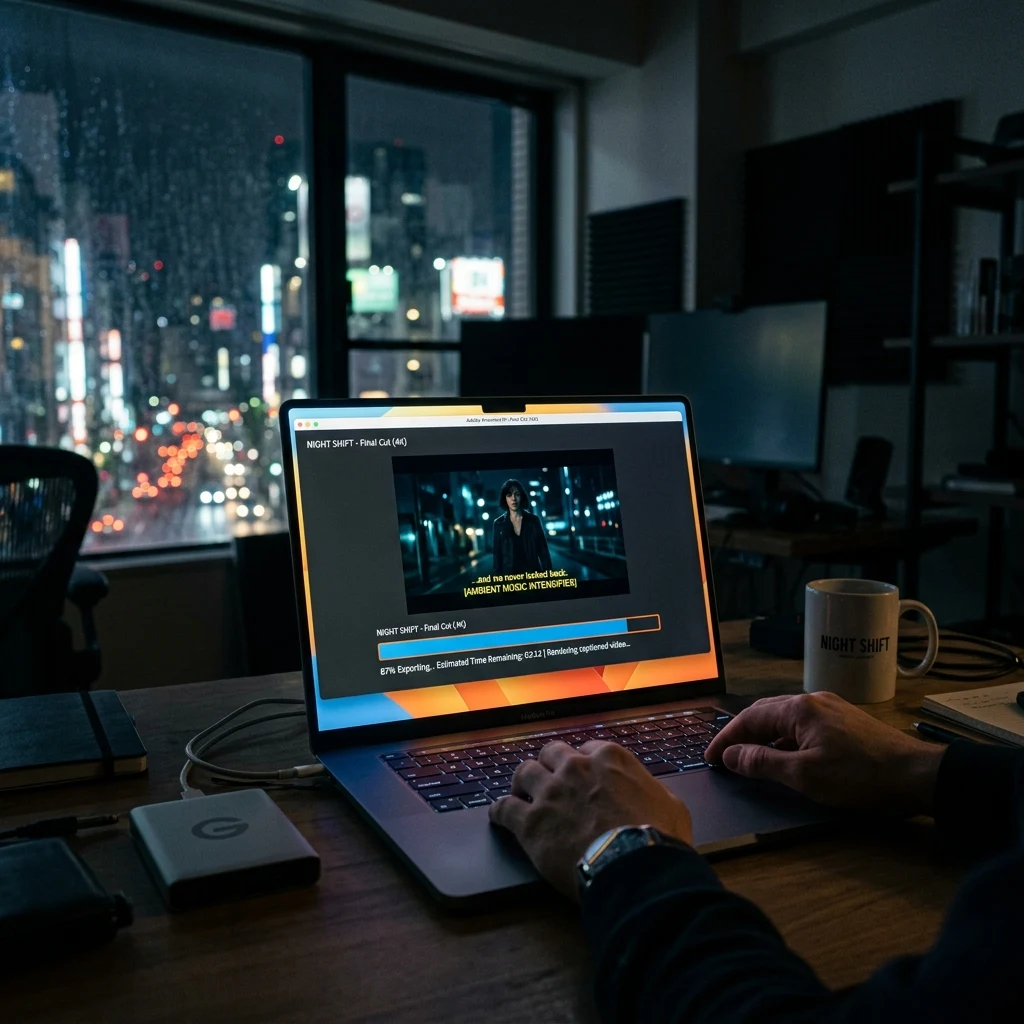





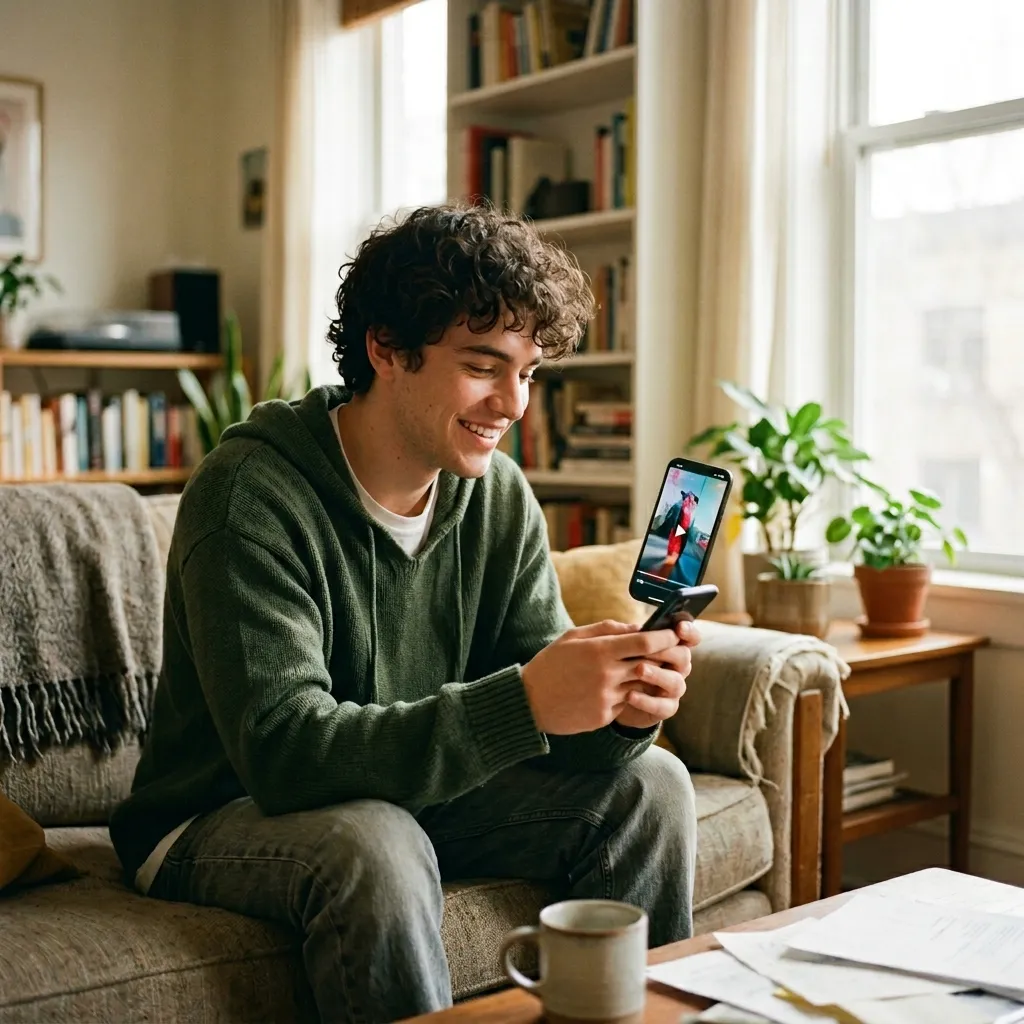













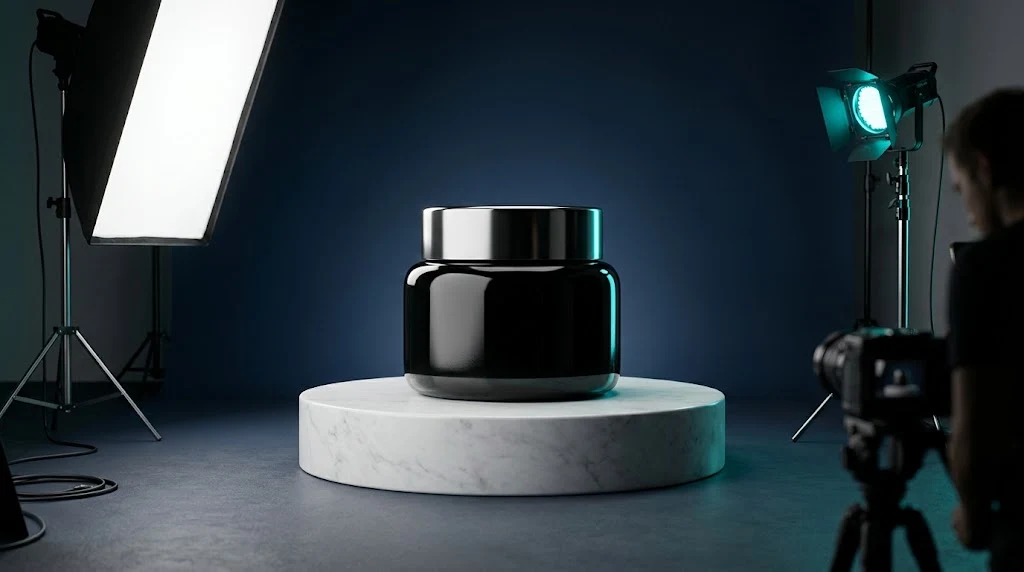
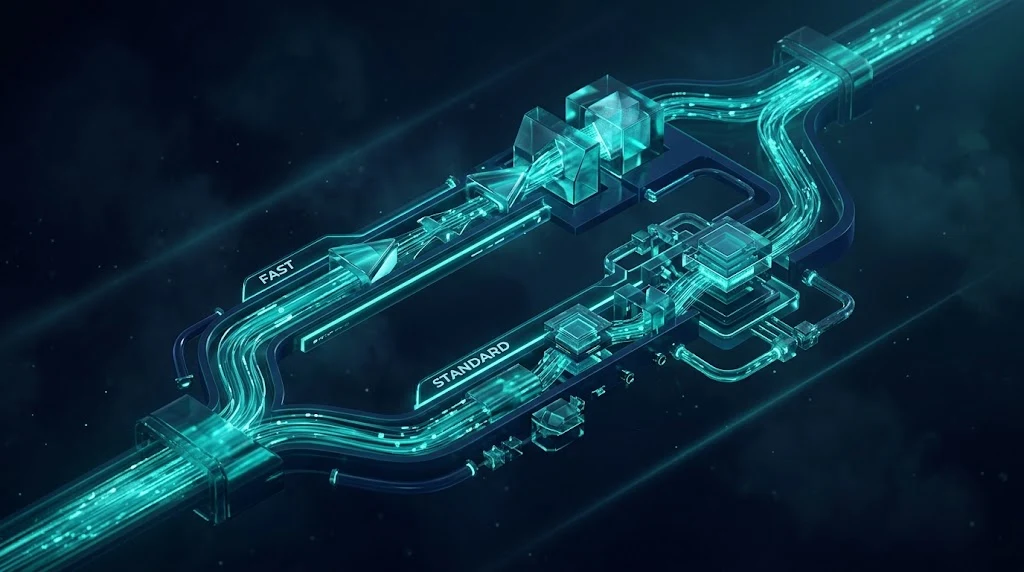















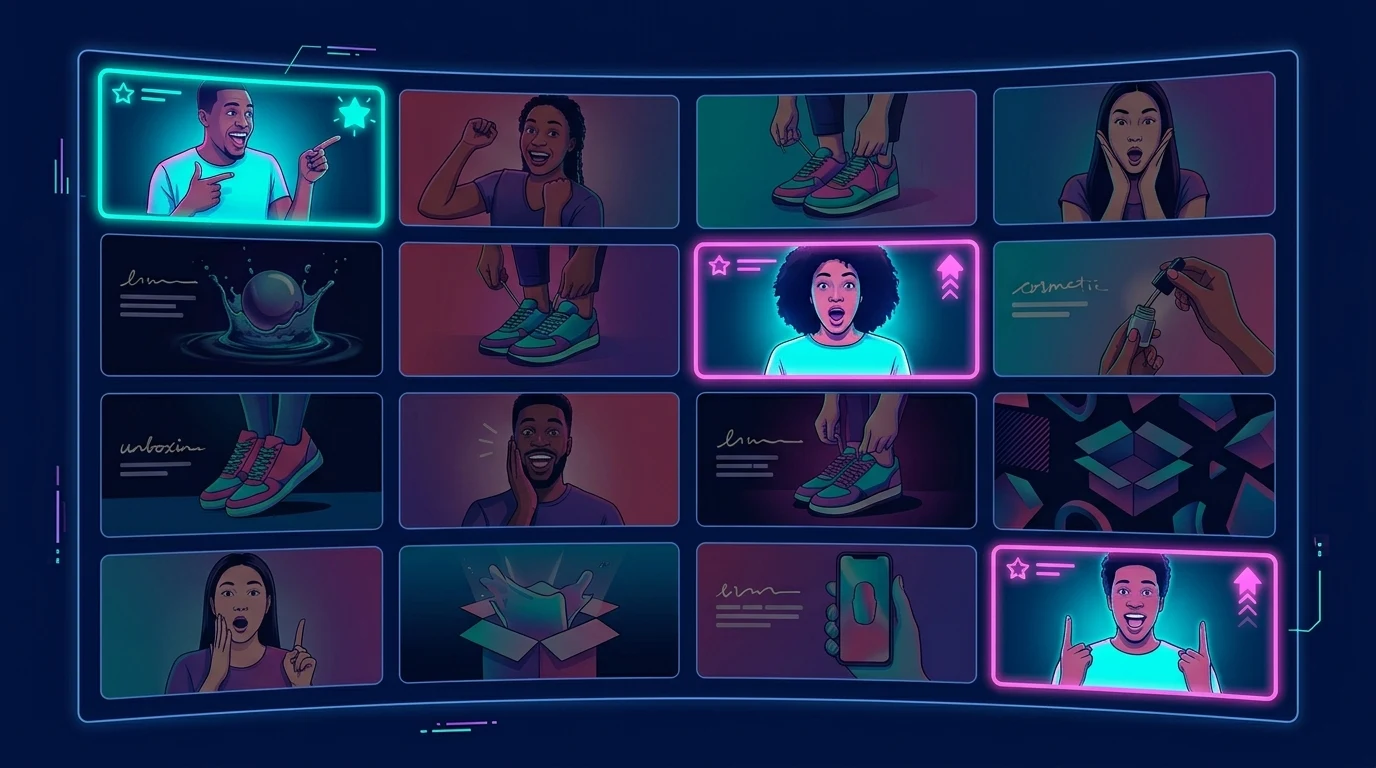
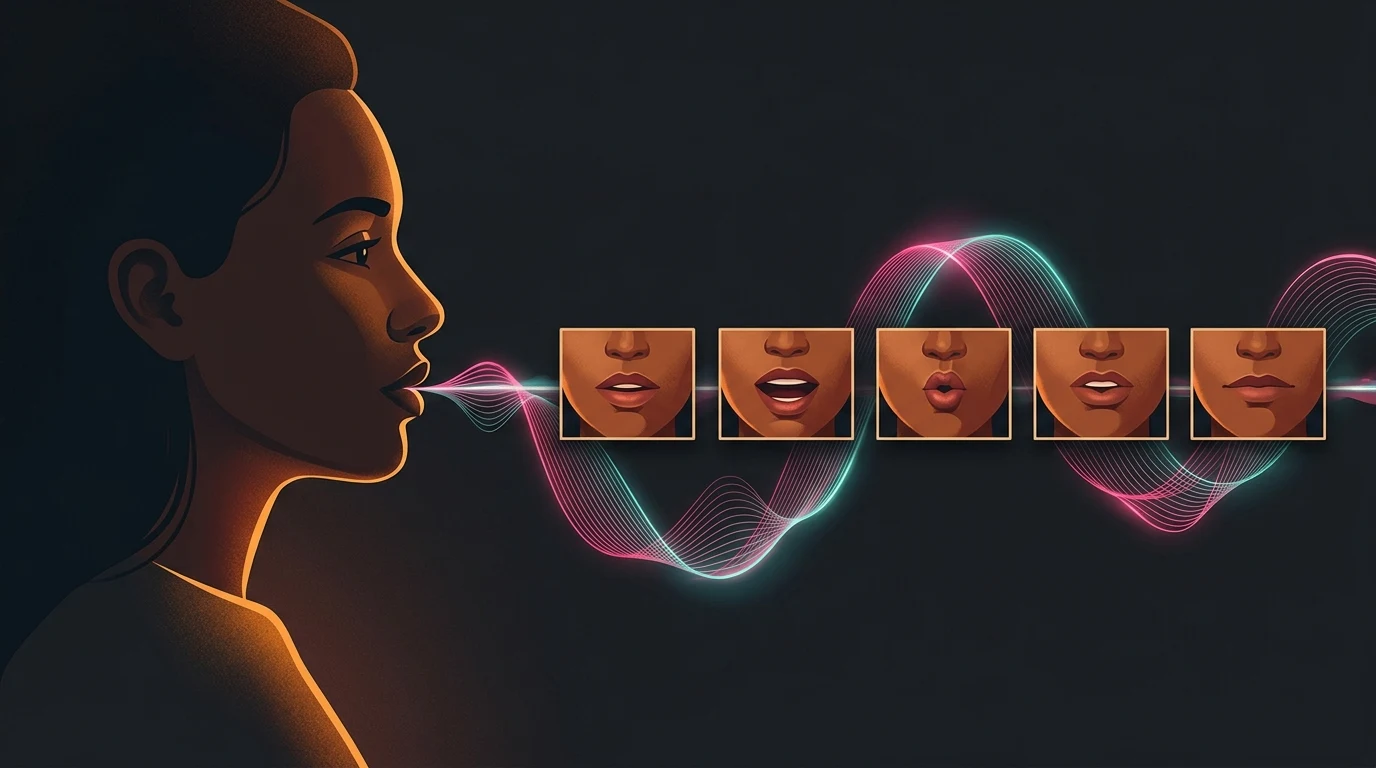
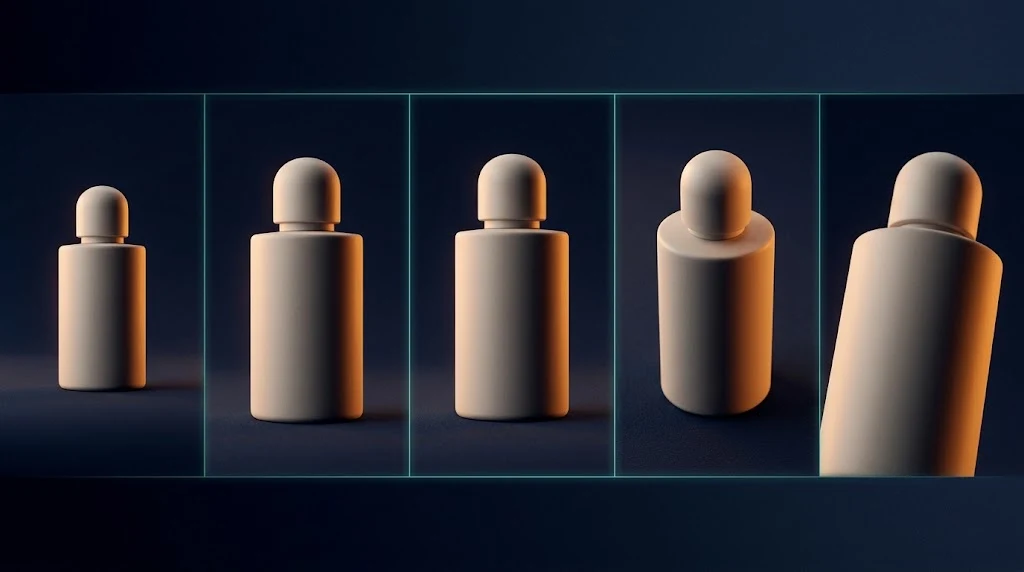

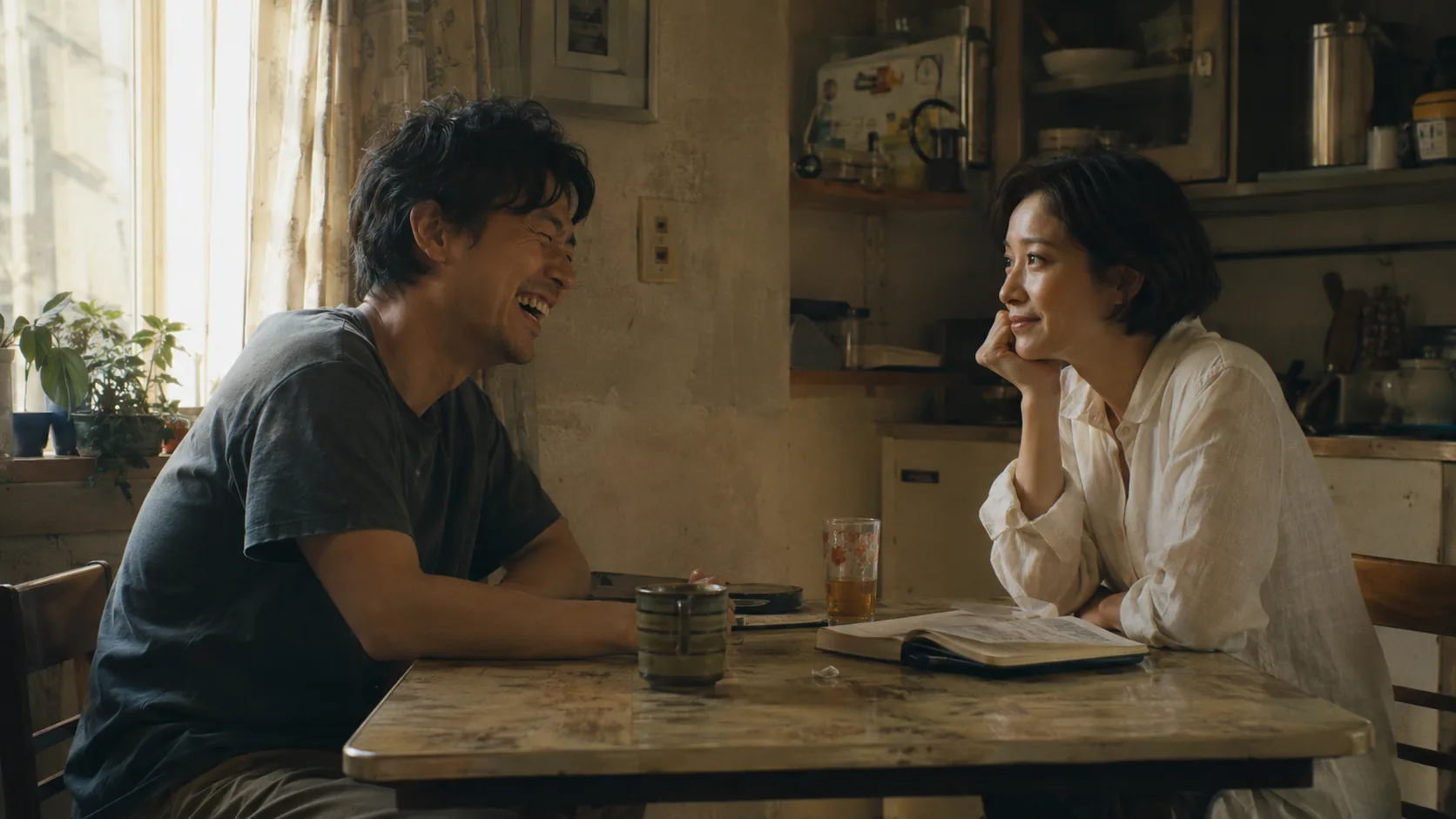
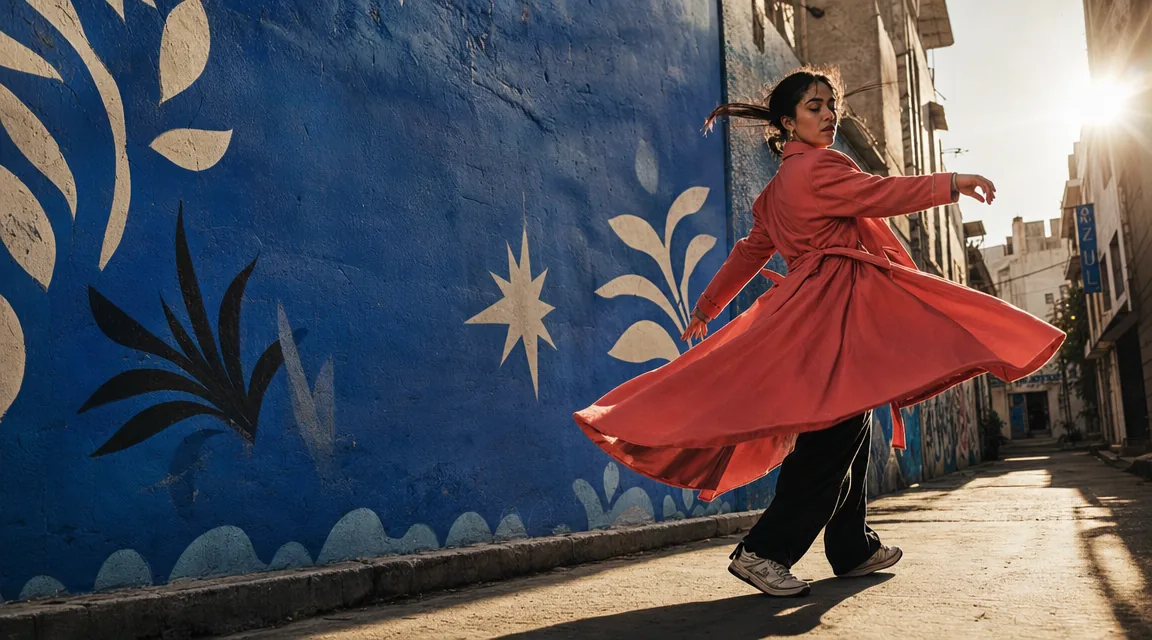



SHOTS THAT STAY ON STORY, NOT JUST ON PROMPT
Lean on Kling 3.0 when you need coherent beats across cuts—then switch tiers or models when the brief is a single hero take instead of a sequence.
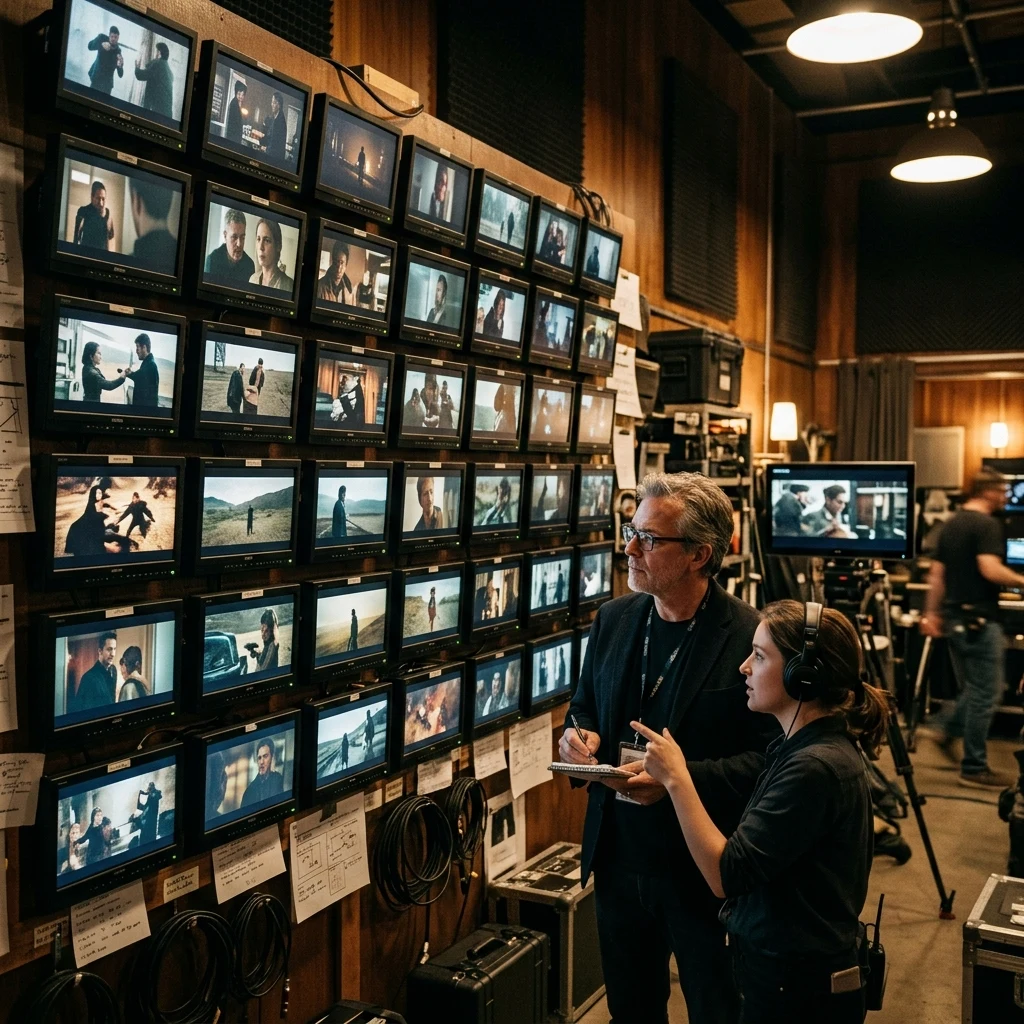
MULTI-SHOT FLOW
Structure generations around multiple shots in one run so edits stay in-session instead of stitching unrelated one-offs.
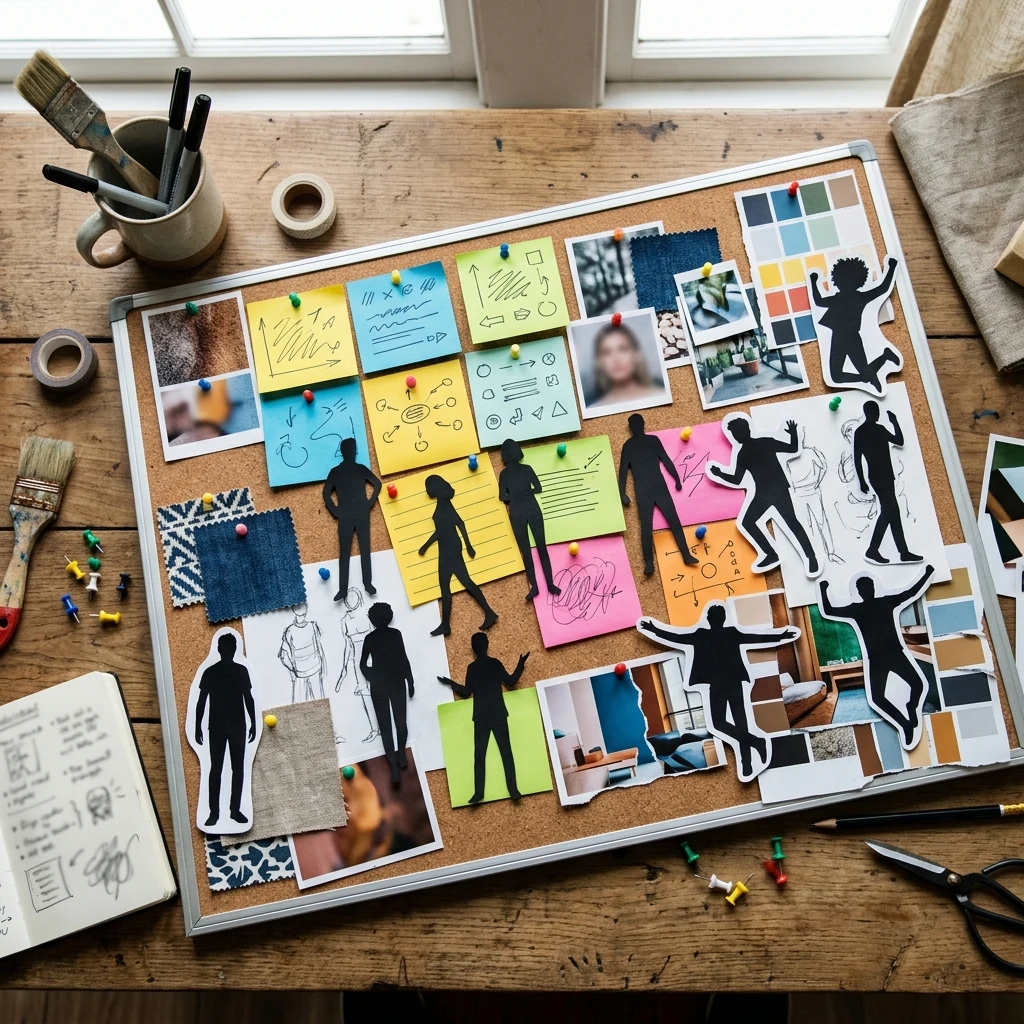
@ELEMENT CONSISTENCY
Reference elements to keep characters, wardrobe, and key props aligned across shots when your storyboard demands continuity.

TIERS & DURATION
Pick Standard or Pro when the UI offers both; duration and resolution options follow the live model card—credits are quoted before you render.
Media API and MCP
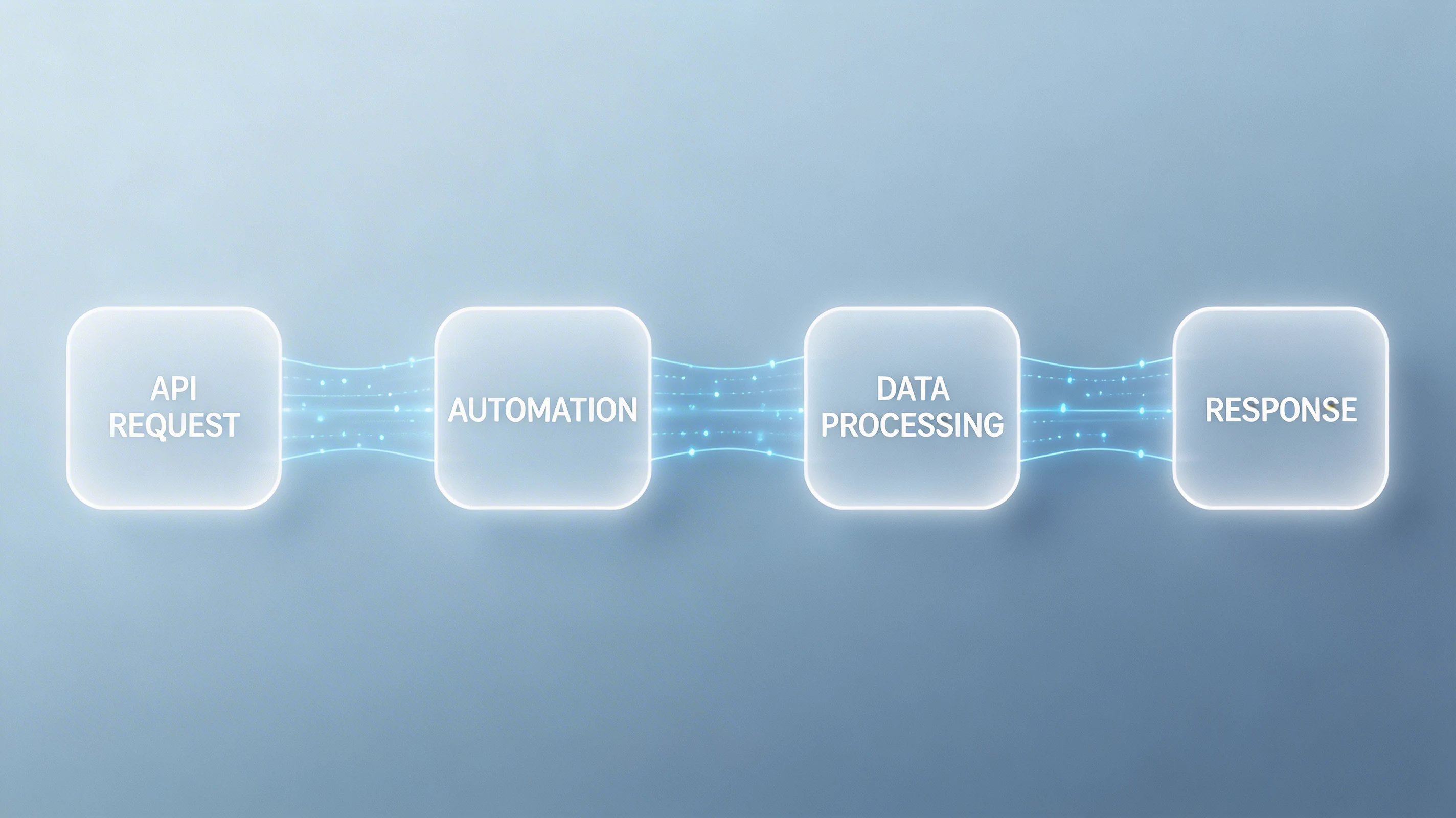
Use the same model slug you select in the UI; tier and @element payloads should mirror what a human would submit from Media Studio.
Where teams ship Kling 3.0 from Kubeez
Cutdown-ready masters
Generate hero and alt takes with consistent elements so versioning for platforms does not mean re-establishing the whole look.
Social-native motion
Iterate prompts and shot lists where your audience already watches—keep audio and pacing inside the same Kubeez workspace.
One queue for the UI and your scripts
Multi-shot briefs still enqueue like any Kubeez video job—your orchestrator polls the same endpoints Media Studio does; keep Pro vs Standard straight when you automate tiers.
Kling 3.0
Run Kling 3.0 in Kubeez
Open Media Studio, choose Kling 3.0, and keep credits in one wallet with images, audio, and the rest of your media work.