
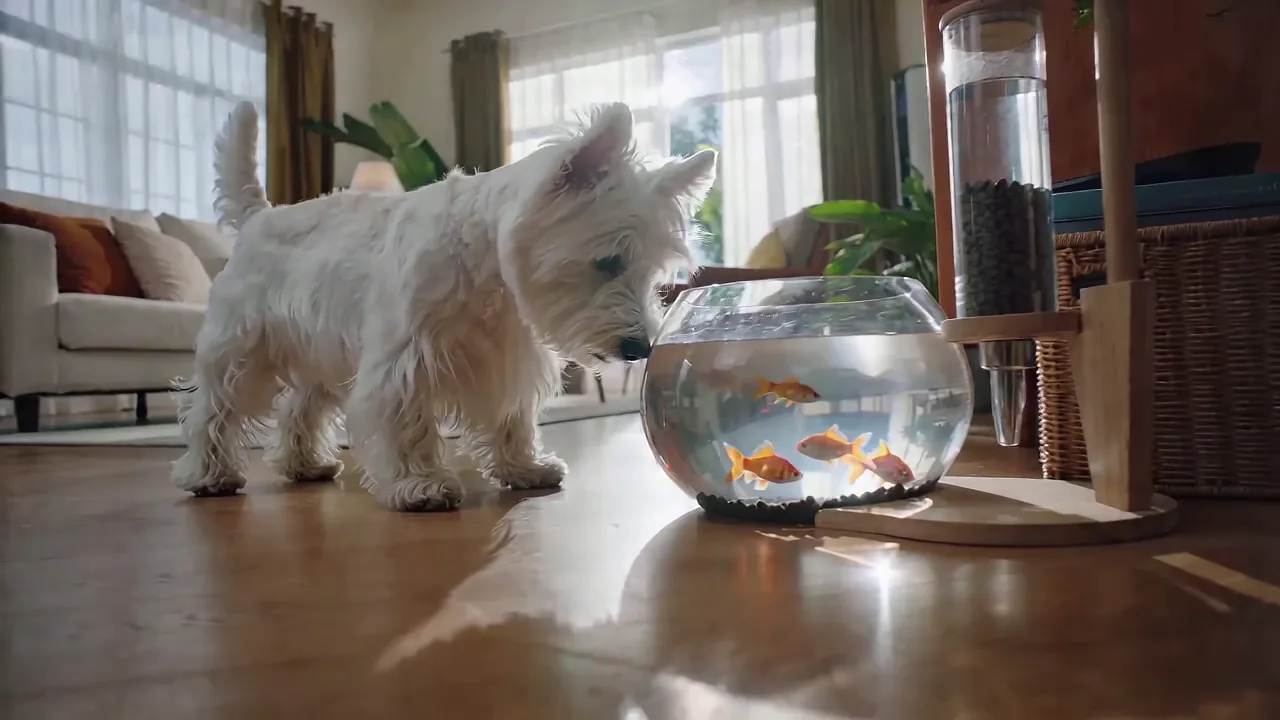

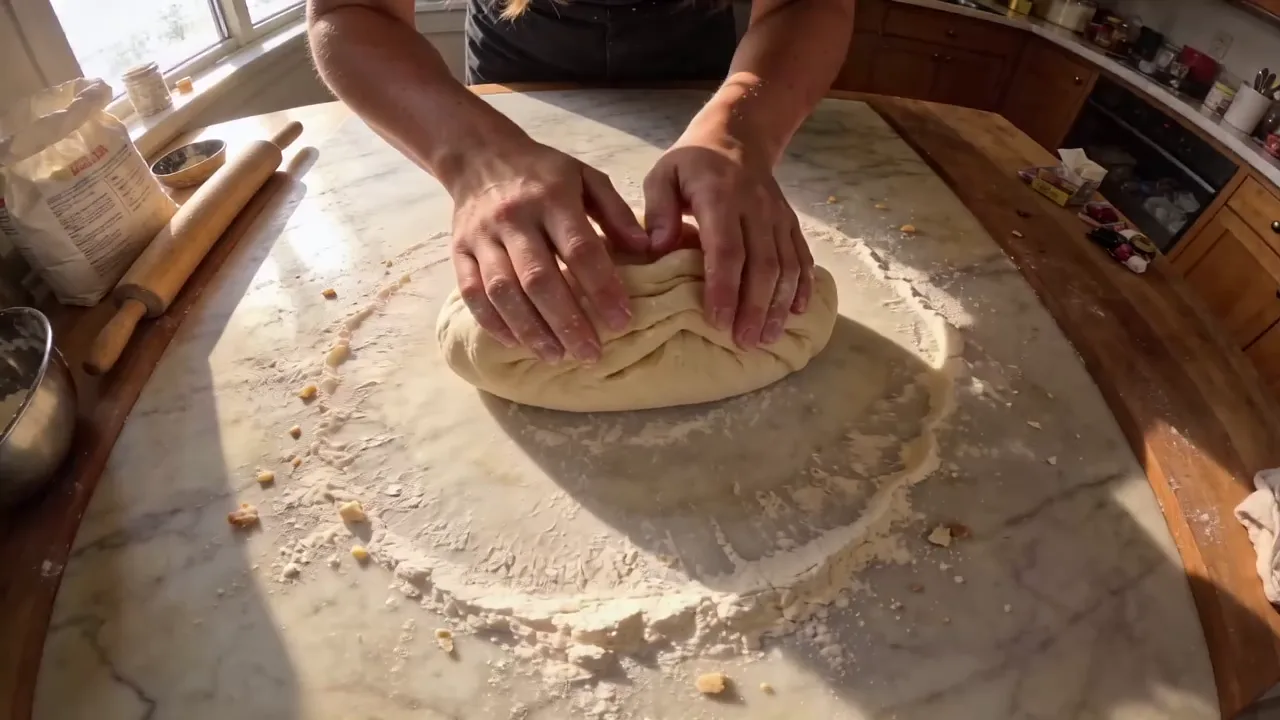


Hand over the deck you already have. It reads the slides, writes the shots, and hands back a finished clip with sound, up to 30 seconds long. No timeline, no editor, no rebuilding the story from scratch.
- Decks, docs, sheets and PDFs up to 50 pages
- Or a public webpage, if the story already lives online
- Sound written in the same pass, not added afterwards
Five ways in, one way out
Most video models take a sentence and, if you are lucky, one still. This one also takes the material you already made. Mix as many of these as you like in one clip.
A document
A deck, a report, a one-pager, a spreadsheet. It reads the whole file, works out what the story is, and shoots it. This is the mode nothing else here has.
1 file, up to 50 pages, 100MB. docx, doc, xlsx, xls, pptx, ppt, pdf, txt, key, pages, numbers, md
A link
A product page, a launch post, a changelog. Anything public that does not ask for a login. Useful when the source of truth is a page rather than a file.
1 public webpage, no login
References
Stills, clips and audio you supply, addressed in the prompt as Image1, Video1, Audio1 in the order you attach them. That is how you keep a face, a product or a voice the same across a set.
10 images, 5 clips, 5 audio tracks
A first and last frame
Give it where the shot opens and where it closes and it fills the middle. The closing frame is optional; on its own the first frame just animates forward.
1 opening still, 1 closing still, both optional after the first
Just a prompt
Nothing to upload. Describe the clip and it shoots it, same length ceiling and same native sound as every other mode here.
Up to 20000 characters
Two rules and that is all: a first or last frame cannot be combined with any of the references, and a document and a link cannot ride together. Everything else composes freely.
How it works
Three moves, and only the first one is yours. Nothing in this flow needs editing software.
- 1Drop the file inOpen the studio, pick Wan 3.0, choose Document mode and attach the deck, doc, sheet or PDF. A link goes in the same place, as a URL instead of a file.
- 2Say what you want out of itOne line is enough: who it is for, what it should feel like, how long. The prompt steers the read; the file supplies the substance.
- 3Pick a length and goAnything from 2 to 30 seconds, in one generation. Sound is on by default and written to match, so what comes back is finished rather than a silent draft.
Length
30 seconds in one take
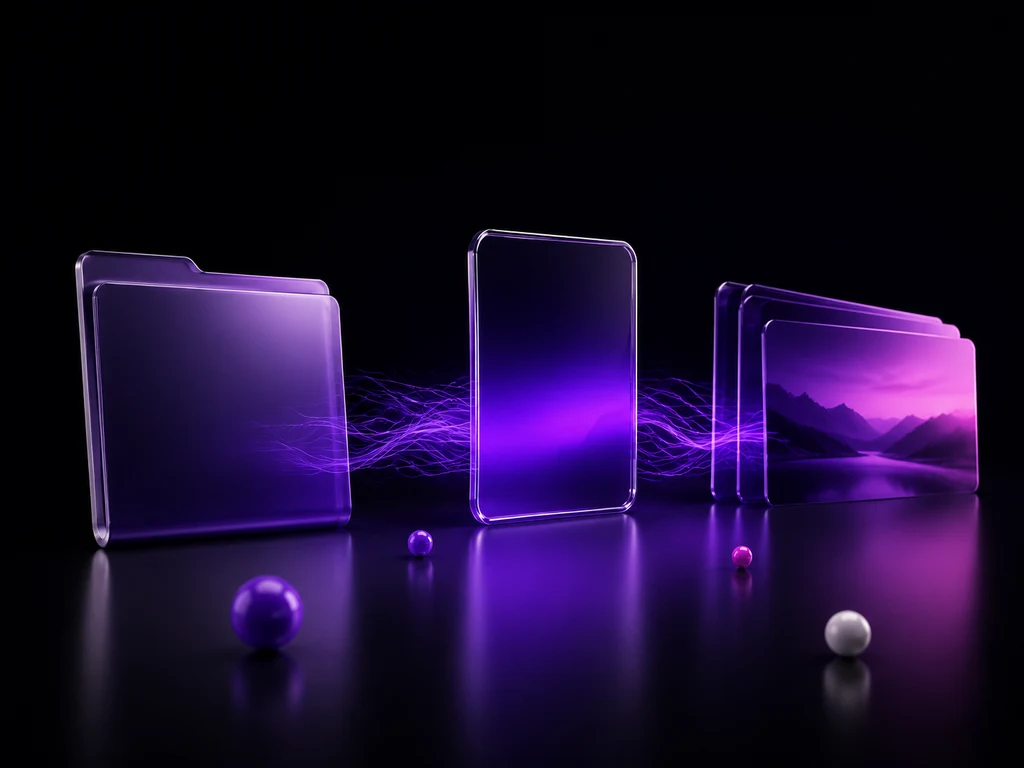
Most models cap a single generation well short of a usable cut, which is why so much AI video is four clips stitched together with the seams showing. Thirty seconds in one pass means one continuous shot: no drift between clips, no matching a face or a colour grade across a splice.
- Wan 3.030s
- Seedance 2.530s
- Kling 3.015s
- Veo 3.18s
Longest single generation per model family. With reference clips attached, the input length and the output length share the same 30-second budget.
Free to start
Try it on a deck you already have
You do not have to buy anything to see what it makes of your material. Creating a Kubeez account comes with starting credits, and this runs on the same balance as everything else.
- No card to create an account
- Starting credits cover a short clip end to end
- Same balance across video, images, sound and captions
Starting credits are a trial allowance rather than ongoing free usage.
Plans
Pick a plan and start shooting
Video runs on the same balance as everything else on Kubeez, so a plan covers this alongside images, sound, captions and the rest. Two quality tiers are available on identical inputs, and the studio shows the exact cost of a clip before you run it.
Studio Pro
Studio value with extra headroom.

2 seats included
What you'll generate
- Images~1,600
- Songs~492
- Videos~640
- Separations~1,066
- Caption Minutes~213
- All modelsIncluded
Starter
Low tier generations for regular use.
What you'll generate
- Images~275
- Songs~84
- Videos~110
- Separations~183
- Caption Minutes~36
- All modelsIncluded
Pro
Access full experience.
What you'll generate
- Images~650
- Songs~200
- Videos~260
- Separations~433
- Caption Minutes~86
- All modelsIncluded
Powerhouse
Most cost efficient.
13,000 credits/mo
Extra seats €19/seat/mo
What you'll generate
- Images~3,250
- Songs~1,000
- Videos~1,300
- Separations~2,166
- Caption Minutes~433
- All modelsIncluded
Enterprise
For teams that outgrow standard plans.
Pricing tailored to your team
What's included
- Custom number of seats
- Custom credit volume
- Invoice billing
- Priority support
Starter
Low tier generations for regular use.
What you'll generate
- Images~275
- Songs~84
- Videos~110
- Separations~183
- Caption Minutes~36
- All modelsIncluded
Pro
Access full experience.
What you'll generate
- Images~650
- Songs~200
- Videos~260
- Separations~433
- Caption Minutes~86
- All modelsIncluded
Studio Pro
Studio value with extra headroom.
2 seats included
What you'll generate
- Images~1,600
- Songs~492
- Videos~640
- Separations~1,066
- Caption Minutes~213
- All modelsIncluded
Powerhouse
Most cost efficient.
13,000 credits/mo
Extra seats €19/seat/mo
What you'll generate
- Images~3,250
- Songs~1,000
- Videos~1,300
- Separations~2,166
- Caption Minutes~433
- All modelsIncluded
Enterprise
For teams that outgrow standard plans.
Pricing tailored to your team
What's included
- Custom number of seats
- Custom credit volume
- Invoice billing
- Priority support
Test any model with one-time credit packs
Credits never expire and don't require a subscription — buy a pack, generate, see if Kubeez fits.
Quick refill
Quick refill for short bursts of generation.
Credits
500
You pay
€6
Standard pack
Mid-size pack at the standard per-credit rate.
Credits
1,500
You pay
€18
Volume pack
Larger pack with a volume discount built in.
Credits
5,000
You pay
€60€57
Production pack
Best per-credit price for sustained production.
Credits
15,000
You pay
€180€162
Who this is for
Anyone holding a document that would land better as a film, and no reason to open an editor to find out.
Sales decks
The pitch you already wrote, as something a prospect will actually finish watching.
Product launches
Point it at the launch post or the one-pager and get a clip for the announcement.
Internal comms
A policy update or an all-hands summary that people watch instead of scrolling past.
Course material
Lesson notes and slide packs turned into something that holds attention past the first minute.
Reports and research
The findings, as a short film, for the people who will never open the PDF.
Social cutdowns
One long take, framed for the feed, sound already written in.

What it does not do
The constraints up front, before you spend a run.
Not a page-per-shot converter
It reads the file and decides what to show. If you need one specific slide reproduced exactly, use it as a reference image instead.
Files have a ceiling
One document per clip, up to 50 pages and 100MB. A longer deck needs trimming to the part that matters.
Modes do not mix
A first or last frame cannot be sent with references, and a document cannot be sent with a link. One kind of input per clip.
Reference clips are short
Each reference clip runs 15 seconds at most, and they share a 15-second budget between them.
Questions people actually ask
Yes. pptx and ppt both work, along with docx, doc, xlsx, xls, pdf, txt, key, pages, numbers and md. One file per clip, up to 50 pages and 100MB.
No. It reads the file for what the story is and then shoots that story, rather than panning across your slides. If you want a specific image on screen exactly as you drew it, attach it as a reference image instead of relying on the document read.
Between 2 and 30 seconds in one generation. That is one continuous take, not clips stitched together, which is what keeps faces and colour consistent all the way through.
Yes, and it is written in the same pass rather than added afterwards, so it matches what is on screen. You can turn the audio track off if you plan to lay your own over it.
Yes, as long as it is public and does not ask for a login. One page per clip, and it cannot be combined with a document in the same run.
Attach them as a reference image and refer to them in the prompt as Image1. Up to 10 images, 5 clips and 5 audio tracks can be referenced in one prompt, addressed in the order you attach them.
Video is billed by the second, and the exact rate depends on the quality tier and resolution you pick. The studio quotes the full cost of a clip before you run it, and a plan covers this alongside everything else on Kubeez.
They take identical inputs and differ only in fidelity and price per second. Start on the standard tier while you are iterating on the prompt, then re-run the one you like on the higher tier.
No. What comes back is a finished mp4 with sound. If you want captions burned in afterwards, that is a separate tool on the same account.
Yes, or leave it adaptive and it reads the right shape off whatever you attached. Adaptive is the sensible default when the source is a deck, since the deck's own proportions are usually the ones you want.
Your deck is already the script
Upload it, say who it is for, and get back up to 30 seconds of finished video with sound.