Kling 3.0 Omni
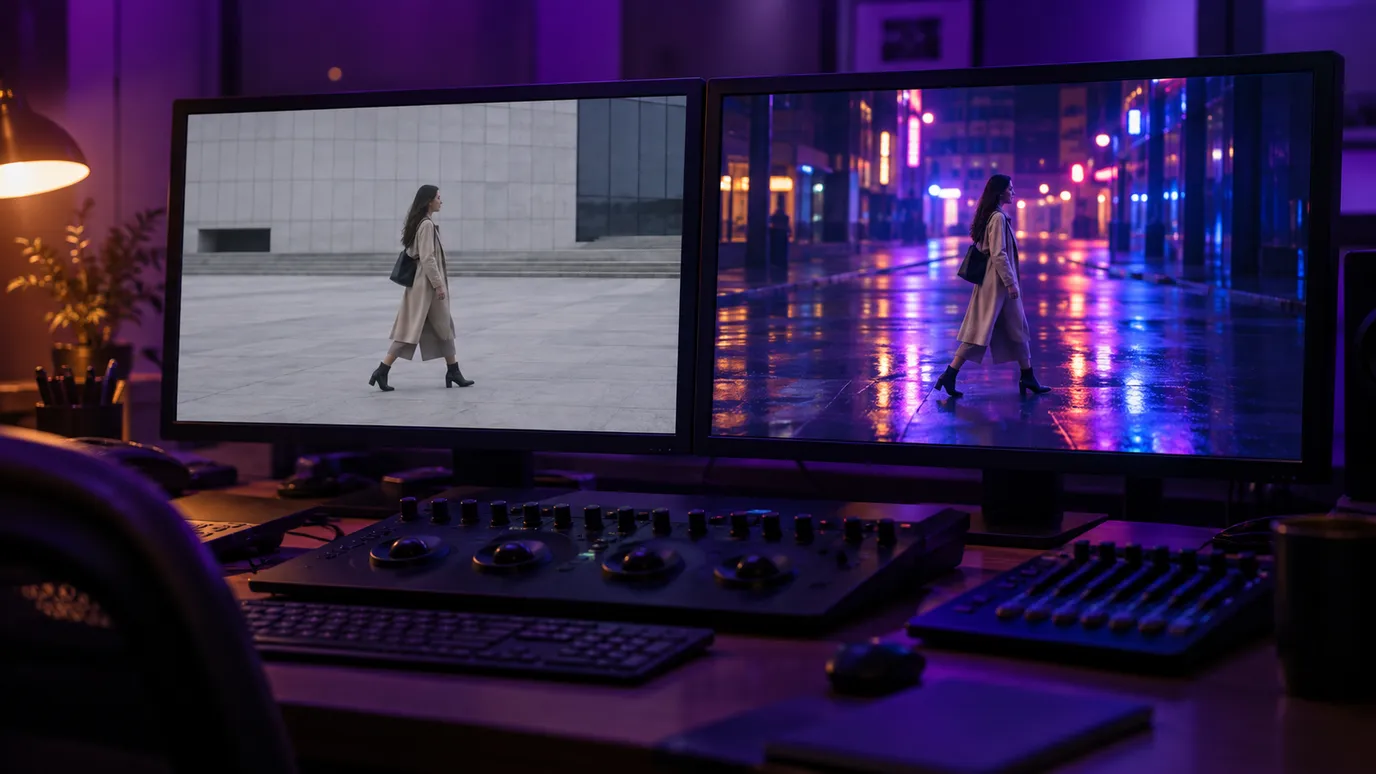
Omni works two ways, and what you attach picks which. Give it footage between 3 and 15 seconds and the same performance comes back in a different world. Give it a first and a last still and it builds the clip that travels between them.
- Restyling a clip keeps your camera move, your blocking and your actor's timing.
- Or start from two stills: a first frame, a last frame, and a length you choose.
- Three resolutions, 720p, 1080p and 4K, each billed per second of the result.
Three modes
Restyle, animate two frames, or build from references
Omni is one card over three different jobs, and what you attach picks the job. Hand it footage and it restyles that footage. Hand it a first and a last still and it builds the travel between them. Hand it references and it builds something new that looks like them. There is no text to video on any of the three: an empty tray has nothing to work from.
References
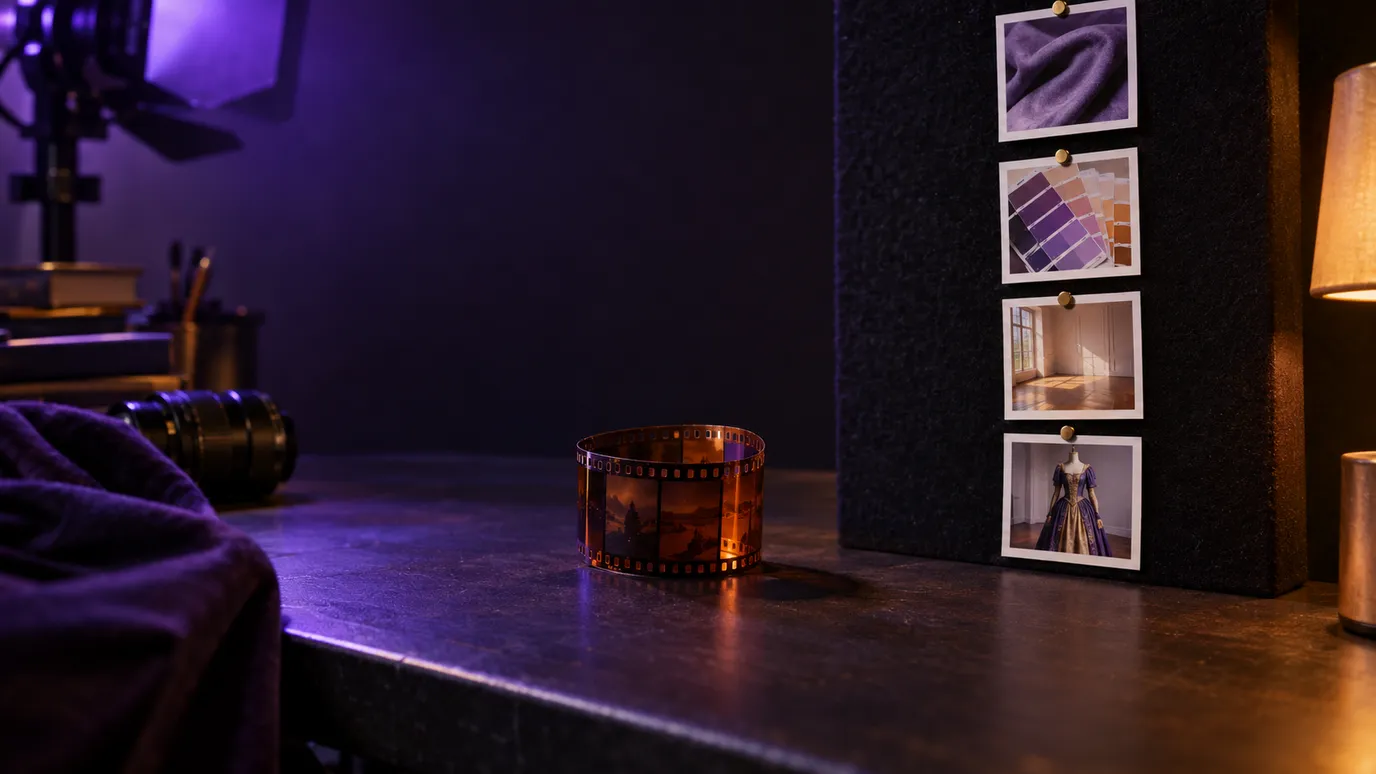
Neither a restyle nor an interpolation: a NEW clip, guided by what you show it. Faces, wardrobe, a set, a palette, a look.
- What you attach
- Up to 7 stills. Or a clip plus up to 4 stills. Or a clip on its own.
- How long the result is
- A length you pick, 3 to 15 seconds — unless the clip is on its own, which tracks the clip.
Transform
The restyle. Your camera move, your blocking and your actor's timing all survive; the grade, the set, the wardrobe and the era do not.
- What you attach
- One clip, 3 to 15 seconds, plus up to 4 optional reference stills.
- How long the result is
- Exactly as long as the clip you attached. There is no length setting.
Frames to Video
The travel between two pictures. The first still opens the clip, the last one closes it, and the prompt describes what happens in between.
- What you attach
- Exactly 2 stills, JPG or PNG. The first frame, then the last frame. One on its own is not accepted.
- How long the result is
- A length you pick, 3 to 15 whole seconds.
Every mode is billed per second, and they are billed at different rates. References is the one where sound and a clip are mutually exclusive: attaching a clip costs more per second AND turns sound off. The studio shows the live number before a run starts.
What a restyle keeps
The footage drives the result
Every other Kling card starts from a prompt or a still and invents the motion. In Transform, Omni starts from your clip, so the motion is already decided before the model touches it. That is the whole difference, and it is why this mode has no length slider.
Comes from your clip
- Camera move and framing
- Blocking and the path through the shot
- Performance and timing, frame for frame
- The length of the result
Comes from your prompt
- Grade, palette and light
- Set, location and season
- Wardrobe, materials and texture
- Era and overall treatment
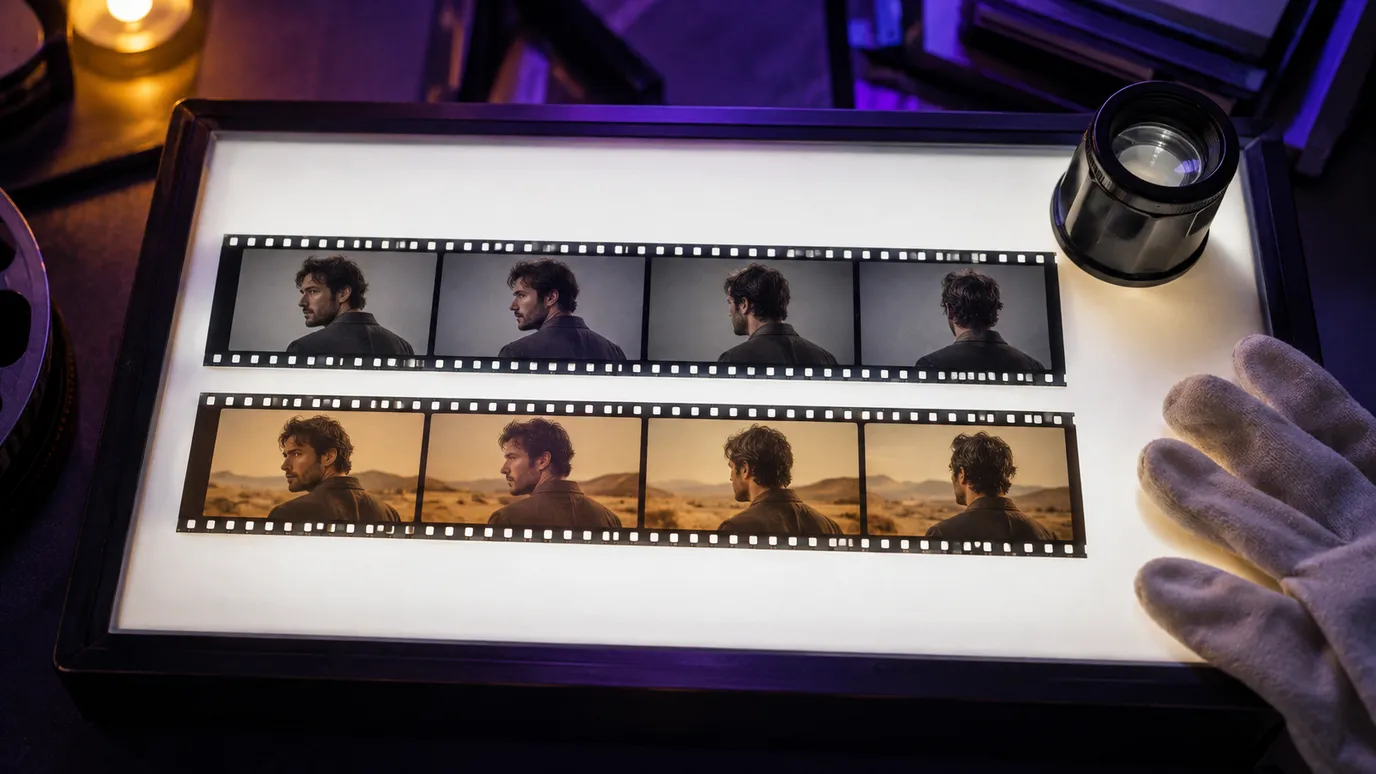
Transform has no duration control, because the result is exactly as long as what you gave it. A 3 second clip returns 3 seconds. A 15 second clip returns 15. Frames to Video is the mode where you do pick the length.
What you feed a restyle
In Transform, one source clip is mandatory. The reference stills are optional, and attaching them is the only thing that changes the request. Frames to Video takes two stills instead and no clip at all.
One source clip, 3 to 15 seconds
MP4 or MOV, up to 200 MB, 24 to 60 fps, each side between 700 and 4553 pixels. Longer footage goes through the trimmer first.
Up to 4 reference stills, optional
JPG or PNG, up to 50 MB each. Hand it a palette, a wardrobe, a set or a character sheet and the restyle follows them.
Output shape
- auto
- 16:9
- 9:16
- 1:1
With the clip alone the output keeps the source's shape, which is what auto means here. Attaching reference stills is what unlocks the three fixed ratios, and it also rules auto out.
Draft cheap, finish sharp
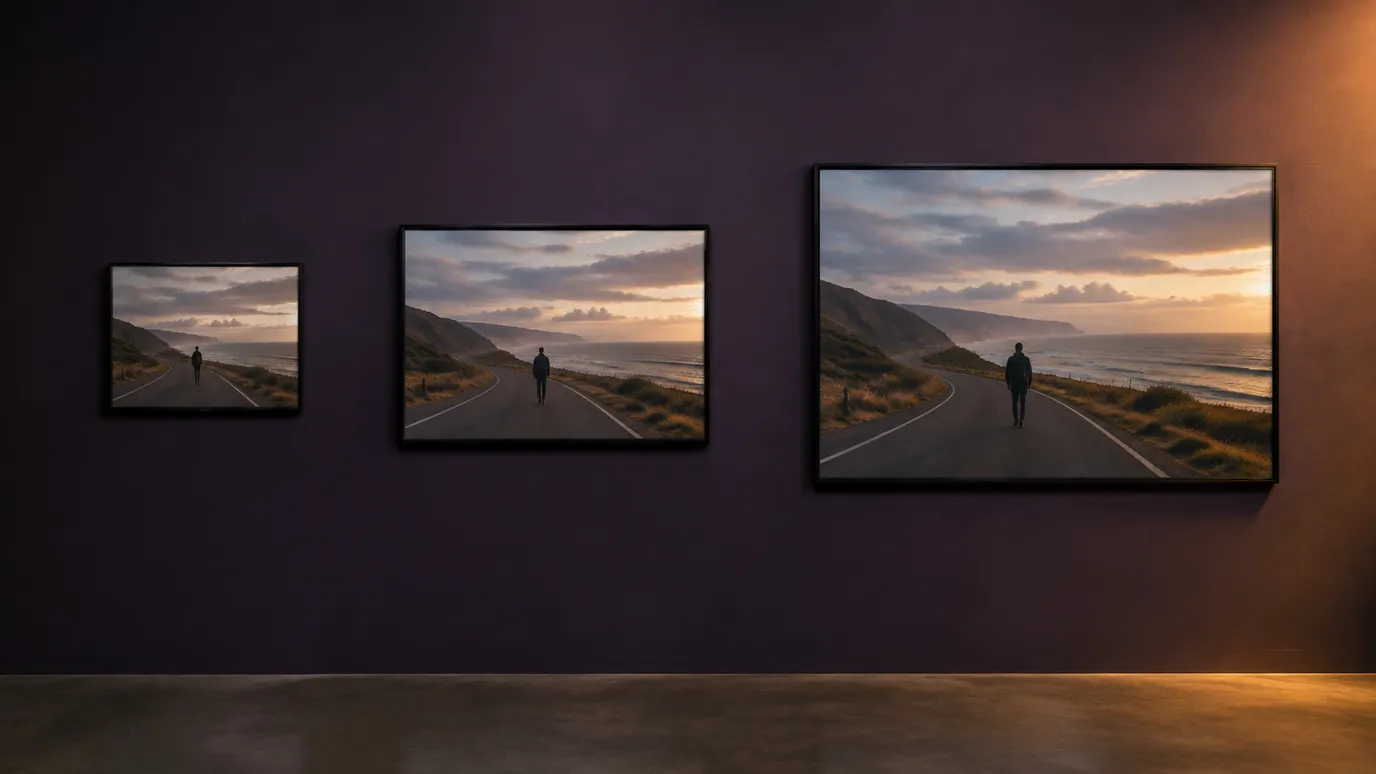
All 3 tiers take the same clip and the same prompt and differ only in output resolution and the per second rate. Rough a look in at 720p, then re-run the take you like at 1080p or 4K.
720p
The draft tier. Cheapest per second, and the one to iterate a look on.
kling-3-0-omni-720p1080p
The delivery tier for social, web and most ad placements.
kling-3-0-omni-1080p4K
The finishing tier, for broadcast, big screens and anything that gets cropped into later.
kling-3-0-omni-4k
All 3 bill per second of the clip you attached, rounded up. There is nothing to guess: the seconds you are charged for are the seconds you handed over, and Media Studio quotes the exact figure before you commit.
Which Kling is this?
Four Kling 3.0 cards share a name prefix and none of them do the same job. Omni is the only one that takes a video in.
Kling 3.0
Generates a clip from a prompt, or from a still. Reach for it when there is no footage yet.
Kling 3.0Kling 3.0 Turbo
The same generate from scratch job, faster and cheaper per second. The draft tier of the family.
Kling 3.0 TurboKling 3.0 Motion Control
Takes a still plus a driving clip and moves the character in the still the way the clip moves. The subject comes from a photo, not from video.
Motion Control
Where a restyle earns its keep
Omni pays off wherever the performance is already right and only the world around it is wrong.
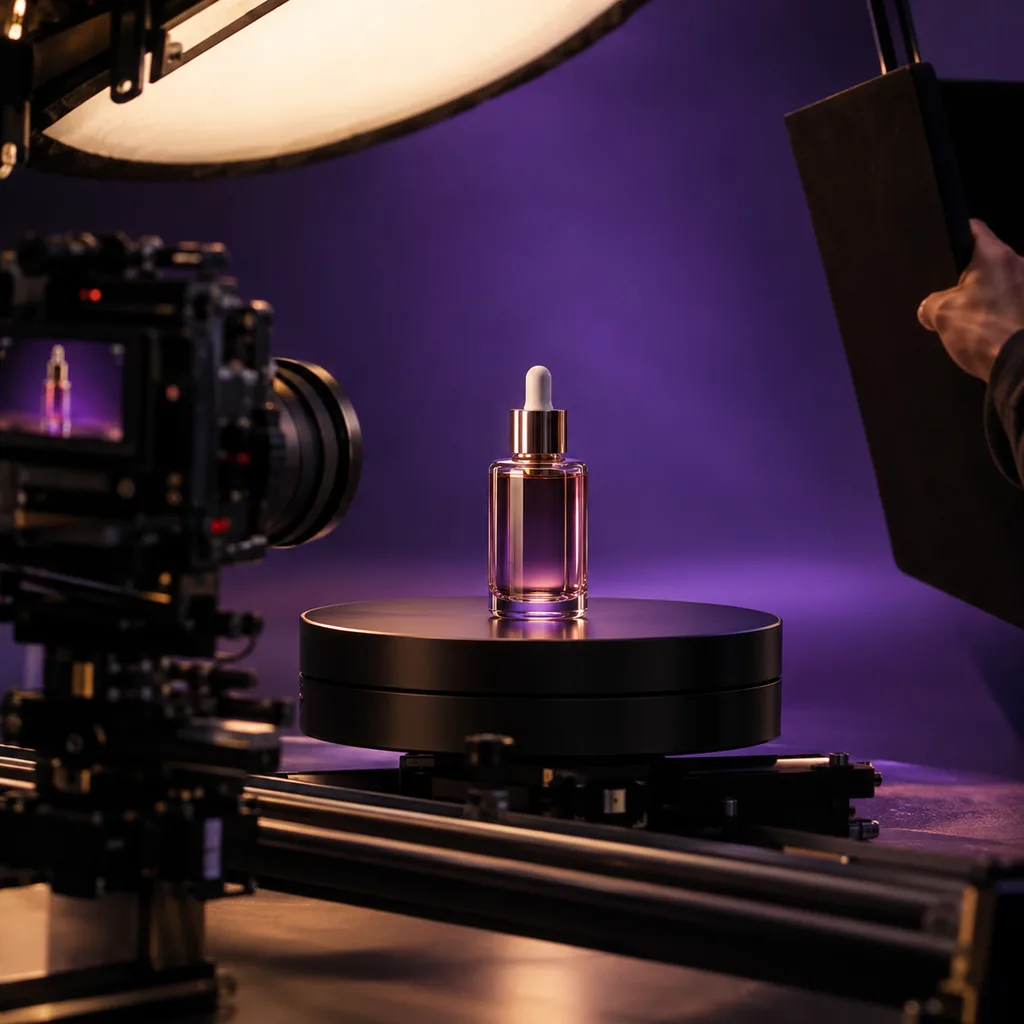
One shoot, many worlds
Film the product once, then respin the same take as a night city, a studio sweep or a winter street without booking a second day.
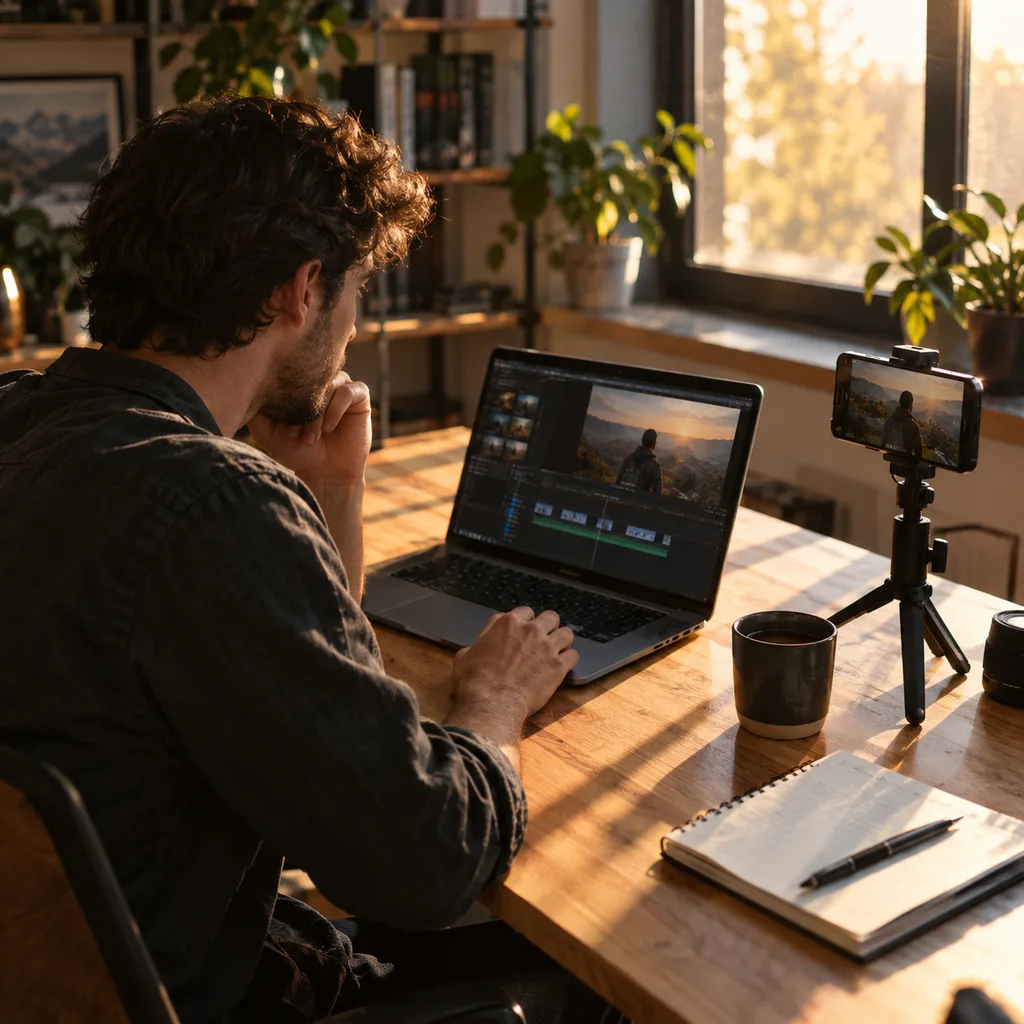
Change the look, keep the take
Push a clean plate into an illustrated, filmic or period look while the actor's timing and framing stay exactly where you left them.
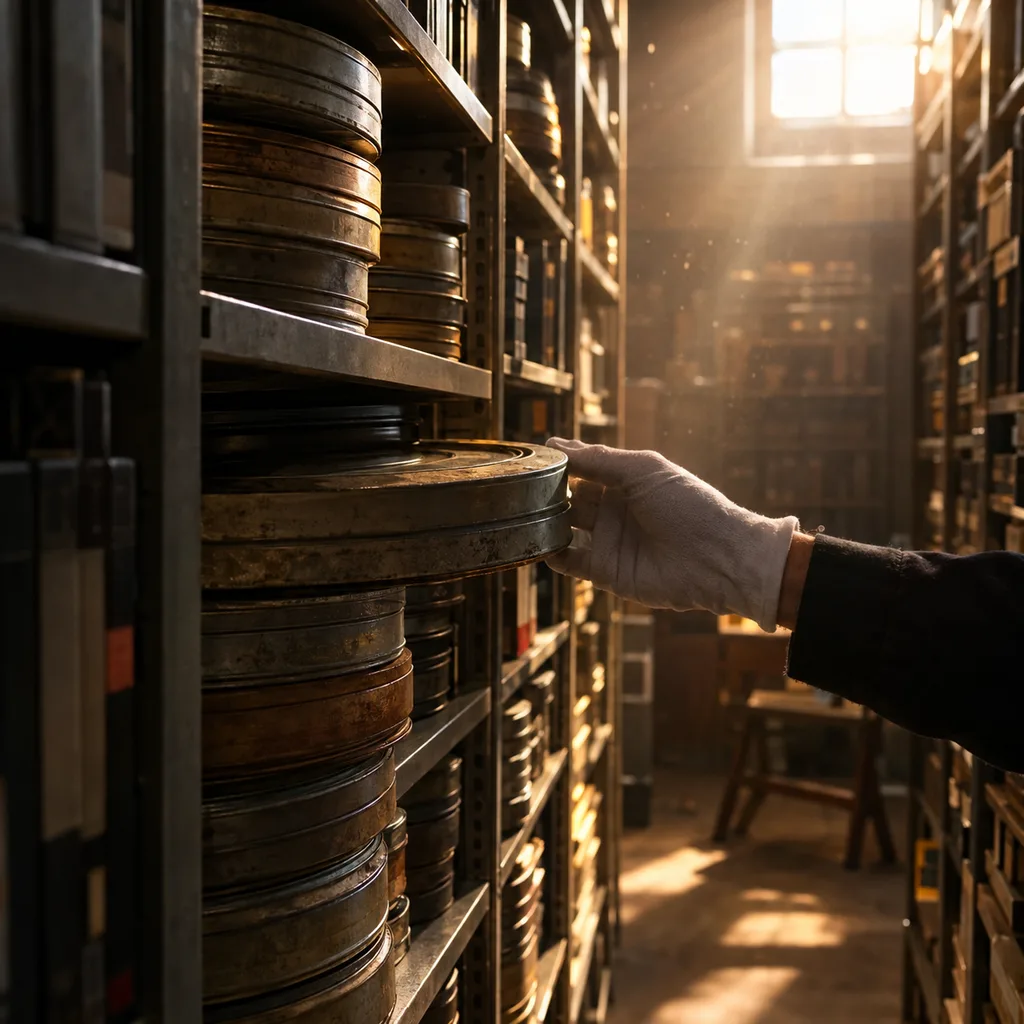
Bring an archive forward
Old footage that no longer fits the brand can be restyled instead of reshot. Trim it to a 15 second window and send it through.
Illustrative stills, not Omni output.
Plans
One balance for the whole platform
Omni runs on the same credits as everything else on Kubeez, so a plan covers video alongside images, sound and captions. The studio shows the exact cost of a run before it starts.
Studio Pro
Studio value with extra headroom.

2 seats included
What you'll generate
- Images~1,600
- Songs~492
- Videos~640
- Separations~1,066
- Caption Minutes~213
- All modelsIncluded
Starter
Low tier generations for regular use.
What you'll generate
- Images~275
- Songs~84
- Videos~110
- Separations~183
- Caption Minutes~36
- All modelsIncluded
Pro
Access full experience.
What you'll generate
- Images~650
- Songs~200
- Videos~260
- Separations~433
- Caption Minutes~86
- All modelsIncluded
Powerhouse
Most cost efficient.
Extra seats ~$23/seat/mo
What you'll generate
- Images~3,250
- Songs~1,000
- Videos~1,300
- Separations~2,166
- Caption Minutes~433
- All modelsIncluded
Enterprise
For teams that outgrow standard plans.
Pricing tailored to your team
What's included
- Custom number of seats
- Custom credit volume
- Invoice billing
- Priority support
Starter
Low tier generations for regular use.
What you'll generate
- Images~275
- Songs~84
- Videos~110
- Separations~183
- Caption Minutes~36
- All modelsIncluded
Pro
Access full experience.
What you'll generate
- Images~650
- Songs~200
- Videos~260
- Separations~433
- Caption Minutes~86
- All modelsIncluded
Studio Pro
Studio value with extra headroom.
2 seats included
What you'll generate
- Images~1,600
- Songs~492
- Videos~640
- Separations~1,066
- Caption Minutes~213
- All modelsIncluded
Powerhouse
Most cost efficient.
Extra seats ~$23/seat/mo
What you'll generate
- Images~3,250
- Songs~1,000
- Videos~1,300
- Separations~2,166
- Caption Minutes~433
- All modelsIncluded
Enterprise
For teams that outgrow standard plans.
Pricing tailored to your team
What's included
- Custom number of seats
- Custom credit volume
- Invoice billing
- Priority support
Test any model with one-time credit packs
Credits never expire and don't require a subscription — buy a pack, generate, see if Kubeez fits.
Quick refill
Quick refill for short bursts of generation.
Credits
500
You pay
$7.24
Standard pack
Mid-size pack at the standard per-credit rate.
Credits
1,500
You pay
$21.73
Volume pack
Larger pack with a volume discount built in.
Credits
5,000
You pay
$72.42$68.80
Production pack
Best per-credit price for sustained production.
Credits
15,000
You pay
$217.25$195.53
Before you spend a run
Five things worth knowing up front, because the model rejects on all of them rather than working around them.
No text to video
A prompt on its own has nothing to work from, so every run needs media: a clip to restyle, or a first and a last frame to animate between. For text to video, reach for Kling 3.0 or Turbo.
One clip, 3 to 15 seconds
Exactly one source video, MP4 or MOV, up to 200 MB. Anything longer is rejected before billing, so trim it first.
auto and the fixed ratios are exclusive
With no reference stills the output keeps the source shape. With them, you pick 16:9, 9:16 or 1:1, and auto is rejected.
Prompts up to 3072 characters
The provider rejects past that rather than truncating, and this model takes no negative prompt.
Frames to Video wants both stills
Exactly 2 images, first frame then last frame. A single still is refused rather than animated, and the aspect ratio there is always auto.
Kling 3.0 Omni
No. Every run needs media. Attach a clip and Omni restyles it, or attach a first and a last frame and it animates between them. For text to video, use Kling 3.0 or Kling 3.0 Turbo.
Motion Control takes a still plus a driving clip and moves the character in the still the way the clip moves, so the subject comes from a photo. Omni takes the clip itself and restyles it while keeping its motion, so the subject is already on video. Reach for Motion when you have a photo, and for Omni when you have footage.
Per second, on both modes, at rates that differ by mode and resolution. Restyling bills the length of the clip you attach, so the price is fixed the moment it lands. Frames to Video bills the length you choose, 3 to 15 seconds, and turning sound on there moves you to a dearer rate. Read the live quote in Media Studio or through the estimate endpoint.
One MP4 or MOV file, up to 200 MB, between 3 and 15 seconds, 24 to 60 fps, with each side between 700 and 4553 pixels. Longer footage can be cut down with the trimmer before you send it.
Up to 4 JPG or PNG stills steer the look: palette, wardrobe, set, character. Attaching them also unlocks the aspect ratio choice of 16:9, 9:16 or 1:1. With the clip alone the output keeps the source's shape.
Yes. For a restyle, pass kling-3-0-omni-720p, kling-3-0-omni-1080p or kling-3-0-omni-4k with your source clip first in source_media_urls. For frames, pass kling-3-0-omni-frames-720p, -1080p or -4k (add -audio for sound) with exactly two image URLs, first frame then last. The per second cost comes back live from the estimate endpoint.
Restyle your footage
Open Media Studio, pick Kling 3.0 Omni, then drop in a clip to restyle or a first and last frame to animate. Billed per second either way.