AI Video with Sound: Native Audio Generation for Social Media
Kling 2.6 and Seedance sound features for native audio-video sync. Perfect for social media content creation.
Video and audio in one pass—no separate music track, no voiceover recording. AI models like Kling 2.6 and Seedance generate video and audio together: dialogue, sound effects, ambient sound, and music. The result is native sync: lips match speech, actions match sound.
For social media content—TikTok, Reels, Shorts—this is a game-changer. Create complete videos from a single prompt.
#Why Native Audio Matters
Lip sync: When the model generates dialogue, it creates matching lip movement. No post-production dubbing needed.
Sound design: Footsteps, ambient noise, and effects are aligned with the visuals. No manual sync.
Music: Some models can generate or incorporate music that fits the scene.
Speed: One generation instead of video + separate audio production.
#Kling 2.6: Audio-Visual in One Pass
Kling 2.6 generates video and audio together. You can specify:
- Dialogue — Quoted speech for characters
- Narration — Voiceover style and tone
- Sound effects — Ambient, action, Foley
- Music — Genre, mood, instruments
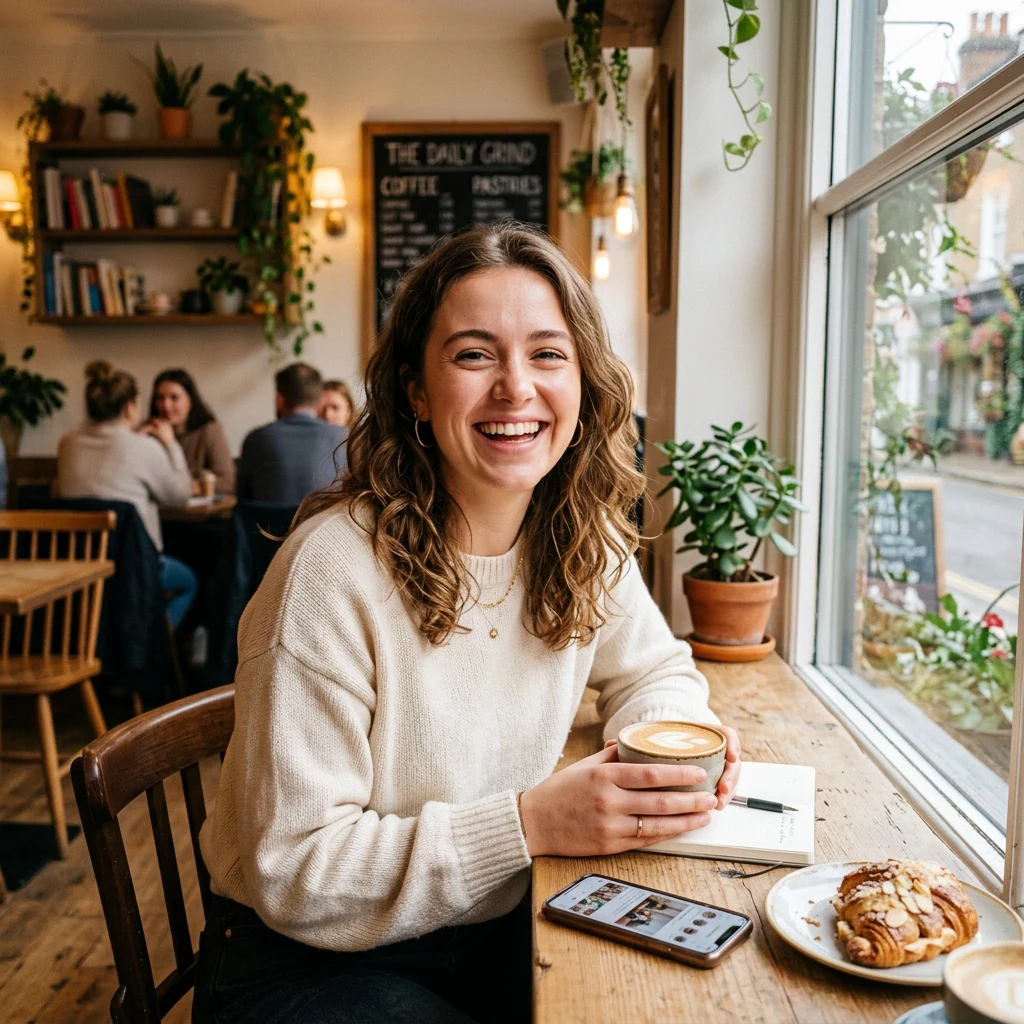
Example prompt: "Close-up of young woman in café, she says 'Find moments that make you stay,' soft acoustic guitar, café ambience, distant traffic."
The model produces a 5–10 second clip with synced audio.
#Seedance: Multi-Shot with Sound
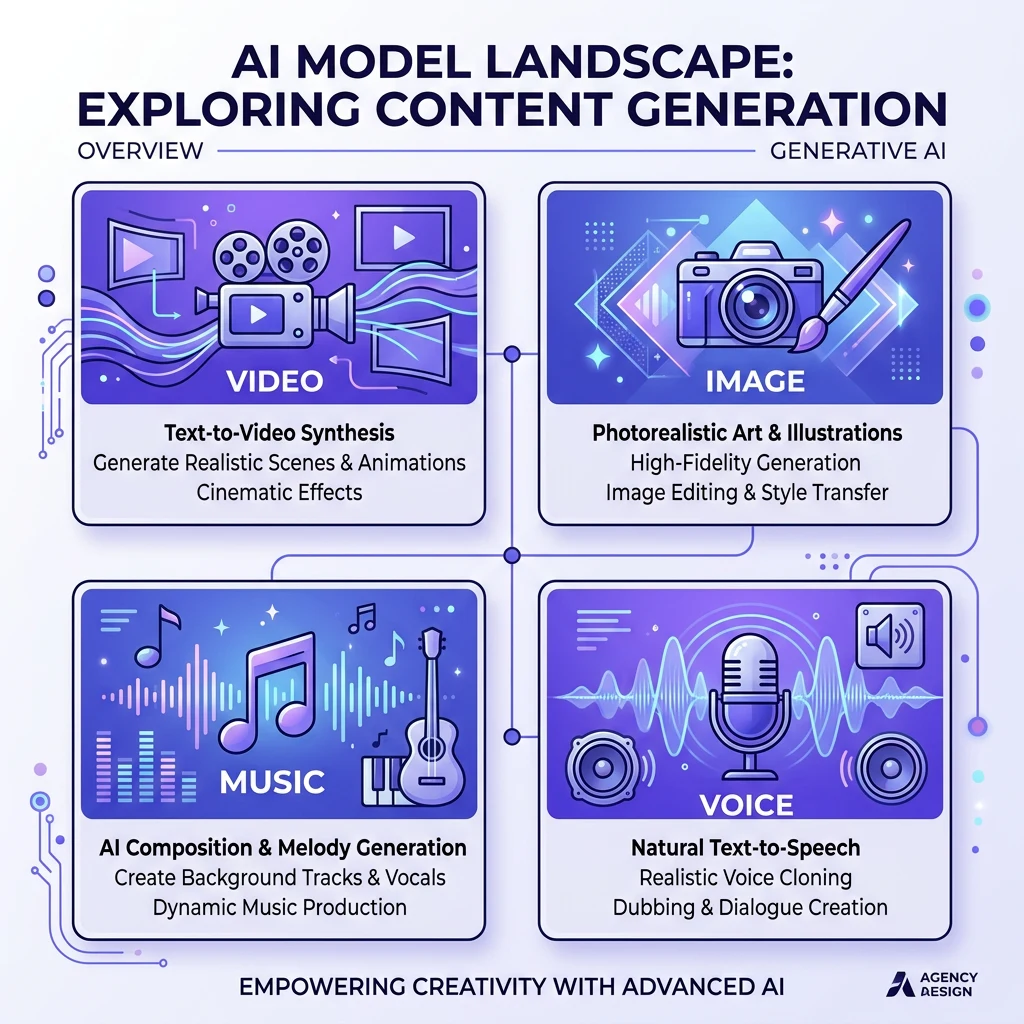
Seedance 1.5 Pro and Seedance 5 support sound generation. They excel at multi-shot content with scene transitions. Add dialogue or music for narrative sequences.
#Use Cases for Social Media
TikTok / Reels: Create trending-style content with dialogue and music. No need to source audio separately.
YouTube Shorts: Generate vertical clips with voiceover or character dialogue.
Ads: Product demos with narration, testimonials with spoken lines.
Explainers: Short educational clips with clear voiceover.
#Prompting for Audio
Include dialogue in quotes: "She says 'Welcome to our channel.'"
Describe the audio: "Upbeat electronic music, 120 BPM" or "calm ambient, soft piano."
Specify narrator: "Warm female narrator" or "deep male voiceover."
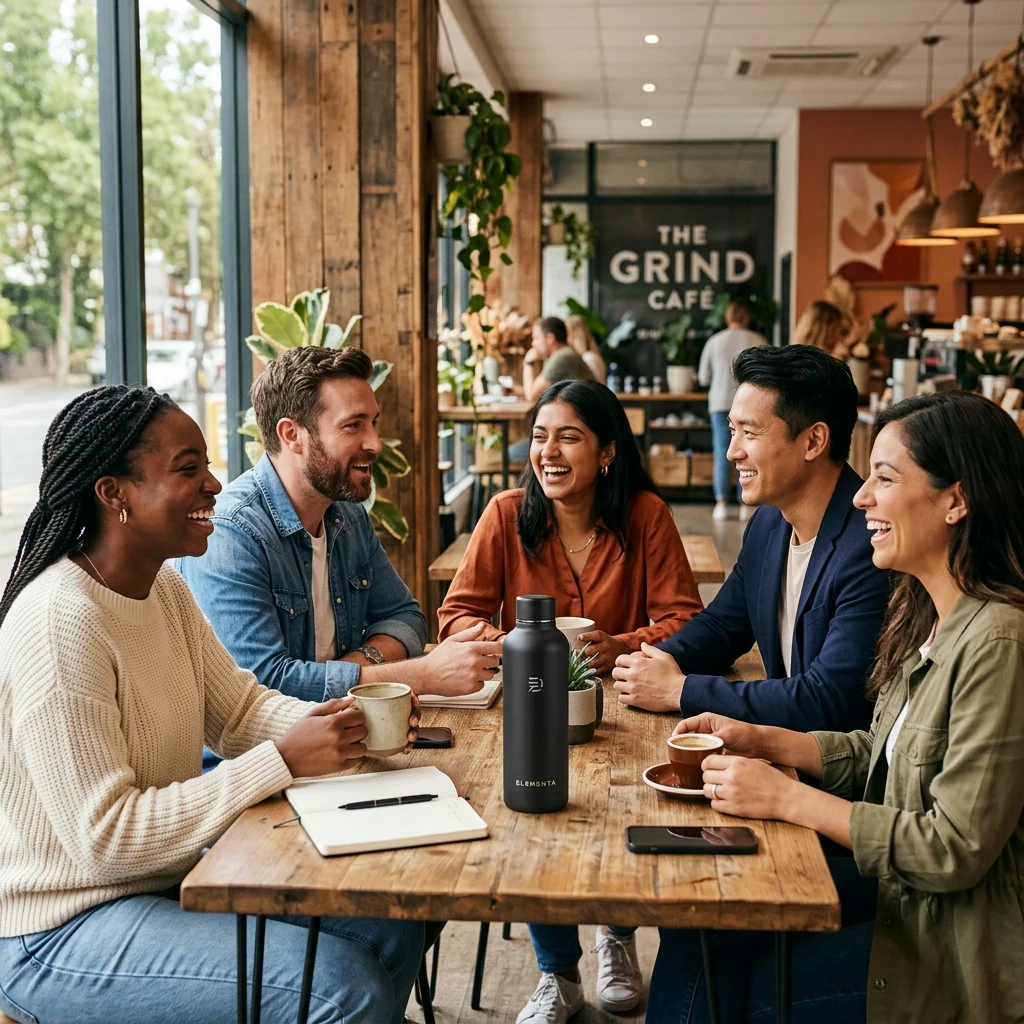
Mention ambience: "Café sounds, clinking cups, soft chatter."
#Limitations
- Language: Most models support English and some support Chinese. Check model docs for others.
- Length: Audio is typically 5–10 seconds per clip. Longer content may need multiple generations.
- Precision: For exact script adherence, human voiceover may still be needed. AI is best for natural, conversational content.