How Restaurants Automate Their Instagram, TikTok and Facebook Posts (2026 Playbook)
The practical 25-minutes-a-day workflow restaurant owners use to automate plate-up photography, vertical video captions, and cross-channel scheduling on Instagram, TikTok, Facebook, and Google Business Profile with Kubeez.
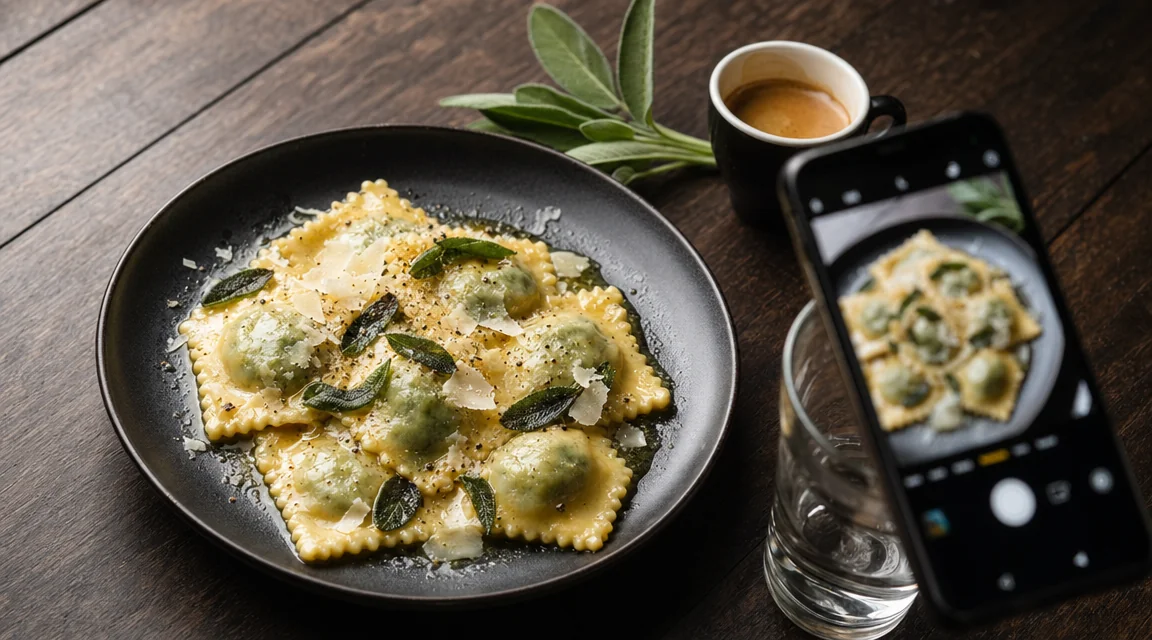
In 2026, the restaurants that fill seats are not the ones with the best food — they're the ones with the best feed. Every empty Tuesday is downstream of a missing Friday post. Every diner who walks in already saw three of your dishes on TikTok before they sat down. Restaurant social media automation isn't a "nice-to-have" anymore — it's how independent restaurants compete with the chains that have $10K/month agencies.
This guide is the practical workflow restaurant owners and operators actually run today. We'll cover the daily content pattern, the photography and captioning automation, and how to wire it into a posting cadence with Kubeez so a single host or manager can run an entire content program in 20 minutes a day.
#What "automating restaurant social posts" actually means
It does not mean letting an AI bot post nonsense to your feed. It means automating the four specific bottlenecks that kill consistency:
- Photography — getting plate-up shots that don't look like phone snaps, even when service is slammed
- Caption writing — hooks, descriptions, and CTAs that match each platform's rhythm
- Subtitling vertical clips — the karaoke-style captions every restaurant TikTok needs
- Cross-posting — running the same asset across Instagram, TikTok, Facebook, and Google Business Profile without re-cropping or re-editing
Kubeez handles all four — through the web app, via the MCP so an AI assistant can do it for you, or through the REST API if your POS/marketing tool has a developer behind it.
#The daily restaurant content pattern that fills tables
Every successful independent restaurant feed follows roughly the same shape:
- Mornings (open kitchen prep) — short vertical clips of dough being rolled, espresso bar setup, a chef chopping. Adds the human + craft layer.
- Service (the hero shot) — one perfectly lit plated-dish photo per shift. This is the asset you'll re-use everywhere.
- Behind-the-counter — bar pours, pizza ovens firing, a tray of pastries coming out. Quick vertical clips, 8–15 seconds.
- Customer moments — candid shots of a packed dining room, family around a sharing platter, a barista handing over a drink.
The trick is that you can't film all of this every day. So you batch — film once a week, generate the rest, mix real and AI-augmented imagery.
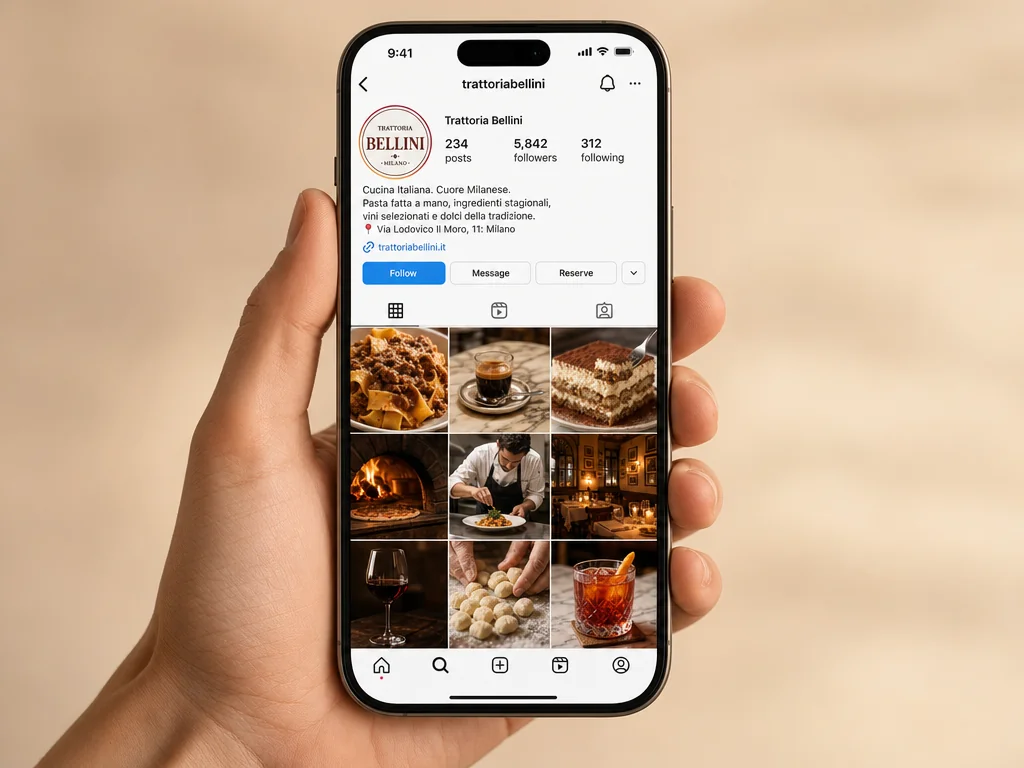
#Step 1 — The hero plate-up shot (image generation)
The single highest-leverage asset you produce each day is the hero plate-up shot. Hand a phone photo to Kubeez Image Edit (Nano Banana 2 is excellent for this) and let the model:
- correct the white balance and lift the shadows
- clean up the background clutter (pass receipts, salt shakers, a smudged glass)
- restage the plate at a more flattering angle
- apply consistent restaurant-grade lighting
Or start from scratch with GPT Image 2: describe the dish, the table, the light, and the mood. A prompt like "overhead flat-lay of plated cacio e pepe on a dark walnut table, fresh black pepper crackled across the top, soft window light from upper left, magazine-quality food photography, photoreal, 16:9" now produces output that's hard to distinguish from a DSLR. Run it in Images or via generate_media with model: "gpt-image-2" over the API.
Aspect ratios to keep on hand for every restaurant asset:
| Use | Aspect | Where it goes |
|---|---|---|
| Hero plate shot | 1:1 | Instagram feed, Facebook, Google Business Profile |
| Wide interior / wide plate | 16:9 | Website hero, Google Maps cover, Facebook cover |
| Vertical clip frame | 9:16 | TikTok, Reels, Shorts, IG Stories |
| Menu insert / poster | 4:3 | Print, in-restaurant TV |
#Step 2 — Vertical clips with karaoke captions
Vertical food video on TikTok and Reels is the highest-converting restaurant content of the year. The format that works:
- 6–25 seconds long
- A hook in the first 1.5 seconds (a sizzle, a slice, the "money shot")
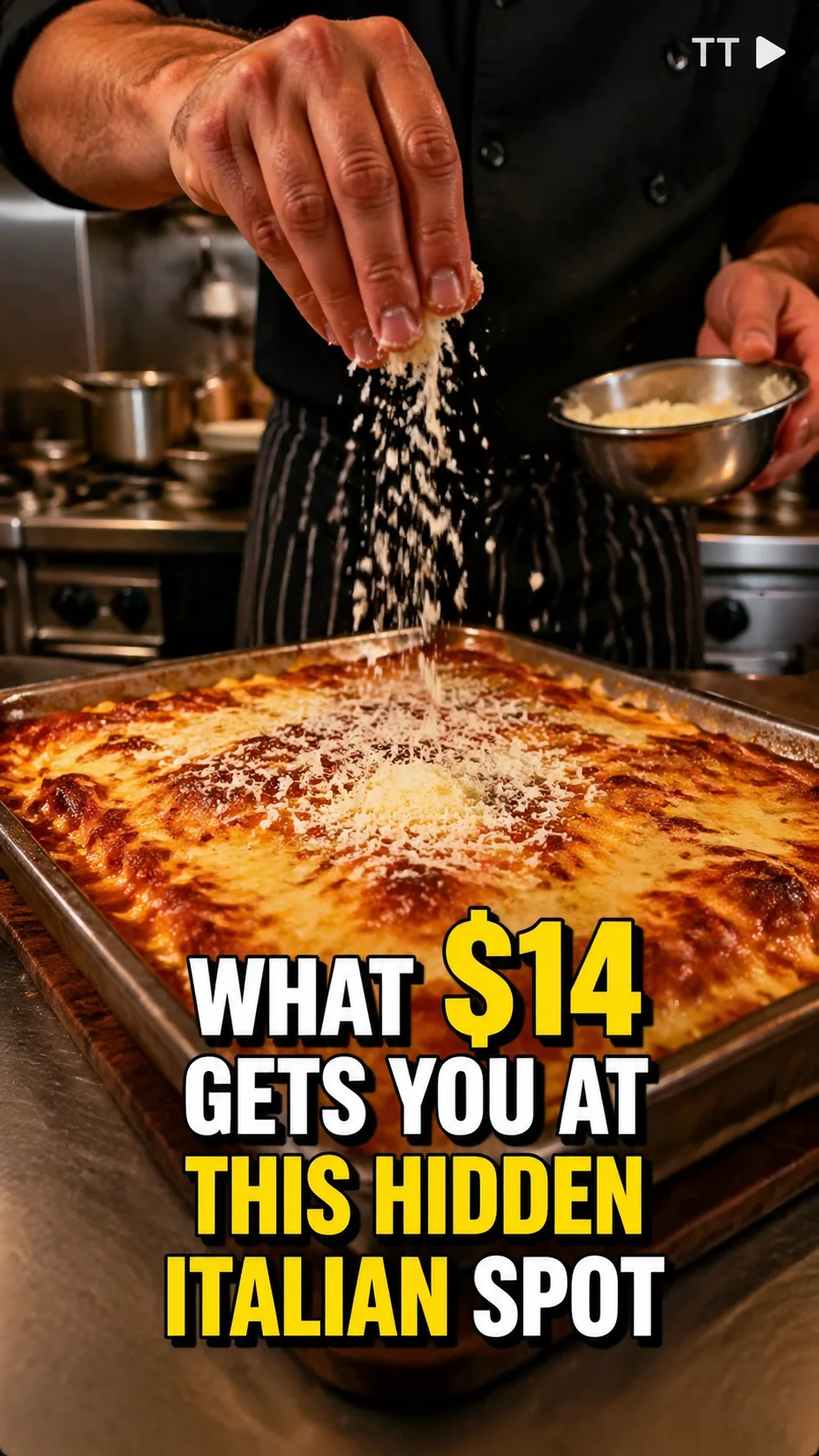
- Bold word-by-word captions that bounce on every word
- A clear, locatable hook in the caption: "WHAT $14 GETS YOU AT THIS HIDDEN ITALIAN SPOT"
Film the clip on a phone in 9:16. Drop it into Kubeez Auto Captions. Pick a caption style (TikTok karaoke, Reels gradient, Shorts bold-bottom) and export. The whole pipeline is under five minutes per clip.
If you're running this at scale — say, you operate three locations and need 90 clips a month — wire the same captioning step through the API and have your video editor's tool POST clips directly to /v1/generate/captions.
#Step 3 — Captions and copy that drive walk-ins
A hero shot with a weak caption converts at a fraction of the rate of the same shot with a sharp one. Restaurant-specific patterns that work:
- Curiosity hook + clear ask: "Hidden in the back of an alley in [neighborhood]. Open till 11 tonight. Tap the address."
- Price anchoring + scarcity: "$28 chef's tasting. Six seats per night. Bookings open Monday at 9am."
- Local SEO weave: name the neighborhood, the closest landmark, and the dish in the first line so search picks it up.
You can either write these by hand (15 minutes/day), have your MCP-connected AI assistant draft a week of variants in one prompt, or call the ad copy endpoint from your CRM.
#Step 4 — Letting an AI assistant run the whole thing for you
Here's where the workflow gets genuinely cheap. Connect Kubeez via MCP to a chat assistant like Cursor or ChatGPT. Then drop a brief like:
"Generate seven Instagram-ready 1:1 images for our trattoria for next week. Day 1: cacio e pepe overhead, day 2: tiramisu being lifted on a fork, day 3: wood-fired pizza with bubbling crust, day 4: aperol spritz on a sunny terrace, day 5: chef plating ragu, day 6: candle-lit dining room, day 7: tray of fresh-baked focaccia. Photoreal, magazine-quality. Then write Instagram captions for each, anchor every caption to our neighborhood (Trastevere), include one CTA."
The assistant calls generate_media against gpt-image-2 seven times, polls each generation, then drafts seven captions. You paste it into Buffer, Later, or Meta Business Suite. A week of content in 12 minutes.
#Step 5 — Wire it into your stack with the API
If you run multiple locations, a franchise, or a hospitality group, the Kubeez REST API lets you build the pipeline directly into your own dashboard:
POST https://api.kubeez.com/v1/generate/media
X-API-Key: sk_live_...
{
  "model": "gpt-image-2",
  "prompt": "overhead flat-lay of plated handmade gnocchi al pesto on a dark walnut table, photoreal, magazine-quality",
  "aspect_ratio": "1:1"
}
Each location gets its own API key with generate:media scope. Every generation returns a permanent CDN URL — drop it into your DAM, your CMS, or your scheduler.
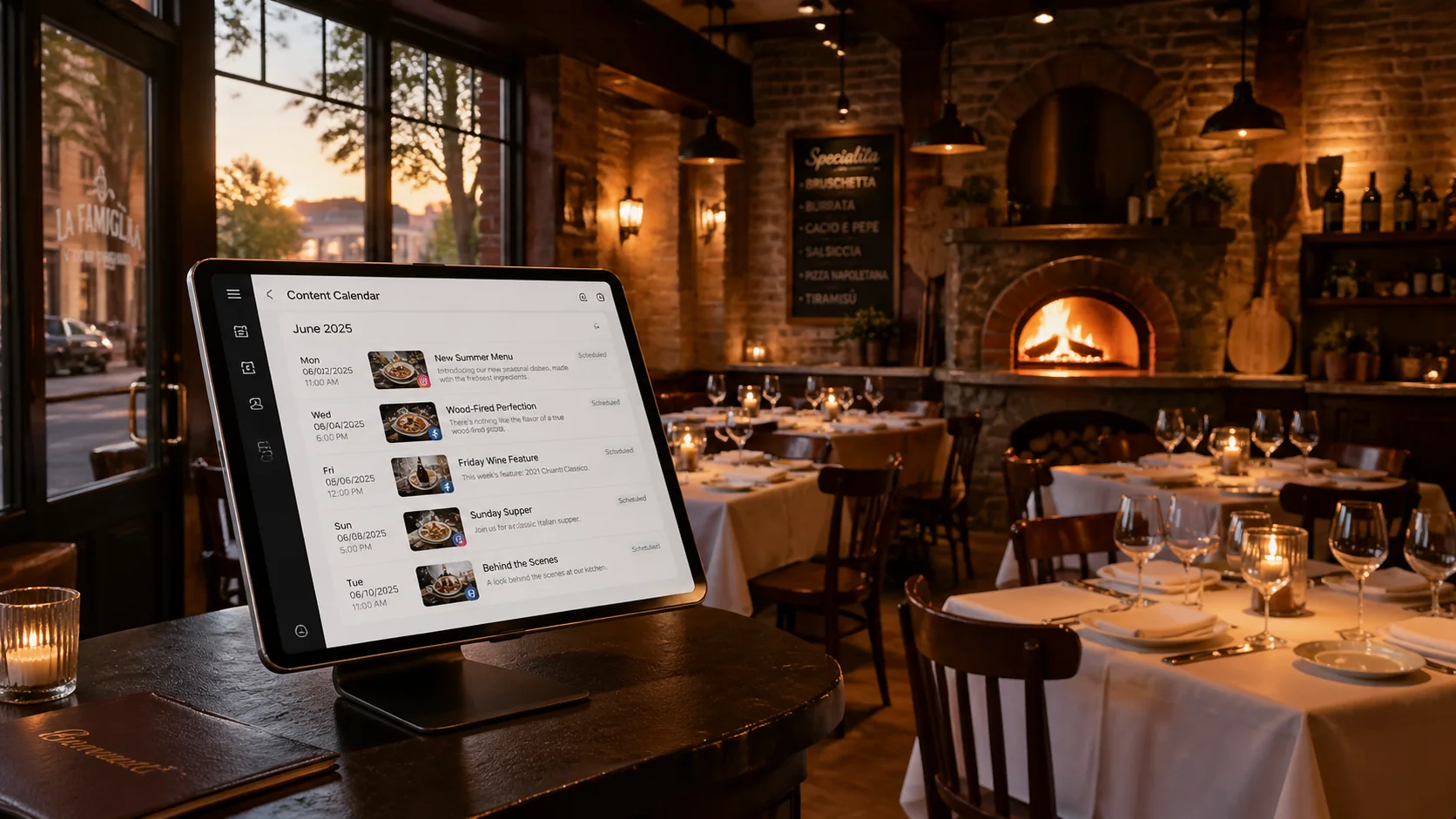
#What an automated restaurant social calendar looks like
A real week, run by one host who spends 25 minutes per morning:
| Day | Format | Generated with | Time |
|---|---|---|---|
| Mon | 1 Instagram hero + caption | gpt-image-2, MCP assistant | 4 min |
| Tue | 1 vertical clip + captions | Phone film + Auto Captions | 6 min |
| Wed | 1 Google Business Profile post | nano-banana-2 for image edit | 3 min |
| Thu | 1 carousel of 4 dishes | gpt-image-2 × 4 | 5 min |
| Fri | 1 vertical clip + captions | Phone film + Auto Captions | 6 min |
| Sat | 1 customer-moment shot + caption | gpt-image-2 | 4 min |
| Sun | 1 weekly menu poster (4:3) | nano-banana-2 | 4 min |
Total: ~32 minutes/day, or ~3.5 hours/week. That used to be a part-time social media job.
#FAQ
Will customers be put off if they realise some images are AI-generated? Use AI for hero stylings, ambience, and concept frames — not for the actual menu items they'll be served. The dish photo of the special they'll order tonight should match what's on the plate. Keep the line clean and you stay credible.
Which model should a restaurant use first?
Start with nano-banana-2 for editing your existing phone photos (cheapest and best for restoration), and gpt-image-2 when you want a fully prompted concept image with readable text on labels or menus.
Can I add my logo to AI-generated images? Yes. Generate the image, then run an edit pass with image-to-image and pass your logo as a reference. Or composite in your scheduler — most tools (Canva, Figma) handle this in seconds.
Bottom line: the restaurants growing in 2026 aren't the ones who hired a $4K/month agency — they're the ones who built a 20-minute morning content routine on top of Kubeez. Generate the plate-up. Caption the clip. Drop both in the scheduler. Repeat tomorrow.
Start in Images and Auto Captions. When you outgrow the web app, move to the MCP for chat-driven batches or the API for full pipelines.
Dex writes the Kubeez guides and makes every example with the same tools you use.
See also
Try these tools
Keep reading
- Make a Photo Talk or Sing With OmniHuman 2.0Make a photo talk or sing on Kubeez: voice a line with text to speech, pick a portrait that syncs well and turn both into a lip-synced OmniHuman 2.0 video.
- Kling 4.0 Tutorial: Video From Reference Images and ClipsMake a video from reference images and clips with Kling 4.0 on Kubeez: name files @image_1 and @video_1, write the prompt, and follow a real run step by step.
- Kling 4.0 on Kubeez: Video From Prompts, Stills and ClipsKling 4.0 is live on Kubeez: one video model for prompts and references, with up to 10 images and 5 clips, 3 to 30 second output and native sound built in.
- OmniHuman 2.0 on Kubeez: Make a Photo Talk or SingOmniHuman 2.0 is live on Kubeez: one portrait and one audio file become a lip-synced 720p video of that person talking or singing, as long as the audio.