Technology
Nano Banana 2.1 and Gemini 3.8 TTS Now on Kubeez
Nano Banana 2.1 and Gemini 3.8 Flash TTS are live on Kubeez: 10 reference images, 1:8 and 8:1 ratios, plus two-voice dialogue with 40 delivery tags.
· Kubeez
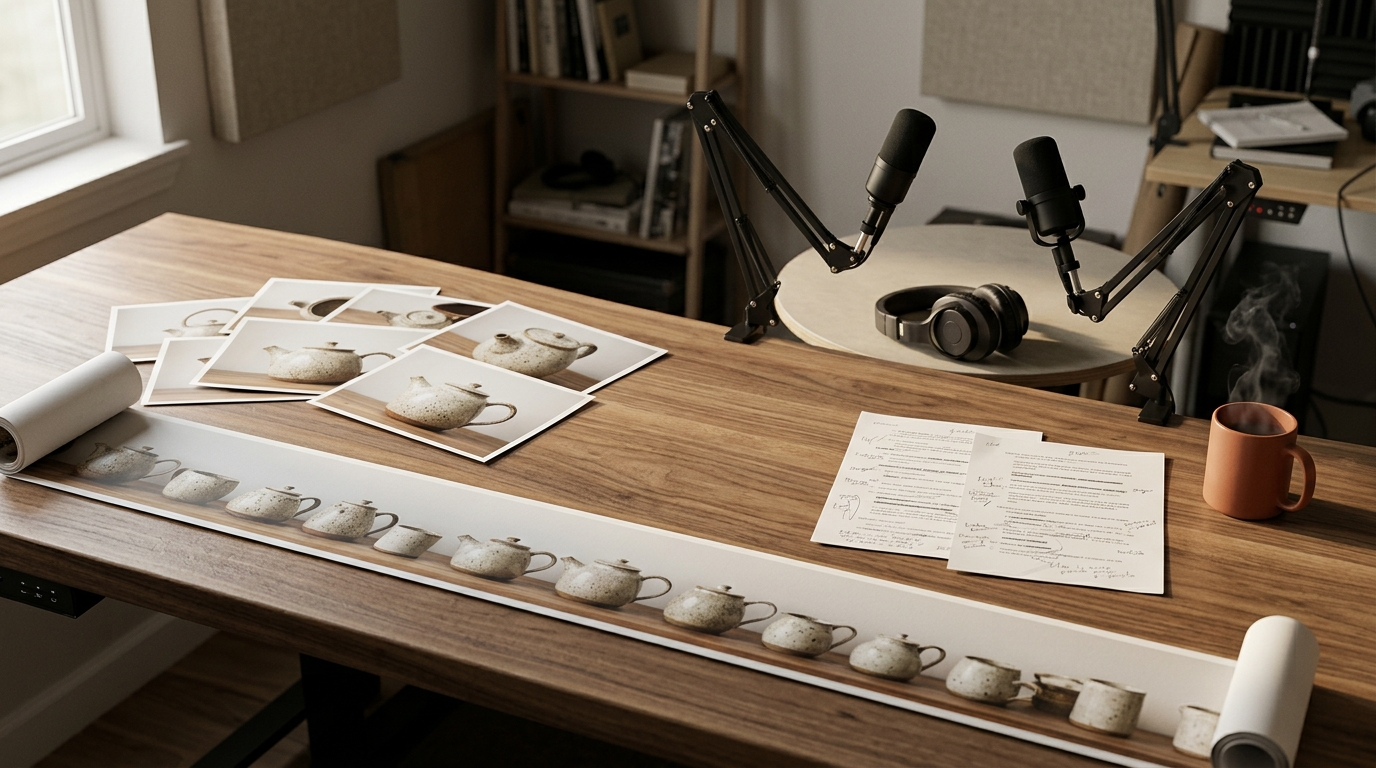
Nano Banana 2.1 and Gemini 3.8 Flash TTS are now live on Kubeez. One is an image model that takes up to 10 reference images and renders ultra-wide and ultra-tall frames. The other is a text to speech model that voices a two-person conversation in a single call, with a delivery style for every line and 40 inline tags such as <laugh> and <whispers>.
This post covers what each model does, where it fits next to the rest of the Kubeez lineup, and how to try both today in the studio, over MCP or through the REST API.
What is new at a glance
| Nano Banana 2.1 | Gemini 3.8 Flash TTS | |
|---|---|---|
| Type | Image generation and editing | Text to speech and dialogue |
| Headline feature | Up to 10 reference images | 1 or 2 speakers, a style per line |
| Also new | Ratios 1:4, 4:1, 1:8 and 8:1 | 40 angle-bracket delivery tags, 70 voices |
| Limits | Prompt up to 20,000 characters | Up to 5,000 characters, WAV output |
| Where | Images studio, MCP, REST | Audio dialogue studio, MCP, REST |
Nano Banana 2.1: the image model
Nano Banana 2.1 is a new image model in the Nano Banana family, built for both generation and editing. It is a separate model from Nano Banana 2 with its own model ids, nano-banana-2-1, nano-banana-2-1-2K and nano-banana-2-1-4K, so existing Nano Banana 2 workflows keep working unchanged.
On the public image arenas it holds a strong second place behind GPT Image 2.5 Sunburst, which stays our default for most standalone images. That makes Nano Banana 2.1 the model we point people to next, especially when value matters.
Up to 10 reference images
Reference images are how you keep a product, a character or a visual style consistent from one render to the next. Nano Banana 2.1 accepts up to 10 at once (JPEG, PNG or WebP, up to 30 MB each), two more than Nano Banana 2.
Some ways to use that headroom:
- Product shots: pass several angles of the same product so the model stops inventing the parts it cannot see.
- Brand look: add a logo, a palette swatch and a couple of past campaign images in one edit.
- Character sets: feed a face from different angles, then place that character in new scenes.
If you build brand content in batches, our guide to keeping a brand consistent across 30 generations pairs well with the extra reference slots.
Extreme aspect ratios: 1:4, 4:1, 1:8 and 8:1
Nano Banana 2.1 adds four extreme ratios on top of the usual set (1:1, 16:9, 9:16, 4:3, 3:4, 3:2, 2:3, 21:9, 5:4 and 4:5):
- 4:1 and 8:1 for website header banners, email headers, panoramic strips and timeline graphics.
- 1:4 and 1:8 for tall scroll panels, sidebars and long vertical story strips.

A 4:1 banner generated with Nano Banana 2.1. The pale wall on the right leaves room for a headline.
It is also the model our routing sends to first for 4:5 portrait posts.
How it fits next to the other image models
- GPT Image 2.5 Sunburst remains the default for typography-heavy images, photoreal people and most standalone work.
- Nano Banana 2.1 is the runner-up. Reach for it for 4:5, extreme ratios, edits with many references and value-minded batches.
- Nano Banana 2 Lite stays the budget and speed pick for drafts and high-volume runs.
For earlier comparisons in the family, see Nano Banana 2 vs Pro vs Lite and GPT Image 2.5 vs Nano Banana 2.
Use it
In the Images studio, choose Nano Banana 2.1 from the model list and set a resolution. Each resolution tier (1K, 2K and 4K) is its own price, so compare them live on the available models page rather than guessing.
Over MCP or REST, call the model by id and pass resolution, or call the 2K and 4K tier ids directly:
{
  "model": "nano-banana-2-1",
  "prompt": "Panoramic header banner, long oak shelf of hand-thrown ceramic cups, soft north-window light",
  "aspect_ratio": "4:1",
  "resolution": "2K"
}
Every image in this post was made with Nano Banana 2.1.
Gemini 3.8 Flash TTS: the voice model
Gemini 3.8 Flash TTS (gemini-3-8-flash-tts) turns text into speech, and it is built around conversation rather than single reads. Where older text to speech lanes make you generate every line separately and stitch the audio together, this one takes the whole exchange at once.
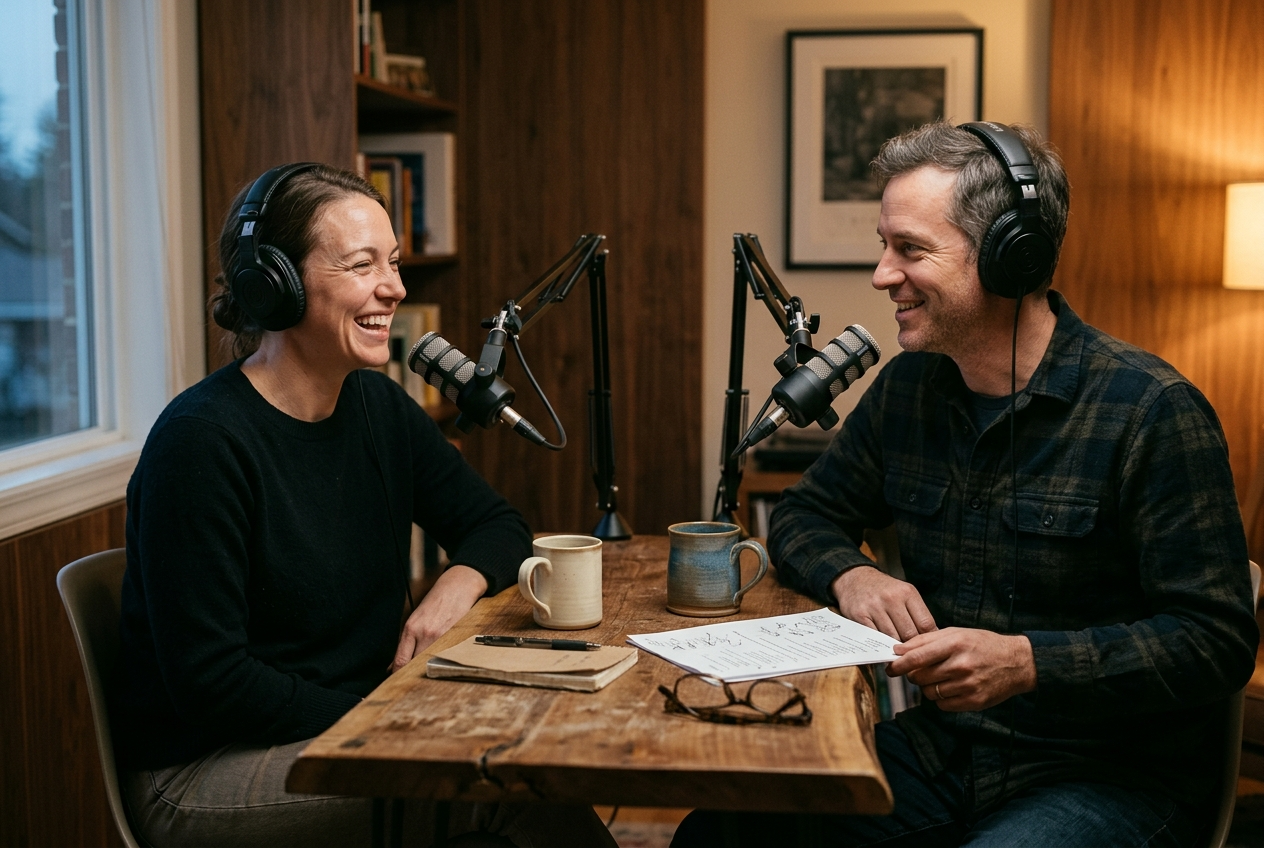
One call, two voices
Declare one or two speakers, then write an ordered list of lines. Each line names its speaker, its text and, optionally, a delivery style of up to 500 characters:
Speaker 1 (curious, upbeat podcast host): So you actually tried it for a week?
Speaker 2 (dry, amused): <laugh> Seven days. My kitchen has never been cleaner.
A single script can hold up to 50 lines. Turn on filler words and the model adds natural hesitations like "um" and "uh" between the two speakers, which is what makes a dialogue sound like two people instead of two readers. Filler words apply to two-speaker scripts only.
40 delivery tags
Inline tags in angle brackets let you place a moment exactly where it happens: <laugh>, <sigh>, <whispers>, <short pause>, <long pause>, <gasp>, <chuckle>, <breath>, <cough>, <yawn> and 30 more.
Two practical notes:
- Use angle brackets. Square-bracket tags are not performed by this model (they belong to Gemini 3.1 Flash).
- Tags count toward your character total and your bill, so a few well-placed beats beat a wall of tags.
70 voices grouped by use case
The 70 voices are grouped by the job they suit: Tutor, Commercial Voiceover, Instructional, Podcast, Storyteller, Digital Assistant, Call Center, Concierge, Tech Support and Professional. Tap any name below to hear a real sample from this model.
| Use case | Try these voices |
|---|---|
| Podcast | Jori, Veda |
| Commercial Voiceover | Koda, Kore |
| Storyteller | Enzo, Zali |
| Tutor | Lumi, Bodi |
The default voice is Fola. A voice name that is not in the list is rejected before any credits are spent.
Language, length and format
There is no language setting. The model reads the language from your text, so write each line in the language you want to hear. Scripts can run up to 5,000 characters in total, tags included, and the output is a 24 kHz mono WAV file.
If you need to pin an exact locale, such as Mexican versus European Spanish, or use free-form square-bracket cues, Gemini 3.1 Flash is the better fit. Our Gemini TTS comparison explains how the lanes differ.
Use it
In the studio, open Audio, Dialogue, choose the Google tab, then pick 3.8 Flash. Add your speakers, write your lines and use the tag panel to drop in delivery tags.
From an agent or script, use generate_dialogue with provider set to gemini-3.8:
{
  "provider": "gemini-3.8",
  "speakers": [{ "voice": "Jori" }, { "voice": "Veda" }],
  "dialogue_turns": [
    { "speaker": "Speaker 1", "text": "So you actually tried it for a week?", "style": "curious, upbeat podcast host" },
    { "speaker": "Speaker 2", "text": "<laugh> Seven days. My kitchen has never been cleaner.", "style": "dry, amused" }
  ],
  "filler_words": true
}
Billing is per 1,000 characters of line text, tags included, with a minimum charge. Read the live rate on the available models page or in the studio before you run a long script. Set up the MCP connection in your MCP settings, or see the developers and API page for REST.
Using both together
The two models cover different halves of a launch. A podcast episode, for example, needs a cover and a conversation:
- Generate the cover art with Nano Banana 2.1 at 4:5 for social and 1:1 for directories, passing your show's logo and host photos as references.
- Write the episode intro as a two-speaker script, add
<short pause>and<laugh>where a human host would, and render it in one dialogue call. - Cut a 4:1 banner from the same references for the episode page header.
Both run on the same credit balance, so there is no second subscription to manage.
Frequently asked questions
What is Nano Banana 2.1?
Nano Banana 2.1 is the newest image model in the Nano Banana family on Kubeez. It generates and edits images, accepts up to 10 reference images and adds the aspect ratios 1:4, 4:1, 1:8 and 8:1.
How many reference images can Nano Banana 2.1 use?
Up to 10 per edit, as JPEG, PNG or WebP files of up to 30 MB each.
Should I use Nano Banana 2.1 or GPT Image 2.5 Sunburst?
Sunburst is our default for most standalone images, especially typography and photoreal people. Choose Nano Banana 2.1 for 4:5 portraits, extreme ratios, many-reference edits and value-minded batches.
How many speakers does Gemini 3.8 Flash TTS support?
One or two, in a single call. For three or more voices, render the lines separately and join the audio.
Do square-bracket tags like [laughs] work on Gemini 3.8?
No. Gemini 3.8 Flash TTS performs angle-bracket tags such as <laugh>. Square-bracket cues are for Gemini 3.1 Flash.
What are the length and output limits?
A script can hold up to 5,000 characters in total, tags included, across at most 50 lines. Output is WAV.
Can I use both models through the API?
Yes. Both are available in the studio, over MCP and through the REST API. For speech, call generate_dialogue with provider set to gemini-3.8. For images, call generate_media with the model id nano-banana-2-1.