Tutorials
Lyrics to Song AI: Turn Your Lyrics Into a Full Song
Lyrics to song AI, step by step: format verses and chorus so the model follows them, describe the style, fix songs that end too short, and know your rights.
· Dex
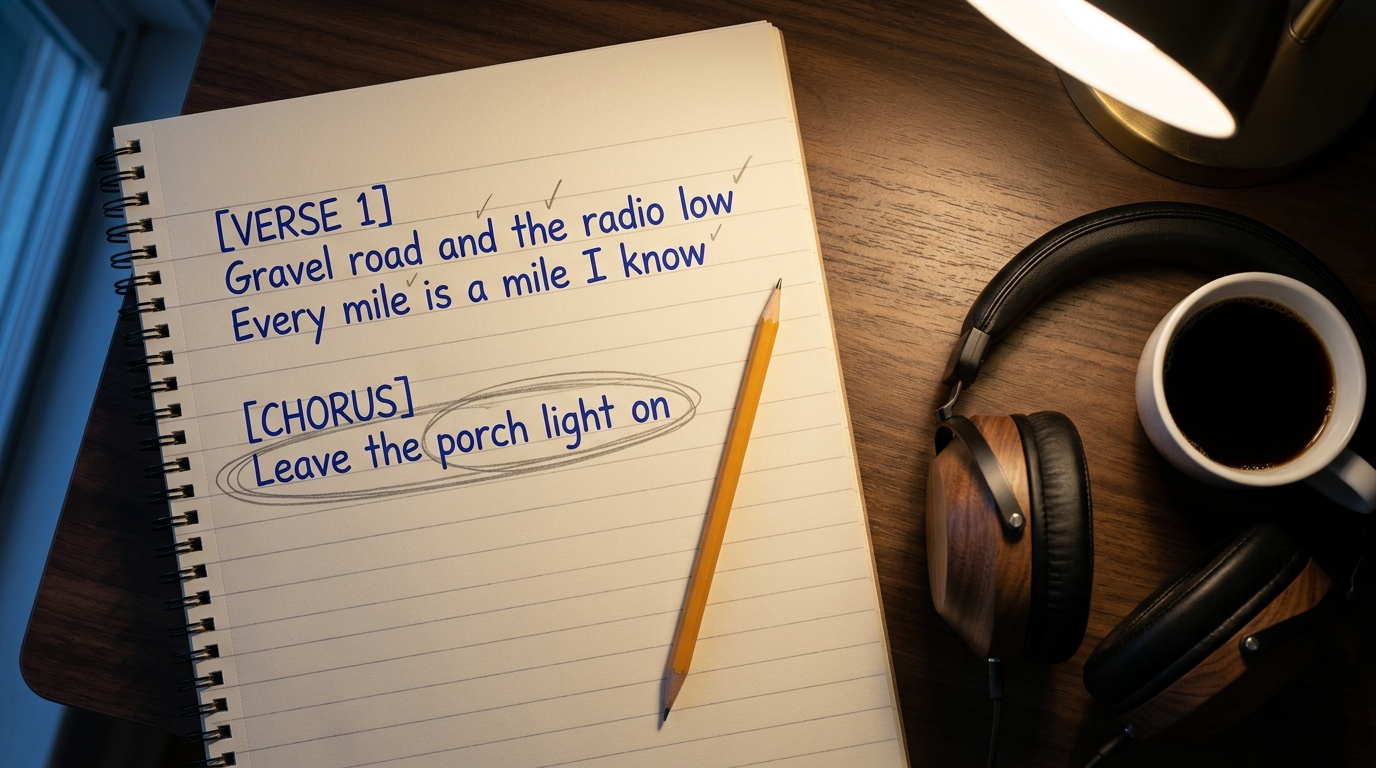
Yes, AI can make a song with your lyrics, and you do not need to read music to do it. A lyrics to song AI takes the words you wrote, a short style description and a title, then composes the music and sings your lines. On Kubeez you paste your lyrics into the Song details panel of AI Music, describe the sound, pick a male, female or random vocal and generate. The model sings the text as you wrote it, so the way you format your lyrics decides most of the result. This guide covers that formatting, how to describe a style, when to go instrumental, why songs come out short, and what you can do with the finished track.
How lyrics to song AI works on Kubeez
The music page gives you two ways in. The quick way is one line in Describe your song: the model writes its own lyrics and sings them. That is the wrong path when you already have words. Yours go in Song details, which holds:
- Lyrics, up to 5,000 characters.
- Style, up to 1,000 characters of genres, moods and instruments.
- Title, up to 80 characters, shown on the song card.
- Avoid Styles, for styles or elements you want kept out.
- Vocal gender: Male, Female or Random.
- Length: Auto, or a length you pin.
With the V6 engine (the default, with V6 Wild and V6 Mini beside it), title and style are required once you use Song details, and everything else is optional. The AI music generator overview has sample tracks in different genres if you want to hear what the engine does before you start.
Step 1: Format your lyrics so the model follows them
Paste a wall of text and the model has to guess where the verse ends and the chorus starts. Give it the shape of the song instead.
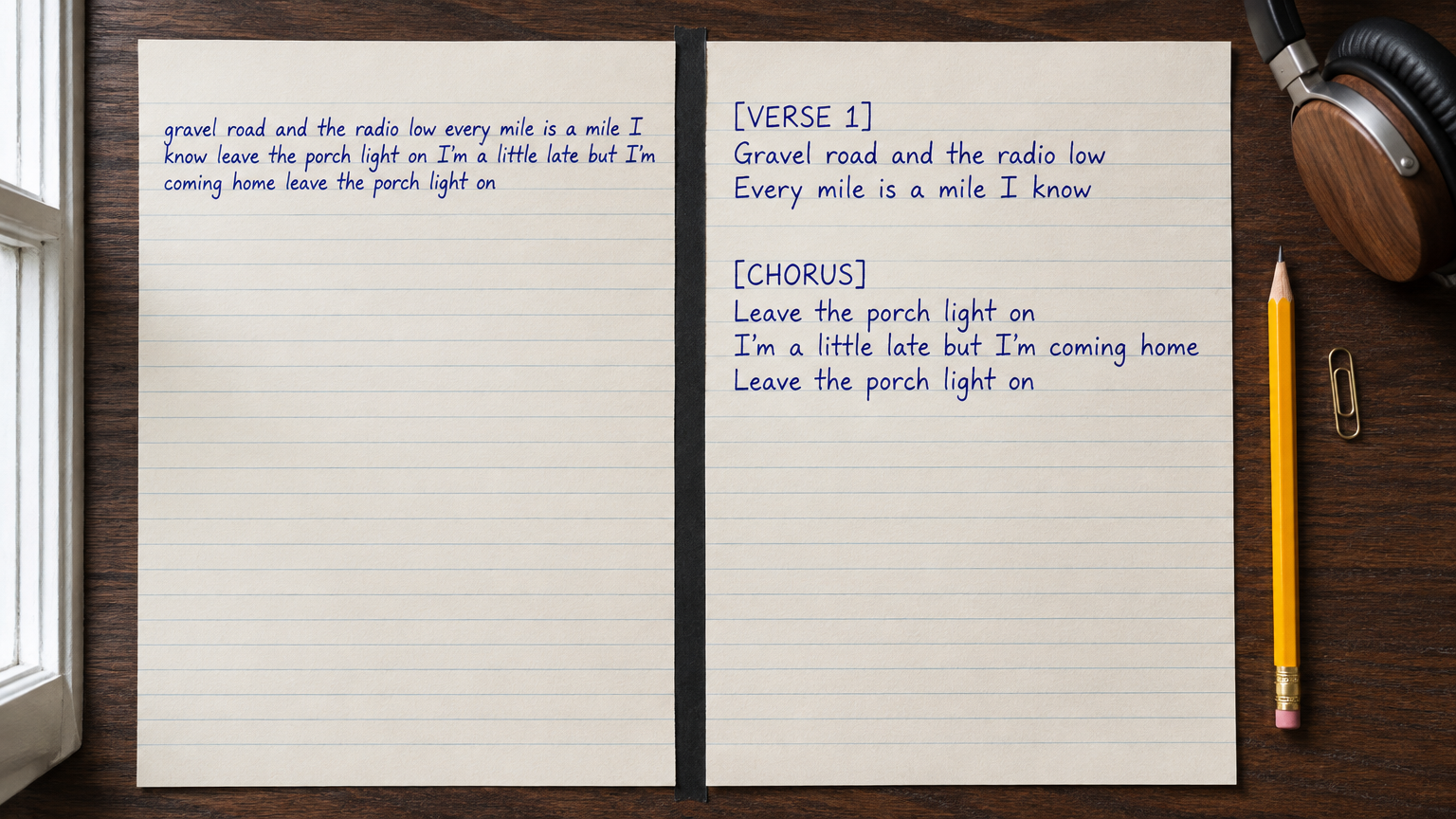
Label every section in square brackets, on its own line. The lyrics box on Kubeez shows this format as its own example: [Verse], then your lines, then [Chorus], then the hook. Use [Verse 1], [Verse 2], [Pre-Chorus], [Chorus], [Bridge] and [Outro] the way a songwriter would.
One sung phrase per line. A line break tells the model where a phrase ends and where a breath can go. Long sentences that run across the page tend to get rushed.
Keep lines short and even. Six to ten syllables per line is a comfortable range for most pop, folk and rock. This is a songwriting rule more than a model rule, but it holds: a melody that repeats needs lines that fit it twice.
Match syllable counts between matching lines. Line one of verse one and line one of verse two are sung to the same melody. If one has seven syllables and the other has fourteen, the second one gets crammed.
Write the chorus out in full every time. Do not write "Chorus x2" or "repeat chorus". The lyrics are sung as written, so a note like that may end up sung or ignored. Repeating the hook is also what makes a song stick, so give it two or three full appearances.
Keep directions out of the lyrics box. Brackets are for section names. "Make this part sad" or "guitar solo here" belongs in the Style field, not between your lines.
Spell things the way they should sound. Write "twenty twenty six", not "2026". Spell unusual names phonetically if the first take gets them wrong.
Here is a short example that follows all of these:
[Verse 1]
Gravel road and the radio low
Every mile is a mile I know
Kitchen window and a cup gone cold
Same old story that the dark has told

[Chorus]
Leave the porch light on
Leave the porch light on
I'm a little late but I'm coming home
Leave the porch light on

[Verse 2]
...
Step 2: Describe the style in four parts
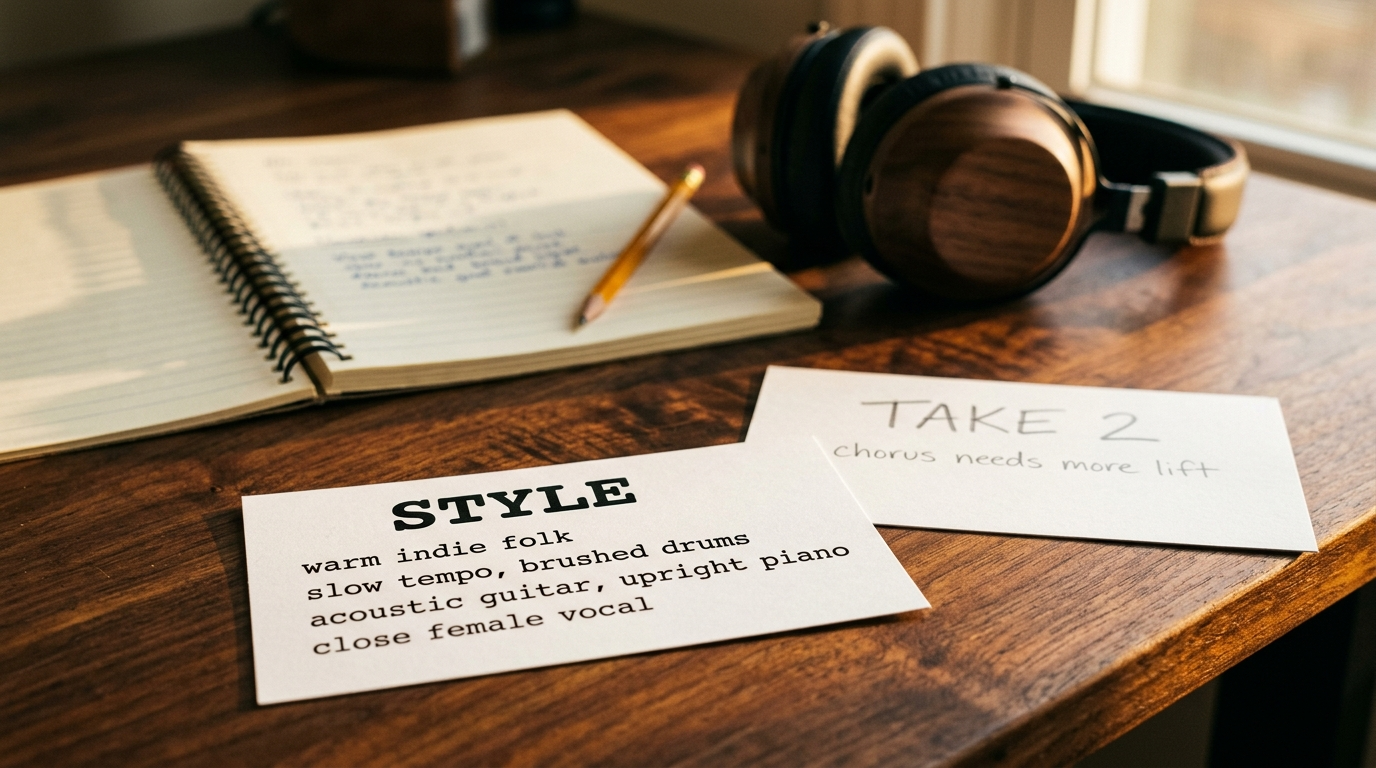
The Style field is where you tell the model what the song should sound like. A good style line covers four things:
| Part | What to write | Example |
|---|---|---|
| Genre | One or two genres, maybe an era | warm indie folk, 1970s country |
| Tempo feel | How it moves, a BPM if you know it | slow, half time, brushed drums |
| Instruments | Two to four lead instruments | acoustic guitar, upright piano, pedal steel |
| Vocal type | Texture and delivery | close, breathy female vocal |
Short comma separated phrases work better than full sentences. Pick one direction per song: "calm and aggressive" gives the model two songs to choose from. Use Avoid Styles for what keeps sneaking in, such as "autotune" or "heavy drums". The Vocal gender buttons set male or female, and the Style field sets everything else about the voice.
Step 3: Choose vocal or instrumental
Most people with lyrics want them sung, and that is the default. Turn on Instrumental when you want a backing track instead: to record your own vocal over it, to test a melody idea, or to make a version without words for a video. In instrumental mode the lyrics box drops away and the description shapes the track.
Two related tools in the audio section:
- Sonilo only makes instrumentals, at the exact length you set, from 5 seconds to 6 minutes. It never sings, which makes it a fit for a bed under a voiceover. Our Sonilo guide covers it in detail.
- Music Separation splits a finished song into vocals and an instrumental, so you can keep the backing of a take you like and sing over it yourself.
Why your AI song comes out short, and how to fix it
This is the most common complaint about turning lyrics into a song with AI. There are three usual causes.
1. Length is on Auto. On V6 the Length control in Song details starts on Auto, which lets the track pick its own length. Slide the scale to pin one anywhere from 10 seconds to 6 minutes. On V6, length does not change the price, so there is no reason to leave a full song on Auto if it keeps ending early.
2. There are not enough lyrics. The model sings what you give it. One verse and one chorus is a short song no matter what else you set. For a full song, write two verses, a chorus that appears at least twice, and a bridge or final chorus.
3. The ending has nothing to sing. If the lyrics stop after a single chorus, the song often stops with them. Add an [Outro] with a repeat of the hook or a closing line so the song has somewhere to land.
The reverse also happens. If you pin a long length with only a few lines, expect sections to repeat. Match the length to the lyrics you wrote.
Step 4: Iterate without starting over
The first take is a draft. Listen with your lyric sheet open and mark what to change.
- Change one thing per run. If you edit the lyrics, the style and the length at once, you will not know which change helped.
- Fix rushed lines in the lyrics, not the style. If a phrase is crammed, cut syllables. If a word lands on the wrong beat, move the stressed syllable.
- Respell words the singer gets wrong. Phonetic spelling usually fixes a misread name on the next run.
- Keep a voice you like. When a take has the right singer, choose Create Persona from that song's menu. Pick the persona in Song details on the next run, and the new version keeps the same voice. Personas work with the V6 engines.
- Try another engine. V6 Wild gives bolder, more distinctive takes, and V6 Mini is fast and light. Treblo, a second engine on the same page, also takes your lyrics, and every Song details field is optional there.
Each run costs credits. At the time of writing a V6 or Treblo song is 34 credits per generation, and the form shows the cost before you generate. Prices can change, so check pricing for the current plans and credit packs. Signing up is required, new accounts get a one-time welcome credit grant, and there is no permanent free tier.
What you can do with the finished song
When you have a take you like, download it from the song menu and use it where you need it: a demo for your band, a song for a video, a gift. To put it to pictures, the AI video generator can make the visuals for a music video.
On rights, here is what our own pages say. The Kubeez Terms and Conditions (linked in the footer of every page) state that, unless otherwise agreed, you retain the rights to outputs generated from your prompts, subject to any third party rights in material you supply. The pricing page lists commercial usage rights on every plan. The terms also make you responsible for having permission for any text you upload, so paste lyrics you wrote or have the rights to, not someone else's song.
Copyright protection is a separate question from the platform's terms. In the US, the Copyright Office said in its January 2025 report on AI and copyrightability that AI output can be protected only where a human author determined sufficient expressive elements, that prompts alone do not count, and that human authored work that is perceptible in an AI output can be protected. Your lyrics are your own writing. This is general information, not legal advice. If you plan to release or license the song, read the terms and talk to someone qualified.
FAQ
Can AI make a song with my lyrics?
Yes. Paste your lyrics into Song details on the music page, add a style and a title, choose a vocal and generate. The V6 engine sings your words as written.
Will the AI change my lyrics?
Not in Song details. The lyrics are sung as written, which is why formatting matters. If a line sounds wrong, the fix is usually in the line itself: fewer syllables, a phonetic spelling, or a clearer section label.
How long can an AI song be?
On V6 you can leave length on Auto or pin it anywhere from 10 seconds to 6 minutes. Sonilo instrumentals run from 5 seconds to 6 minutes at the exact length you set. A full song also needs enough lyrics to fill that time.
Is there a free lyrics to song AI on Kubeez?
Signing up is required, and new accounts get a one-time welcome credit grant to try it. After that you buy credits or pick a plan. There is no permanent free tier.
Can I make an instrumental of my own song?
Yes. Turn on Instrumental to get a backing track, or run Music Separation on a finished song to split it into vocals and an instrumental.
Can I use the song commercially?
Our terms say you keep the rights to outputs made from your prompts, subject to third party rights in material you supply, and the pricing page lists commercial usage rights on every plan. Read the full Terms and Conditions before you release anything.
Ready to hear your words sung? Open AI Music, paste your lyrics into Song details and run your first take.
Dex writes the Kubeez guides and makes every example with the same tools you use.