Guides
Free AI Video Generator: What You Really Get in 2026
A free AI video generator usually means trial credits, a capped free tier or an open model you run yourself. Here is each catch and what Kubeez really gives.
· Dex
A free AI video generator almost always means one of three things: a one-time pack of trial credits, a small free tier that refills on a schedule, or an open model you run on your own hardware. None of them gives you endless video at no cost, and each one comes with a catch. On Kubeez, a new account gets a one-time welcome grant of 50 credits after you sign up and confirm your email. With the cheapest video settings today, that covers one to three short clips. Below is what each kind of "free" costs you in practice, and how to spend those 50 credits well.
The three kinds of "free"
Most "best free AI video generator" lists mix these together, which is why the promises rarely match what you get after signing up.
1. Free trial credits
You create an account and get a fixed amount of credits once. Every generation spends some of them at the same rates paying users pay. When the balance hits zero, you buy more or stop. This is the most honest form of free, because you use the real models at real quality, just not for long.
The catch: the balance is small, and video is the most expensive thing to generate. A pack that sounds generous for images often covers only a few seconds of video.
2. A limited free tier
Some apps give free users a small allowance that refills on a schedule, or a free plan with fewer features. This is where most of the fine print lives.
The usual catches: a visible watermark on exports, a slower queue behind paying users, a lower resolution cap, shorter clips, no commercial license, and access to only some of the models. Not every tool applies all of these, so read the plan page, not the ad.
3. Open models you run yourself
Some video models are released as open weights. You download them and generate on your own GPU, with no credits, no watermark from a service and no account.
The catch: you pay in hardware and time. You need a high-end graphics card, a working setup, and patience, because a single clip can take minutes on a consumer GPU.
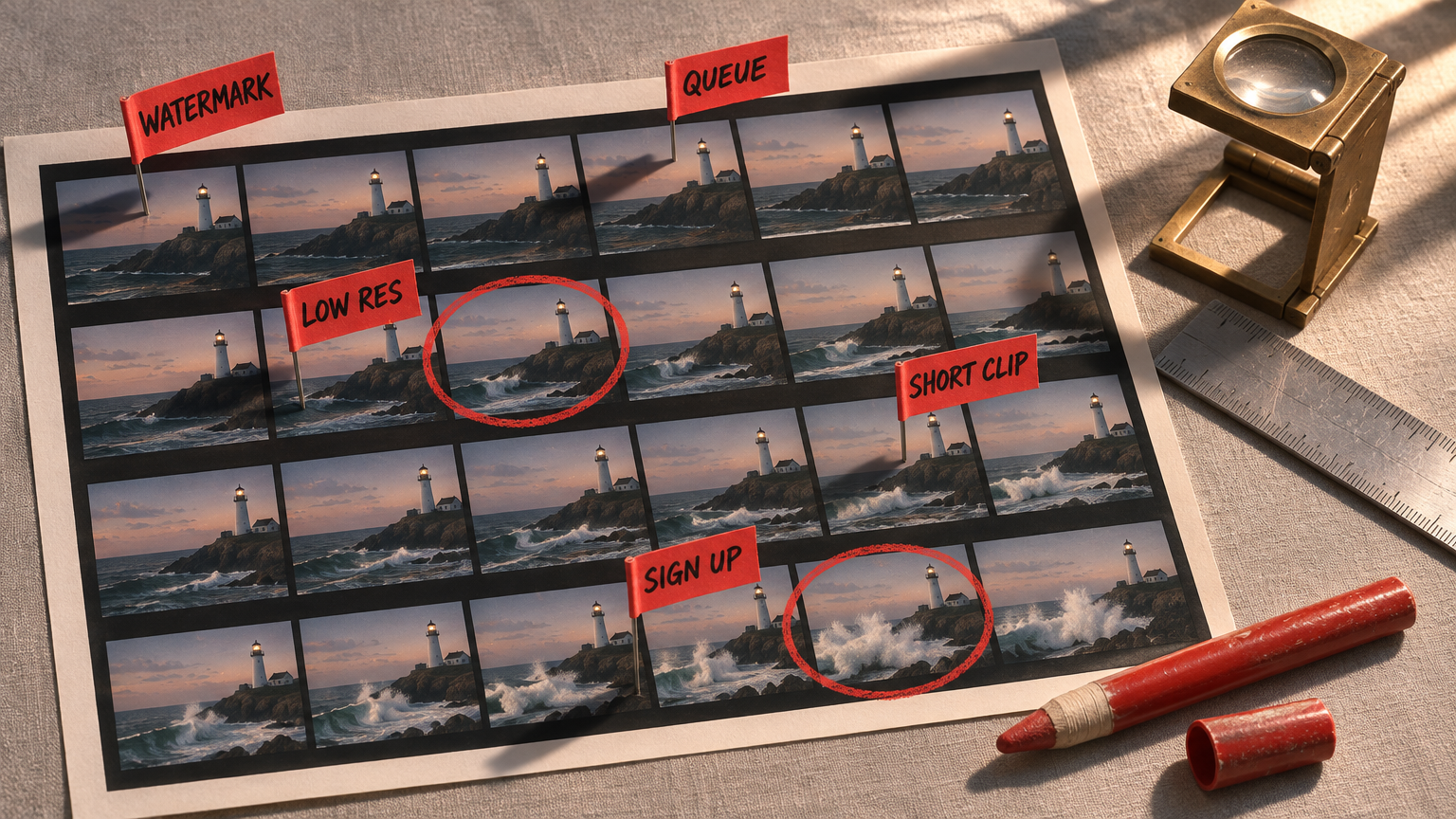
The catch, side by side
| Kind of free | What you pay with | Common catches |
|---|---|---|
| Trial credits | Nothing up front, then credits | Small balance, signup required, gone in a few clips |
| Limited free tier | Time and features | Watermark, slower queue, lower resolution, shorter clips, no commercial use |
| Open models | Your own GPU and setup time | High-end graphics card, minutes per clip, technical setup |
If you only want to test whether AI video can do your shot, trial credits are usually the fastest route. If you need dozens of clips every week, none of these is a real plan, and the question becomes which paid option costs least per usable second.
What a few well known tools offer today
We checked each tool's own pricing or product page on November 13, 2026. Plans change often, so treat this as a snapshot and open the page before you decide.
- Runway. The pricing page lists a $0 plan with 125 credits, one time, that do not expire, plus access to "a selection" of its models. It lists "No watermarks" as a feature of the paid Standard plan and does not say either way for the free one.
- Pika. The pricing page lists a Free plan with no monthly credits: you buy credit packs to generate. The plan includes all models and no watermark, and the commercial license is listed as not included.
- Luma Dream Machine. The pricing page lists paid plans only, starting with Plus. We could not find a free plan there today.
- The Gemini app. Its video generation page says a Google AI subscription is required to create videos, that clips are 10 seconds, and that every video made in the app carries SynthID, an invisible watermark.
- Wan 2.2 (open model). The official repository releases the models under the Apache 2.0 license. Its smallest model needs a GPU with at least 24GB of VRAM, such as an RTX 4090, and the page says it makes a 5 second 720p video in under 9 minutes on a single consumer GPU without extra optimization.
So the honest summary: the big names mostly offer a trial or a paid plan, the truly free route is running an open model yourself, and "free with no catch" is not on the list.
What a new Kubeez account gets
On Kubeez, free means trial credits. Here is exactly what you get:
- Signup is required. Create an account with your email and confirm it with the code we send.
- 50 welcome credits, once. They land in your wallet after confirmation. No card is needed at any step. If the balance still reads zero after you confirm, resend the code from the banner in the app, and if it has still not arrived, contact support.
- No permanent free tier. When the 50 credits are spent, you top up on the pricing page or stop. Nothing renews by itself.
- Same models, same rates. Welcome credits spend exactly like paid ones, on every model in the catalogue. Every model card shows the credit cost before you press generate.
- No Kubeez watermark. Kubeez does not stamp its own mark on your downloads.
How many free videos can you make with 50 credits?
Video on Kubeez is billed per second of output, so length matters as much as the model. These are the cheapest useful options in the AI video generator right now:
| Model and setting | Credits per second | What 50 credits covers |
|---|---|---|
| P-Video, 720p Draft | 4 | Three 4 second clips (48 credits), or one 12 second clip |
| P-Video, 720p standard | 7 | One 7 second clip (49 credits) |
| Gemini Omni 1.2 Flash, 360p | 7 | One 7 second clip, or two 3 second clips (42 credits) |
| Seedance 2.0 Mini, 480p | 12 | One 4 second clip (48 credits) |
Prices checked on November 13, 2026. Credit costs change, so check the live number on the model card before you generate.
A few honest notes on that table:
- P-Video Draft is the most seconds per credit, but you have to pick the Draft setting: the default is 720p standard. Draft renders are visibly softer than standard ones. Use them to test an idea, not to deliver it. More on the model in our P-Video overview.
- Seedance 2.0 Mini at 480p is the cheapest Seedance tier. It buys one 4 second clip, the shortest length it renders, so make that prompt count.
- Higher tiers barely fit. Longer takes, 1080p and the premium models cost more per second, so 50 credits buy little or none of them. That is what trial credits are for: seeing real output before you pay.
Free AI video generator with sound
All the models in the table above generate audio with the video. On Seedance 2.0 Mini and P-Video the sound is on by default and does not change the price, and Gemini Omni 1.2 Flash always renders audio. So you do not need to spend separate credits on sound to hear whether a clip works.
Free image to video AI
Image to video costs the same as text to video on these models. Attach a photo you already have and describe the motion. On P-Video and Gemini Omni 1.2 Flash the photo becomes the opening frame, while Seedance 2.0 Mini uses a single photo as a reference for the look of the scene. Starting from your own image is also the best way to stretch a small balance, because you skip the guesswork of describing a scene from scratch. The image to video page shows how it works. If you want to create the still on Kubeez first, remember that images cost credits too, so budget for the still before you animate it.
How to make 50 credits go furthest
- Write the prompt before you spend. Subject, action, camera, light and sound in two or three sentences. A vague prompt is the most common reason people burn a second clip.
- Go short. Every second costs the same on a per second model. Four seconds tells you as much about motion and quality as ten.
- Draft, then decide. Use P-Video Draft to test the idea, then spend what is left on the setting you would actually ship.
- Check the cost on the card. The estimate is shown before you generate. If it is more than your balance, shorten the clip or drop the resolution.
Frequently asked questions
Is there a truly free AI video generator?
Only if you run an open model on your own hardware, and then you pay for the GPU and the setup time. Hosted tools give you trial credits, a limited free plan, or nothing until you pay. Kubeez gives new accounts a one-time 50 credit welcome grant.
Can I use an AI video generator free without signing up?
Not on Kubeez. Signup and email confirmation are required to receive the welcome credits. Hosted tools that offer any free video almost always tie it to an account, because the credits have to live somewhere.
How many free videos can you make on Kubeez?
Between one and three short clips from the 50 welcome credits, depending on the model. At today's prices that is three 4 second clips on P-Video Draft or one 4 second clip on Seedance 2.0 Mini at 480p.
Is there a free AI video generator with sound?
Yes, within the trial. Seedance 2.0 Mini, P-Video and Gemini Omni 1.2 Flash all generate audio with the clip, and on those models the sound adds nothing to the credit cost.
Do free AI videos have watermarks?
It depends on the tool, so check its plan page. Kubeez does not add its own watermark, including on clips made with welcome credits. Some providers also embed invisible watermarks such as SynthID in the file.
What happens when the free credits run out?
You buy a credit pack or a plan, or you stop. The per second rates are the same either way, and since no card is needed for the welcome credits, nothing is charged when they run out.
The straight answer
"Free" in AI video means a short trial, a limited plan or your own GPU. Pick the one that matches what you are trying to learn. If you want to see what a modern model does with your idea in the next few minutes, open the AI video generator, use your 50 welcome credits on two or three short clips, and decide from real output.
Dex writes the Kubeez guides and makes every example with the same tools you use.