P-Video Is Now on Kubeez — Ultra-Fast AI Video with Draft Mode and Audio-to-Video
P-Video by Pruna AI is the fastest video model in our catalog: 5s of 720p in ~10 seconds, a 4× faster draft tier, and native audio-to-video lip sync. Text-to-video, image-to-video, and audio-to-video in one endpoint.

P-Video is live on Kubeez. Built by Pruna AI, it's the fastest video model in our catalog: 5 seconds of 720p output in roughly 10 seconds of generation time, with a draft mode that's 4× faster still. It ships as a single endpoint that handles text-to-video, image-to-video, and audio-to-video in the same model — and it's the first model on Kubeez with native lip-sync from an audio file. Try it now at /video-generation.
#What P-Video is for
Most video models optimize for peak quality. P-Video optimizes for a different thing entirely: how many creative variations can you try in a 10-minute block. When a shot needs to land but the brief is still forming, you don't need your model to render the Mona Lisa — you need it to render 15 different hooks so you can pick the one that tests well.
That's the gap P-Video fills. It sits alongside Seedance 2, Kling 3.0, and Veo 3.1 in the Kubeez catalog, and it's not a replacement for any of them. It's the model you reach for when:
- You're drafting hooks for a social ad and want to try 8 openings before committing
- You have a product image and want to animate it five different ways before picking a winner
- You have an audio clip (dialogue, voiceover, music) and want to see a talking avatar sync to it
- You're in a live ideation session and need something on screen in the time it takes to describe it
#Four tiers, two dials
P-Video exposes two controls that let you dial in the exact speed/quality tradeoff you want:
| Tier | Rate | A 5s clip costs | A 10s clip costs |
|---|---|---|---|
| 720p Draft | 4 cr/s | 20 cr | 40 cr |
| 720p Standard | 7 cr/s | 35 cr | 70 cr |
| 1080p Draft | 6 cr/s | 30 cr | 60 cr |
| 1080p Standard | 12 cr/s | 60 cr | 120 cr |
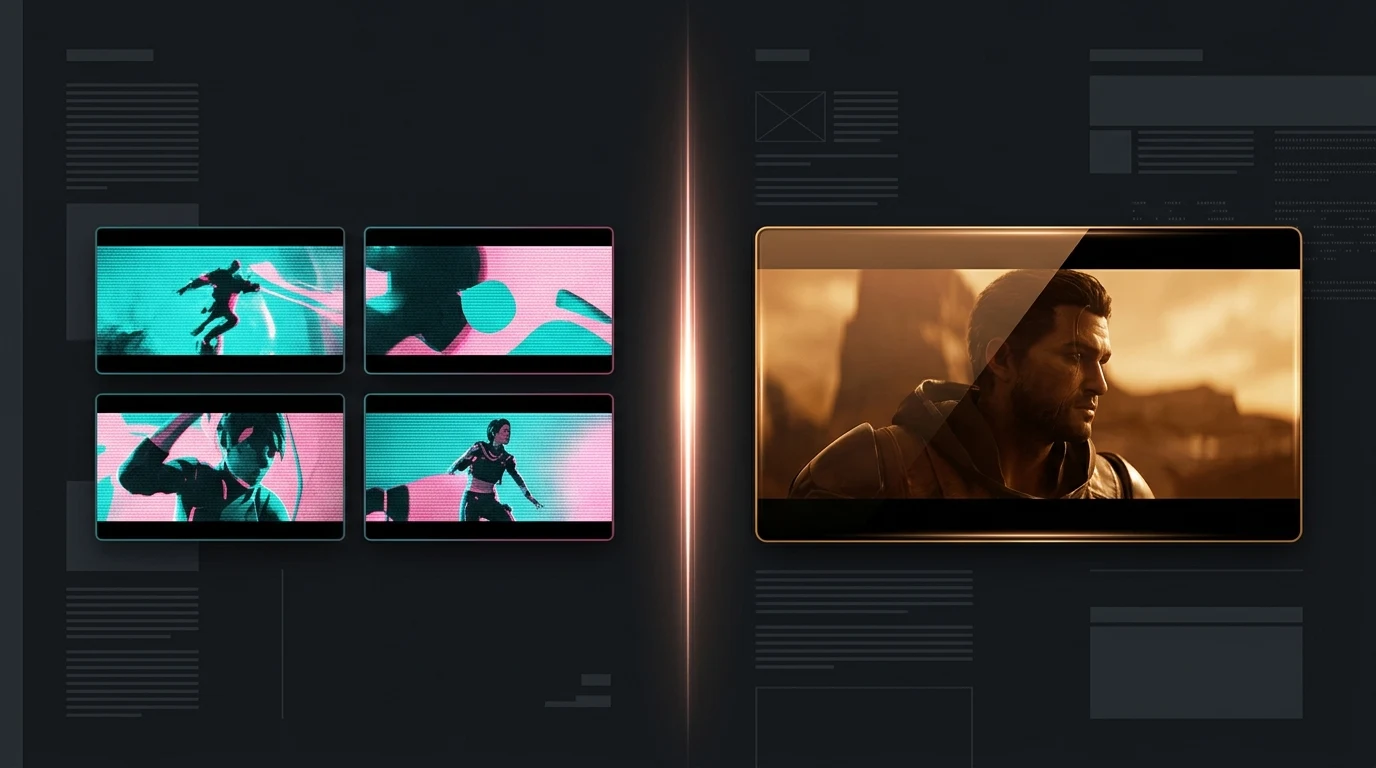
Draft mode is the headline feature. It's about 4× faster than standard at the same resolution, and charged at roughly half the rate — so you can afford to run more variations before committing. The quality gap is real (draft is noticeably softer and rougher) but so is the speed and cost gap. Use draft to explore the space, then flip to standard for the final take. The same prompt works on both tiers; you don't need to rewrite anything.
Resolution is the second dial. 720p is the daily driver — looks great on social, fast, cheap. 1080p is there when the clip needs to hold up at full-screen or on a large display.
#The three modes, one endpoint
P-Video is an all-in-one model. Kubeez auto-detects the mode from what you attach to the prompt:
#1. Text-to-video (no attachments)
Drop a prompt, pick a resolution, pick a duration (1–20 seconds, any integer — not just presets), pick an aspect ratio, generate. Aspect ratios: 16:9, 9:16, 4:3, 3:4, 3:2, 2:3, 1:1.
#2. Image-to-video (attach 1–2 images)
Attach one image = start frame. Attach two images = start frame + end frame (keyframe interpolation — the model renders the transition between them). When an input image is attached, the aspect ratio is inferred from the image, so the aspect-ratio selector is greyed out.
Image-to-video is where P-Video's speed really matters. Drop a product shot, hit generate, and 10 seconds later you have a draft of it rotating on a turntable, or panning across a surface, or zooming in to a hero detail. Try another prompt, get another draft. Iterate until something clicks.
#3. Audio-to-video (attach 1 audio file)
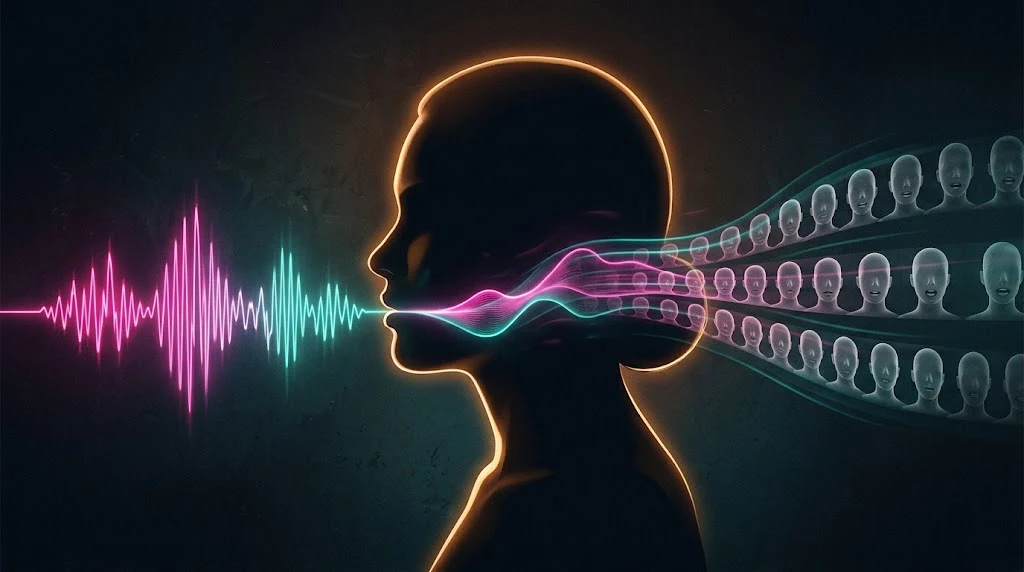
This is the most interesting mode and the reason P-Video is different from everything else in our catalog. Drop in a .mp3, .wav, or .flac of a spoken line or a short music clip, and the model generates a video whose length matches the audio's length and whose mouth movement (when there's a face in the frame) syncs to the waveform. You don't set the duration — the audio sets it.
The billing side of that is handled automatically: when you upload audio via the Kubeez upload portal, we probe its duration in the browser and store it, so the credit charge is always exact audio length × rate — not a pessimistic estimate. Drop a 7.2-second line, you pay for 8 seconds, not 20.
This is the fastest way we've shipped for building talking-avatar hooks, scripted reaction shots, and music-driven short-form content.
#How to run P-Video on Kubeez
- Open Video generation and sign in.
- In the model picker, select P-Video.
- In the settings panel, pick your resolution (720p or 1080p) and toggle Draft mode if you want to iterate cheap.
- Pick a duration (1–20 seconds) — note this is ignored automatically when you attach audio.
- Attach files if you want I2V or A2V; leave empty for T2V. You can drop files directly or paste from your clipboard.
- Write a specific prompt. Draft mode reads the prompt the same as standard, so don't dumb it down — keep the detail and let the tier pick whether to render it sharply or roughly.
- Generate. If you're in draft, try two or three prompt variations before stepping up. If the third draft lands, flip Draft off and re-run for the final render.
#Who it's for
Hook testers and ad-ops teams — the draft tier is cheap enough that testing 10 hooks across a brief is genuinely affordable. 10 × 5-second draft generations at 720p = 200 credits total. Cheaper than one Kling 3.0 Pro 10-second clip.
Content creators with audio assets — songs, voiceovers, narration. P-Video turns them into scripted short-form clips in one pass. No separate audio module, no post-sync step.
Product animators — drop a clean product shot, animate it five different ways, pick the best one, render the final at 1080p standard. Whole session stays under 100 credits.
Automation pipelines — the REST API and MCP both expose P-Video as p-video with tier selection via quality ("720p", "720p-draft", "1080p", "1080p-draft"). Your pipeline can run drafts by default and only escalate to standard when a quality score crosses a threshold.
#Where P-Video fits in the Kubeez lineup
Kubeez now carries six+ serious video models, and each has a clear lane:
- P-Video — fastest. Best for draft iteration, audio-driven shots, high-volume variation. Not your final quality ceiling.
- Seedance 2 Standard / Fast — best value for non-reference video. Multimodal references (images + videos + audio in one prompt). See our Seedance 2 guide.
- Kling 3.0 Std / Pro — highest cinematic fidelity. The one you pick for a hero shot or a brand channel.
- Veo 3.1 — best when you need native dialogue generation in the same pass.
- Kling 2.6 / 2.5 — mid-tier with motion control and start+end frame support.
- Seedance 1.5 Pro — the older value option, still on the card for legacy workflows.
P-Video doesn't replace any of these. It opens a new lane: "how many times can I try this in 10 minutes?" For high-volume ideation and audio-sync shots, that's a lane nothing else in the catalog was built for.
See all Kubeez video models compared to find the right fit for each job.
#API and MCP
P-Video is available through the Kubeez REST API and MCP server. One model id, four tiers, all selectable via the quality parameter:
quality=nullor"720p"→ 720p standard, 7 cr/squality="720p-draft"→ 720p draft, 4 cr/s (cheapest)quality="1080p"→ 1080p standard, 12 cr/squality="1080p-draft"→ 1080p draft, 6 cr/s
For audio-to-video, upload the audio via the MCP's get_upload_url flow — our backend captures the audio's exact duration at upload time, and the billing will match it to the second.
The MCP tool description has a dedicated decision rule for P-Video: "User says 'rapid iteration' / 'try different prompts fast' → p-video with quality='720p-draft'" and "User wants talking avatar / lip sync / audio-driven video → p-video with an audio URL". Any agent connected to Kubeez MCP will pick it up automatically for those use cases.
#Quick takeaway
- P-Video is live on /video-generation — no waitlist, same account as the rest of Kubeez.
- ~10-second generations for 5s 720p clips — fastest in our catalog.
- Draft mode is 4× faster and roughly half the cost of standard — ideal for prompt iteration.
- Three modes in one model: text-to-video, image-to-video, audio-to-video.
- Native audio-to-video lip sync — the first model in our catalog that syncs to an uploaded audio clip. Exact billing from client-probed audio duration.
- Four tiers (720p/1080p × standard/draft) selected via the Quality panel or the API
qualityparam. - API and MCP available day one.
Dex writes the Kubeez guides and makes every example with the same tools you use.
See also