Consistent Characters and Longer AI Videos With Gemini Omni
Consistent AI video characters across every shot: how Google's Gemini Omni keeps faces, outfits, and physics locked, and how to chain longer multi-shot stories on Kubeez.
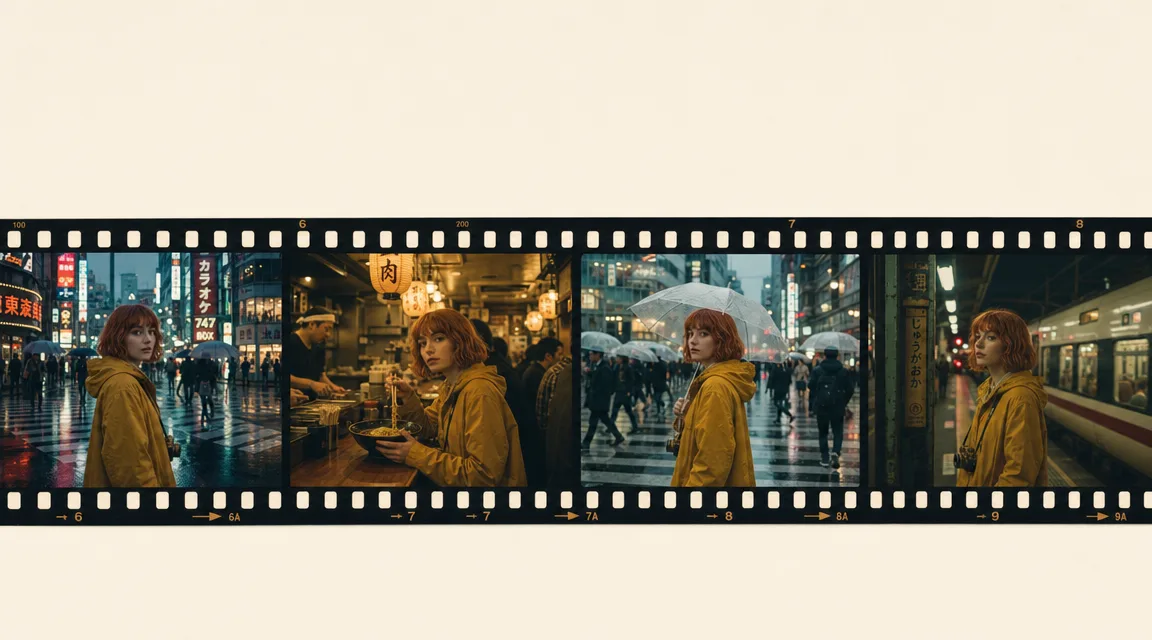
For two years, the hardest problem in AI video was simple to describe and brutal to solve: the character changed every time you hit generate. A great first shot, then a second shot with a different face, a new outfit, a background that no longer matched. Google's Gemini Omni is built to end that. It is a reasoning model that generates video, so the scene remembers what came before, characters keep their face, outfit, and props across shots, and physics stays coherent from one clip to the next.
As Google puts it, "your characters stay consistent, the physics hold up and the scene remembers what came before", and Kubeez ships it today as gemini-omni-video. This is the model that finally lets creators build multi-shot stories, recurring brand characters, and longer narratives that actually hold together.
#Why consistency was the wall (and how Omni breaks it)
Older video models treated every clip as an island. You could not carry a person, a costume, or a prop from one generation into the next without heavy reference-image juggling, and even then the identity drifted.
Gemini Omni works differently because it reasons about the scene instead of regenerating it from scratch. Google describes it plainly: "Your characters stay consistent, the physics hold up and the scene remembers what came before." Three things change for creators:
- Identity holds across cuts. A character introduced in one shot keeps their face, clothing, and voice in the next, without re-feeding the reference every time.
- Physics stays believable. The model carries an intuitive sense of gravity, momentum, and fluid motion across shots, so nothing turns "uncanny" between cuts.
- The scene has memory. Conversational follow-ups build on prior context, so each new instruction extends the story rather than resetting it.
#"Long videos," framed honestly
Let's be precise, because it matters for planning a project. On Kubeez, a single gemini-omni-video clip runs up to 10 seconds (you choose 4s, 6s, 8s, or 10s). Omni does not render one continuous ten-minute take.
What it does give you is far more useful for storytelling: consistent shots you can chain into a longer sequence. Because identity and physics persist, you can generate shot 1, then shot 2 with the same character, then shot 3, and the result reads as one coherent narrative instead of a pile of mismatched clips. That is how real films are built anyway: a long story is a series of consistent shots, and Omni is the first widely available model that keeps the character locked across all of them.
Two Kubeez mechanisms make this practical:
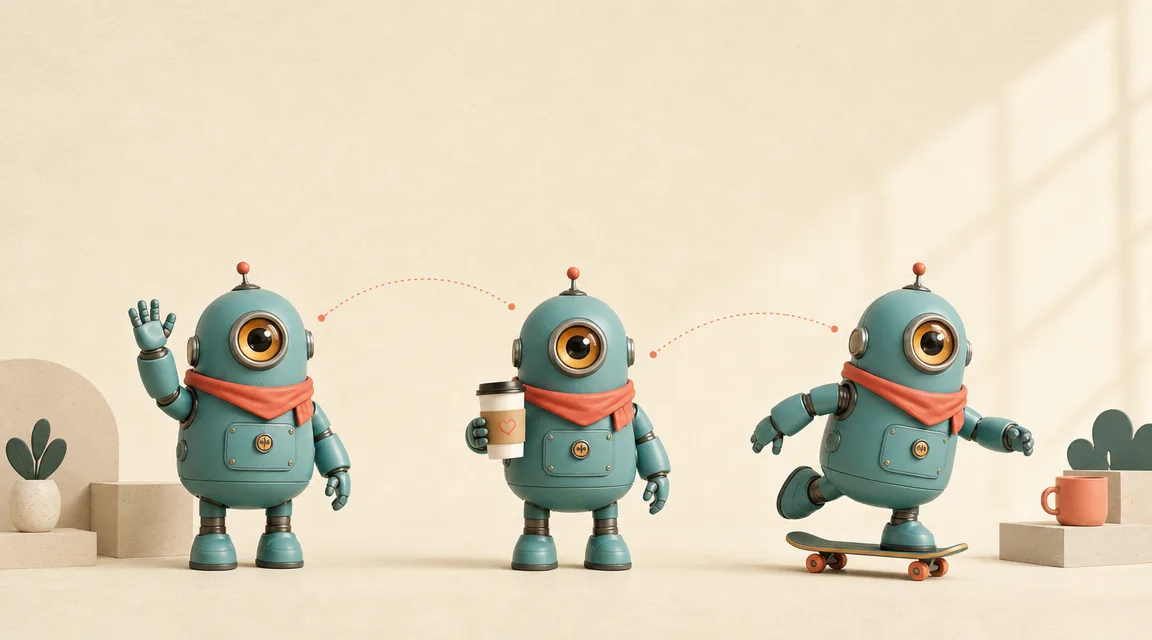
- Saved characters. Define a character once, then reuse it across generations so your protagonist (or brand mascot) shows up identical in every new shot.
- Video-reference input. Feed a prior clip back in as a reference to continue the action, matching motion and look from the shot before it.
#What Gemini Omni ships with on Kubeez
Here is exactly what you get when you pick gemini-omni-video in the Kubeez video workspace, with no guesswork:
- HD and 4K variants. Run HD for fast iteration and social, or step up to 4K when the clip needs to be final-grade.
- Up to 10-second clips. Pick 4s, 6s, 8s, or 10s per generation.
- Text-to-video, image-to-video, and video-to-video. Start from a prompt, a still, or a prior clip.
- Up to seven image references and one video reference. Lock a character, style, or product with multiple stills, or hand it a video to continue from.
- Built-in audio with named voices. Spoken lines arrive synced with the picture, no separate audio pipeline.
- 16:9 or 9:16 aspect ratios. Landscape for YouTube and the web, vertical for Shorts, Reels, and TikTok.
Because Omni reasons across turns, you can also refine without losing the thread: change the environment, the camera angle, the style, or a specific detail, and the character and continuity carry through.
#A simple multi-shot workflow
Here is a repeatable way to build a short, consistent sequence on Kubeez:
- Open Video generation and select Gemini Omni Video.
- Establish your lead: write a detailed prompt (or attach reference stills), pick 16:9 or 9:16, choose HD or 4K, and set the clip to 10s. Save the character so you can reuse it.
- Generate the opening shot and review the look, the motion, and the voice.
- For the next shot, reuse the saved character (or feed the first clip back as a video reference) and prompt the new beat: a new angle, a new location, the next line of dialogue.
- Repeat for each beat, then assemble the shots into your final sequence.
- Add subtitles for social with Auto Captions before you publish.
For a deeper walkthrough of Omni's conversational editing and refinement turns, see our Gemini Omni video editing guide. If you want to compare Omni against Google's cinematic flagship, our Veo 3.1 guide is a good companion, and you can see every model in one place.
#Who this is for
- Brand and social teams who want a recurring mascot or spokesperson that looks identical across every video.
- Filmmakers and storytellers building multi-shot narratives where the lead has to stay the same person from scene to scene.
- Marketers producing campaign sets, where consistency across many short clips is the difference between a polished series and a random grab bag.
#Quick takeaway
- Gemini Omni keeps characters, props, and physics consistent across shots: the scene remembers what came before, instead of resetting on every generate.
- On Kubeez it ships as
gemini-omni-video: HD and 4K, clips up to 10s, text/image/video input, up to seven image references, and built-in audio. - "Long videos" means chaining consistent shots with saved characters and video references, not one endless take, and that is exactly how strong narratives get built.
Open video generation on Kubeez and build your first consistent multi-shot sequence with Gemini Omni.
See also