Grok Imagine Video 1.5: xAI's New #1 Video Model
Grok Imagine Video 1.5 is xAI's new #1 image-to-video model with native synced audio. See what it does and run it on Kubeez at 480p or 720p today.
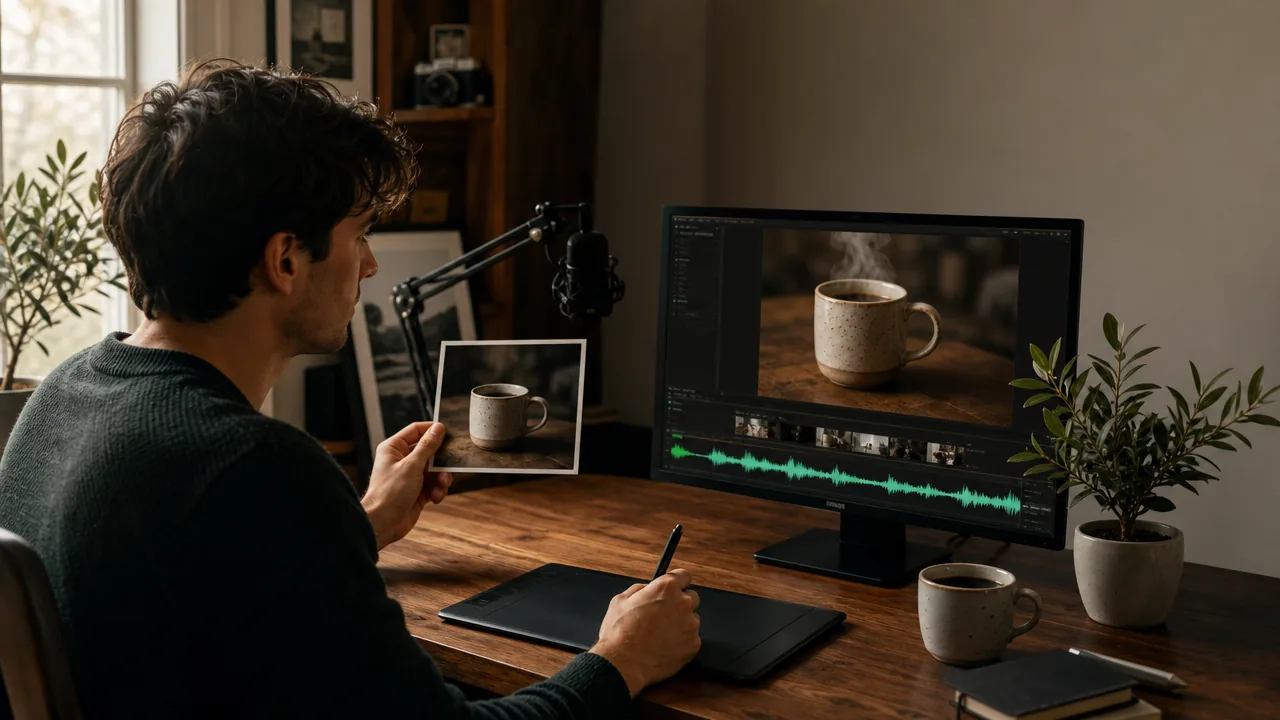
On May 31, 2026, xAI shipped Grok Imagine Video 1.5, and it did not arrive quietly. The model jumped +52 Elo over version 1.0 and took the #1 spot on the Image-to-Video Arena leaderboard (Elo ~1473), edging past ByteDance's Seedance 2.0, Alibaba's HappyHorse, and Google Veo. If you turn still images into short, sound-on clips, this is the model to know about right now.
Kubeez already ships it as grok-imagine-video-1-5-preview with 480p and 720p variants, so you can put it to work today without waiting on a waitlist.
#What makes Grok Imagine Video 1.5 stand out
Image-to-video that respects your source frame. Feed it one still (a product shot, a portrait, a concept frame) and it animates that image while keeping the original composition, lighting, and subject identity intact. That fidelity to the starting frame is exactly why it tops the image-to-video charts.
Native synchronized audio in one pass. This is the headline feature. Grok Imagine Video 1.5 generates dialogue, ambient sound, sound effects, and music together with the picture, in the same render. No second audio tool, no manual alignment step. Version 1.5 delivers more natural dialogue with believable pauses and sentence-level intonation, plus ambient layers that match the scene instead of a generic texture.
Dramatically improved lip-sync and photorealism. xAI rebuilt the sync model so spoken lines line up with mouth movement convincingly, and the per-frame realism took a clear step up over 1.0. That combination is what earned the +52 Elo gain.
720p at 24fps, clips up to 15 seconds. The model renders smooth 24fps motion at up to 720p. On Kubeez you can set any duration from 2 to 15 seconds, so you can match the clip to the platform (a tight 6-second hook for Reels, a fuller 12-15 second scene for YouTube).
#"Extend from Frame": chaining longer sequences
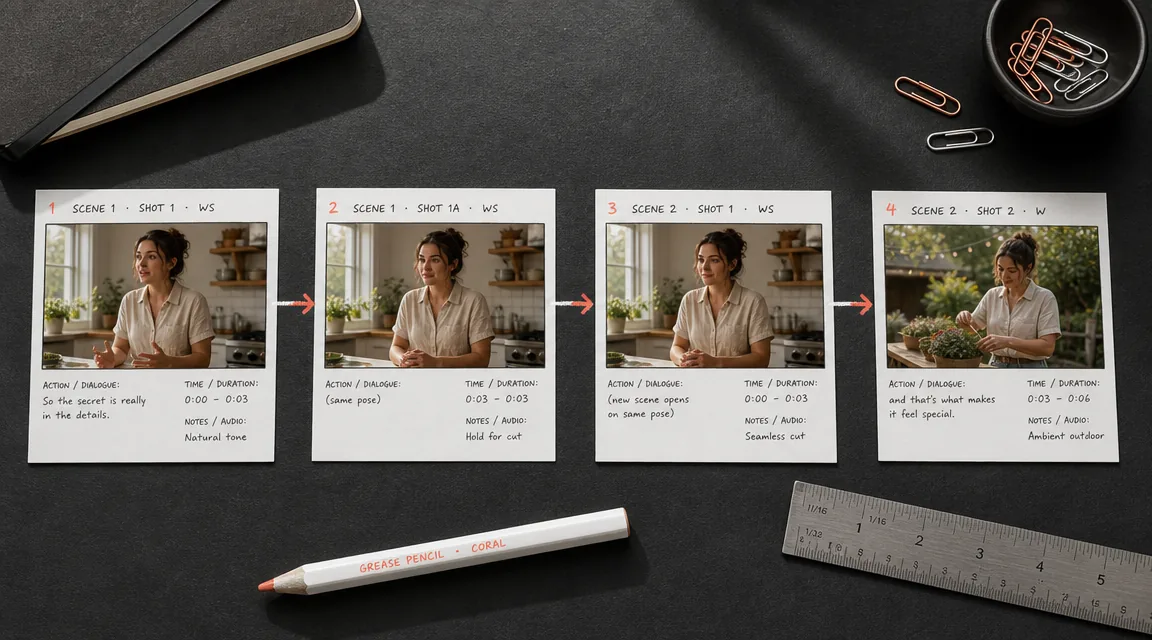
xAI's model includes an Extend from Frame capability: you continue motion from a clip's final frame to build longer sequences without re-generating from scratch.
On Kubeez, the model takes exactly one input image, so the practical way to chain is simple and reliable: generate a clip, grab its final frame, then feed that frame back in as the source image for the next clip. Stitch the pieces together and you get a continuous sequence that holds character and scene consistency across cuts. It is a manual handoff rather than a one-click button, but it gives you full control over each beat.
#How it compares right now
The Image-to-Video Arena leaderboard tells the story plainly:
- Grok Imagine Video 1.5 sits at #1, Elo ~1473.
- Seedance 2.0 follows close behind at ~1467.
- HappyHorse and Google Veo trail the top two.
The race is tight, which is good news for you: the top tier of video models is now genuinely excellent, and they each have a sweet spot. Grok 1.5 is the pick when you want image-to-video with native sound and strong lip-sync from a single still. For text-to-video and fluid multi-shot motion, Seedance 2 on Kubeez remains a fantastic option. You do not have to choose one model forever, you choose per brief, on one platform.
#Try Grok Imagine Video 1.5 on Kubeez
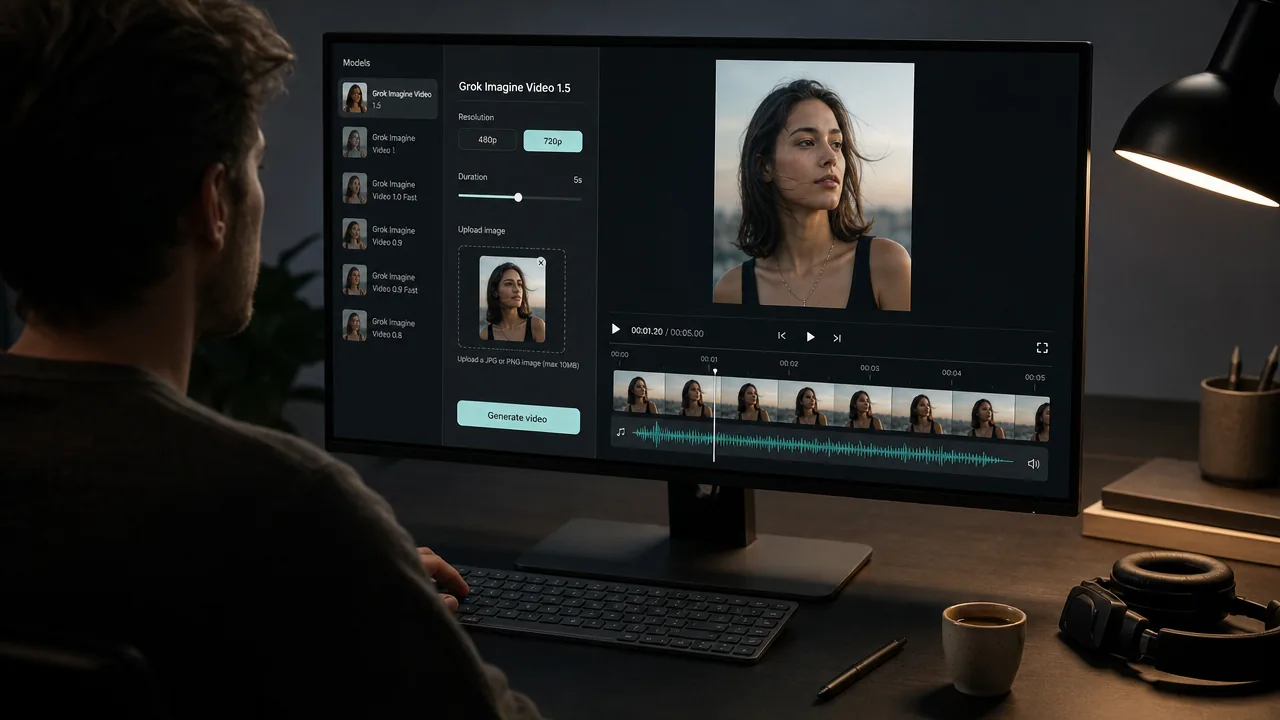
- Open Video generation (sign in if prompted).
- Choose the Grok Imagine Video 1.5 model card.
- Pick the 480p variant for fast drafts and high-volume tests, or 720p when the clip needs to be final-grade.
- Upload one starting image (this model is image-to-video, so a source frame is required).
- Set your duration (2 to 15 seconds) and aspect ratio. A short prompt describing the action, camera move, and any spoken dialogue is optional but helps.
- Generate, review, and iterate. Because audio is baked in, your clip lands with sound already synced.
Tip: Start from a sharp, well-lit still. The model carries your source image's quality forward, so a clean portrait or a crisp product shot produces a noticeably better animation than a soft or busy frame. Need that starting frame? Generate it first with one of the image models in the full Kubeez lineup, then animate it with Grok.
#Where it fits in your workflow
- Product motion: Turn a single e-commerce photo into a sound-on hero clip for the storefront or a paid ad.
- Talking portraits: Animate a headshot into a short spoken intro, with lip-sync handled in the same pass.
- Concept-to-clip: Take a generated keyframe and bring it to life for a pitch, a teaser, or a social hook.
- Sequence building: Chain clips via the final-frame handoff to tell a slightly longer story.
When you publish to social, run the result through Auto Captions so the dialogue is readable on mute. And if you want sound-led video specifically, our guide on AI video with sound covers the full picture across Kubeez models.
#Quick takeaway
- Grok Imagine Video 1.5 is xAI's new #1 image-to-video model (Elo ~1473, +52 over 1.0), released May 31, 2026.
- It generates native synchronized audio (dialogue, ambient, SFX, music) in a single pass, with much better lip-sync and photorealism at 720p / 24fps.
- On Kubeez it runs as image-to-video with 480p and 720p variants and clips from 2 to 15 seconds, available now at /video-generation.
- Chain longer sequences by feeding each clip's final frame back in as the next starting image.
Open video generation on Kubeez and animate your first still with Grok Imagine Video 1.5.
For more tips and sample prompts, see the Grok Imagine Video 1.5 guide in Kubeez School.
See also