Grok Imagine 1.5 vs Gemini Omni: Which AI Video Model Should You Use?
An honest, practical comparison of xAI's Grok Imagine Video 1.5 and Google's Gemini Omni on Kubeez: strengths, when to pick which, and how to combine both in one video workflow.
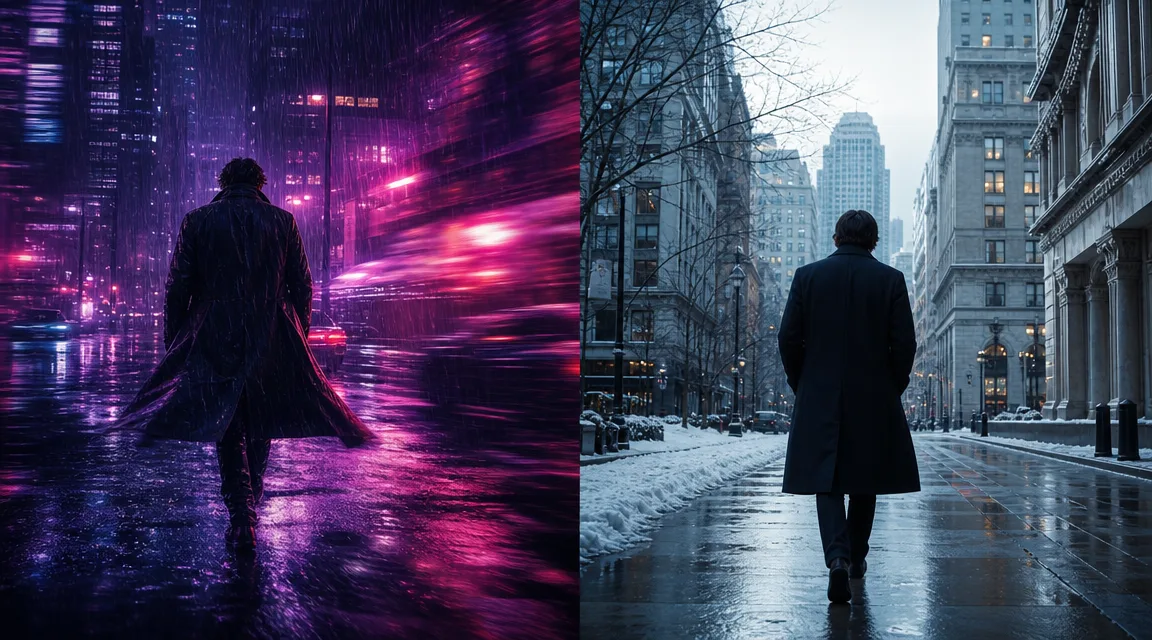
Two of the most talked-about AI video models of 2026 are now both available on Kubeez: xAI's Grok Imagine Video 1.5 and Google's Gemini Omni. They are built on very different ideas. Grok 1.5 is a fast, stylized image-to-video engine that topped the Image-to-Video Arena. Gemini Omni is a reasoning model that happens to output video, with conversational editing and multi-shot consistency.
This is an honest, practical comparison: where each one wins, when to pick which, and how to combine both in a single workflow on Kubeez.
#The short version
- Grok Imagine Video 1.5 is the model to reach for when you have one strong starting image and want fast, expressive, stylized motion, including clips up to 15 seconds.
- Gemini Omni is the model for storytelling, consistency, and control: text-to-video, image-to-video, and video-to-video, higher resolutions up to 4K, and conversational multi-turn editing.
Both are on Kubeez today, so you do not have to choose one forever. You can use the right tool per shot.
#Grok Imagine Video 1.5: fast, stylized, image-first
xAI's Grok Imagine Video 1.5 Preview (released May 31, 2026) ranked #1 on the Image-to-Video Arena with an Elo around 1473, a meaningful jump over the previous Grok video model. On Kubeez it runs in two tiers, 480p and 720p, both priced per second (the 480p tier is the budget option for rapid iteration).
What it is great at:
- Image-to-video from a single frame. You bring one strong starting image and Grok animates it. This is the model's whole personality, and it is very good at it.
- Expressive, imaginative motion. Grok interprets prompts in creative, emotionally driven ways. It is ideal for mood, stylized aesthetics, and ideation.
- Longer single clips. Durations run from 2 to 15 seconds, so you can get a complete beat in one generation rather than stitching.
- Speed. Generation is among the fastest available, which makes it excellent for testing many ideas quickly.
- Extend-from-Frame chaining. Take the last frame of a clip and feed it back in as the next starting image to build longer sequences shot by shot.
The trade-offs: Grok 1.5 caps at 720p, so it is not the pick when a client or platform demands true HD or 4K delivery. Physics and fine motion consistency can wander on fast action, which is why it shines in stylized and emotional work rather than strict realism. It is also image-to-video only: you always need a starting image (generate one first with Nano Banana 2 or gpt-image-2).
For a full walkthrough, see our Grok Imagine Video 1.5 guide.
#Gemini Omni: a reasoning model that generates video
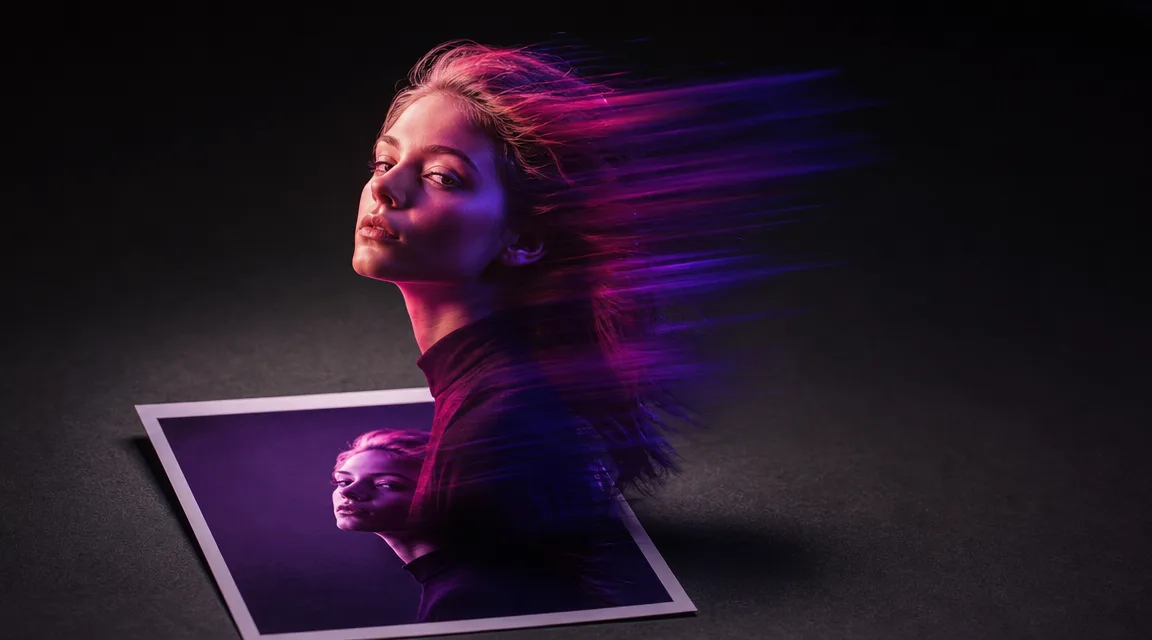
Google introduced Gemini Omni at I/O 2026 (live May 19, 2026) as something different from a conventional video model. It fuses Gemini's reasoning with Google's rendering and world-simulation research, so it reasons about what should happen next instead of only rendering pixels. On Kubeez it ships as gemini-omni-video with HD, 1080p, and 4K variants, durations of 4, 6, 8, and 10 seconds, and built-in audio with 30 named voices.
What it is great at:
- Every input mode. Text-to-video, image-to-video (up to 7 reference images), and video-to-video. That flexibility is what makes the combined workflow below possible.
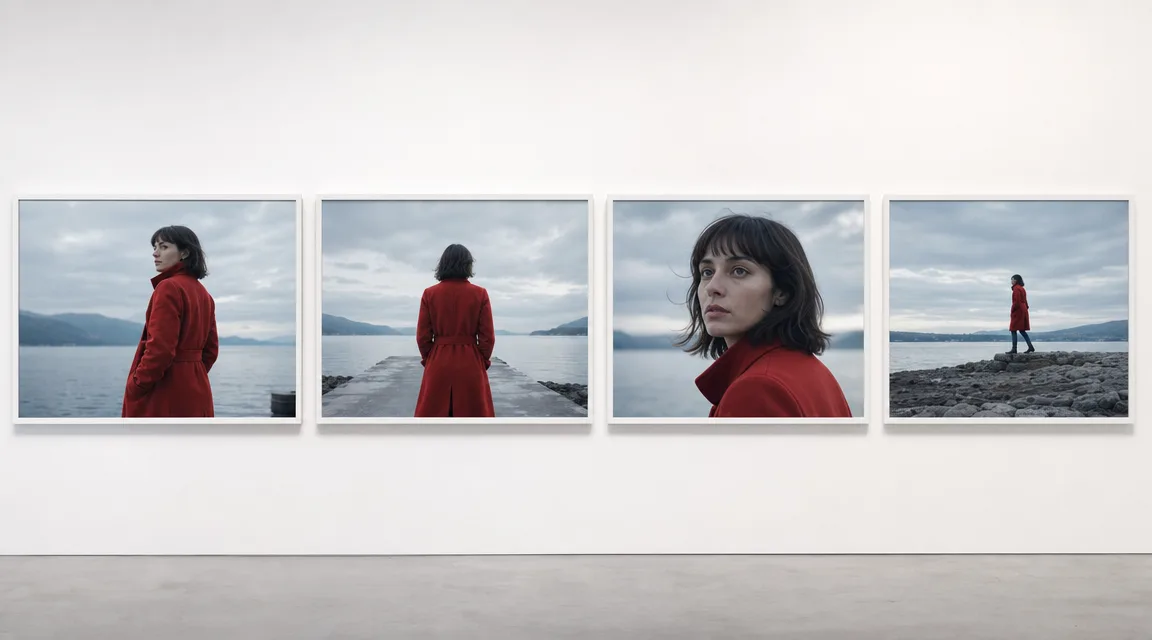
- Conversational editing. Every instruction builds on the last. Ask for a change and characters, physics, and scene context carry over instead of regenerating from scratch. See our Gemini Omni conversational editing guide.
- Character and scene consistency across shots. Omni remembers what came before, which is the hard part of stitching multiple cuts into one coherent piece. More on that in making consistent long AI videos with Gemini Omni.
- Physics and real-world grounding. Because it reasons with Gemini's knowledge, scenes hold together in ways that matter for product, lifestyle, and narrative work.
- Resolution up to 4K for premium and broadcast-grade delivery.
The trade-offs: single clips top out at 10 seconds (you build longer pieces through editing and consistency, not one long render), and the higher-fidelity tiers take longer to generate than Grok's fast passes.
#Feature comparison
| Feature | Grok Imagine Video 1.5 | Gemini Omni |
|---|---|---|
| Maker | xAI | |
| Resolution | 480p, 720p | HD, 1080p, 4K |
| Input modes | Image-to-video only | Text, image (up to 7 refs), video |
| Max single clip | Up to 15 sec | Up to 10 sec |
| Audio | Built in | Built in (30 named voices) |
| Conversational editing | No | Yes |
| Multi-shot consistency | Via Extend-from-Frame | Yes (scene memory) |
| Reasoning / physics | Stylized | Strong, grounded |
| Speed | Very fast | Fast, slower at 4K |
| Best for | Stylized motion, ideation, longer beats | Storytelling, consistency, premium delivery |
#When to use Grok Imagine 1.5
- You have one great image and want it animated with expressive motion.
- You are ideating and need fast, cheap iterations (start on the 480p tier).
- You want a single clip up to 15 seconds without stitching.
- The look is stylized or emotional rather than strict photorealism.
#When to use Gemini Omni
- You need text-to-video with no starting image, or video-to-video restyling.
- You are building a multi-shot story where characters and scenes must stay consistent.
- You want to edit conversationally and refine across turns.
- You need 4K or broadcast-grade fidelity, or grounded physics.
#The best move: use both together on Kubeez
Because both models live in the same video generation workspace, you can route per shot:
- Establish in Omni. Use Gemini Omni to lock your character, scene, and lighting across a few coherent shots, taking advantage of its consistency and reasoning.
- Pull a frame into Grok. Export a strong frame and feed it to Grok Imagine 1.5 as the starting image for a stylized, expressive motion beat, including longer 15-second takes.
- Chain with Extend-from-Frame. Use Grok's last frame as the next starting image to extend the sequence, then bring it back into Omni for consistency-critical cuts.
- Finish for social. Add subtitles with Auto Captions before you publish.
This is the practical answer to "which should I use?" On Kubeez, the honest answer is often both, with each model doing the job it is best at.
#Quick takeaway
- Grok Imagine Video 1.5 wins on speed, stylized expression, and longer single clips from one image. The 480p tier is the budget pick for fast iteration.
- Gemini Omni wins on input flexibility, multi-shot consistency, conversational editing, reasoning, and resolution up to 4K.
- You do not have to choose. Both are on Kubeez, and the strongest workflow combines them.
Open video generation on Kubeez and try Grok Imagine 1.5 and Gemini Omni on your next project.
See also