Gemini Omni: How to Edit Videos With AI by Just Chatting
Gemini Omni lets you edit videos with AI by chatting: describe a change in plain language and Google's model rewrites the clip while keeping the rest intact.
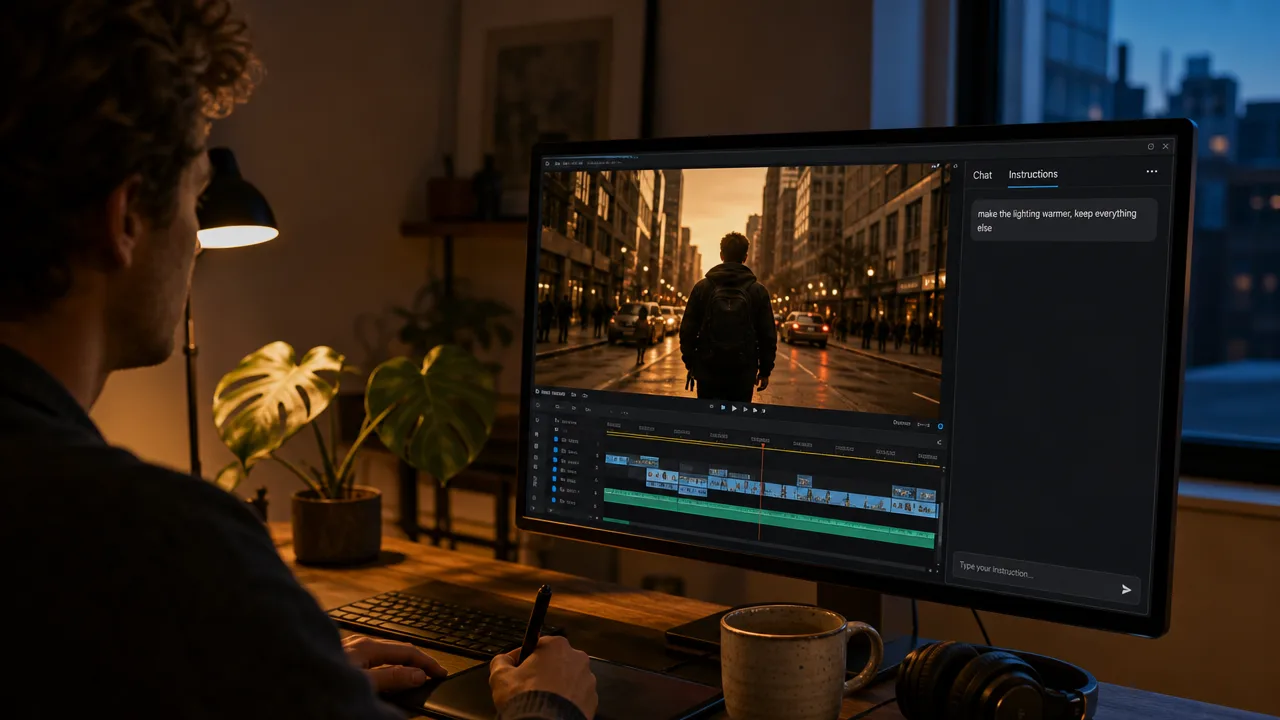
For years, editing a clip meant timelines, keyframes, and masking. Google's Gemini Omni flips that idea on its head: you describe the change you want in plain language ("make the lighting warmer", "swap the jacket for a camel coat", "change the street to autumn"), and the model rewrites the video while keeping everything else intact. This guide explains what Gemini Omni is, how conversational video editing actually works, and how to run it on Kubeez today as the gemini-omni-video model.
#What is Gemini Omni?
Gemini Omni is Google's multimodal generation model, announced at Google I/O on May 19, 2026. DeepMind describes it as a model that can "create anything from any input, starting with video." The first variant, Gemini Omni Flash, went live the same week.
What makes it different from earlier video generators is the editing layer. Most models generate a fresh clip from a prompt. Gemini Omni can take an existing video and apply targeted changes through conversation, the same way you would talk to a human editor. Under the hood, Google fuses several of its strongest systems:
- Gemini's reasoning to understand what you actually mean by an instruction.
- Veo rendering for cinematic motion and lifelike frames.
- Genie world simulation for physics-aware consistency (gravity, fluids, how objects move).
- Nano Banana image editing for precise, surgical changes that preserve the rest of the frame.
People have called this the "Nano Banana moment for video": conversational editing that finally feels as natural as the chat-based image edits that made Nano Banana go viral.
#How conversational video editing works
The core idea is change one thing, keep the rest. Instead of regenerating from scratch (and losing your composition, your subject, and your framing), you give an instruction and the model edits in place. Typical prompts look like this:
- "Make the lighting warmer and slow down the last 2 seconds."
- "Swap the character's outfit for a camel wool coat, keep the pose."
- "Change the background to a rainy night street."
- "The people look too stiff, make the motion more natural."
Because the model tracks your original scene across turns, you can refine across multiple edits without losing the thread. Change the environment, then the wardrobe, then the camera angle, and the subject stays consistent the whole way through. That character consistency plus physics-aware motion is exactly what separates a believable edit from an obvious AI re-render.

#Gemini Omni on Kubeez: what you actually get
Kubeez ships Gemini Omni as gemini-omni-video, available right now in the video workspace. Here is what the model card supports, based on its live capabilities:
- Two quality tiers: HD and 4K. HD covers 720p and 1080p output; 4K is the high-fidelity tier. The HD tier costs less than 4K, so use HD for drafts and high-volume work and step up to 4K when the clip is final and detail matters.
- Durations of 4, 6, 8, or 10 seconds, selected per variant (for example HD 4s or 4K 10s).
- Three workflows: text-to-video, image-to-video, and video-to-video. The video-to-video path is where conversational editing lives.
- Video-reference editing. Drop in a source clip and the model uses it as the driving reference, applying your edit while preserving the original motion and timing.
- Up to 7 image references for character or style lock-in, plus 1 video reference. A video reference is what powers the "edit my existing clip" workflow.
- Aspect ratios 16:9 and 9:16, so you can produce landscape and vertical from the same idea.
- Built-in audio with a set of named narration voices, so spoken output comes baked into the render instead of needing a separate audio pass.
Want the deeper model overview? See our Gemini Omni model breakdown.
#Try it on Kubeez right now
- Open Video generation (sign in if prompted).
- Choose the Gemini Omni Video model card.
- Pick your tier and length: an HD variant (4s, 6s, 8s, or 10s) for fast, affordable drafts, or a 4K variant when you need maximum fidelity.
- Set aspect ratio (16:9 for landscape or 9:16 for vertical).
- To edit an existing clip, attach it as a video reference, then write your edit instruction in plain language ("swap the daytime sky for a sunset, keep the subject and motion"). To generate fresh, write a text prompt, optionally adding up to 7 reference images to lock in a character or style.
- Generate, review, and refine. Because edits are conversational, iterate one change at a time until the clip is right.
When you publish to social, polish the result with Auto Captions for accessible, scroll-stopping subtitles.
#Where Gemini Omni fits in the Kubeez lineup
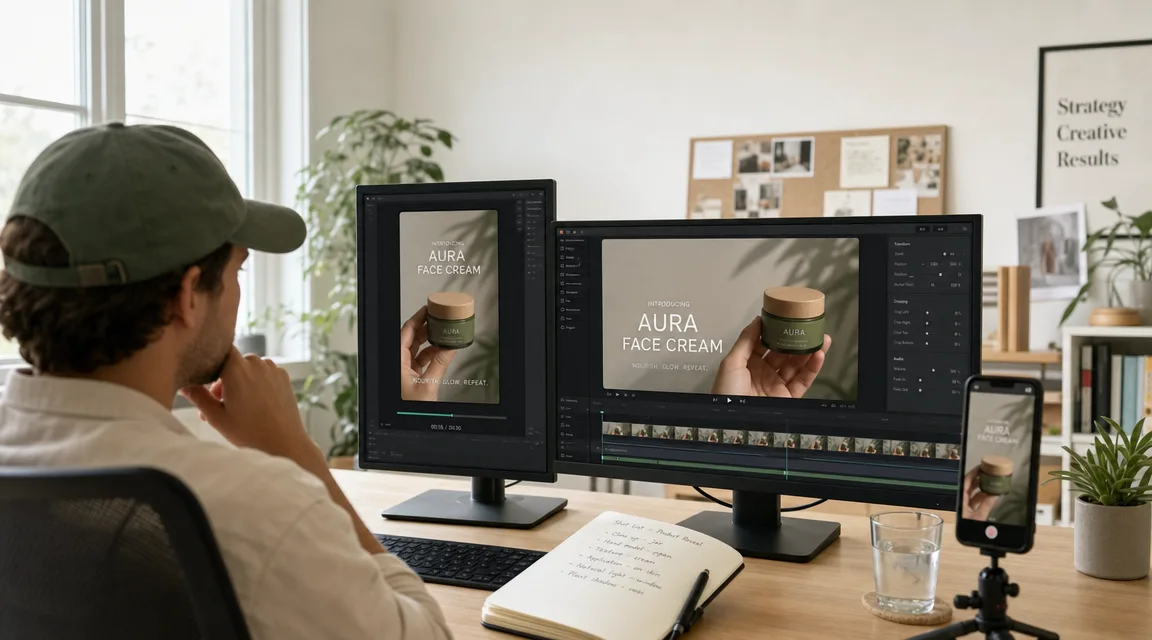
Gemini Omni is the model to reach for when the job is editing: you have footage (or a generated clip) and need to change the scene, lighting, wardrobe, or background while keeping the subject intact. For pure generation, the rest of the Kubeez lineup still shines:
- Veo 3.1 for flagship cinematic generation with native dialogue. See Veo 3.1 and Seedance 2 on Kubeez.
- Seedance 2 for fluid, value-conscious multimodal video. See Seedance 2 on Kubeez.
- The full roster lives in one place: every AI model on one platform.
The advantage of running Gemini Omni on Kubeez is that editing and generation sit side by side: generate a base clip with one model, then conversationally edit it with another, without leaving the workspace.
#Quick takeaway
- Gemini Omni is Google's conversational video model: describe a change in plain language and it edits the clip while keeping everything else intact.
- It fuses Gemini reasoning, Veo rendering, Genie world simulation, and Nano Banana editing for consistent, physics-aware results.
- Kubeez ships it as
gemini-omni-videowith HD and 4K tiers, 4 to 10 second durations, text, image, and video-to-video workflows, video-reference editing, up to 7 image references, 16:9 and 9:16, and built-in narration voices. - The HD tier costs less than 4K, so draft on HD and finish on 4K.
Open video generation on Kubeez and edit your next clip just by chatting.
See where Gemini Omni lands among the best AI video editing models, and find more prompts in its Kubeez School guide.
See also