Kubeez · P Image Edit
P Image Edit
Edit-first—bring a source frame, then change what you need
P Image Edit does not generate from text alone—it only runs when you supply at least one source image (up to eight). Use it for surgical changes while keeping composition and identity: swap a screen, recolor clothing, replace a sky, or tweak lighting. Generate or upload a base elsewhere (e.g. Nano Banana 2), attach it, then edit.
Showcase


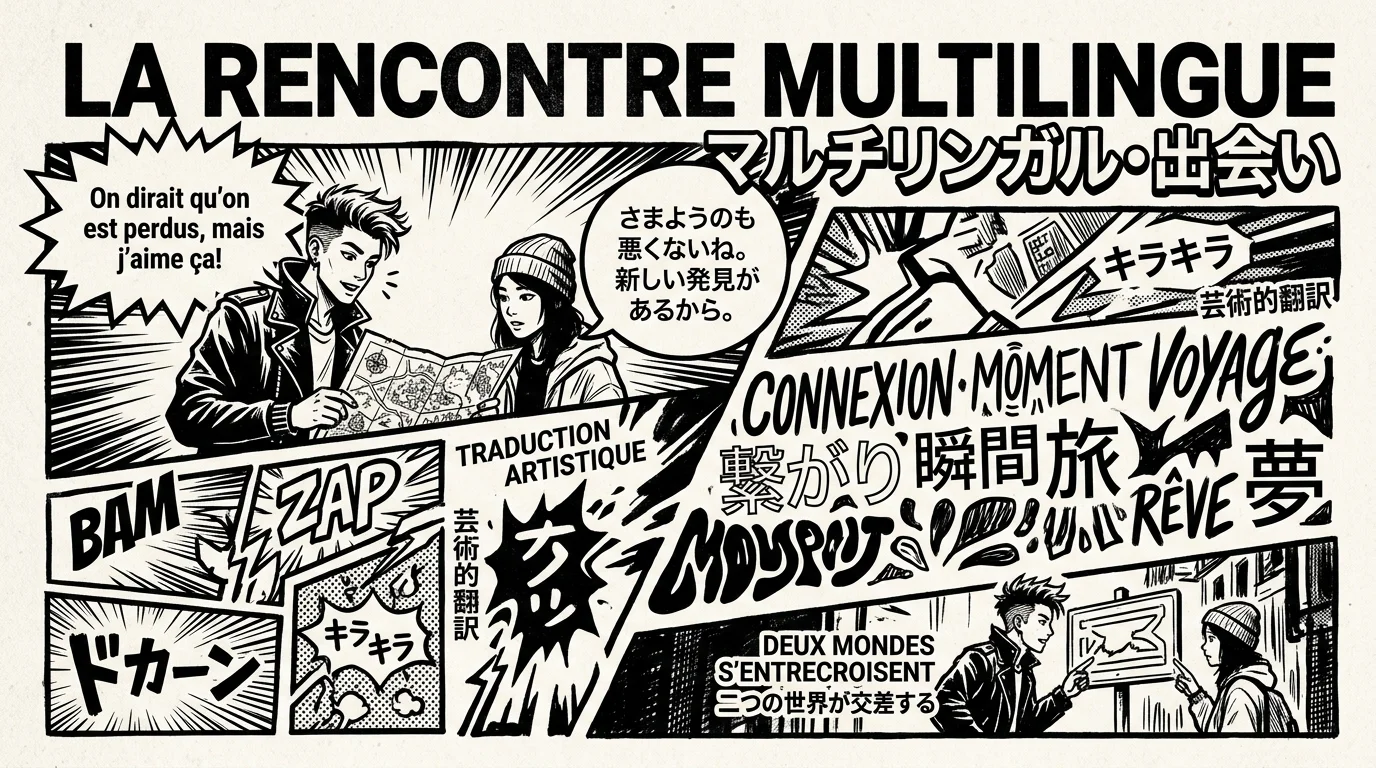
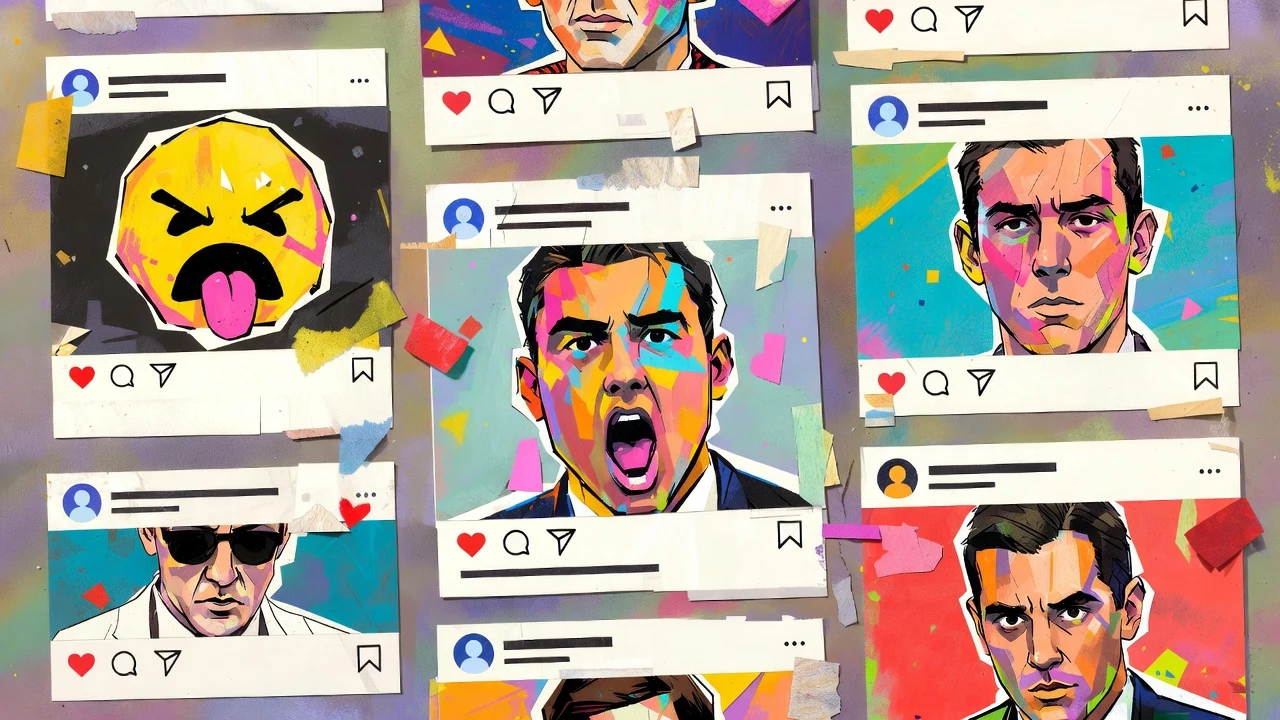
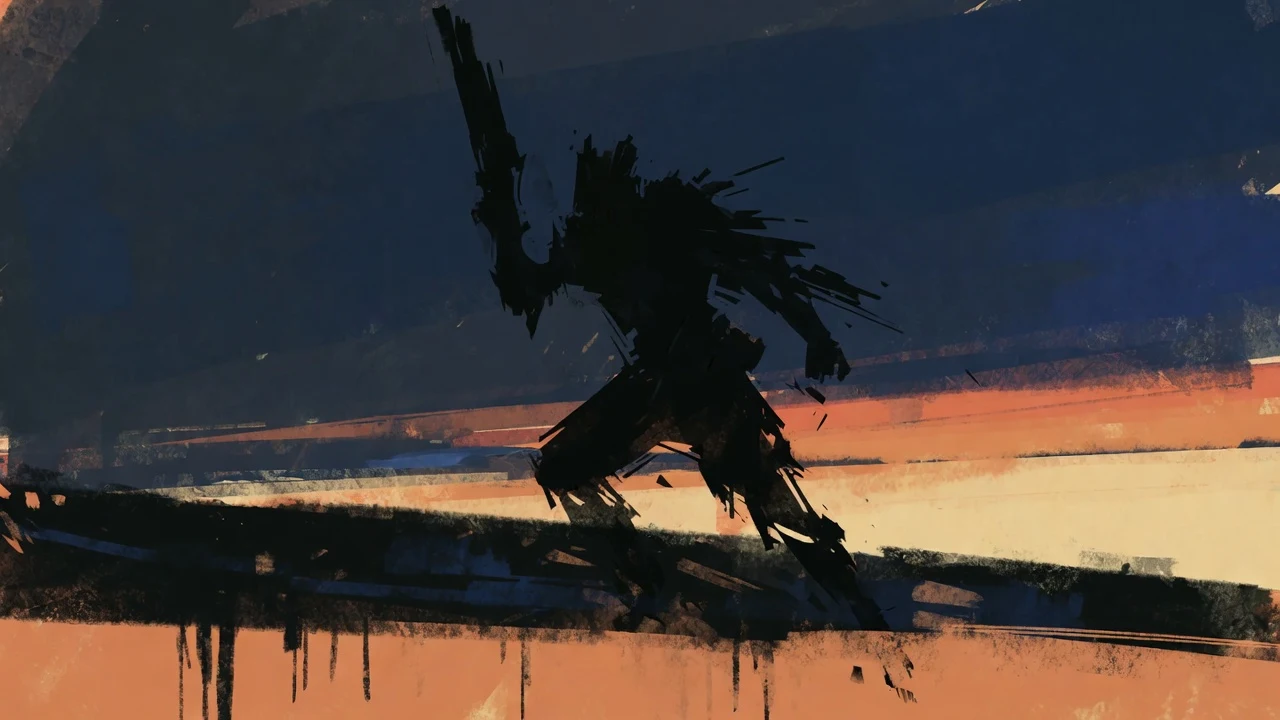

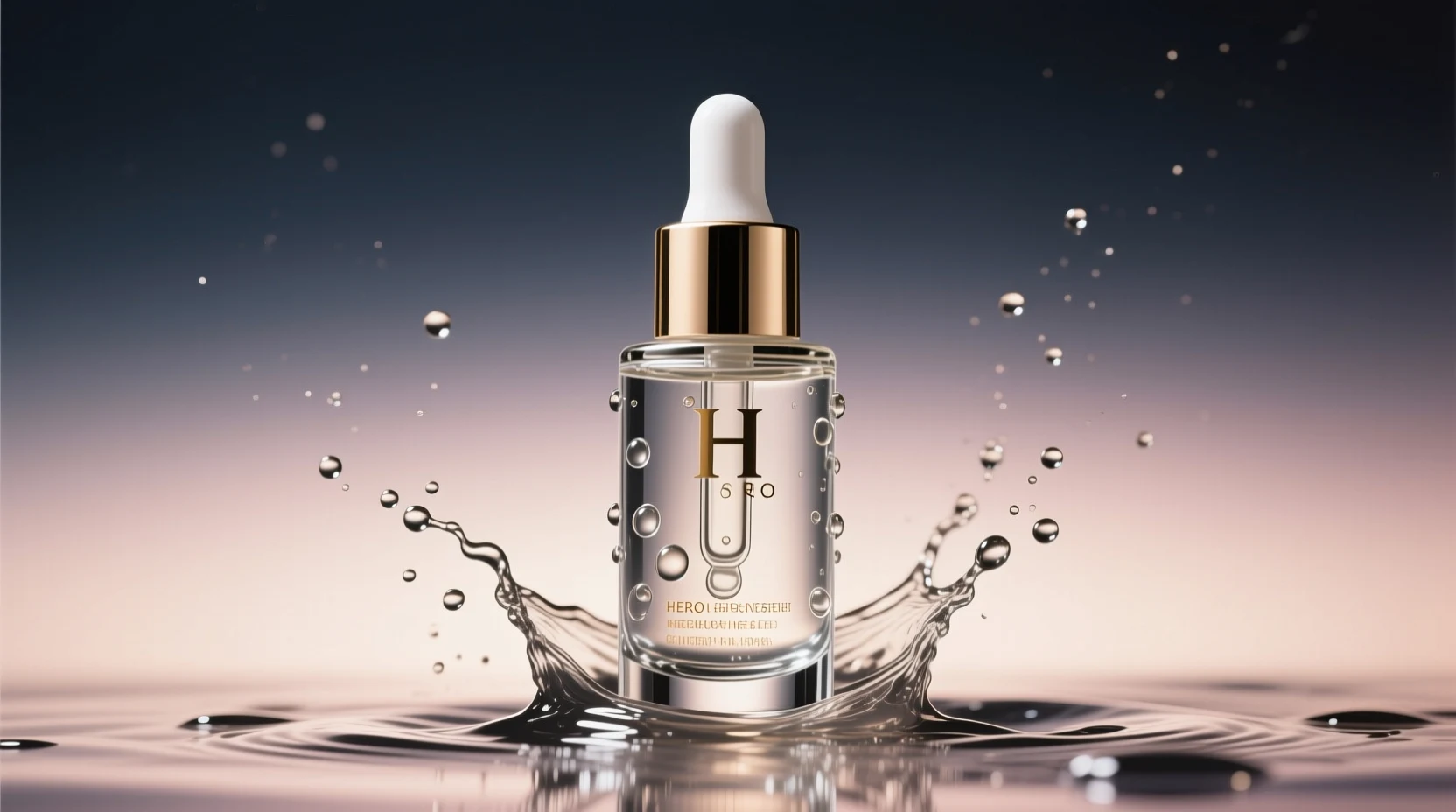

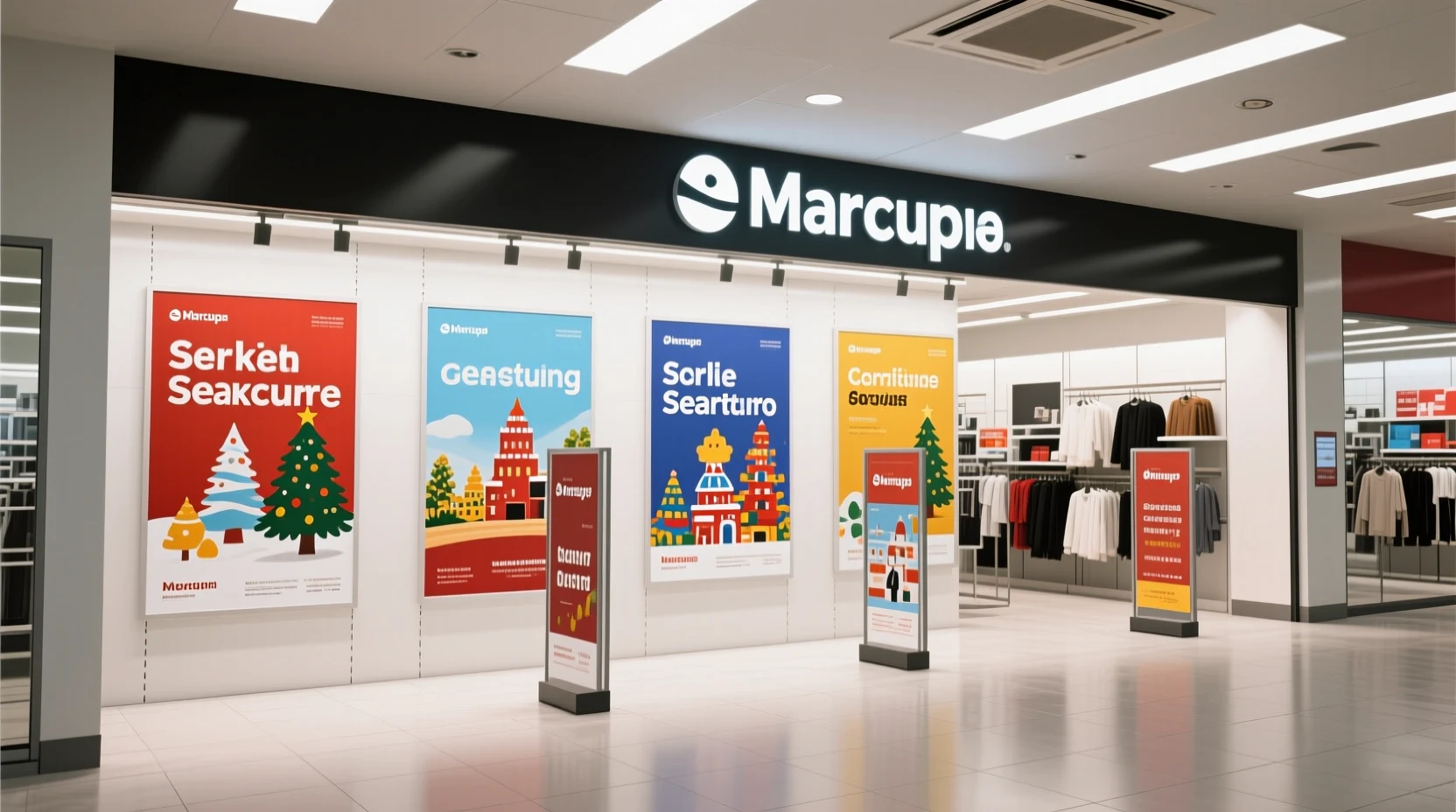



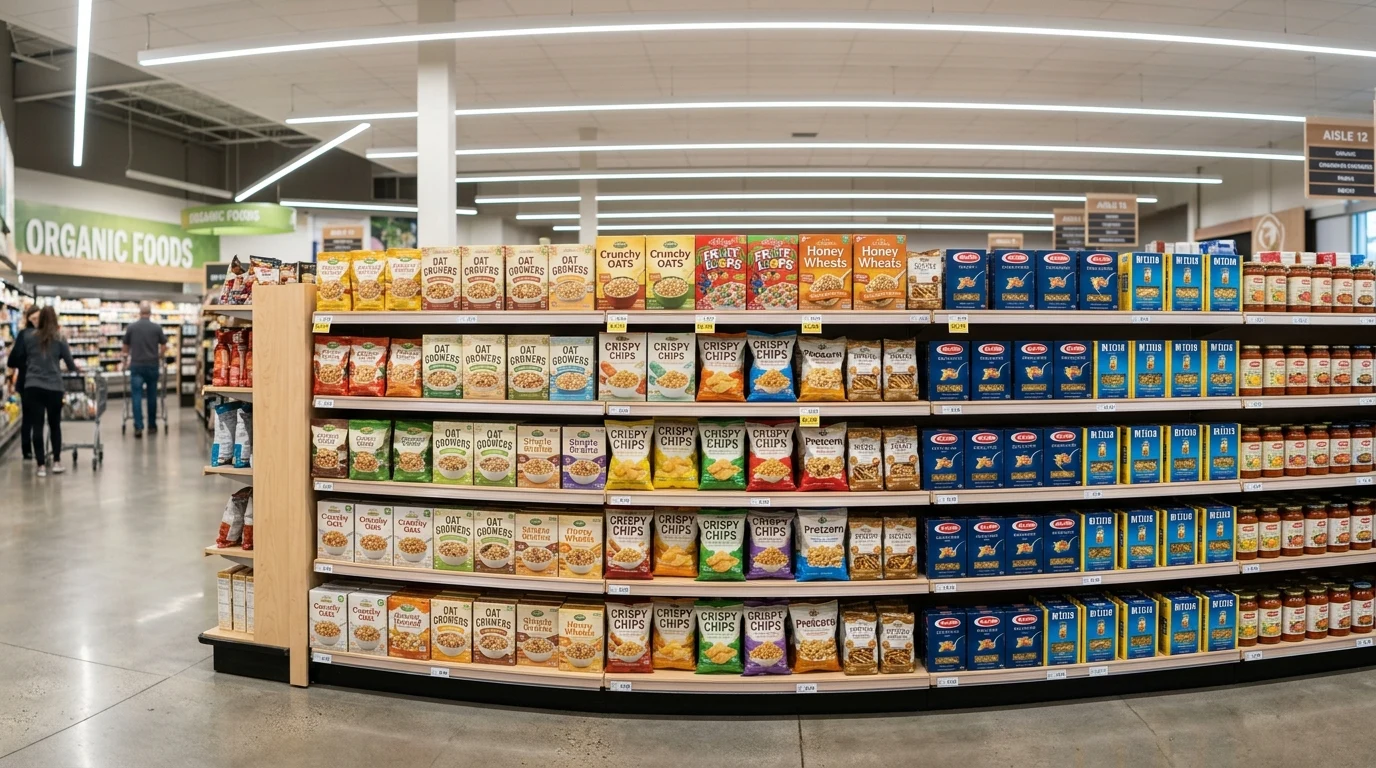


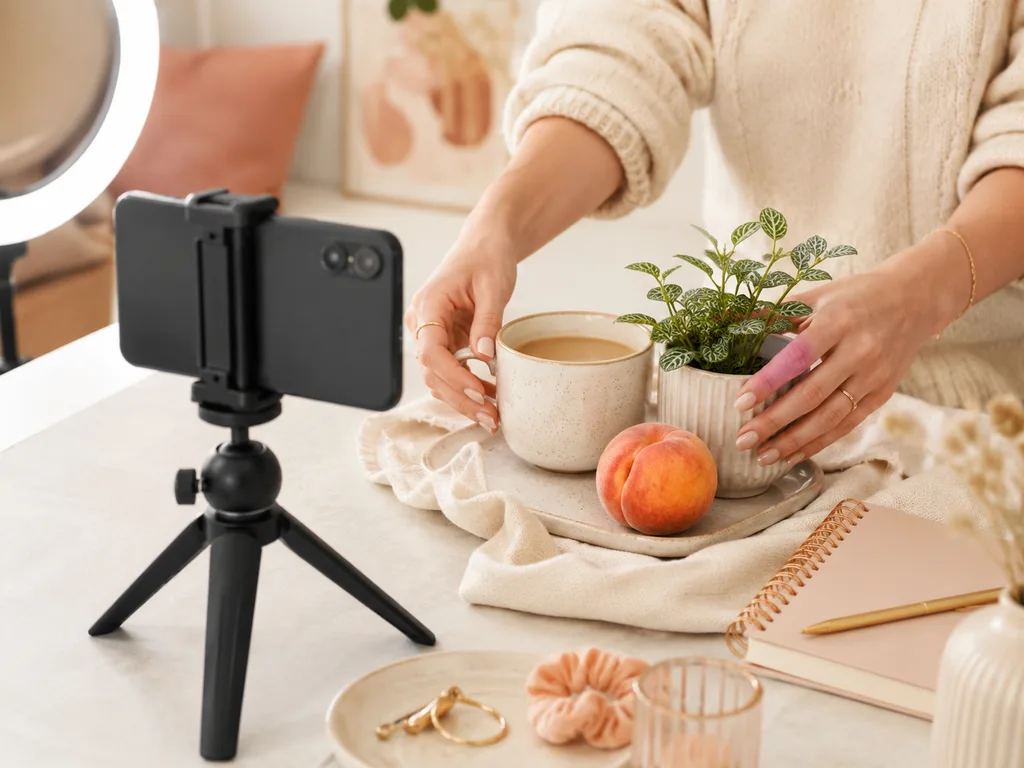


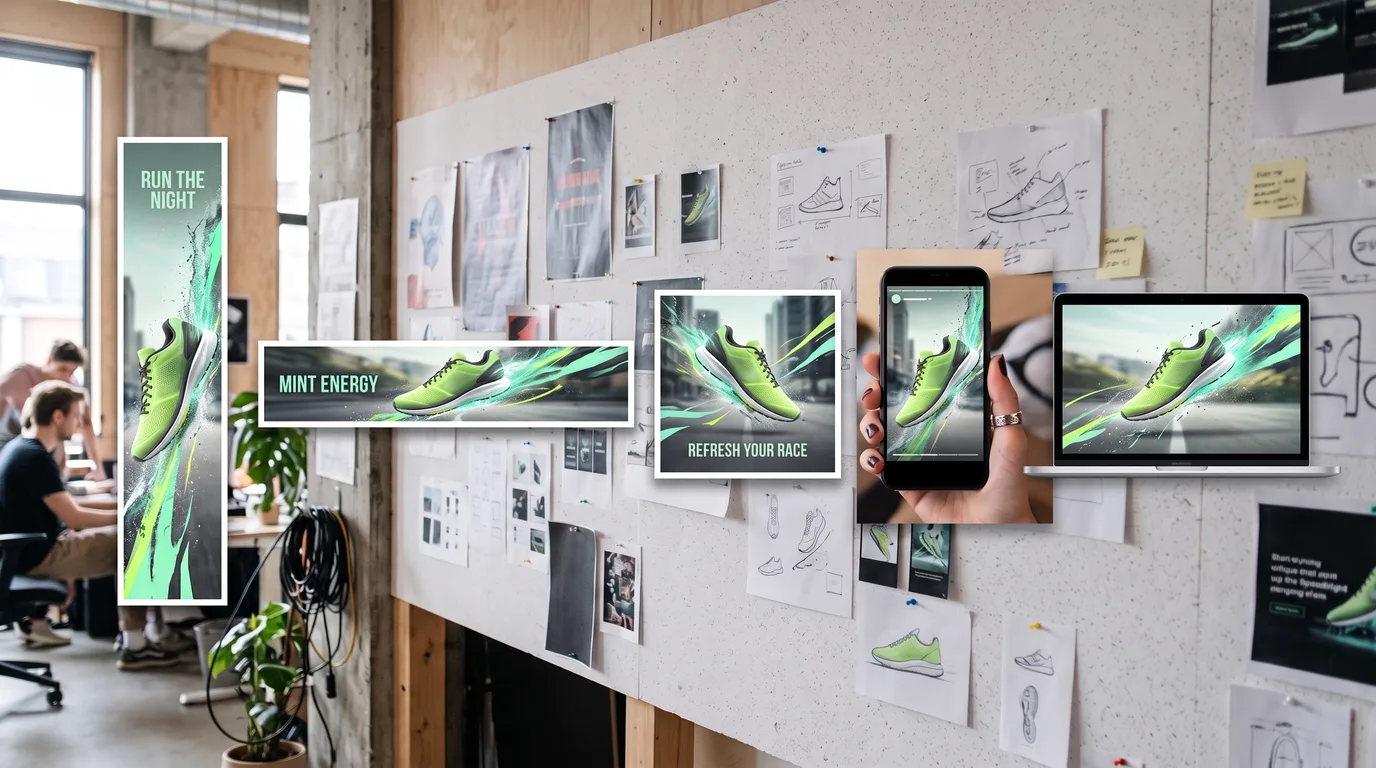
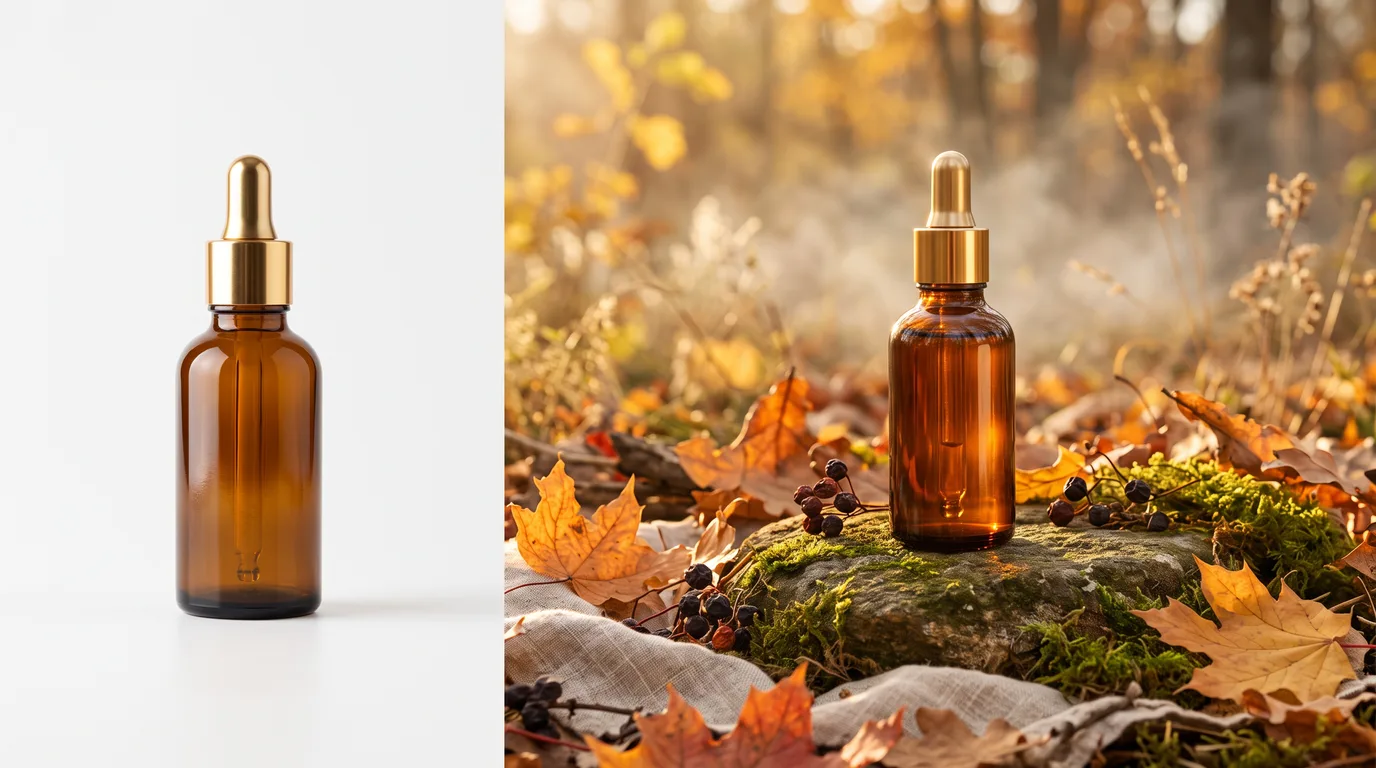
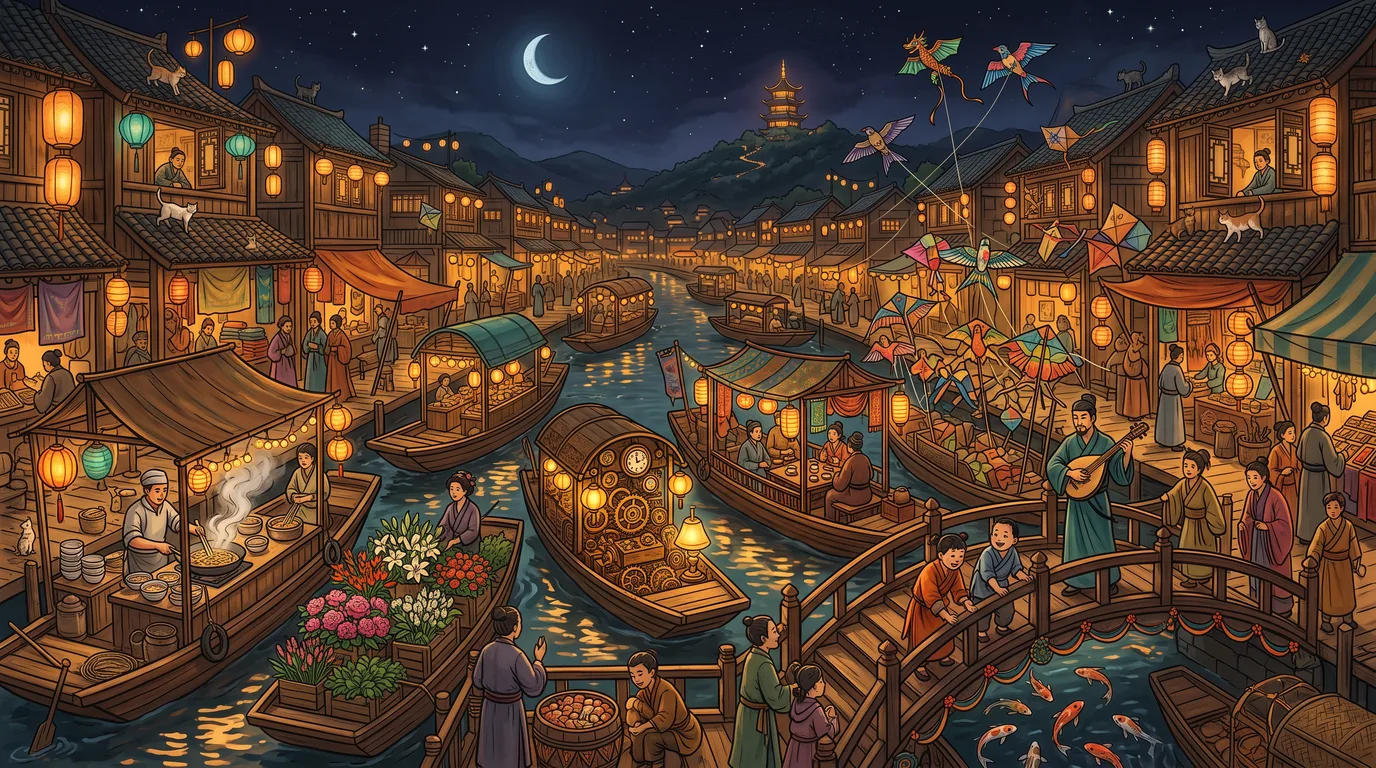
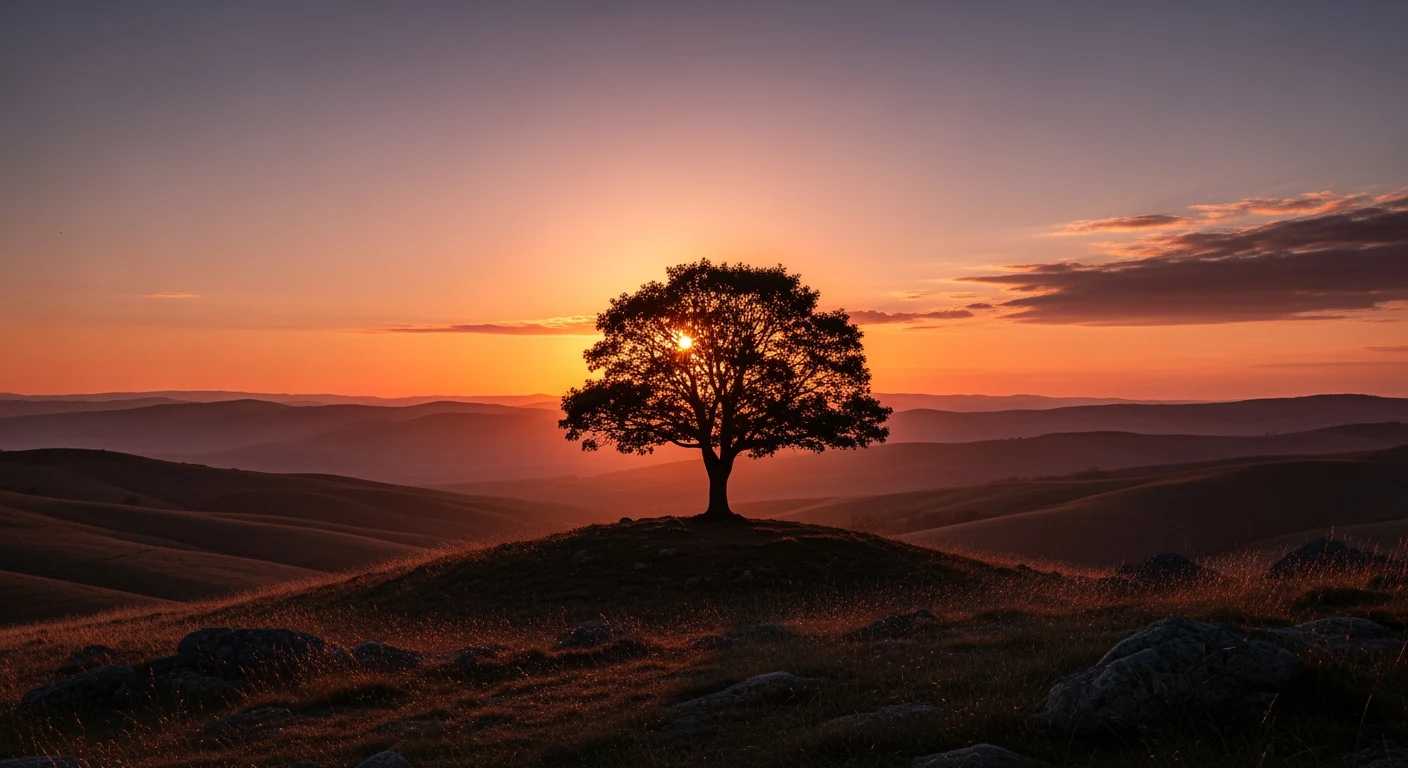
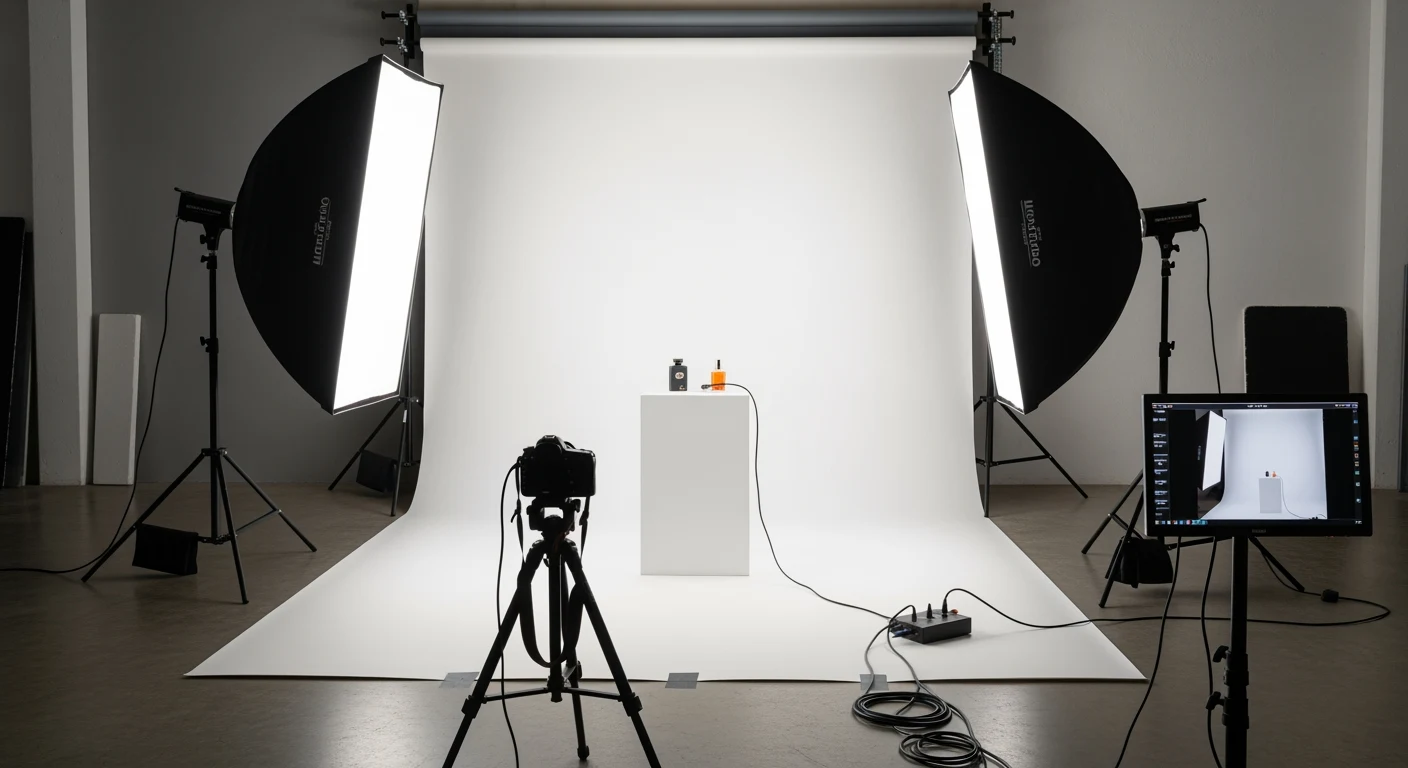

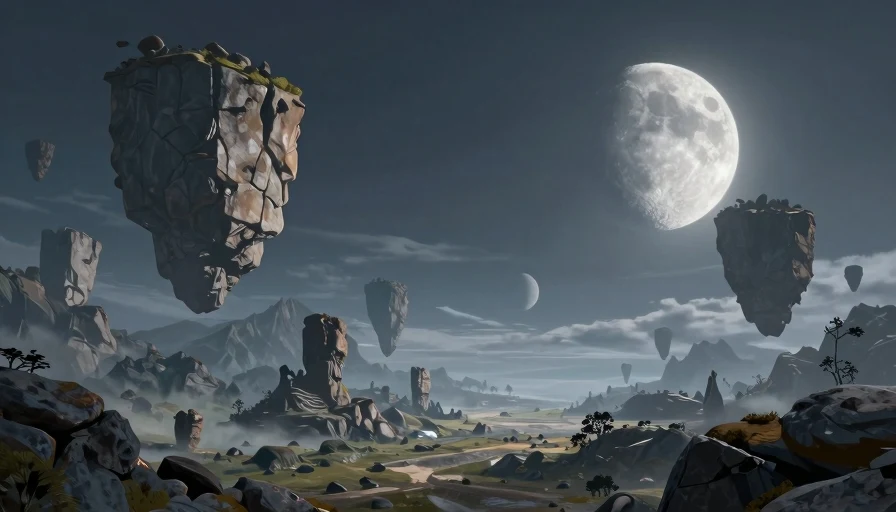
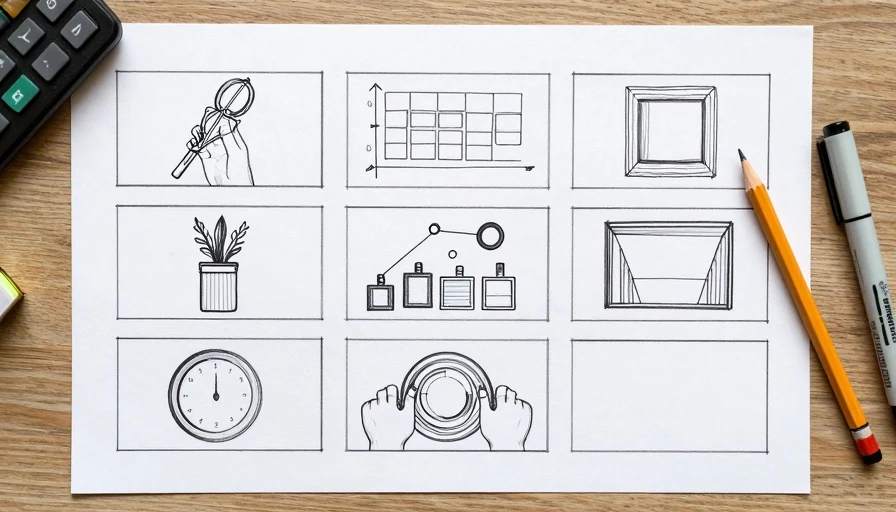

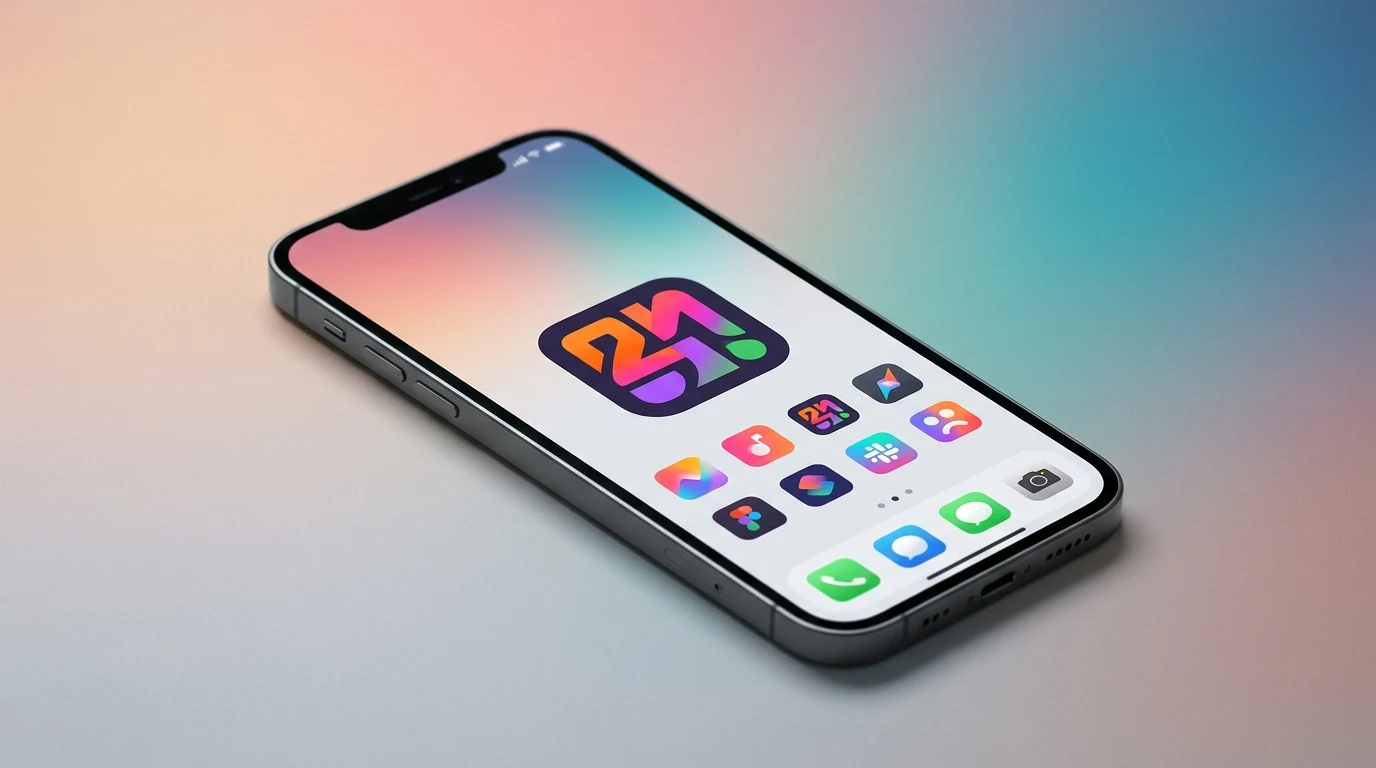

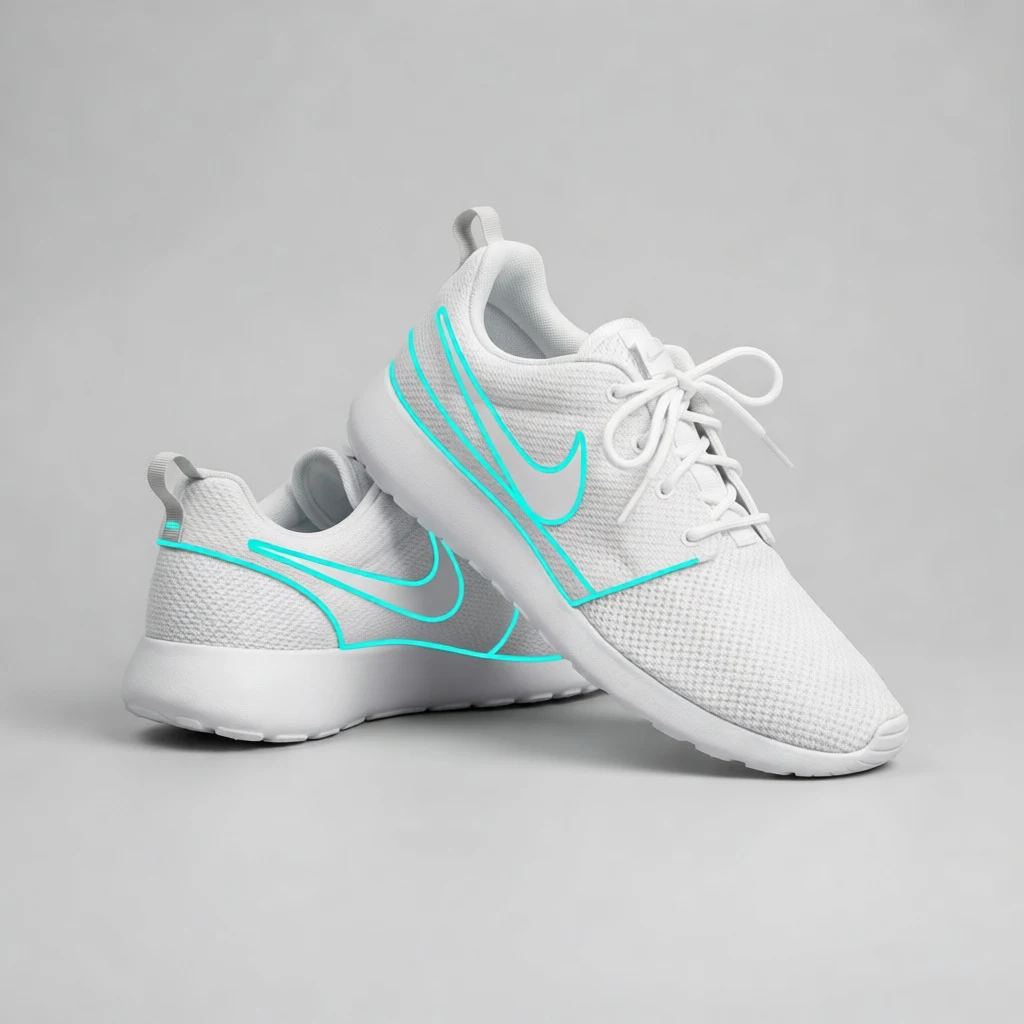

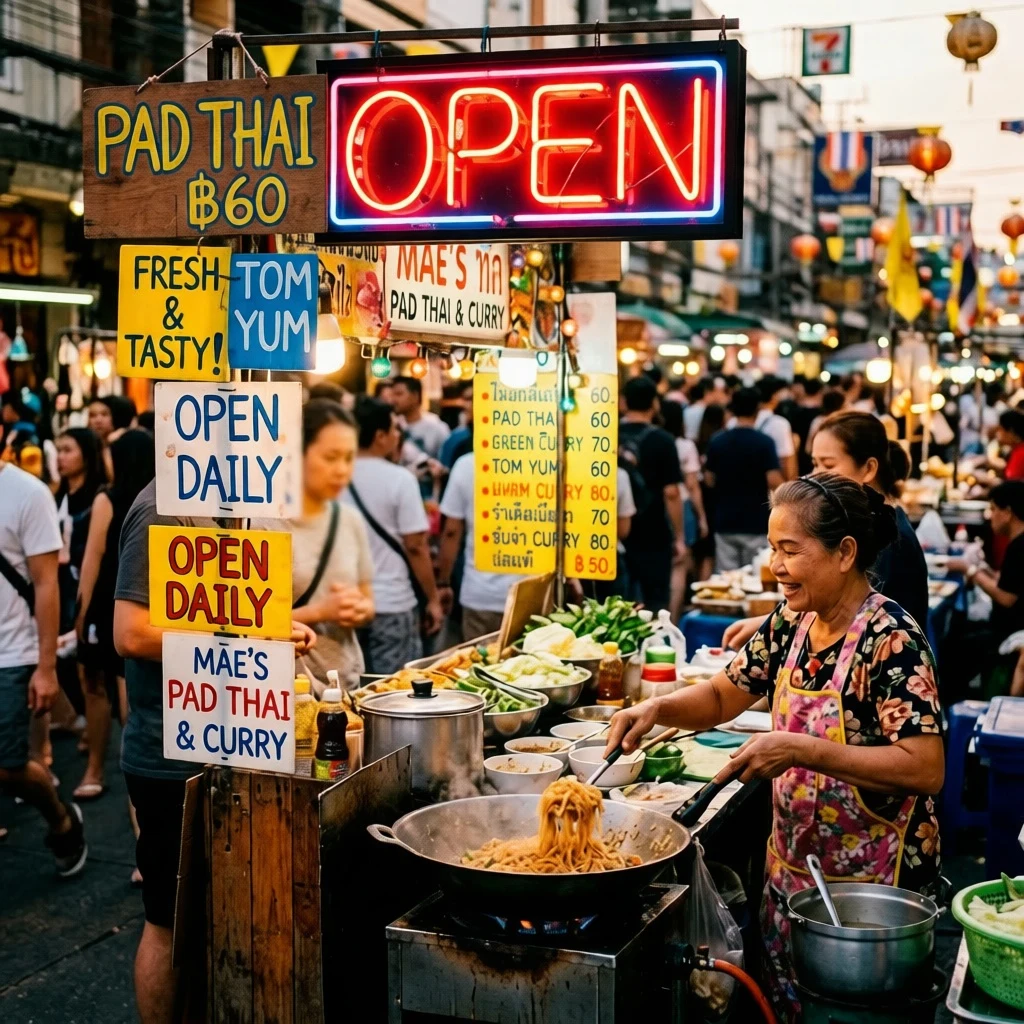
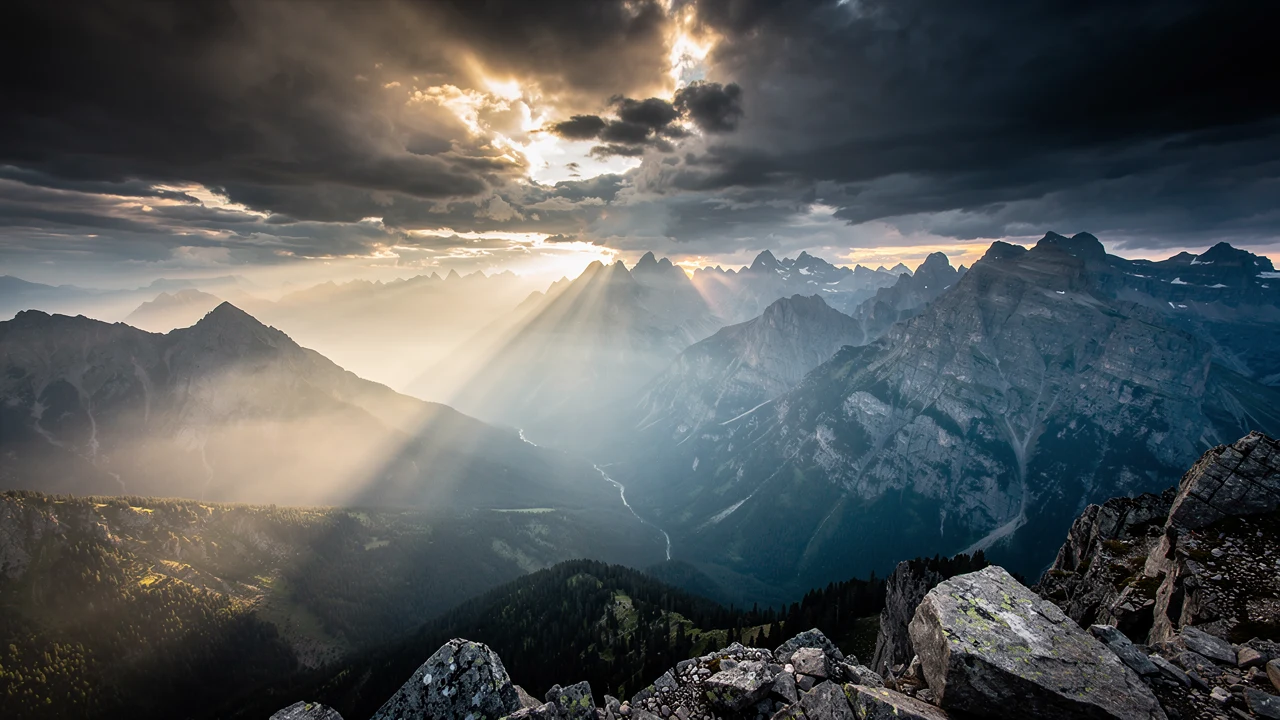
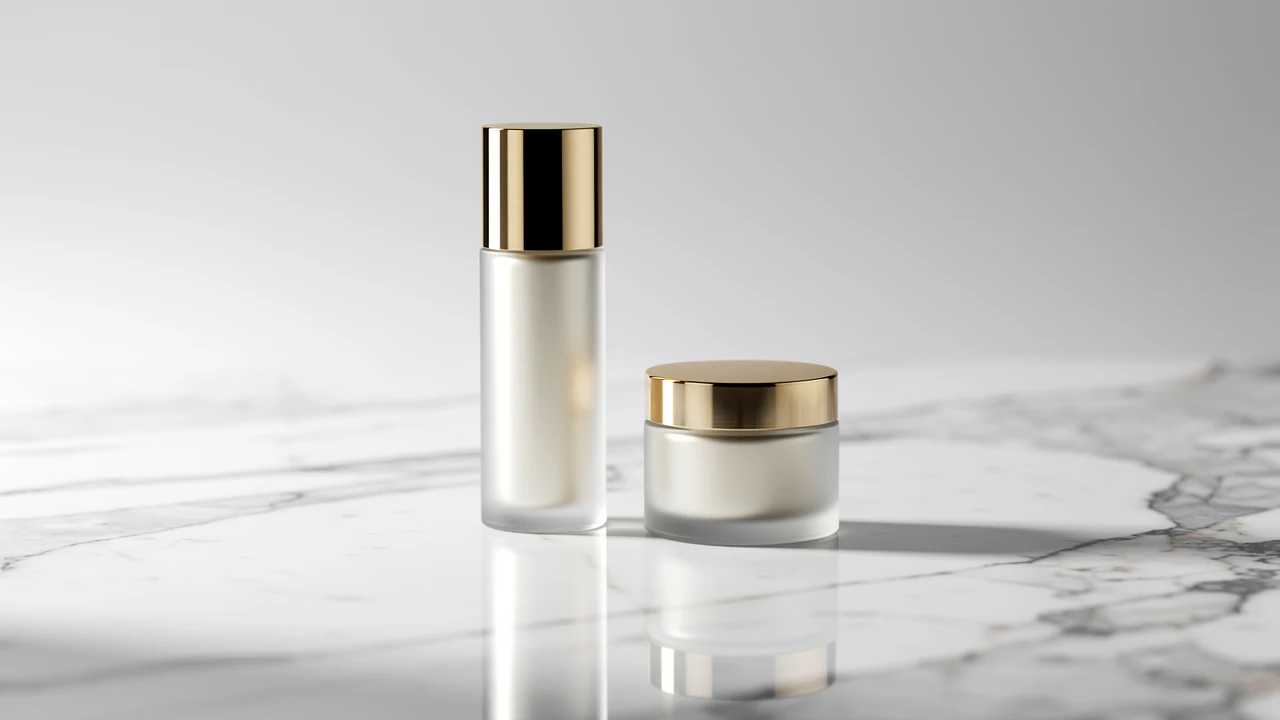
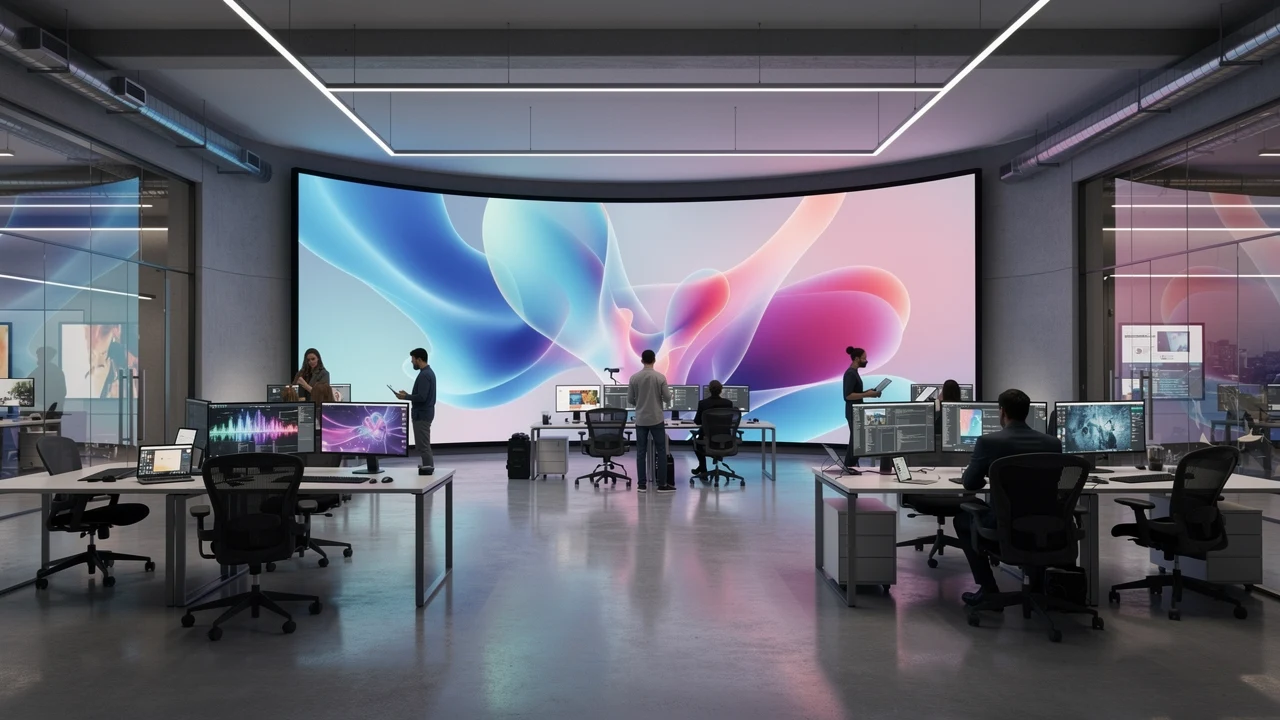


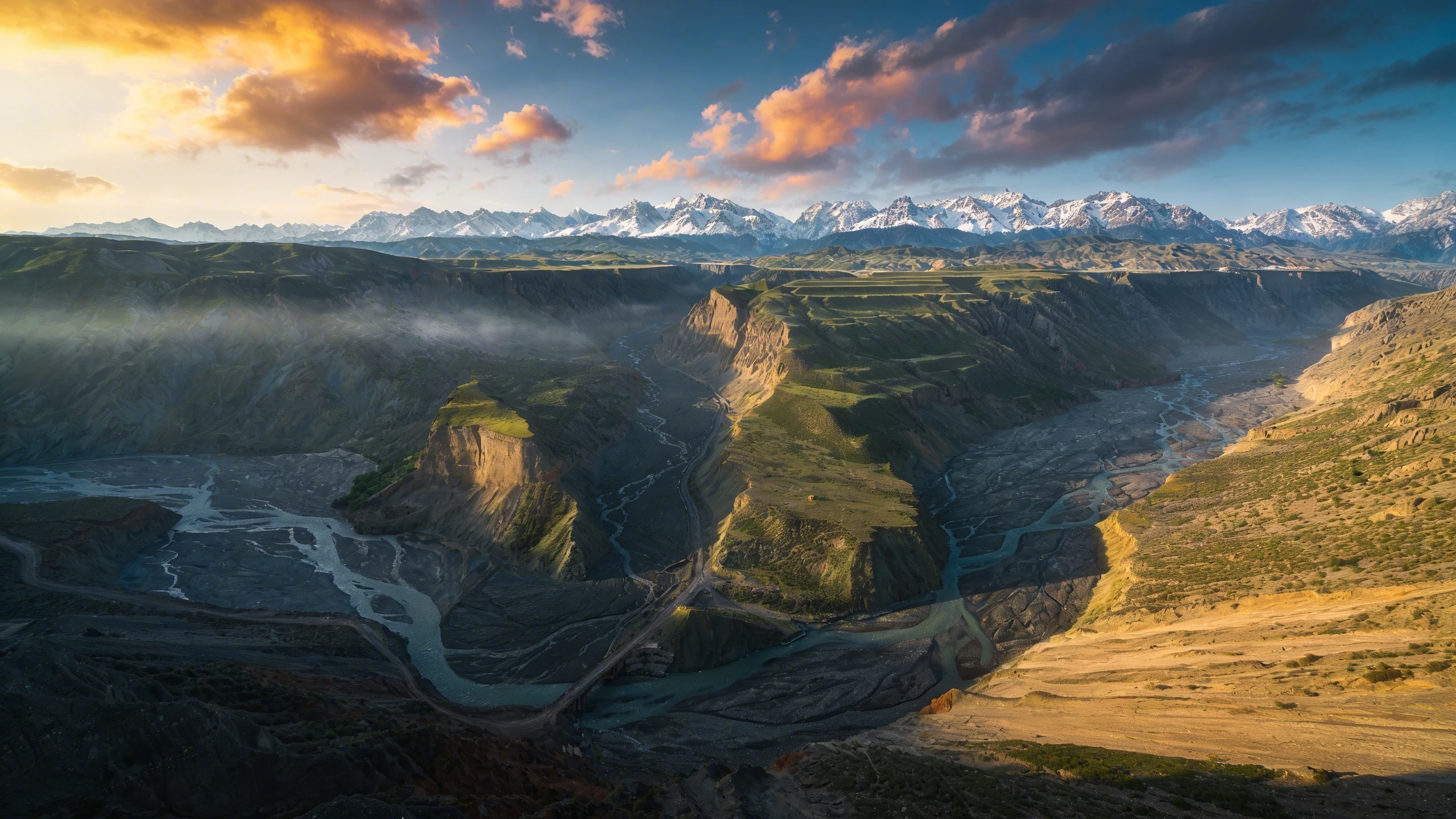
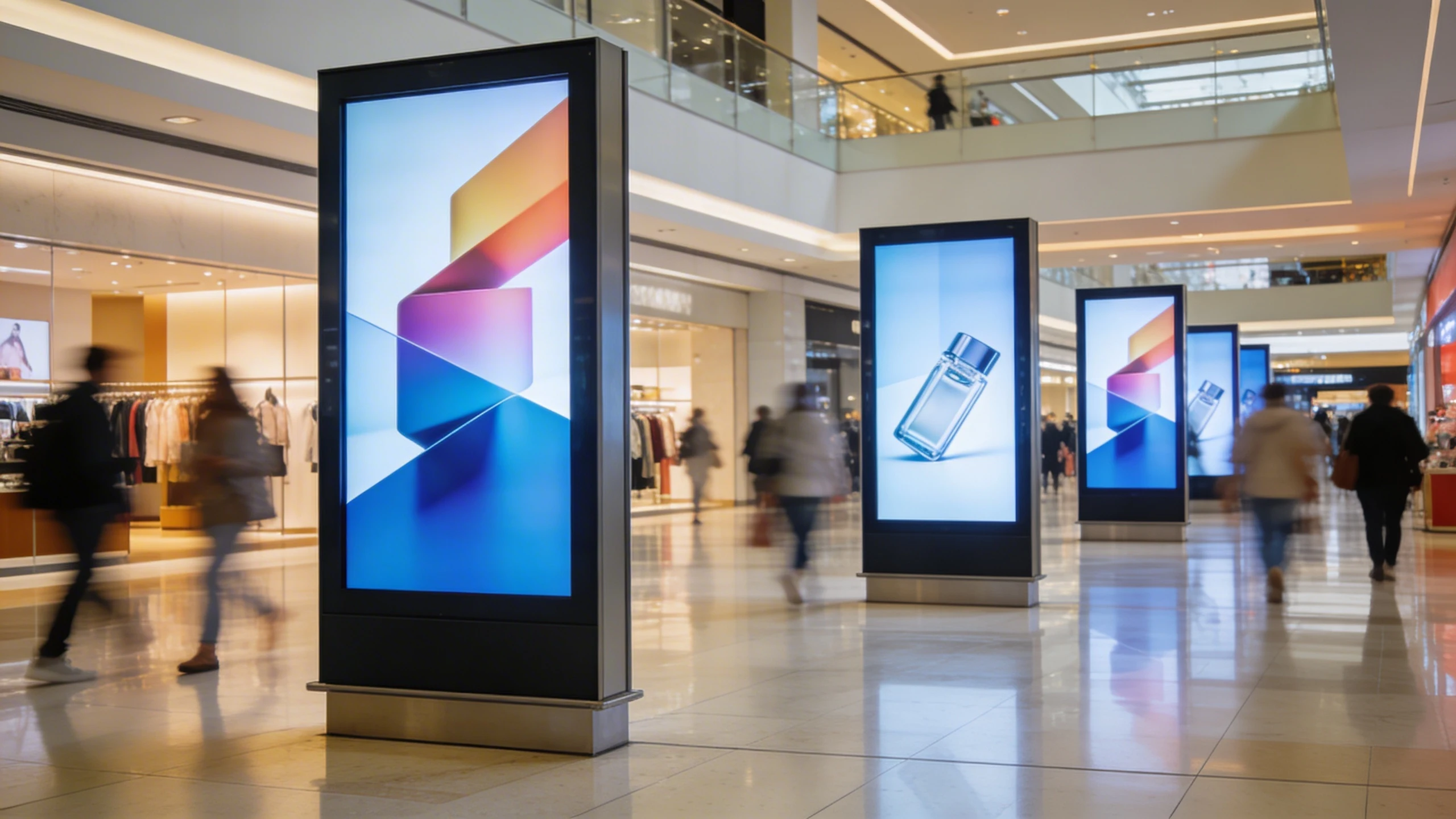
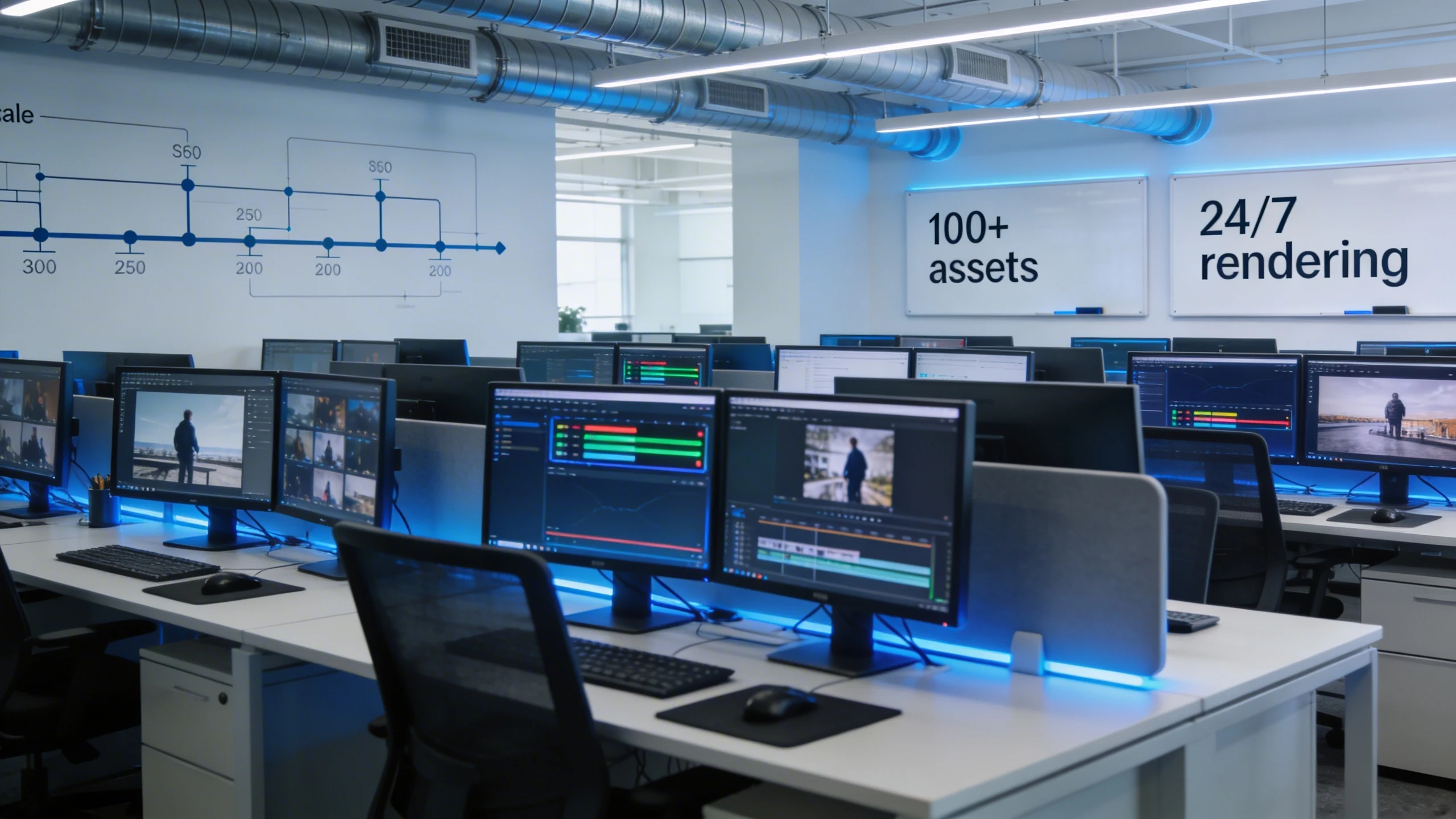


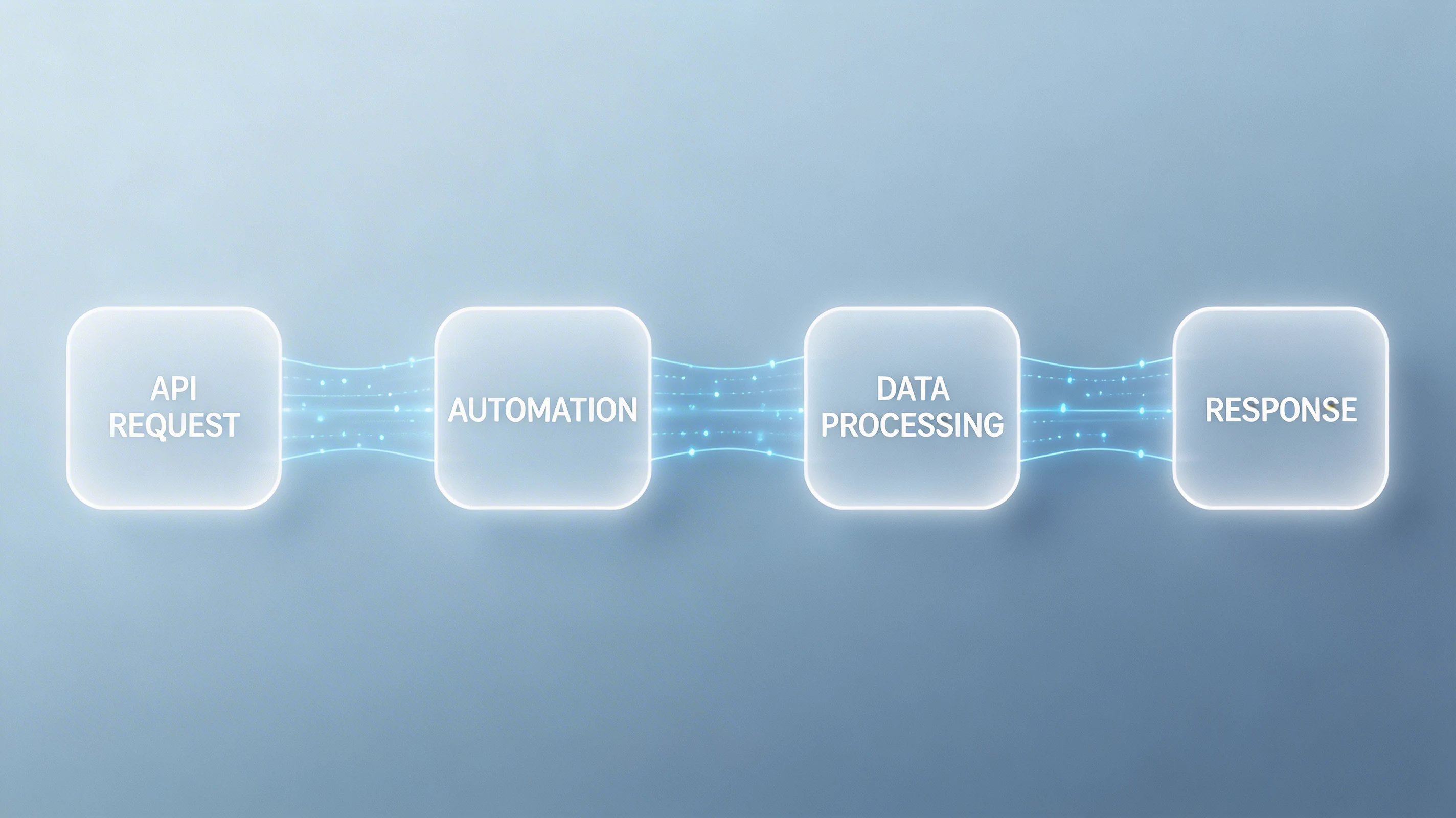

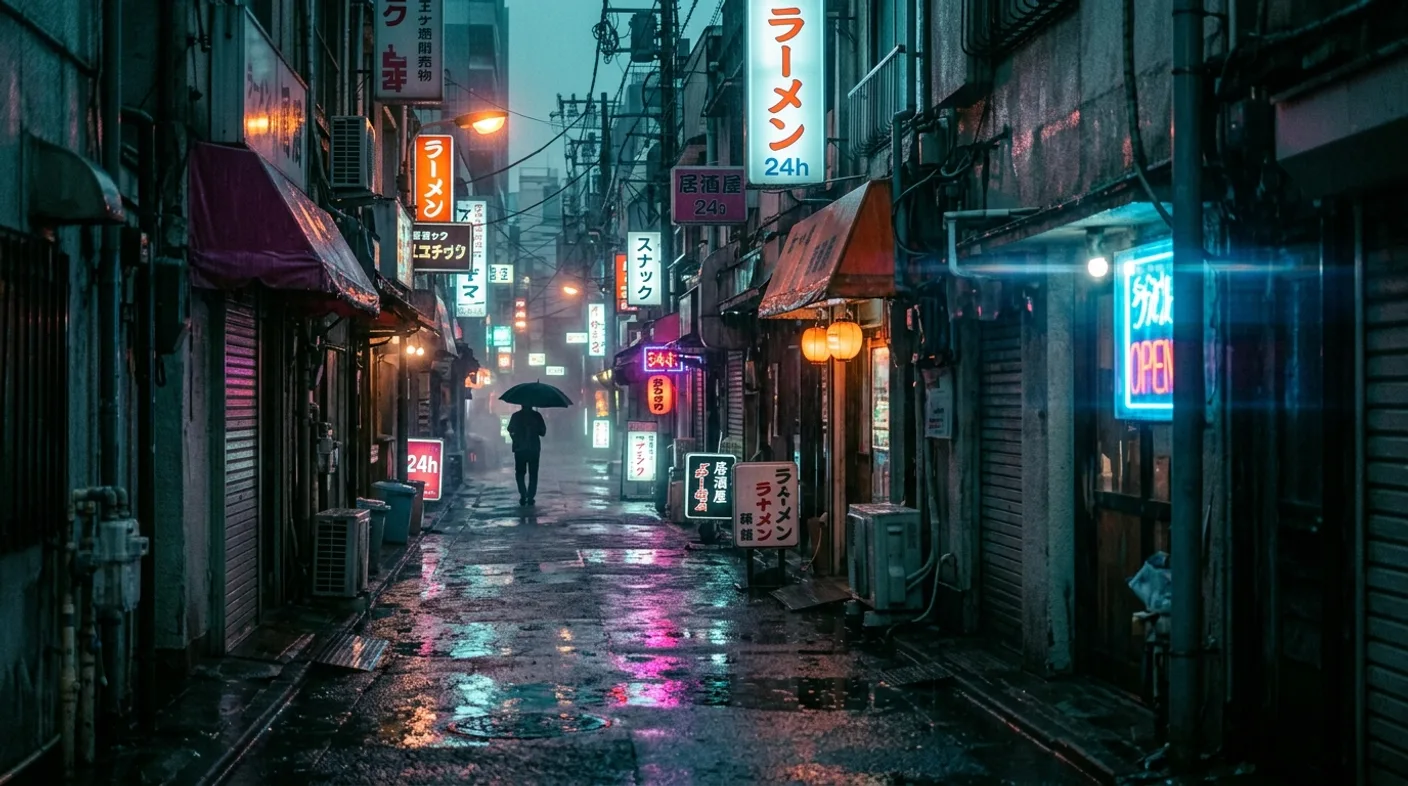
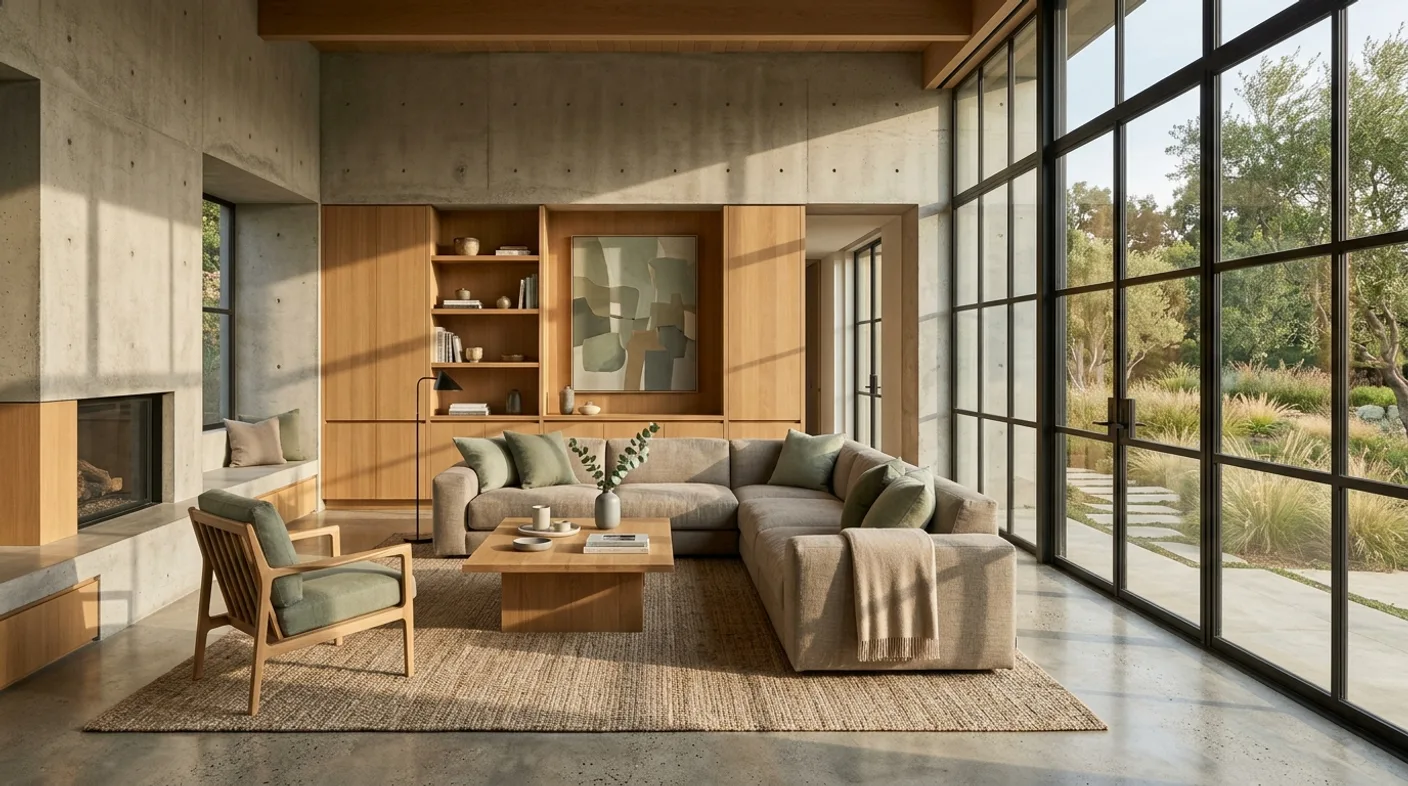


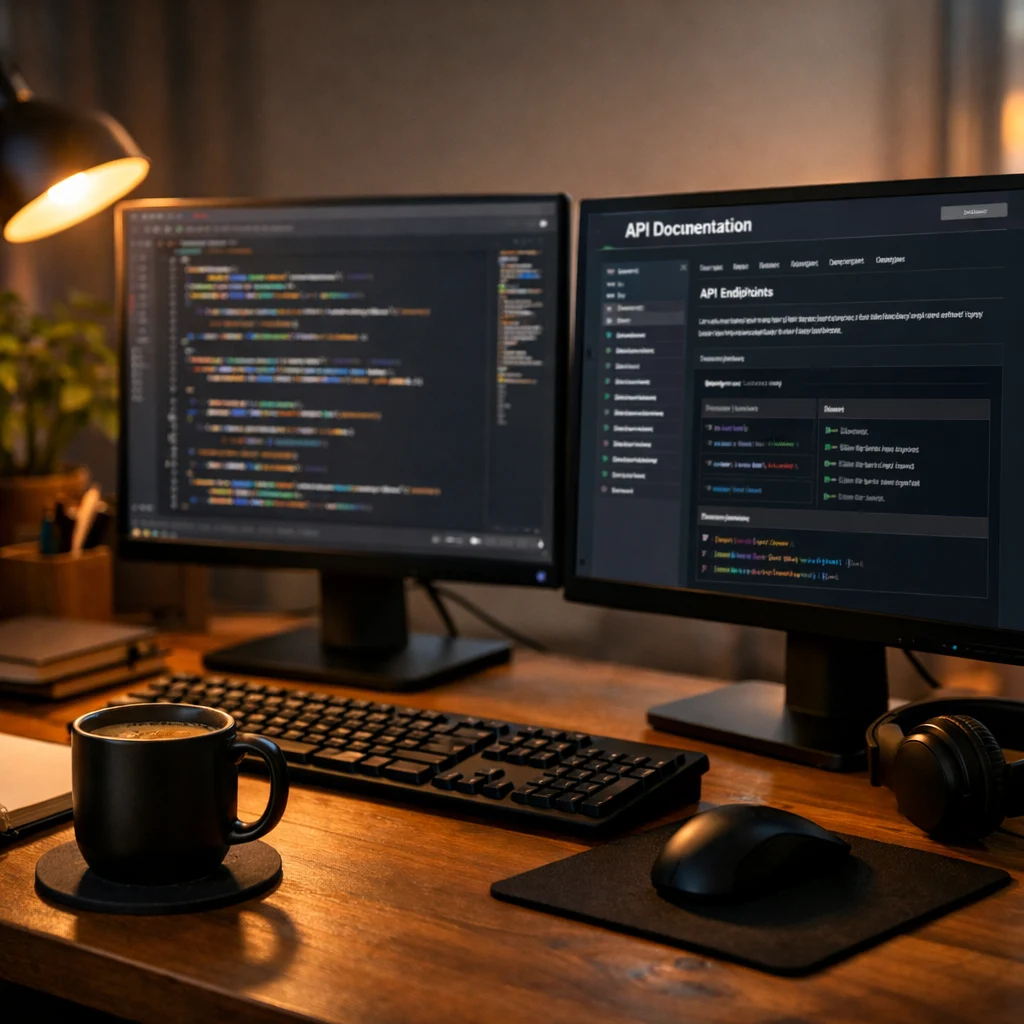
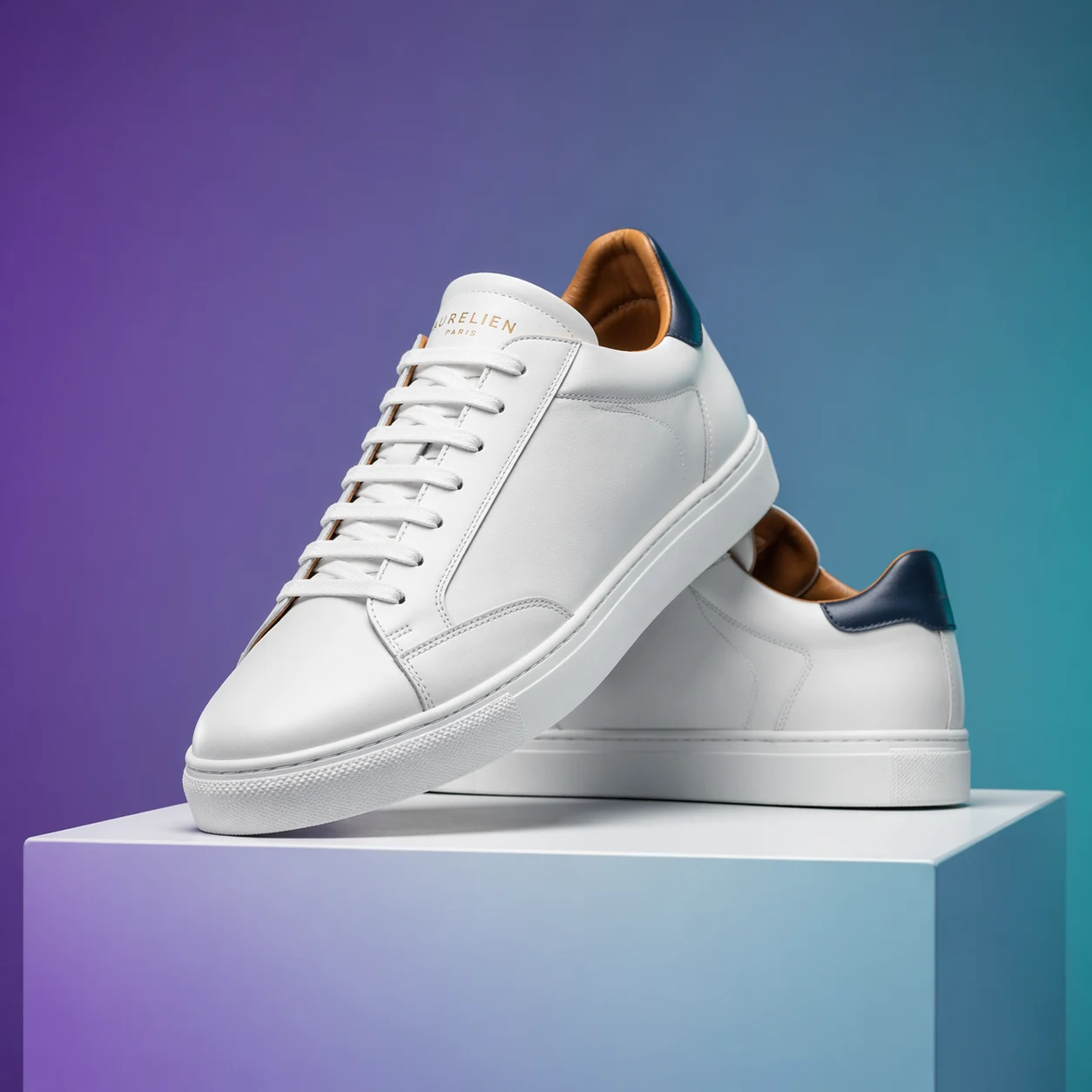
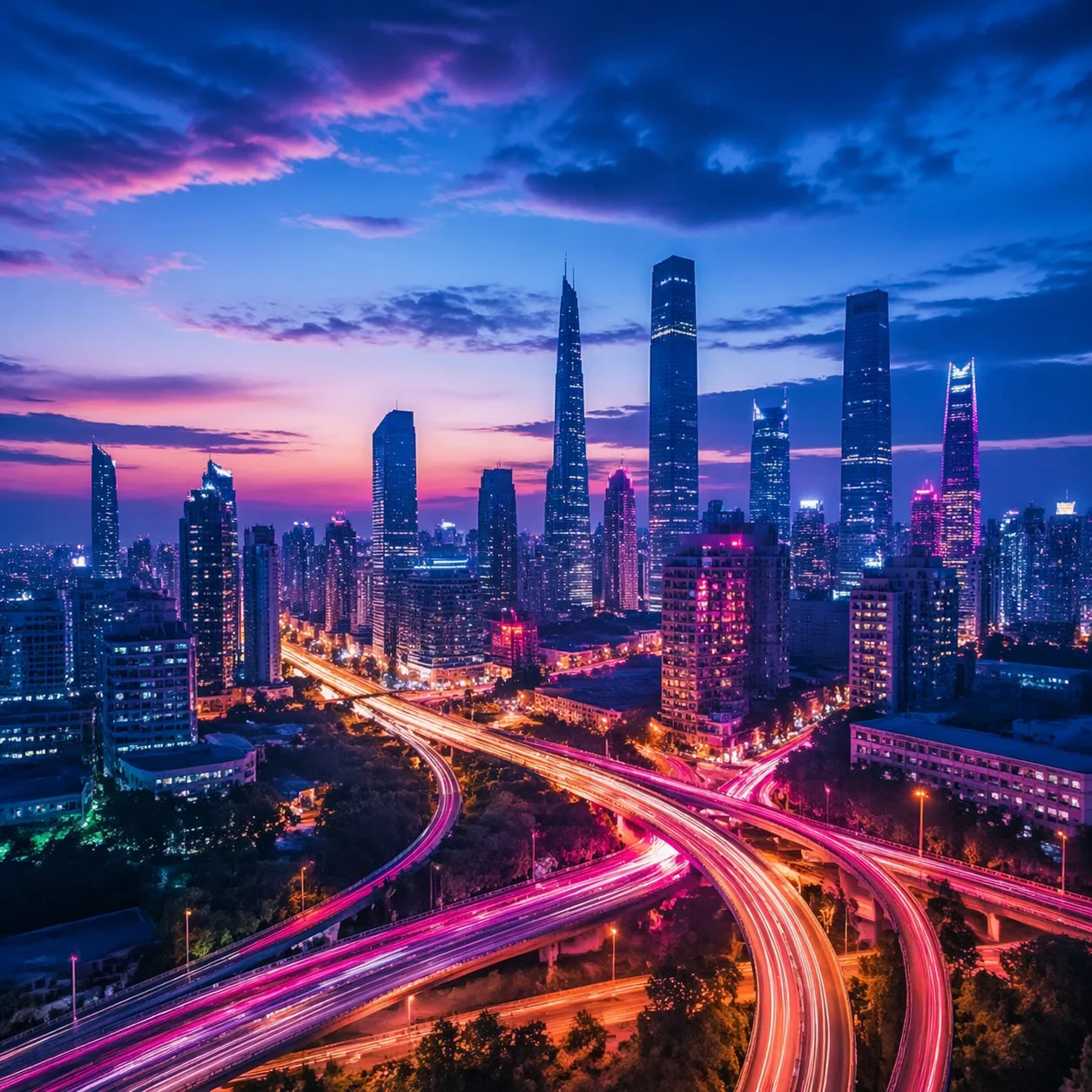

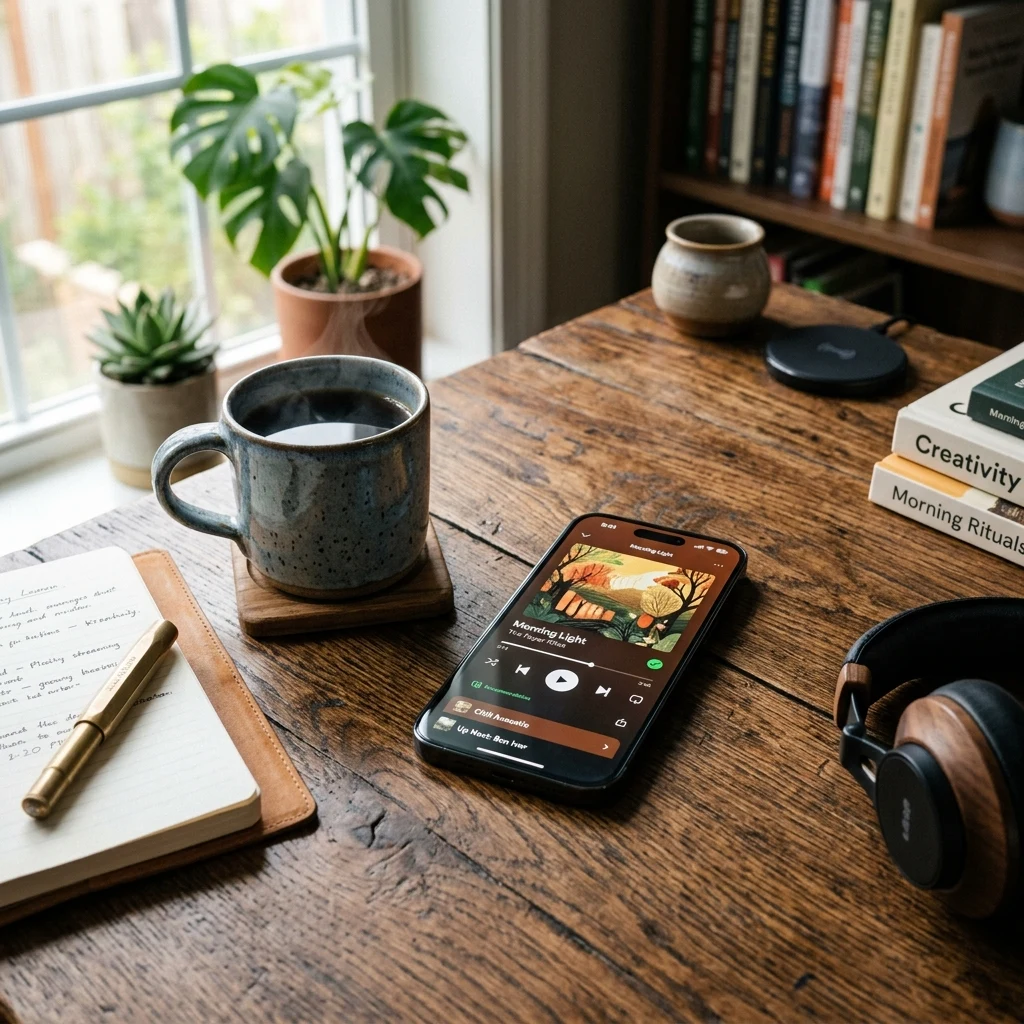
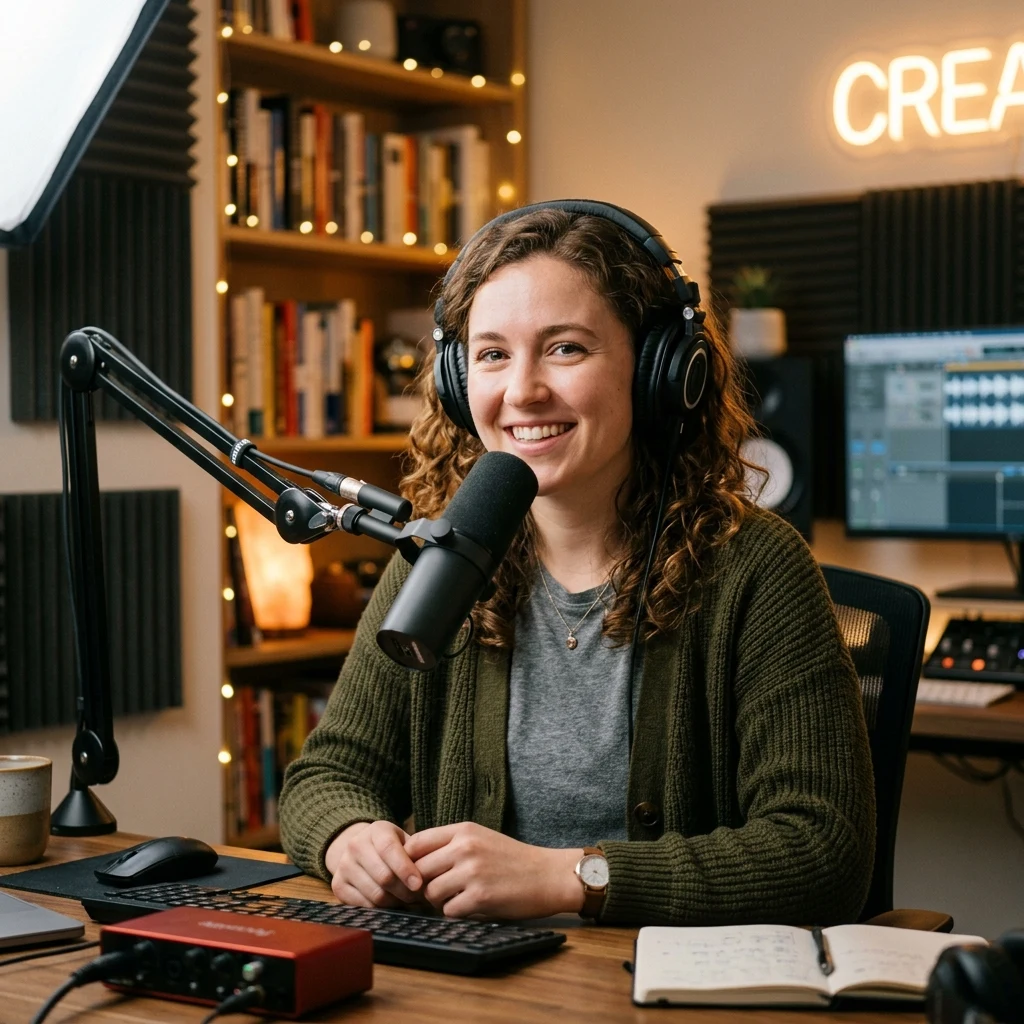

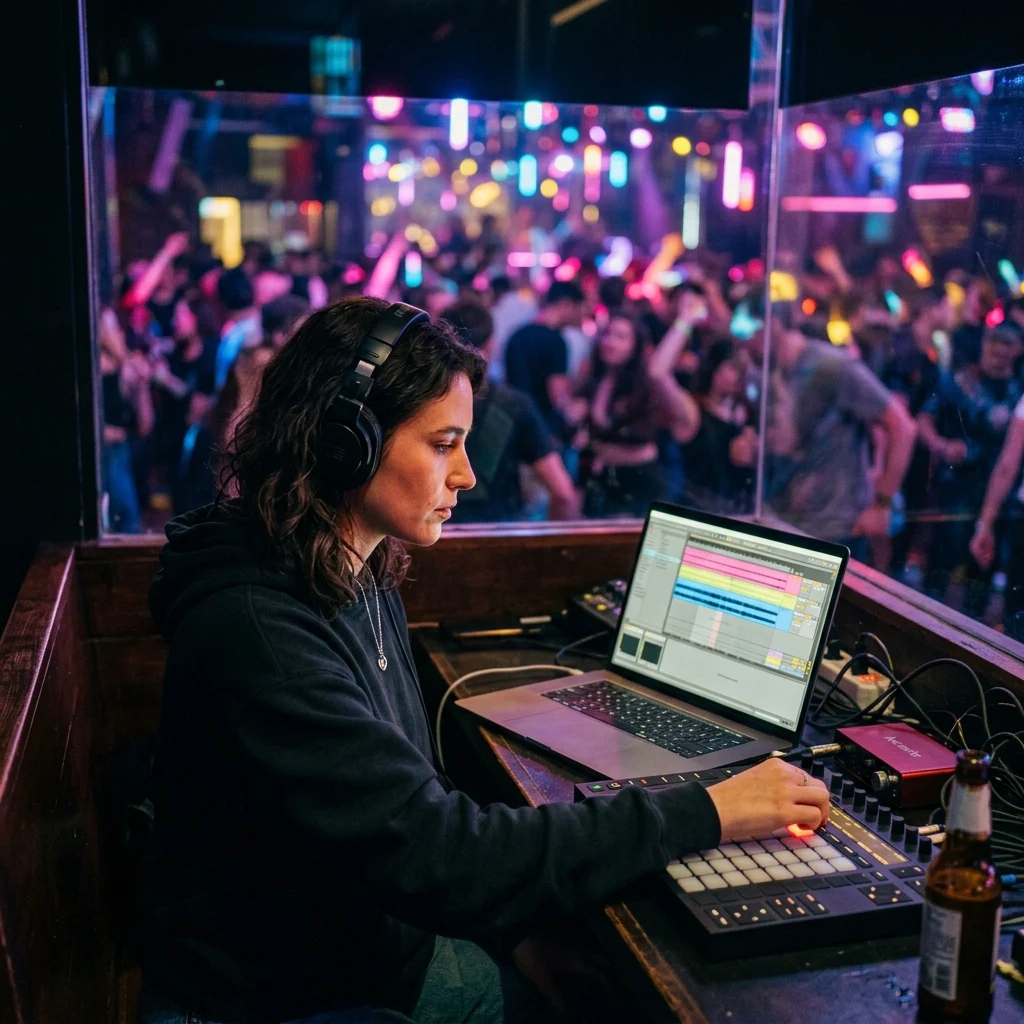
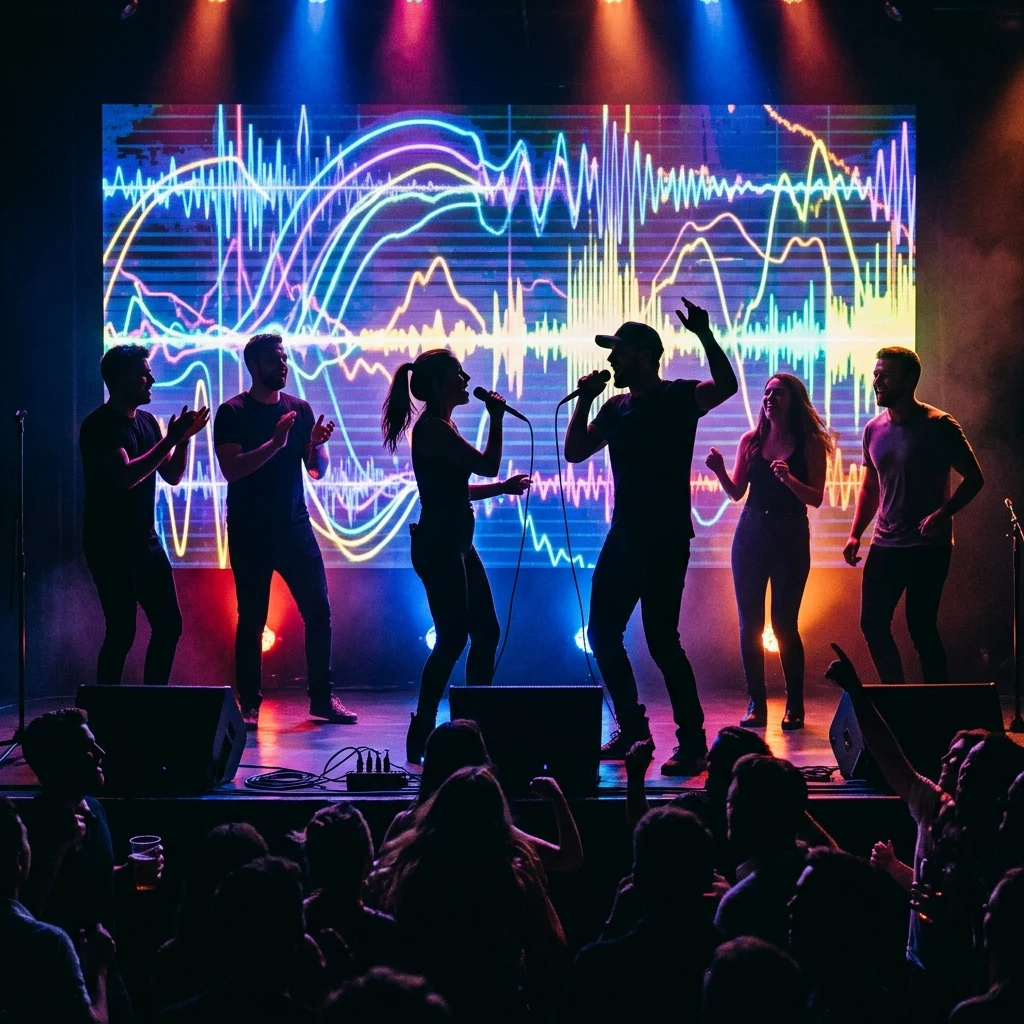
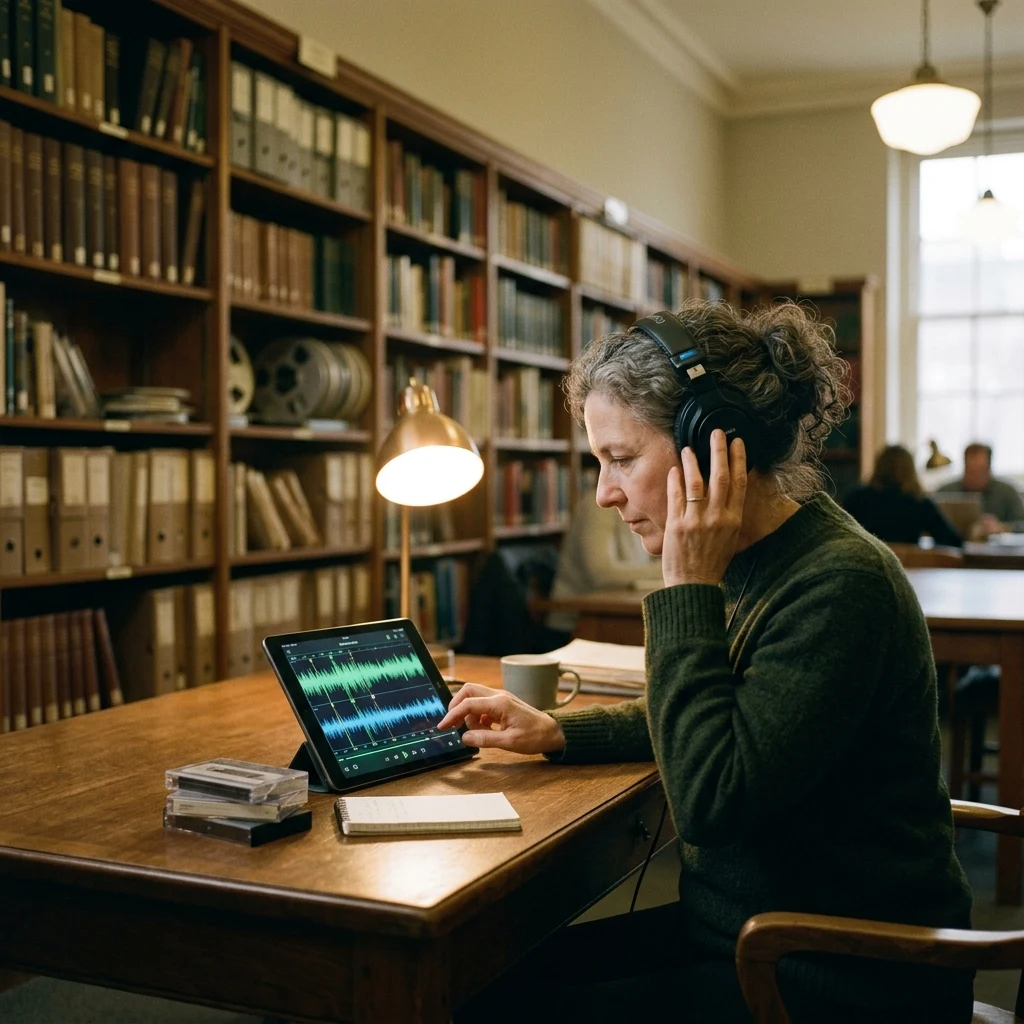
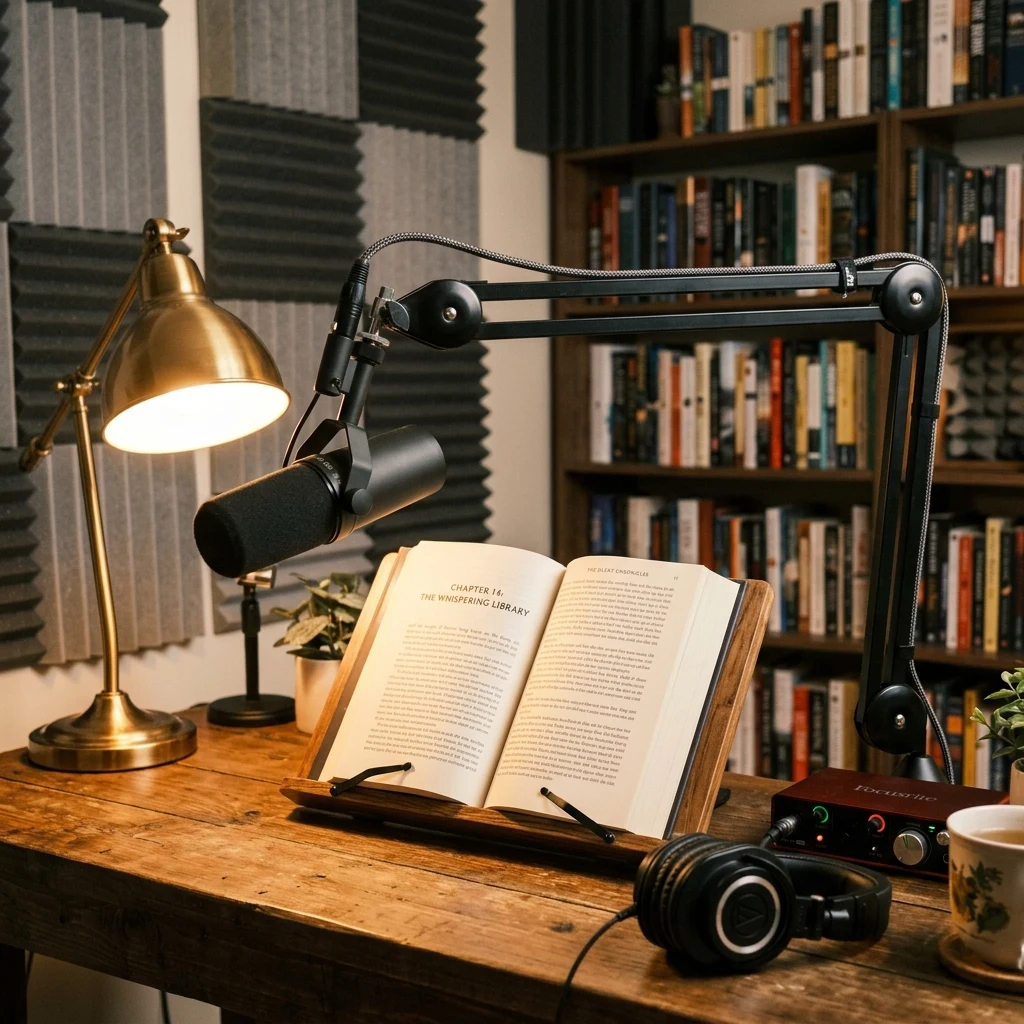

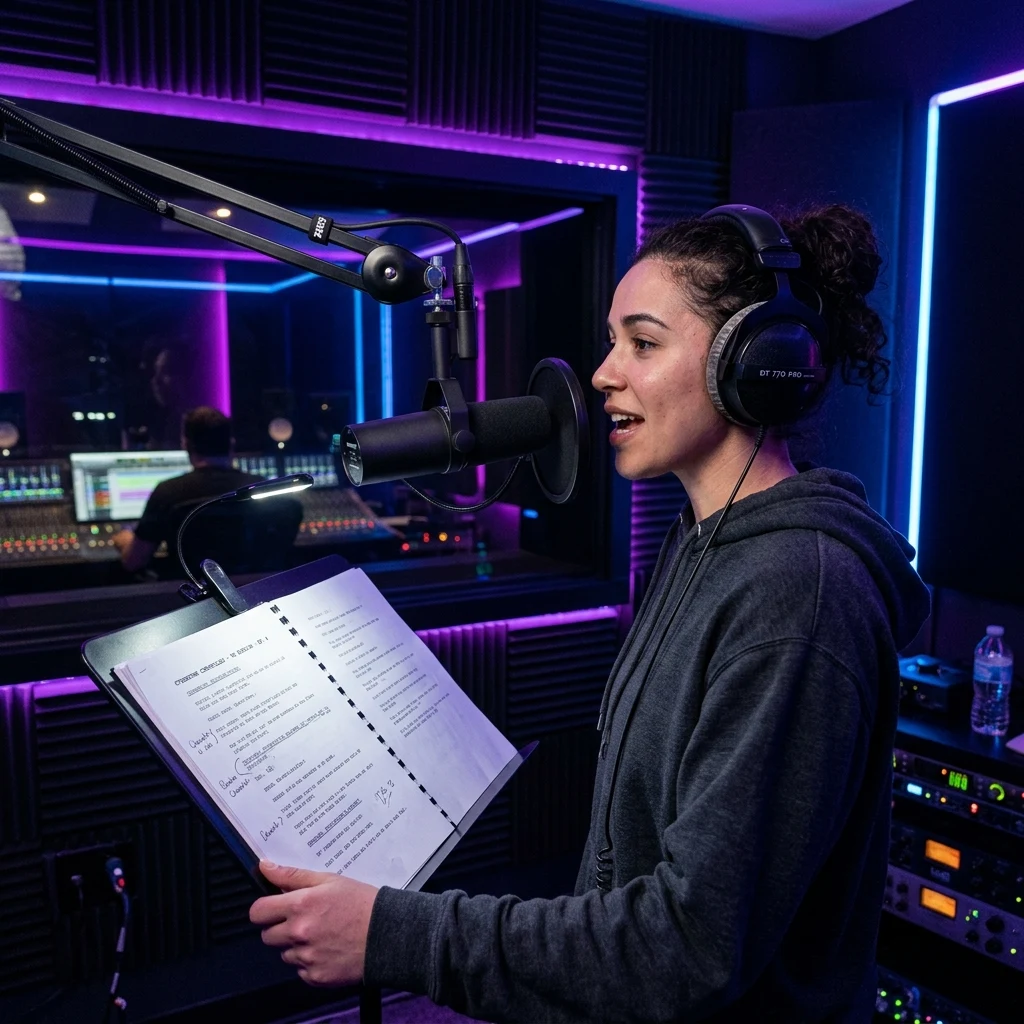

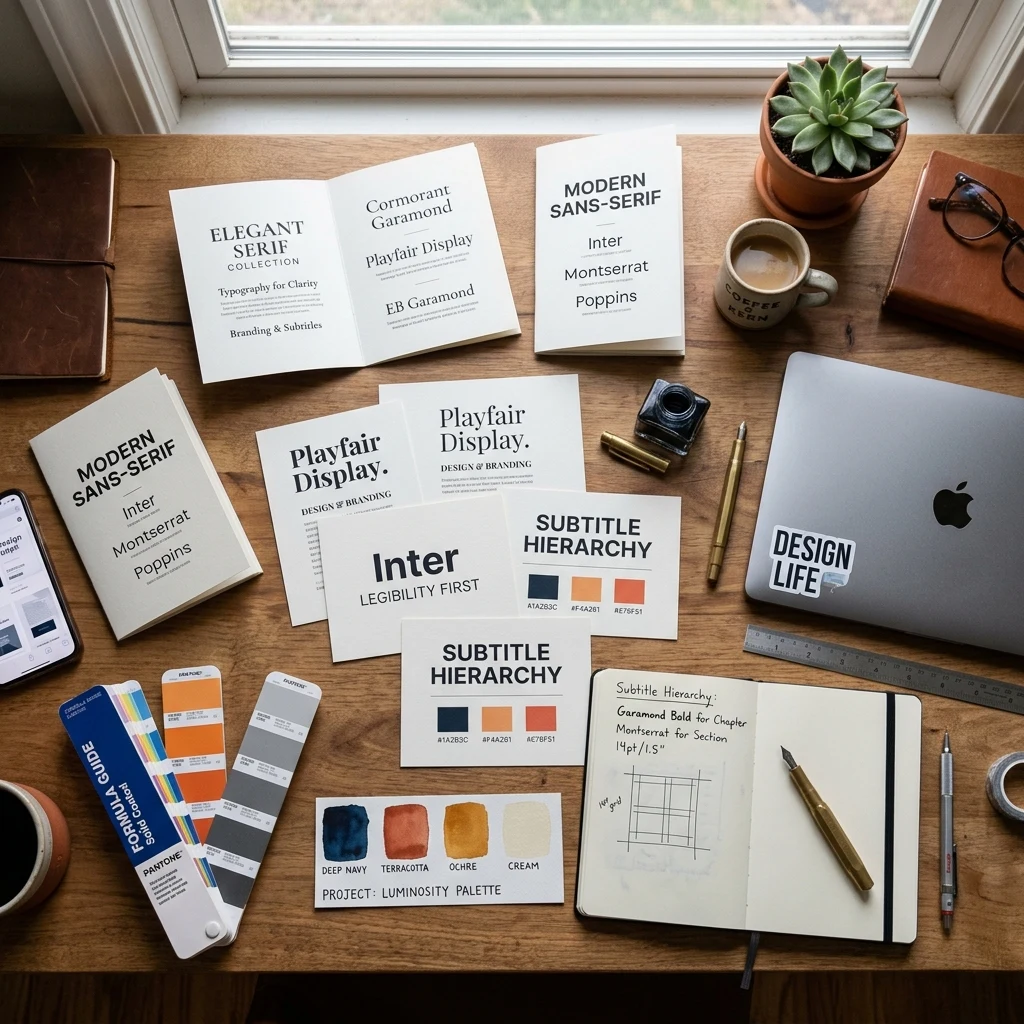
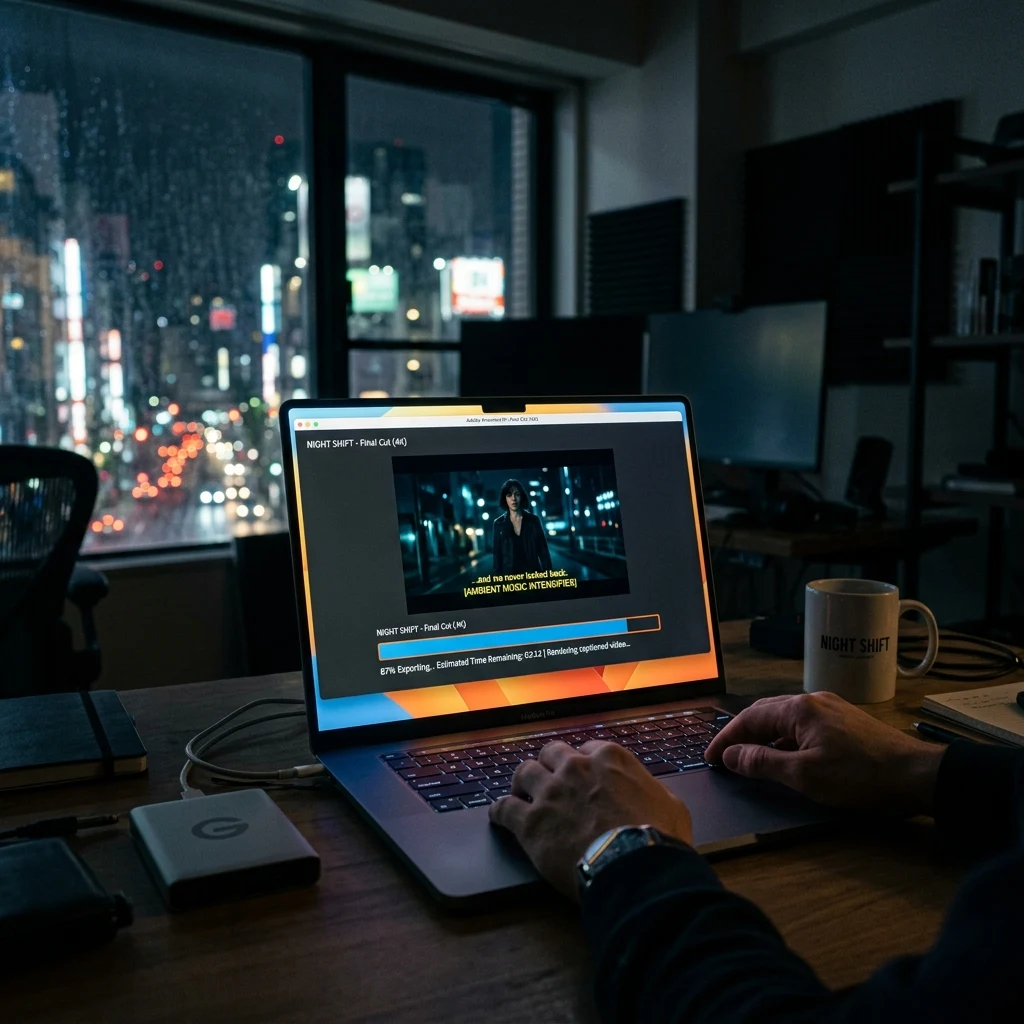
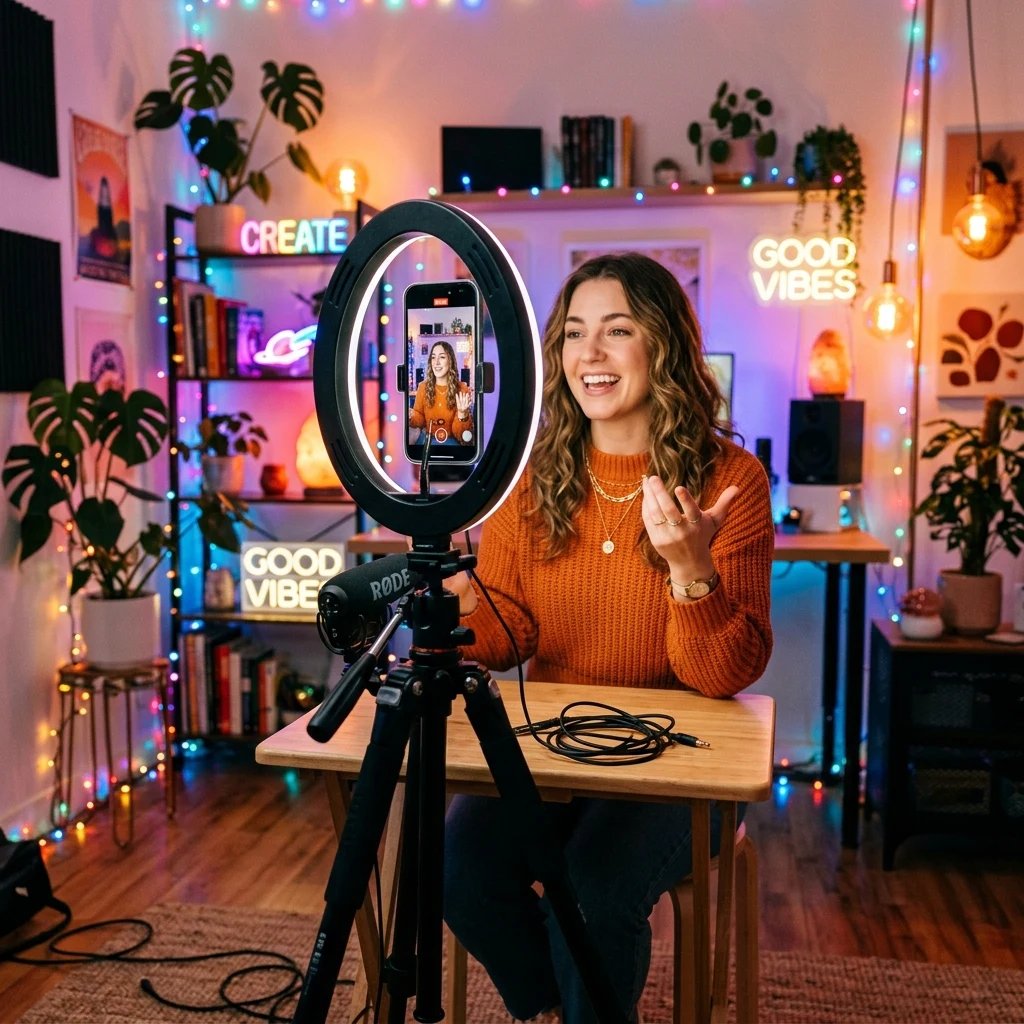





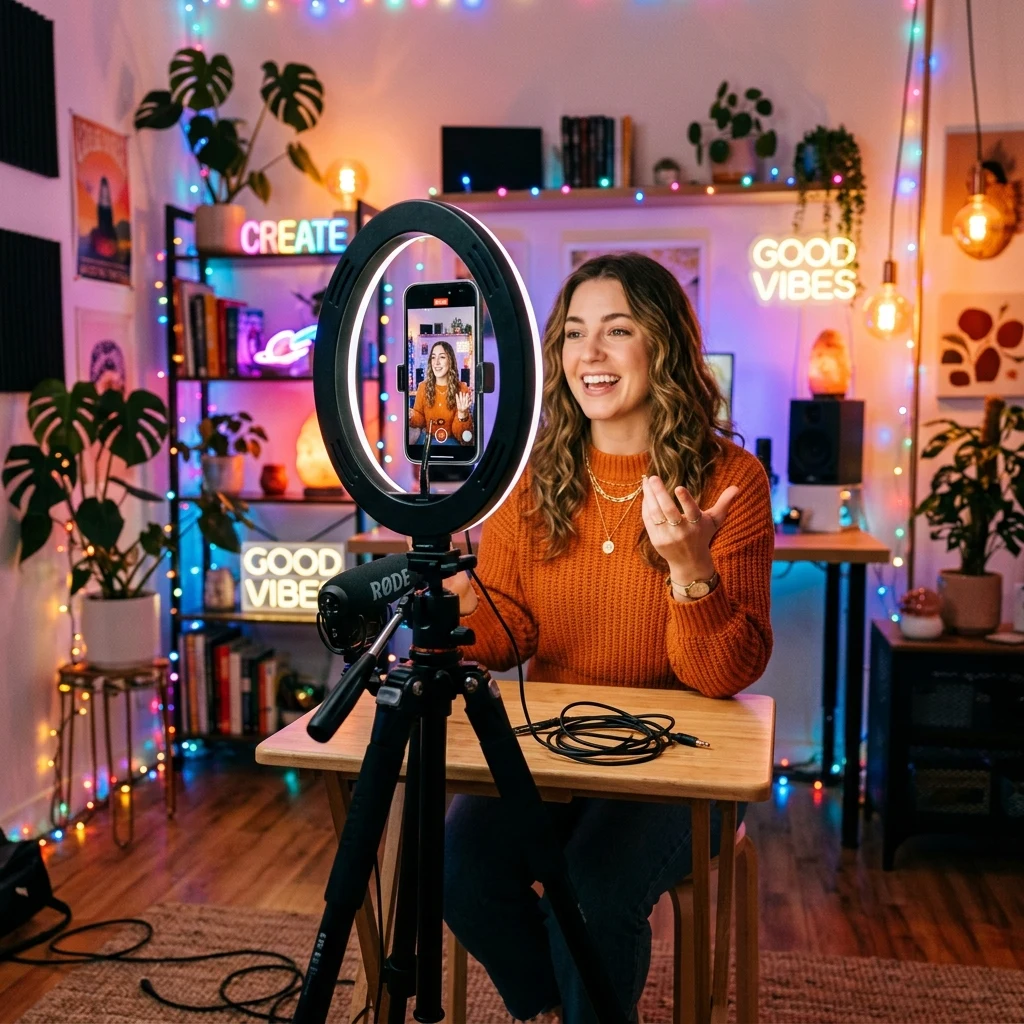


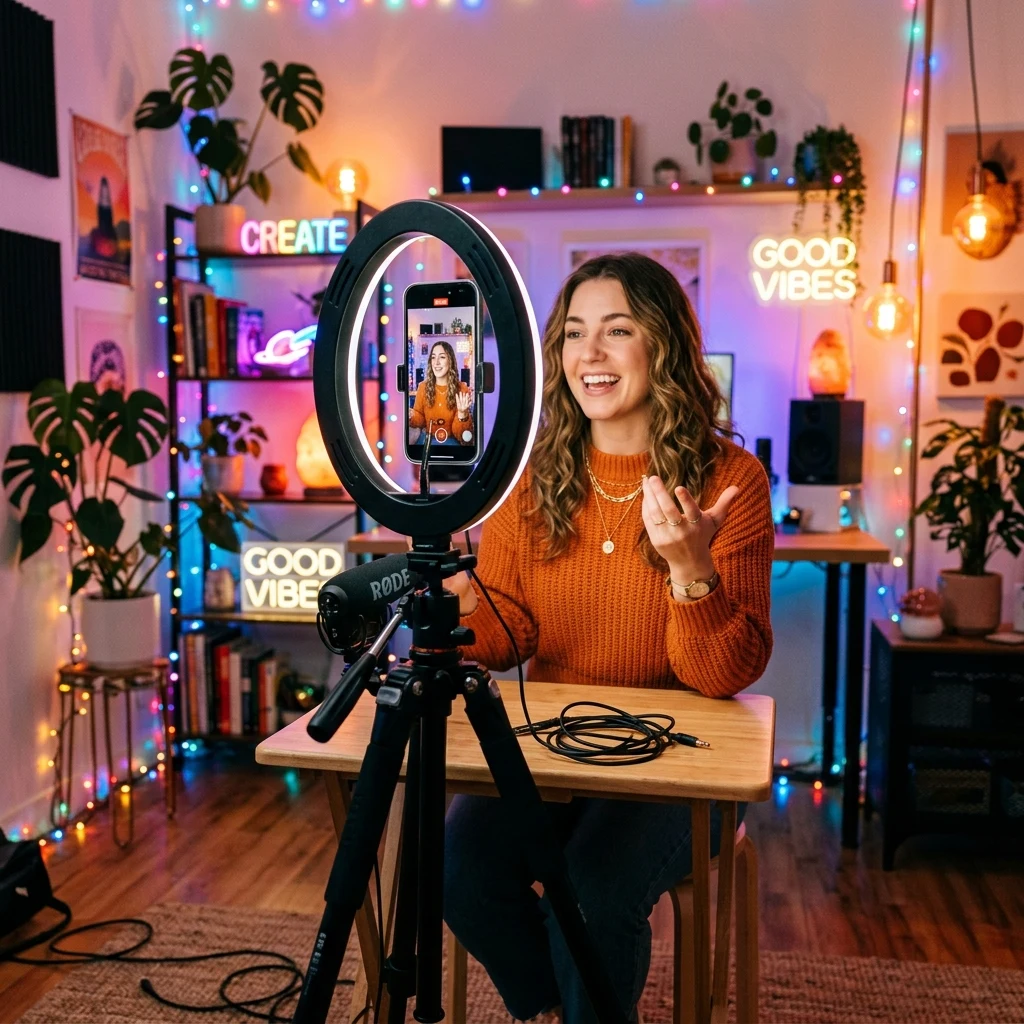


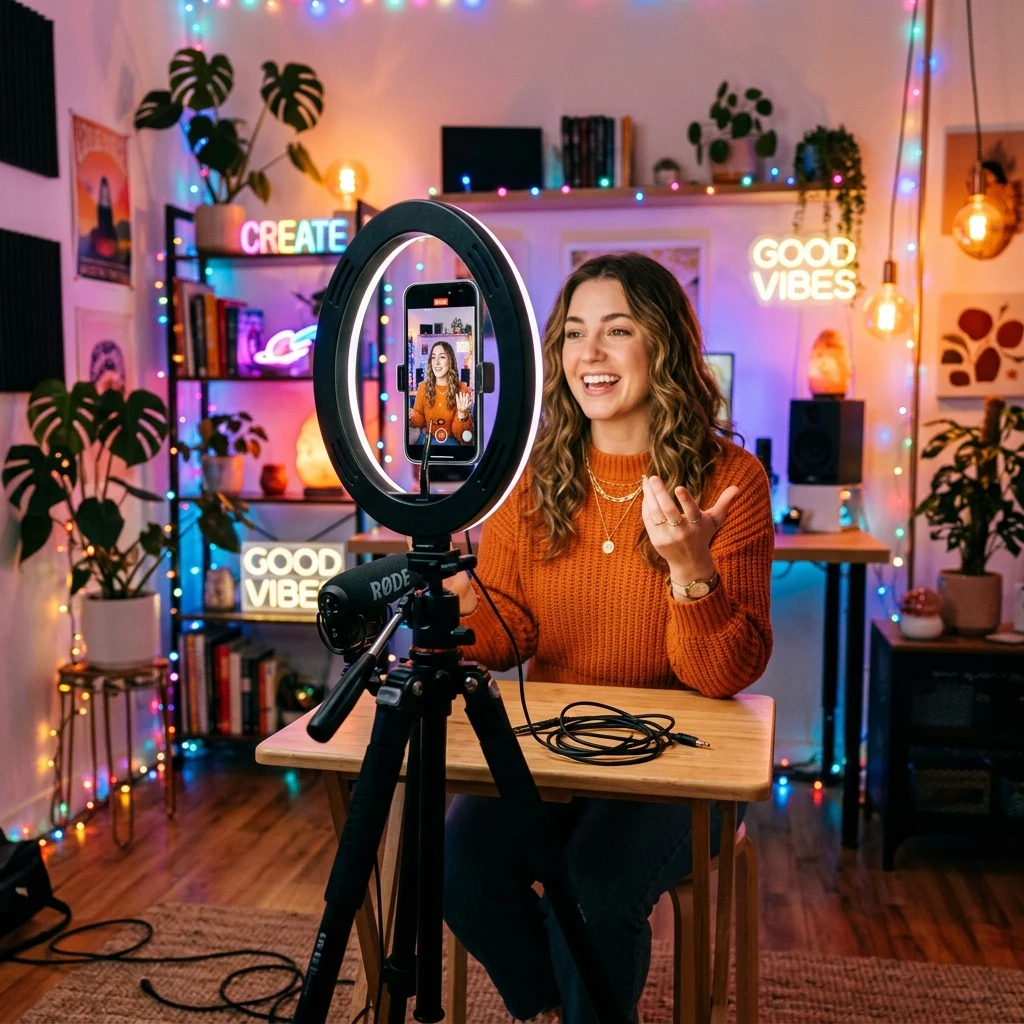


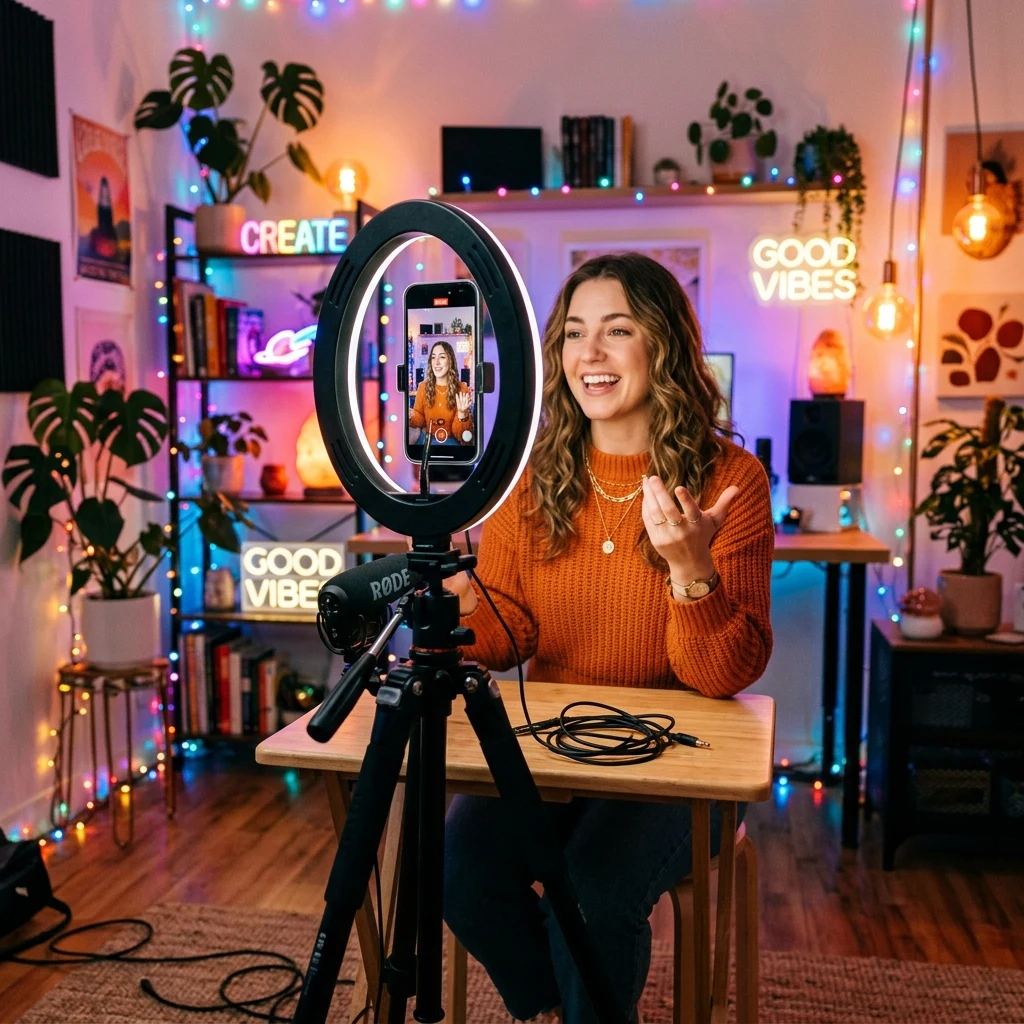


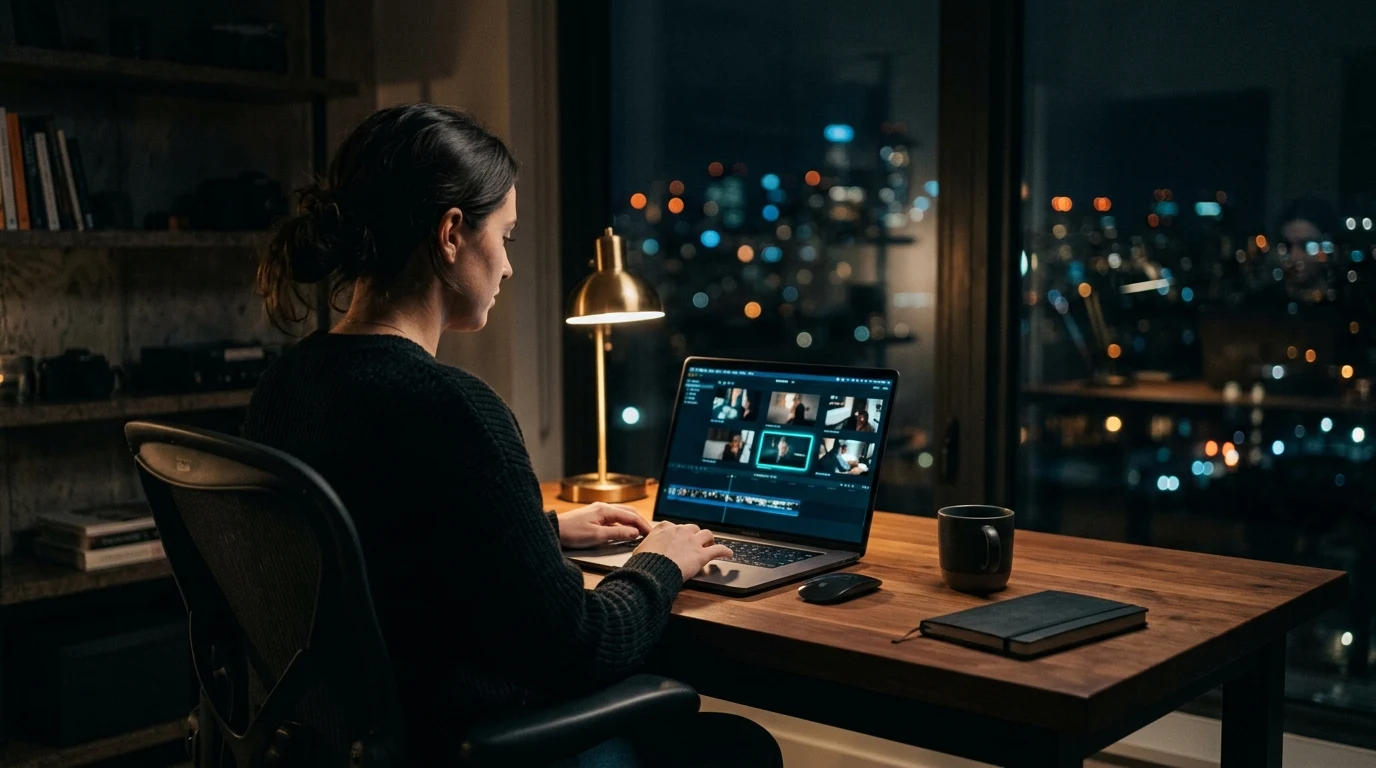
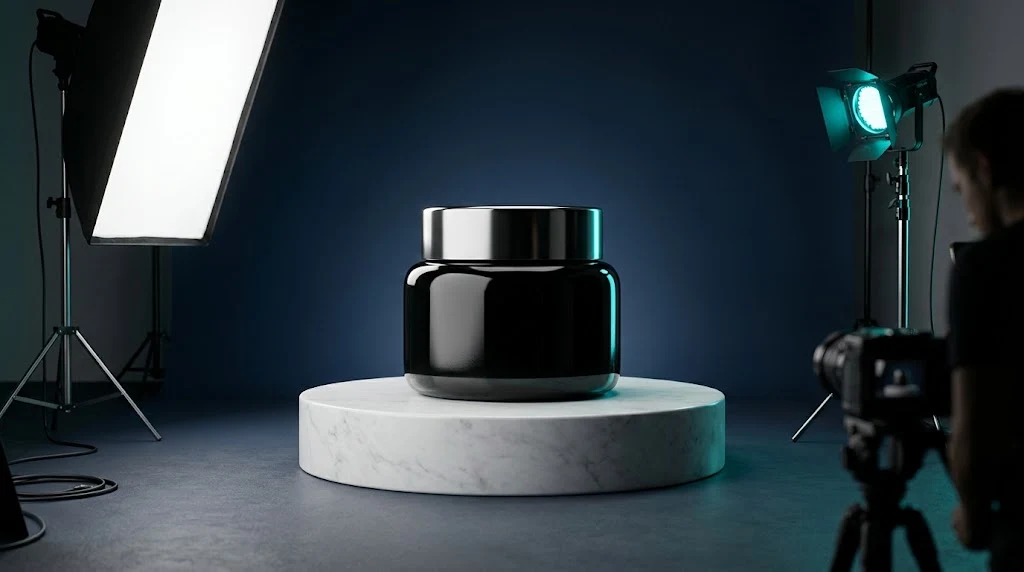
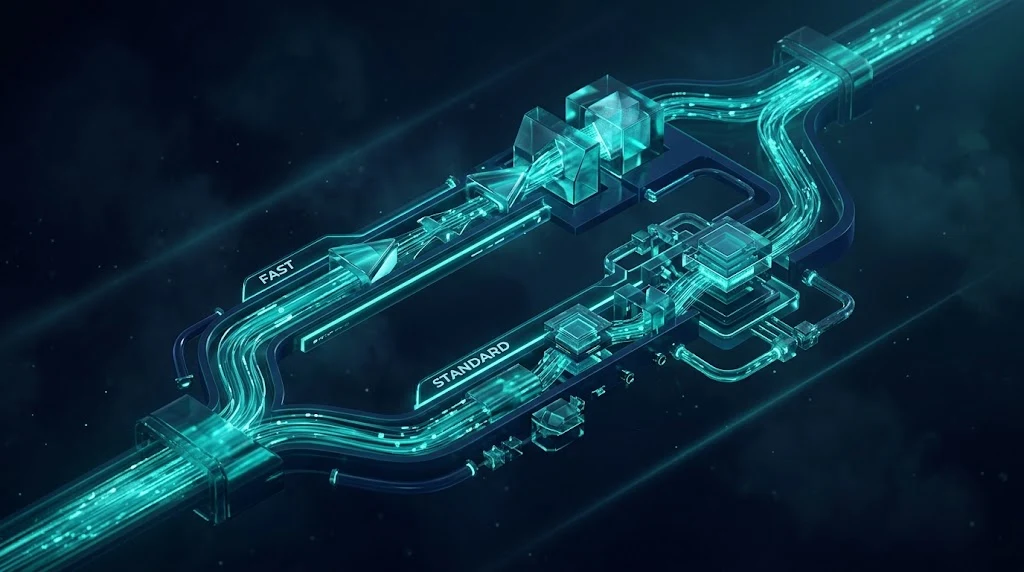
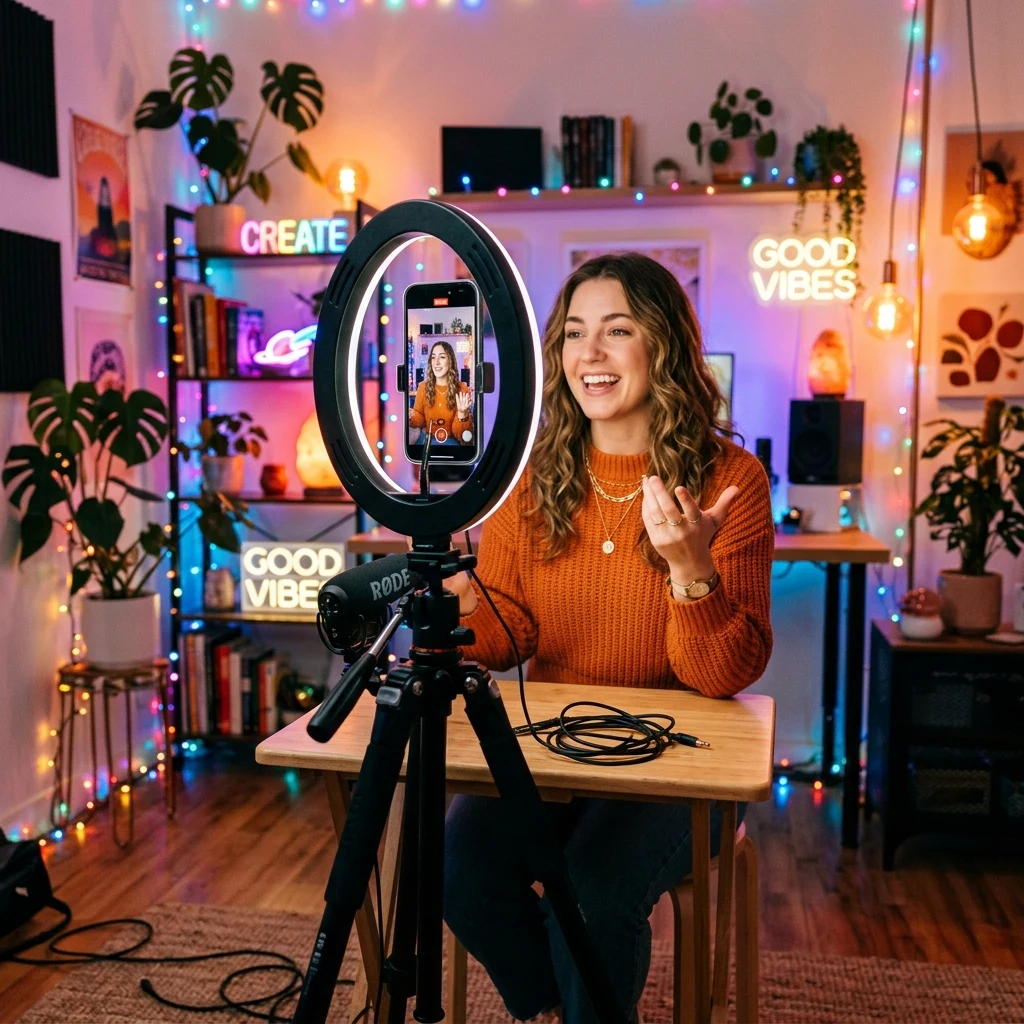


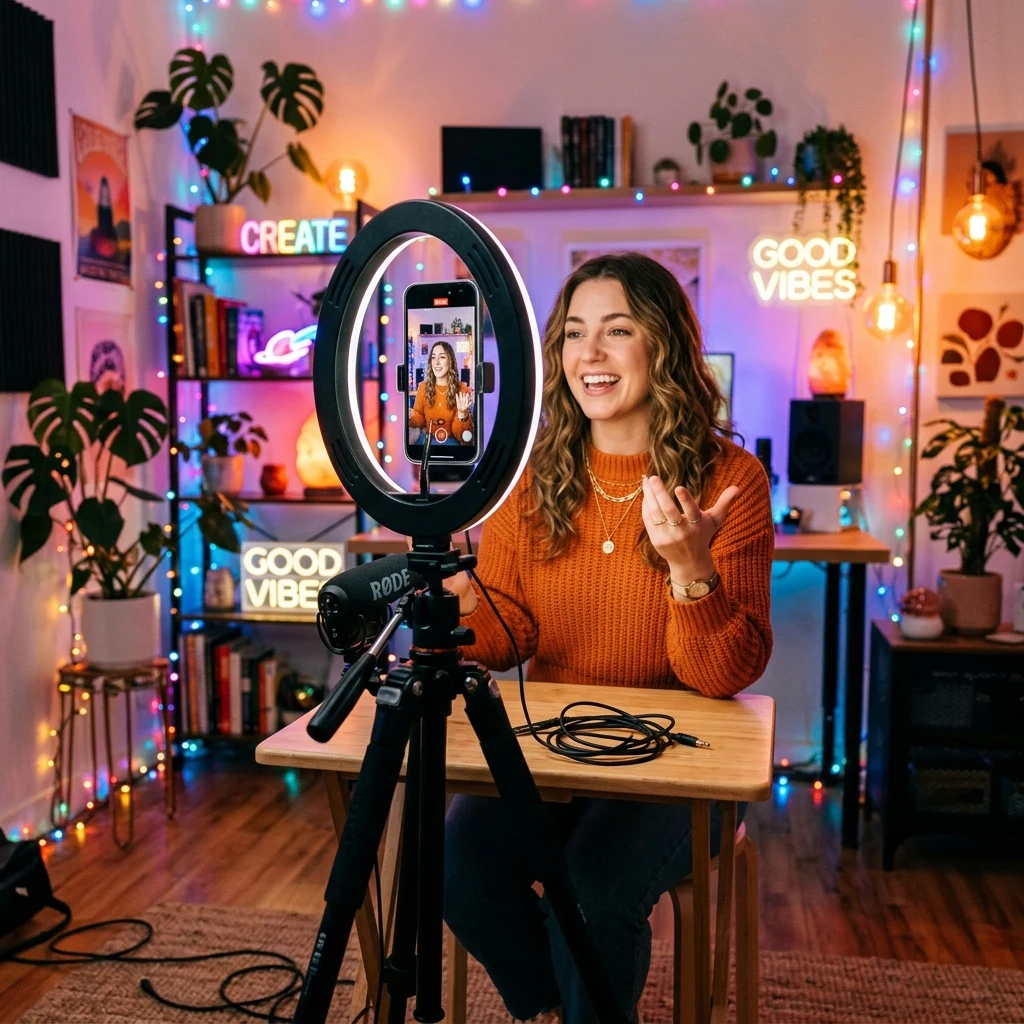


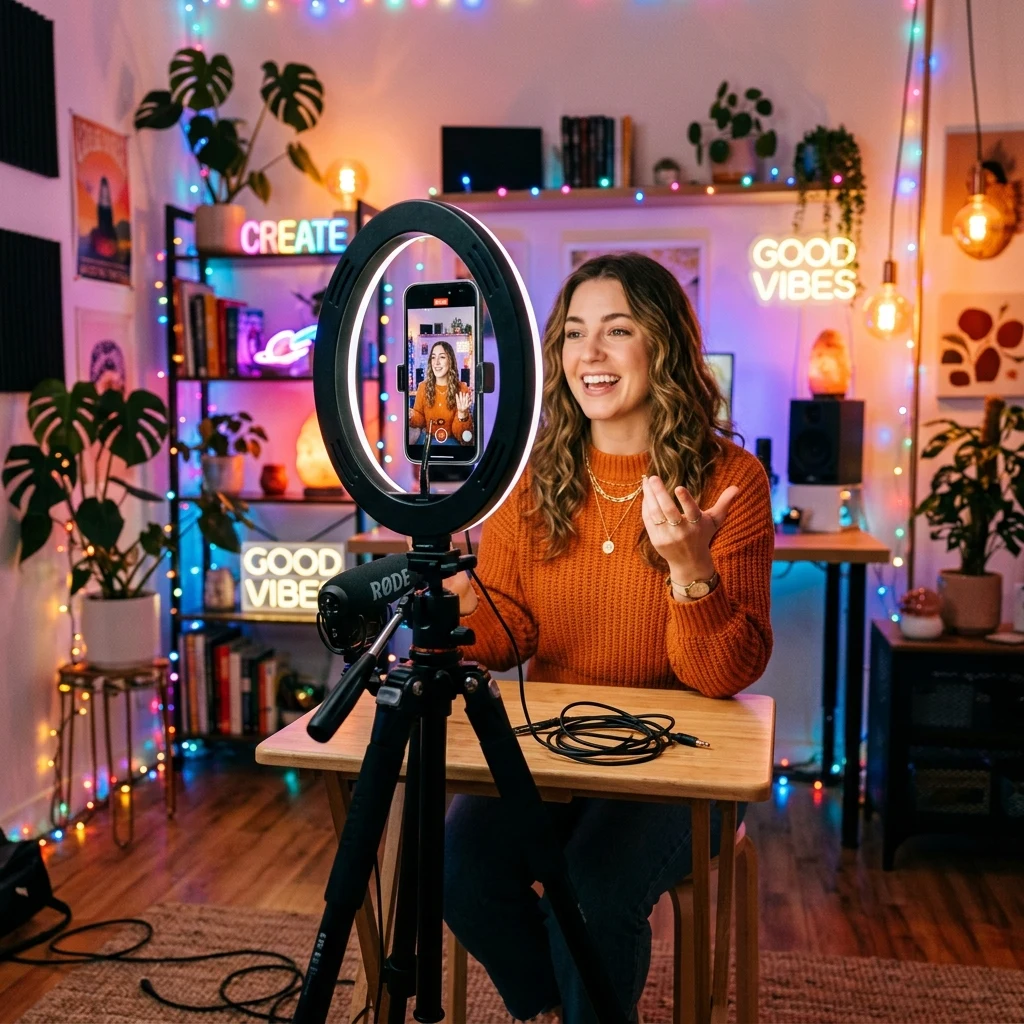


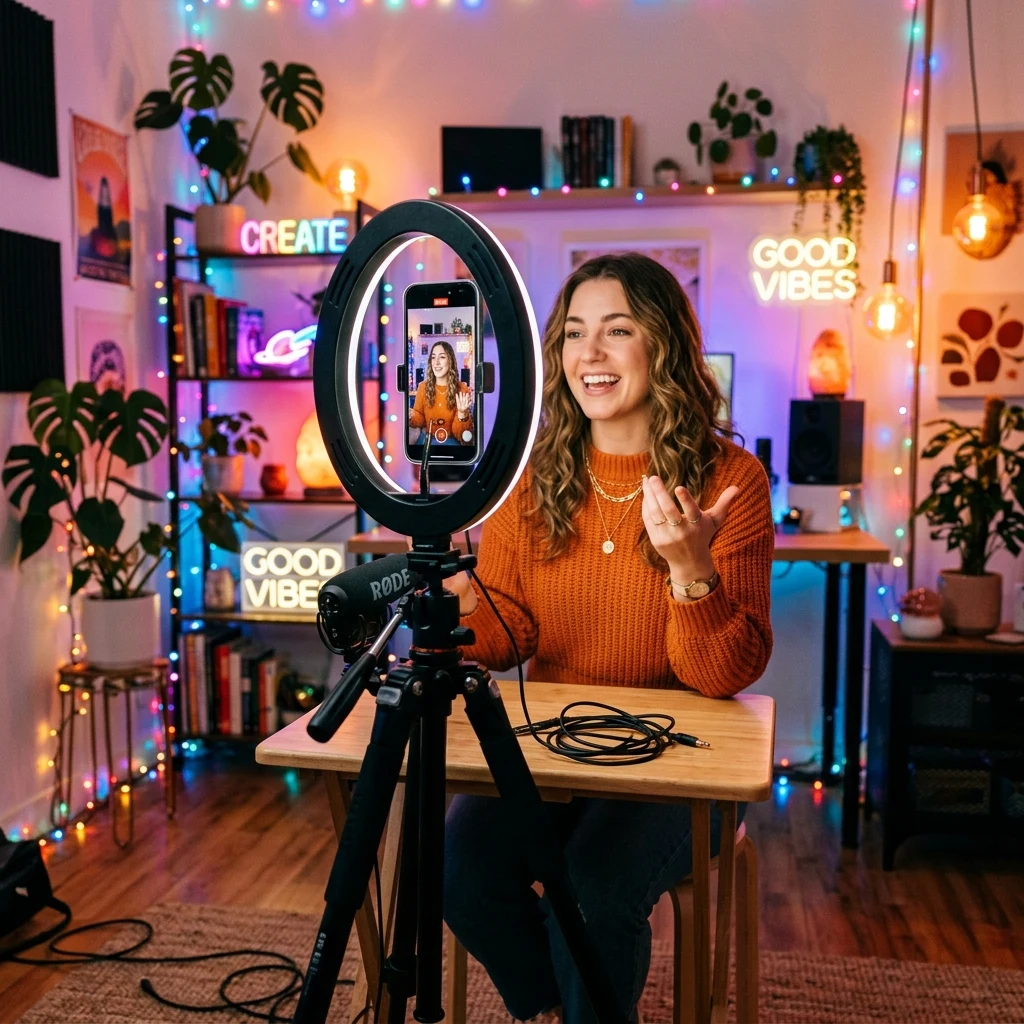


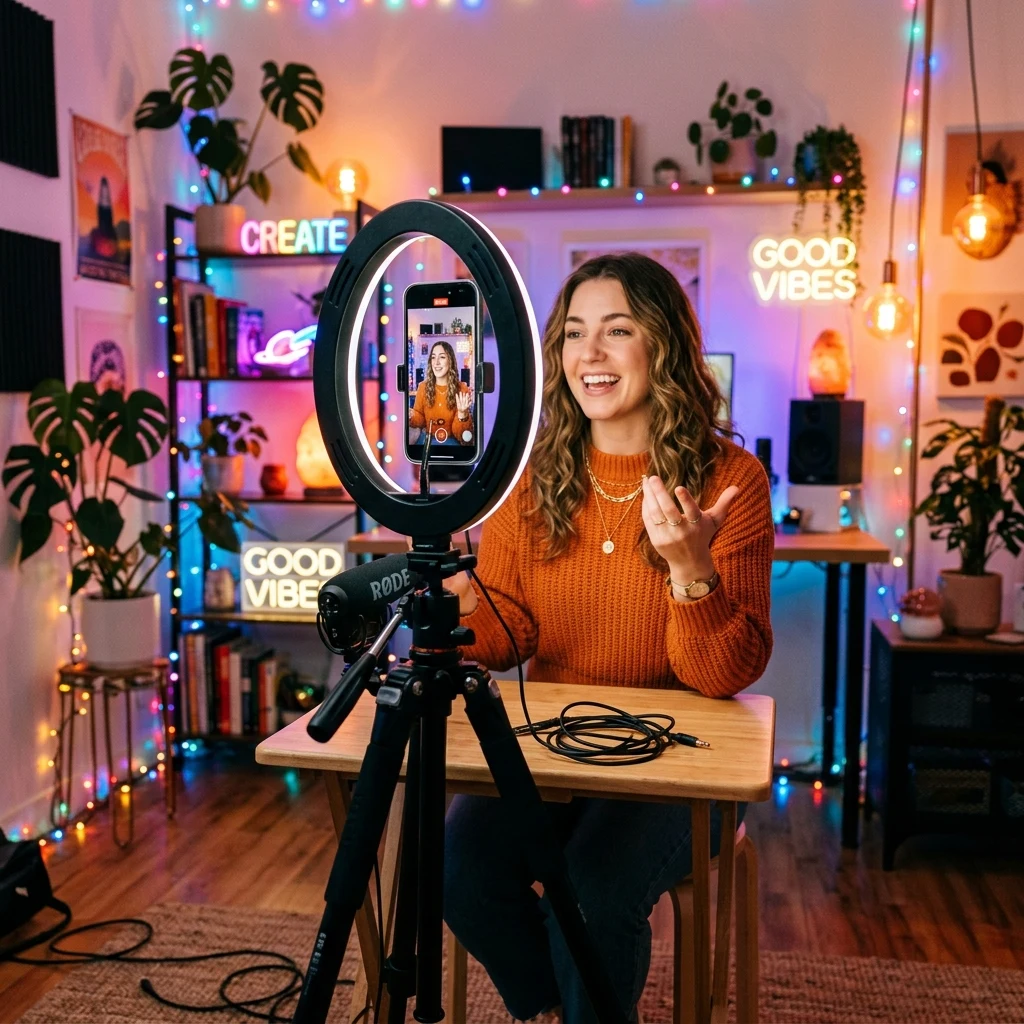


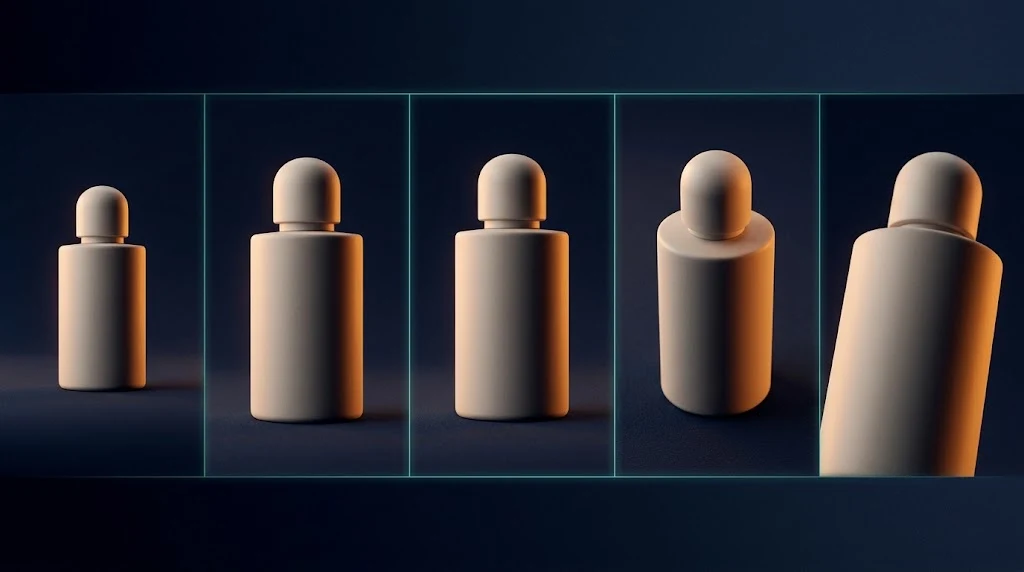

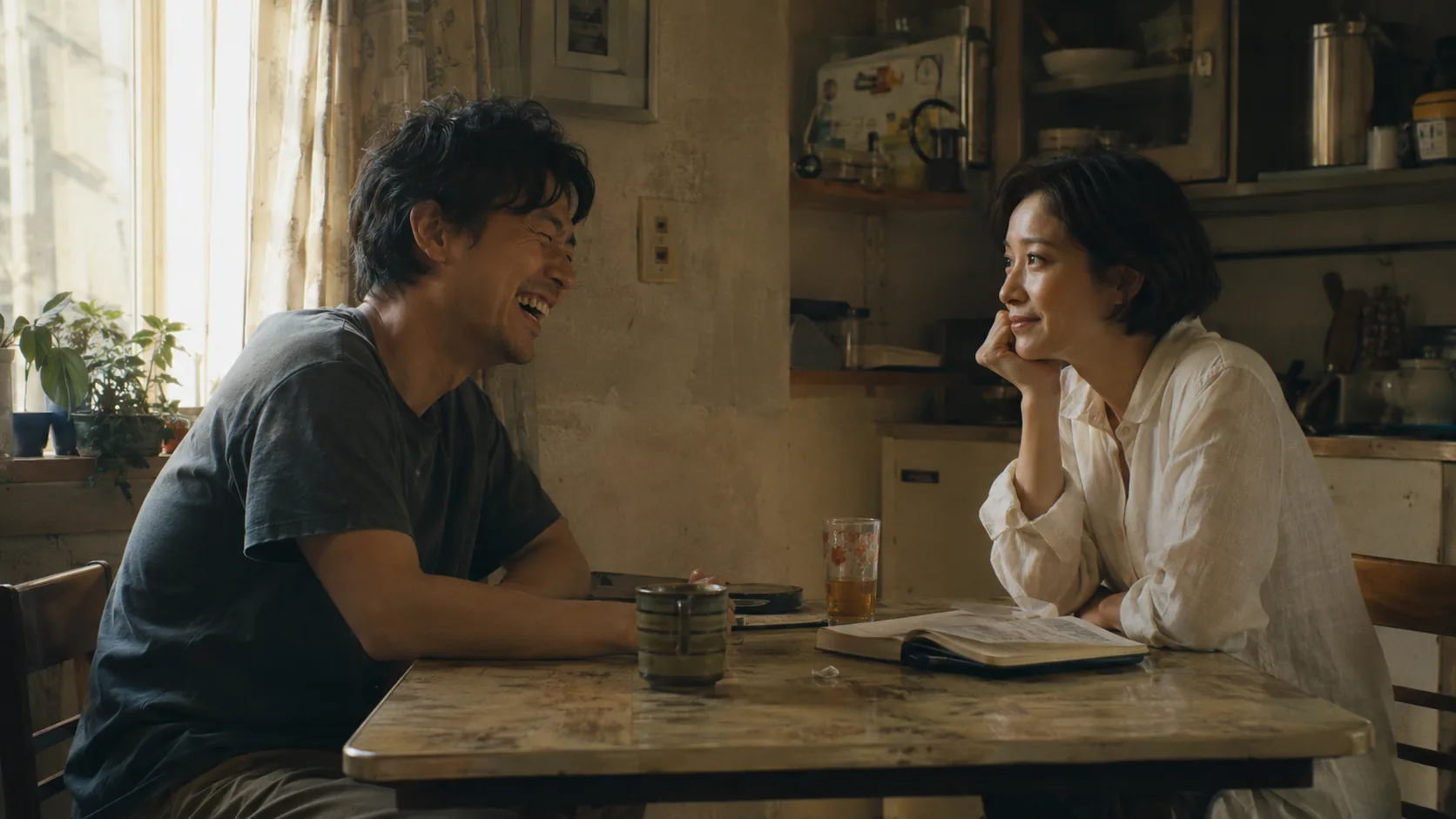
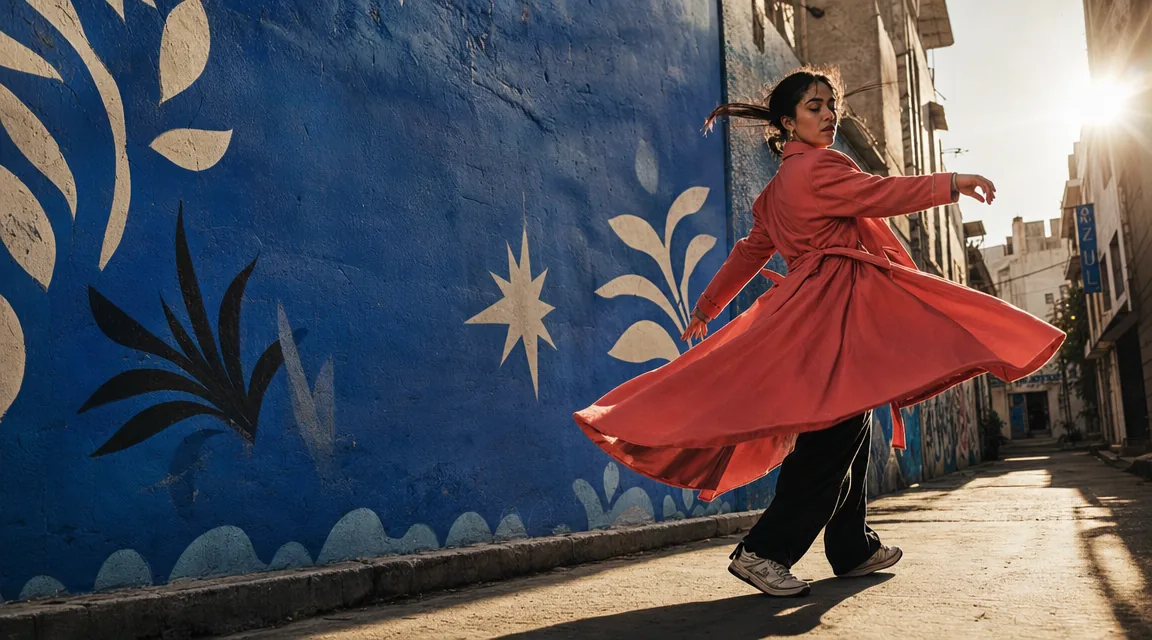



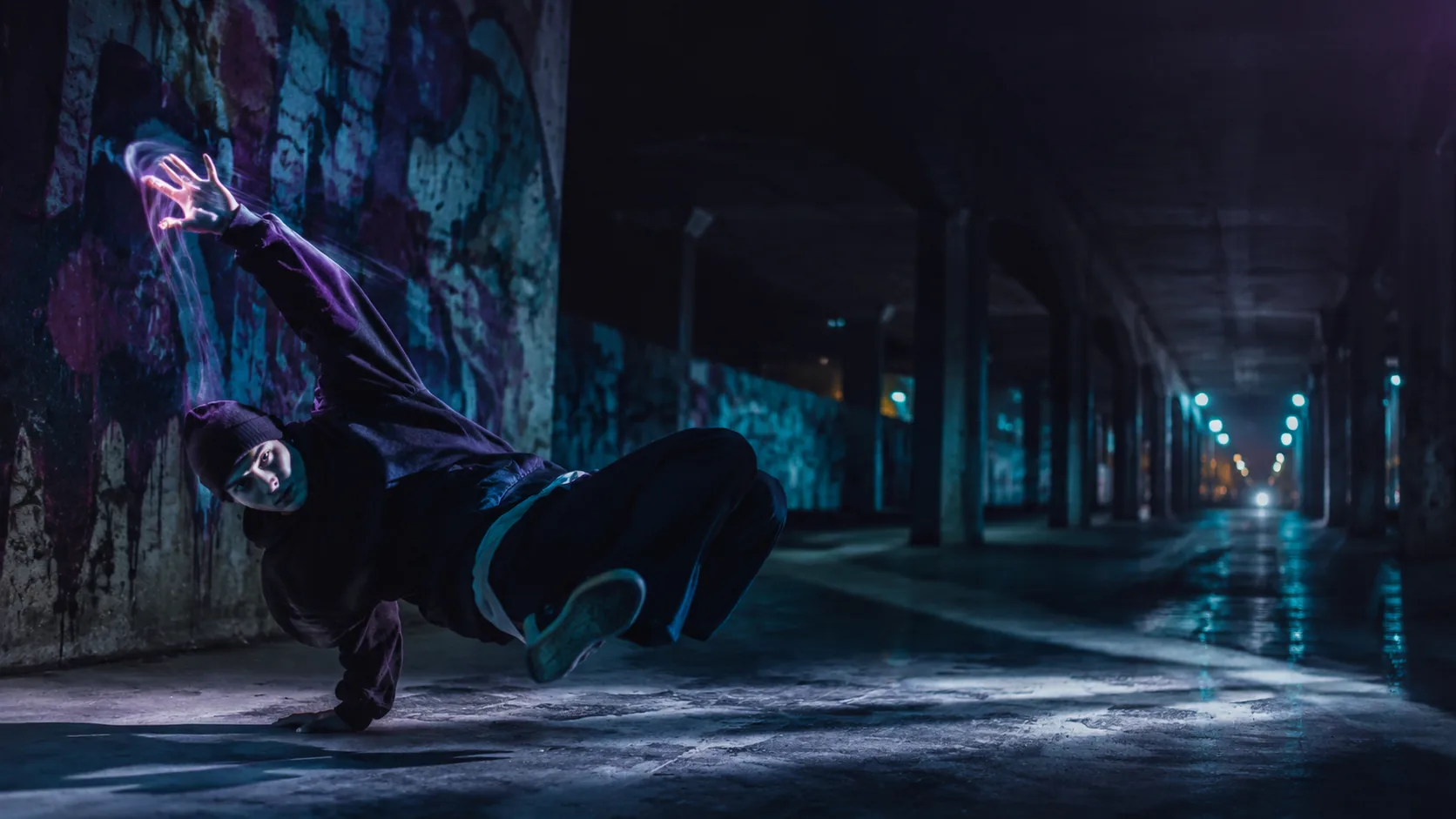
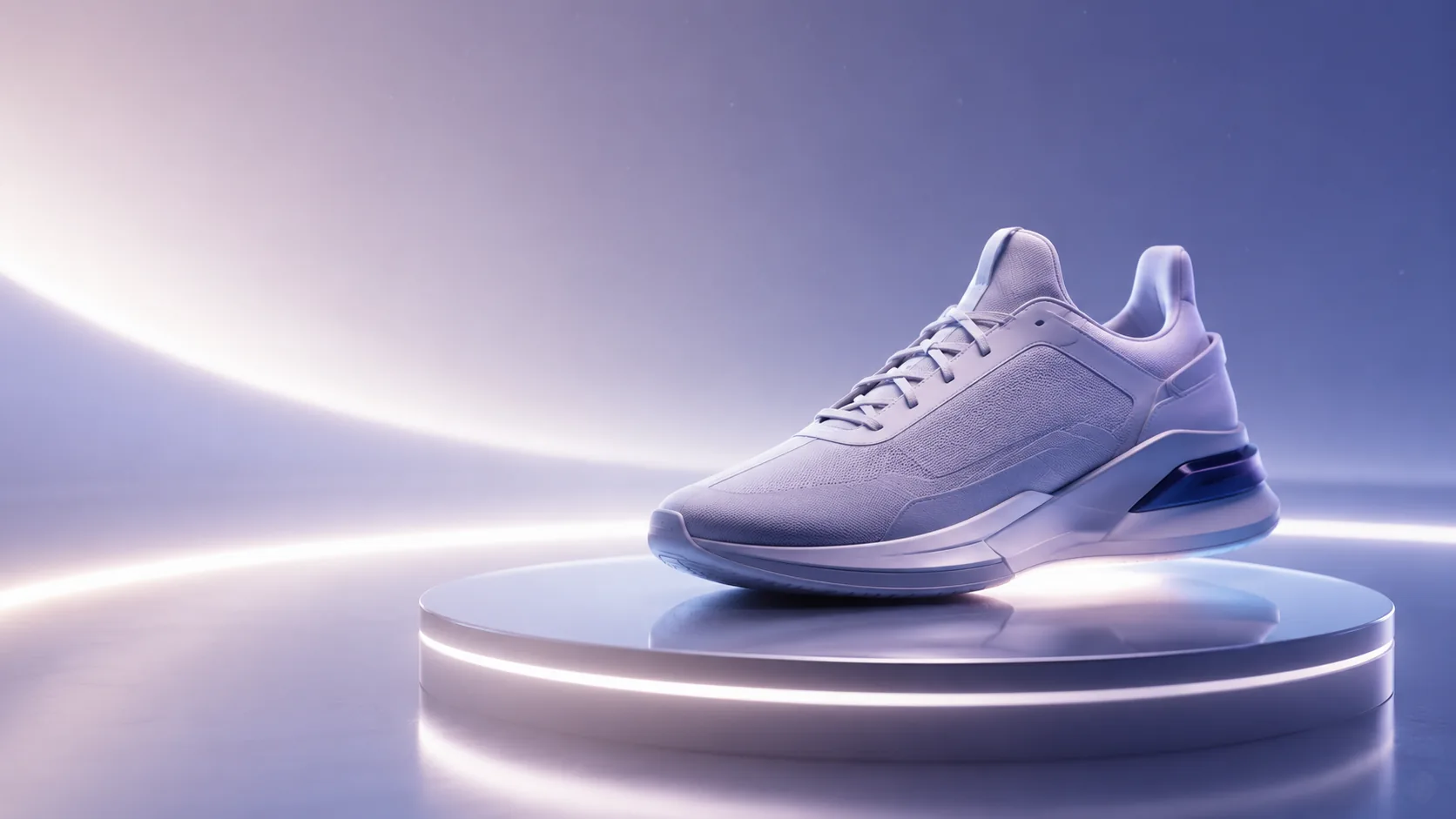
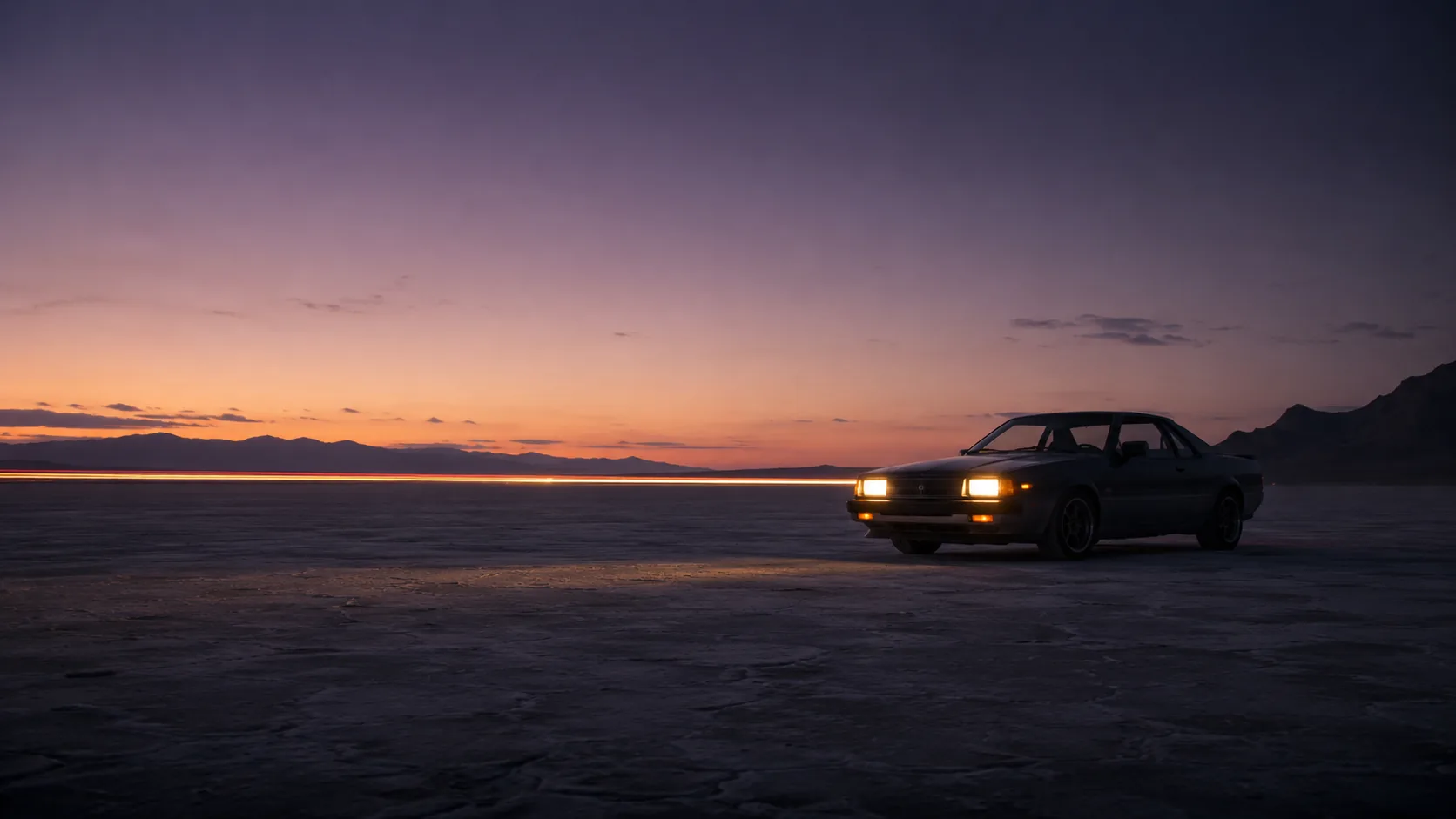
SOURCE FIRST, THEN EDIT
Describe what should change and what must stay—P Image Edit transforms the frame you attach, it does not invent a scene from a blank prompt.

UI & PRODUCT
Change what appears on a laptop or monitor while the desk, cup, and lighting stay put.
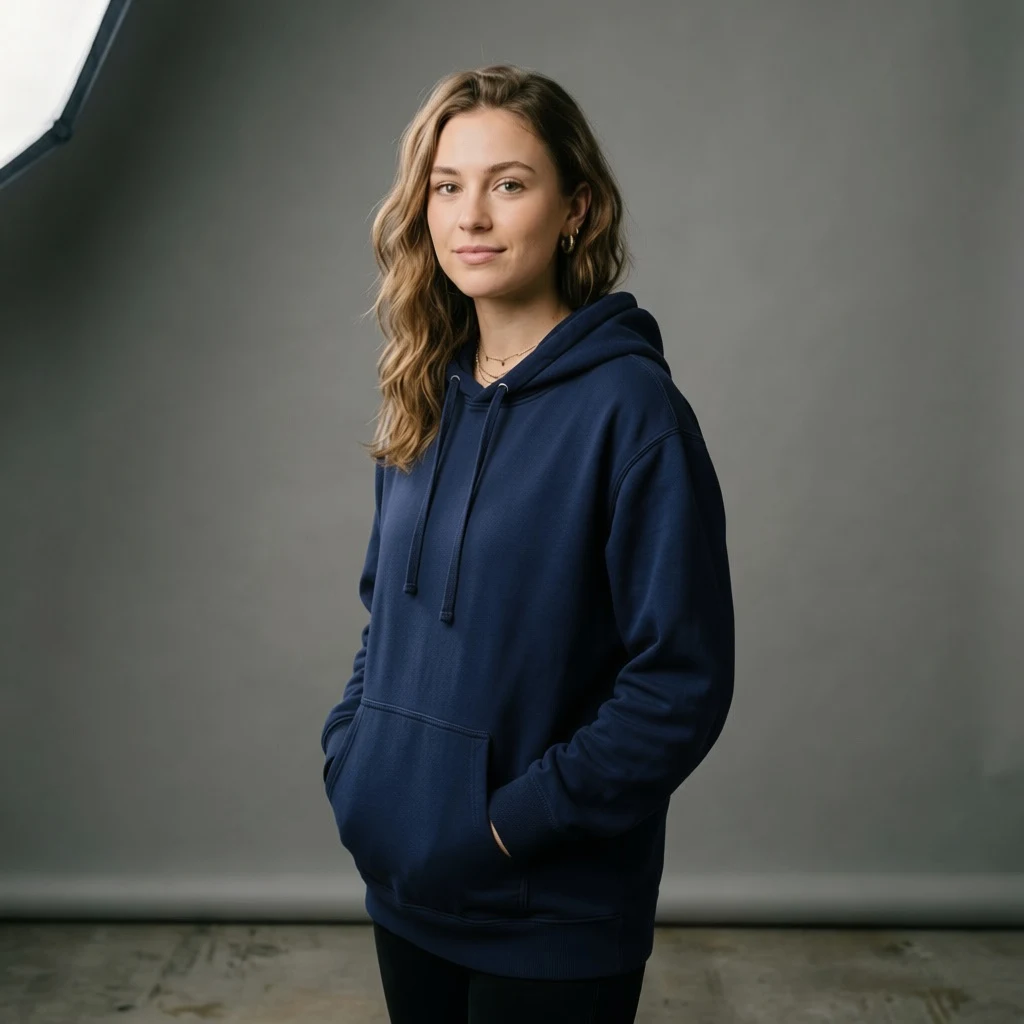
WARDROBE & COLOR
Shift fabric or object color while pose, face, and backdrop stay locked.
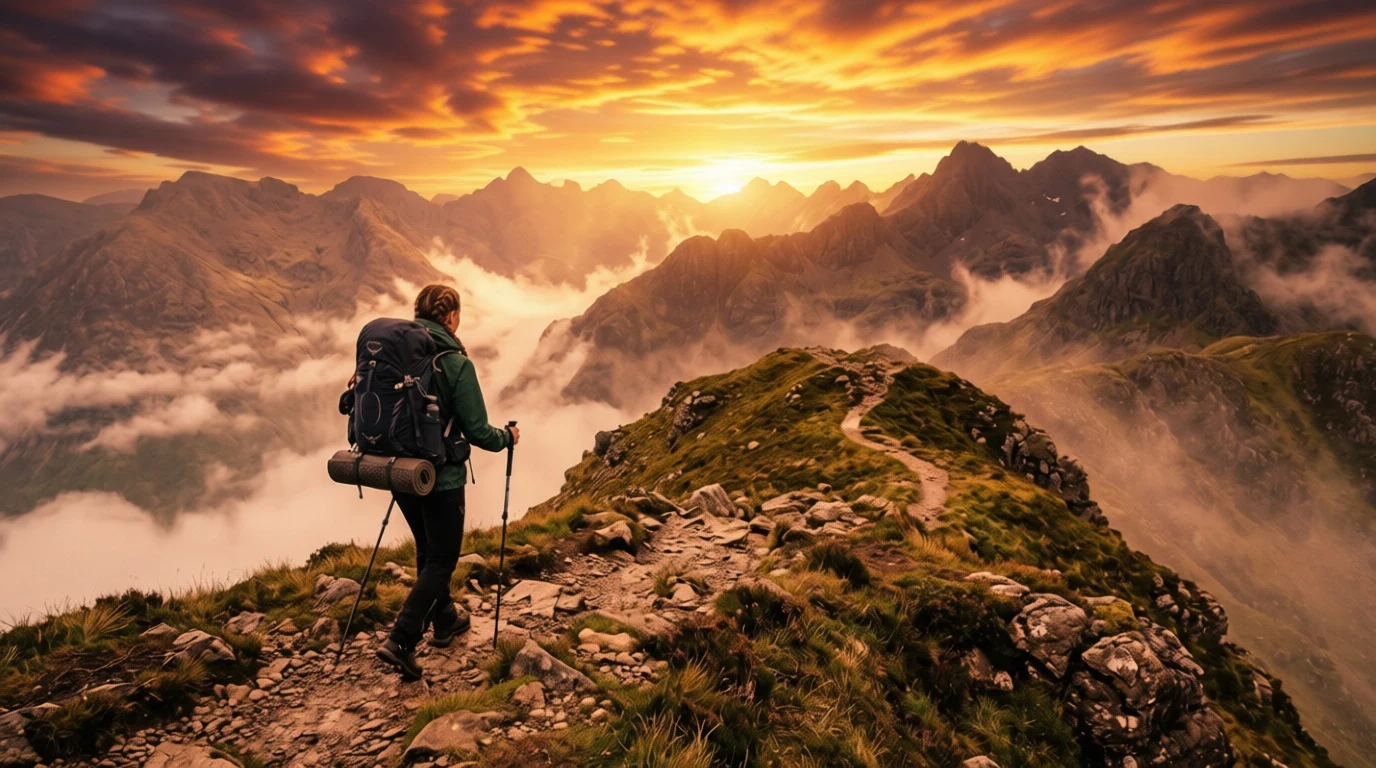
SKY & LIGHT
Replace sky mood or lamp color while the subject and layout remain.
P Image Edit in the app and the API
Image-to-image jobs use "p-image-edit" in Media Studio and the Media API—include `source_media_urls` (1–8 HTTPS URLs the backend can fetch). Poll until outputs land like any other generation.
Where P Image Edit earns a slot in the workflow
Product variants
Keep the hero angle and shadows—add accents or small pack changes instead of re-rendering the whole shot.
Lighting passes
Shift warm lamp light to cool moonlight for a second look without rebuilding the room.
Same model id in the API
Pass public image URLs in `source_media_urls` with "p-image-edit"—batch touch-ups with the same stack as Media Studio.
P Image Edit
Run P Image Edit in Kubeez
Attach your source in Media Studio, choose P Image Edit, and keep credits in one wallet.