xAI · Grok Image
Grok Image
Stills with a Grok point of view—not generic stock polish
Grok on Kubeez is for when you want attitude, humor, or a rough-and-ready comp: xAI’s image stack with multi-image runs, text-to-image or bring a frame to edit, all billed like any other model in Media Studio.
Showcase


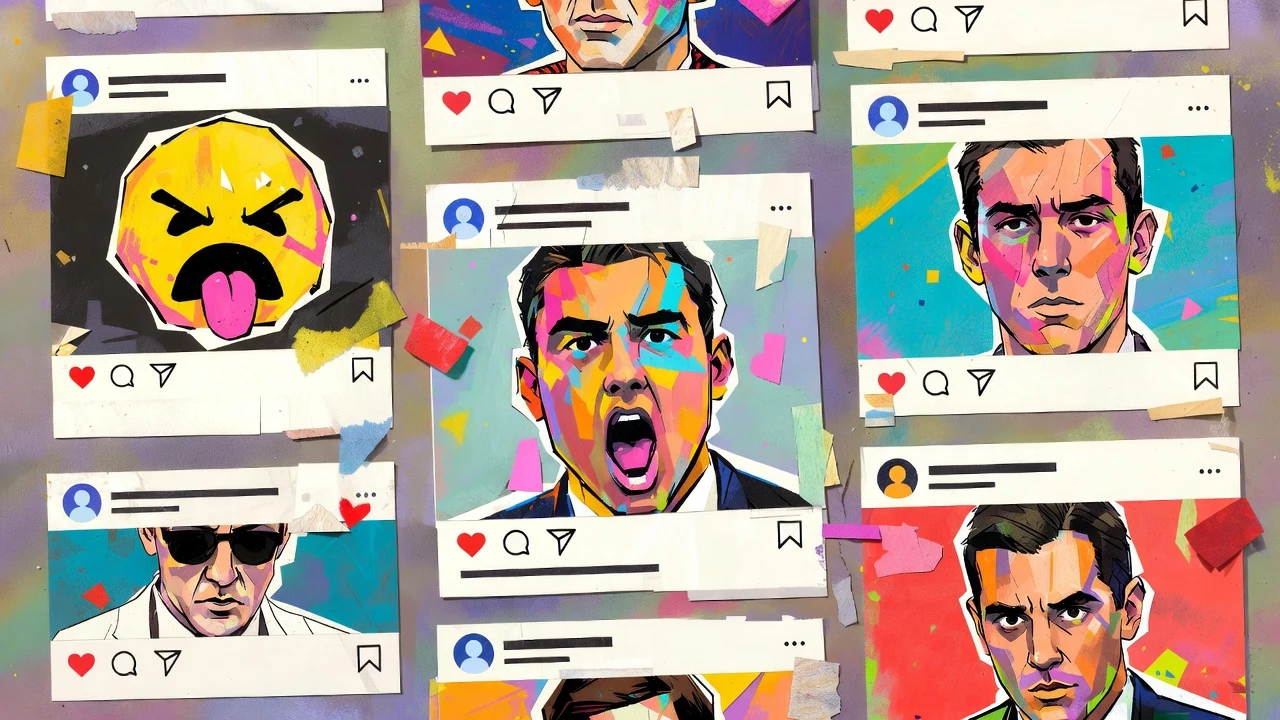












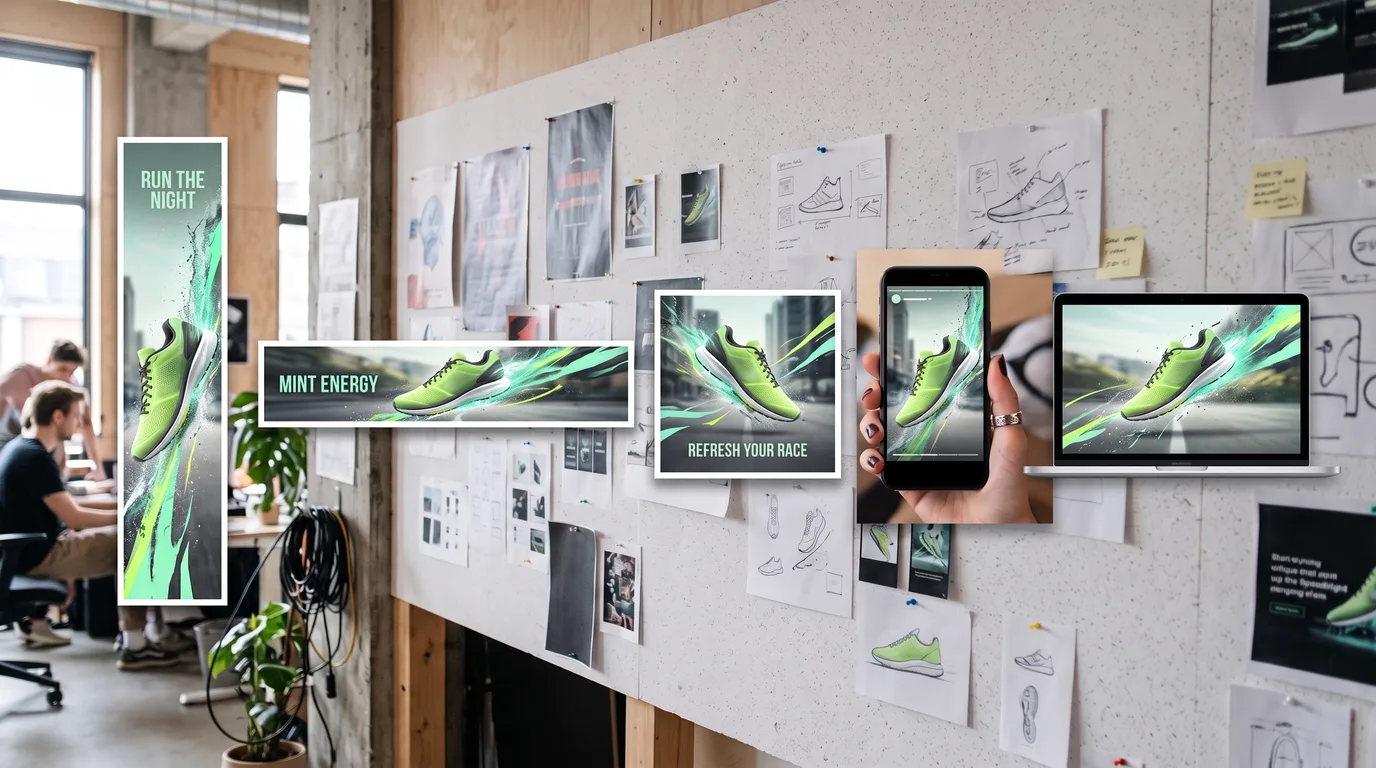

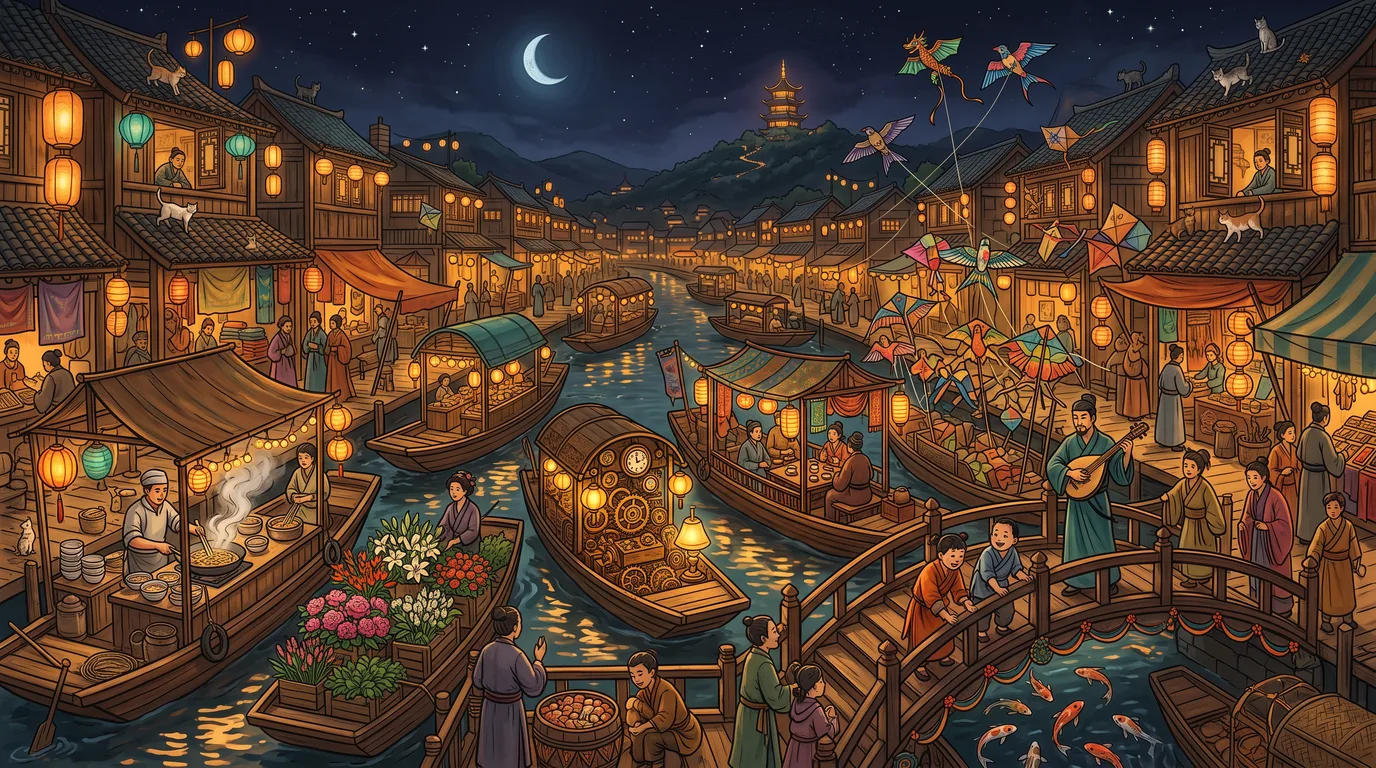

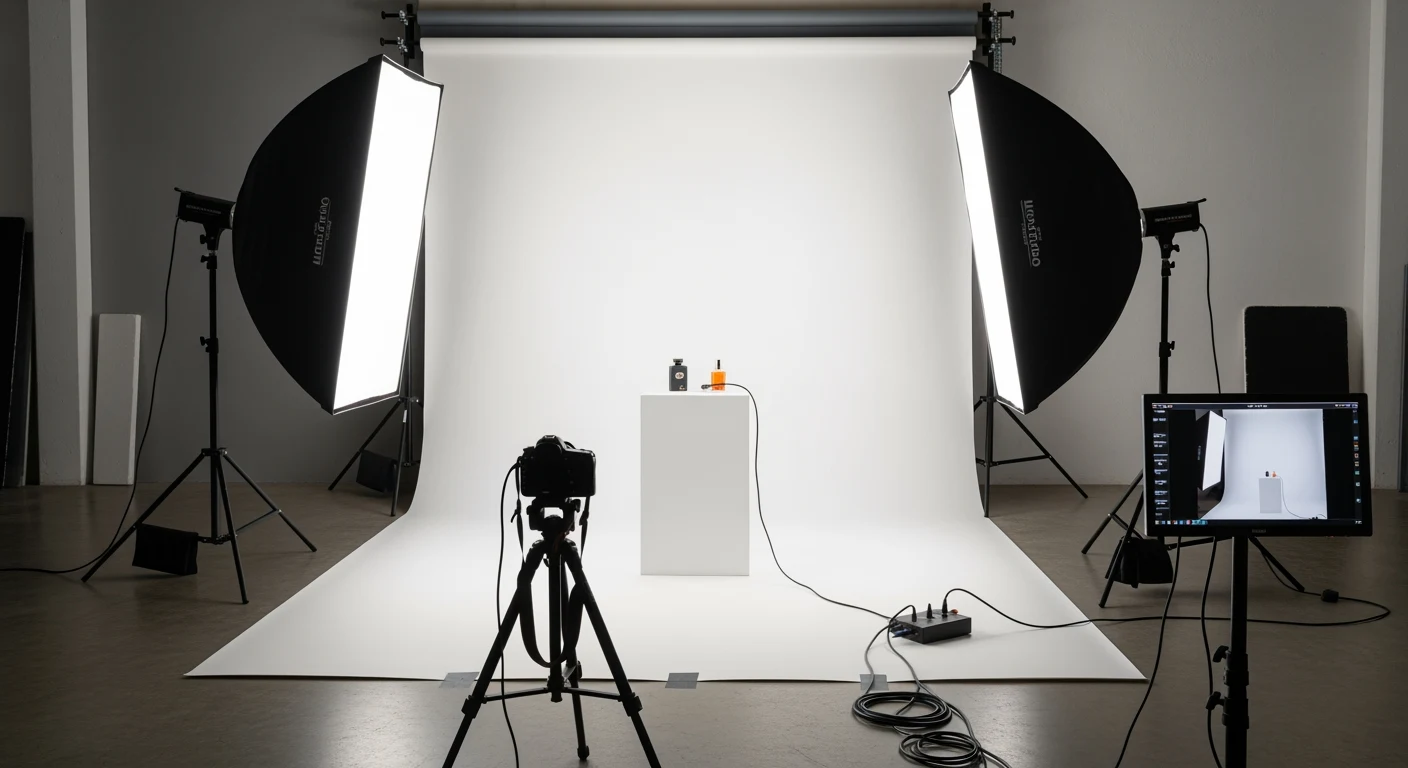



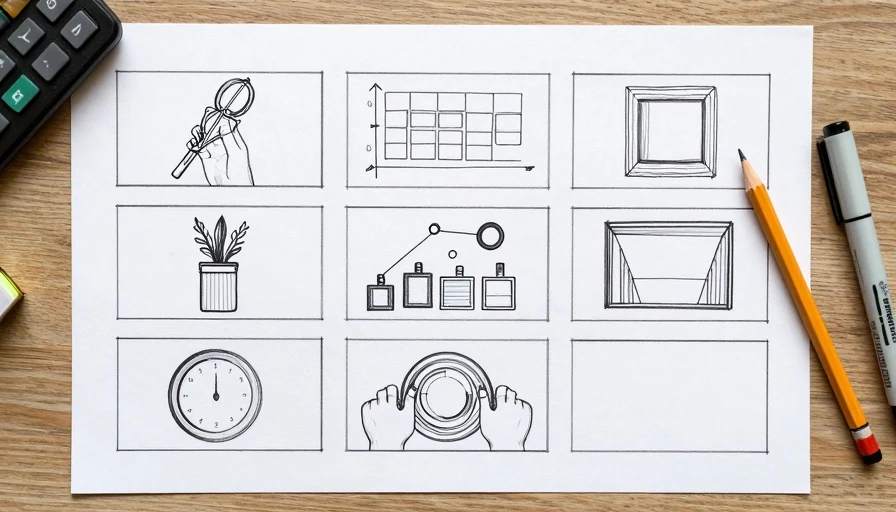

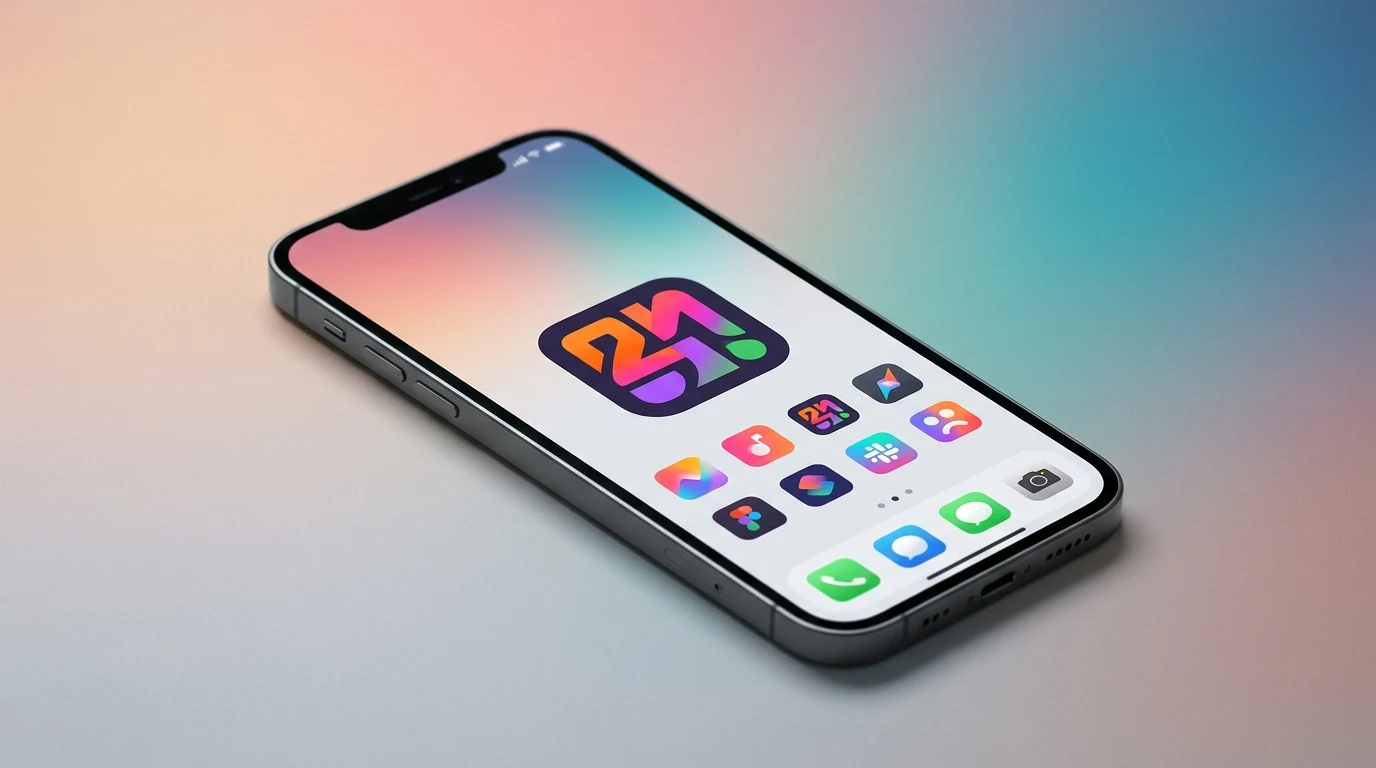

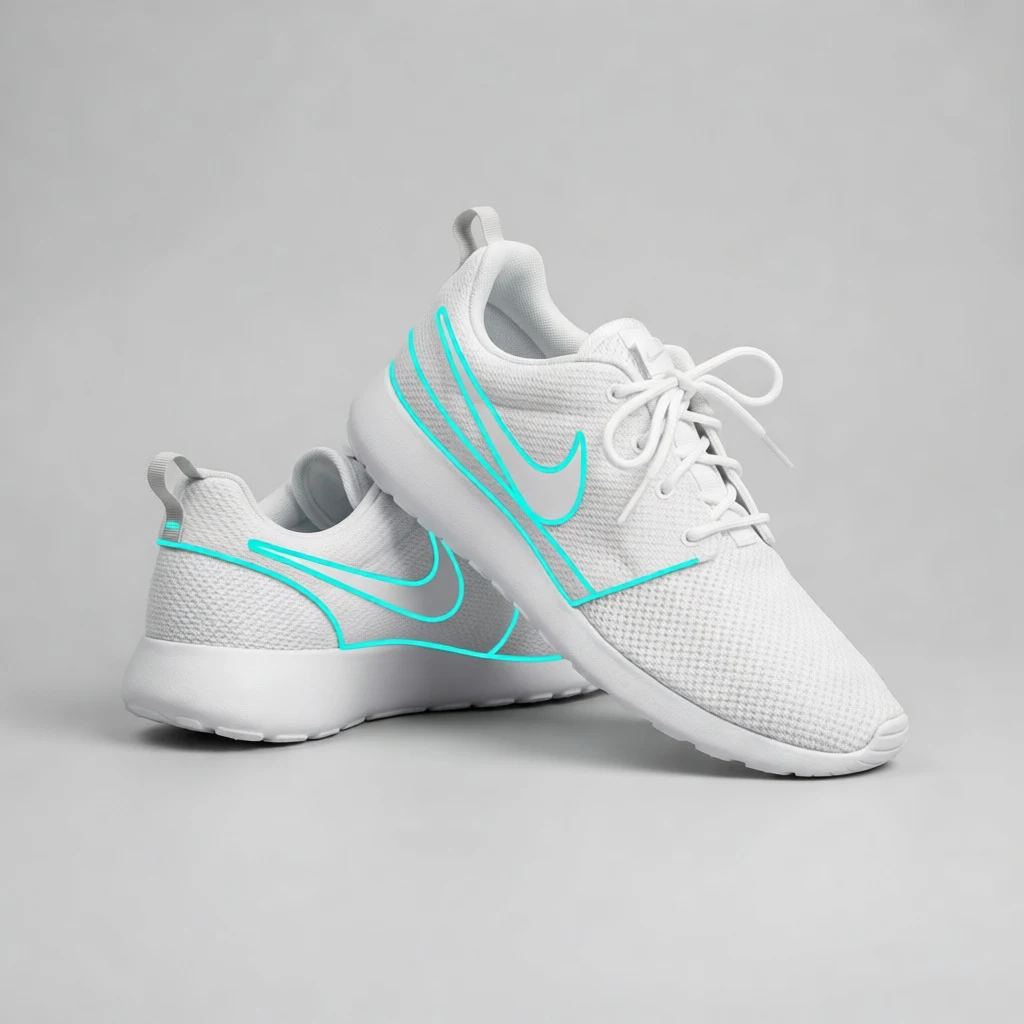

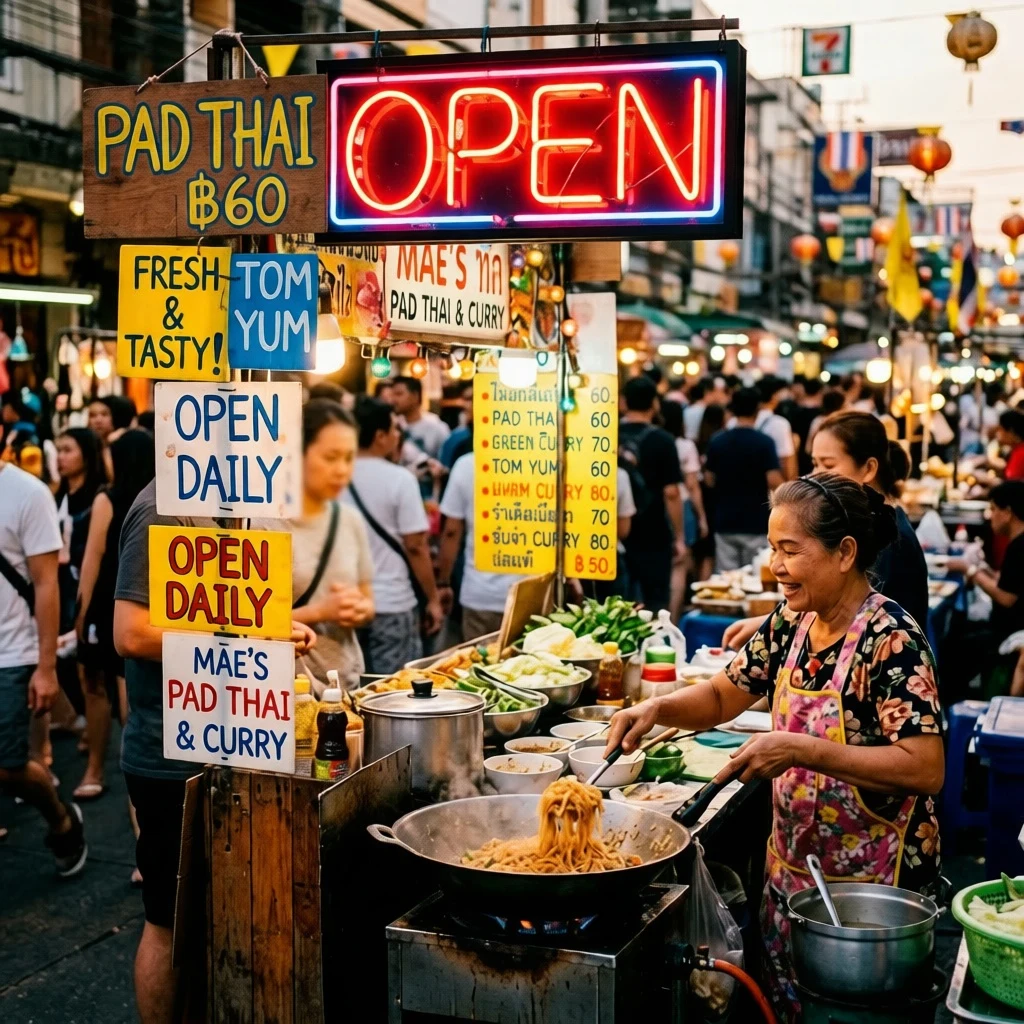
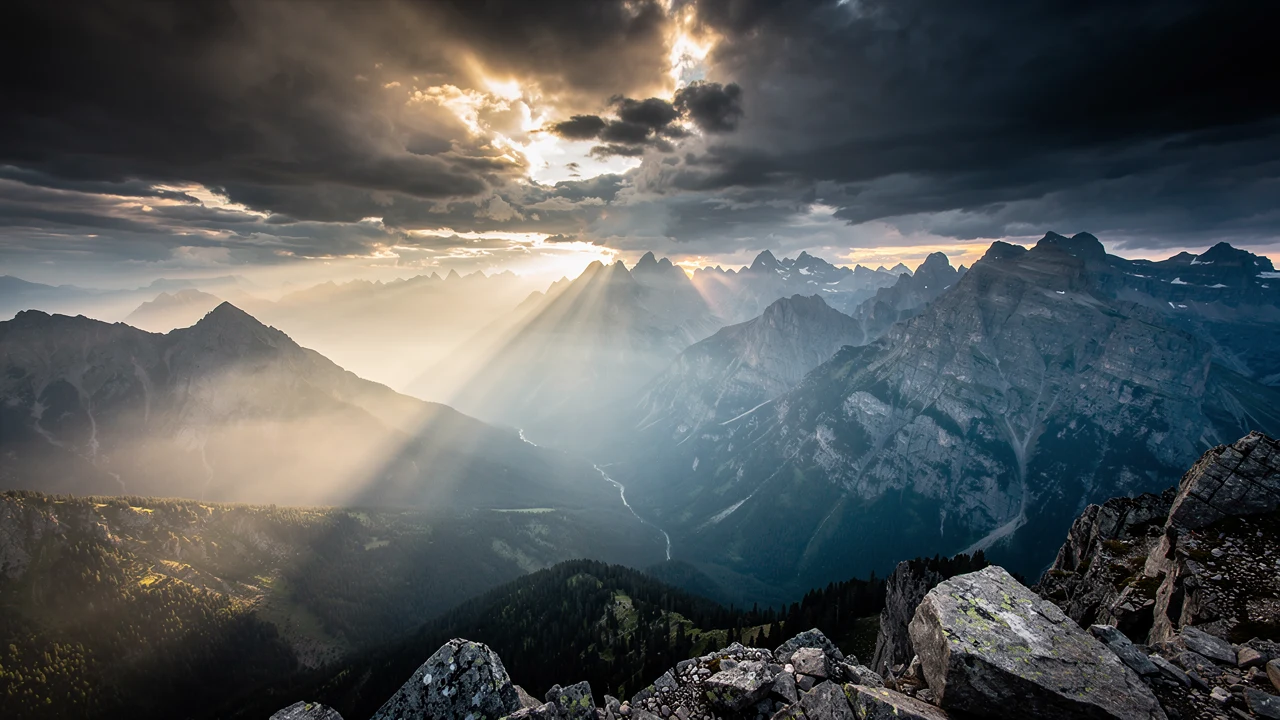


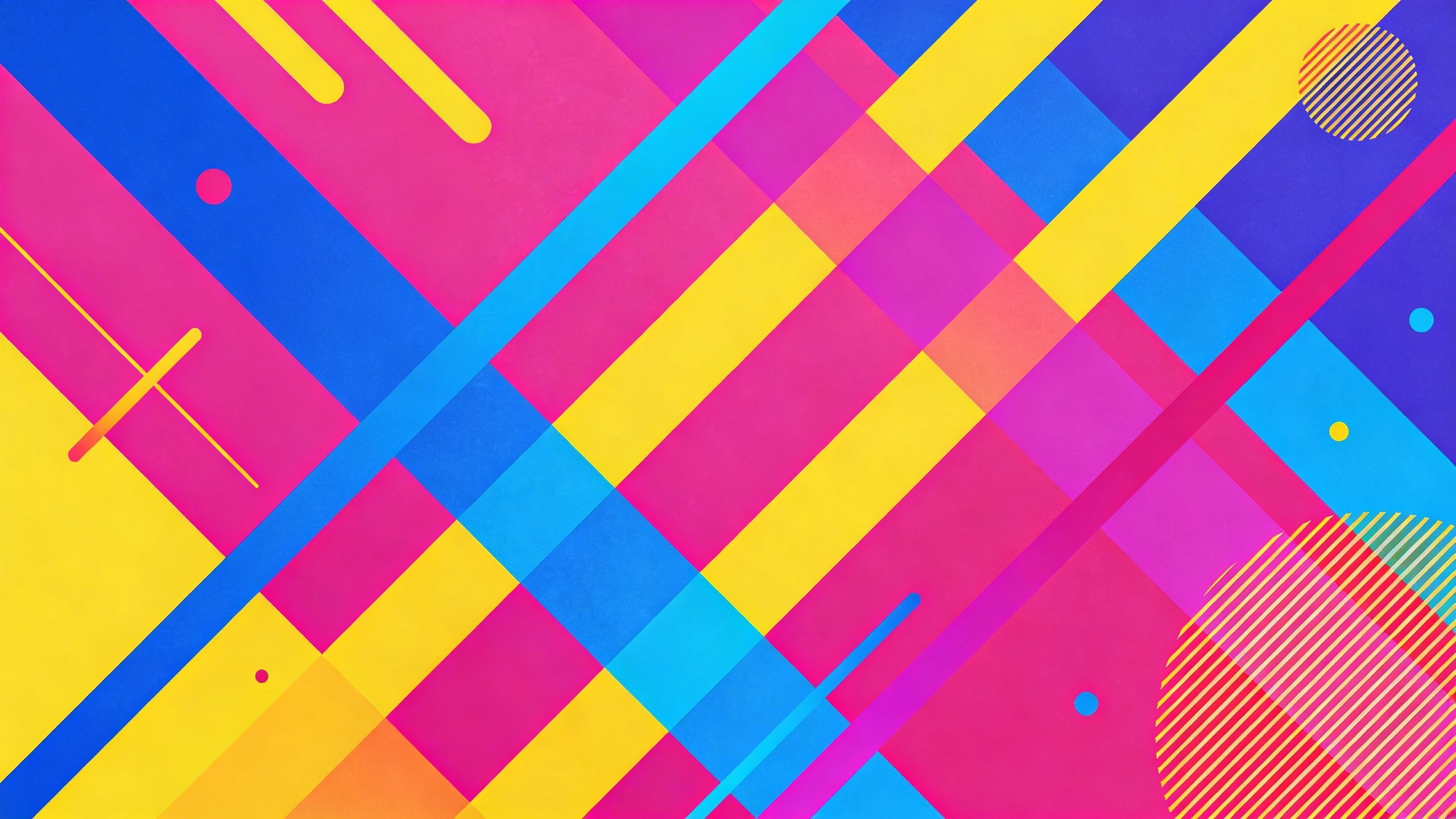






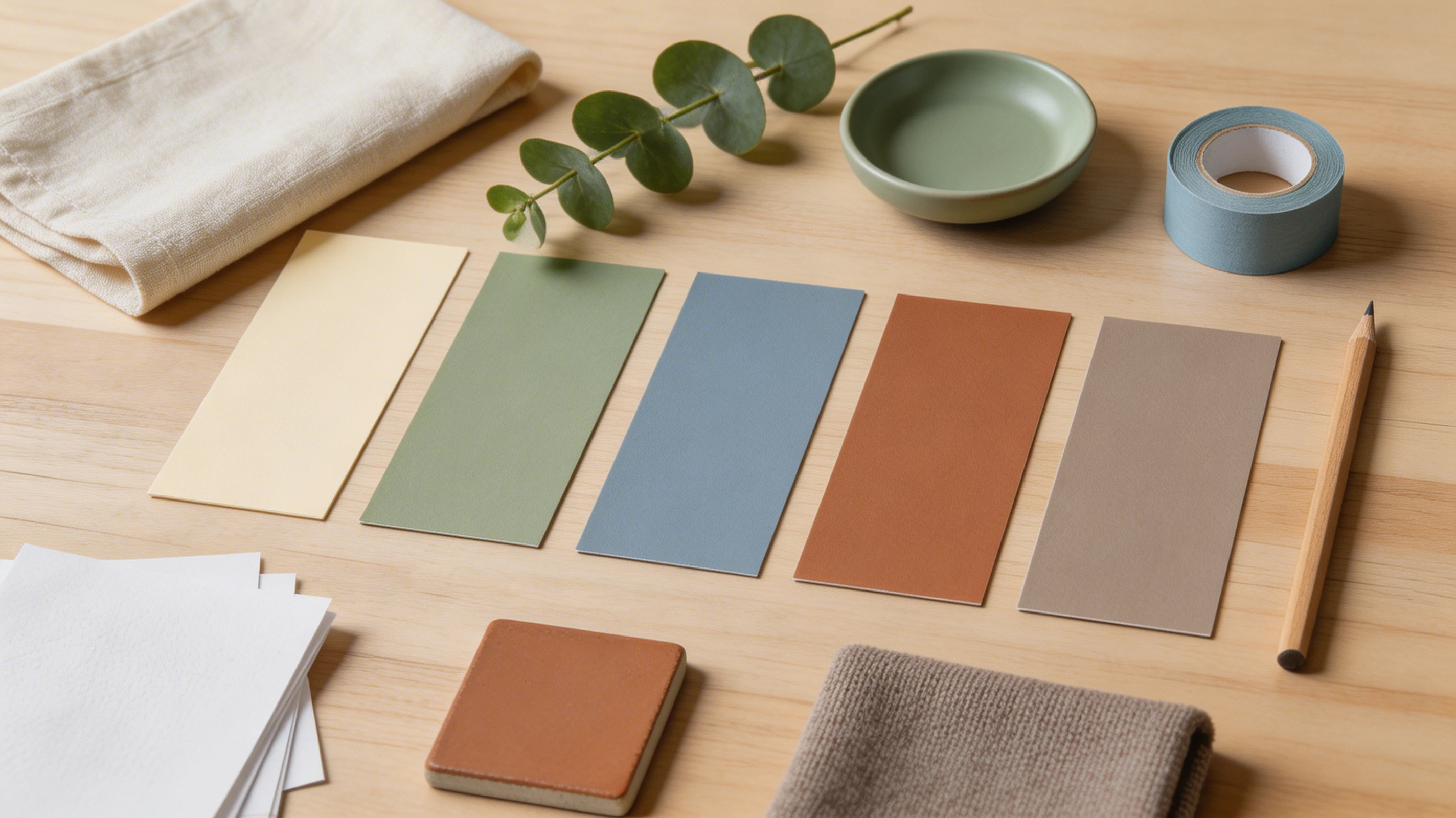


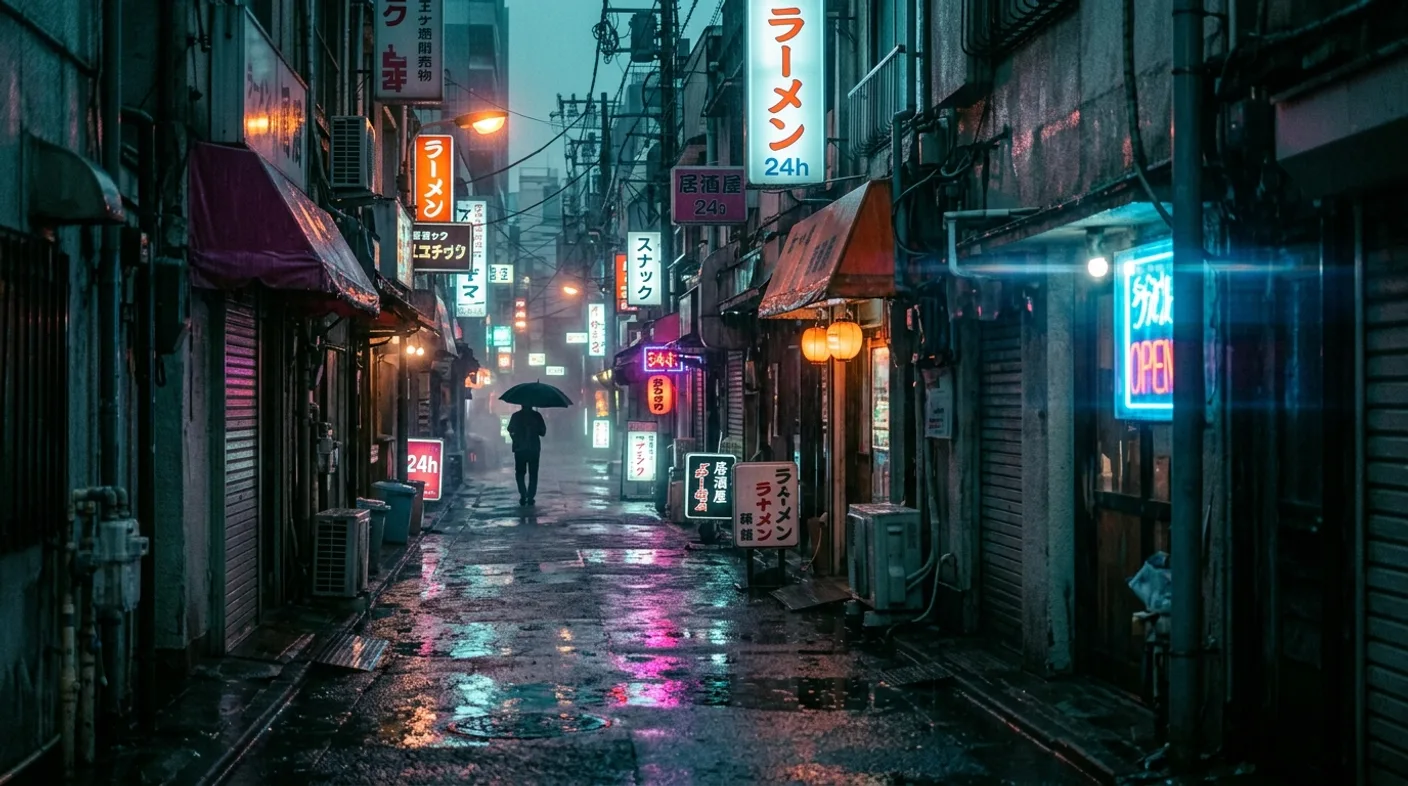




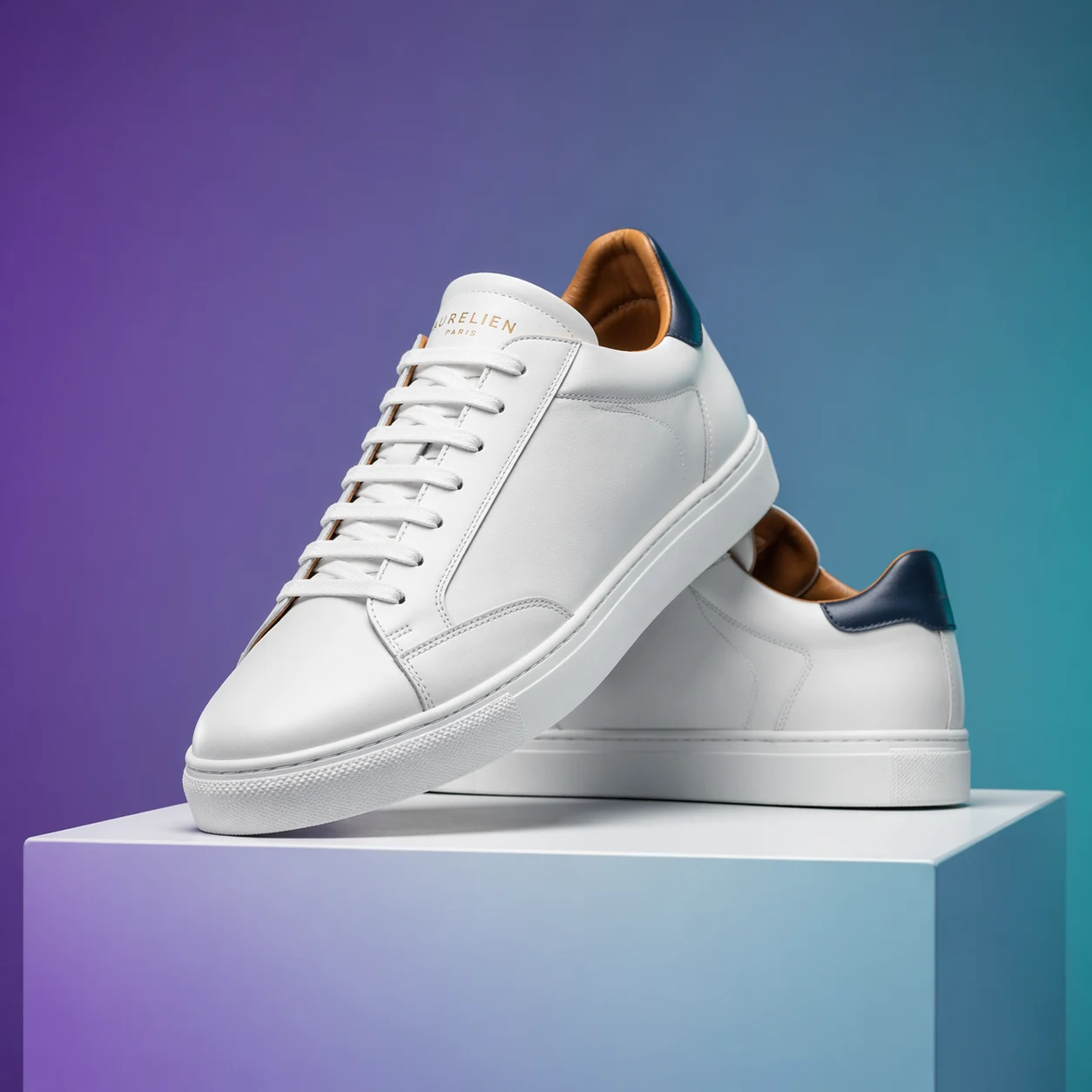


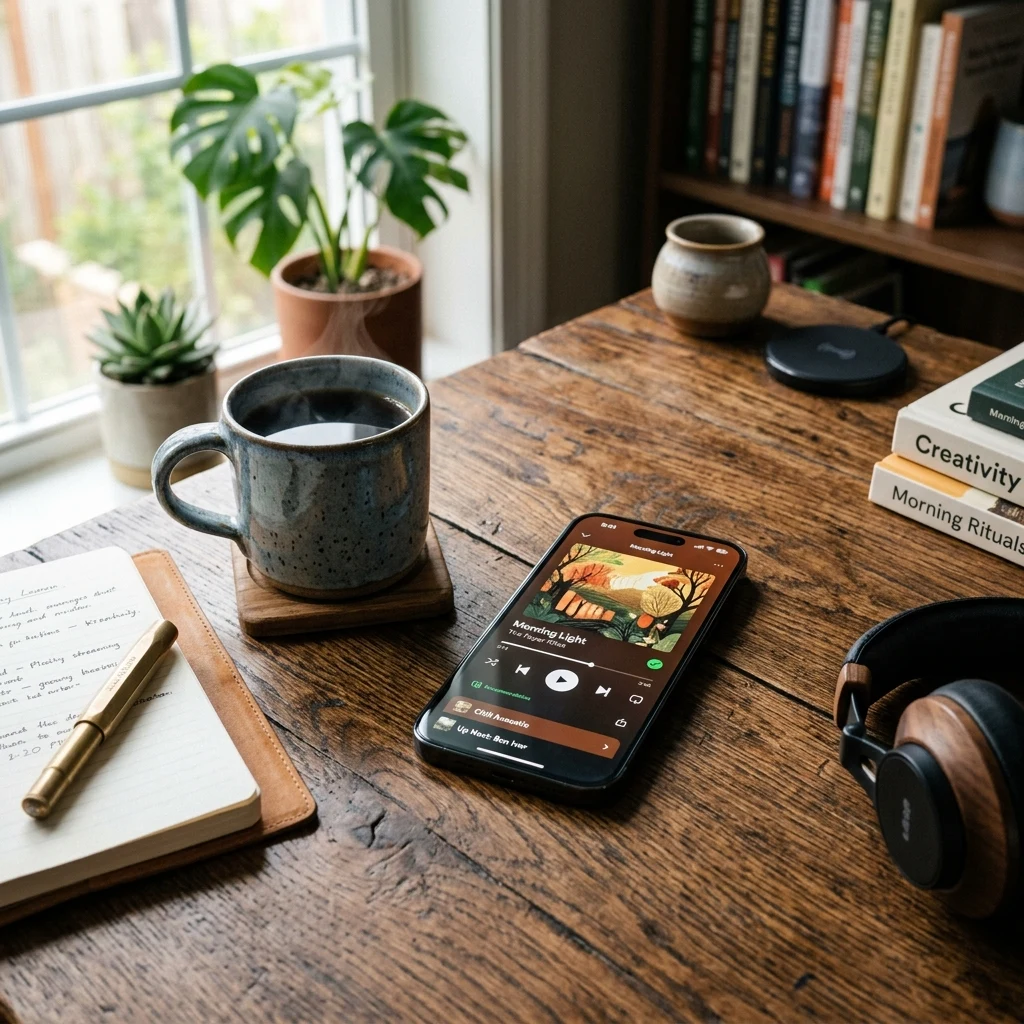
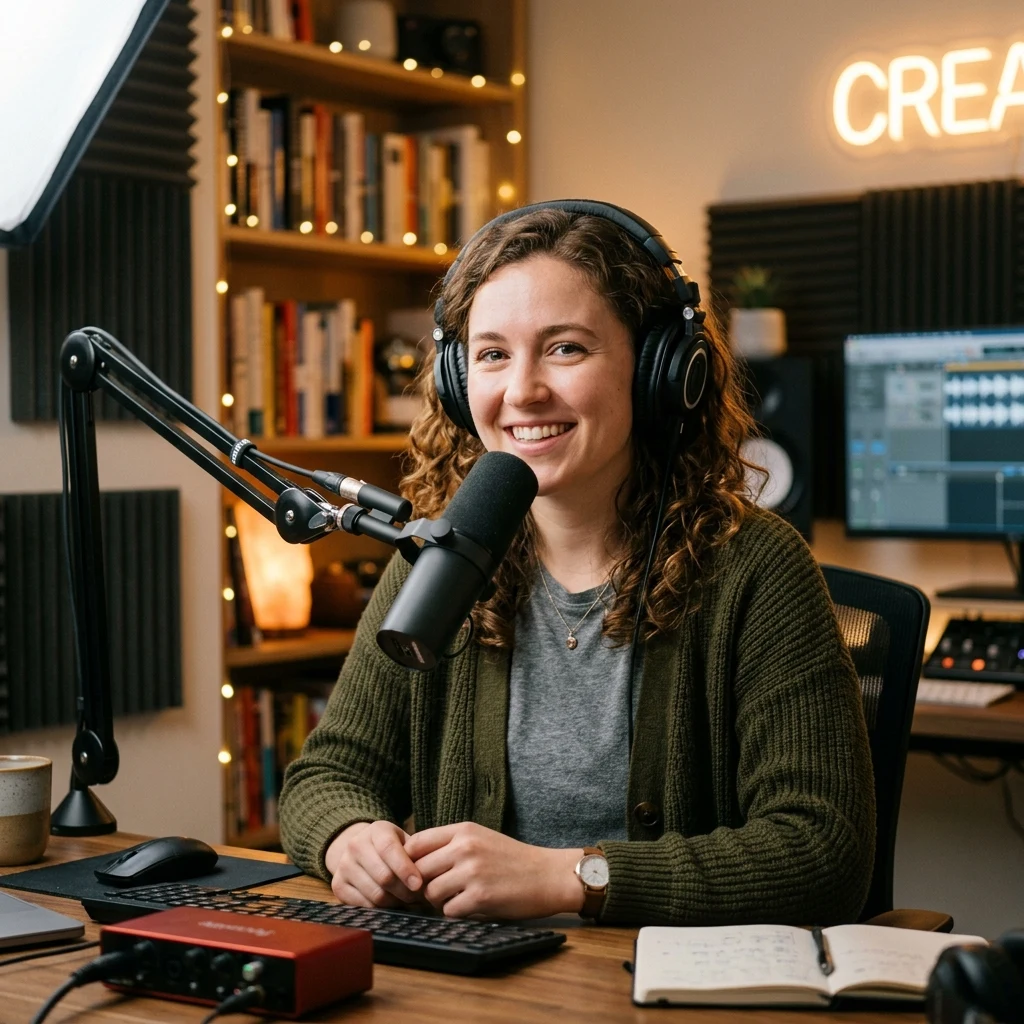



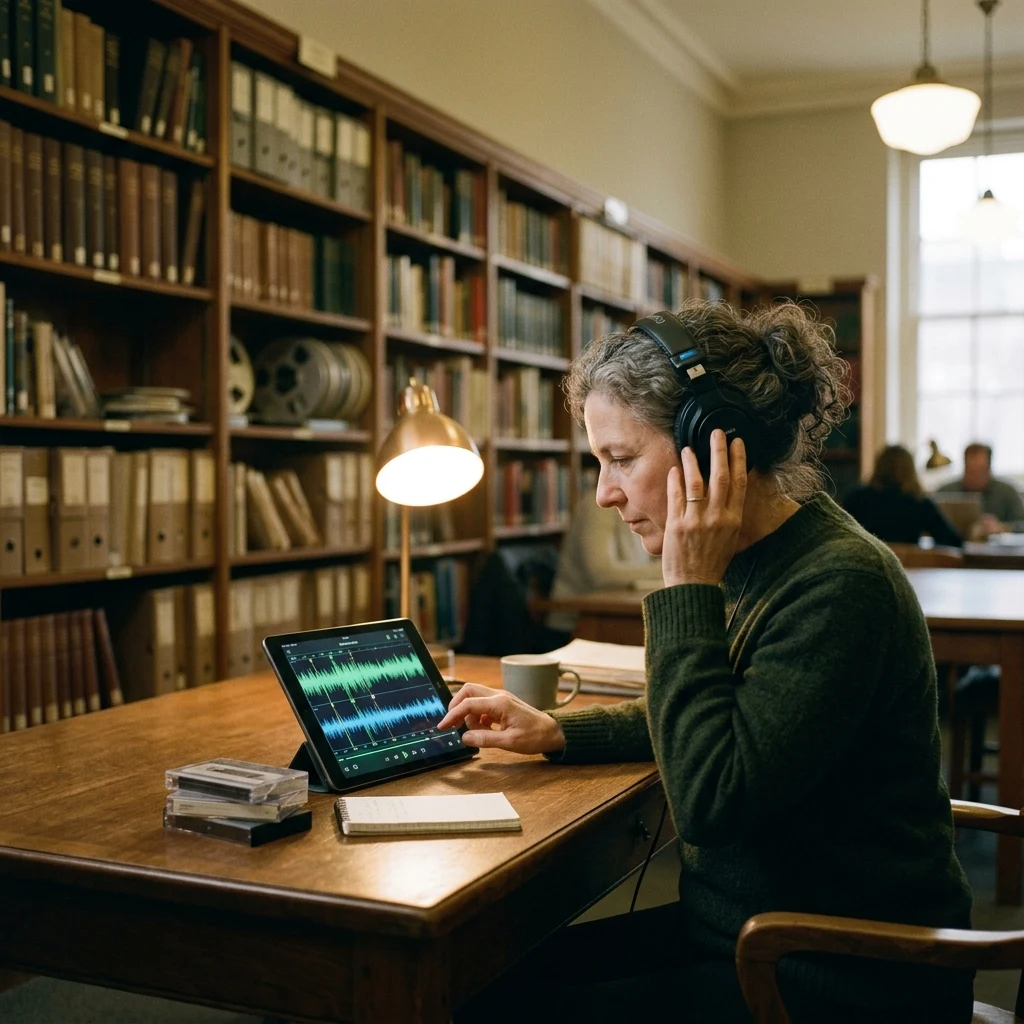
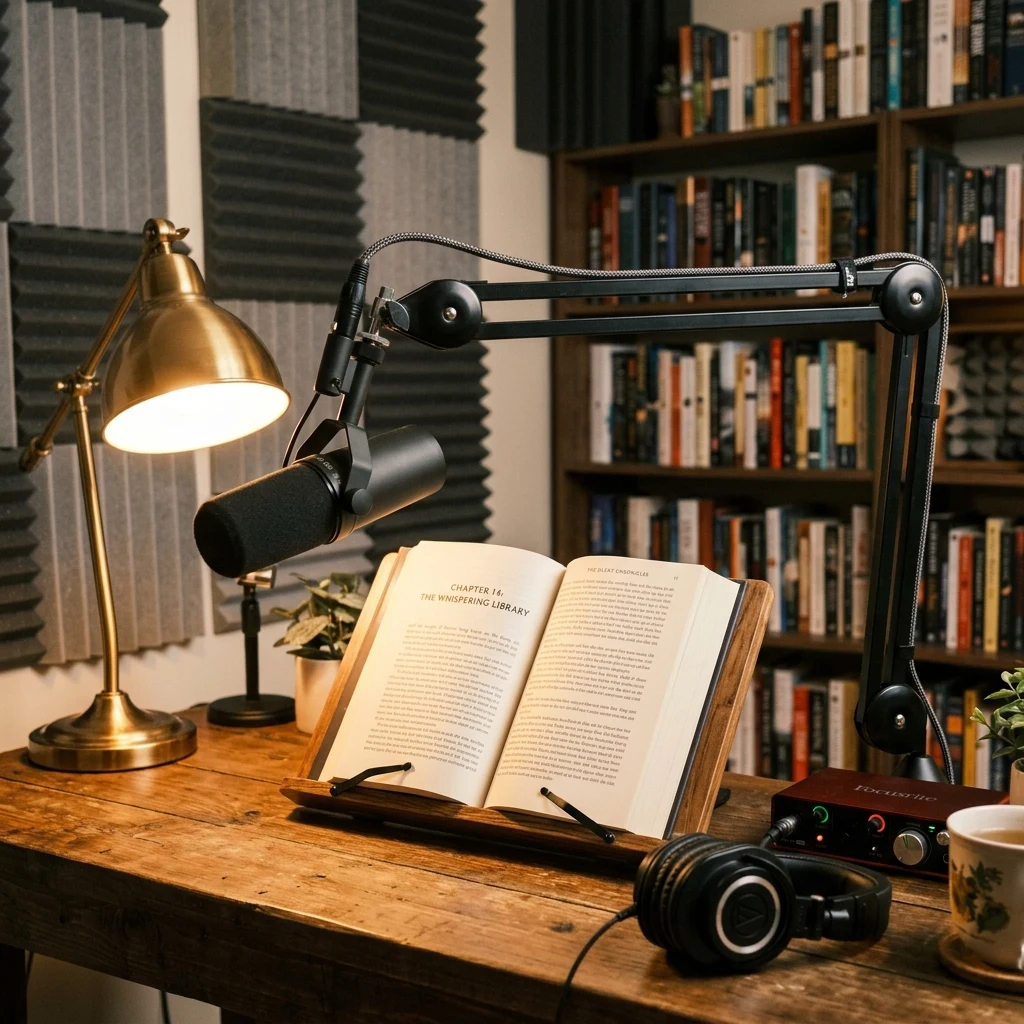
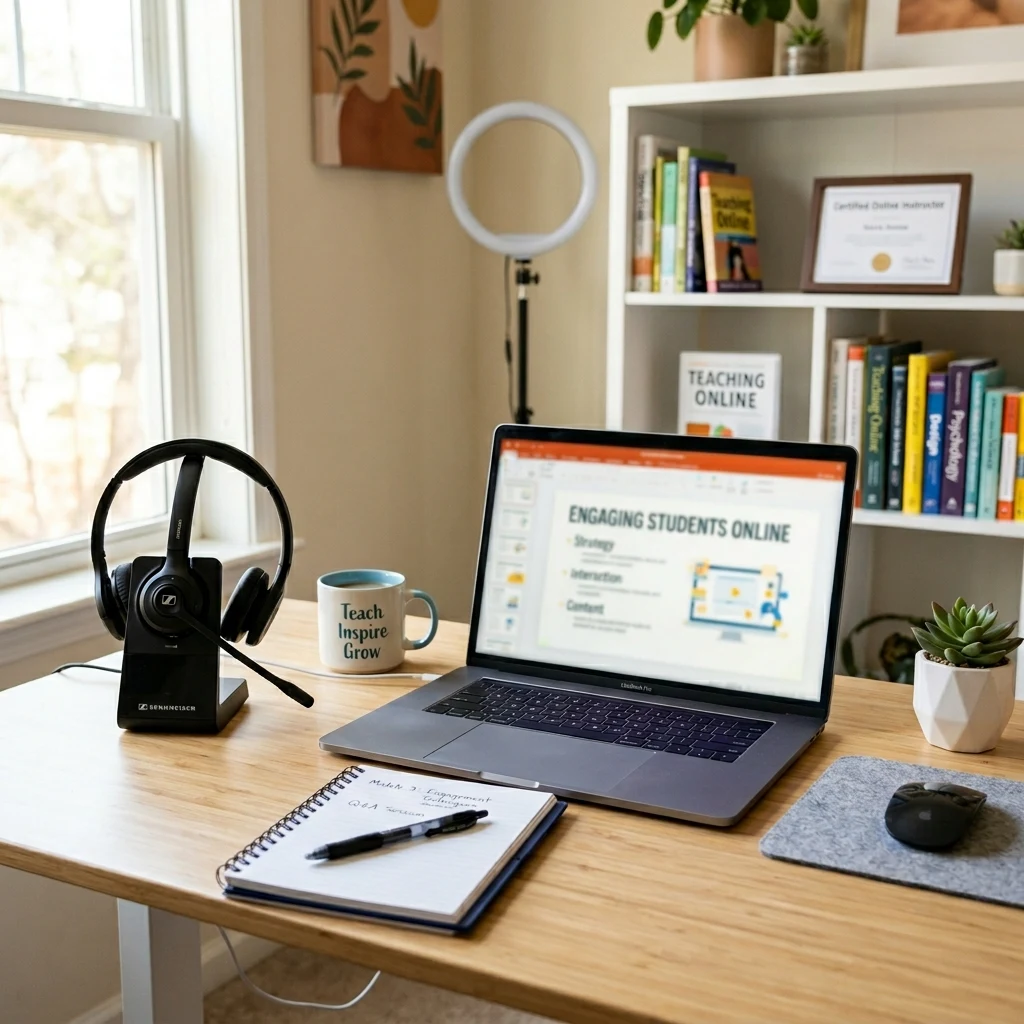
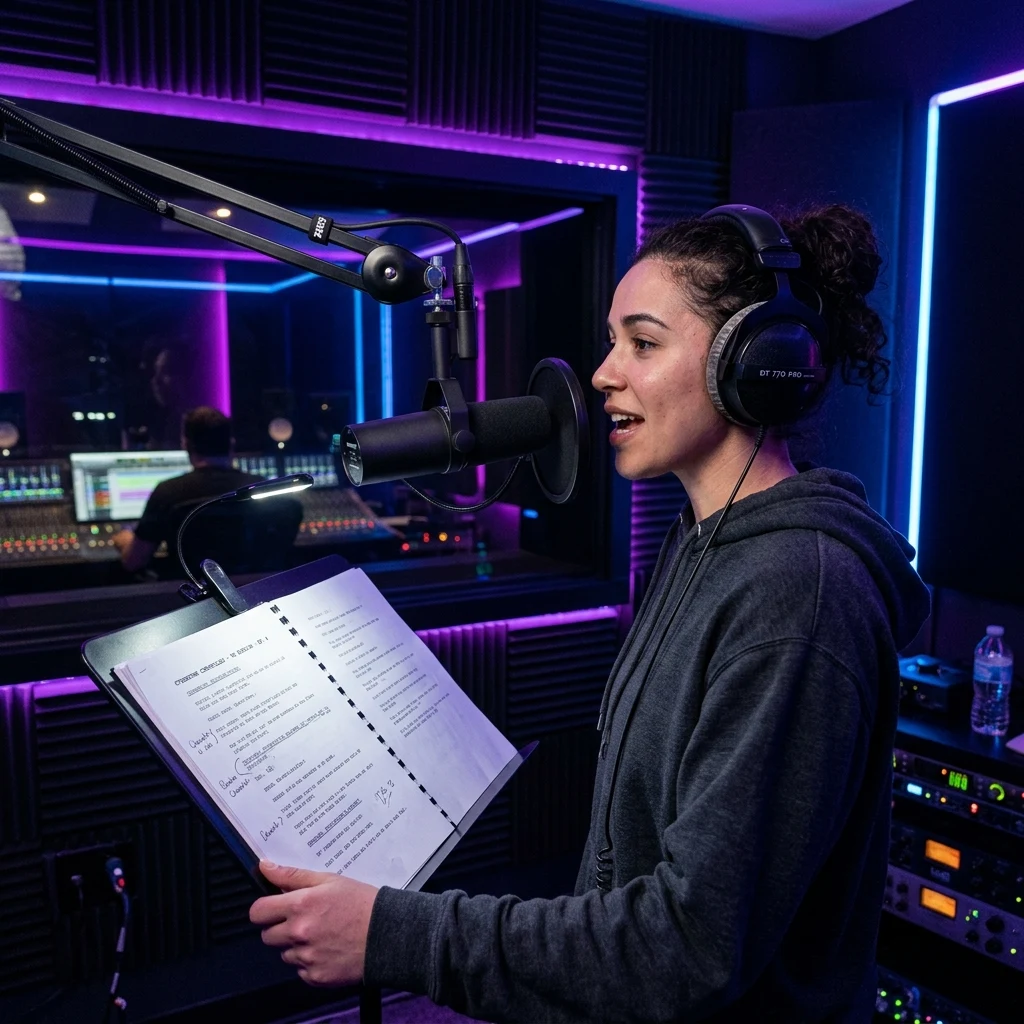

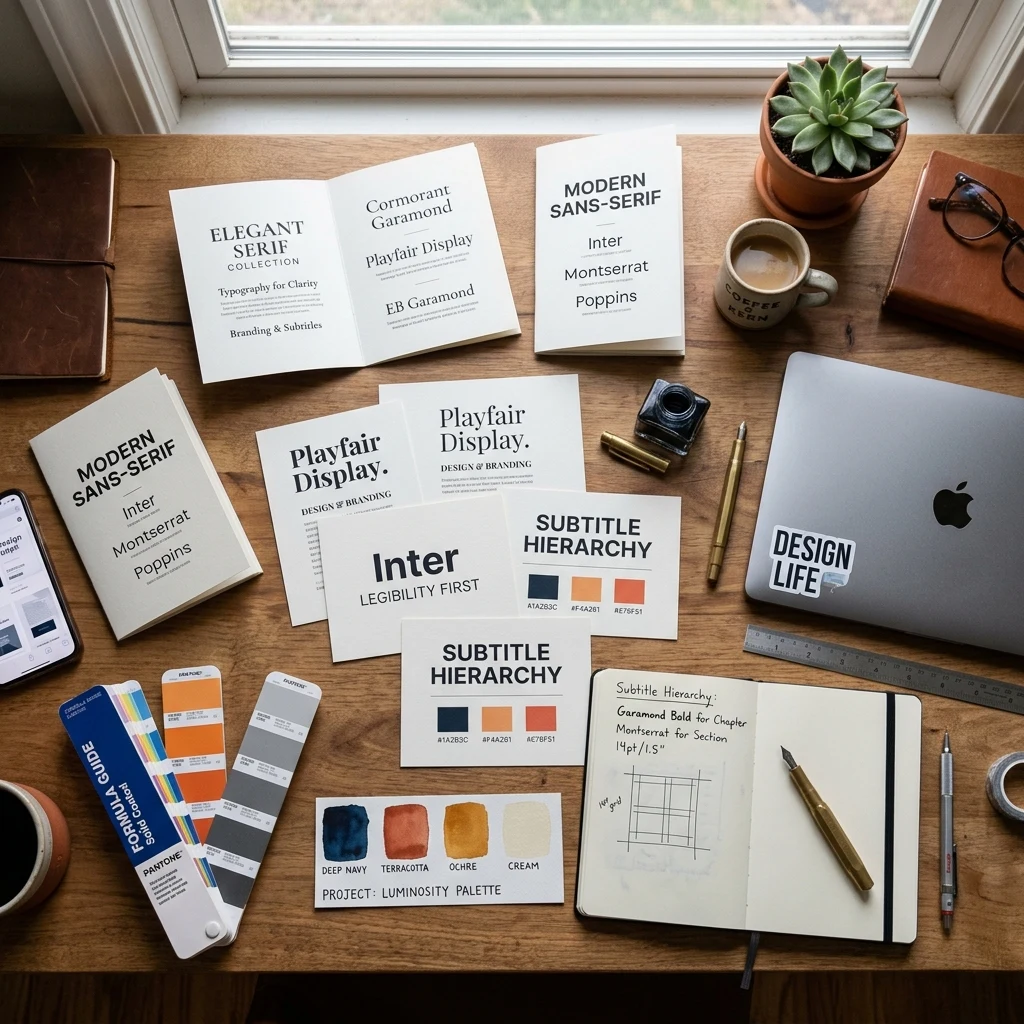
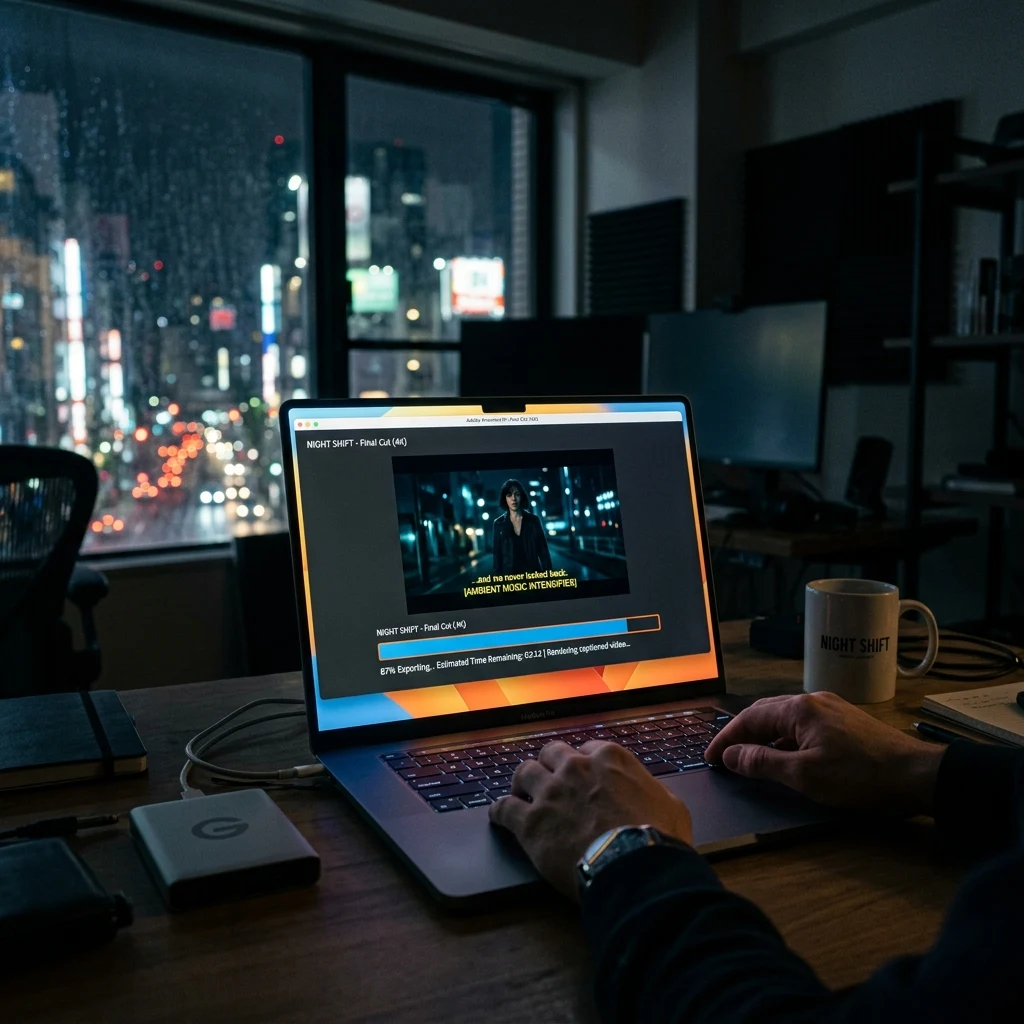


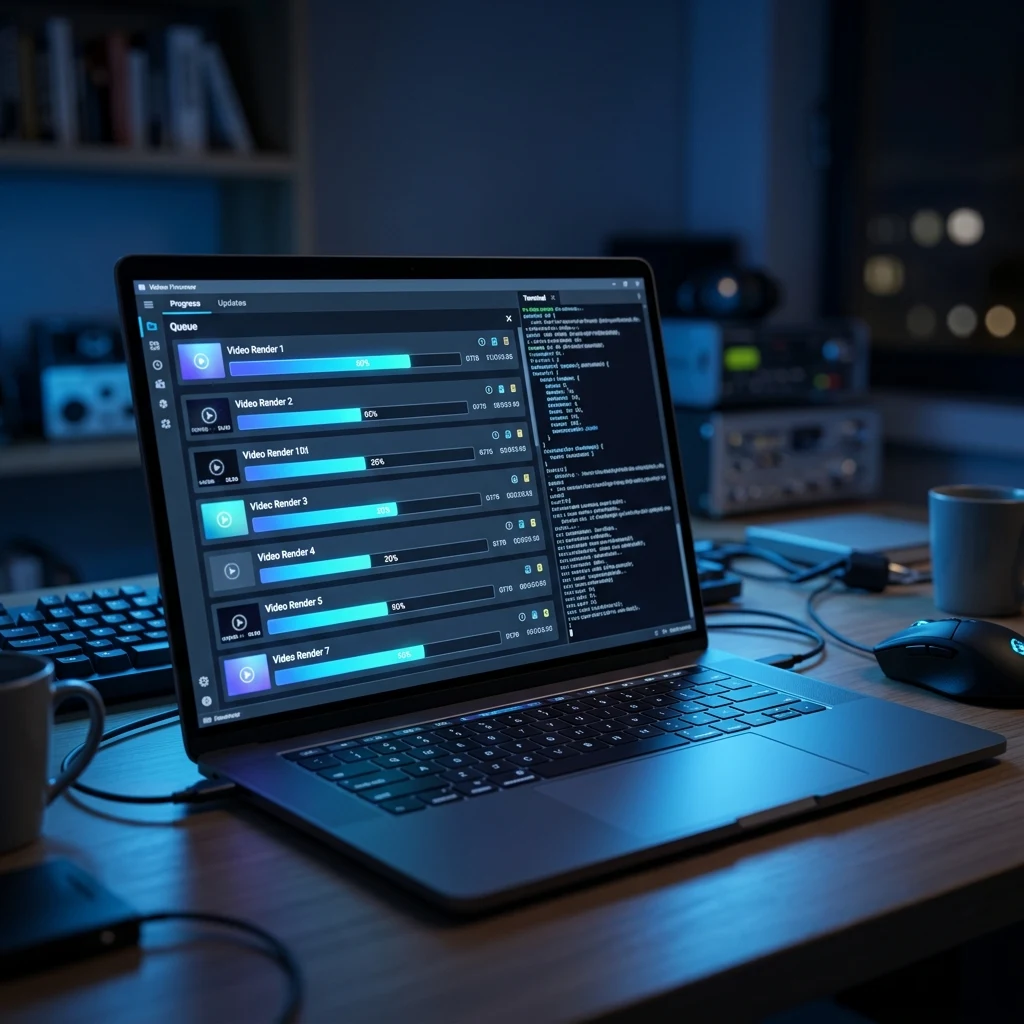























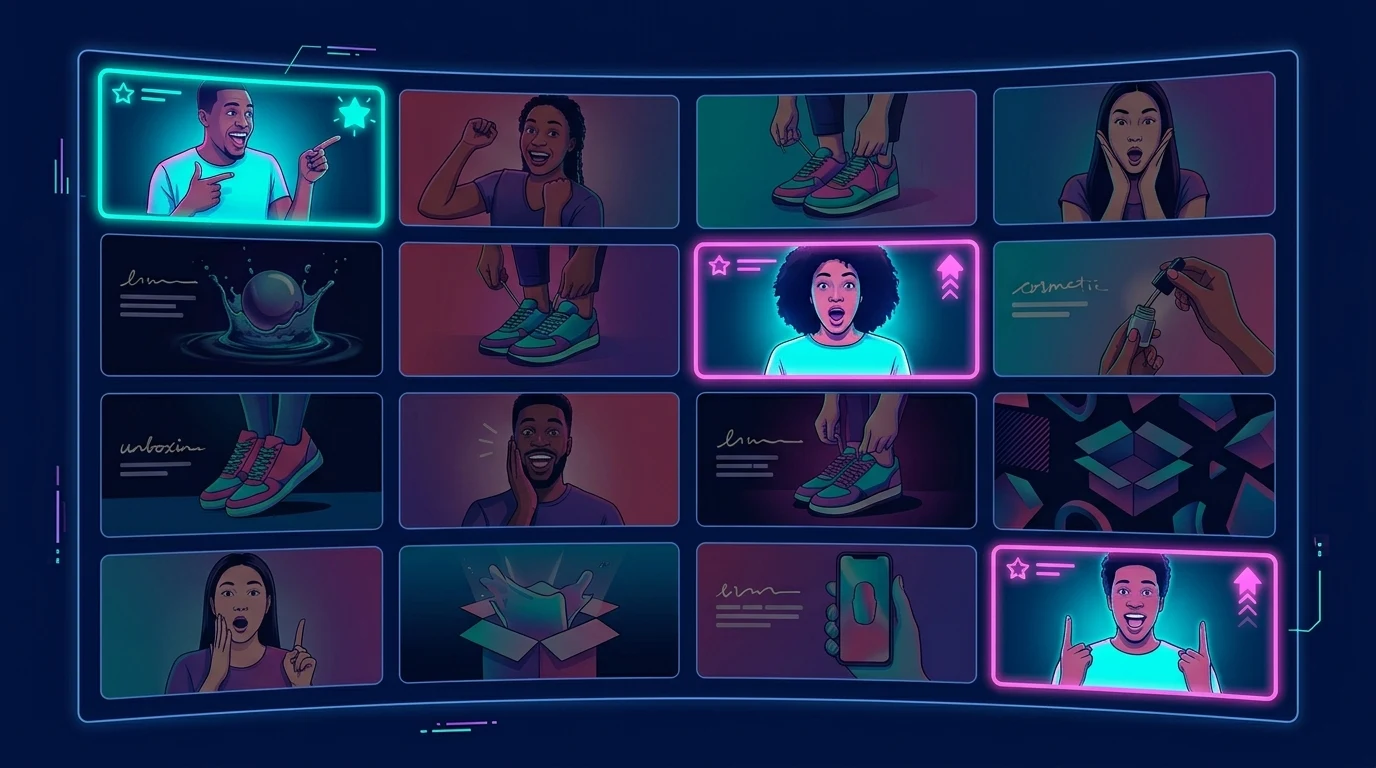
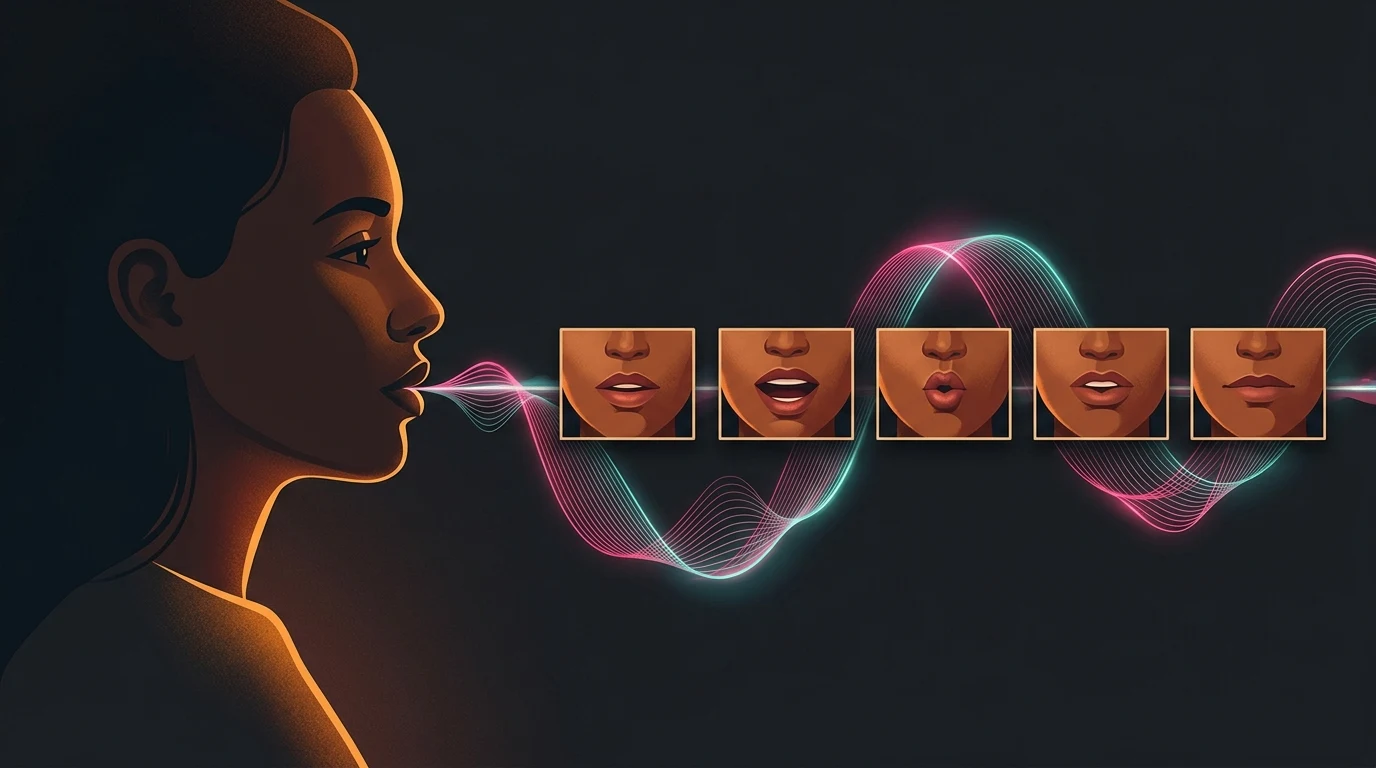
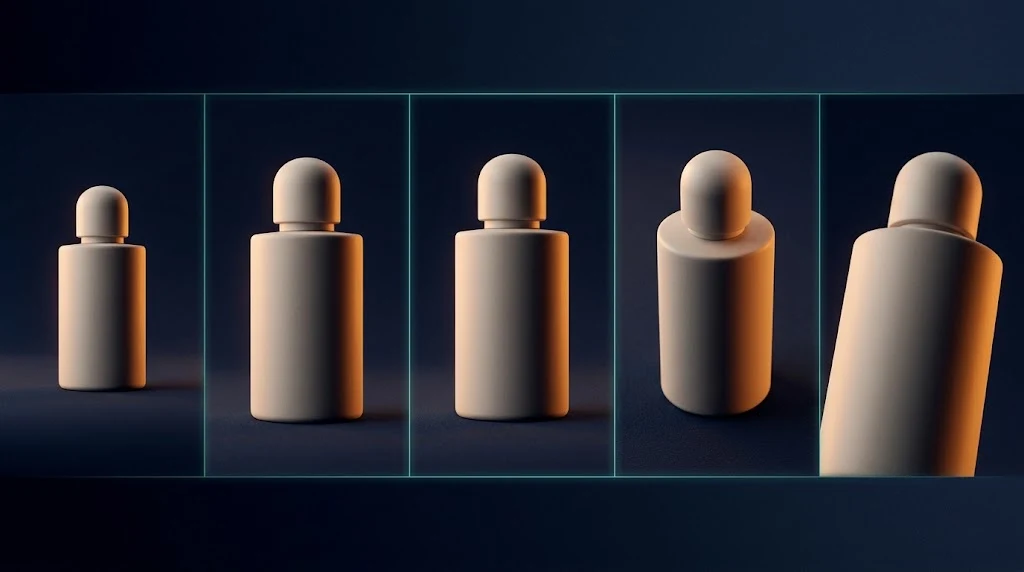








Grok is supposed to feel like Grok
Lean on it for social concepts, meme-adjacent art, and fast optionality—then switch to Nano Banana or Flux when the brief demands print-grade type or hyper-photoreal fidelity.
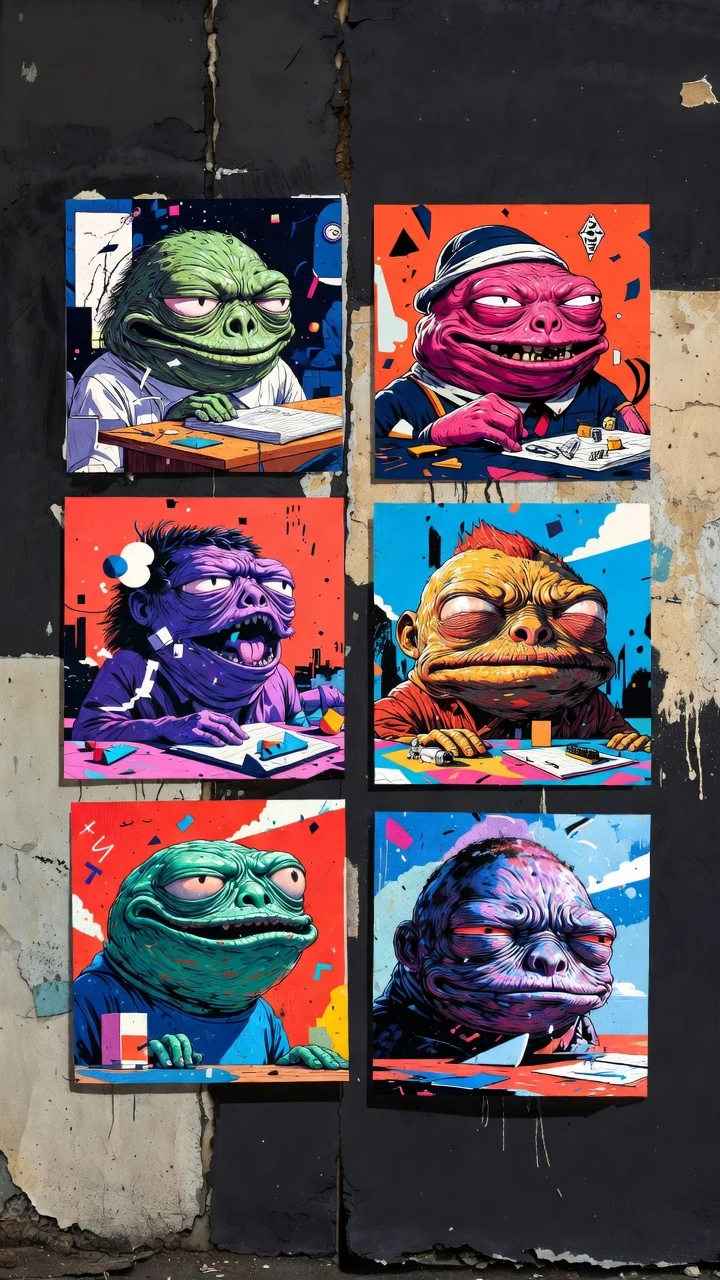
MANY FRAMES PER RUN
xAI’s image flow is built around getting several interpretations without restarting your session—pick a direction, refine, repeat.
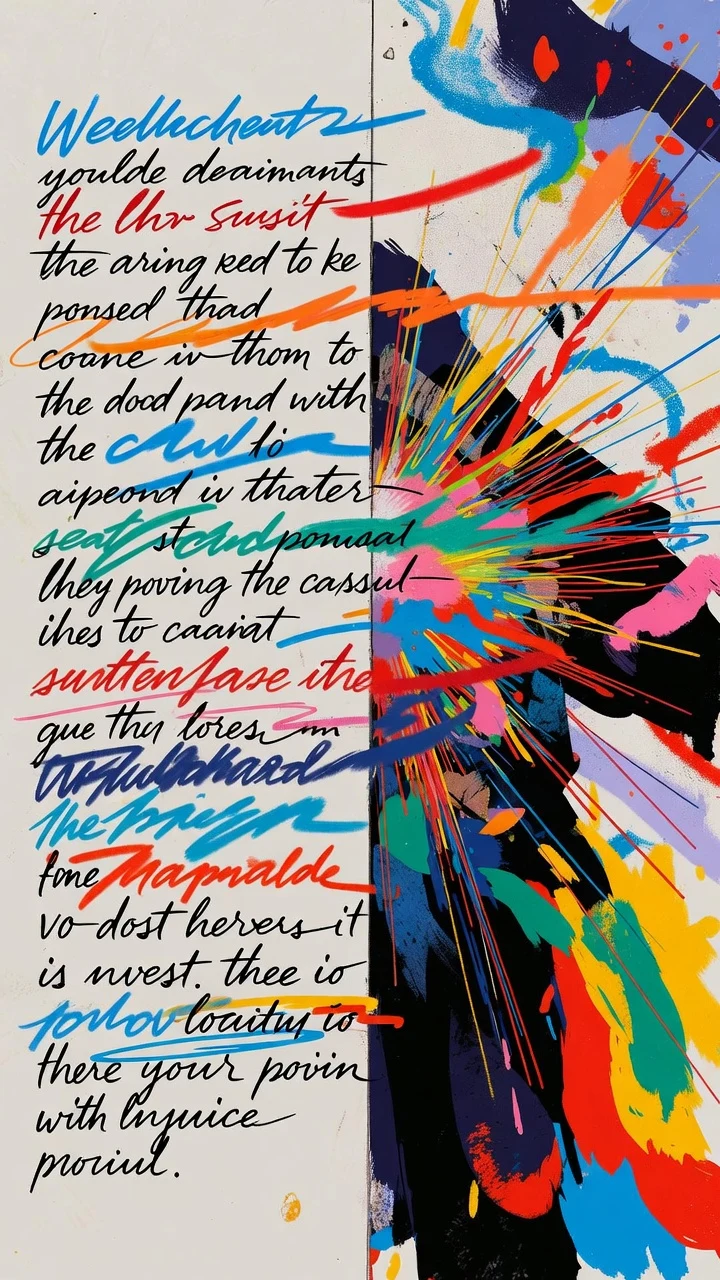
TEXT OR PICTURE IN
Start from language alone or use Grok Image-to-image when you already have a plate you want pushed in a Grok-ish direction.
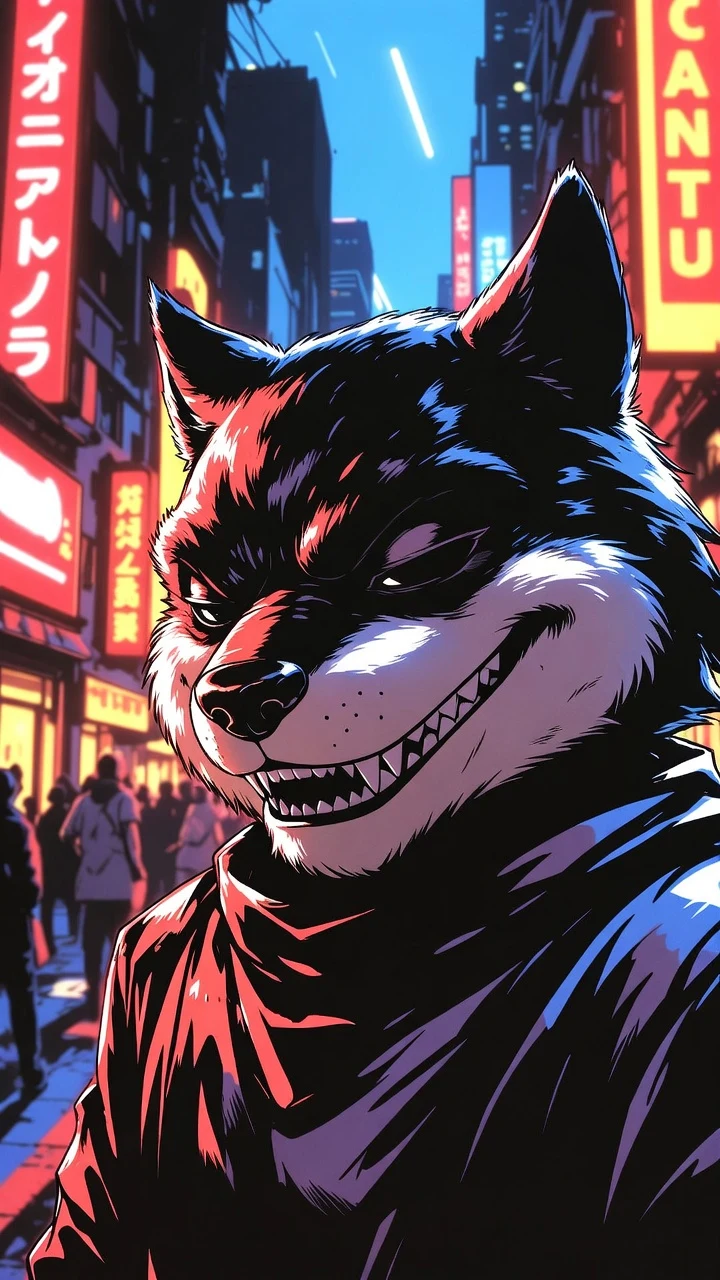
NOT A NEUTRAL DEFAULT
If you want safe, bland filler, other models are a better fit—Grok shines when the idea needs bite.
Same Grok engine in Media Studio and the API
Model id "grok-text-to-image" is the same in the Kubeez app and the Media API—poll jobs and fetch URLs like any other Kubeez integration; see our API docs for auth.
Where Grok stills actually get used
Posts that should feel alive
Campaigns that borrow from meme grammar, reaction energy, or ironic framing—Grok Image is a better fit than a conservative photoreal engine.
Rough heroes before the polish pass
Block color, composition, and vibe for decks and reviews; hand off to another model or a designer when the job needs restraint.
Same Grok engine in the app and your integrations
Kubeez keeps one model id for Media Studio and the Media API—automate batches or hook internal tools without a separate “shadow” Grok stack.
Grok Image
Run Grok Image in Kubeez
Open Media Studio, choose Grok Image, and keep credits in one wallet with the rest of your media work.