Text-to-Video AI: From Prompt to Professional Video in Minutes
Prompt writing best practices and model selection guide for creating professional videos from text descriptions.

Text-to-video AI turns written descriptions into moving images. Describe a scene, and the model generates a video—no camera, no actors, no editing suite required. For marketers and creators, this unlocks a new way to produce video content at scale.
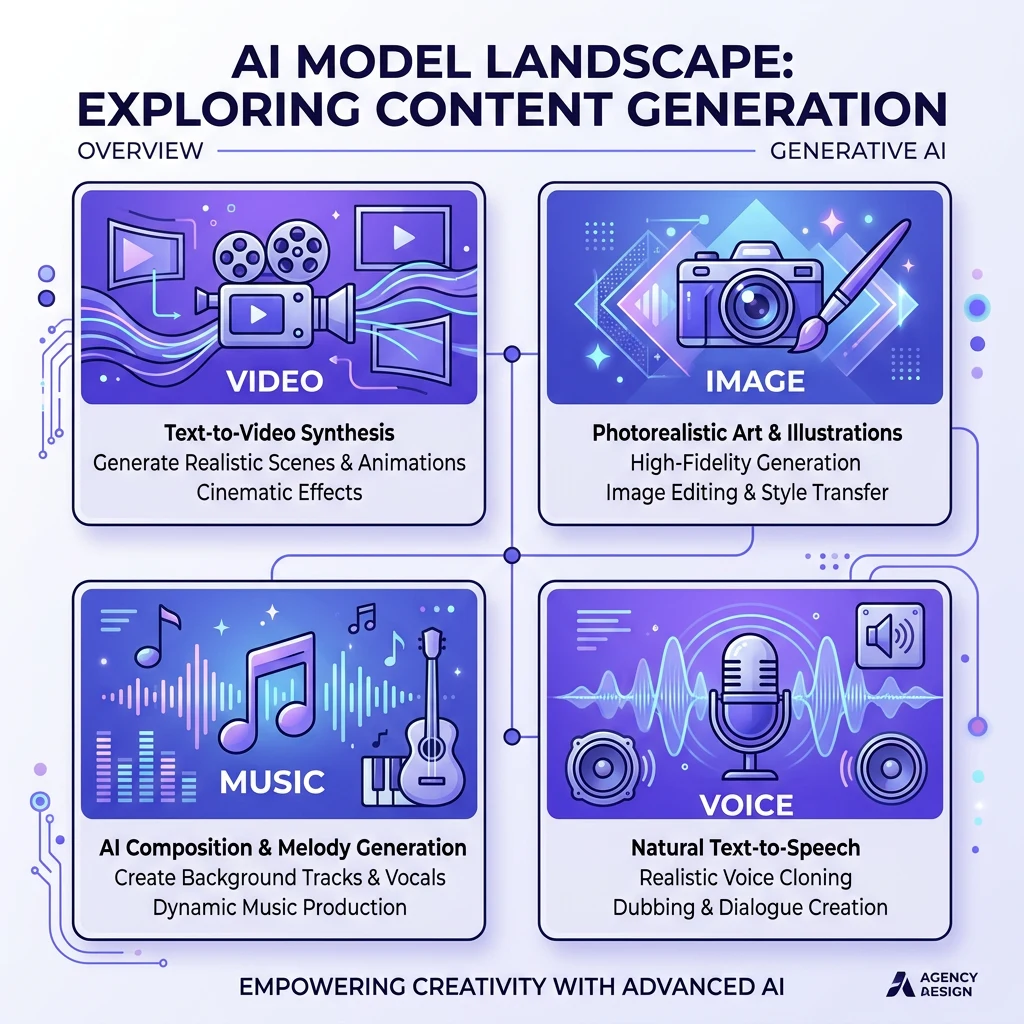
Kubeez offers access to the best text-to-video models: Veo 3.1, Kling 3.0, Kling 2.6, Sora 2, Wan 2.5, Seedance, and more. Each has strengths for different use cases. This guide covers how to write effective prompts and choose the right model.
#How Text-to-Video Works
You provide a text prompt describing the scene—subject, action, setting, camera movement, mood. The AI interprets the prompt and generates a video, typically 4–10 seconds. Some models also produce audio (dialogue, music, sound effects) in the same pass.
Key elements to include:
- Subject — Who or what is in the scene
- Action — What's happening
- Setting — Where it takes place
- Camera — Movement (pan, zoom, static, handheld)
- Mood — Lighting, tone, style
#Model Selection Guide
Veo 3.1: Best for cinematic, narrative, reliable output. Strong physics and dialogue.
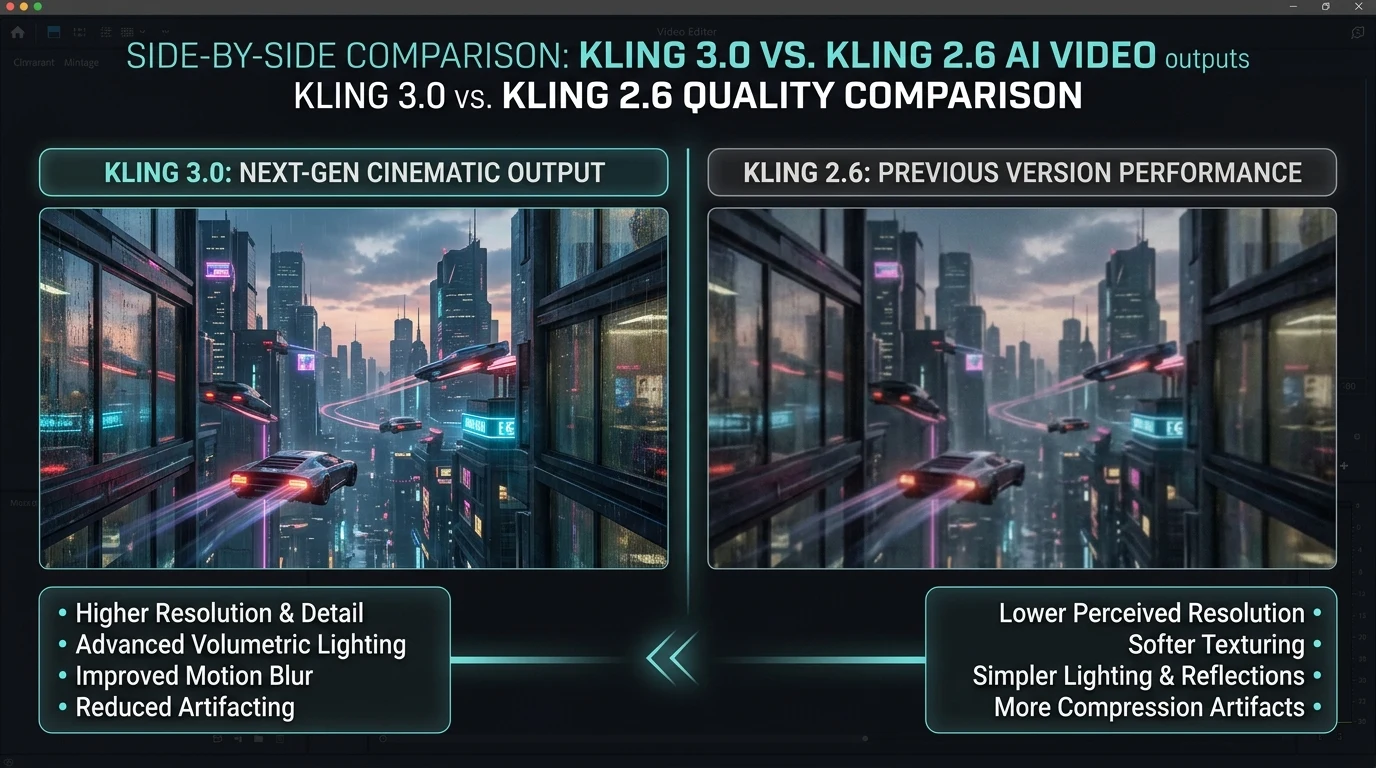
Kling 3.0: 4K native, long clips (3+ min). Premium quality for brand spots.
Kling 2.6: Fast, 1080p, native audio. Ideal for social content, ads, Shorts.
Sora 2: OpenAI's model. Good for varied styles; Veo and Kling often preferred for consistency.
Seedance: Multi-shot with scene transitions. Good for narrative with multiple scenes.
Wan 2.5: Fast iteration, good audio sync. Product demos and explainers.
#Prompt Writing Best Practices
Be specific: "A woman in a red dress walks through a sunlit café" beats "person in café."
Describe motion: "Slow camera push toward the subject" or "handheld, slight shake."
Set the mood: "Warm golden hour lighting" or "cool blue corporate office."
Include duration cues: "4-second clip" or "slow motion" when relevant.
Avoid contradictions: Don't mix incompatible elements (e.g., "indoor beach scene").
#Example Prompts
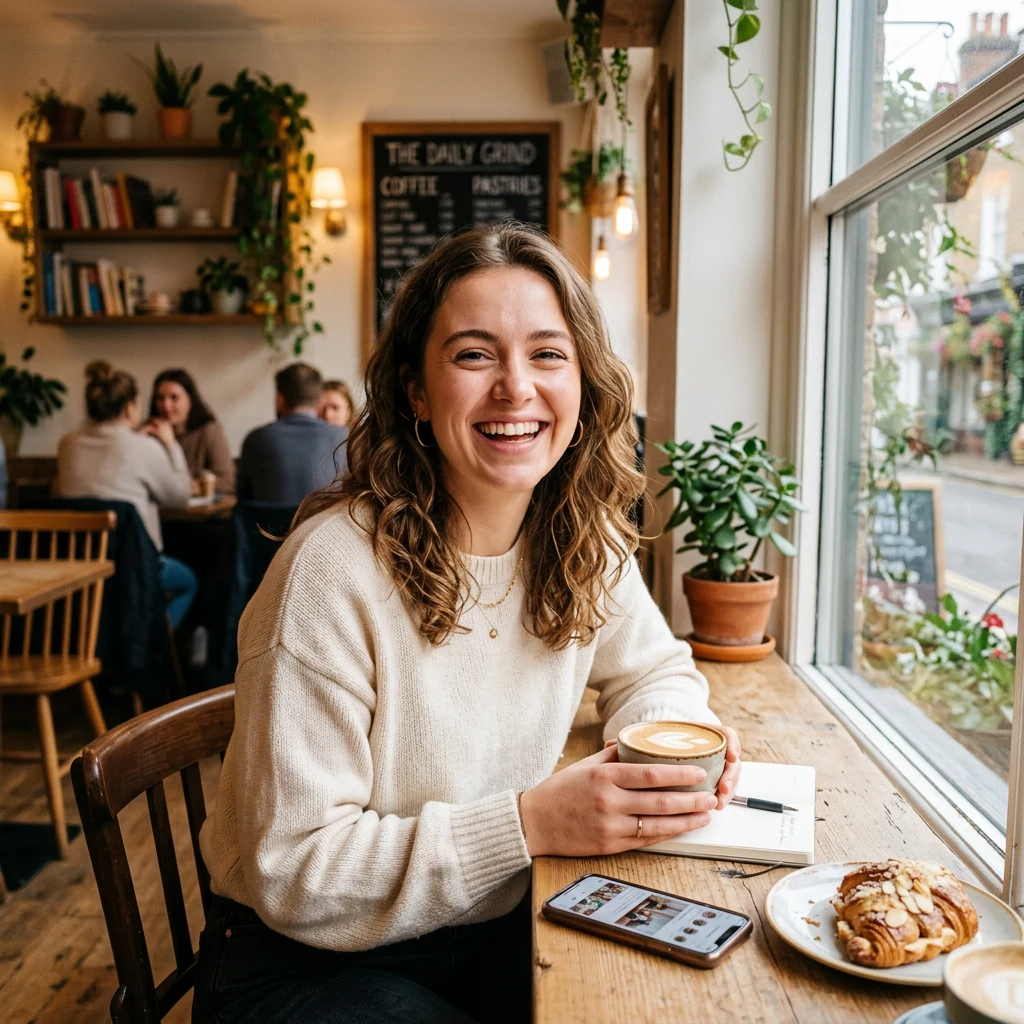
Social ad: "Close-up of young woman smiling in sunlit café, slow camera tilt showing bustling street, soft acoustic guitar, warm female narrator saying 'Find moments that make you stay,' with café ambience."
Product demo: "Sleek smartphone rotates on marble surface, soft studio lighting, 5-second loop, professional product photography style."
Brand spot: "Aerial shot of car driving through mountain road at golden hour, cinematic, epic music swell, 8 seconds."
#Aspect Ratios
- 16:9 — Landscape, YouTube, web, TV
- 9:16 — Vertical, Instagram Reels, TikTok, Shorts, Stories
Choose based on your platform. Most models support both.
#Iteration and Refinement
First generations are rarely perfect. Use the output to refine:
- Adjust the prompt based on what worked
- Try a different model if one underperforms
- Add reference images (image-to-video) for more control
See also