Kling 3.0 vs Kling 2.6: Which Video Model Should You Choose?
Feature comparison, pricing breakdown, and quality examples to help you choose between Kling 3.0 and Kling 2.6 for your video projects.
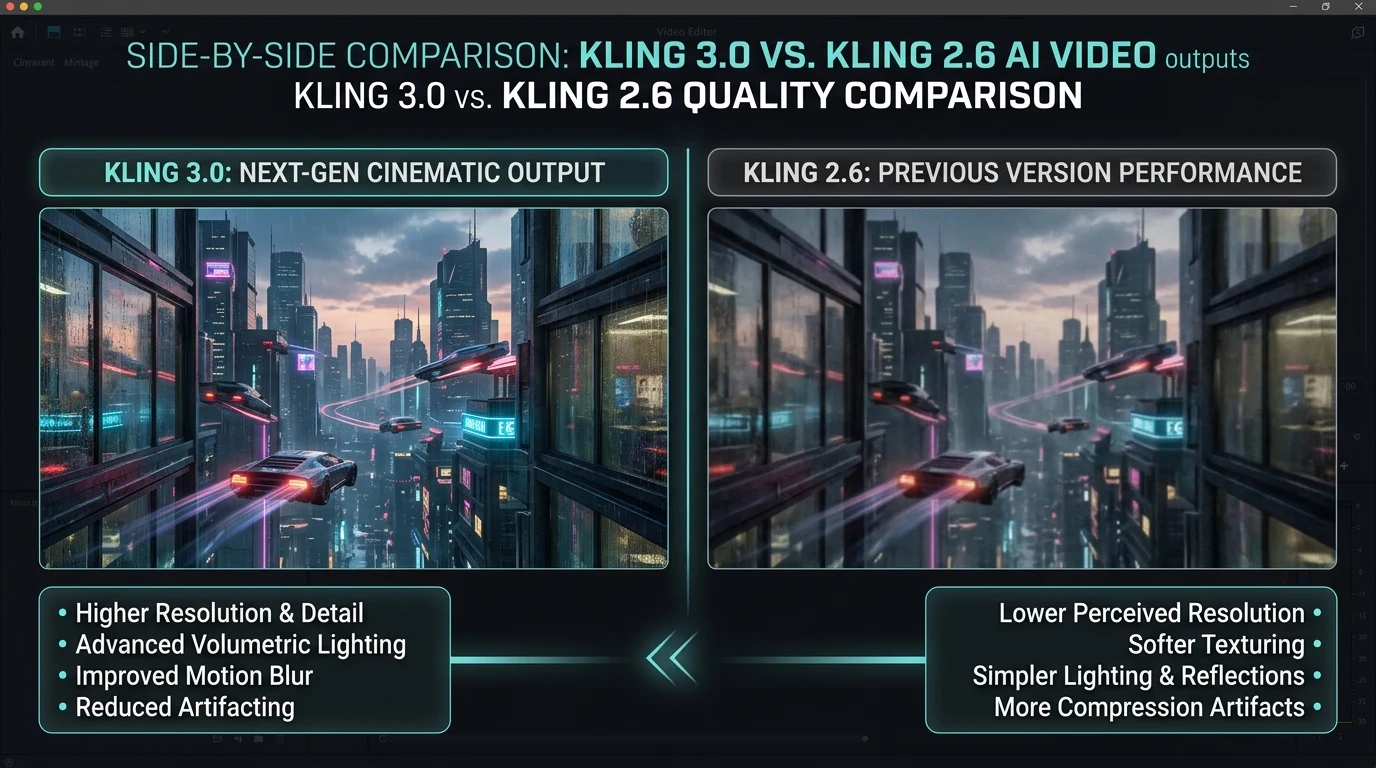
Kuaishou's Kling models are among the best AI video generators available today. Kling 3.0 offers 4K native output and longer clips; Kling 2.6 delivers fast, high-quality video with native audio. Choosing between them depends on your project needs, budget, and output requirements.
Kubeez gives you access to both. Here's a clear comparison to help you decide.
#Kling 3.0: Premium Quality and 4K
Resolution: Native 4K at 60fps
Duration: Up to 3+ minutes per clip
Best for: Cinematic spots, high-end marketing, long-form content, when resolution matters
Kling 3.0 is the flagship model. It produces exceptionally sharp, detailed video with strong physics and character consistency. If you need 4K for broadcast, film-style projects, or premium brand content, Kling 3.0 is the choice.
Pricing: Kling 3.0 Std costs ~21 credits/second; Kling 3.0 Pro ~25 credits/second. With audio, add ~6–9 credits/second. A 10-second 4K clip can run 210–340 credits depending on tier and audio.
#Kling 2.6: Speed, Audio, and Value
Resolution: 1080p
Duration: 5–10 second clips
Best for: Social content, ads, YouTube Shorts, TikTok, Reels, rapid iteration
Kling 2.6 generates video and audio in a single pass. Dialogue, sound effects, and ambient audio are created together with the visuals—no separate audio step. This makes it ideal for social content where sync and speed matter.
Pricing: Kling 2.6 Text-to-Video and Image-to-Video cost less per second than Kling 3.0. Motion Control (720p/1080p) is available for precise camera control. A 10-second clip is typically 90–120 credits.
#Feature Comparison
| Feature | Kling 3.0 | Kling 2.6 |
|---|---|---|
| Resolution | 4K native | 1080p |
| Max duration | 3+ min | 5–10 sec |
| Native audio | Yes | Yes (strong sync) |
| Motion Control | — | Yes (image + video input) |
| Character consistency | Excellent | Very good |
| Speed | Slower | Faster |
| Cost per second | Higher | Lower |
#When to Use Kling 3.0
- 4K delivery — Client or platform requires 4K
- Long-form — Need clips over 10 seconds
- Cinematic quality — Brand spots, film-style content
- Maximum fidelity — Print, broadcast, premium use cases
#When to Use Kling 2.6
- Social media — TikTok, Reels, Shorts, Stories
- Rapid iteration — Testing ideas quickly
- Budget-conscious — More generations per credit
- Audio-heavy content — Dialogue, music, sound design in one pass
- Motion Control — Precise camera movement from reference video

#Quality Examples
Both models produce photorealistic, smooth motion. Kling 3.0 has a slight edge in fine detail and long-form coherence. Kling 2.6 excels at audio-visual sync and is faster for short-form work.
For most marketers and creators, Kling 2.6 is the default: great quality, native audio, and better value. Upgrade to Kling 3.0 when you specifically need 4K or longer clips.

Try Kling on Kubeez and choose the model that fits your project.
See also