How to Use Kubeez for 3D Rendering and Architectural Design
Transform sketches, floor plans, and blueprints into photorealistic renders with AI. Faster iteration, lower cost, and client-ready visuals without a rendering farm.
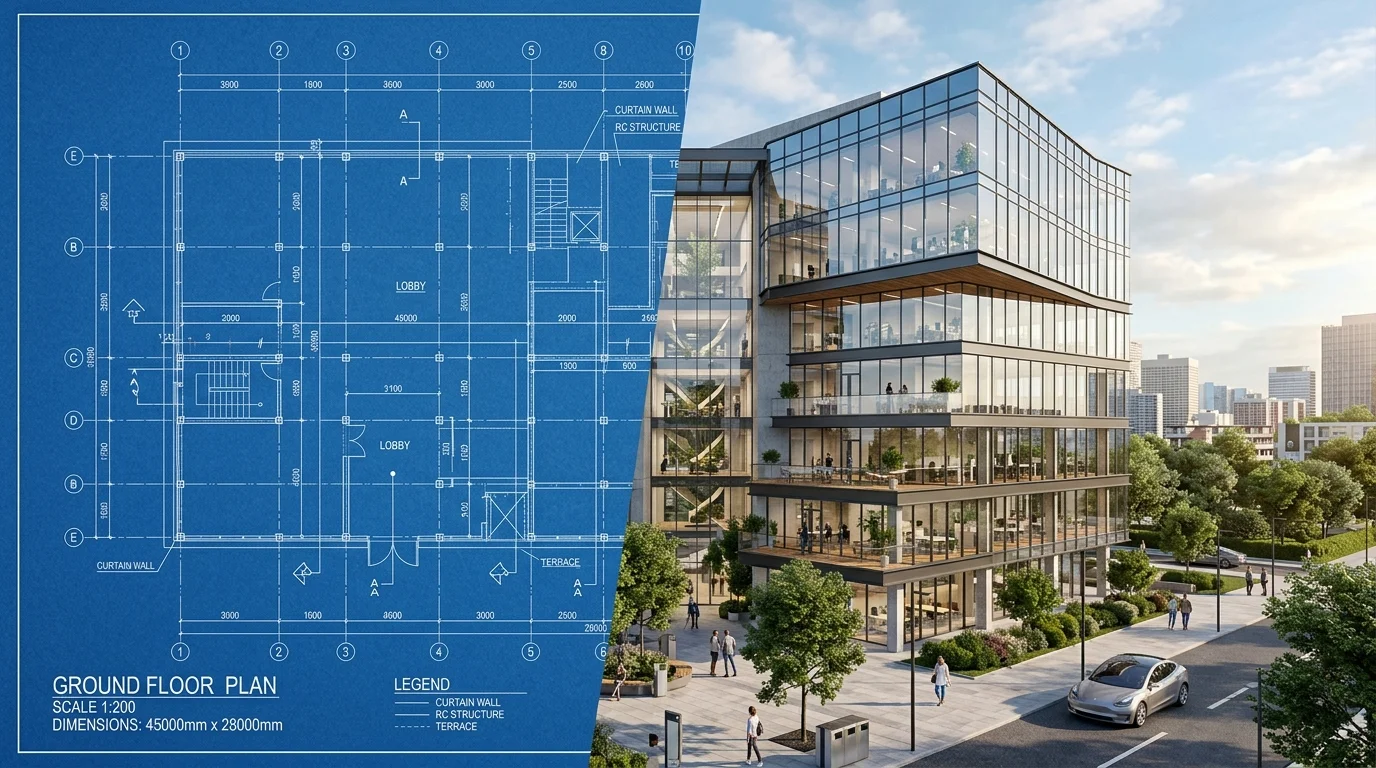
Architectural visualization has always been expensive and slow. Hiring a rendering studio, waiting days for revisions, managing back-and-forth feedback cycles — the traditional process consumes time and budget that most architects, developers, and interior designers can't afford to waste.
AI-powered image generation on Kubeez changes the economics of architectural visualization entirely. Feed in a description of your design — or use an existing sketch, floor plan, or reference image — and generate photorealistic renders in minutes. What previously took rendering farms hours can now be done in a single generation session.
#What AI Architectural Rendering Can Do
Before diving into the workflow, it's important to understand what AI image generation on Kubeez currently excels at in architectural contexts:
Concept visualization — Quickly generate photorealistic images of a design direction before committing to detailed CAD work. Show clients what a design will feel like, not just what it looks like on paper.
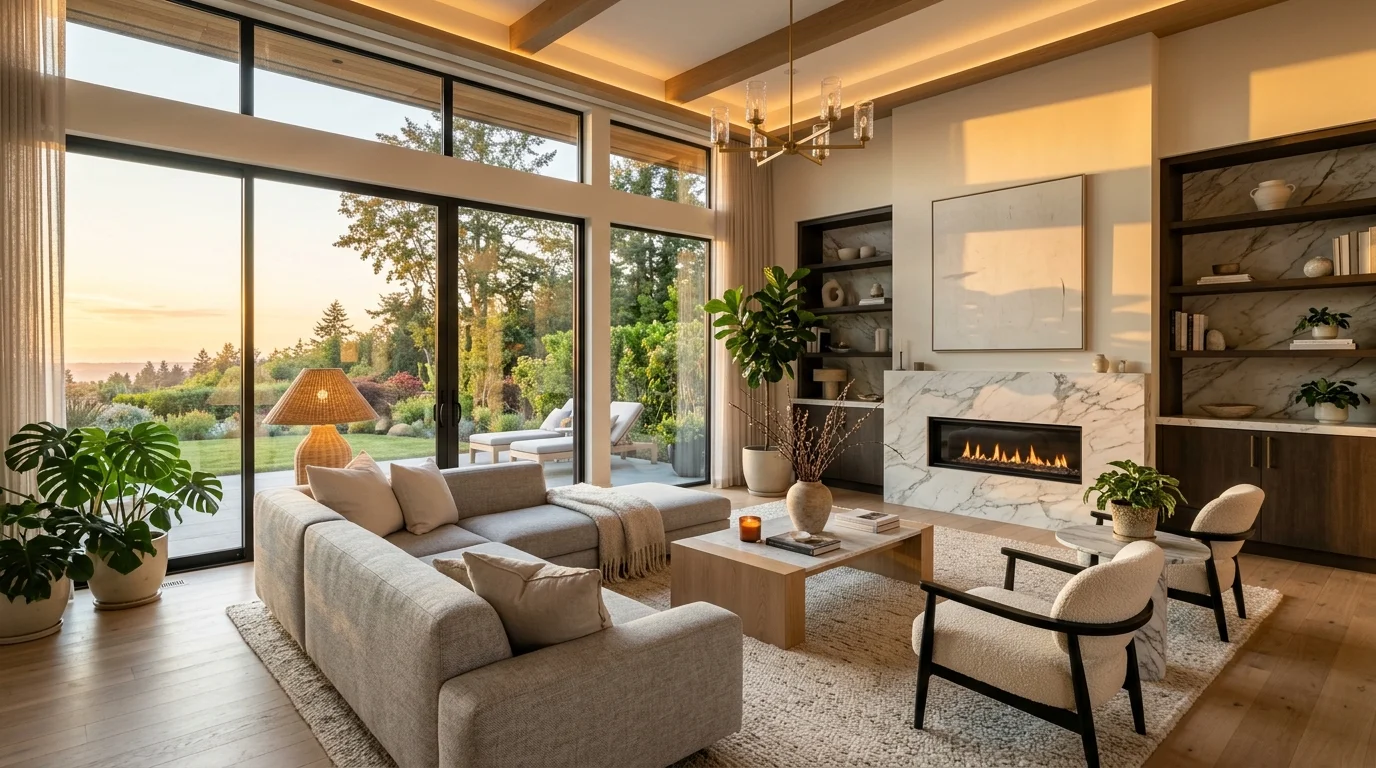
Interior design renders — Generate realistic room environments with specific furniture styles, materials, lighting conditions, and spatial configurations.
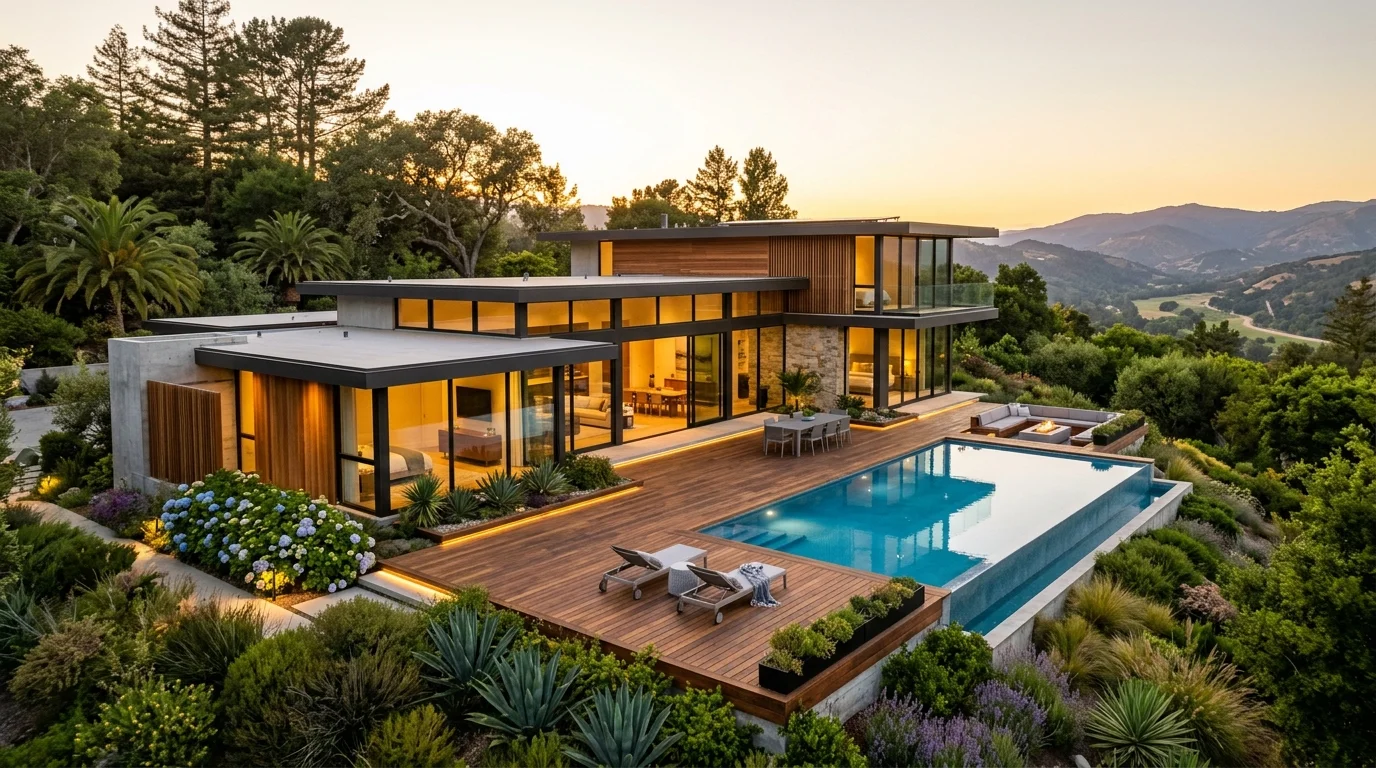
Exterior visualization — Produce architectural exterior images with landscaping, lighting scenarios (golden hour, overcast, night), and contextual surroundings.
Material exploration — Test how different materials (concrete, wood, glass, brick, stone) look on the same structure without re-rendering from scratch.
Mood and atmosphere studies — Quickly explore how the same space looks under different lighting conditions — daytime, twilight, dramatic artificial lighting.
#Workflow 1: Text-to-Architecture
The simplest starting point is a detailed text prompt. Kubeez's Nano Banana 2 model (with Google Search grounding) and Nano Banana Pro 4K (for maximum fidelity) both produce excellent architectural imagery from written descriptions.
Example prompt for an interior render:
"Photorealistic interior design render of a minimalist Scandinavian living room. Floor-to-ceiling windows overlooking pine trees, warm natural light at 4pm, pale oak wood flooring, white linen sectional sofa, marble coffee table, indoor olive tree in concrete planter. Architectural photography style, 16:9, ultra detailed."
Example prompt for an exterior:
"Architectural visualization of a contemporary luxury residence. Two-story structure with a flat roof, floor-to-ceiling frameless glass windows, raw concrete exterior panels, cedar wood accents. Set in a hillside landscape with infinity pool, modern landscaping. Golden hour lighting, shot with 24mm lens. Photorealistic."
The key to high-quality architectural renders is specificity: material names, lighting conditions, time of day, camera angle, and architectural style all significantly improve output quality.
#Workflow 2: Image-to-Image Transformation
If you already have a sketch, hand drawing, rough 3D model render, or floor plan image, Kubeez's image-to-image mode can transform it into a photorealistic visualization.
How to use it:
- Go to Kubeez Image Generation and select Nano Banana 2
- Switch to image-to-image mode and upload your source image (sketch, rough render, or floor plan photo)
- Write a prompt describing the desired photorealistic output: "Transform this architectural sketch into a photorealistic exterior render. Modern residential architecture, glass and concrete, golden hour lighting, professional architectural photography."
- Generate 4–8 variations to explore different interpretations
This workflow is particularly valuable for early-stage client presentations. You can take a rough concept sketch from a meeting and come back with photorealistic visualization options the next morning — something that previously required days of production work.
#Workflow 3: Iterating on Design Details
One of AI rendering's greatest advantages over traditional 3D rendering is iteration speed. In traditional workflows, changing a material or lighting scenario requires re-rendering an entire scene — a process that can take hours. With Kubeez, each variation is generated fresh in under a minute.
Material exploration example:
Generate the same exterior design with four different material combinations:
- Prompt 1: "...dark grey concrete exterior panels with timber accents"
- Prompt 2: "...warm brick cladding with white render infill panels"
- Prompt 3: "...black metal cladding with full-height glazing"
- Prompt 4: "...natural stone facade with recessed timber window frames"
Present all four to a client in a single review meeting. Let them react to actual visuals rather than abstract material samples.
#Practical Applications by Professional Role
Architects: Generate concept visualization images for early client presentations without committing CAD budget. Use AI renders to validate design directions before detailed development.
Interior Designers: Quickly show clients multiple furniture arrangements, color palettes, and material options in photorealistic form. Reduce the number of physical samples and site visits needed.
Real Estate Developers: Produce marketing imagery for off-plan properties before construction begins. Generate lifestyle renders of finished apartments and homes for sales materials.
Property Agents: Create compelling visual content for listings — twilight renders, seasonal scenarios, and lifestyle-focused visualizations that static photos can't always achieve.
Home Owners: Visualize renovation ideas before committing to contractors. Generate renders of kitchen remodels, bathroom upgrades, or extension concepts to validate decisions.
#Tips for Better Architectural Prompts
- Name the architectural style: Bauhaus, Scandinavian, Mediterranean, Japanese Minimalist, Industrial Loft, Mid-Century Modern
- Specify the exact time of day: Golden hour (1 hour before sunset), blue hour, midday sun, overcast day, night with artificial lighting
- Name specific materials: Don't say "wood floor" — say "pale white oak herringbone flooring" or "dark smoked oak plank flooring"
- Include camera perspective: Eye-level interior shot, aerial perspective, street-level exterior, isometric view
- Mention scale indicators: Include furniture, people, or vehicles to give sense of scale
- Reference photography style: "Architectural photography," "interior design editorial," "real estate listing photo," "concept render"
#Limitations to Know
AI-generated architectural renders are concept visualization tools, not engineering drawings. They:
- Cannot replace technical drawings, CAD models, or structural engineering documentation
- May not be dimensionally accurate — they interpret spatial relationships aesthetically, not mathematically
- Work best for visual direction and mood exploration, not precise technical specification
Use AI renders to communicate design intent and get client buy-in. Use traditional CAD and BIM tools for technical documentation and construction.
Start generating architectural renders on Kubeez and bring your design concepts to life in minutes, not days.
See also