Love Island–Style TikTok Animations: Nano Banana 2 + Veo 3.1 on Kubeez
Build viral-style vertical shorts: cast stills with Nano Banana 2, animate with Veo 3.1 (9:16, references, native audio), then polish with Auto Captions.

Short-form clips that mix sunny villa energy, glossy cast “stills,” and punchy on-screen text have become a staple of TikTok and Reels. You do not need a production crew to get close to that look: on Kubeez you can design your cast with Nano Banana 2, then animate scenes with Veo 3.1, and finish with auto captions so every line reads clearly on mute.
This article is inspired by the viral reality-dating format often discussed alongside shows such as Love Island; it is not affiliated with any broadcaster. The workflow below is generic and works for any “villa romance” or unscripted drama parody you want to publish.
#Why this format works on short-form
- Instant read: Bright locations, clear faces, and high contrast read well on a phone screen.
- Emotional beats: Wide shots for context, close-ups for reactions, then a caption that lands the joke or twist.
- Native vertical video: 9:16 is the default for TikTok; generating and editing in that ratio avoids awkward crops later.
#The Kubeez stack
| Step | Tool on Kubeez | Why it fits |
|---|---|---|
| Cast & key frames | Nano Banana 2 | Strong character consistency, fast iteration, and great results for “promo still” portraits you can reuse as reference images. |
| Motion & dialogue | Veo 3.1 | Cinematic physics, native audio, and image-to-video so stills can become living clips. You can use up to three reference images to keep faces and wardrobe aligned across shots. |
| Readability | Auto Captions | Burn-in or export subtitles so hooks work when viewers scroll with sound off. |
Generate images with Nano Banana 2 · Create video with Veo 3.1 · Auto Captions
#Step 1: Build your cast with Nano Banana 2
- Open image generation and choose Nano Banana 2.
- Set aspect ratio to 9:16 for frames that will go straight into vertical edits.
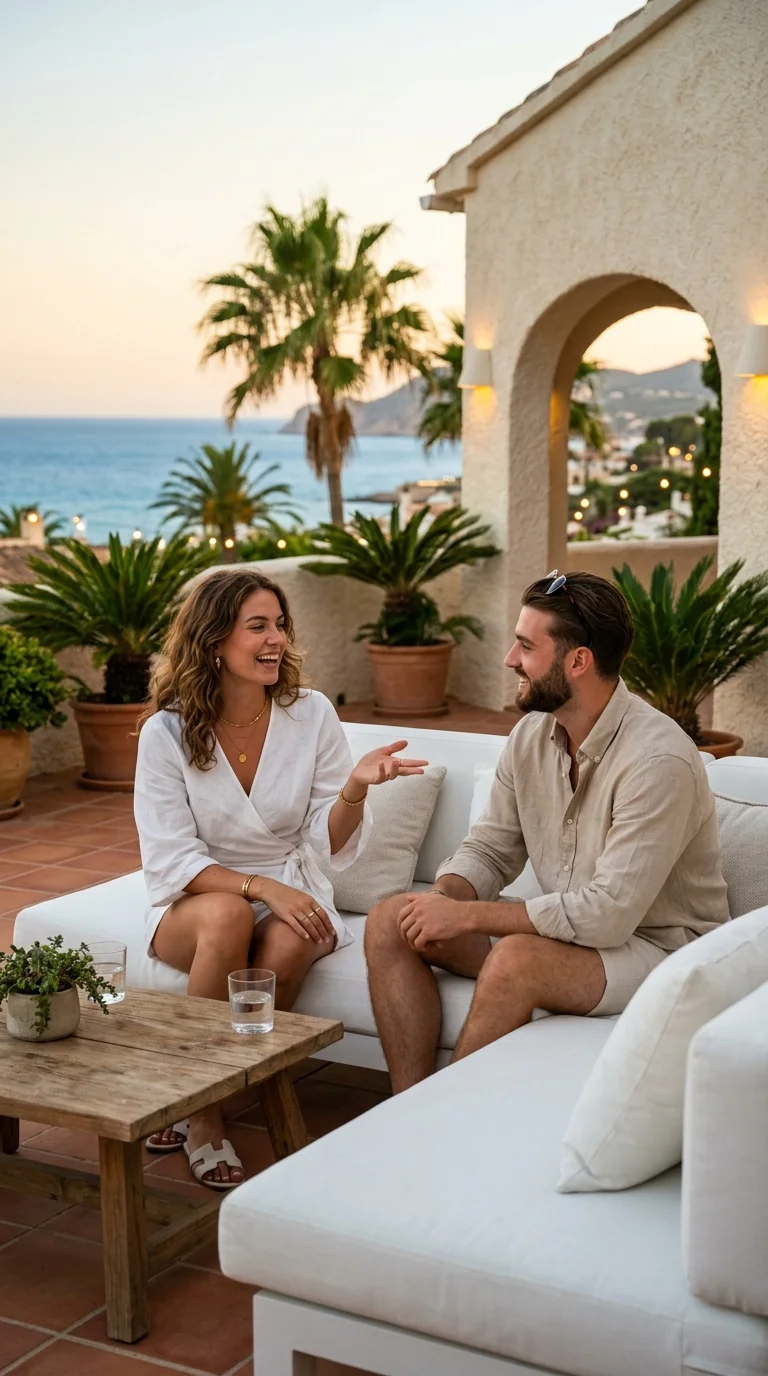
- Write prompts like a casting photographer: wardrobe, lighting (“golden hour pool deck,” “soft TV key light”), expression, and location—but keep logos and show names out of the prompt if you want clean commercial use.
- Generate two or three hero portraits per character (neutral, smiling, “shocked”) so you have options for cuts and for Veo reference images.
Tip: When you lock a look you like, reuse the same seed ideas and wording for wardrobe so Nano Banana 2 keeps the same silhouette and palette.
#Step 2: Animate with Veo 3.1
- In video generation, select Veo 3.1 (or Veo 3.1 Fast for quicker drafts).
- Prefer 9:16 for TikTok-native output.
- Use image-to-video when you already have a compelling still: pass your Nano Banana 2 export as source media so motion inherits composition and wardrobe.
- Attach up to three reference images when the model supports it so recurring characters stay recognizable between clips.
- Put spoken lines in quotes in the prompt if you want readable dialogue; Veo 3.1 handles native audio and lip sync well for short beats.
Prompt pattern that edits well: one line for camera (“slow push-in”), one for action (“she turns toward camera and laughs”), one for dialogue ("You’re not serious."), one for ambiance (“pool party distance cheers, summer night”).
#Step 3: Captions, hooks, and posting
- Run Auto Captions on the final MP4 so you can tweak timing to the beat, not just the transcript.
- Front-load the hook in the first second; match caption color to your grade so it feels intentional.
- If you use Kling 2.6 elsewhere in a project, it is another strong option when you want sound-first social clips—but Veo 3.1 is the natural pair when you want cinema-grade lighting and reference-driven characters.
#Example stills from this workflow
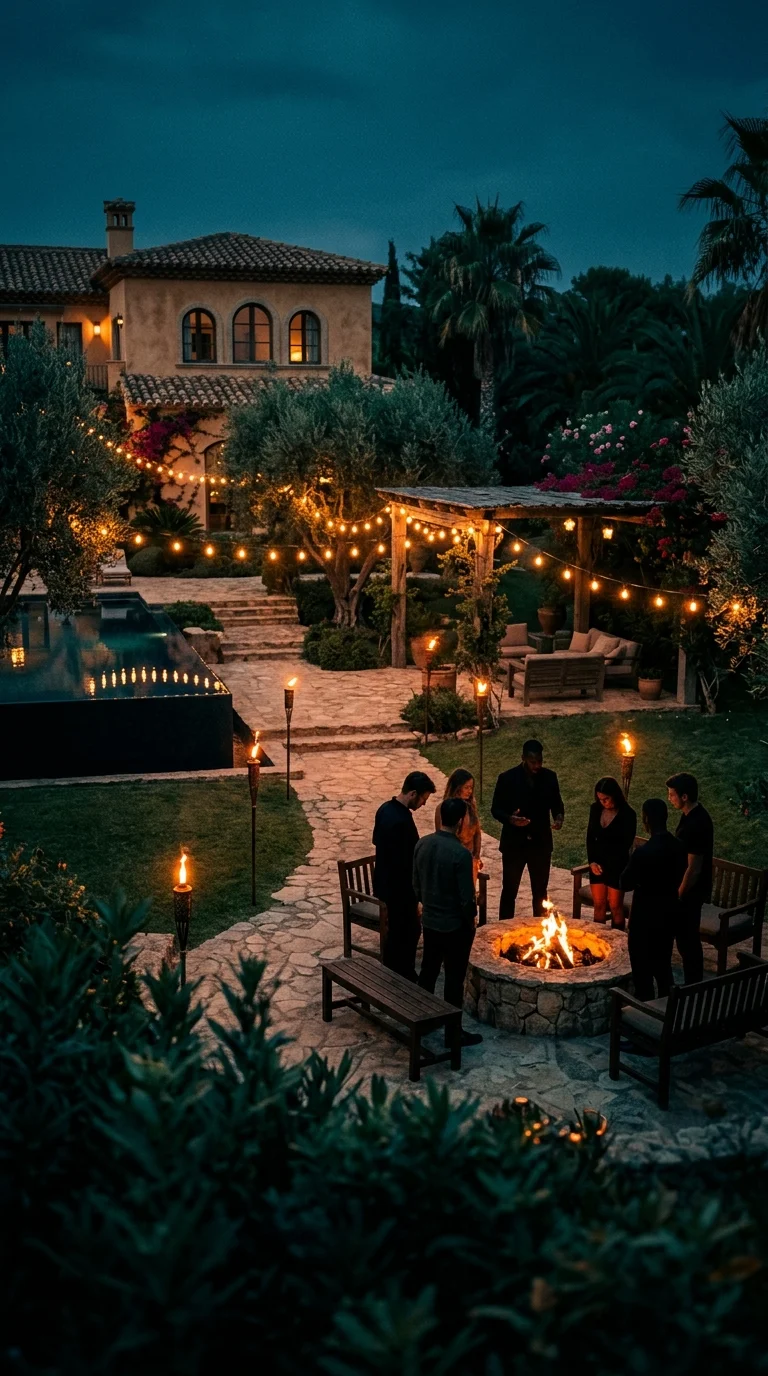
The images below were generated on Kubeez with Nano Banana 2 (9:16), then downloaded and converted to WebP for fast loading on this page. You can use the same assets as reference frames or first frames for Veo 3.1.
#Keep it original
Reality formats are cultural references, not a blueprint to copy shot-for-shot. Mix your own cast names, jokes, and arcs; use AI to accelerate production, not to impersonate real people or steal branding.
Ready to try it? Start with Nano Banana 2, then open Veo 3.1 and stitch your vertical story in minutes.
See also