
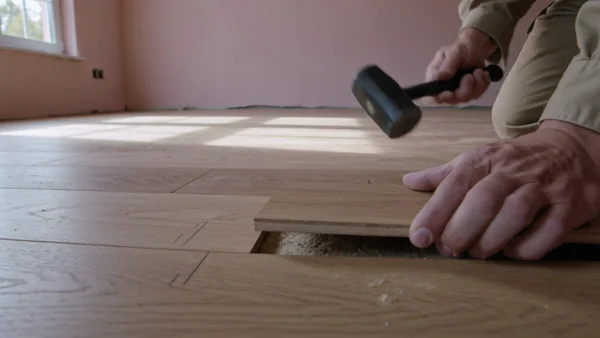
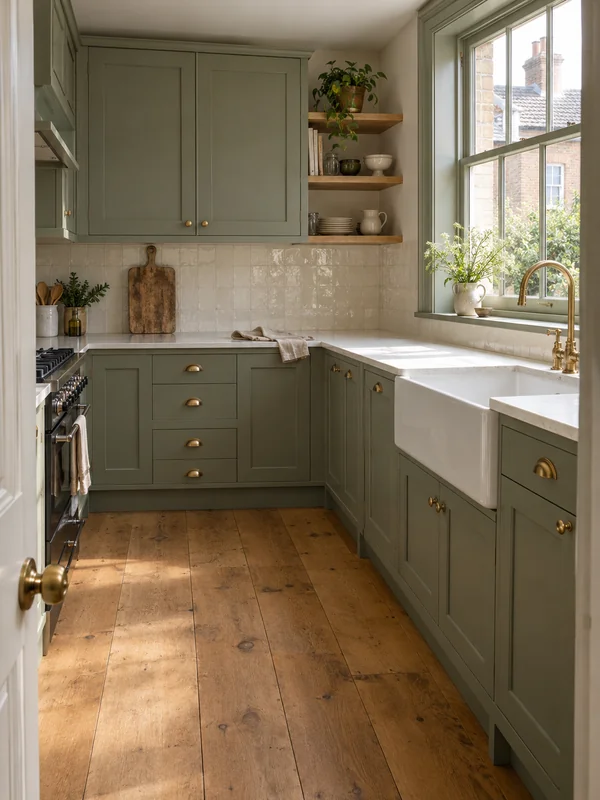
A realistic picture of the finished room to show a client as a concept, so they can choose a style before demolition.
AI visuals for trades and home services
Renovation concepts, repair clips and flyers for contractors, plumbers and cleaners.
Contractors and renovation
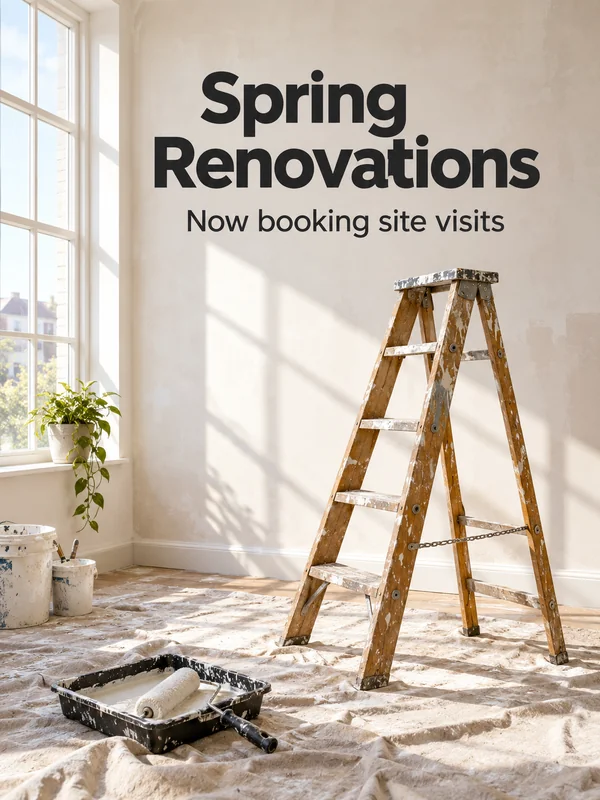
Homeowners hire the builder whose work they can picture. Show a client a concept of the finished room before the first wall comes down, put the craft on video without filming on site, and open bookings each season with a poster.
Plumbers and electricians
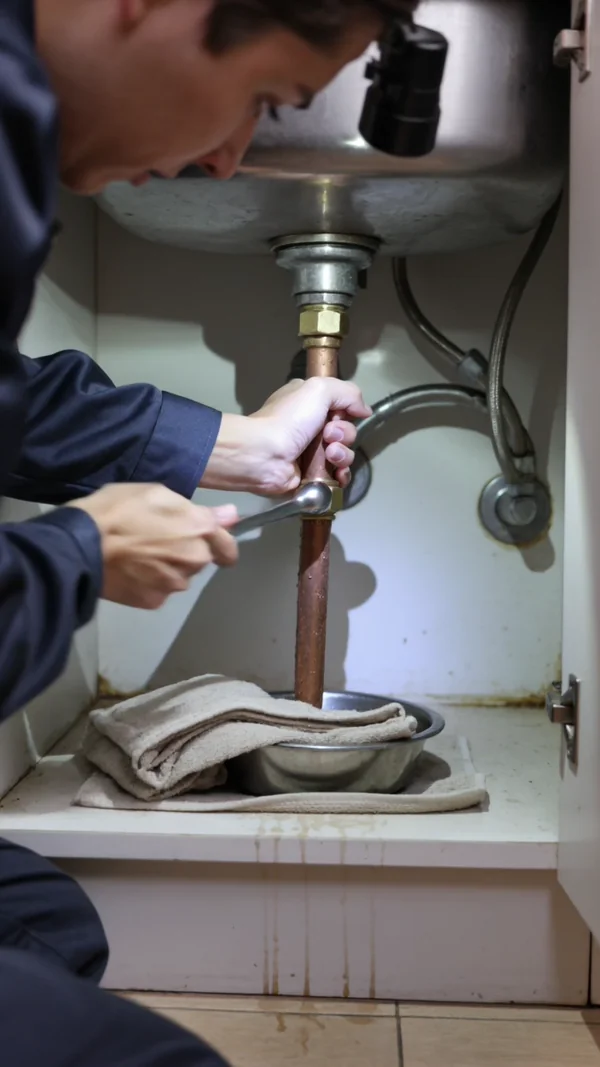
Most calls come from someone with a problem right now. Be the name they already saw: short repair clips for social, a clear callout poster, and safety tips that answer the usual question before they pick up the phone.
A vertical clip of a leak, a fitting or a socket being fixed, with the sound of the work.
A bold poster for an emergency service, with your exact words printed in a band at the top.
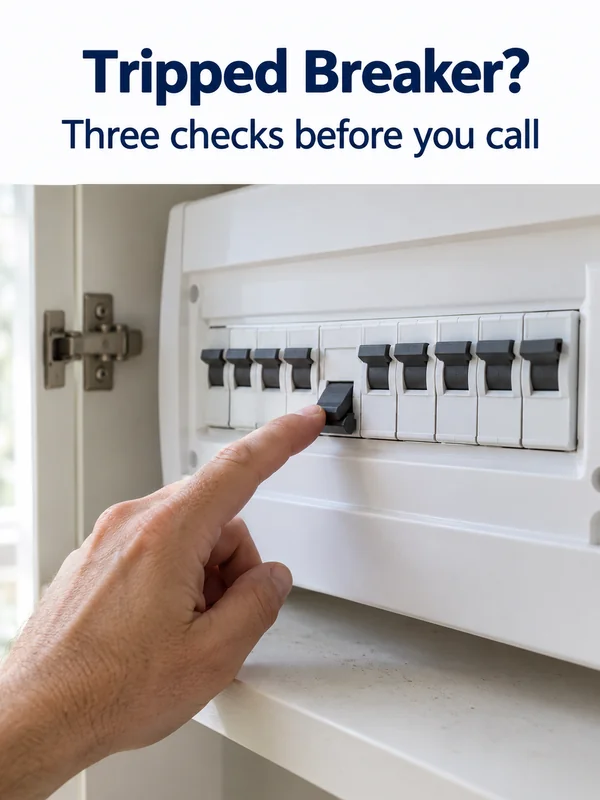
A carousel slide with one homeowner question as the headline, set over a clear photo of the fix.
Cleaning
Cleaning sells on trust and on the feeling of a freshly done room. Give your website a calm, believable photo, post short clips people watch to the end, and hand out flyers for move outs and deep cleans.
A natural photo of someone cleaning in a bright home, for your homepage or booking page.
A square clip of glass, tiles or a hob coming clean, with the squeak and the drips left in.
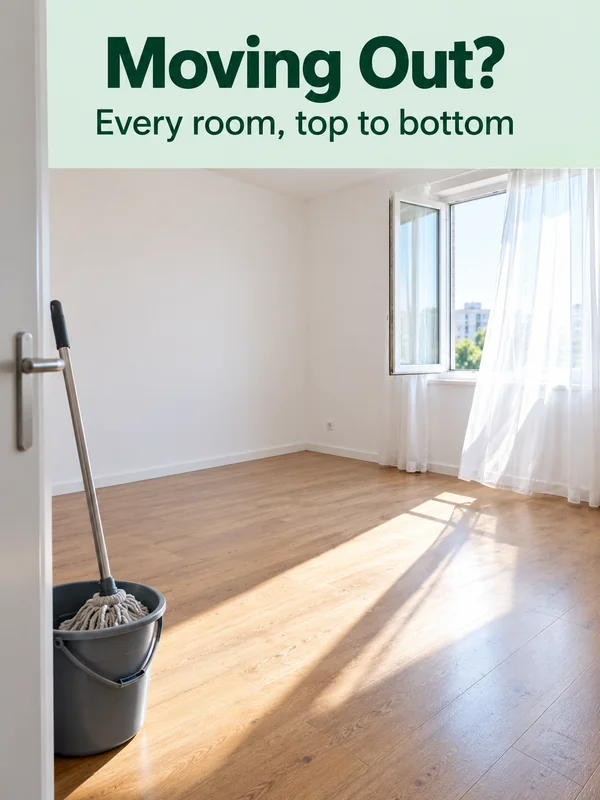
A flyer for end of tenancy and move out cleans, with a short headline at the top.
What makes it work for trades
Concepts that start from the real room
Attach a photo of the client's current room and GPT Image 2.5 switches to editing, so the concept starts from the walls, window and floor you photographed. It takes up to 16 images. Show the result as a concept, never as a finished job.
Your words, printed as written
Put every word in quotes, exactly as it should read, and GPT Image 2.5 prints it literally, so the headline comes out as you wrote it. Read phone numbers and town names back before printing. 2K and 4K output covers a printed poster.

The same subject in every clip
Kling 3.0 keeps a subject steady across clips: save up to three @elements, each from 2 to 4 photos, and call one by name in the prompt. Your van, uniform or face then looks the same through a whole series.
How it works
- 1
Add your photos
Optional. Upload a room, a dish or a car so the result matches your real place.
- 2
Write the prompt
Describe the shot the way you would to a photographer, or start from an example on this page.
- 3
Generate and post
Download the image or video and post it wherever your guests and customers look.
Pick a plan
One credit balance covers images, video and audio. Pick the size that fits how much you make.
Most popular
Studio Pro
Studio value with extra headroom.
49 €month
6,400credits / month
Team seats

2 seats included
What you'll generate
- Images~1,600
- Songs~492
- Videos~640
- Separations~1,066
- Caption Minutes~213
- All modelsIncluded
Starter
Low tier generations for regular use.
10 €month
1,100credits / month
What you'll generate
- Images~275
- Songs~84
- Videos~110
- Separations~183
- Caption Minutes~36
- All modelsIncluded
Pro
Access full experience.
20 €month
2,600credits / month
What you'll generate
- Images~650
- Songs~200
- Videos~260
- Separations~433
- Caption Minutes~86
- All modelsIncluded
Powerhouse
Most cost efficient.
99 €month
13,000credits / month
13,000 credits/mo
Team seats
3 seats
Extra seats €19/seat/mo
What you'll generate
- Images~3,250
- Songs~1,000
- Videos~1,300
- Separations~2,166
- Caption Minutes~433
- All modelsIncluded
Enterprise
For teams that outgrow standard plans.
Custom
Pricing tailored to your team
What's included
- Custom number of seats
- Custom credit volume
- Invoice billing
- Priority support
Starter
Low tier generations for regular use.
10 €month
1,100credits / month
What you'll generate
- Images~275
- Songs~84
- Videos~110
- Separations~183
- Caption Minutes~36
- All modelsIncluded
Pro
Access full experience.
20 €month
2,600credits / month
What you'll generate
- Images~650
- Songs~200
- Videos~260
- Separations~433
- Caption Minutes~86
- All modelsIncluded
Most popular
Studio Pro
Studio value with extra headroom.
49 €month
6,400credits / month
Team seats
2 seats included
What you'll generate
- Images~1,600
- Songs~492
- Videos~640
- Separations~1,066
- Caption Minutes~213
- All modelsIncluded
Powerhouse
Most cost efficient.
99 €month
13,000credits / month
13,000 credits/mo
Team seats
3 seats
Extra seats €19/seat/mo
What you'll generate
- Images~3,250
- Songs~1,000
- Videos~1,300
- Separations~2,166
- Caption Minutes~433
- All modelsIncluded
Enterprise
For teams that outgrow standard plans.
Custom
Pricing tailored to your team
What's included
- Custom number of seats
- Custom credit volume
- Invoice billing
- Priority support
Or pay-as-you-go
Test any model with one-time credit packs
Credits never expire and don't require a subscription — buy a pack, generate, see if Kubeez fits.
Quick refill
Quick refill for short bursts of generation.
Credits
500
You pay
€6
Standard pack
Mid-size pack at the standard per-credit rate.
Credits
1,500
You pay
€18
−5%
Volume pack
Larger pack with a volume discount built in.
Credits
5,000
You pay
€60€57
−10%
Production pack
Best per-credit price for sustained production.
Credits
15,000
You pay
€180€162
Questions
No. Show past work with your own photos. Use these outputs for concepts, ads, tips and explainers, and present a renovation concept as a concept.
Yes, as a concept. Attach a photo of the room, describe the cabinets, tiles and floor, and GPT Image 2.5 edits against that photo.
No. Describe the task, the tools, the light and the sounds in the prompt. Kling 3.0 returns the clip with its sound in one render.
Put it in quotes exactly as it should read. Check every digit on the result before you print or post, and generate again if one is wrong.
GPT Image 2.5 renders 1K, 2K or 4K in 13 ratios, including tall 3:4 and 2:3 for flyers. For a 4:5 feed post, generate at 3:4 and crop.
Start from one of these workflows
Open one in the studio and swap in your own place, products and offer.