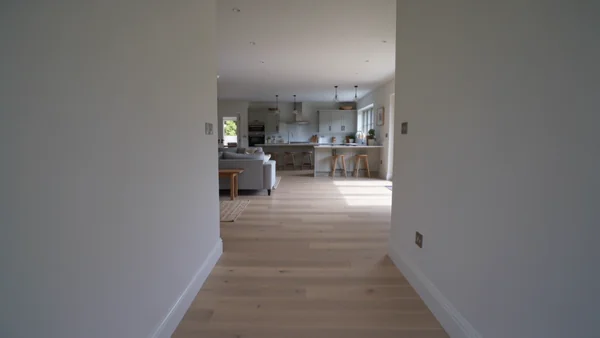
A steady walk from the hallway into the main living space, with room sound, for portals and your site.
AI photos and videos for real estate
Walkthroughs, staged rooms and off-plan visuals for agents, developers and property managers.
Estate agents
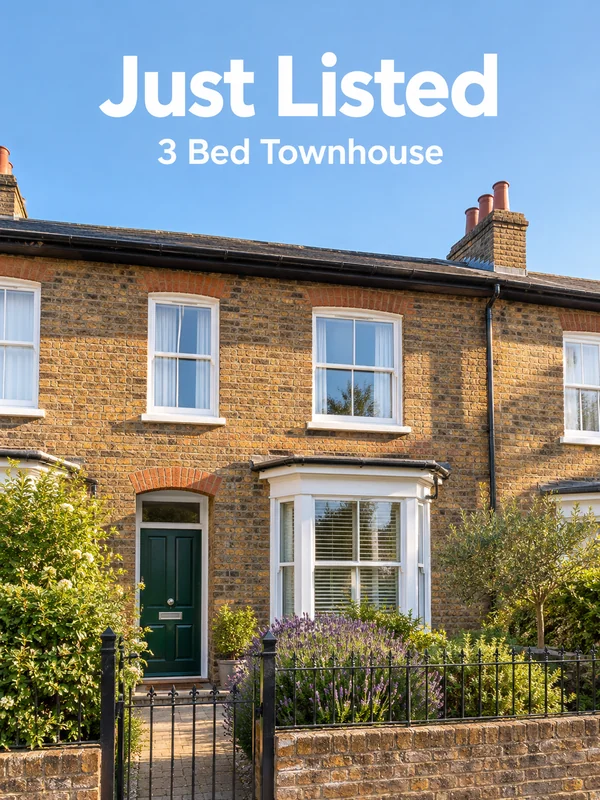
A buyer decides from the gallery whether to book a viewing. Give each listing a walkthrough clip, show empty rooms furnished, and announce new listings on social the day they go live.
Property developers
Off-plan buyers commit to something that does not exist yet. Show the finished building, the view from the courtyard and the sales brochure long before the scaffolding comes down.
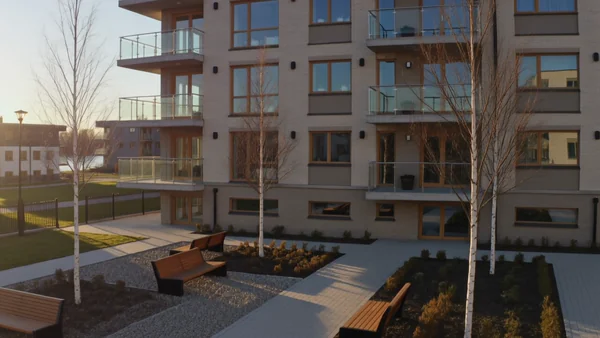
An aerial move past the facade and over the roofline, for the launch page and sales suite screens.
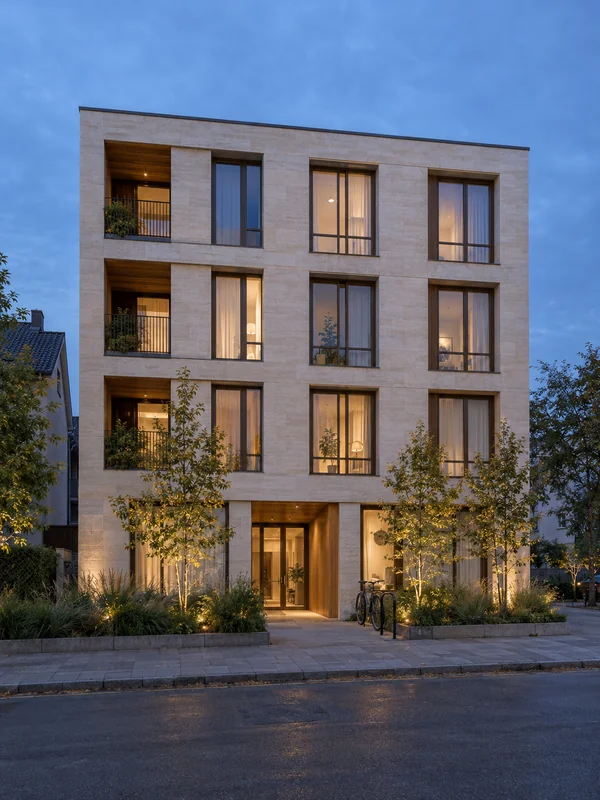
A street level view of the finished building at dusk, for site hoardings, portals and investor decks.
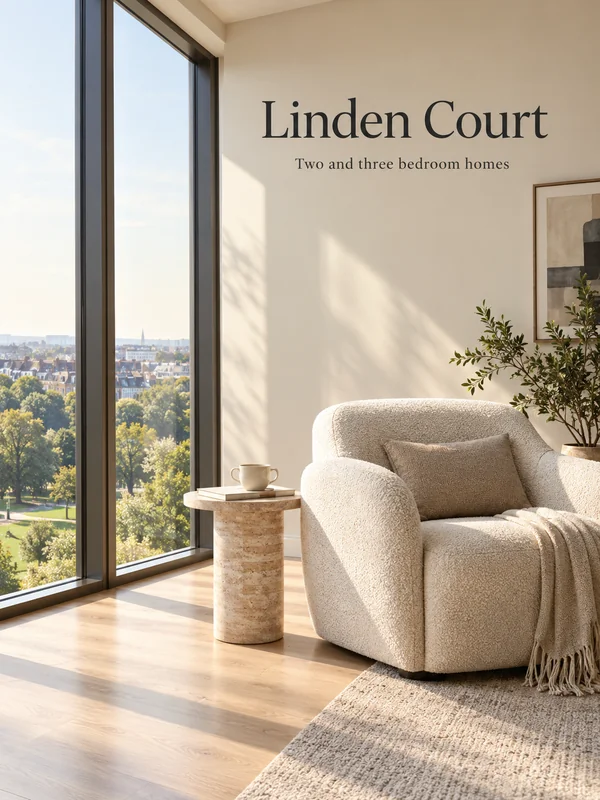
A cover for the brochure or launch page, with the development name set on the image.
Property managers
Every week a unit sits empty is rent you do not collect. Keep rental listings fresh, show residents the shared spaces they pay for and hand new tenants a guide to the area.
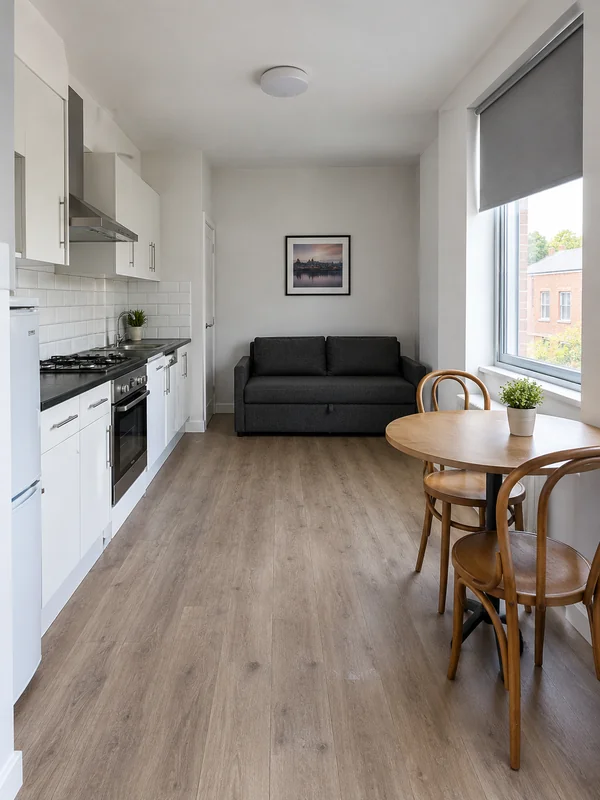
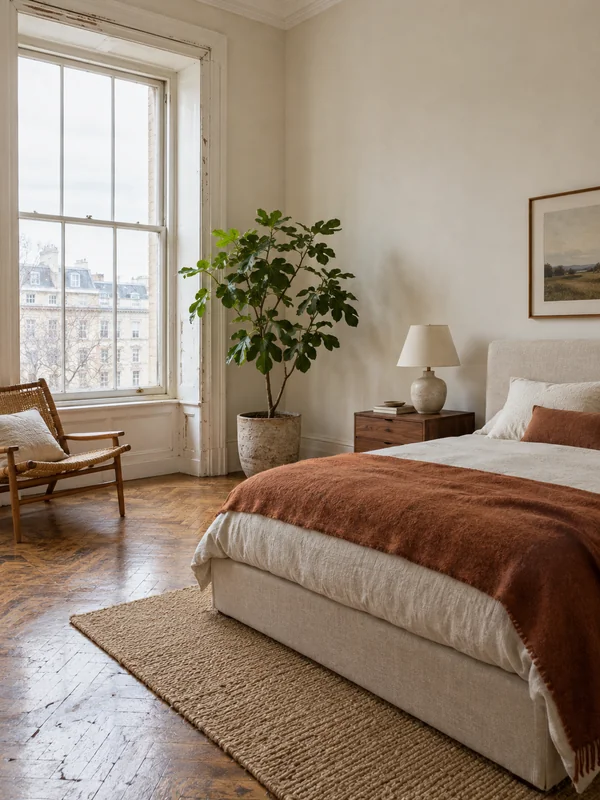
A bright, honest photo of a furnished unit, framed to show the real size of the space.
A vertical clip of the rooftop, gym or lobby residents share, for listings and the building's social pages.

A cover for the welcome pack you send new tenants, showing the streets around the building.
Why it works for property
From the front door to the garden
Kling 3.0 accepts a start frame and an optional end frame, so two listing photos can set where a clip begins and ends. Renders run 3 to 15 seconds, in 16:9 for portals or 9:16 for reels.
Stage the room you photographed
Attach a photo of an empty room and GPT Image 2.5 switches to editing, so you only describe the bed, rug and lamps to add. Up to 16 reference images fit in one render: the room plus the pieces you want in it.
One visual, every print format
GPT Image 2.5 renders all 13 aspect ratios at 1K, 2K or 4K, from 21:9 site hoardings to tall 16:27 brochure pages. Put the development name in quotes so the model prints it literally, then proofread before it goes to print.
How it works
- 1
Add your photos
Optional. Upload a room, a dish or a car so the result matches your real place.
- 2
Write the prompt
Describe the shot the way you would to a photographer, or start from an example on this page.
- 3
Generate and post
Download the image or video and post it wherever your guests and customers look.
Pick a plan
One credit balance covers images, video and audio. Pick the size that fits how much you make.
Most popular
Studio Pro
Studio value with extra headroom.
€49month
6,400credits / month
Team seats

2 seats included
What you'll generate
- Images~1,600
- Songs~492
- Videos~640
- Separations~1,066
- Caption Minutes~213
- All modelsIncluded
Starter
Low tier generations for regular use.
€10month
1,100credits / month
What you'll generate
- Images~275
- Songs~84
- Videos~110
- Separations~183
- Caption Minutes~36
- All modelsIncluded
Pro
Access full experience.
€20month
2,600credits / month
What you'll generate
- Images~650
- Songs~200
- Videos~260
- Separations~433
- Caption Minutes~86
- All modelsIncluded
Powerhouse
Most cost efficient.
€99month
13,000credits / month
13,000 credits/mo
Team seats
3 seats
Extra seats €19/seat/mo
What you'll generate
- Images~3,250
- Songs~1,000
- Videos~1,300
- Separations~2,166
- Caption Minutes~433
- All modelsIncluded
Enterprise
For teams that outgrow standard plans.
Custom
Pricing tailored to your team
What's included
- Custom number of seats
- Custom credit volume
- Invoice billing
- Priority support
Starter
Low tier generations for regular use.
€10month
1,100credits / month
What you'll generate
- Images~275
- Songs~84
- Videos~110
- Separations~183
- Caption Minutes~36
- All modelsIncluded
Pro
Access full experience.
€20month
2,600credits / month
What you'll generate
- Images~650
- Songs~200
- Videos~260
- Separations~433
- Caption Minutes~86
- All modelsIncluded
Most popular
Studio Pro
Studio value with extra headroom.
€49month
6,400credits / month
Team seats
2 seats included
What you'll generate
- Images~1,600
- Songs~492
- Videos~640
- Separations~1,066
- Caption Minutes~213
- All modelsIncluded
Powerhouse
Most cost efficient.
€99month
13,000credits / month
13,000 credits/mo
Team seats
3 seats
Extra seats €19/seat/mo
What you'll generate
- Images~3,250
- Songs~1,000
- Videos~1,300
- Separations~2,166
- Caption Minutes~433
- All modelsIncluded
Enterprise
For teams that outgrow standard plans.
Custom
Pricing tailored to your team
What's included
- Custom number of seats
- Custom credit volume
- Invoice billing
- Priority support
Or pay-as-you-go
Test any model with one-time credit packs
Credits never expire and don't require a subscription — buy a pack, generate, see if Kubeez fits.
Quick refill
Quick refill for short bursts of generation.
Credits
500
You pay
€6
Standard pack
Mid-size pack at the standard per-credit rate.
Credits
1,500
You pay
€18
−5%
Volume pack
Larger pack with a volume discount built in.
Credits
5,000
You pay
€60€57
−10%
Production pack
Best per-credit price for sustained production.
Credits
15,000
You pay
€180€162
Questions
Yes. Attach the photo and describe the furniture you want. Then compare the result with the real room: walls, windows and floor should stay where they are.
Where your listing portal or local rules ask for it, yes. Mark staged or generated images clearly, never use them to hide a defect, and keep the unedited photos in the listing too.
Yes. Describe it from the plans, or attach the architect's drawings and renders as references. Present the result as an artist's impression, since the finished building may differ.
Wide 16:9 for portal videos and your website, vertical 9:16 for reels and stories, and tall 3:4 stills for feeds. For a 4:5 slot, generate at 3:4 and crop.
One Kling 3.0 render runs 3 to 15 seconds and can hold up to five shots, each with its own prompt. For a longer tour, join several renders in your editor.
Start from one of these workflows
Open one in the studio and swap in your own place, products and offer.