
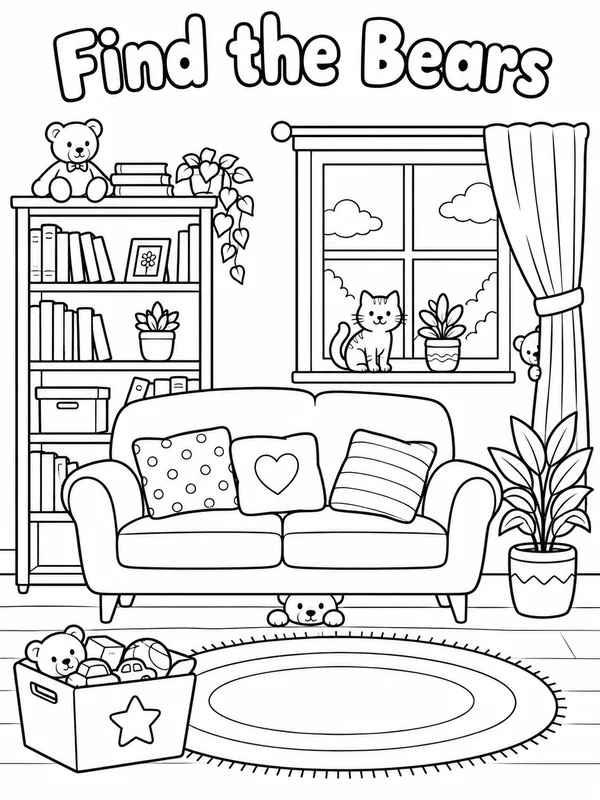
A printable line drawing with thick outlines and big open shapes, for the crayon table in your waiting room.
Waiting room art and promos for medical practices
Waiting room activities, promos and posts for dentists, clinics and family doctors.
Dentists
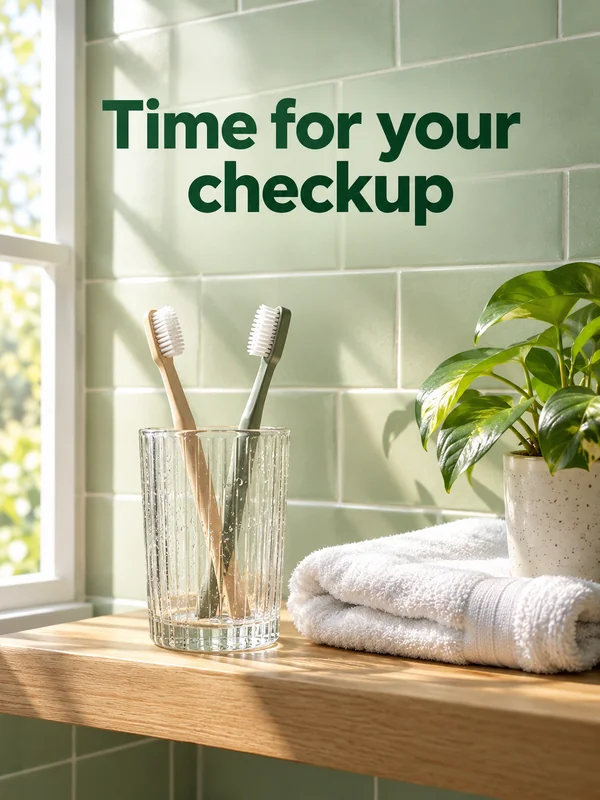
Children wait, parents check the clock. Give the little ones something to color, give your feed a short clip to share, and remind families when the next checkup is due, all from the same studio.
Clinics
A family clinic sees every age in one waiting room. Put a calm animation on the screen, a picture book poster in the kids' corner and your new hours on social, without hiring an illustrator or an animator.
A wide paper cut animation of forest animals planting a garden, made for the TV above the chairs.
A picture book illustration without a single word, printed large for the children's corner.
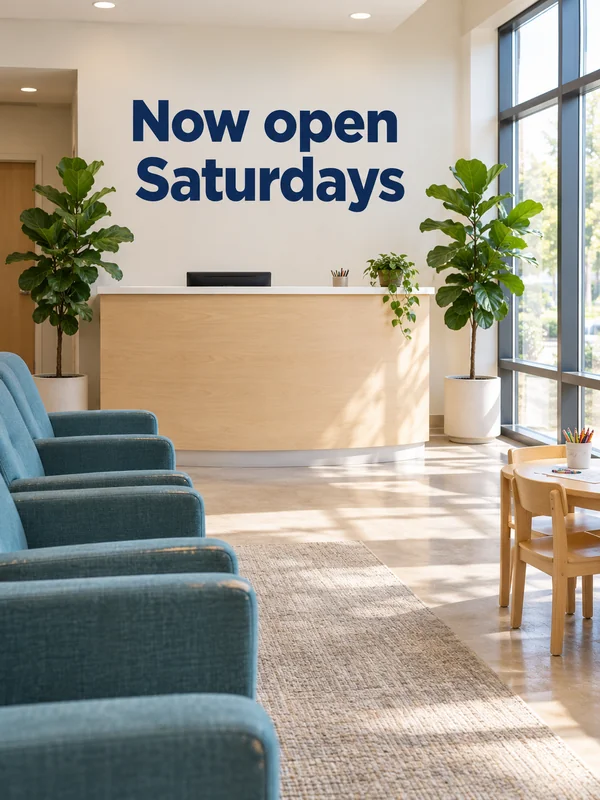
Your reception in morning light with a short headline about new hours, ready for social and your website.
Doctors' practices
A small practice rarely has a designer on staff. Make a find the bears puzzle for the waiting room, a warm consultation room photo for the website and a quiet clip for the practice's social page.
A black and white puzzle page where children spot the teddy bears hidden around a cozy living room.
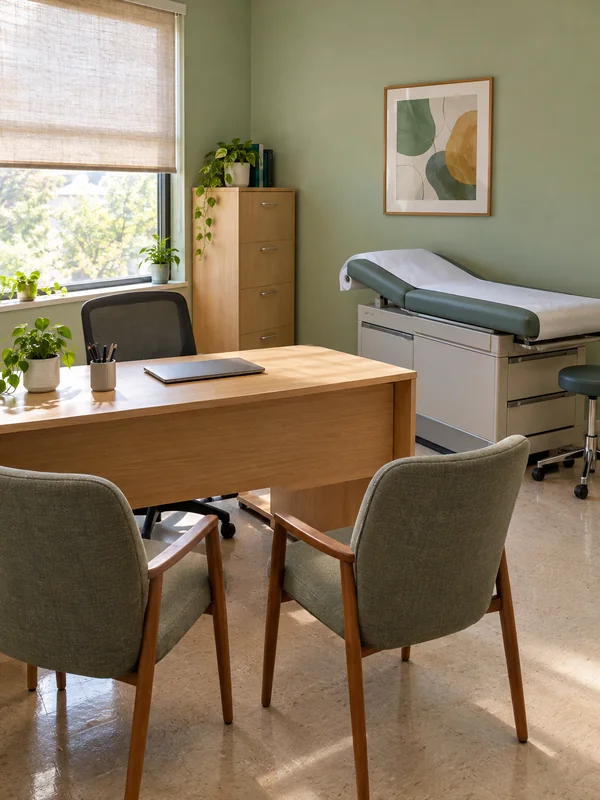
A warm consultation room still for your about page and appointment pages, set in your own colors.
A square, slow move through a waiting room on a rainy morning, with rain and soft piano, for a quiet feed post.
Why practices use it
Your words, printed as written
Put the words in quotes and GPT Image 2.5 prints them literally, whether that is "Now open Saturdays" or a holiday closing date. Keep it to a few words and proofread the result before it goes out.
Sized for the wall or the crayon table
GPT Image 2.5 outputs at 1K, 2K or 4K and allows all 13 of its ratios at every size, from 2:3 for a coloring page to 21:9 for a long strip above the waiting room chairs.

One mascot, clip after clip
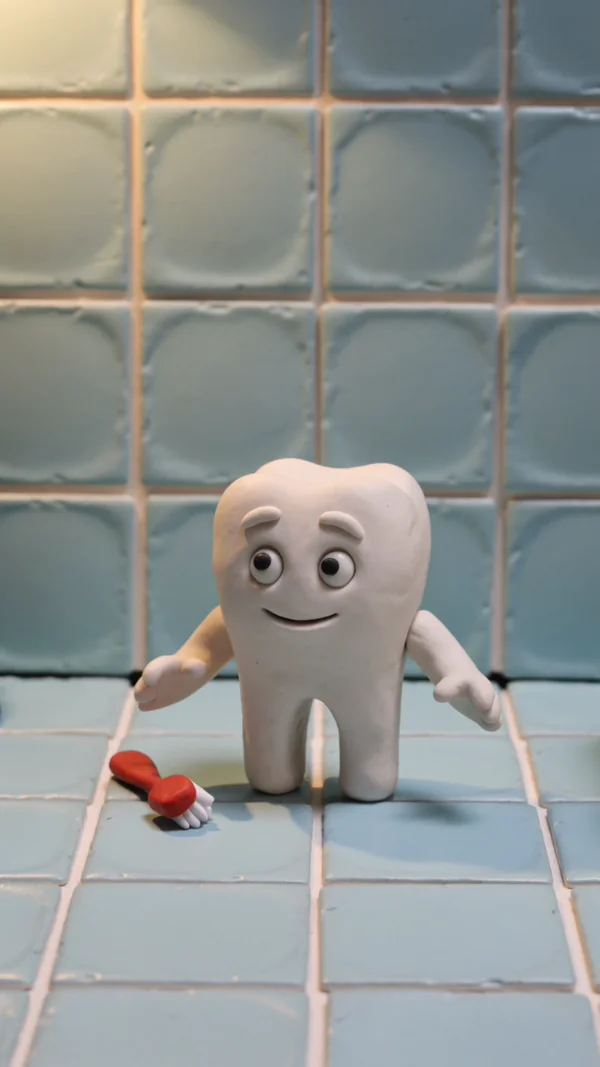
Give your tooth mascot a fixed look: on Kling 3.0, save it as an @element built from 2 to 4 images and call it by name. You can keep up to three, so a small cast returns in every clip.
How it works
- 1

Add your photos
Optional. Upload a room, a dish or a car so the result matches your real place.
- 2
Write the prompt
Describe the shot the way you would to a photographer, or start from an example on this page.
- 3
Generate and post
Download the image or video and post it wherever your guests and customers look.
Pick a plan
One credit balance covers images, video and audio. Pick the size that fits how much you make.
Most popular
Studio Pro
Studio value with extra headroom.
49 €month
6,400credits / month
Team seats

2 seats included
What you'll generate
- Images~1,600
- Songs~492
- Videos~640
- Separations~1,066
- Caption Minutes~213
- All modelsIncluded
Starter
Low tier generations for regular use.
10 €month
1,100credits / month
What you'll generate
- Images~275
- Songs~84
- Videos~110
- Separations~183
- Caption Minutes~36
- All modelsIncluded
Pro
Access full experience.
20 €month
2,600credits / month
What you'll generate
- Images~650
- Songs~200
- Videos~260
- Separations~433
- Caption Minutes~86
- All modelsIncluded
Powerhouse
Most cost efficient.
99 €month
13,000credits / month
13,000 credits/mo
Team seats
3 seats
Extra seats €19/seat/mo
What you'll generate
- Images~3,250
- Songs~1,000
- Videos~1,300
- Separations~2,166
- Caption Minutes~433
- All modelsIncluded
Enterprise
For teams that outgrow standard plans.
Custom
Pricing tailored to your team
What's included
- Custom number of seats
- Custom credit volume
- Invoice billing
- Priority support
Starter
Low tier generations for regular use.
10 €month
1,100credits / month
What you'll generate
- Images~275
- Songs~84
- Videos~110
- Separations~183
- Caption Minutes~36
- All modelsIncluded
Pro
Access full experience.
20 €month
2,600credits / month
What you'll generate
- Images~650
- Songs~200
- Videos~260
- Separations~433
- Caption Minutes~86
- All modelsIncluded
Most popular
Studio Pro
Studio value with extra headroom.
49 €month
6,400credits / month
Team seats
2 seats included
What you'll generate
- Images~1,600
- Songs~492
- Videos~640
- Separations~1,066
- Caption Minutes~213
- All modelsIncluded
Powerhouse
Most cost efficient.
99 €month
13,000credits / month
13,000 credits/mo
Team seats
3 seats
Extra seats €19/seat/mo
What you'll generate
- Images~3,250
- Songs~1,000
- Videos~1,300
- Separations~2,166
- Caption Minutes~433
- All modelsIncluded
Enterprise
For teams that outgrow standard plans.
Custom
Pricing tailored to your team
What's included
- Custom number of seats
- Custom credit volume
- Invoice billing
- Priority support
Or pay-as-you-go
Test any model with one-time credit packs
Credits never expire and don't require a subscription — buy a pack, generate, see if Kubeez fits.
Quick refill
Quick refill for short bursts of generation.
Credits
500
You pay
€6
Standard pack
Mid-size pack at the standard per-credit rate.
Credits
1,500
You pay
€18
−5%
Volume pack
Larger pack with a volume discount built in.
Credits
5,000
You pay
€60€57
−10%
Production pack
Best per-credit price for sustained production.
Credits
15,000
You pay
€180€162
Questions
Yes. Download the page and print it on ordinary paper. For a poster or a large sheet, generate at 2K or 4K so the outlines stay sharp.
Kubeez makes the picture, not the medical advice. Have a clinician check every health statement, and follow your local rules for healthcare advertising, before anything goes out.
Use invented people written into the prompt, or no people at all. Never upload photos of patients, and never present a generated person as a patient.
Attach photos of your own reception or treatment room as references, up to 16 with GPT Image 2.5, so the result follows your real colors and furniture.
9:16 for reels and stories, 3:4 or 1:1 for feed posts, 16:9 for the waiting room screen. GPT Image does not render 4:5, so make 3:4 and crop.
Start from one of these workflows
Open one in the studio and swap in your own place, products and offer.